9 Best Customer Service Automation Tools in 2026
This guide reviews nine of the top customer service automation tools available in 2026, evaluating each on AI capability, integration depth, scalability, and the balance between automation and human oversight. Whether you run a lean startup support team or manage thousands of tickets at a B2B SaaS company, it surfaces the right solution for your specific context.
 Matt PattoliFounder13 min read
Customer service teams are under more pressure than ever. Ticket volumes keep climbing, headcount budgets stay flat, and customers expect instant, accurate answers at any hour. The good news is that customer service automation has matured well beyond simple chatbots and canned responses into genuinely intelligent systems that resolve issues, route escalations, and surface business insights in real time.
This list covers nine of the best tools available in 2026, evaluated across AI capability, integration depth, ease of deployment, scalability, and the balance between automation and human oversight. Whether you're running a lean startup support operation or managing thousands of tickets at a scaling B2B SaaS company, there's a solution here built for your context.
For teams using helpdesks like Zendesk, Freshdesk, or Intercom — or looking to move beyond them — pay close attention to how each tool handles context, learning, and escalation. Those three factors separate genuinely useful automation from frustrating dead ends.
1. Halo AI
Best for: B2B SaaS teams that want AI-first autonomous support with deep product and business context.
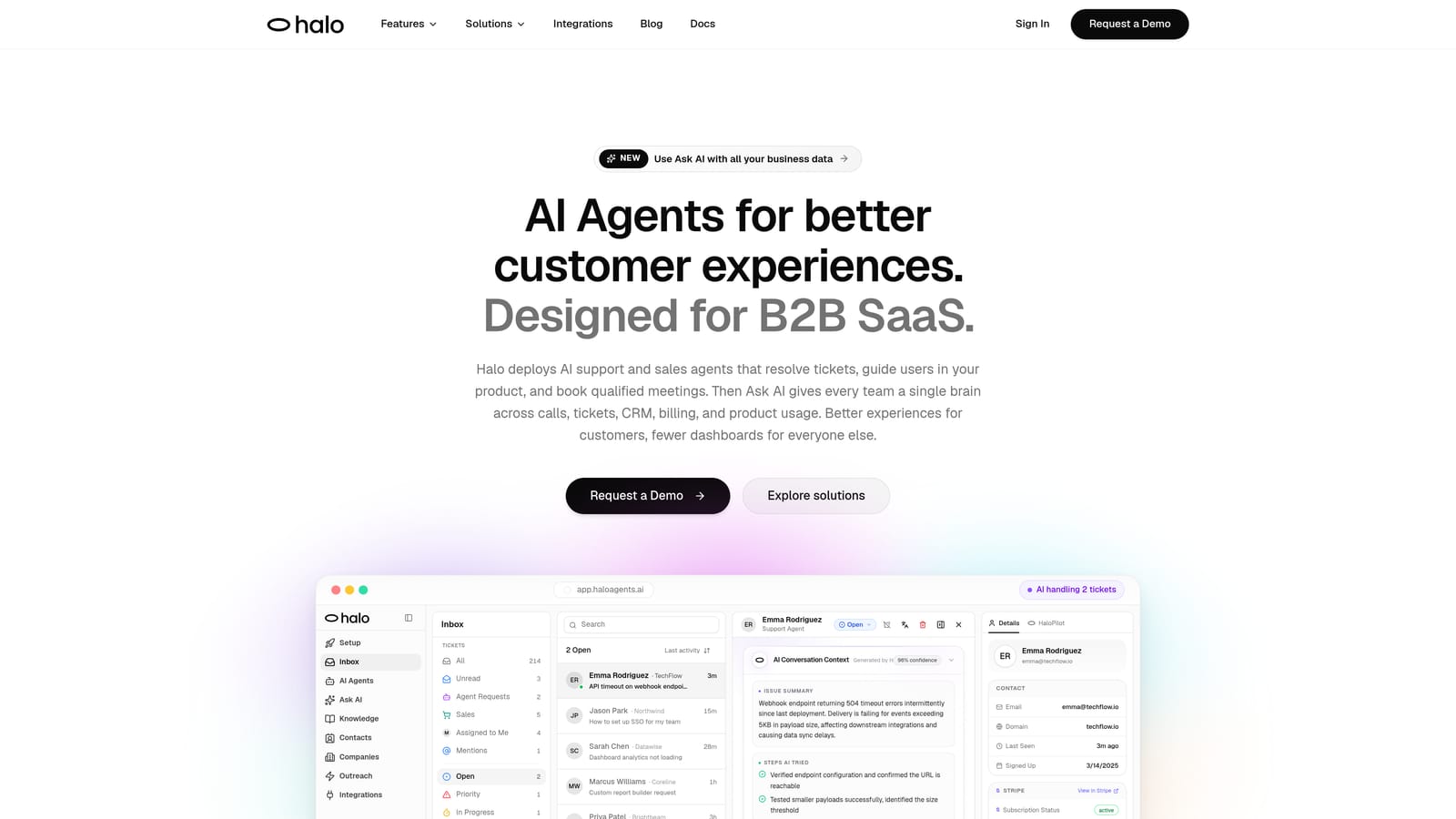
Halo AI is an AI-first customer support platform that deploys intelligent agents to resolve tickets, guide users through your product, and surface business intelligence signals — all while learning continuously from every interaction.
Where This Tool Shines
What sets Halo apart from traditional helpdesks with AI bolted on is the architecture itself. The platform is built AI-first, which means context, learning, and autonomous action aren't afterthoughts — they're the foundation. The page-aware chat widget is a standout example: it understands exactly where a user is in your product and can provide visual UI guidance specific to that moment, rather than serving up generic help articles.
The smart inbox adds another dimension most support tools don't touch. Beyond organizing tickets, it surfaces business intelligence signals: customer health trends, revenue anomalies, and behavioral patterns that would otherwise stay buried in your support queue. For teams that want their support function to feed strategic decisions, that's a meaningful differentiator.
Key Features
Page-Aware Chat Widget: Understands where users are in your product and delivers contextual, visual UI guidance rather than generic help content.
Autonomous AI Agents: Resolve support tickets end-to-end and escalate to live agents with full conversation context preserved when human judgment is needed.
Smart Inbox with Business Intelligence: Surfaces customer health signals, revenue anomalies, and trend detection directly from support interactions.
Auto Bug Ticket Creation: Automatically generates and routes bug reports to engineering tools like Linear, reducing the manual handoff between support and product teams.
Deep Integration Stack: Connects natively with Slack, HubSpot, Intercom, Stripe, Zoom, PandaDoc, and Fathom for a unified view across your business stack.
Continuous Learning Loop: The AI improves from every resolved interaction, meaning the system gets measurably smarter over time rather than staying static.
Best For
B2B SaaS companies and product teams that want to move beyond traditional helpdesk tooling. Particularly well-suited for teams that need autonomous ticket resolution, clean human escalation, and support data that informs product and revenue decisions — not just support metrics.
Pricing
Contact for pricing. A demo is available at haloagents.ai.
2. Intercom
Best for: Teams already on Intercom that want AI-assisted front-line support across chat and email.
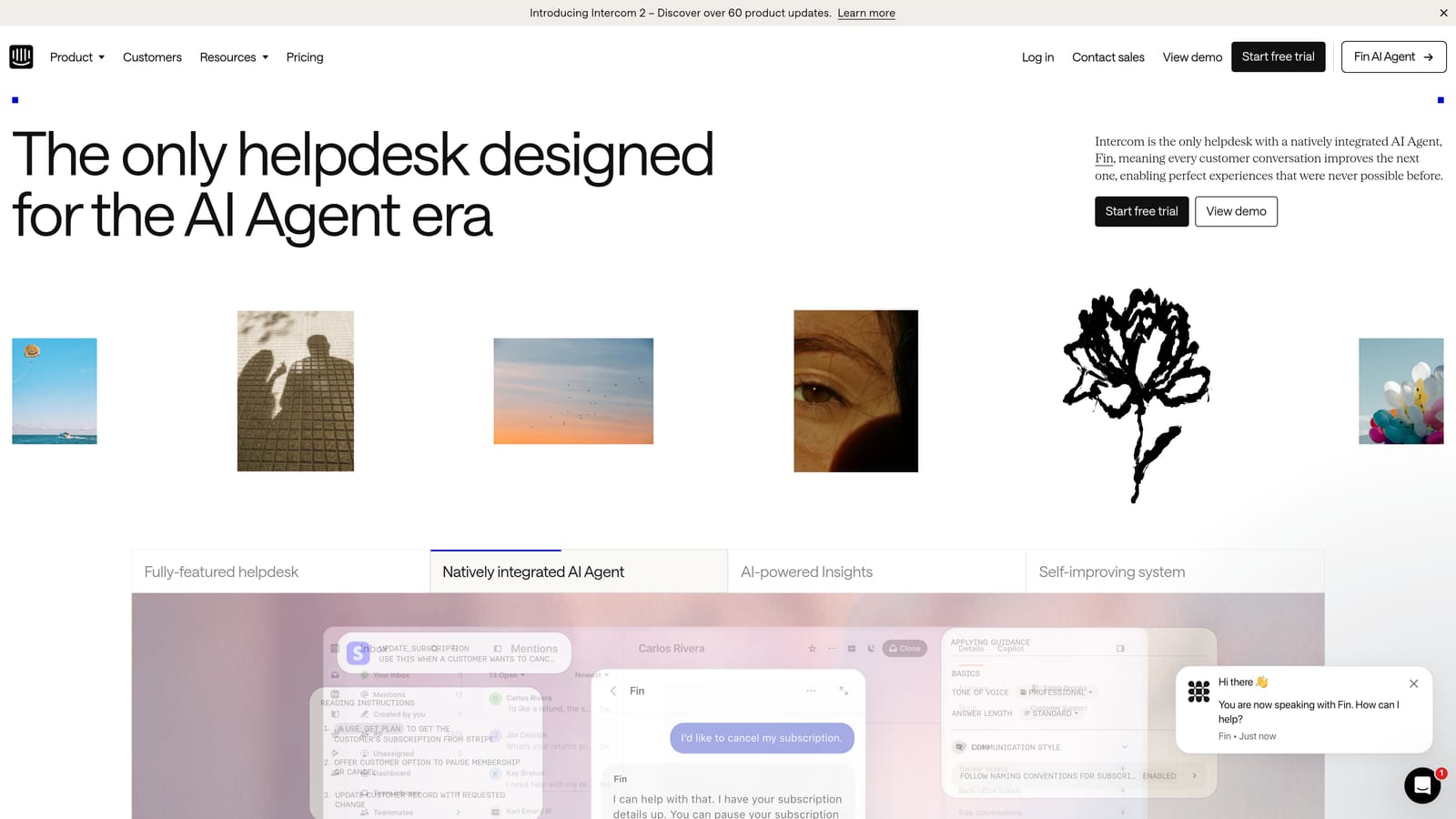
Intercom is a mature customer messaging platform with Fin, its AI agent, handling front-line support queries across chat, email, and in-app channels.
Where This Tool Shines
Intercom has been a dominant force in customer messaging for years, and the addition of Fin has meaningfully extended its automation capabilities. Fin works by drawing on your existing help content to answer customer questions autonomously, which means teams with a well-maintained knowledge base can see strong deflection rates without extensive setup.
The platform's strength is its breadth. Inbox management, conversation routing, proactive messaging, and reporting all live in one place. For teams that have already built workflows around Intercom, adding Fin feels like a natural extension rather than a disruptive change.
Key Features
Fin AI Agent: Handles autonomous query resolution using your existing help content, with handoff to human agents when confidence is low.
Omnichannel Inbox: Combines chat, email, and social channels into a single unified workspace for agents.
Workflows Builder: Visual automation builder for routing, tagging, and escalating conversations based on defined rules.
Reporting and CSAT Tracking: Built-in analytics covering resolution rates, response times, and customer satisfaction scores.
Third-Party App Ecosystem: Broad marketplace of integrations with popular CRMs, analytics, and productivity tools.
Best For
Companies already invested in the Intercom ecosystem, or those prioritizing omnichannel messaging with solid AI-assisted resolution. Less compelling as a greenfield choice for teams that want AI-native architecture from the ground up.
Pricing
Starts at approximately $39 per seat per month. Fin AI usage is billed separately per resolution, which can make total cost less predictable at scale.
3. Zendesk
Best for: Enterprise teams needing omnichannel support with strong compliance, SLA management, and a broad integration ecosystem.
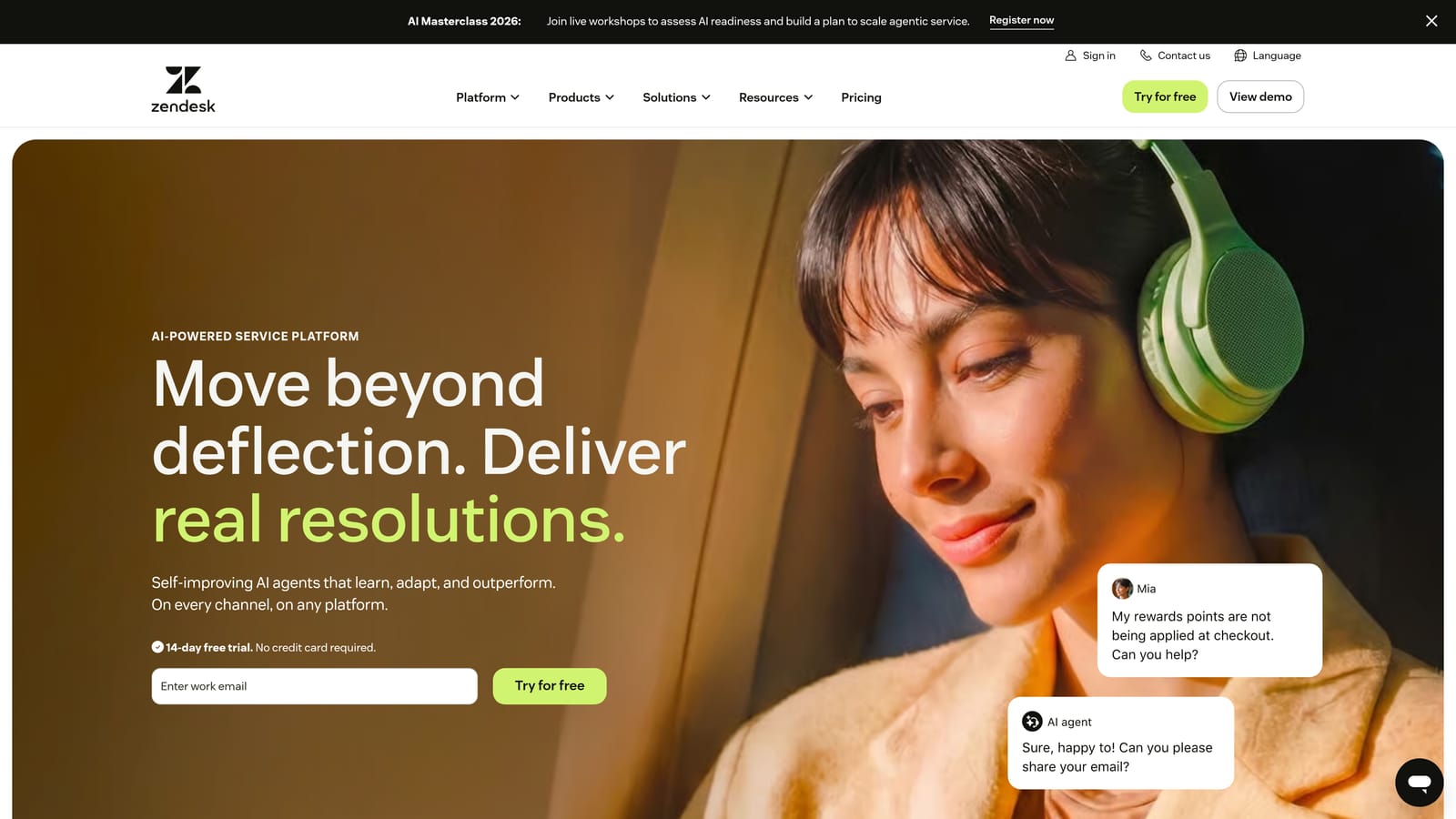
Zendesk is an enterprise-grade omnichannel support suite with AI-powered triage, generative response suggestions, and one of the largest integration marketplaces in the industry.
Where This Tool Shines
Zendesk's depth is its defining characteristic. For organizations managing high ticket volumes across multiple channels with complex SLA requirements, the platform provides the infrastructure and reporting granularity that enterprise support operations demand. AI features have expanded significantly, with intelligent triage and generative response drafting now standard across higher-tier plans.
The integration marketplace is genuinely impressive, with over a thousand apps covering everything from CRMs to workforce management tools. If your support stack is complex and you need a platform that connects to nearly everything, Zendesk is a safe choice.
Key Features
AI-Powered Ticket Triage: Automatically classifies and routes incoming tickets based on intent, sentiment, and priority signals.
Generative AI for Agents: Drafts suggested responses and ticket summaries to reduce agent handle time.
Omnichannel Support: Covers email, chat, voice, social, and messaging in a unified agent workspace.
Advanced Analytics and SLA Management: Detailed reporting with configurable SLA policies and escalation rules.
Extensive Integration Marketplace: 1,000+ integrations with third-party tools across virtually every business category.
Best For
Mid-market to enterprise companies with complex support operations, compliance requirements, and existing investments in Zendesk's ecosystem. Can feel heavyweight for lean teams or early-stage companies.
Pricing
Suite plans start at approximately $55 per agent per month. AI add-ons are priced separately, so total cost scales with usage.
4. Freshdesk
Best for: SMBs and growing teams that want solid AI-assisted ticketing without enterprise-level pricing.
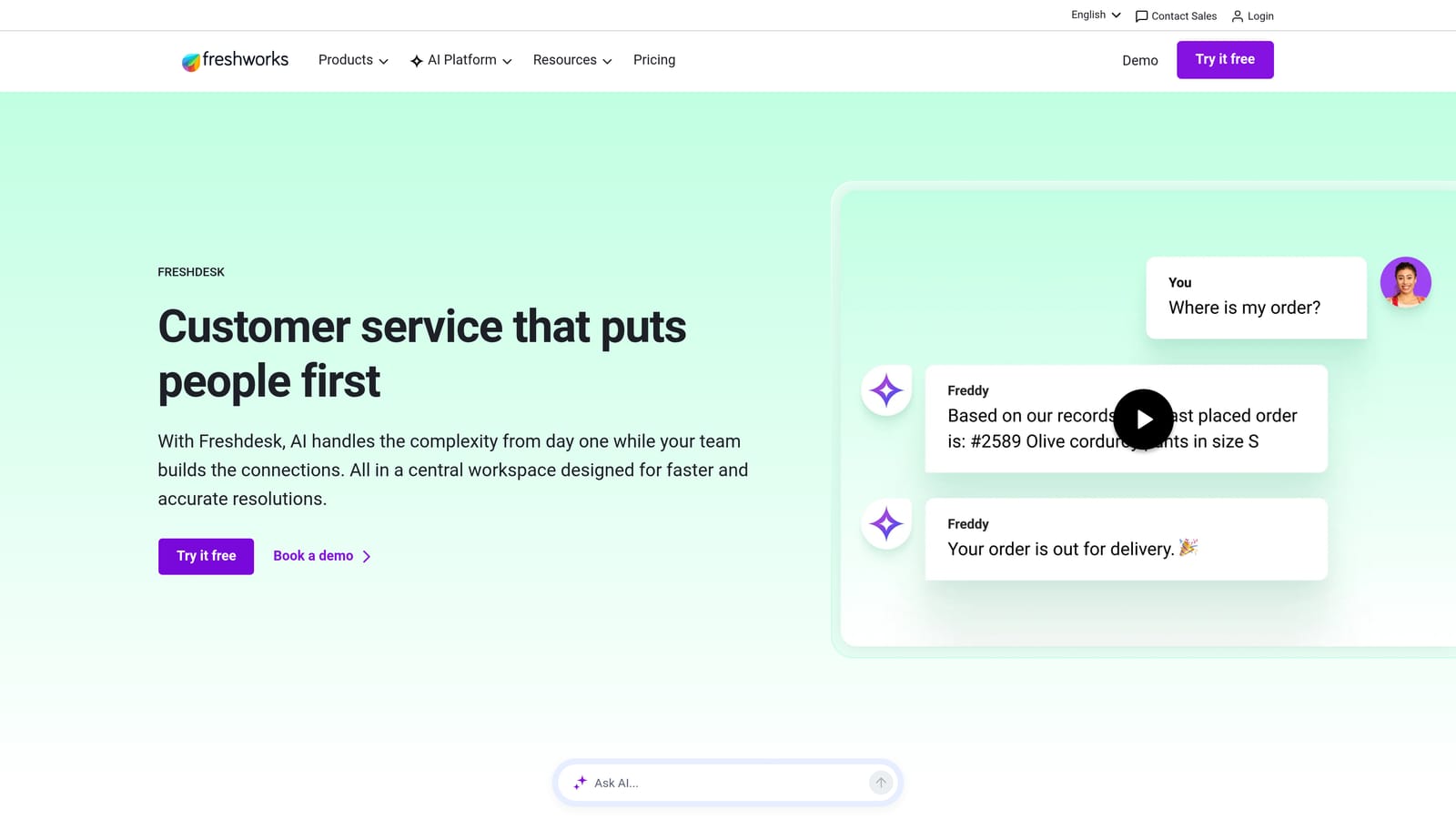
Freshdesk is Freshworks' helpdesk platform featuring Freddy AI across ticketing, self-service, and agent assist — at pricing that makes it accessible well before enterprise scale.
Where This Tool Shines
Freshdesk hits a practical sweet spot for teams that need capable automation without the complexity or cost of enterprise platforms. Freddy AI covers the most impactful day-to-day use cases: summarizing incoming tickets, suggesting responses, and auto-triaging based on content. The self-service bot handles common deflection scenarios without requiring a developer to set up.
Collision detection is a small but meaningful feature for teams where multiple agents might touch the same ticket. Combined with solid multi-channel coverage and a clean agent UI, Freshdesk is a reliable choice for teams that want to get up and running quickly.
Key Features
Freddy AI: Covers ticket summarization, auto-triage, and suggested responses to reduce agent effort on routine work.
Freddy Self Service Bot: Deflects common queries through an automated conversational interface before tickets are created.
Multi-Channel Support: Handles email, chat, phone, and social channels from a unified inbox.
Collision Detection: Alerts agents when multiple team members are working on the same ticket simultaneously.
Marketplace Integrations: Connects with popular CRMs, project management, and communication tools.
Best For
SMBs, growing startups, and teams migrating from shared inboxes who want structured ticketing with AI assistance. The free tier makes it accessible for very early-stage teams.
Pricing
Free tier available. Paid plans start at approximately $15 per agent per month. AI features are available on higher tiers.
5. Tidio
Best for: E-commerce brands and small businesses that need fast deployment and AI-powered chat without complex setup.
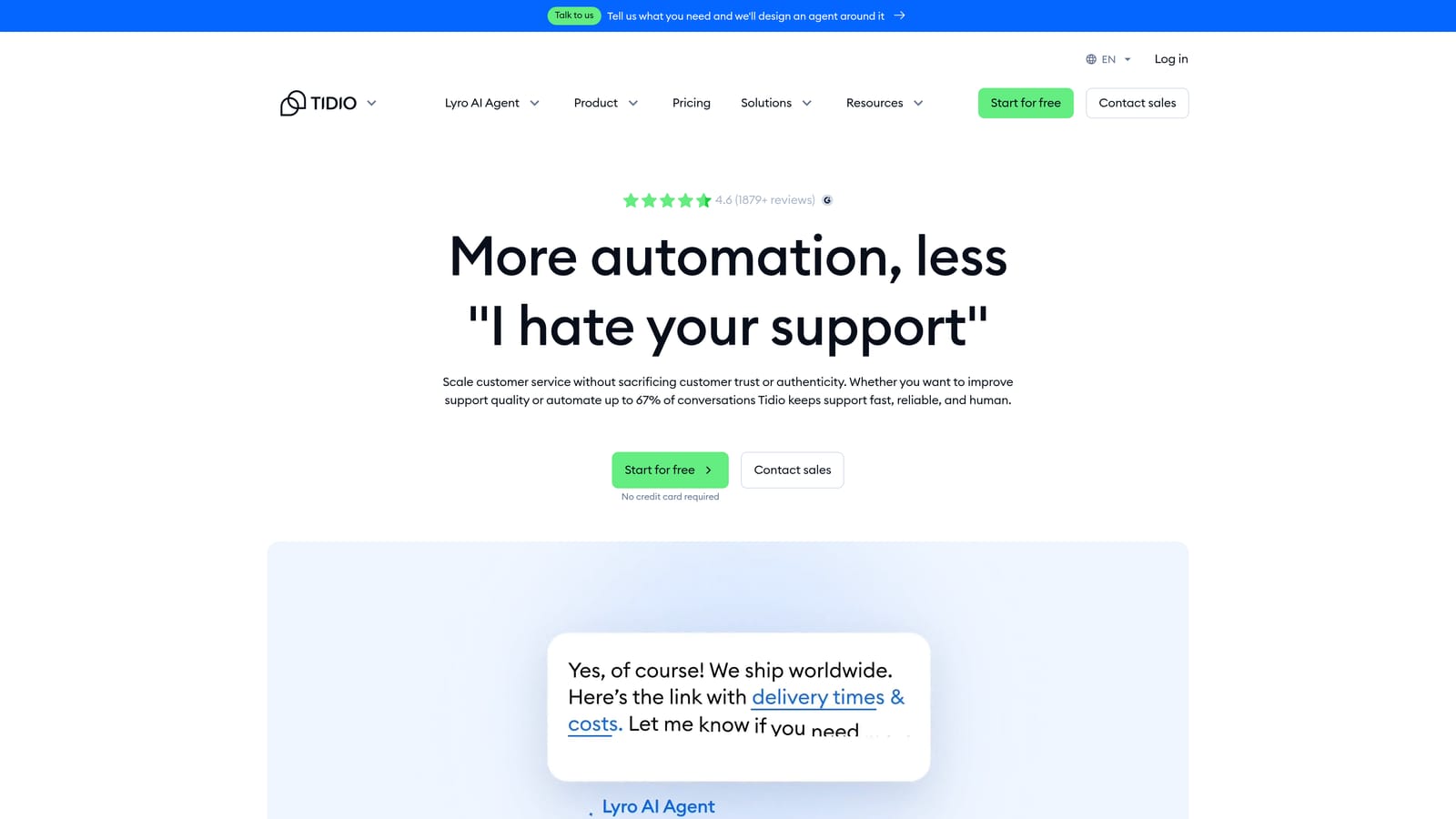
Tidio is a live chat and AI chatbot platform built for speed of deployment, with Lyro AI handling common customer queries and native e-commerce integrations out of the box.
Where This Tool Shines
Tidio's primary advantage is how quickly you can go from signup to live chat with AI running. The visual chatbot flow builder requires no coding, and the Shopify and WooCommerce integrations are genuinely deep — Lyro can answer order-related questions with access to real transaction data rather than generic responses.
For small teams or solo operators managing customer queries alongside other responsibilities, Tidio's mobile app for agents means support doesn't have to stop when you leave your desk. It's a practical, no-fuss solution for the right context.
Key Features
Lyro AI Chatbot: Handles automated query resolution using your FAQ and help content, with handoff to live chat when needed.
Visual Flow Builder: Drag-and-drop chatbot builder that requires no technical knowledge to configure.
Native E-Commerce Integrations: Deep Shopify and WooCommerce connections for order-aware automated responses.
Mobile Agent App: Lets agents respond to live chat conversations from iOS and Android devices.
Email and Messenger Support: Extends coverage beyond website chat to email and Facebook Messenger channels.
Best For
E-commerce brands, small businesses, and solo operators who need fast deployment and AI-assisted chat without the overhead of a full helpdesk. Less suited for complex B2B support workflows or teams managing high ticket volumes across multiple channels.
Pricing
Free tier available. Paid plans start at approximately $29 per month. Lyro AI is priced by conversation volume, so costs scale with usage.
6. Drift (Salesloft)
Best for: Revenue-focused teams where support and sales pipeline generation overlap significantly.
Drift, now part of Salesloft, combines conversational marketing and sales automation with support capabilities — useful when the boundary between support and pipeline generation is intentionally blurry.
Where This Tool Shines
Drift was built for conversations that convert, and that orientation still defines the platform after its acquisition by Salesloft. If your support team is also expected to qualify leads, book meetings, and route high-intent visitors to sales reps, Drift's playbook system handles those workflows without requiring a separate tool.
Real-time notifications for high-intent visitor behavior are genuinely useful for revenue teams that want to engage the right prospects at the right moment. The CRM integrations with Salesforce and HubSpot mean conversation data flows directly into your pipeline view.
Key Features
AI-Powered Chatbots: Qualify, route, and engage website visitors automatically based on behavioral signals and defined playbooks.
Playbooks: Pre-built automation sequences for common support, sales, and routing scenarios.
High-Intent Notifications: Real-time alerts when target accounts or high-value visitors are active on your site.
CRM Integrations: Native connections with Salesforce, HubSpot, and other major CRM platforms.
Meeting Scheduling Automation: Built-in calendar booking within chat flows to reduce friction from conversation to meeting.
Best For
B2B companies where support and sales functions overlap, particularly those already using Salesloft for revenue engagement. Less appropriate as a pure-play support automation tool for teams focused primarily on ticket resolution.
Pricing
Contact Salesloft for current pricing. The platform is enterprise-focused, and pricing is typically custom-quoted.
7. Gorgias
Best for: E-commerce brands running on Shopify, WooCommerce, or Magento that need revenue-aware support automation.
Gorgias is a helpdesk purpose-built for e-commerce brands, with deep Shopify integration and automation that understands order context — not just ticket content.
Where This Tool Shines
Gorgias understands e-commerce support in a way that general-purpose helpdesks don't. When a customer asks about a delayed shipment, Gorgias pulls order data directly from Shopify and can trigger automated responses or actions — like processing a refund or closing a ticket for a delivered order — without agent involvement. That's a meaningful time saving when order-related queries dominate your queue.
The revenue statistics tied to support tickets are a useful feature for e-commerce operators who want to understand which support interactions are connected to purchases and retention. It reframes support as a revenue function rather than a cost center.
Key Features
Deep E-Commerce Integration: Native connections with Shopify, WooCommerce, and Magento for order-aware automation.
Revenue Attribution: Ties support tickets to revenue data so teams can see the business impact of support interactions.
Order-Related Automation: Automated rules for shipping inquiries, return requests, and refund processing.
Macro Library: Pre-built response templates for fast, consistent replies to common queries.
Omnichannel Coverage: Handles email, chat, social, and SMS from a single inbox.
Best For
E-commerce brands with significant order-related support volume. Not designed for B2B SaaS workflows, complex escalation paths, or teams that need deep product context rather than transaction context.
Pricing
Starts at approximately $10 per month for 50 tickets. Pricing scales by ticket volume rather than per seat, which works well for small teams with predictable query patterns.
8. HubSpot Service Hub
Best for: Teams already on HubSpot CRM that want support ticketing natively connected to contact and deal data.
HubSpot Service Hub is HubSpot's customer service product that ties every support interaction to CRM contact and deal data, giving agents full customer context without switching tools.
Where This Tool Shines
The core value proposition of Service Hub is context: when an agent opens a ticket, they see the full HubSpot contact record, deal history, and previous interactions alongside it. For teams where support conversations often touch on billing, renewals, or account status, that context changes the quality of every interaction without requiring any manual data lookup.
The knowledge base builder and self-service portal are solid for teams looking to reduce inbound volume through documentation. Combined with NPS and CSAT surveys that feed back into the CRM, Service Hub creates a feedback loop between support outcomes and customer relationship data.
Key Features
CRM-Native Ticketing: Every ticket is connected to the HubSpot contact and deal record, giving agents immediate account context.
AI Conversation Intelligence: Automated ticket routing and conversation analysis powered by AI.
Knowledge Base Builder: Self-service portal for customers to find answers before submitting tickets.
Customer Feedback Surveys: NPS, CSAT, and CES surveys that feed results directly into CRM contact records.
SLA Management: Configurable SLA policies with reporting dashboards to track performance against targets.
Best For
Companies already using HubSpot CRM who want support ticketing that shares data natively with their marketing and sales systems. Less compelling as a standalone support tool for teams not invested in the HubSpot ecosystem.
Pricing
Free tier available. Paid tiers start at approximately $15 per seat per month. Advanced AI features are available on higher-tier plans.
9. Zoho Desk
Best for: Mid-market teams on a budget, particularly those already using other Zoho products.
Zoho Desk is a capable mid-market helpdesk with Zia AI for sentiment analysis, anomaly detection, and response suggestions — particularly strong within the broader Zoho ecosystem.
Where This Tool Shines
Zoho Desk offers a solid range of AI capabilities at a price point that's hard to match. Zia's sentiment analysis and urgency scoring help agents prioritize without manual triage, and the anomaly detection feature can flag unusual spikes in ticket volume before they become a visible problem. For teams operating within the Zoho ecosystem, the native connection to Zoho CRM and Zoho Analytics creates a coherent data environment without integration overhead.
The customizable help center and community forums are useful for teams investing in self-service as a deflection strategy. Zoho Desk won't win on cutting-edge AI innovation, but it delivers reliable functionality at accessible pricing.
Key Features
Zia AI: Provides ticket sentiment analysis, urgency scoring, anomaly detection, and suggested responses to support agents.
Workflow Automation: Rule-based routing, escalation, and SLA enforcement without manual intervention.
Multi-Channel Support: Covers email, chat, phone, social, and web forms from a unified agent view.
Zoho Ecosystem Integration: Deep native connections with Zoho CRM and Zoho Analytics for a unified business data view.
Customizable Help Center: Self-service portal and community forums that can be tailored to match your brand and content structure.
Best For
Mid-market companies looking for capable AI-assisted support tooling at accessible pricing, especially those already using Zoho CRM or other Zoho products. Teams prioritizing cutting-edge AI architecture may find more purpose-built alternatives more compelling.
Pricing
Free tier available for up to three agents. Paid plans start at approximately $14 per agent per month.
Which Tool Is Right for Your Team?
The honest answer is that the best customer service automation tool depends on what problem you're actually solving, not which feature checklist is longest.
If you're an e-commerce brand with high order-related ticket volume, Gorgias or Tidio are built for your context. If you're a mid-market team on a tight budget looking for structured ticketing with AI assistance, Freshdesk or Zoho Desk deliver solid value without enterprise overhead. If you're already embedded in the HubSpot or Intercom ecosystem, extending those platforms with their native AI capabilities is the path of least resistance.
But if you're a B2B SaaS company that wants to move beyond the limitations of traditional helpdesks — and you're evaluating tools on the dimensions that actually matter in 2026 — the question worth asking is: does this system learn and improve, or does it stay static? Does it understand product context, or does it serve generic help content? When it escalates to a human, does the agent get full context, or do they start from scratch?
Those three questions cut through most feature comparisons quickly. A tool that learns from every resolved interaction, understands where users are in your product, and preserves full context on escalation is fundamentally different from one that doesn't — regardless of how similar their marketing pages look.
Your support team shouldn't scale linearly with your customer base. Let AI agents handle routine tickets, guide users through your product, and surface business intelligence while your team focuses on complex issues that need a human touch. See Halo in action and discover how continuous learning transforms every interaction into smarter, faster support.