9 Best Unified Customer Support Platforms in 2026
Choosing the right unified customer support platform is critical for eliminating disconnected tools, reducing agent context-switching, and delivering consistent customer experiences. This guide evaluates the 9 best options in 2026 across key criteria including AI capabilities, channel coverage, integration depth, and analytics—helping support leaders find the solution that best fits their team's needs and growth goals.
 Grant CooperFounder13 min read
Managing customer support across disconnected tools creates a familiar kind of chaos. Tickets live in one system, live chat in another, and your knowledge base is somewhere a new hire can never quite find. Agents context-switch constantly, customers repeat themselves, and leadership makes decisions based on incomplete data.
A unified customer support platform solves this by bringing all of those capabilities under one roof. But "unified" means different things depending on who's selling it. Some platforms unify channels, routing email, chat, and phone into a single inbox. Others unify data, connecting support history to CRM records. The most advanced unify intelligence, linking support activity to product signals, customer health, and revenue outcomes.
This guide covers the top platforms worth evaluating in 2026, from AI-first newcomers to established helpdesk giants. We've assessed each on channel coverage, AI capabilities, integration depth, analytics quality, and scalability.
1. Halo AI
Best for: AI-first SaaS teams that want support, product guidance, and business intelligence in one platform.
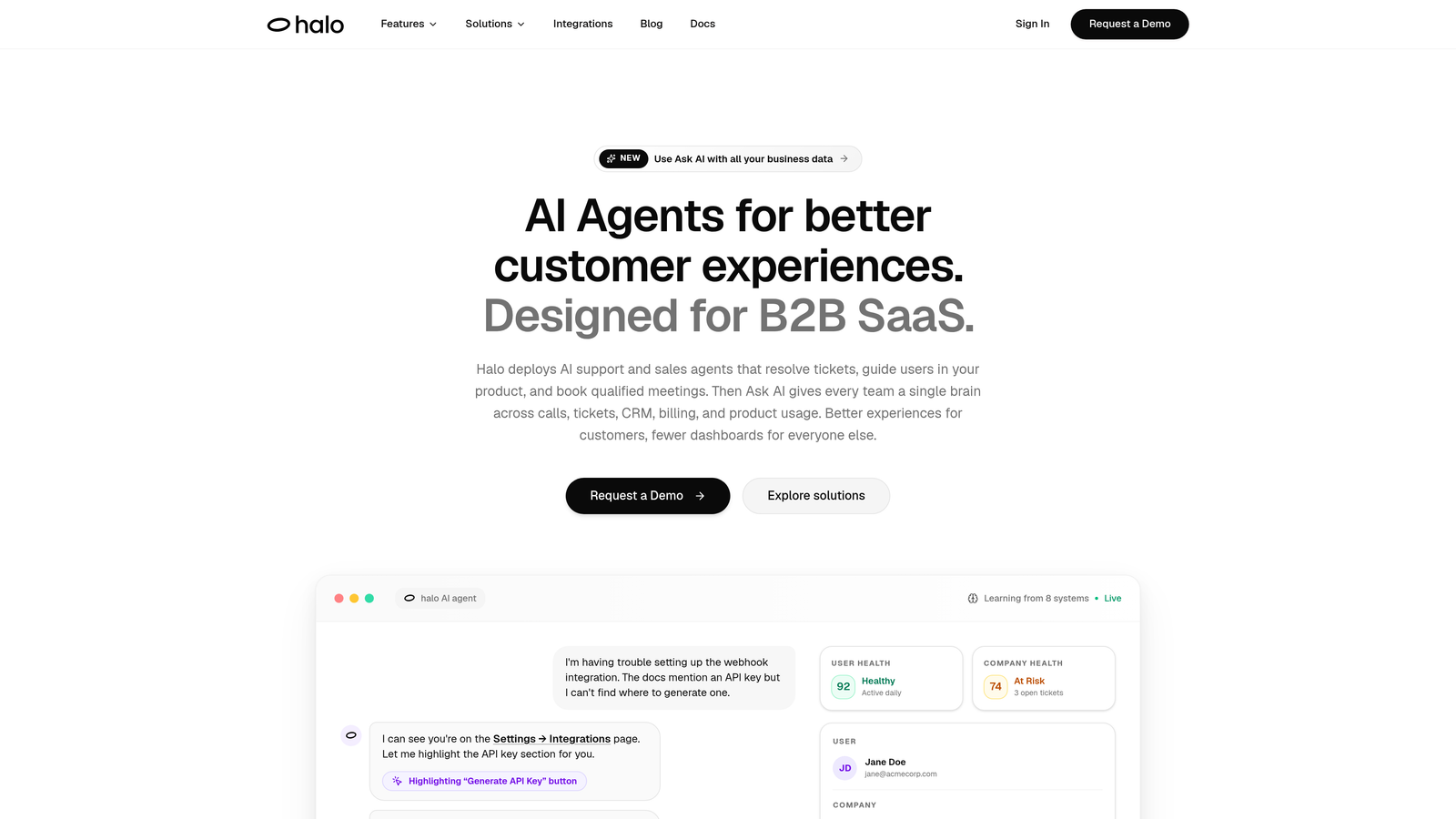
Halo AI is an AI-native unified support platform that deploys intelligent agents to resolve tickets, guide users through your product with page-aware context, and surface business intelligence — all while learning from every interaction.
Where This Tool Shines
Most platforms treat AI as a layer added on top of a legacy ticketing core. Halo was built AI-first, which means intelligence isn't a feature you toggle on — it's the foundation. The platform's page-aware chat widget understands which screen a user is currently on, enabling contextual guidance that goes far beyond generic FAQ responses. If a user is stuck on your billing settings page, the AI agent already knows that before they type a single word.
The smart inbox goes beyond support metrics. Rather than just tracking ticket volume and CSAT, it surfaces customer health signals, revenue intelligence, and anomaly detection. For SaaS teams, this means support data feeds directly into product and revenue conversations, not just a weekly support report nobody reads.
Key Features
Page-Aware AI Agents: The AI understands which product screen the user is on, enabling genuinely contextual guidance rather than generic responses.
Smart Inbox with Business Intelligence: Surfaces customer health signals, revenue anomalies, and churn indicators alongside standard support metrics.
Auto Bug Ticket Creation: Automatically identifies reproducible issues and routes them to Linear or other dev tools without agent intervention.
Live Agent Handoff: Escalates to human agents when needed, with full conversation context preserved so customers never have to repeat themselves.
Continuous Learning: Every resolved interaction improves the model, so the AI gets smarter with your specific product and customer base over time.
Deep Integration Stack: Connects with Linear, Slack, HubSpot, Intercom, Stripe, Zoom, PandaDoc, and Fathom for a genuinely unified view of the customer.
Best For
Fast-growing SaaS teams that have outgrown basic ticketing and want their support platform to do more than deflect tickets. Particularly strong for product-led growth companies where the line between support and product guidance is intentionally blurred, and for teams that want support data to inform product and revenue decisions.
Pricing
Contact Halo AI directly for pricing. Given the AI-first architecture and business intelligence capabilities, this is positioned as a strategic platform investment rather than a per-seat ticketing tool.
2. Zendesk
Best for: Mid-market and enterprise teams that need a proven, highly configurable support suite.
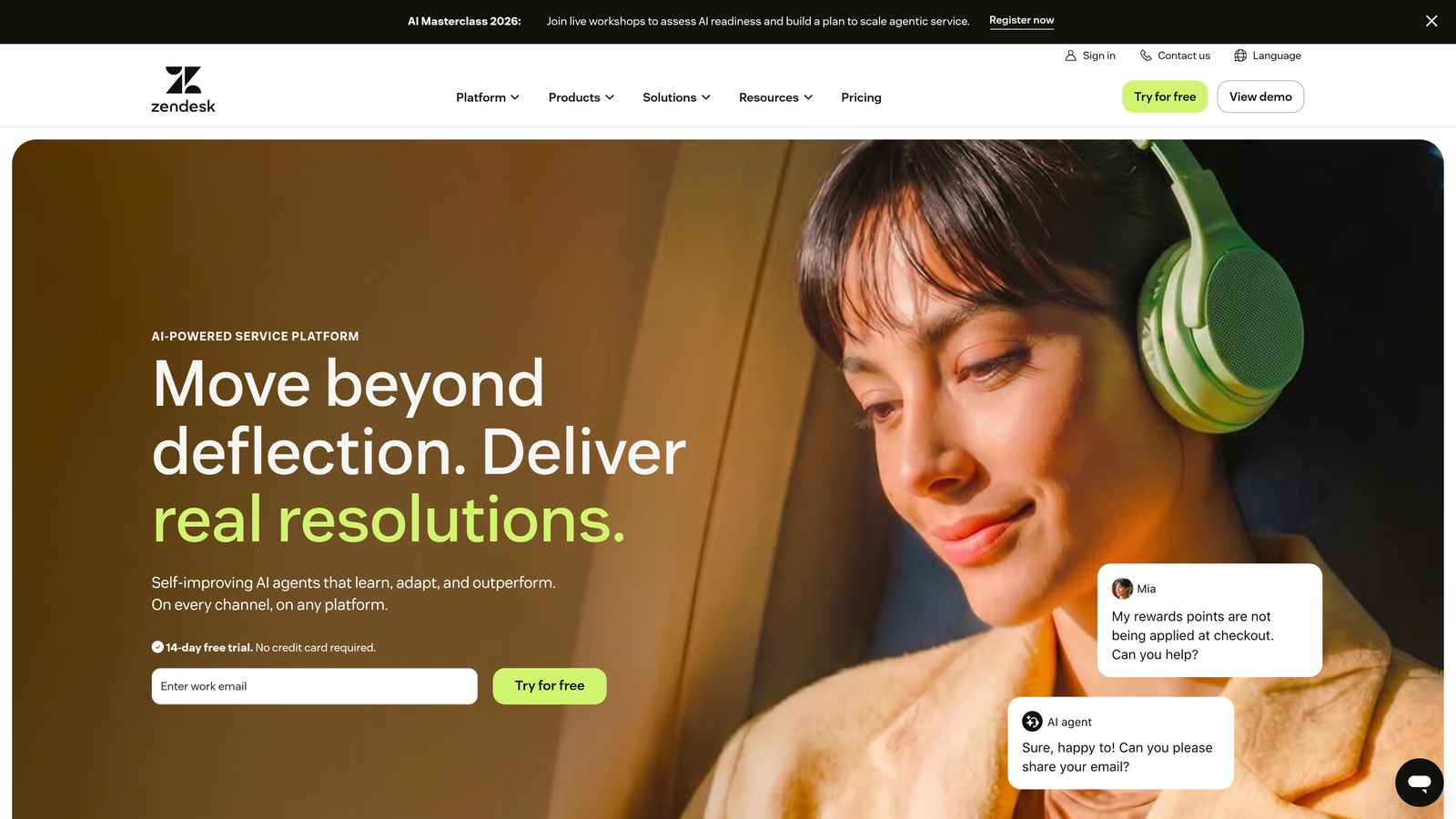
Zendesk is one of the most established unified support suites available, combining ticketing, live chat, voice, and a help center with a massive integration marketplace.
Where This Tool Shines
Zendesk's strength is its maturity. The ticketing engine is battle-tested, with advanced routing logic, SLA management, macros, and triggers that can handle complex enterprise workflows. If you have a large support team with specialized queues, escalation paths, and compliance requirements, Zendesk has almost certainly solved that configuration problem before.
The 1,000+ marketplace integrations make it a natural hub for teams already running diverse tool stacks. That said, Zendesk AI features, while capable, were largely built through acquisitions layered onto a legacy core. Teams evaluating Zendesk for AI-driven automation should test those capabilities specifically, rather than assuming they match the depth of the core ticketing engine.
Key Features
Advanced Ticket Routing: SLA management, macros, triggers, and conditional logic for complex support operations.
Zendesk AI: Automated triage, agent assist, and deflection capabilities built on acquired AI technology.
Suite Plans: Bundle email, chat, voice, and knowledge base into a single subscription tier.
1,000+ Integrations: One of the largest helpdesk marketplaces available, covering CRM, analytics, and dev tools.
Reporting Dashboards: Robust out-of-the-box and customizable analytics for team performance and ticket trends.
Best For
Mid-market and enterprise support teams that prioritize configurability, reliability, and access to a broad integration ecosystem. Also a strong fit for teams with complex routing and SLA requirements that need a proven, well-documented platform.
Pricing
Suite plans start at $55 per agent per month, billed annually. Enterprise tiers with advanced AI and customization are priced higher.
3. Intercom
Best for: Teams that prioritize in-app, conversational support and proactive customer engagement.
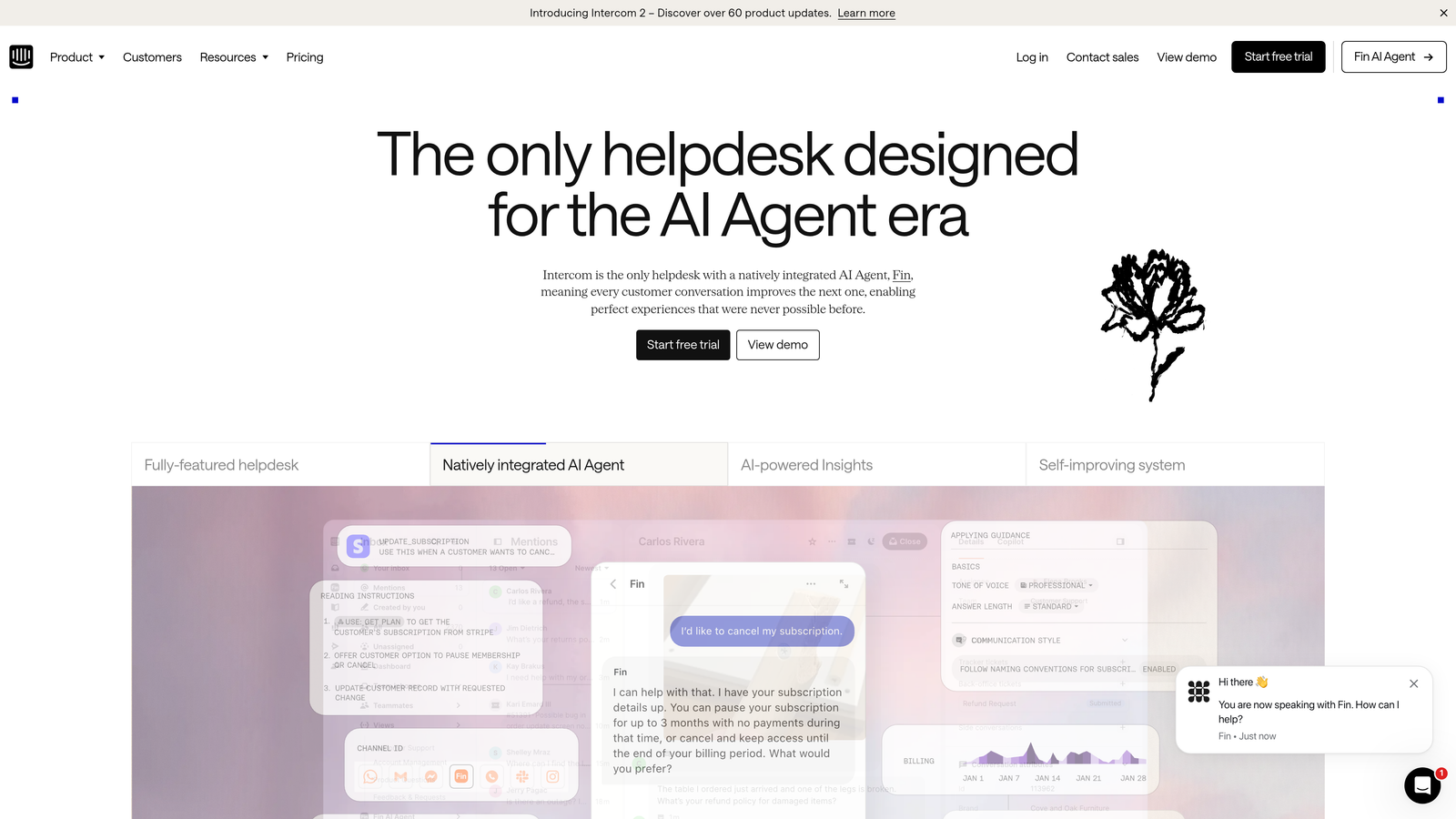
Intercom is a conversational support platform built around in-app messaging, with its Fin AI agent providing automated resolution across channels.
Where This Tool Shines
Intercom occupies a unique position: it blends support, onboarding, and lifecycle messaging into one platform. If you want to send proactive messages to users based on product behavior, run in-app product tours, and handle support conversations all in the same tool, Intercom is one of the few platforms that genuinely covers all three.
Fin, their AI agent, is positioned as a GPT-powered resolution bot and has received strong reviews for conversational quality. The pricing model, where Fin is billed per resolution, can be economical for teams with high deflection rates but requires careful monitoring as volume scales.
Key Features
Fin AI Agent: GPT-powered automated support resolution across email and chat channels.
In-App Messaging: Proactive engagement, product tours, and onboarding flows alongside reactive support.
Shared Inbox: Human agents get full conversation history for seamless handoffs from Fin.
Lifecycle Messaging: Blends support with onboarding and customer success workflows in a single platform.
CRM Integrations: Native connections with Salesforce, HubSpot, Stripe, and others.
Best For
SaaS teams that want to unify support and proactive customer engagement in one tool. Particularly well-suited for product-led growth companies where onboarding, feature adoption, and support conversations are closely related.
Pricing
Starts at $39 per seat per month. Fin AI usage is billed additionally per resolution, so total cost scales with AI interaction volume.
4. Freshdesk
Best for: Growing teams that need broad channel coverage and value-for-money pricing.
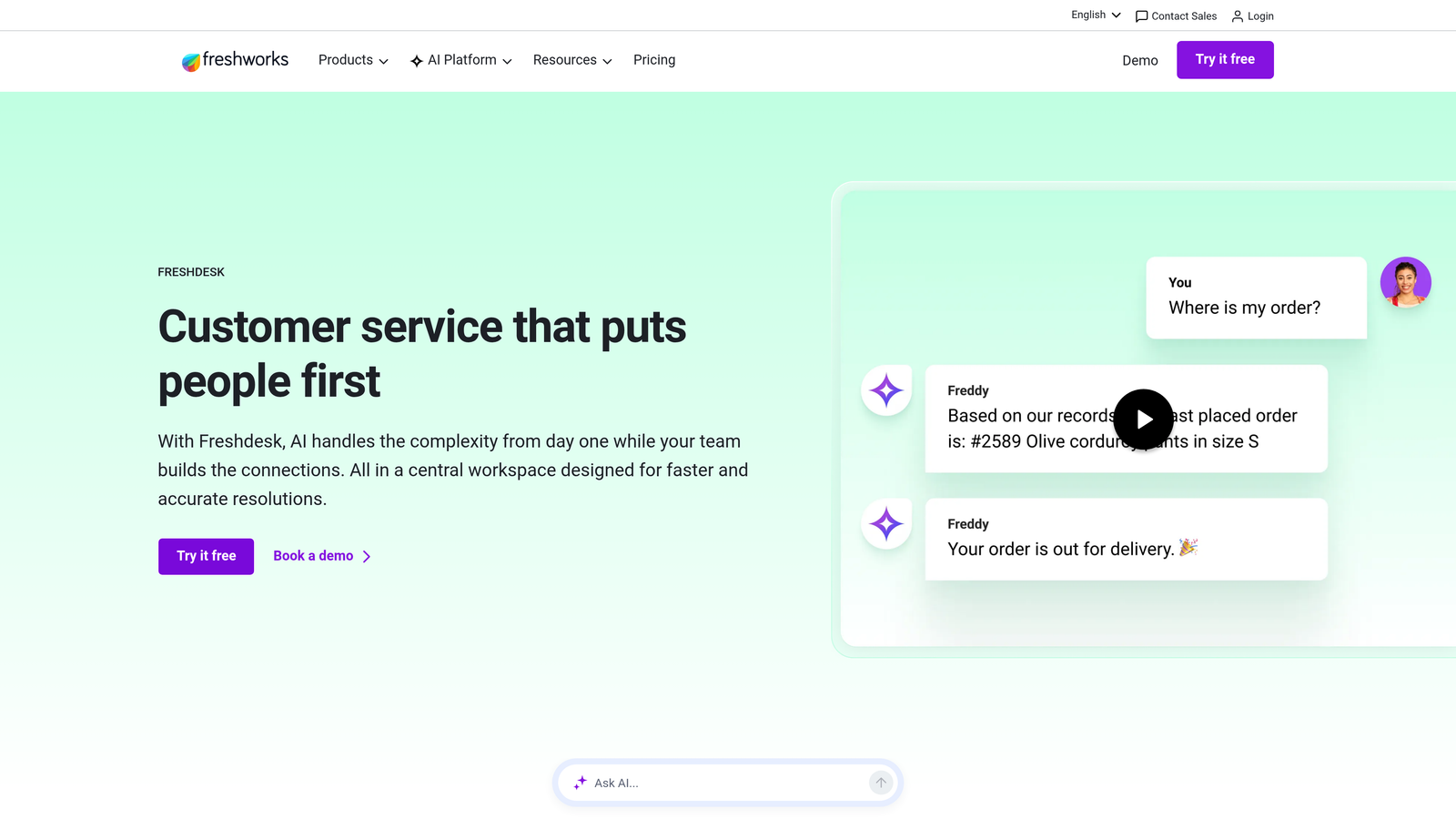
Freshdesk is a full-featured helpdesk with broad omnichannel support and a generous free tier, part of the broader Freshworks ecosystem.
Where This Tool Shines
Freshdesk punches above its price point. For teams that need email, phone, chat, social, and WhatsApp all routing into a single inbox, Freshdesk covers that territory without requiring enterprise-level spend. The free plan makes it genuinely accessible for early-stage teams testing their first structured support workflow.
Collision detection, which prevents two agents from responding to the same ticket simultaneously, is a small but operationally important feature that Freshdesk handles well. The Freddy AI layer provides ticket categorization and agent suggestions, though teams with sophisticated AI automation needs may find it less mature than dedicated AI-first platforms.
Key Features
Omnichannel Inbox: Email, phone, chat, social, and WhatsApp managed in a single unified inbox.
Freddy AI: Ticket categorization, agent response suggestions, and chatbot capabilities.
Collision Detection: Prevents duplicate agent responses on the same ticket.
Free Plan: Available for small teams, making it accessible without upfront commitment.
Freshworks Ecosystem: Native integration with Freshchat, Freshcaller, and Freshworks CRM.
Best For
SMBs and early-stage teams that need solid omnichannel coverage without a large budget. Also a natural fit for teams already using other Freshworks products who want a tightly integrated ecosystem.
Pricing
Free plan available for small teams. Paid plans start at $15 per agent per month, billed annually. Advanced features require higher-tier plans.
5. HubSpot Service Hub
Best for: Teams already using HubSpot CRM who want support natively connected to contact and deal data.
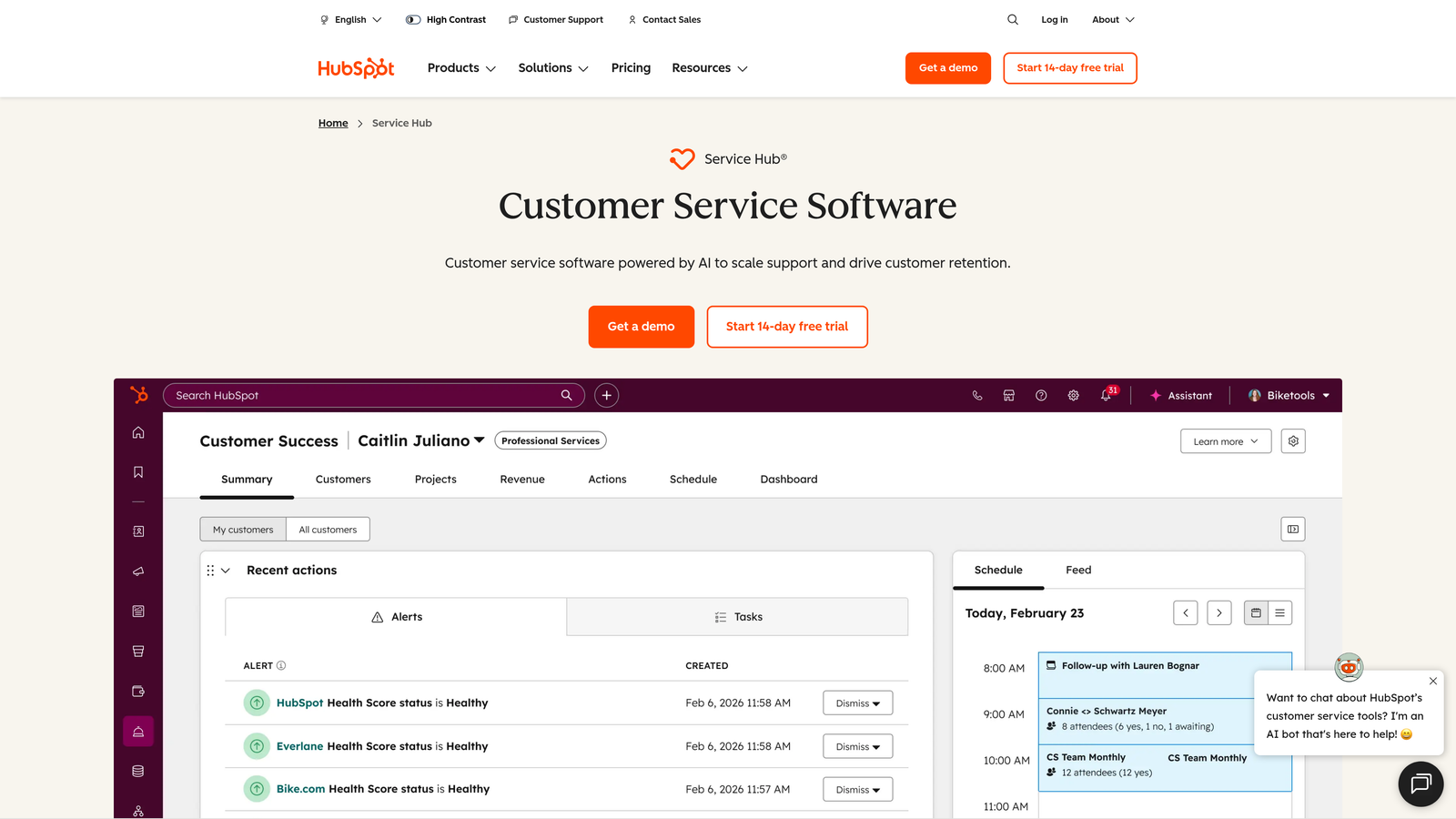
HubSpot Service Hub is a CRM-native support platform that ties every ticket and conversation directly to HubSpot contact and deal records.
Where This Tool Shines
The core differentiator here is not the ticketing engine itself but the data layer underneath it. Every support interaction in Service Hub is automatically linked to a HubSpot contact record, giving sales, success, and support teams a shared view of the customer. For teams already running their CRM in HubSpot, this eliminates a significant data silo.
Built-in customer feedback tools, including NPS, CSAT, and CES surveys, feed directly into contact records and reporting dashboards. This makes it straightforward to connect support quality to customer health and retention, without stitching together separate survey and analytics tools.
Key Features
CRM-Native Ticketing: Every ticket automatically linked to HubSpot contact and deal records for full customer context.
Shared Inbox and Knowledge Base: Core support channels included in a single platform.
Feedback Surveys: NPS, CSAT, and CES built in and tied to contact records.
AI Conversation Summaries: AI-powered summaries and reply suggestions to speed up agent responses.
Revenue-Linked Reporting: Support metrics reported alongside customer lifecycle and revenue data.
Best For
Teams that are deeply embedded in the HubSpot ecosystem and want support data to flow naturally into their CRM, marketing, and sales workflows. Less ideal as a standalone support platform for teams not already using HubSpot.
Pricing
Free tools available. Starter plans from $15 per seat per month, billed annually. More advanced automation and reporting require Professional or Enterprise tiers.
6. Salesforce Service Cloud
Best for: Large enterprises with complex workflows, compliance requirements, and existing Salesforce investment.
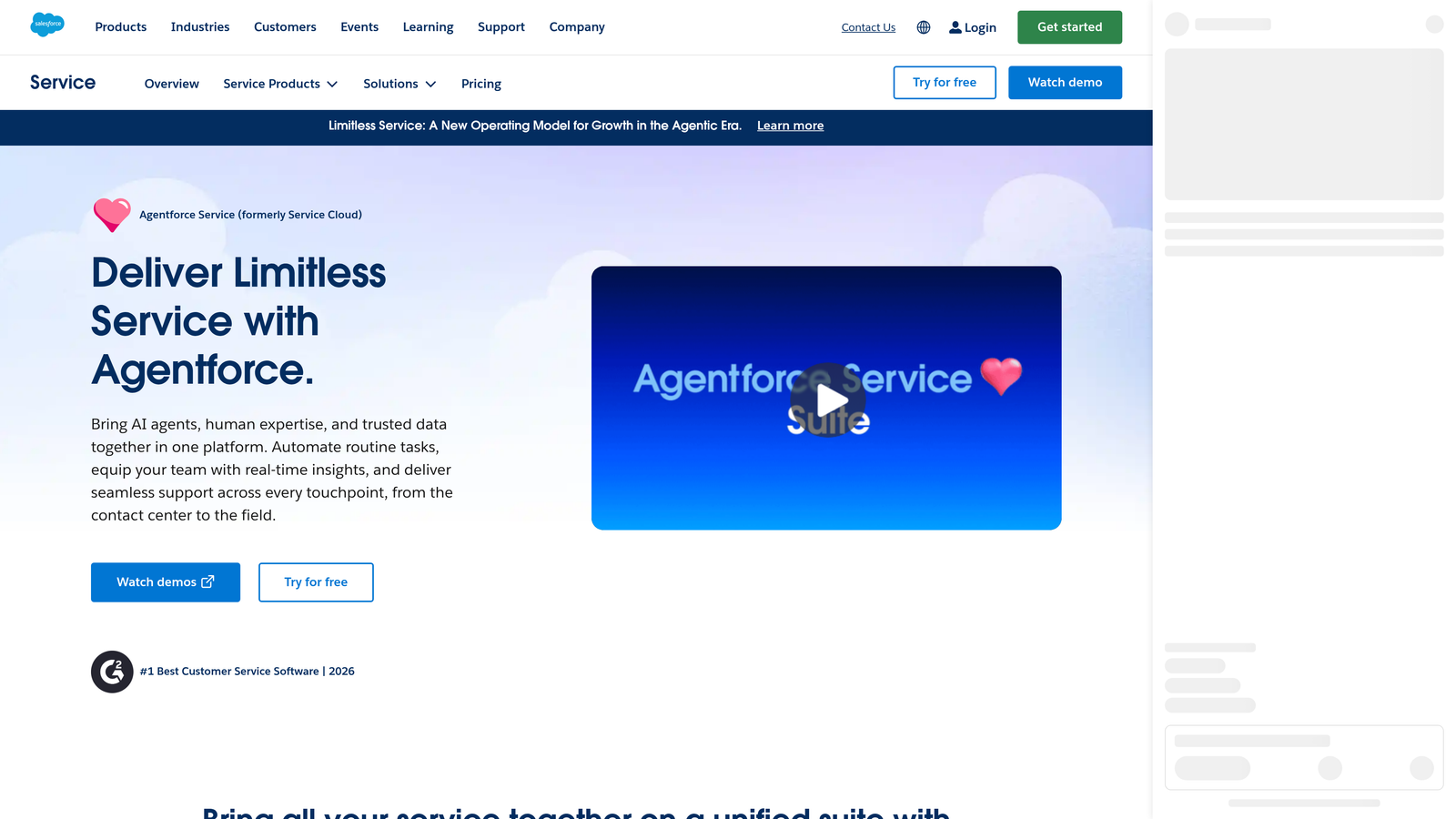
Salesforce Service Cloud is an enterprise-grade support platform with deep Salesforce CRM integration, extensive customization, and AI-powered case management.
Where This Tool Shines
Service Cloud's strength is depth and flexibility. For enterprises with complex case routing, multi-tier escalation paths, field service requirements, or strict compliance needs, it offers a level of customization that few platforms match. The deep Salesforce CRM integration means support agents have the full customer picture, including contract details, open opportunities, and account history, available in a single view.
The tradeoff is implementation complexity. Service Cloud typically requires dedicated Salesforce admin resources to configure and maintain. Teams evaluating it should budget not just for licensing but for the implementation investment required to realize its full potential.
Key Features
Einstein AI: Case classification, intelligent routing, and agent assist powered by Salesforce's AI layer.
Omni-Channel Routing: Routes cases from email, chat, phone, and social to the right agent or queue.
Deep CRM Integration: Full Salesforce account, contact, and opportunity data available within every case.
Flow Automation: Highly customizable workflow automation for complex business logic.
Self-Service Portal: Customer-facing portal and community capabilities for deflection at scale.
Best For
Large enterprises already invested in the Salesforce platform that need a support solution with enterprise-grade customization, compliance capabilities, and seamless CRM data access. Not recommended for teams without dedicated Salesforce admin resources.
Pricing
Enterprise plans start at $165 per user per month, billed annually. Total cost of ownership is significantly higher when implementation and admin resources are factored in.
7. Help Scout
Best for: Small to mid-sized teams that want clean, human-feeling support without complex configuration.
Help Scout is a clean, email-native shared inbox platform designed to keep support feeling personal, with a built-in knowledge base and chat widget included.
Where This Tool Shines
Help Scout's philosophy is that support should feel like a conversation, not a ticket queue. Customers interact via email or the Beacon chat widget and never see ticket numbers or case IDs. For companies where brand voice and relationship quality matter, this design choice has real value.
The platform's simplicity is a genuine feature. Teams can be fully operational within hours, and the pricing model is transparent with no per-feature upsells. AI Summarize and AI Assist features help agents work faster without turning the platform into an AI-heavy tool that requires ongoing tuning.
Key Features
Email-Native Shared Inbox: Support feels like email to customers, with no ticket numbers or case IDs visible.
Docs Knowledge Base: Built-in knowledge base included without additional cost.
Beacon Chat Widget: Embeddable chat and self-service widget that connects to Docs.
Collision Detection and Internal Notes: Team collaboration tools to prevent duplicate responses and share context.
AI Summarize and AI Assist: Lightweight AI features for faster response drafting and conversation summarization.
Best For
Small to mid-sized teams that prioritize simplicity, human-feeling interactions, and transparent pricing over deep automation. Not the right fit for high-volume operations or teams with complex routing and escalation requirements.
Pricing
Starts at $22 per user per month, billed annually. All core features included at that tier with no major feature gating.
8. Kustomer
Best for: High-volume consumer brands that need a customer-centric data model rather than a ticket-centric one.
Kustomer is a high-volume support CRM that organizes all customer interactions into a unified timeline view rather than treating each contact as a separate ticket.
Where This Tool Shines
Kustomer's data model is its differentiator. Instead of a ticket-centric view where each conversation is isolated, Kustomer shows a complete customer timeline: every order, every previous conversation, every interaction across channels in one scrollable view. For consumer brands handling thousands of contacts daily, this context dramatically reduces handle time and repeat contacts.
The workflow automation engine is powerful and designed for volume. Teams can build complex routing, tagging, and response logic that scales without proportional increases in headcount. Worth noting: Kustomer is now part of Meta, which some enterprise buyers factor into their vendor risk assessment.
Key Features
Customer Timeline View: All interactions across channels consolidated into a single customer-centric view.
Omnichannel Coverage: Email, chat, SMS, social, and voice in one interface.
Workflow Automation: Powerful automation engine built for high-volume operations.
AI for Intent and Routing: Intent detection, intelligent routing, and suggested responses powered by AI.
Custom Data Objects: Deep customization of customer data models to match business-specific needs.
Best For
High-volume consumer brands, particularly in e-commerce and retail, where agents need immediate full context on every customer and workflow automation is essential for operational efficiency. Teams comfortable with Meta ownership as part of vendor evaluation.
Pricing
Enterprise plans start at $89 per user per month. Designed for teams where the volume and complexity justify the investment.
9. Zoho Desk
Best for: Budget-conscious teams, especially those already using Zoho CRM or other Zoho products.
Zoho Desk is a budget-friendly helpdesk with broad channel support and Zia AI, deeply integrated with the Zoho ecosystem.
Where This Tool Shines
Zoho Desk delivers a surprisingly broad feature set at a price point that undercuts most competitors. For teams already using Zoho CRM, the integration is native and tight, connecting support tickets directly to contact and deal records without third-party middleware. The free plan for up to three agents makes it genuinely accessible for very small teams.
Zia, Zoho's AI assistant, handles sentiment analysis, ticket tagging, and agent suggestions. It's not the most advanced AI layer on this list, but for teams that don't need cutting-edge AI automation, it covers the practical bases well. The UI has historically felt dated compared to newer entrants, though Zoho has invested in modernizing it in recent releases.
Key Features
Zia AI: Sentiment analysis, automated ticket tagging, and agent response suggestions.
Multi-Channel Inbox: Email, phone, chat, social, and web forms in one platform.
Blueprint Automation: Guided workflow automation for consistent ticket handling processes.
Zoho CRM Integration: Native, deep integration with Zoho CRM and Zoho SalesIQ.
Free Plan: Available for up to three agents, making it accessible for small teams.
Best For
SMBs and budget-conscious teams, particularly those already in the Zoho ecosystem. The value proposition is strongest when Zoho Desk is used alongside Zoho CRM, where the integration benefits compound across the stack.
Pricing
Free plan available for up to three agents. Paid plans start at $14 per agent per month, billed annually, making it one of the most affordable options on this list.
Which Platform Is Right for Your Team?
The honest answer is that the best unified customer support platform is the one that matches how your team actually works, not the one with the longest feature list.
Here's a quick framework to narrow it down:
AI-first SaaS teams: Halo AI is built for teams that want support, product guidance, and business intelligence to work together. The page-aware AI agents and smart inbox go well beyond what traditional helpdesks offer, even those with AI add-ons.
Enterprise with complex workflows: Zendesk or Salesforce Service Cloud. Both have the routing depth, compliance capabilities, and configuration flexibility that large organizations require. Budget for implementation resources accordingly, especially with Salesforce.
Conversational and in-app focus: Intercom is the strongest choice if you want support, onboarding, and proactive messaging in one platform. The Fin AI agent is genuinely capable for automated resolution.
CRM-first teams on HubSpot: HubSpot Service Hub keeps everything in one data layer. If your sales and success teams live in HubSpot, keeping support there too eliminates a meaningful data silo.
Budget-conscious SMBs: Freshdesk and Zoho Desk both offer strong value at accessible price points. Zoho Desk wins on price; Freshdesk wins on ease of setup and channel breadth.
Simplicity-first teams: Help Scout. If your priority is clean, human-feeling support without configuration overhead, nothing on this list is simpler to operate well.
High-volume consumer brands: Kustomer's customer timeline model and automation depth are purpose-built for this use case.
Your support team shouldn't scale linearly with your customer base. Let AI agents handle routine tickets, guide users through your product, and surface business intelligence while your team focuses on complex issues that need a human touch. See Halo in action and discover how continuous learning transforms every interaction into smarter, faster support.