9 Best Visual Customer Support Guidance Tools in 2026
Visual Customer Support Guidance Tools help support teams go beyond text-based help articles by showing users exactly where to click and how to navigate a product through interactive walkthroughs, AI-powered agents, and screen annotations. This guide compares the 9 best options in 2026, evaluated on AI capabilities, integration depth, and real-world B2B SaaS use cases, so teams can find the right fit fast.
 Matt PattoliFounder13 min read
When customers get stuck, words alone often fall short. A wall of text in a help article rarely conveys "click the small gear icon in the top-right corner, then scroll to the third option" as clearly as a visual walkthrough does. Visual customer support guidance tools bridge that gap, letting support teams show users exactly what to do, where to click, and how to navigate your product without back-and-forth email chains or lengthy knowledge base articles.
Whether you need an AI agent that understands page context, an interactive walkthrough builder, or a screen annotation tool, the right platform can meaningfully reduce resolution times and support ticket volume. The tools below were selected based on AI capabilities, integration depth, ease of deployment, and real-world support team use cases. If you're evaluating options for your B2B SaaS product or internal helpdesk stack, this breakdown will help you find the right fit fast.
1. Halo AI
Best for: B2B SaaS teams wanting AI-native, page-aware support with autonomous ticket resolution
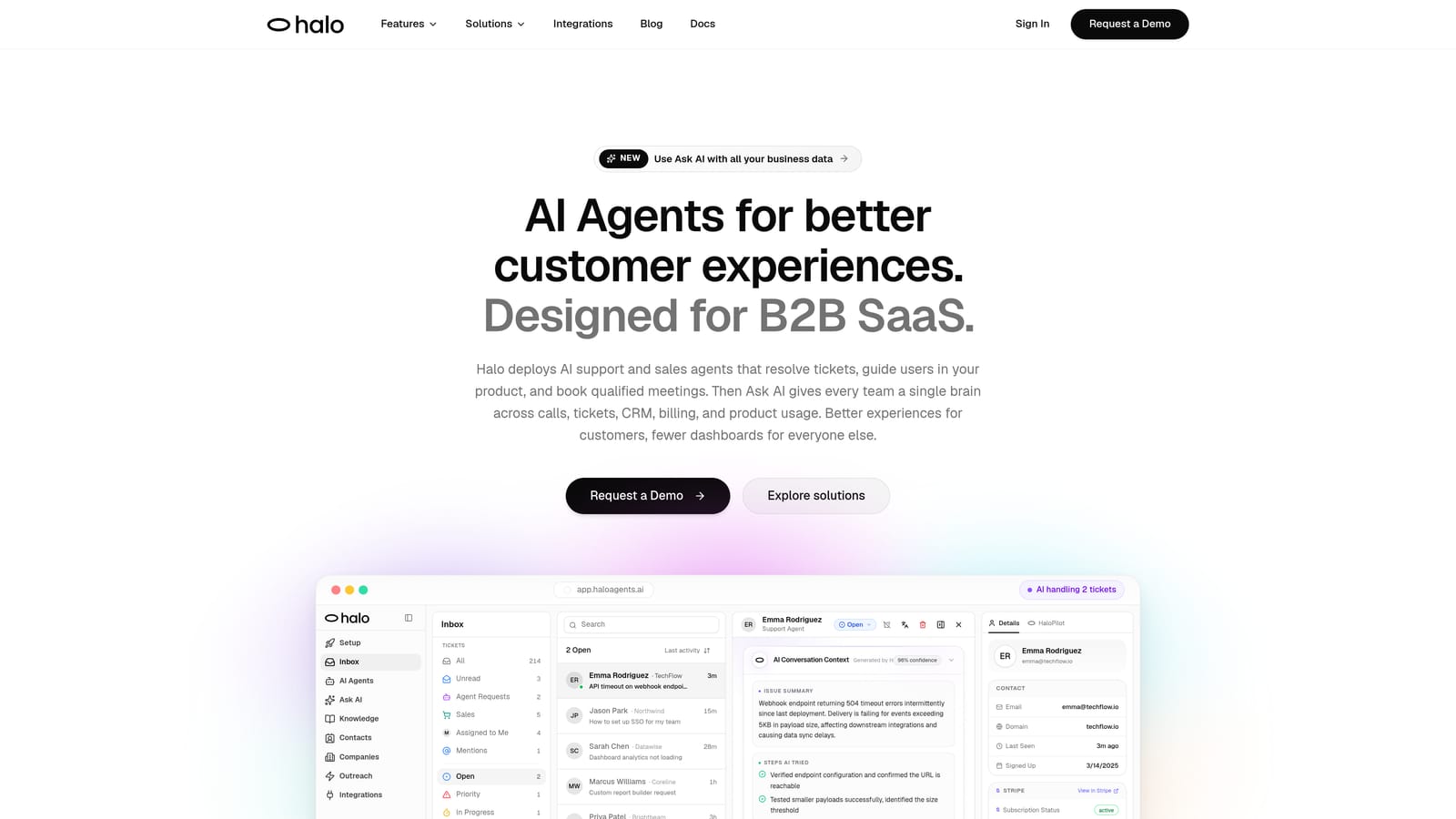
Halo AI is an AI-native customer support platform with a page-aware chat widget that sees what users see and delivers real-time visual UI guidance, autonomous ticket resolution, and business intelligence without bolt-on complexity.
Where This Tool Shines
Most support tools are built on top of existing helpdesk infrastructure, which means AI capabilities get layered onto systems that weren't designed for them. Halo was built AI-first from the ground up, and that architectural difference shows in how it handles visual guidance. The page-aware chat widget understands the user's current context, including what UI elements are visible and what the user is likely trying to accomplish, so guidance is relevant without requiring the user to explain their situation from scratch.
Beyond reactive support, Halo's smart inbox surfaces business intelligence signals: customer health trends, revenue anomalies, and support patterns that would otherwise stay buried in ticket data. It's not just resolving tickets, it's helping your team understand what those tickets mean for the broader business.
Key Features
Page-Aware Chat Widget: Understands the user's current UI state and delivers contextually relevant, step-by-step visual guidance in real time.
Autonomous AI Agents: Resolve tickets end-to-end without human intervention, with seamless live agent handoff for complex issues that need a human touch.
Auto Bug Ticket Creation: Automatically identifies and routes bug reports directly to engineering tools like Linear, reducing the manual handoff between support and development.
Smart Inbox with Business Intelligence: Surfaces customer health signals, revenue anomalies, and support trends so your team acts on insights, not just individual tickets.
Deep Integration Stack: Connects natively with Slack, HubSpot, Intercom, Stripe, Zoom, PandaDoc, and Fathom, so Halo fits into your existing workflow rather than replacing it.
Best For
Product teams and B2B SaaS companies looking to move beyond reactive support. Halo is particularly well-suited for teams that want AI to handle routine ticket resolution autonomously while gaining business intelligence from support interactions, without stitching together multiple point solutions.
Pricing
Contact for pricing or book a demo at haloagents.ai. Pricing is customized based on team size and use case.
2. Intercom
Best for: Customer-facing support teams wanting conversational messaging with in-app visual onboarding
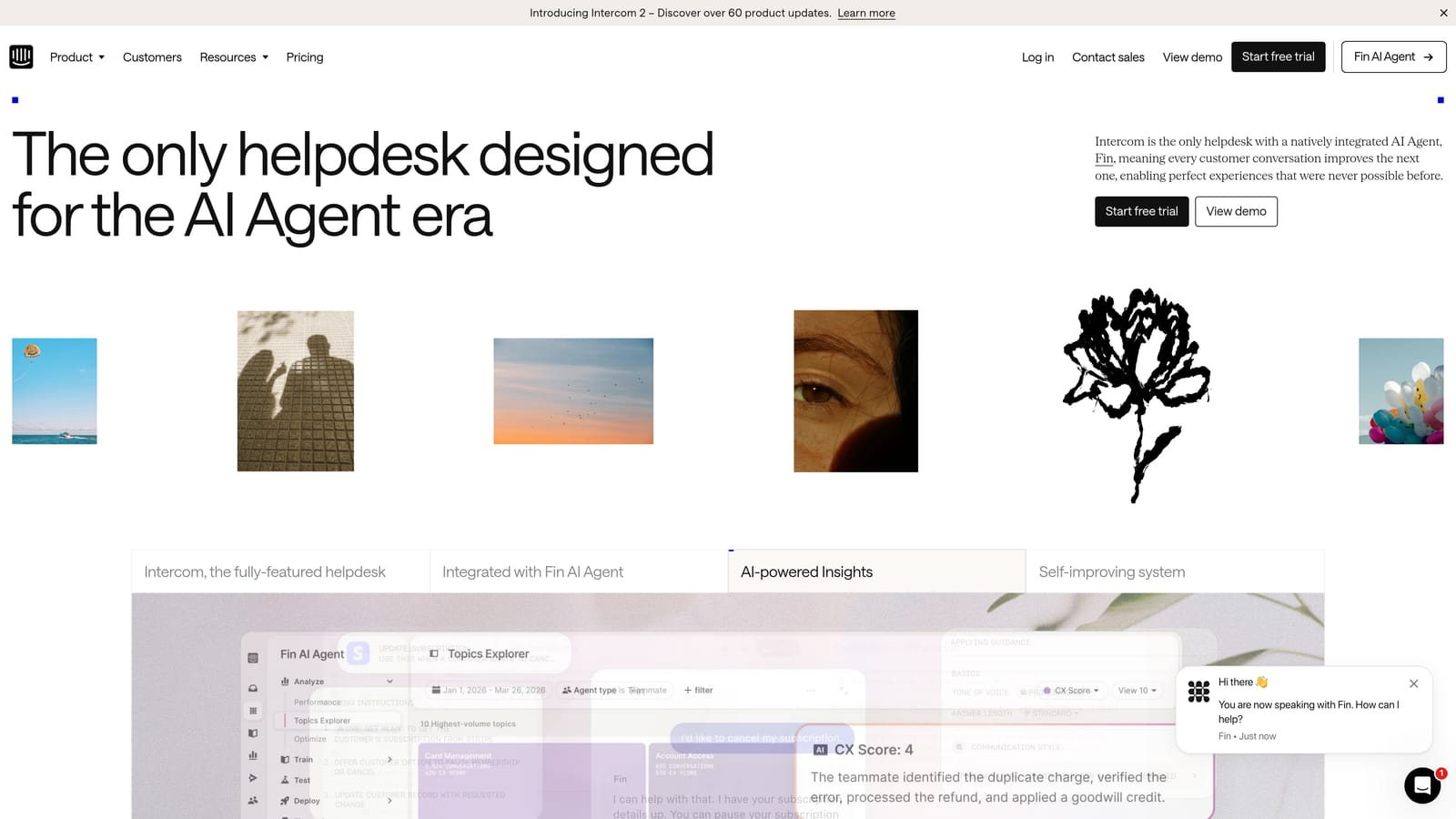
Intercom is an established conversational support platform offering in-app messaging, product tours, and AI-powered responses for customer-facing support teams.
Where This Tool Shines
Intercom has been a fixture in B2B SaaS support stacks for years, and its Product Tours feature remains one of the more polished ways to build in-app visual onboarding flows without heavy engineering involvement. The messenger widget supports rich media, making it easy to embed images, videos, and interactive content directly in conversations.
The Fin AI agent handles a solid range of automated conversational support scenarios, drawing on your existing knowledge base to deflect common questions. It's a capable system, though the visual guidance capabilities are more complementary to its core messaging functionality than a primary differentiator.
Key Features
Product Tours: Visual in-app onboarding flows that guide users through features step by step, built with a no-code editor.
Fin AI Agent: Conversational AI that resolves common support questions automatically using your existing help content.
Messenger Widget: Rich media-enabled chat widget that supports images, video, and interactive elements in customer conversations.
Team Inbox: Collaborative inbox for managing tickets and conversations across support teams.
Integration Ecosystem: Broad connections with major CRMs, helpdesks, and data tools.
Best For
Teams already using Intercom for customer messaging who want to layer in basic visual onboarding without switching platforms. Also a strong fit for companies that prioritize conversational support UX and need a well-documented integration ecosystem.
Pricing
Tiered plans with AI features available on higher-tier options. Check intercom.com for current pricing, as rates are updated regularly.
3. Pendo
Best for: Product teams that want analytics-driven insight before building visual guidance
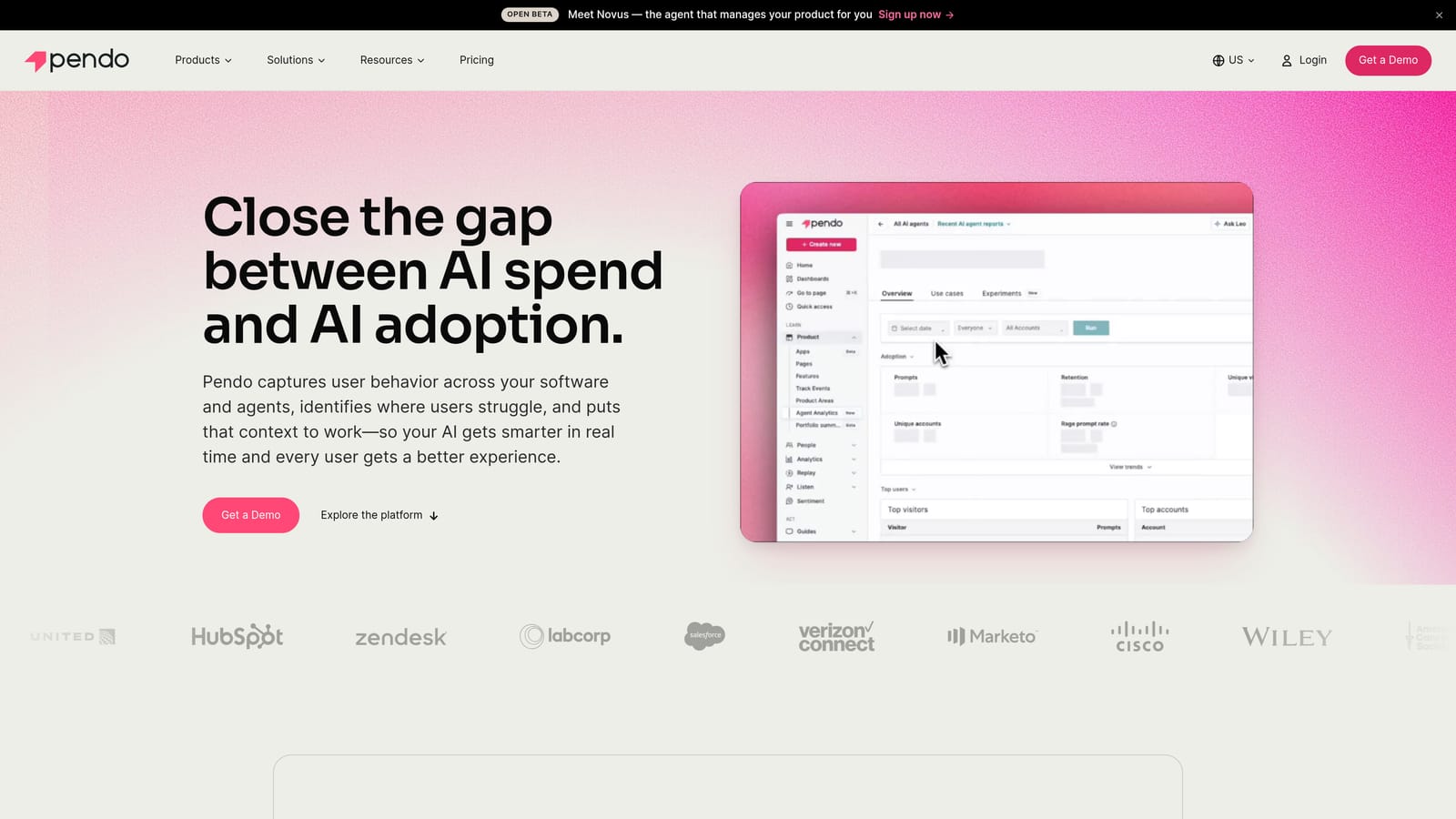
Pendo is a product analytics and in-app guidance platform that helps teams understand where users struggle and deploy visual walkthroughs, tooltips, and banners to address friction points.
Where This Tool Shines
What sets Pendo apart from pure walkthrough builders is the analytics layer. Before you build a guide, you can see exactly where users are dropping off, which features they're ignoring, and which workflows generate the most confusion. That data-first approach means the guidance you build is grounded in actual user behavior rather than assumptions.
The in-app guide builder covers the standard visual formats well: tooltips, lightboxes, banners, and full walkthroughs. Pendo also includes a resource center that gives users a self-serve hub for help content without leaving your product.
Key Features
Product Analytics: Tracks user behavior across your product to identify drop-off points and friction before you build guidance.
In-App Guides: Visual overlays including tooltips, lightboxes, banners, and walkthroughs, built with a no-code editor.
Resource Center: Embeddable self-serve help hub that surfaces relevant content based on where the user is in your product.
Feedback and NPS: In-app surveys and Net Promoter Score collection to close the loop on user sentiment.
Audience Segmentation: Target guidance to specific user segments based on role, plan, behavior, or lifecycle stage.
Best For
Product and customer success teams at mid-market to enterprise SaaS companies who want to combine behavioral analytics with in-app guidance. Particularly valuable when you need to justify which guidance to build before investing in it.
Pricing
Free tier available; paid plans scale with monthly active users. See pendo.io for current pricing tiers.
4. Appcues
Best for: Non-technical teams deploying onboarding flows and feature adoption guidance without engineering
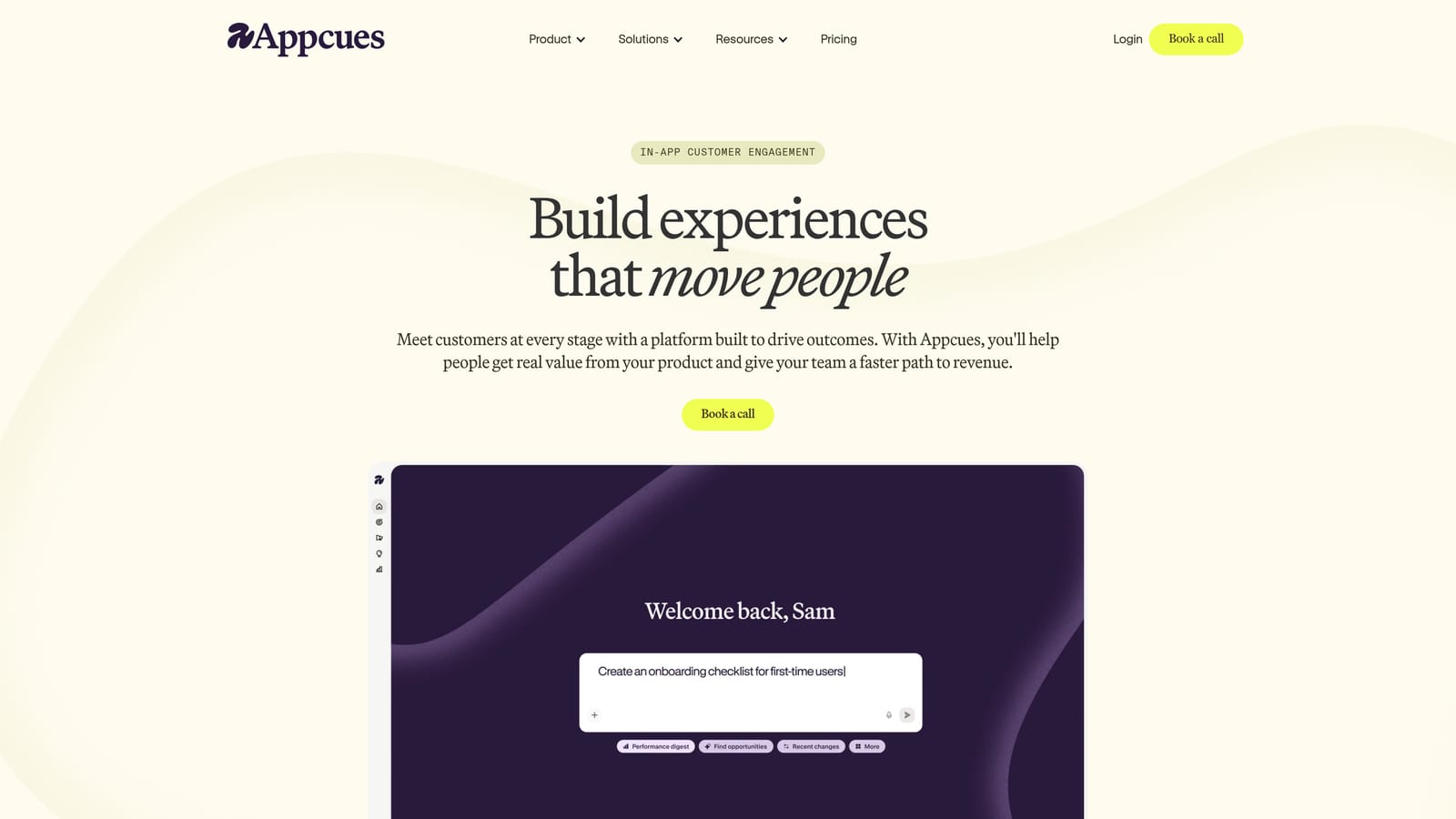
Appcues is a no-code in-app experience builder focused on user onboarding, feature adoption, and customer success flows, deployable without engineering involvement.
Where This Tool Shines
Appcues has built a strong reputation for being genuinely usable by non-technical teams. The visual builder is intuitive enough that customer success managers and product marketers can create and publish flows, checklists, and modals without filing a single engineering ticket. That speed-to-deploy advantage is significant for teams that need to iterate quickly on onboarding experiences.
The checklist and progress tracker features are particularly effective for guiding new users through activation milestones, giving them a clear sense of progress without overwhelming them with information at once.
Key Features
No-Code Visual Builder: Create flows, modals, tooltips, and checklists through a drag-and-drop interface without developer involvement.
Onboarding Checklists: Step-by-step progress trackers that guide users toward activation milestones.
In-App Surveys and NPS: Collect user feedback and sentiment data directly within your product.
Audience Segmentation: Target experiences to specific user groups based on plan, role, behavior, or custom attributes.
Integrations: Connects with Segment, HubSpot, Salesforce, and other common SaaS tools.
Best For
Customer success and product teams at growing SaaS companies who need to launch onboarding experiences quickly without depending on engineering resources. A strong choice when speed and ease of use are prioritized over deep analytics.
Pricing
Paid plans starting at several hundred dollars per month, scaling with monthly active users. Verify current rates at appcues.com.
5. Loom
Best for: Support teams sending personalized async video responses to complex, one-off customer questions
Loom is a screen and camera recording tool that lets support teams send personalized async video responses to customers, ideal for complex, one-off visual explanations.
Where This Tool Shines
Loom occupies a unique position in this list because it's not a structured guidance platform. It's a one-to-one visual communication tool, and for certain support scenarios, that's exactly what you need. When a customer has a nuanced issue that doesn't fit a standard walkthrough, a support agent can record their screen, narrate the solution in under two minutes, and send a link. That's often faster and clearer than writing out a five-paragraph explanation.
The viewer engagement tracking is a useful addition: you can see whether the customer actually watched the video, which helps support teams follow up intelligently rather than guessing whether the response landed.
Key Features
One-Click Recording: Capture screen and webcam simultaneously with minimal setup, directly from a browser extension or desktop app.
Shareable Video Links: Send recordings via link with viewer engagement tracking to see who watched and when.
In-Video Comments: Recipients can leave time-stamped comments and reactions directly on the video.
Transcript Generation: Automatic transcripts improve accessibility and make video content searchable.
Helpdesk Integrations: Connects with Zendesk, Intercom, Notion, and Slack for embedding videos in existing support workflows.
Best For
Support teams handling complex, non-repeatable customer issues where a personalized visual explanation is more effective than a generic guide. Also useful for internal team training and knowledge sharing. Now part of the Atlassian ecosystem.
Pricing
Free tier available; Business plans are priced per user per month. Check loom.com for current rates.
6. Userflow
Best for: Teams wanting fast-to-deploy in-app flows at a more accessible price point than enterprise alternatives
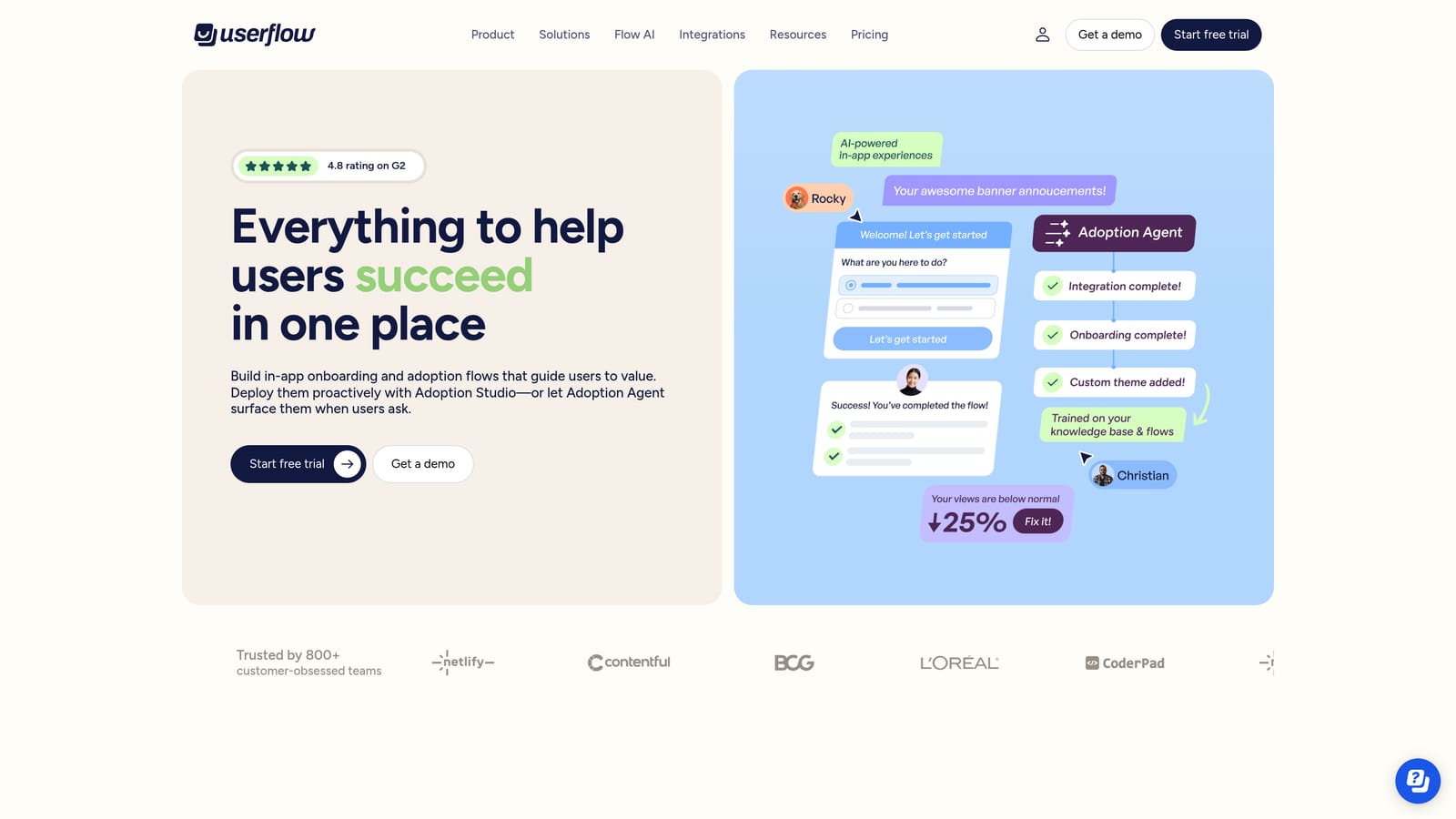
Userflow is a lightweight in-app flow and checklist builder designed for fast deployment, offering strong segmentation and a clean visual builder at a competitive price point.
Where This Tool Shines
Userflow's main appeal is its combination of capability and approachability. It covers the core in-app guidance formats well: tooltips, modals, hotspots, and checklists. The visual builder is clean and the implementation is typically faster than more complex platforms, which matters when you're trying to ship onboarding improvements without a long setup cycle.
The resource center feature lets you embed a self-serve help hub directly in your product, reducing the friction between a user encountering a problem and finding a solution. Segmentation and targeting rules are solid, giving you control over who sees what guidance and when.
Key Features
No-Code Flow Builder: Create tooltips, modals, and hotspot-driven walkthroughs through a visual editor without writing code.
Onboarding Checklists and Launchers: Guide users through activation steps with progress-tracking checklists.
Resource Center: Embeddable self-serve help hub surfacing relevant content within your product interface.
Segmentation and Targeting: Deliver specific flows to specific user segments based on attributes and behavior.
Surveys and NPS: Collect in-app feedback to measure satisfaction and identify friction points.
Best For
Startups and growing SaaS teams that want solid in-app guidance functionality without the pricing complexity of enterprise platforms like Pendo or Whatfix. A practical choice when budget efficiency and deployment speed are priorities.
Pricing
More affordable entry point than Pendo or Appcues. See userflow.com for current pricing tiers.
7. Stonly
Best for: Support teams building adaptive, decision-tree style self-service guides that reduce escalations
Stonly is an interactive guide platform using decision-tree logic to deliver adaptive, step-by-step visual support that branches based on user answers, reducing escalations through smarter self-service.
Where This Tool Shines
The decision-tree approach is Stonly's defining characteristic. Rather than presenting a linear walkthrough that may or may not apply to a user's specific situation, Stonly guides branch based on user responses. A user who answers "I'm on a Mac" sees different steps than one who answers "I'm on Windows." That adaptability makes self-service feel more like a conversation and less like a generic help article.
Stonly embeds directly into support widgets, help centers, and chatbots, so users encounter the right guide in the right context rather than being redirected to a separate documentation site. The analytics on guide usage and deflection rates help support teams understand which guides are actually working.
Key Features
Branching Interactive Guides: Decision-tree logic delivers different steps based on user responses, making guidance adaptive rather than generic.
Flexible Embedding: Guides embed into support widgets, help centers, chatbots, and knowledge bases without friction.
Step-by-Step Visual Instructions: Conditional logic governs which visual steps appear, keeping guidance relevant to each user's situation.
Deflection Analytics: Track guide usage and measure how effectively guides prevent tickets from reaching your support queue.
Helpdesk Integrations: Connects with Zendesk, Intercom, and Freshdesk for embedding guidance in existing support workflows.
Best For
Support teams with diverse user bases where a single linear guide won't serve everyone equally. Particularly effective for products with multiple user roles, operating systems, or configuration states that require different troubleshooting paths.
Pricing
Contact Stonly for pricing. See stonly.com for details.
8. Scribe
Best for: Support and enablement teams building knowledge bases faster through automatic guide generation
Scribe is an auto-documentation tool that captures screen actions and automatically generates annotated, step-by-step visual guides, dramatically speeding up knowledge base creation for support teams.
Where This Tool Shines
Scribe solves a problem that every support team faces: creating and maintaining visual documentation is time-consuming. The traditional approach involves taking screenshots, annotating them manually, and writing step-by-step instructions alongside each image. Scribe collapses that process into a single recording session. You perform the action once, and Scribe generates the annotated guide automatically.
The output quality is good enough to publish directly, with automatic screenshot annotations and numbered steps. You can edit, add context, and redact sensitive information before sharing. For teams trying to scale their knowledge base without scaling the time it takes to write it, Scribe offers a meaningful efficiency gain.
Key Features
Automatic Step Capture: Browser extension or desktop app records your screen actions and generates a structured guide in real time.
Auto-Annotated Screenshots: Each step includes an automatically annotated screenshot highlighting exactly where to click or what to look at.
One-Click Sharing: Share guides via link or embed them in existing knowledge bases, help centers, or wikis.
Customization and Redaction: Edit steps, add written context, and redact sensitive information before publishing.
Export Options: Export guides to PDF, HTML, or embed directly in platforms like Notion, Confluence, or your existing help center.
Best For
Support, enablement, and customer success teams that need to produce large volumes of visual documentation efficiently. Particularly valuable for teams maintaining knowledge bases for products that change frequently, where keeping documentation current is an ongoing challenge.
Pricing
Free tier available; paid plans are priced per user per month. Check scribehow.com for current rates.
9. Whatfix
Best for: Enterprise teams deploying in-app guidance at scale with compliance, security, and advanced analytics requirements
Whatfix is an enterprise digital adoption platform delivering in-app guidance overlays, task lists, and self-help widgets at scale, with strong compliance and analytics for large customer and employee support programs.
Where This Tool Shines
Whatfix is built for enterprise-scale deployment, and that shows in its feature set. The platform supports both customer-facing and internal employee onboarding, which makes it a practical choice for large organizations managing digital adoption across multiple products or internal tools simultaneously. The compliance and security features are more robust than most alternatives in this list, which matters for regulated industries.
The self-help widget provides contextual in-app search, surfacing relevant guidance based on where the user is in the application. Combined with detailed analytics on feature adoption and guidance engagement, Whatfix gives enterprise teams the visibility they need to justify and iterate on their digital adoption programs.
Key Features
In-App Guidance Overlays: Flows, beacons, pop-ups, and task lists guide users through complex workflows directly within your product.
Self-Help Widget: Contextual in-app search surfaces relevant guides and documentation based on the user's current location in the product.
Advanced Analytics: Detailed reporting on feature adoption rates, guidance engagement, and user behavior patterns.
Enterprise Security and Compliance: Robust security features and compliance capabilities suited to regulated industries and large organizations.
Dual Use Case Support: Handles both customer-facing onboarding and internal employee training within the same platform.
Best For
Enterprise organizations with complex products, large user bases, and strict compliance requirements. Also a strong fit for companies managing digital adoption across both customer and employee-facing applications who want a single platform for both use cases.
Pricing
Enterprise pricing. Contact Whatfix sales directly at whatfix.com for a quote.
Which Tool Is Right for Your Team?
The right visual customer support guidance tool depends heavily on what problem you're actually trying to solve. Here's a quick way to think through it.
If you want AI-native support that understands page context and resolves tickets autonomously, Halo AI is the strongest option. It's built for B2B SaaS teams that want to move beyond reactive helpdesk support and gain business intelligence from every interaction, without stitching together multiple tools.
If you need conversational messaging with visual onboarding layered in, Intercom is a mature, well-integrated choice. For teams that want analytics-driven guidance, Pendo helps you understand where users struggle before you build anything. If no-code deployment speed is the priority, Appcues and Userflow both deliver strong results without engineering dependency, with Userflow offering a more accessible price point.
For adaptive self-service that reduces escalations, Stonly's decision-tree approach stands out. When you need to explain something complex one-on-one, Loom remains the fastest path to a clear async video response. If knowledge base creation is the bottleneck, Scribe eliminates most of the manual work. And for enterprise-scale deployment with compliance requirements, Whatfix has the depth and security posture to match.
Your support team shouldn't scale linearly with your customer base. Let AI agents handle routine tickets, guide users through your product, and surface business intelligence while your team focuses on complex issues that need a human touch. See Halo in action and discover how continuous learning transforms every interaction into smarter, faster support.