9 Best Visual Guidance Customer Support Tools in 2026
Discover the 9 best visual guidance customer support tools for 2026, evaluated on AI integration, co-browsing capabilities, and deployment ease. This guide helps B2B SaaS teams find the right solution—from annotated screenshots to page-aware AI agents—to resolve complex UI issues faster, reduce support escalations, and deliver a significantly better customer experience than text-only chatbots.
 Grant CooperFounder13 min read
When a customer is stuck on a complex UI flow or can't find a setting buried three menus deep, a text-only chatbot often falls short. Visual guidance customer support tools solve this by showing users exactly what to do: through annotated screenshots, interactive walkthroughs, co-browsing sessions, or page-aware AI agents that understand what the user is actually looking at.
The result is faster resolution, fewer escalations, and a noticeably better support experience. This list covers the nine best tools in this category for 2026, evaluated on visual capability depth, AI integration, ease of deployment, and fit for B2B SaaS teams. Whether you're replacing a legacy helpdesk, augmenting live agents, or building a fully autonomous support layer, there's an option here for your team.
Tools are ordered by overall capability and relevance to modern product-led support teams.
1. Halo AI
Best for: B2B SaaS teams that want autonomous AI support with native page-aware visual guidance
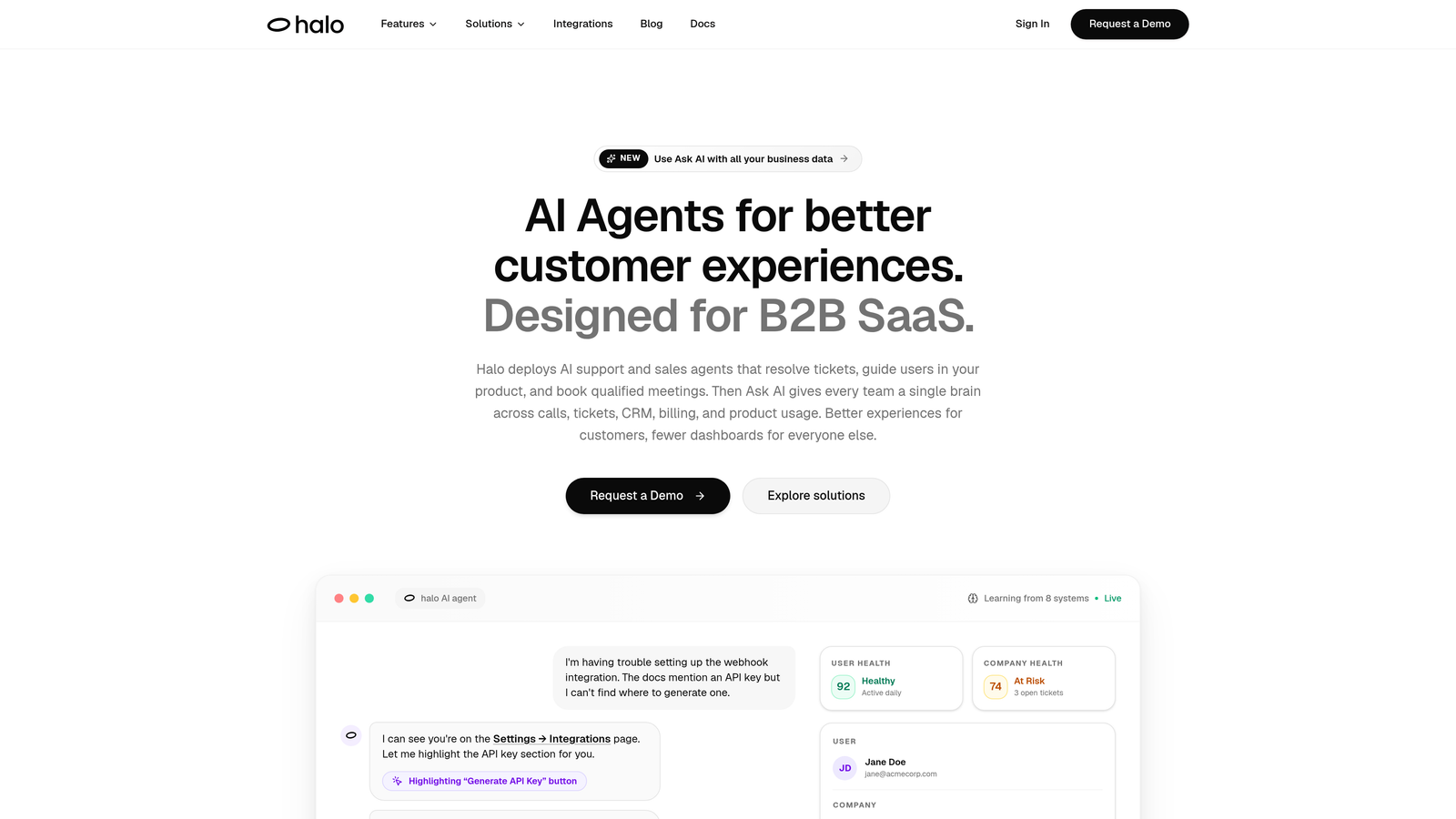
Halo AI is an AI-first customer support platform with a page-aware chat widget that understands what users are looking at and delivers contextual guidance automatically.
Where This Tool Shines
Most visual guidance tools require someone to manually build tours, write tooltip copy, and define trigger rules before anything reaches a user. Halo takes a different approach: its page-aware chat widget reads the user's current UI state and delivers relevant guidance in context, without a single tour being authored upfront. That's a meaningful distinction for product teams who don't have bandwidth to maintain a library of walkthroughs.
Beyond visual guidance, Halo operates as a fully autonomous support layer. AI agents resolve tickets end-to-end, automatically create bug reports routed to Linear or your issue tracker, and hand off to live agents when complexity warrants it—with full conversation context intact. The smart inbox goes further, surfacing customer health signals, anomaly detection, and revenue intelligence that most support tools never touch.
Key Features
Page-Aware Chat Widget: Understands the user's current page and UI state, delivering contextual guidance without manual tour creation.
Autonomous Ticket Resolution: AI agents handle support tickets end-to-end, learning from every interaction to get sharper over time.
Auto Bug Ticket Creation: Automatically generates bug reports and routes them to Linear or your preferred issue tracker when issues are detected.
Live Agent Handoff: Escalates to human agents with full conversation context preserved, so nothing gets repeated.
Smart Inbox with Business Intelligence: Surfaces customer health signals, anomaly detection, and revenue intelligence alongside standard support metrics.
Deep Integrations: Connects natively with Slack, HubSpot, Intercom, Stripe, Zoom, PandaDoc, and Fathom.
Best For
B2B SaaS companies and product teams that want to move beyond manual tour-building and operate a genuinely autonomous support layer. Particularly strong for teams already using tools like Linear, HubSpot, and Slack who want support intelligence woven into their existing stack.
Pricing
Contact for pricing or book a demo directly at haloagents.ai. Given the platform's scope, pricing is likely tailored to team size and usage volume.
2. Intercom
Best for: Teams wanting a mature all-in-one messaging platform with built-in AI and product tours
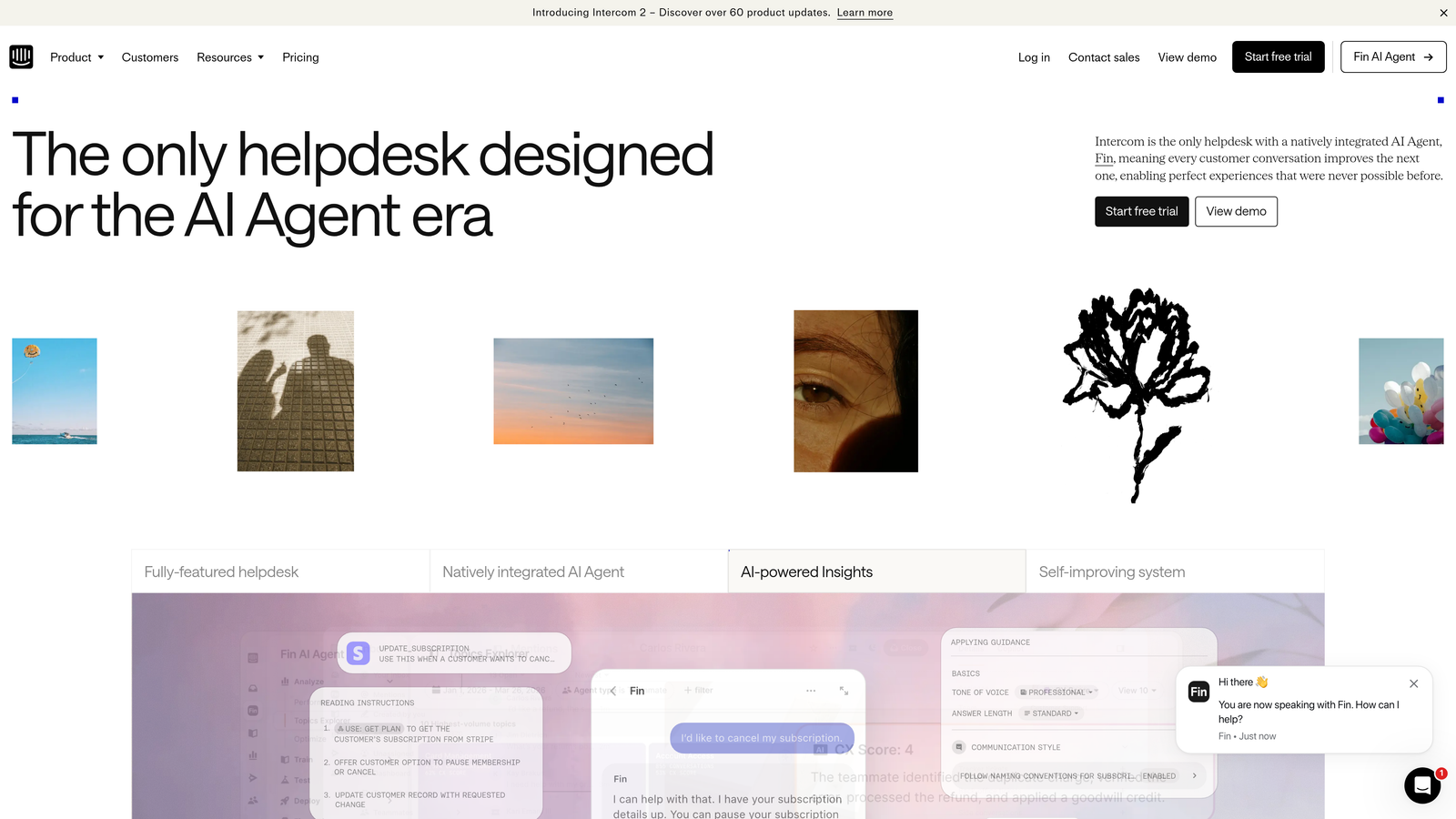
Intercom is a well-established customer messaging platform combining live chat, AI-powered ticket resolution, and in-app visual walkthroughs in a single suite.
Where This Tool Shines
Intercom's Fin AI agent handles a meaningful portion of incoming support volume through conversational resolution, while its product tours and carousels let teams layer in visual, step-by-step guidance for onboarding or feature adoption. For teams that want both proactive messaging and reactive support under one roof, the combination is genuinely useful.
The platform's ecosystem is also a real advantage. With a large app marketplace and deep integrations across CRMs, analytics, and product tools, Intercom fits naturally into most B2B SaaS stacks. The tradeoff is that tours require manual setup, and costs can scale quickly as seat count and usage grow.
Key Features
Fin AI Agent: Conversational AI that resolves tickets automatically using your existing help content.
Product Tours and Carousels: Manual but polished in-app walkthroughs for onboarding and feature announcements.
Shared Inbox and Live Chat: Centralized workspace for live agent conversations across channels.
Proactive Messaging: Trigger outbound messages based on user behavior and segments.
App Marketplace: Extensive integrations with CRMs, analytics platforms, and support tools.
Best For
Mid-market and enterprise SaaS companies that want a single platform for support, onboarding, and proactive customer communication. Teams already invested in the Intercom ecosystem will find the visual guidance features a natural extension.
Pricing
Tiered plans that scale with seat count and usage volume. Check intercom.com for current rates, as pricing has evolved significantly in recent years.
3. Pendo
Best for: Product-led growth teams that want behavioral data to drive when and how guidance appears
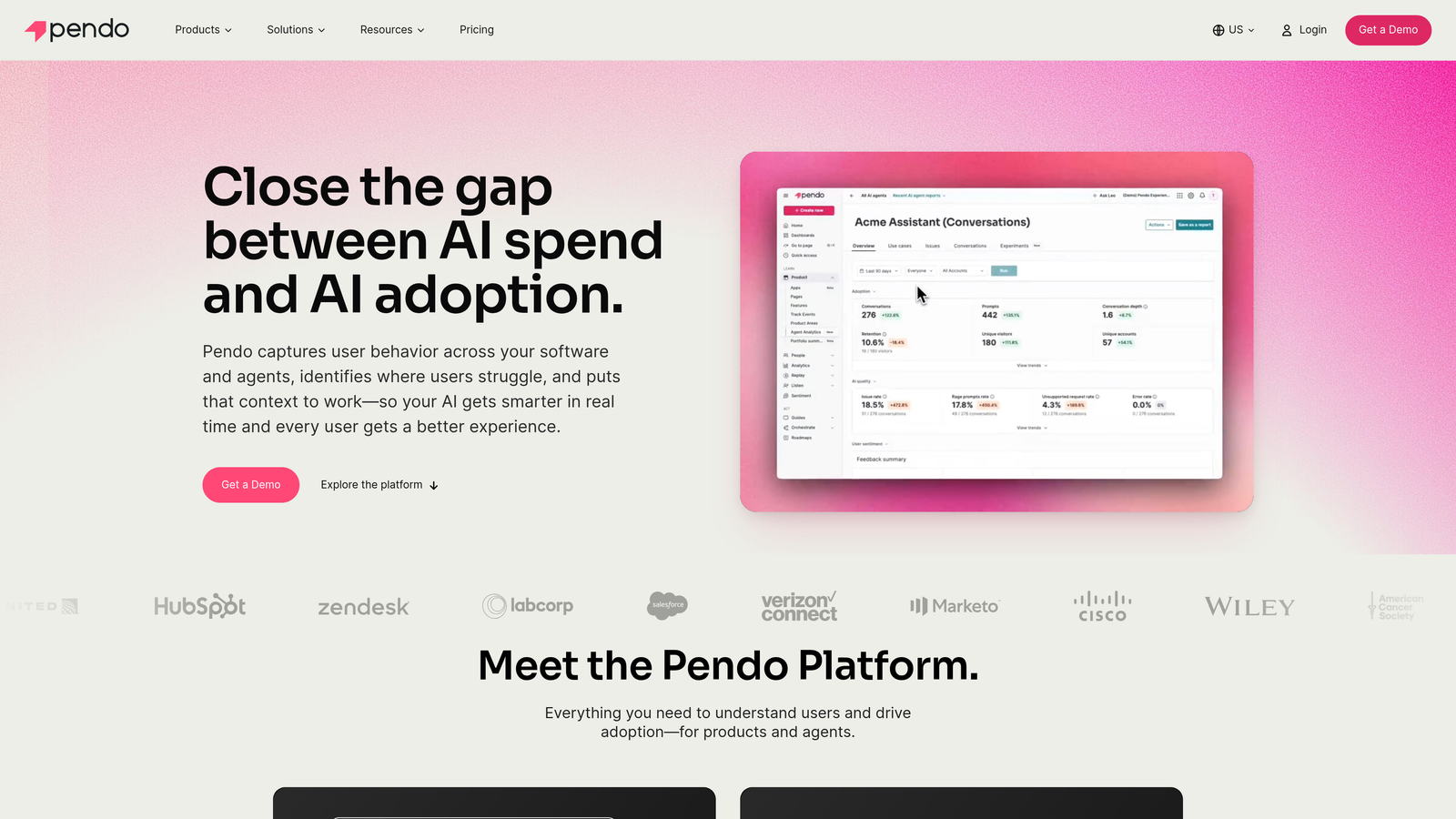
Pendo is a product analytics and in-app guidance platform that uses real user behavior data to trigger visual walkthroughs at the right moment for the right users.
Where This Tool Shines
What separates Pendo from pure tour-building tools is the analytics layer underneath. You're not guessing when to show a tooltip or walkthrough; you're triggering it based on what a specific user segment has or hasn't done inside your product. That behavioral intelligence makes guidance feel timely rather than intrusive.
Pendo also bundles NPS surveys, feedback collection, and roadmap management into the same platform, making it a natural fit for product teams who want support and product intelligence in one place. The tradeoff is complexity: it takes more setup and expertise to get full value, and pricing is enterprise-oriented.
Key Features
Behavioral Analytics: Tracks feature usage and user paths to inform when guidance is triggered and for which segments.
In-App Guides: Tooltips, lightboxes, banners, and multi-step walkthroughs built on top of behavioral data.
NPS and Feedback Collection: In-app surveys tied to user behavior and product moments.
Roadmap and Feedback Management: Closes the loop between user feedback and product planning.
Best For
Product and customer success teams at growth-stage or enterprise SaaS companies who want analytics and guidance tightly coupled. Less suited for teams that need quick deployment without significant setup investment.
Pricing
Custom enterprise pricing with a limited free tier available. Contact Pendo for a quote based on your product and user volume.
4. Appcues
Best for: Growth and success teams that need no-code visual guidance without involving engineering
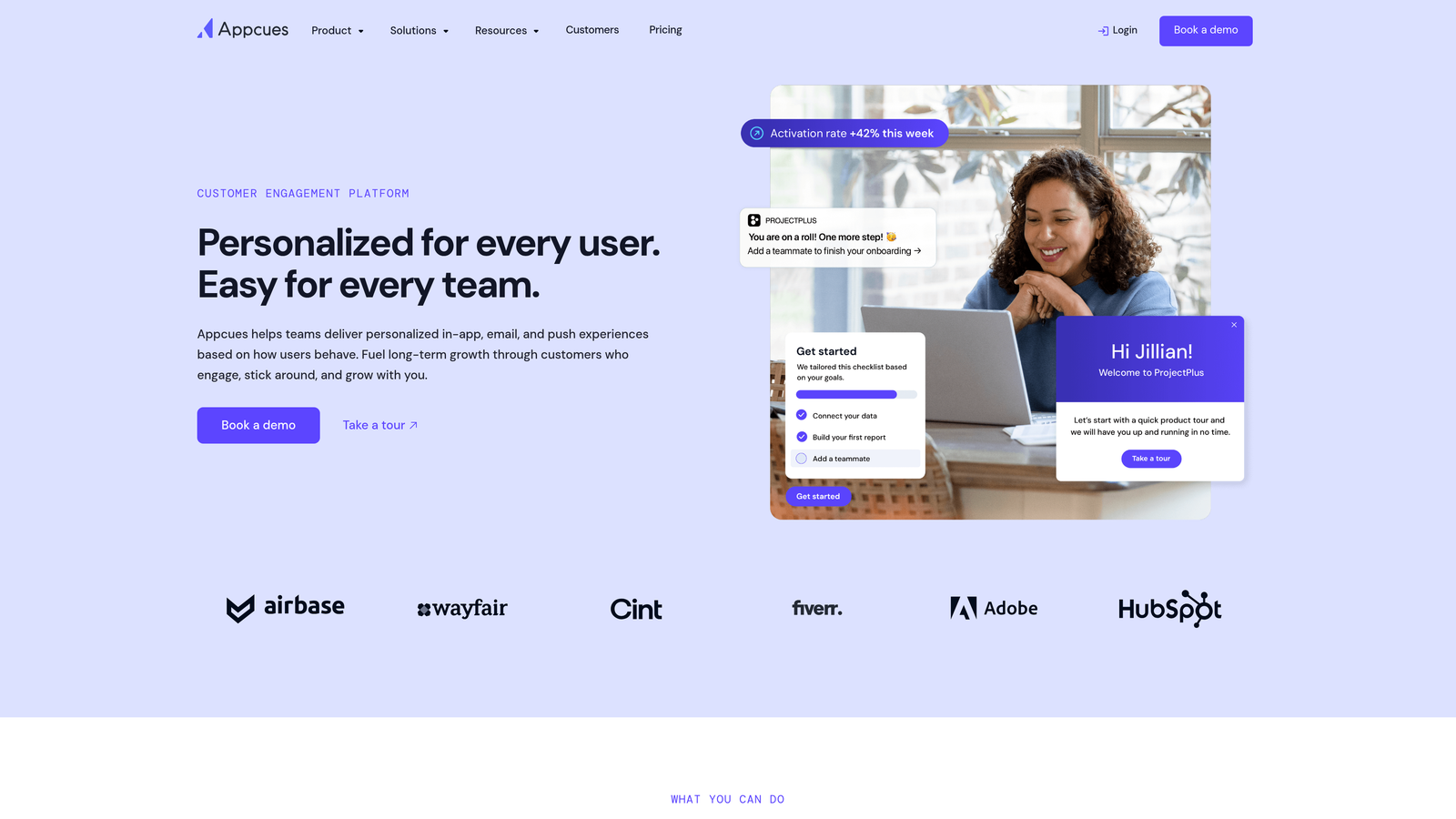
Appcues is a no-code in-app experience builder for creating onboarding flows, feature announcements, and support walkthroughs without touching the codebase.
Where This Tool Shines
The core appeal of Appcues is accessibility. Non-technical team members can build tooltips, modals, slideouts, and checklists using a visual editor installed as a browser extension. This removes the typical bottleneck of waiting for engineering to implement or update in-app guidance, which matters enormously for fast-moving teams.
Segmentation is solid: you can target guidance based on user properties, account attributes, and behavioral triggers pulled from connected tools like Segment or HubSpot. For teams at the SMB or growth-stage level, Appcues hits a useful balance between capability and approachability.
Key Features
Visual No-Code Builder: Create tooltips, modals, slideouts, and checklists without engineering resources.
User Segmentation: Target guidance delivery based on user properties, account data, and behavioral signals.
NPS Surveys and Feedback: Collect in-app feedback tied to specific product moments or user segments.
Integrations: Connects with Segment, HubSpot, Salesforce, and major analytics platforms.
Best For
Growth, product marketing, and customer success teams at SMB to mid-market SaaS companies who need to ship in-app guidance quickly without engineering dependencies.
Pricing
Monthly flat-rate plans scaled by monthly active users, with a free trial available. More accessible price points than enterprise DAPs for smaller teams.
5. Whatfix
Best for: Enterprise teams deploying visual guidance across complex, compliance-sensitive software environments
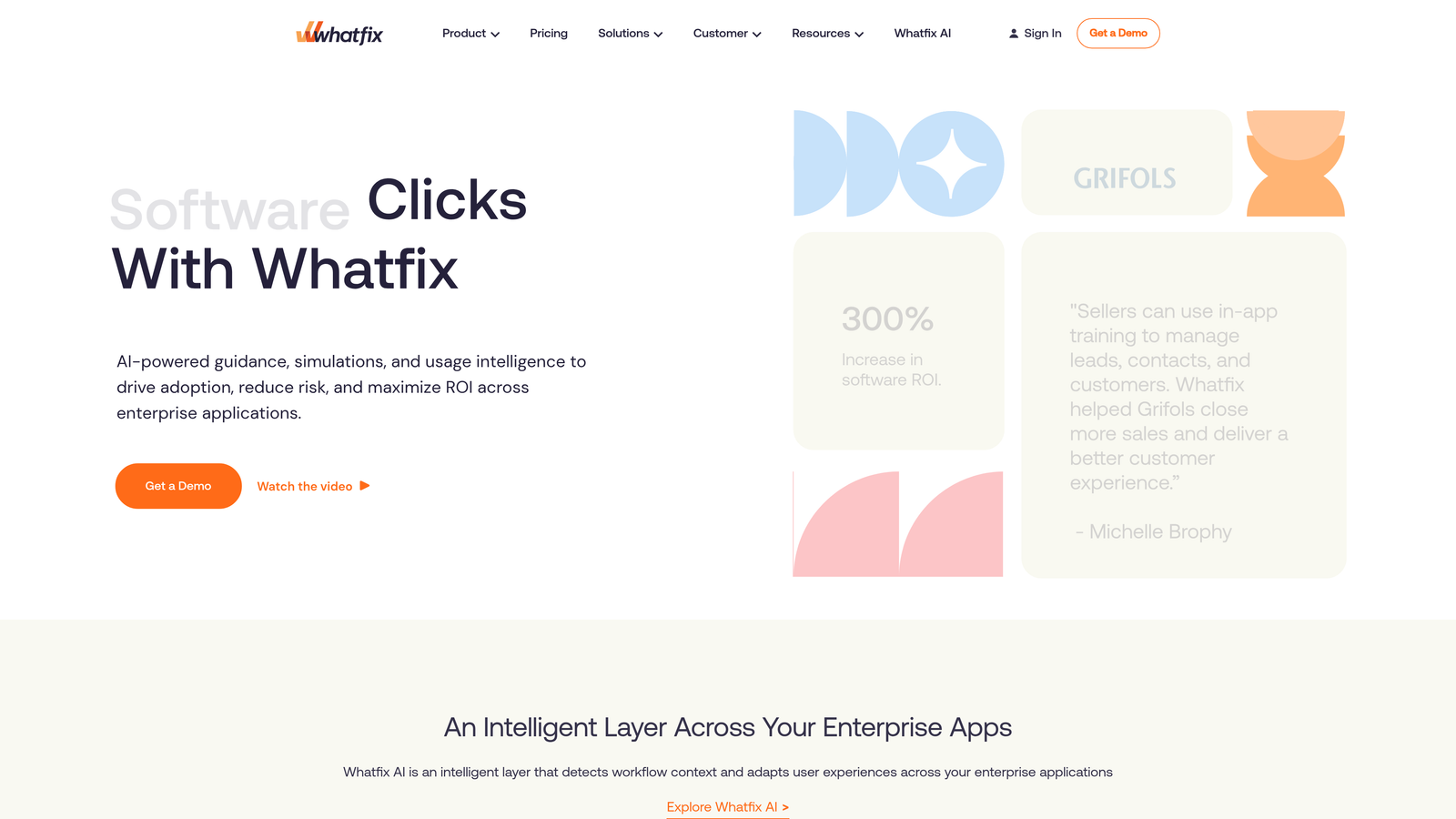
Whatfix is an enterprise digital adoption platform that delivers real-time in-app guidance overlays, smart tips, and task lists for complex software environments.
Where This Tool Shines
Whatfix is built for situations where the software is genuinely complicated: multi-step workflows, legacy enterprise tools, or regulated environments where users need guided assistance to complete tasks correctly. Smart tips surface contextually at the right workflow step, and the self-help widget gives users a searchable in-app knowledge base without leaving the application.
The analytics layer tracks which guidance elements are actually being used and where users are still dropping off, giving teams data to continuously improve their adoption strategy. Implementation requires more upfront effort than lighter tools, but the depth of capability justifies it for enterprise deployments.
Key Features
Smart Tips and Contextual Overlays: Step-level guidance that appears precisely when users reach complex workflow points.
Self-Help Widget: Searchable in-app knowledge base accessible without leaving the product.
Task Lists and Guided Flows: Structured multi-step guidance for complex, multi-stage processes.
Adoption Analytics: Tracks feature adoption rates and guidance engagement to identify where users still struggle.
Best For
Enterprise organizations deploying guidance across complex internal tools, ERP systems, or regulated software environments where compliance and thoroughness matter more than speed of setup.
Pricing
Custom enterprise pricing. Contact Whatfix directly for a quote based on your deployment scope and user count.
6. Userflow
Best for: Startups and scale-ups that want flexible in-app guidance with transparent, predictable pricing
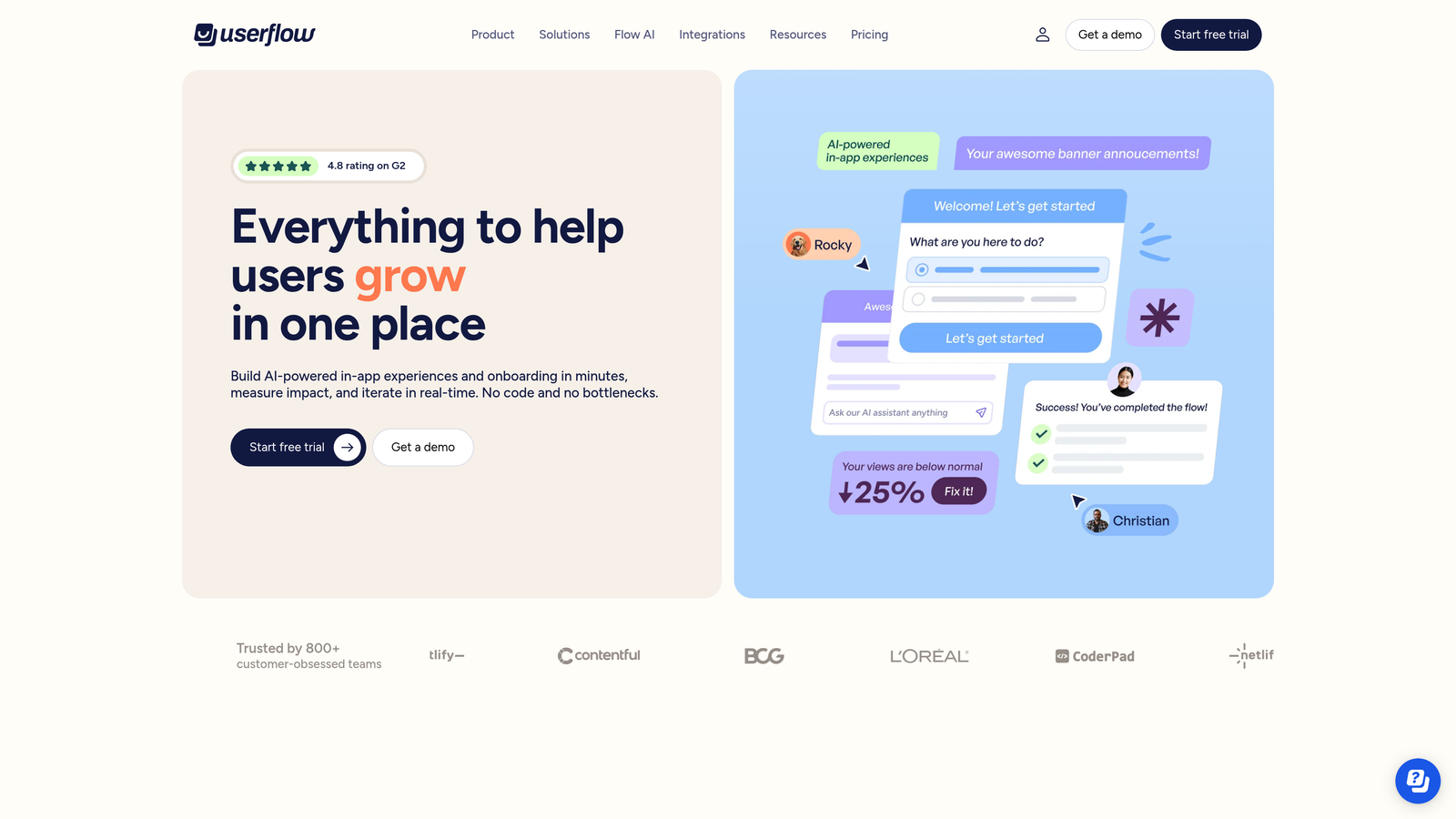
Userflow is a lightweight, flexible in-app onboarding and guidance tool with flat-rate pricing that has made it popular with teams who want power without enterprise complexity.
Where This Tool Shines
Userflow's drag-and-drop flow builder covers tooltips, modals, checklists, and resource centers without requiring a heavy SDK or lengthy implementation. The interface is genuinely fast to work with, and teams can ship new flows quickly when product changes require updated guidance.
The pricing model is a meaningful differentiator. Many tools in this category charge per monthly active user, which creates unpredictable costs as a product scales. Userflow's flat-rate base plans make budgeting more straightforward, which is particularly appealing for growth-stage companies watching unit economics carefully.
Key Features
Drag-and-Drop Flow Builder: Visual editor for tooltips, modals, and checklists with a minimal learning curve.
In-App Surveys and NPS: Collect contextual feedback without leaving the product experience.
Resource Center: Self-help widget that surfaces relevant flows and content based on user context.
Flat-Rate Pricing: Base plans priced by plan tier rather than per-MAU, reducing cost unpredictability.
Best For
Startups and scale-ups that need capable in-app guidance without enterprise pricing or implementation overhead. Particularly well-suited for product teams managing rapid iteration cycles.
Pricing
Flat-rate monthly plans with a free trial available. See userflow.com for current tier details and feature breakdowns.
7. Cobrowse.io
Best for: Live support teams that need to see and interact with a user's screen in real time
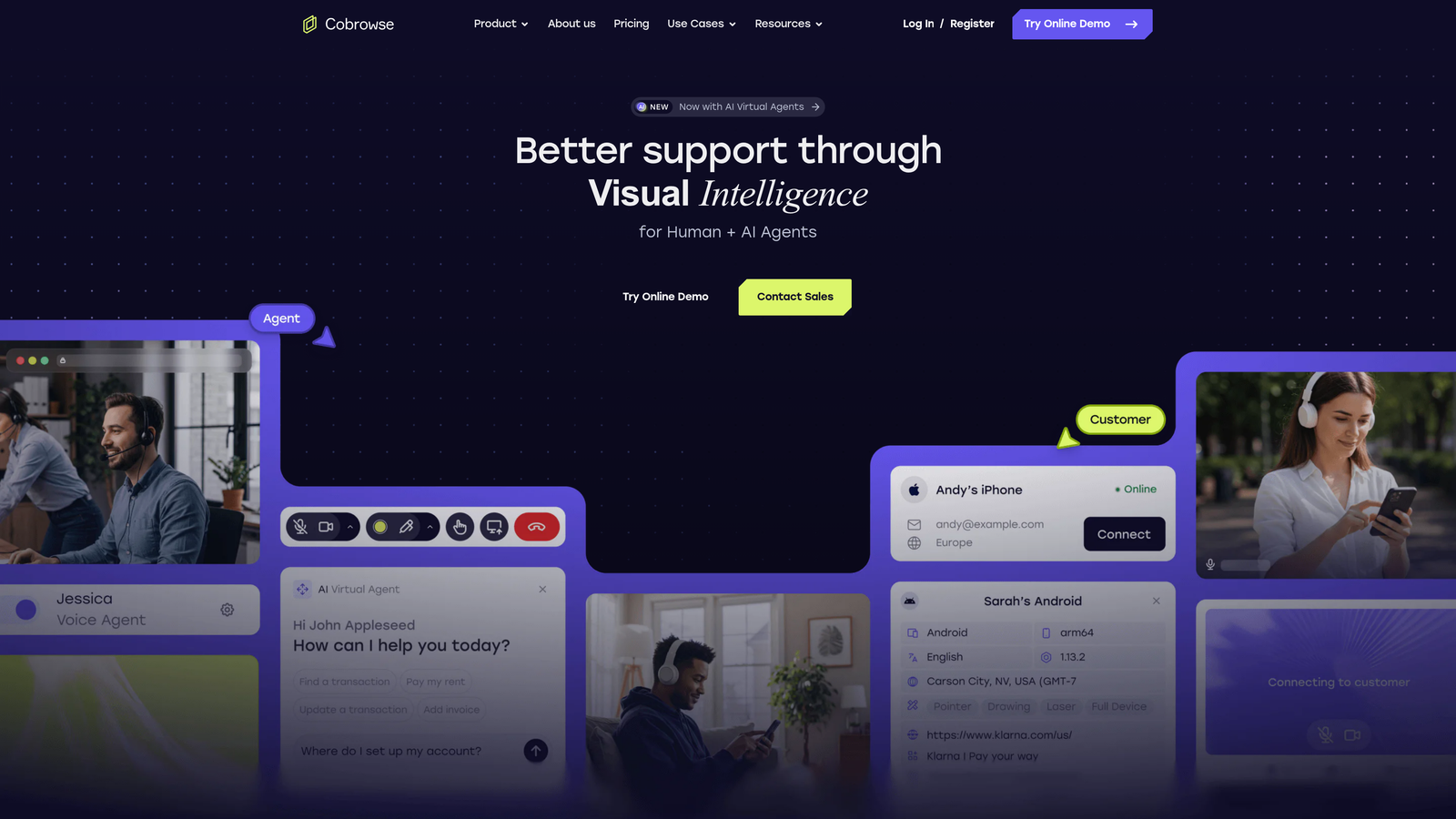
Cobrowse.io is a privacy-safe co-browsing platform that lets live support agents see, annotate, and interact with a user's screen in real time to resolve complex visual issues.
Where This Tool Shines
Some support issues simply can't be resolved through text or pre-built walkthroughs. When a user is experiencing something unexpected or can't describe what they're seeing, co-browsing eliminates the guesswork entirely. Cobrowse.io lets agents join a shared session, use annotation tools and a laser pointer to highlight elements, and even take remote control with explicit user consent.
Privacy is handled thoughtfully: sensitive form fields are masked by default, and the tool is designed with regulated industries in mind. It integrates cleanly with Zendesk, Salesforce, and major CRMs, so agents can launch co-browse sessions directly from their existing support workflow.
Key Features
Real-Time Co-Browsing: Agents join a shared view of the user's browser session without requiring any download.
Annotation and Laser Pointer: Visual tools for highlighting, drawing, and directing user attention on screen.
Remote Control: Agents can interact with the user's browser directly, with explicit user consent required.
Privacy Masking: Sensitive fields are automatically masked to protect user data during sessions.
CRM Integrations: Connects with Zendesk, Salesforce, and other major support and CRM platforms.
Best For
Support teams handling complex, high-touch issues where self-serve and async guidance fall short. Particularly valuable in regulated industries like fintech, healthcare SaaS, and enterprise software where sensitive data handling is a requirement.
Pricing
Custom pricing based on usage volume and integration requirements. Contact Cobrowse.io directly for a quote.
8. Chameleon
Best for: Data-driven product teams that want to A/B test and segment in-app guidance with precision
Chameleon is a product adoption platform built for teams that want to experiment with in-app guidance experiences rather than simply deploy them and move on.
Where This Tool Shines
Chameleon's core differentiator is its experimentation layer. You can A/B test tours, tooltips, and banners to see which version actually drives the behavior you want, then segment results by user cohort using data pulled from Segment, Mixpanel, or HubSpot. For product teams that treat in-app guidance as a growth lever rather than a support afterthought, this level of rigor is genuinely useful.
The microsurvey feature adds another dimension: you can ask contextual questions at specific product moments to understand why users behave the way they do, not just what they're doing. The launcher (resource center) ties it together with a self-serve help entry point that adapts based on user context.
Key Features
A/B Testing: Test variations of tours, tooltips, and banners to optimize for specific user actions.
Deep Segmentation: Target and analyze guidance experiences using data from Segment, Mixpanel, and HubSpot.
Microsurveys: Contextual in-product questions that capture qualitative feedback at key moments.
Launcher: Customizable resource center that surfaces relevant help content based on user context.
Best For
Product and growth teams at data-mature SaaS companies who want to treat in-app guidance as an experiment, not a static deployment. Best suited for teams already using Segment or Mixpanel as their data backbone.
Pricing
Free Startup tier available; paid plans scale with monthly active users and feature access. Check chameleon.io for current plan details.
9. Loom
Best for: Support and customer success teams that need async visual walkthroughs for complex ticket responses
Loom is an async screen and face recording tool widely used by support and customer success teams to send visual walkthroughs in response to tickets that text alone can't resolve.
Where This Tool Shines
Loom occupies a different category from the other tools on this list: it's not a real-time or automated guidance platform, but it fills a genuinely important gap. When a support agent needs to walk a user through a multi-step process, demonstrate a workaround, or explain something that would take five paragraphs to describe in text, a two-minute screen recording is often the fastest and clearest solution.
The workflow is frictionless. Agents record screen and webcam simultaneously, and the resulting video is instantly shareable via link, with no download required on either end. Viewers can leave timestamped comments and emoji reactions, turning a one-way recording into a lightweight async dialogue. Now part of the Atlassian ecosystem, Loom integrates naturally with Zendesk, Notion, Slack, and Jira.
Key Features
Screen and Webcam Recording: Capture both screen activity and face simultaneously for personal, clear walkthroughs.
Instant Shareable Links: Videos are immediately accessible via link with no download required for the viewer.
Async Dialogue: Viewers can leave timestamped comments and emoji reactions to continue the conversation.
Integrations: Works with Zendesk, Notion, Slack, and Atlassian tools including Jira and Confluence.
Best For
Support agents and customer success managers handling complex tickets where a visual demonstration is clearer than written instructions. Also valuable for onboarding specialists creating personalized video guides for high-value accounts.
Pricing
Free tier available for individual use; Business and Enterprise plans for teams. See loom.com for current pricing and plan comparisons.
Which Tool Is Right for Your Team
The right choice depends heavily on what kind of visual guidance problem you're actually trying to solve. Here's a quick way to think through it.
If you want autonomous AI support with page-aware visual context, Halo AI is the only tool on this list that combines real-time page awareness with end-to-end ticket resolution, bug ticket creation, and business intelligence. It's the strongest fit for B2B SaaS teams that want to reduce support volume without manually authoring tours.
If you need in-app onboarding and walkthrough creation, the right pick depends on your team's maturity and budget. Appcues and Userflow are excellent for teams that need to move fast without engineering. Pendo and Chameleon suit teams with stronger analytics infrastructure who want behavioral data driving their guidance. Whatfix fits enterprise environments with complex, compliance-sensitive software.
For live agent co-browsing, Cobrowse.io is the clear specialist. No other tool on this list matches its depth for real-time, privacy-safe shared sessions. Intercom is worth considering if you want co-browsing as part of a broader all-in-one platform rather than a dedicated tool.
For async visual walkthroughs, Loom remains the simplest and most effective solution. It's not a platform; it's a habit that support teams develop, and it consistently shortens resolution time for complex tickets.
Your support team shouldn't scale linearly with your customer base. Let AI agents handle routine tickets, guide users through your product, and surface business intelligence while your team focuses on complex issues that need a human touch. See Halo in action and discover how continuous learning transforms every interaction into smarter, faster support.