9 Best Visual Product Guidance Tools for User Onboarding in 2026
Visual product guidance tools help users navigate software by overlaying contextual help directly on your interface—using tooltips, walkthroughs, and interactive elements instead of forcing them to search documentation. This guide evaluates the 9 best platforms in 2026 based on implementation ease, guidance flexibility, analytics capabilities, and integration options, helping you choose the right solution whether you need simple tooltips or AI-powered assistance that adapts to user behavior.
 Matt PattoliFounder12 min read
When users get stuck in your product, they don't want to read documentation or wait for support—they want someone to show them exactly what to do, right where they are. Visual product guidance tools solve this by overlaying contextual help directly on your interface, turning confusion into clarity with highlighted elements, step-by-step walkthroughs, and real-time assistance.
But with the market flooded with options ranging from simple tooltip builders to AI-powered guidance systems, choosing the right tool matters. We evaluated dozens of platforms based on ease of implementation, guidance flexibility, analytics depth, and how well they integrate with existing support workflows. Here are the top visual product guidance tools that stood out for different use cases and team sizes.
1. Halo AI
Best for: Teams wanting AI-powered guidance that learns and improves from every user interaction
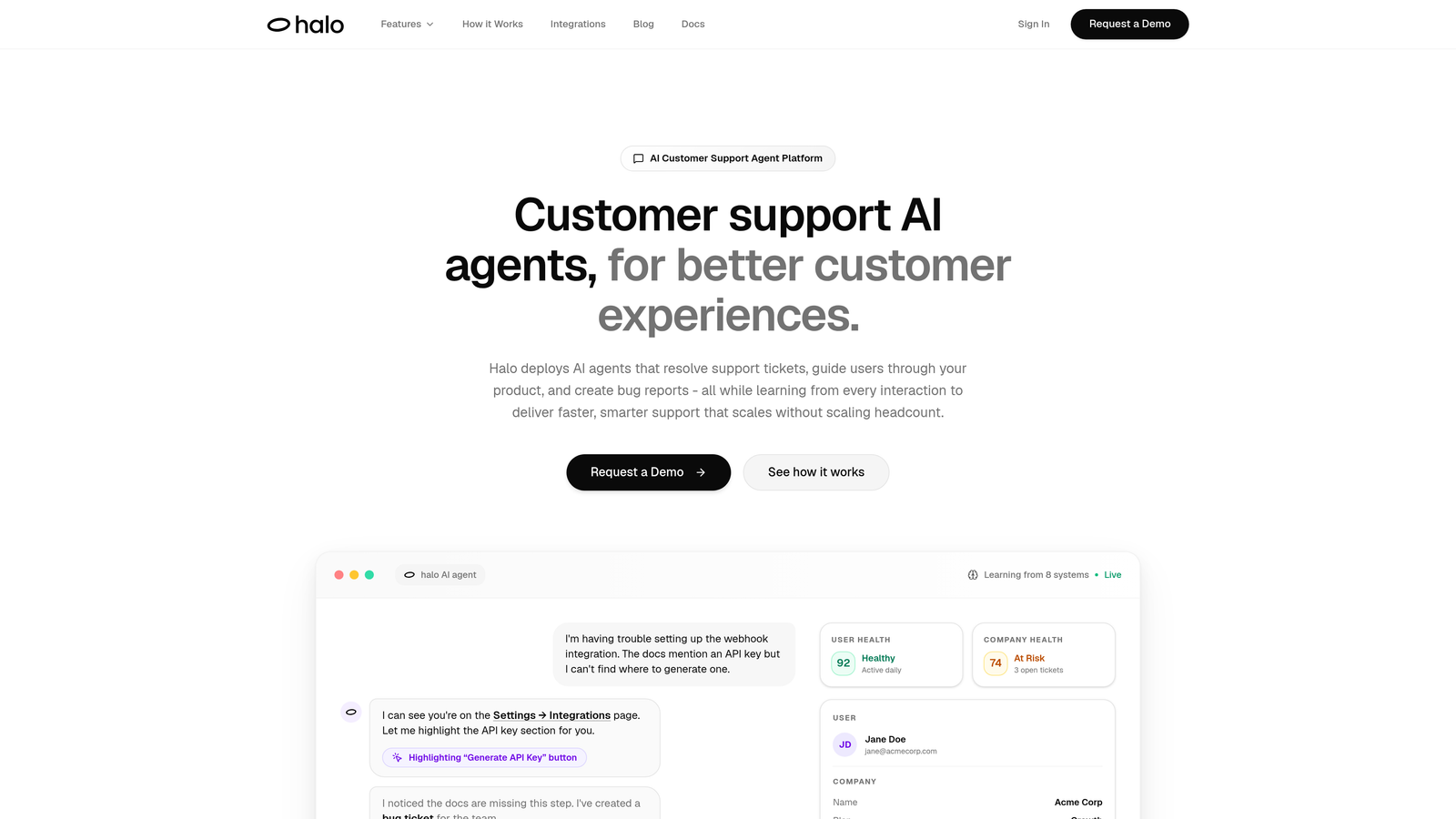
Halo AI is an AI-powered customer support platform that provides page-aware visual guidance by understanding exactly what users see on their screen.
Where This Tool Shines
Unlike static guidance tools that require manual flow building, Halo's AI agents understand the context of what users are looking at and provide relevant help in real-time. The platform sees your interface the same way your users do, which means it can highlight specific elements, explain functionality, and guide users through complex workflows without requiring you to pre-map every possible scenario.
What sets Halo apart is its continuous learning capability. Every interaction teaches the system to provide better guidance, and when users encounter bugs or issues during guidance, the platform automatically creates bug tickets for your development team. This closes the loop between support, product guidance, and product improvement.
Key Features
Page-Aware Chat Widget: Understands current UI context to provide relevant help based on what users are actually looking at.
Visual UI Guidance: Highlights elements and provides step-by-step instructions directly on your interface.
Continuous Learning: AI agents improve guidance quality with every interaction, reducing repetitive support tickets over time.
Automatic Bug Reporting: Creates tickets when guidance reveals product issues, connecting support insights to development.
Live Agent Handoff: Seamlessly escalates complex situations to human agents when AI guidance reaches its limits.
Best For
B2B SaaS companies with complex products who want their support to scale intelligently without adding headcount. Particularly valuable for teams already using helpdesk systems like Zendesk or Intercom who want to layer on AI-powered visual guidance that actually gets smarter over time.
Pricing
Contact for pricing; demo available to see the platform in action with your specific use case.
2. WalkMe
Best for: Enterprise organizations deploying guidance across multiple complex software applications
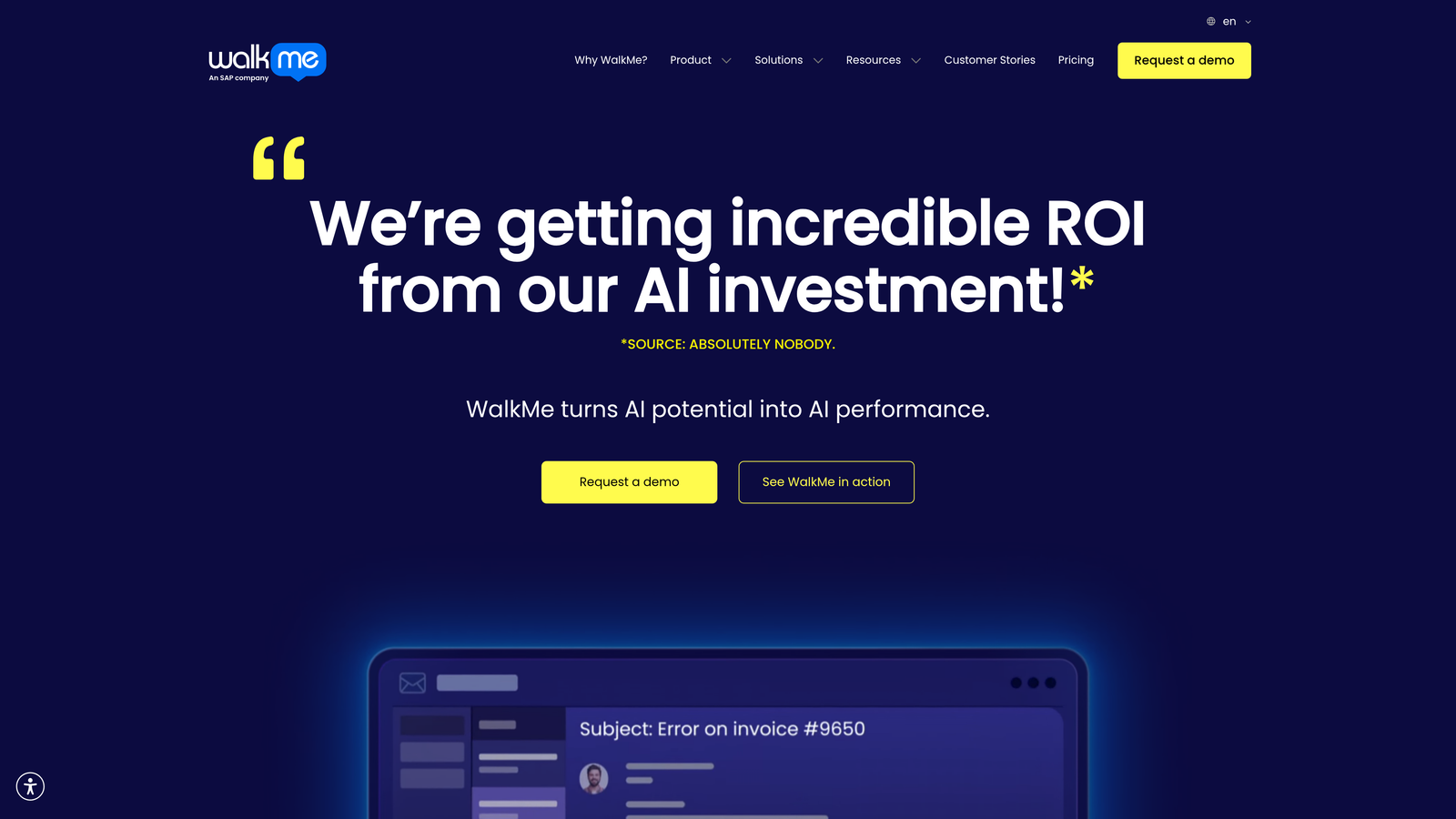
WalkMe is an enterprise digital adoption platform designed for large-scale software guidance and workflow automation across complex tech stacks.
Where This Tool Shines
WalkMe excels in enterprise environments where employees need guidance across multiple software systems. The platform's Smart Walk-Thrus use conditional logic to adapt guidance paths based on user actions, making it possible to automate complex, multi-step processes that span different applications.
The Workstation desktop app extends guidance beyond web applications to desktop software, which is crucial for enterprises using legacy systems. WalkMe's analytics dashboard provides deep insights into where users struggle, helping large organizations identify training gaps and measure digital adoption ROI.
Key Features
Smart Walk-Thrus: Conditional logic and branching paths that adapt based on user behavior and choices.
ActionBot: Automated task completion that can fill forms and execute actions on behalf of users.
Enterprise Analytics: Comprehensive insights dashboard tracking adoption, engagement, and completion rates across applications.
Cross-Application Guidance: Seamless guidance that works across multiple software tools in your tech stack.
Workstation Desktop App: Extends guidance to non-web applications and desktop software.
Best For
Large enterprises with 1,000+ employees who need to drive adoption of complex software like Salesforce, SAP, or Workday. Best suited for organizations with dedicated digital adoption or training teams who can invest time in building comprehensive guidance flows.
Pricing
Custom enterprise pricing; typically starts at $10,000+ annually depending on user count and application complexity.
3. Pendo
Best for: Product teams wanting combined in-app guidance and deep product analytics
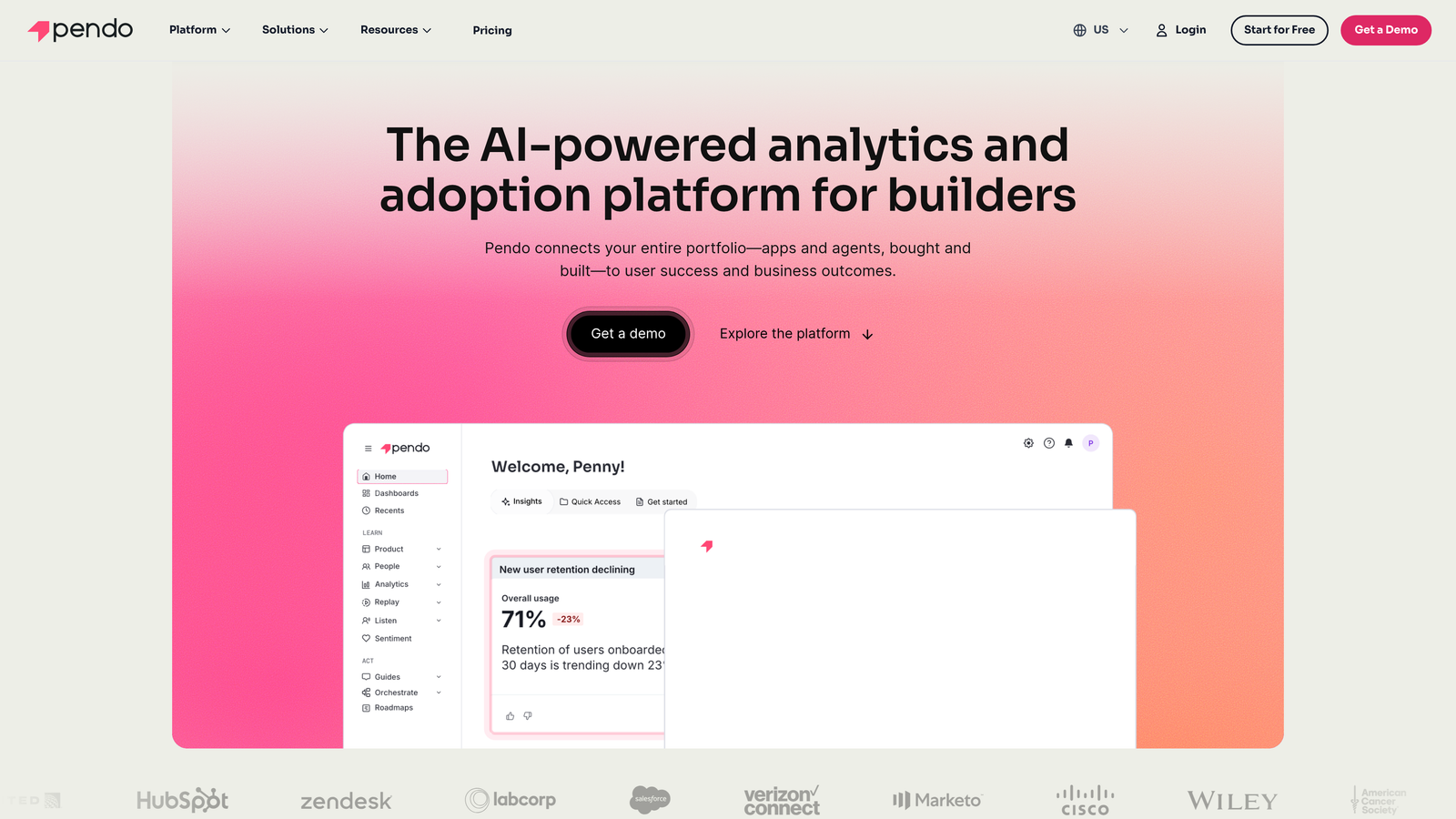
Pendo is a product experience platform that combines in-app guidance with comprehensive product analytics for data-driven user engagement.
Where This Tool Shines
Pendo's standout feature is its retroactive analytics capability. You can analyze historical user behavior without having to set up tracking in advance, which means you can answer questions about past product usage immediately. This makes it invaluable for product managers who need to understand feature adoption trends and user behavior patterns.
The platform connects guidance directly to analytics, so you can see exactly how in-app guides impact feature adoption and user retention. Pendo also includes product roadmap and feedback collection tools, making it a comprehensive product management platform beyond just guidance.
Key Features
Retroactive Analytics: Analyze historical user behavior without requiring upfront tagging or tracking setup.
Segmented In-App Guides: Target specific user groups with personalized guidance based on behavior and attributes.
Product Roadmap Tools: Collect and prioritize feature requests directly from users within your product.
Session Replay: Watch recordings of actual user sessions to understand behavior and identify friction points.
Mobile App Support: Deploy guidance and collect analytics for both iOS and Android native applications.
Best For
Product-led growth companies where product managers need both guidance capabilities and deep analytics to inform product decisions. Particularly valuable for teams who want to understand the impact of onboarding changes on long-term retention.
Pricing
Free tier available for basic analytics; paid plans start at approximately $7,000 annually with pricing scaling based on monthly active users.
4. Whatfix
Best for: Employee training and enterprise software adoption with multi-format content delivery
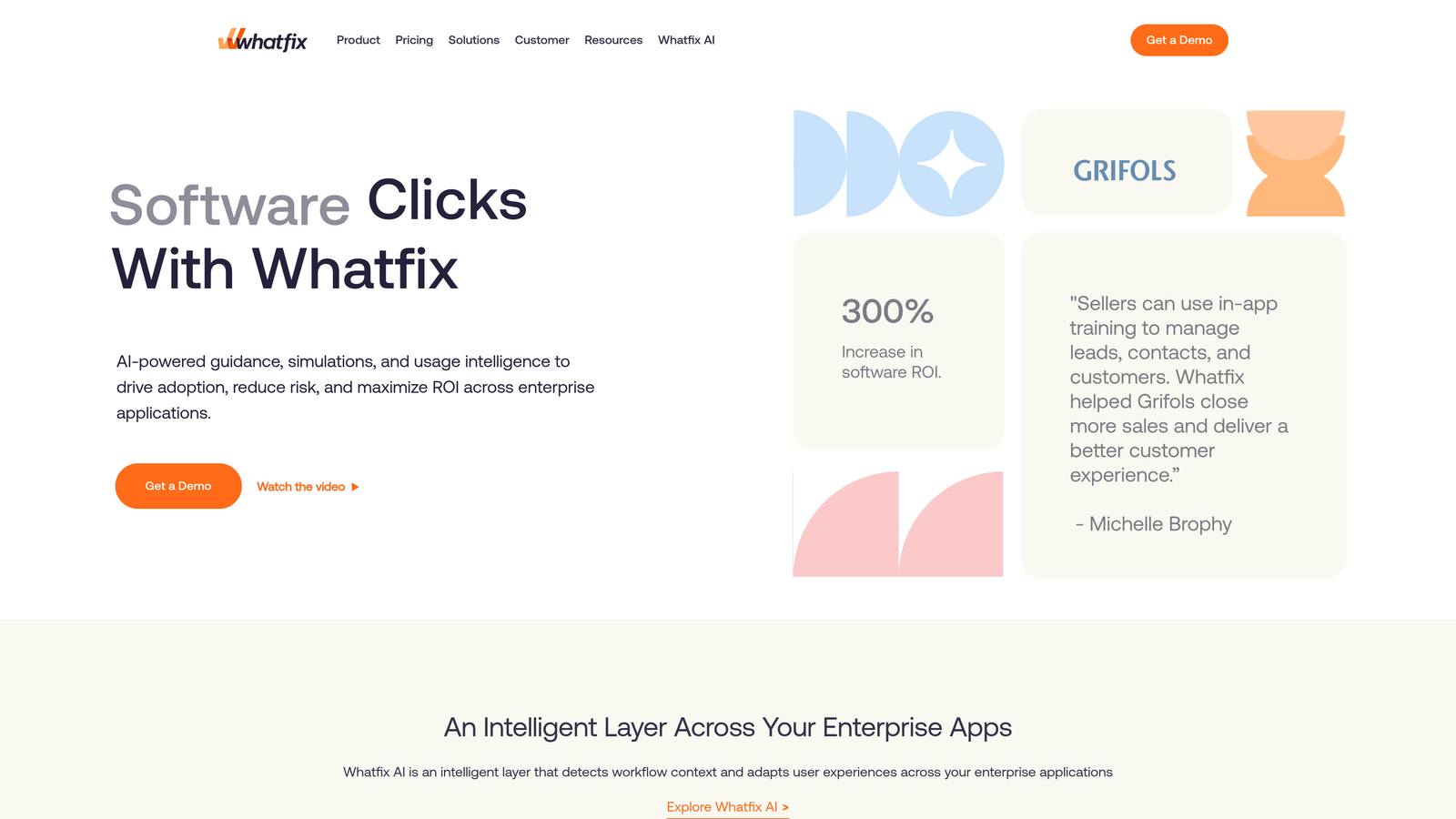
Whatfix is a digital adoption platform focused on employee training and enterprise software adoption through multiple content formats.
Where This Tool Shines
Whatfix automatically generates training content in multiple formats from a single source. Create one guide and the platform produces interactive walkthroughs, video tutorials, PDF documentation, and slideshow presentations simultaneously. This is incredibly efficient for training teams who need to deliver content in different formats for different learning preferences.
The platform's smart tips and field validation help prevent user errors before they happen, which is particularly valuable for enterprise applications where mistakes can have significant consequences. The self-help widget provides searchable access to all guidance content, reducing support ticket volume.
Key Features
Auto-Generated Multi-Format Content: Creates videos, PDFs, and slideshows automatically from interactive guides.
Smart Tips and Validation: Provides contextual help and validates field entries to prevent user errors.
Self-Help Widget: Searchable knowledge base accessible from within any application.
Task Lists and Progress Tracking: Guides users through complex workflows with clear progress indicators.
Enterprise Integrations: Deep connections with Salesforce, Workday, SAP, and other enterprise systems.
Best For
Mid-market to enterprise companies focused on employee training and software adoption, especially organizations deploying complex enterprise applications where comprehensive training materials are essential.
Pricing
Custom pricing based on user count and feature requirements; typically positioned in the mid-market to enterprise range.
5. Appcues
Best for: Fast implementation and no-code onboarding flows without engineering dependencies
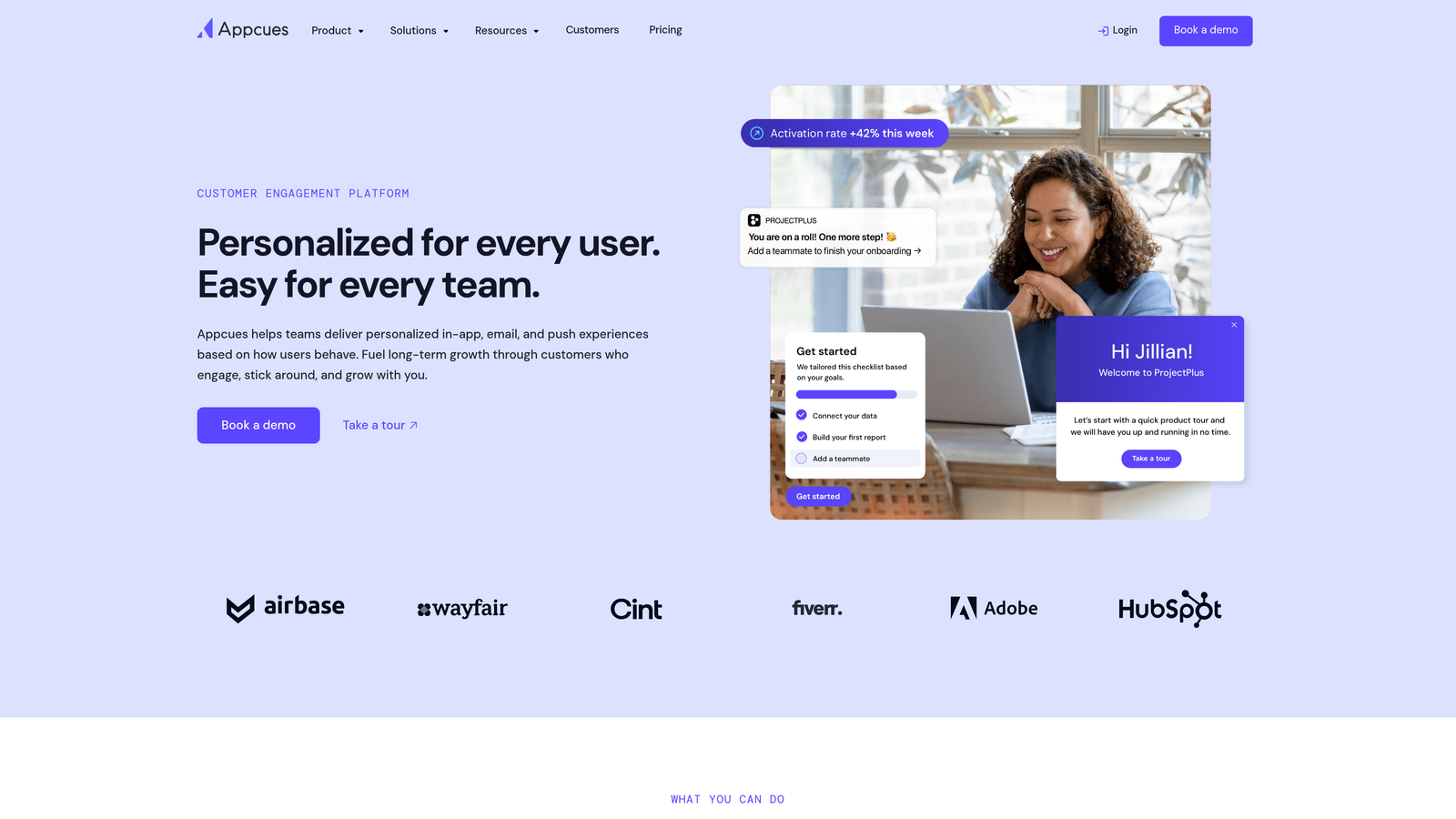
Appcues is a no-code product adoption platform designed for rapid implementation and user onboarding without requiring engineering resources.
Where This Tool Shines
Appcues makes it remarkably easy for non-technical team members to build and deploy onboarding flows. The Chrome extension builder lets you visually create flows by clicking on elements in your actual product interface. This means product marketers and customer success teams can iterate on onboarding without waiting for developer availability.
The platform's event tracking and goal completion features help you measure the impact of your onboarding changes immediately. Appcues also includes NPS and survey collection tools, making it easy to gather user feedback at critical moments in the user journey.
Key Features
Chrome Extension Builder: Visual flow creation by clicking elements directly in your product interface.
Checklists and Progress Indicators: Guide users through multi-step onboarding with clear completion tracking.
NPS and Survey Tools: Collect user feedback and satisfaction scores at strategic moments.
Event Tracking and Goals: Measure completion rates and impact of onboarding flows on key metrics.
Mobile SDK: Deploy guidance in native iOS and Android applications.
Best For
Growing SaaS companies with limited engineering resources who need product marketers or customer success teams to own onboarding independently. Ideal for teams who want to experiment rapidly with different onboarding approaches.
Pricing
Essentials plan starts at $249 monthly; Growth and Enterprise plans available with custom pricing based on monthly active users.
6. Userpilot
Best for: Product growth teams optimizing onboarding through experimentation and A/B testing
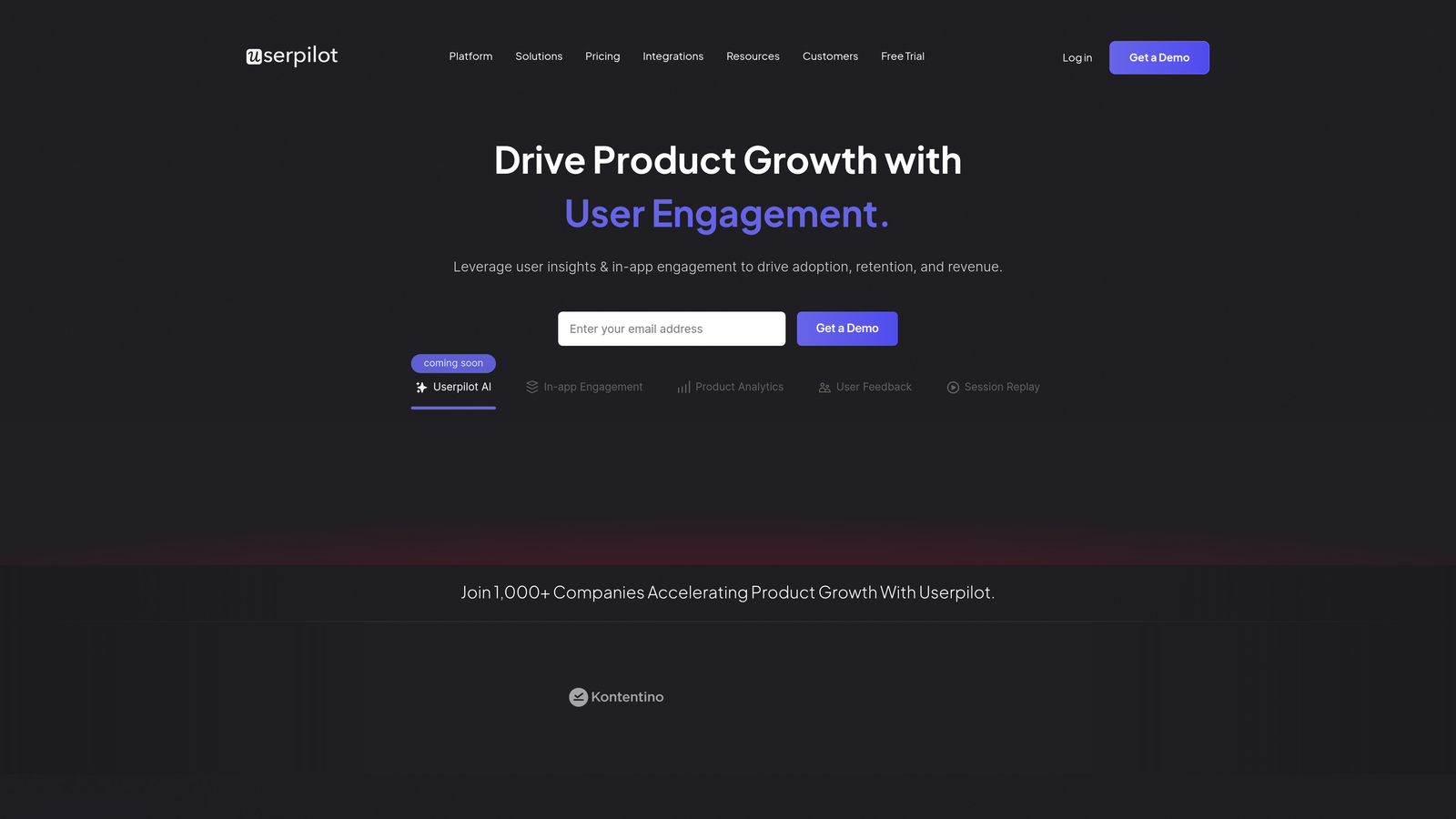
Userpilot is a product growth platform with granular user targeting and built-in A/B testing for optimizing onboarding flows.
Where This Tool Shines
Userpilot's advanced segmentation capabilities let you target users with incredible precision based on behavior, attributes, and product usage patterns. You can create segments like "users who completed step one but abandoned step two in the last seven days" and deliver targeted guidance to re-engage them.
The native A/B testing functionality is particularly valuable. You can test different onboarding approaches, measure their impact on activation and retention, and let data drive your onboarding strategy. The resource center provides a centralized help hub that users can access anytime, reducing support burden.
Key Features
Advanced User Segmentation: Target users based on granular behavior patterns and custom attributes.
Native A/B Testing: Experiment with different guidance approaches and measure impact on key metrics.
Resource Center: Searchable help content hub accessible from anywhere in your product.
Feature Adoption Tracking: Monitor how guidance affects adoption of specific product features.
Localization Support: Deploy guidance in multiple languages for international user bases.
Best For
Product growth teams at B2B SaaS companies who take a data-driven approach to onboarding optimization and want to continuously experiment with different guidance strategies.
Pricing
Starter plan begins at $249 monthly; Growth plan from $499 monthly with additional features and higher user limits.
7. Chameleon
Best for: Brand-conscious product teams needing pixel-perfect customization and styling control
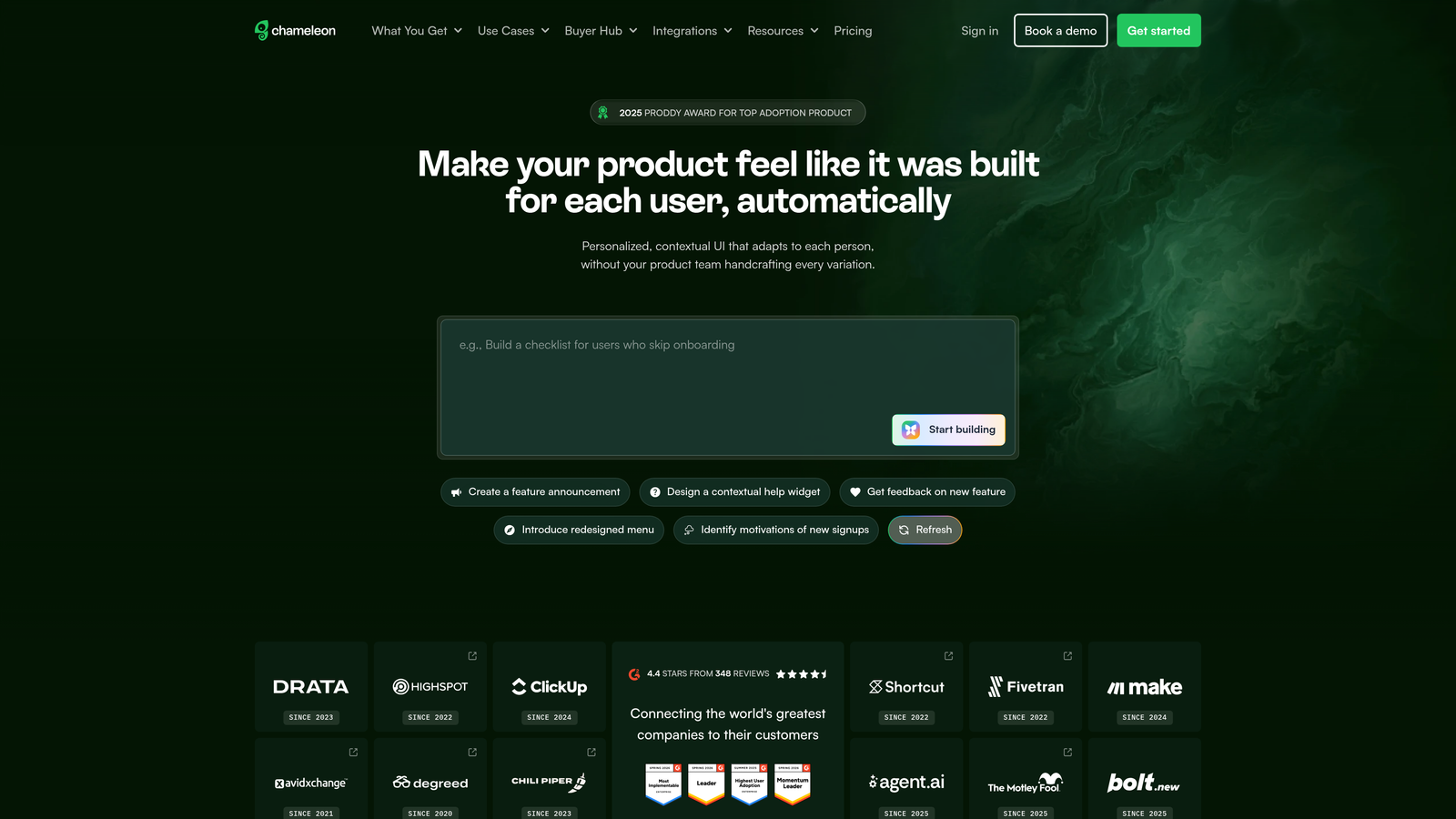
Chameleon is a highly customizable in-app guidance platform with deep styling control for maintaining brand consistency.
Where This Tool Shines
Chameleon provides CSS-level customization that lets you match guidance elements perfectly to your brand. If your design team is particular about visual consistency, Chameleon gives you the control to make tooltips, modals, and checklists look like native parts of your interface rather than obviously added overlays.
The platform's rate limiting feature prevents user fatigue by controlling how frequently users see guidance. This is crucial for avoiding the "too many tooltips" problem that can make products feel cluttered. Chameleon's developer-friendly API and webhook support make it easy to integrate with your existing tech stack.
Key Features
CSS-Level Customization: Pixel-perfect styling control to match guidance elements to your brand identity.
Microsurveys and Feedback: Collect user feedback and insights at strategic moments in the user journey.
Persistent Launchers: Always-accessible help buttons that users can click when they need assistance.
Rate Limiting: Control guidance frequency to prevent user fatigue and maintain positive experience.
Developer API and Webhooks: Extensive integration capabilities for custom workflows and data syncing.
Best For
Design-forward SaaS companies where visual consistency is critical and you have development resources to leverage advanced customization capabilities.
Pricing
Plans start at $279 monthly; custom enterprise plans available with additional features and support.
8. Userflow
Best for: Startups and growing teams needing affordable, quick-to-implement product tours
Userflow is a lightweight, affordable product tour builder designed for startups and growing teams needing rapid implementation.
Where This Tool Shines
Userflow focuses on simplicity and speed. The visual flow builder uses drag-and-drop functionality that lets you create product tours in minutes rather than hours. This makes it perfect for early-stage companies who need to implement onboarding quickly without extensive planning or resources.
The platform includes version history and flow management, so you can experiment with changes and roll back if something doesn't work. Team collaboration features let multiple people work on flows simultaneously, which is valuable for small teams where everyone wears multiple hats.
Key Features
Drag-and-Drop Flow Builder: Visual interface for creating product tours without code or technical knowledge.
Checklists and Resource Center: Guide users through onboarding steps with clear progress tracking.
Event Tracking Without Code: Monitor user behavior and flow completion without engineering setup.
Version History: Track changes and roll back to previous flow versions when needed.
Team Collaboration: Multiple team members can work on flows simultaneously with role-based permissions.
Best For
Startups and small SaaS companies with limited budgets who need to implement basic product tours quickly. Ideal for teams who want straightforward onboarding without complex segmentation or advanced features.
Pricing
Startup-friendly pricing starts at $200 monthly, making it one of the most affordable options for early-stage companies.
9. Stonly
Best for: Complex workflow guidance and decision-tree based self-service support
Stonly is an interactive knowledge base platform with decision-tree guidance for complex workflows and self-service support.
Where This Tool Shines
Stonly excels at guiding users through complex, branching workflows where the right path depends on their specific situation. The decision-tree format asks users questions and provides tailored guidance based on their answers, which is particularly effective for troubleshooting and multi-step processes with many variables.
The embeddable knowledge base widgets integrate seamlessly into your product interface, providing contextual help without forcing users to leave what they're doing. Stonly's AI-powered search helps users find relevant guides quickly, and the analytics show you which guides are most effective at resolving issues.
Key Features
Interactive Decision Trees: Step-by-step guides with branching logic based on user responses.
Embeddable Knowledge Widgets: Place help content directly in your product interface contextually.
AI-Powered Search: Smart suggestions that surface relevant guides based on user queries.
Helpdesk Integration: Connect with support platforms to surface guides within ticket workflows.
Usage Analytics: Track which guides are most effective at resolving issues and reducing support load.
Best For
Companies with complex products or workflows where users need conditional guidance based on their specific situation. Particularly valuable for reducing support tickets by enabling effective self-service.
Pricing
Free tier available for basic functionality; paid plans start at $199 monthly with scaling based on guide volume and features.
Making the Right Choice
The visual product guidance landscape has shifted dramatically toward AI-powered, context-aware systems that adapt in real-time rather than relying on static, pre-built tours. When evaluating tools, consider not just current capabilities but how they'll evolve with your product complexity.
If you're an enterprise organization deploying guidance across multiple complex applications, WalkMe or Whatfix provide the cross-platform capabilities and enterprise integrations you need. Product teams who want deep analytics alongside guidance should look at Pendo, which connects onboarding directly to long-term product metrics.
For teams prioritizing speed and ease of use, Appcues and Userflow offer no-code builders that let non-technical teams own onboarding. Userpilot stands out for growth teams who want to experiment continuously with A/B testing, while Chameleon gives design-conscious companies the customization control they need for brand consistency.
But here's the fundamental question: do you want to manually build and maintain guidance flows, or do you want a system that learns and improves automatically? Static guidance tools require ongoing maintenance as your product evolves. Every interface change means updating flows, and every new feature requires building new guides.
AI-powered platforms like Halo take a different approach. By understanding page context and learning from interactions, they provide relevant guidance without requiring you to pre-map every scenario. When users encounter issues, the system creates bug tickets automatically, connecting support insights directly to product improvement. This means your guidance gets smarter over time instead of becoming outdated.
Your support team shouldn't scale linearly with your customer base. Let AI agents handle routine tickets, guide users through your product, and surface business intelligence while your team focuses on complex issues that need a human touch. See Halo in action and discover how continuous learning transforms every interaction into smarter, faster support.