9 Best Visual Support Guidance Software Tools in 2026
Visual support guidance software helps users navigate products through interactive walkthroughs, element highlighting, and screen-aware assistance instead of traditional text instructions. This guide reviews the 9 best visual support guidance software tools in 2026, evaluated on implementation ease, AI capabilities, and effectiveness at reducing support tickets while improving user onboarding and self-service for B2B teams.
 Grant CooperFounder13 min read
When customers get stuck in your product, text-based instructions often fall short. They're reading about where to click while squinting at their screen, trying to match words to buttons. Visual support guidance software solves this by showing users exactly what to do—highlighting elements, walking them through steps, and providing context-aware help that adapts to what's actually on their screen.
Whether you're looking to reduce support tickets, speed up onboarding, or help users self-serve more effectively, the right visual guidance tool can transform your support experience. We evaluated these tools based on ease of implementation, visual guidance capabilities, AI features, integration options, and value for B2B teams. Here are the top visual support guidance software platforms available today.
1. Halo AI
Best for: B2B teams wanting AI-powered support that sees what users see
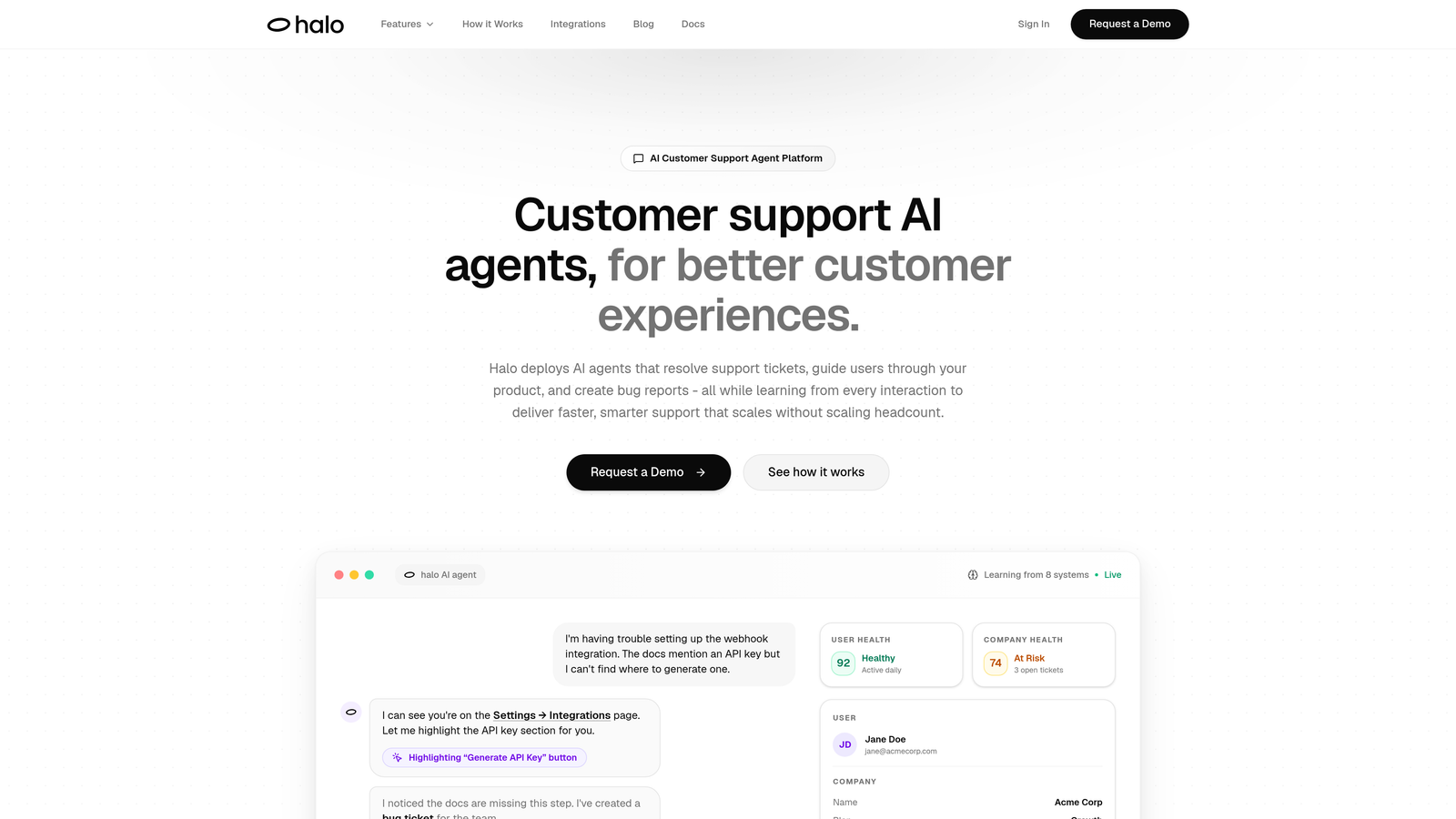
Halo AI is an AI-powered customer support platform with page-aware chat capabilities that provide visual UI guidance by seeing exactly what users see on their screen.
Where This Tool Shines
What sets Halo apart is its page-aware intelligence. Unlike traditional chatbots that respond to text alone, Halo's AI agents can see the actual UI elements on a user's screen. This means when someone asks "How do I export this report?" the AI knows which buttons are visible, which fields need filling, and can guide them through the exact steps based on their current view.
The platform goes beyond reactive support. It learns from every interaction, continuously improving its ability to resolve tickets autonomously while surfacing business intelligence signals your team can act on. The AI handles routine questions and walkthroughs, escalating only when human judgment is needed.
Key Features
Page-Aware Visual Guidance: The chat widget sees your user's current screen state, providing context-specific help that references actual UI elements they're looking at.
Autonomous AI Agents: AI resolves support tickets independently, learning from each interaction to handle increasingly complex scenarios without human intervention.
Multi-System Integration: Connects to your entire business stack including Zendesk, Intercom, Slack, Linear, HubSpot, Stripe, and more for unified support operations.
Auto Bug Ticket Creation: Automatically generates detailed bug reports in Linear when issues are identified, complete with context from the support interaction.
Business Intelligence Analytics: Surfaces customer health signals, revenue intelligence, and anomaly detection beyond traditional support metrics.
Best For
B2B SaaS companies looking to scale support without scaling headcount. Particularly valuable for product teams using helpdesk systems like Zendesk, Freshdesk, or Intercom who want AI that understands product context, not just keywords.
Pricing
Contact for custom pricing based on your support volume and integration needs. Demo available to see the page-aware guidance in action.
2. WalkMe
Best for: Enterprise digital transformation initiatives requiring comprehensive adoption solutions
WalkMe is an enterprise digital adoption platform providing on-screen guidance, task automation, and analytics for complex software environments.
Where This Tool Shines
WalkMe built its reputation on handling the most complex digital adoption challenges. If you're rolling out Salesforce, SAP, or custom enterprise applications across thousands of employees, WalkMe's robust infrastructure can handle it. The platform excels at creating comprehensive guidance systems that work across web applications, desktop software, and mobile environments.
The ActionBot feature automates repetitive tasks entirely, not just guiding users through them. For processes like data entry or report generation that follow predictable patterns, this can eliminate dozens of clicks and significantly reduce errors.
Key Features
Smart Walk-Thrus with Branching Logic: Create dynamic guidance paths that adapt based on user actions, role, or data conditions within the application.
Workstation for Desktop Applications: Extend visual guidance beyond web browsers to desktop software like Outlook, Excel, or custom enterprise applications.
Digital Adoption Analytics: Deep insights into where users struggle, which features go unused, and how guidance impacts productivity and completion rates.
ActionBot Task Automation: Automate multi-step processes entirely, executing tasks on behalf of users to eliminate manual work.
Enterprise Security and Compliance: SOC 2 Type II certification, GDPR compliance, and security controls designed for regulated industries.
Best For
Large enterprises undergoing digital transformation, particularly those implementing complex ERP, CRM, or custom enterprise applications across global teams. Best suited for organizations with dedicated digital adoption teams.
Pricing
Custom enterprise pricing typically starting in the higher range for large-scale deployments. Implementation and ongoing support included in enterprise packages.
3. Pendo
Best for: Product teams wanting visual guidance combined with deep product analytics
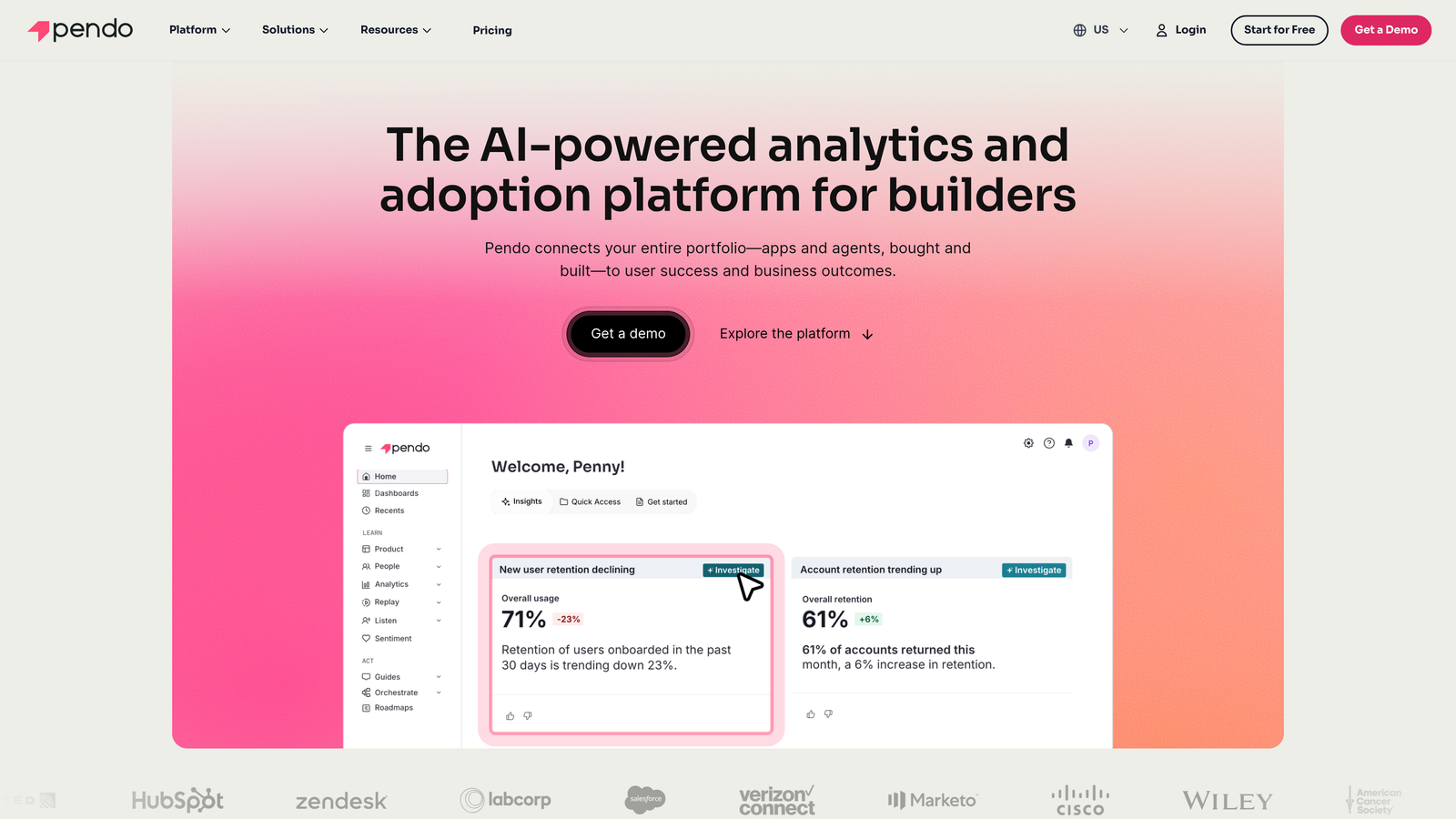
Pendo is a product experience platform combining in-app guides with deep product analytics to drive user engagement and adoption.
Where This Tool Shines
Pendo's real power lies in closing the loop between analytics and action. You can identify exactly where users drop off in your product, then immediately create targeted visual guides to address those friction points. The retroactive data capture means you get historical analytics even for events you didn't explicitly track, giving product teams unprecedented visibility.
The resource center functionality creates a persistent, searchable help hub within your product. Users can find walkthroughs, announcements, and documentation without leaving your application, reducing context switching and support ticket volume.
Key Features
Visual Design Studio: No-code builder for creating tooltips, lightboxes, and multi-step guides with full customization to match your brand.
Retroactive Product Analytics: Capture usage data for all product events automatically, even those you didn't explicitly instrument, with the ability to query historical data.
Resource Center: Embeddable self-service hub where users can search guides, view announcements, and access help documentation without leaving your product.
NPS and Feedback Collection: In-app surveys and feedback tools with segmentation to understand sentiment across different user cohorts.
Segment-Based Targeting: Show different guides to different user segments based on behavior, attributes, or account properties.
Best For
Product-led SaaS companies that want to combine user guidance with product analytics. Ideal for teams that make data-driven decisions about feature adoption and user experience improvements.
Pricing
Free tier available for basic features. Paid plans start at the Growth tier with custom pricing based on monthly active users and feature requirements.
4. Whatfix
Best for: Organizations needing multi-format content generation for employee and customer training
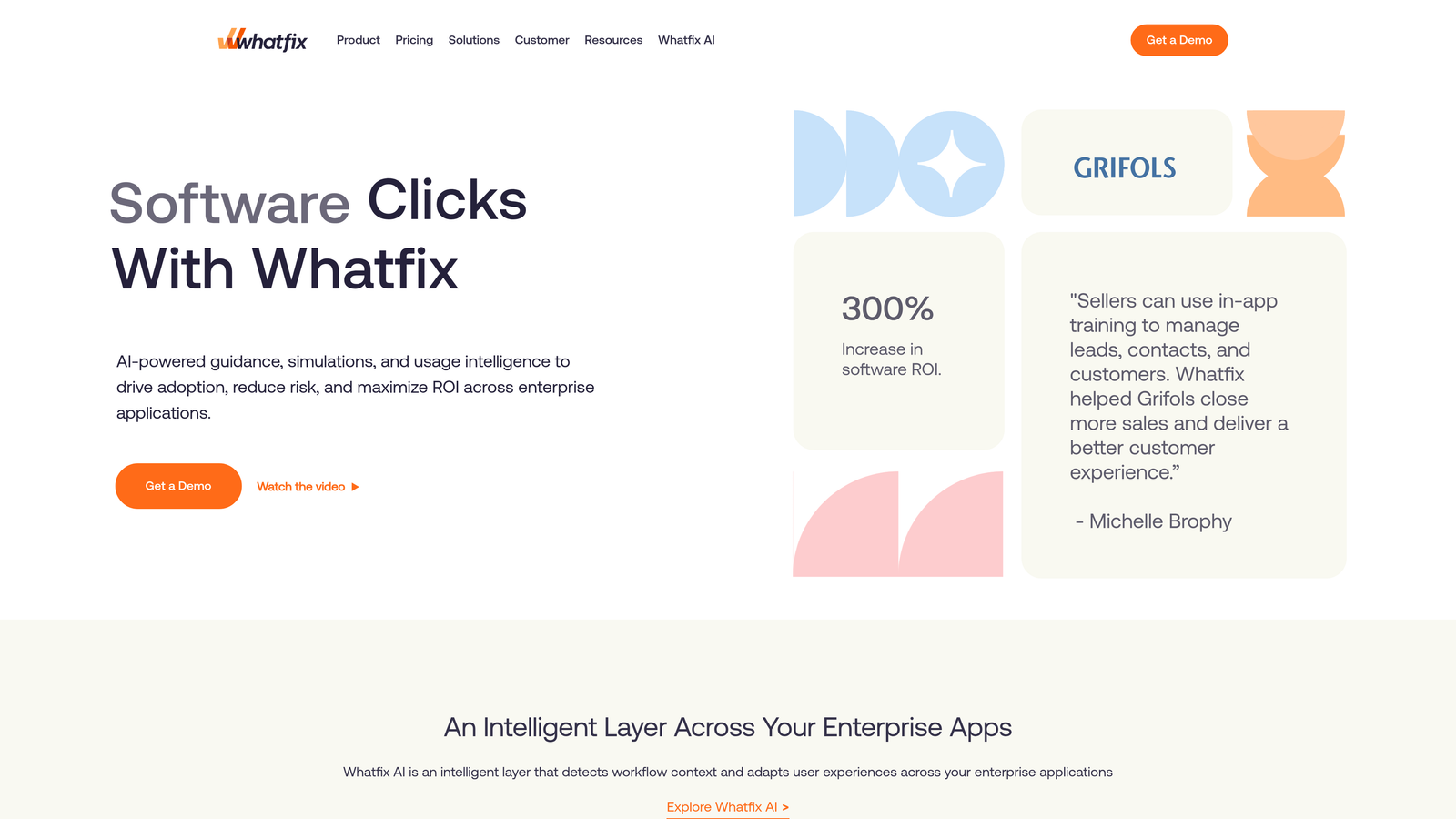
Whatfix is a digital adoption platform offering interactive walkthroughs, self-help widgets, and multi-format content for employee and customer training.
Where This Tool Shines
Whatfix's standout capability is auto-generating multiple content formats from a single workflow capture. Record a process once, and the platform can create an interactive walkthrough, a video tutorial, a PDF guide, and a SCORM package for your LMS. This dramatically reduces the time training teams spend creating and maintaining documentation across different formats.
The self-help widget acts as an always-available assistant, letting users search for guidance without opening a separate help center. It's particularly effective for complex enterprise applications where users need occasional help but don't want to interrupt their workflow.
Key Features
Flows for Visual Walkthroughs: Step-by-step interactive guides that highlight elements and provide contextual instructions as users navigate through tasks.
Self-Help Widget: Searchable guidance library embedded directly in applications, providing instant access to walkthroughs and documentation.
Multi-Format Content Generation: Automatically create videos, PDFs, interactive simulations, and SCORM packages from a single workflow recording.
Task Lists for Onboarding: Structured checklists that guide new users through setup and key features, tracking completion progress.
Analytics on Guidance Effectiveness: Detailed metrics on which guides users access, where they drop off, and how guidance impacts task completion rates.
Best For
Enterprise organizations with extensive training needs, particularly those managing both employee onboarding and customer education programs. Strong fit for companies using complex software ecosystems.
Pricing
Custom pricing based on use case, number of users, and deployment scope. Enterprise-focused with implementation support included.
5. Userpilot
Best for: Product teams wanting fast implementation without developer dependencies
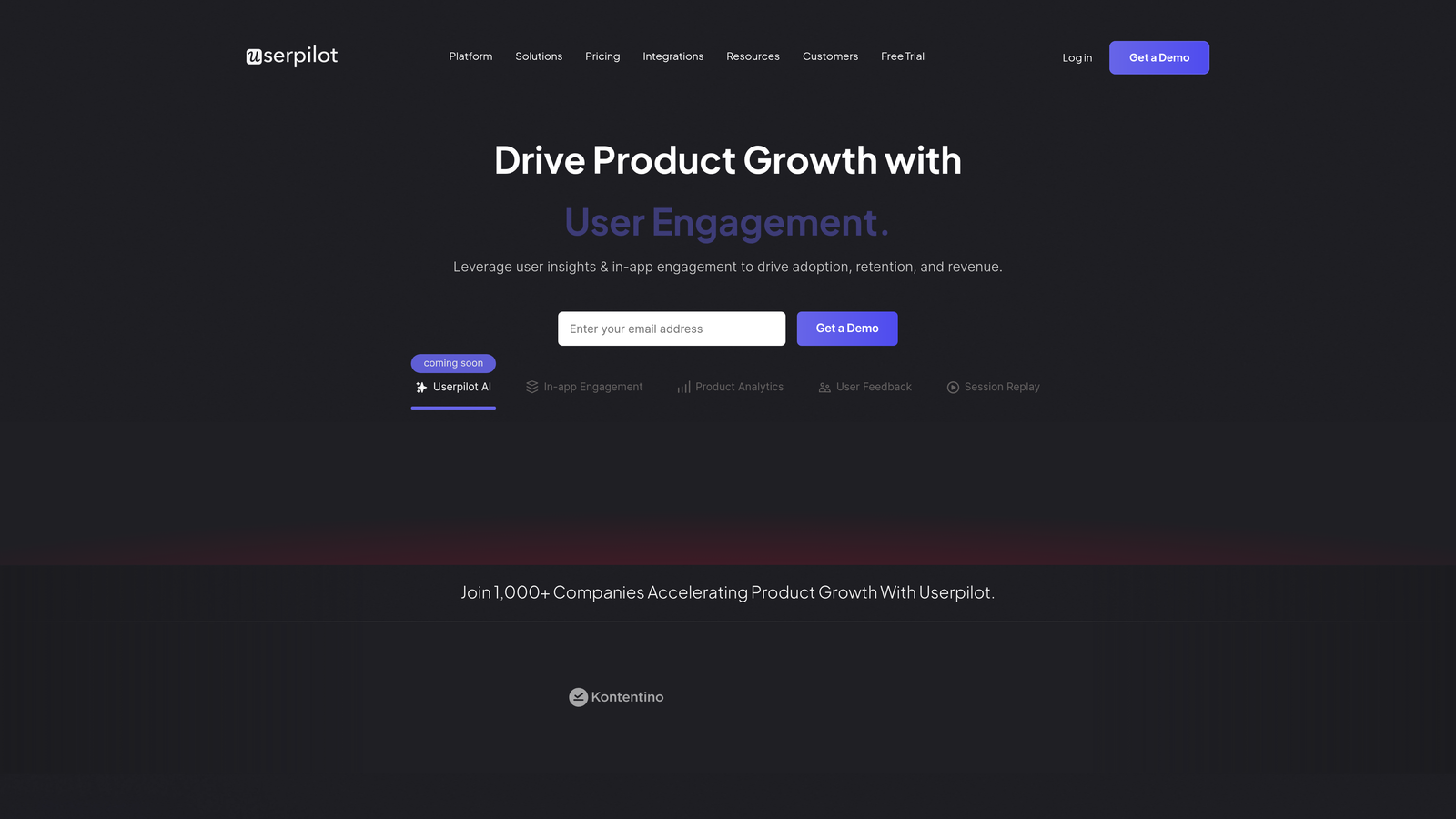
Userpilot is a product growth platform enabling no-code in-app experiences including tooltips, modals, and interactive product tours.
Where This Tool Shines
Userpilot's no-code approach means product managers and customer success teams can create and deploy guidance without waiting for engineering sprints. The visual builder is intuitive enough that non-technical team members can design sophisticated multi-step tours in minutes. Changes go live instantly, letting teams iterate based on user feedback without deployment delays.
The resource center creates a centralized help hub that users can access anytime, reducing the need for repetitive guidance. Combined with smart segmentation, you can show different resources to different user groups based on their plan, usage patterns, or feature adoption.
Key Features
No-Code Flow Builder: Visual editor for creating product tours, tooltips, and modals without writing code or depending on developers.
Contextual Tooltips and Hotspots: Highlight specific UI elements with explanatory tooltips that appear based on user behavior or page context.
Resource Center: Customizable help widget with searchable guides, announcements, and documentation accessible from anywhere in your product.
A/B Testing: Test different onboarding flows, messaging, or guide sequences to optimize conversion and feature adoption rates.
User Segmentation: Target experiences based on user attributes, behavior, or account properties for personalized guidance.
Best For
SaaS companies with product-led growth models where speed and iteration matter. Particularly valuable for teams without dedicated engineering resources for onboarding infrastructure.
Pricing
Starts at $249 per month for the Starter plan supporting up to 2,500 monthly active users. Growth and Enterprise tiers available with advanced features and higher user limits.
6. Intercom Product Tours
Best for: Teams already using Intercom who want native tour functionality
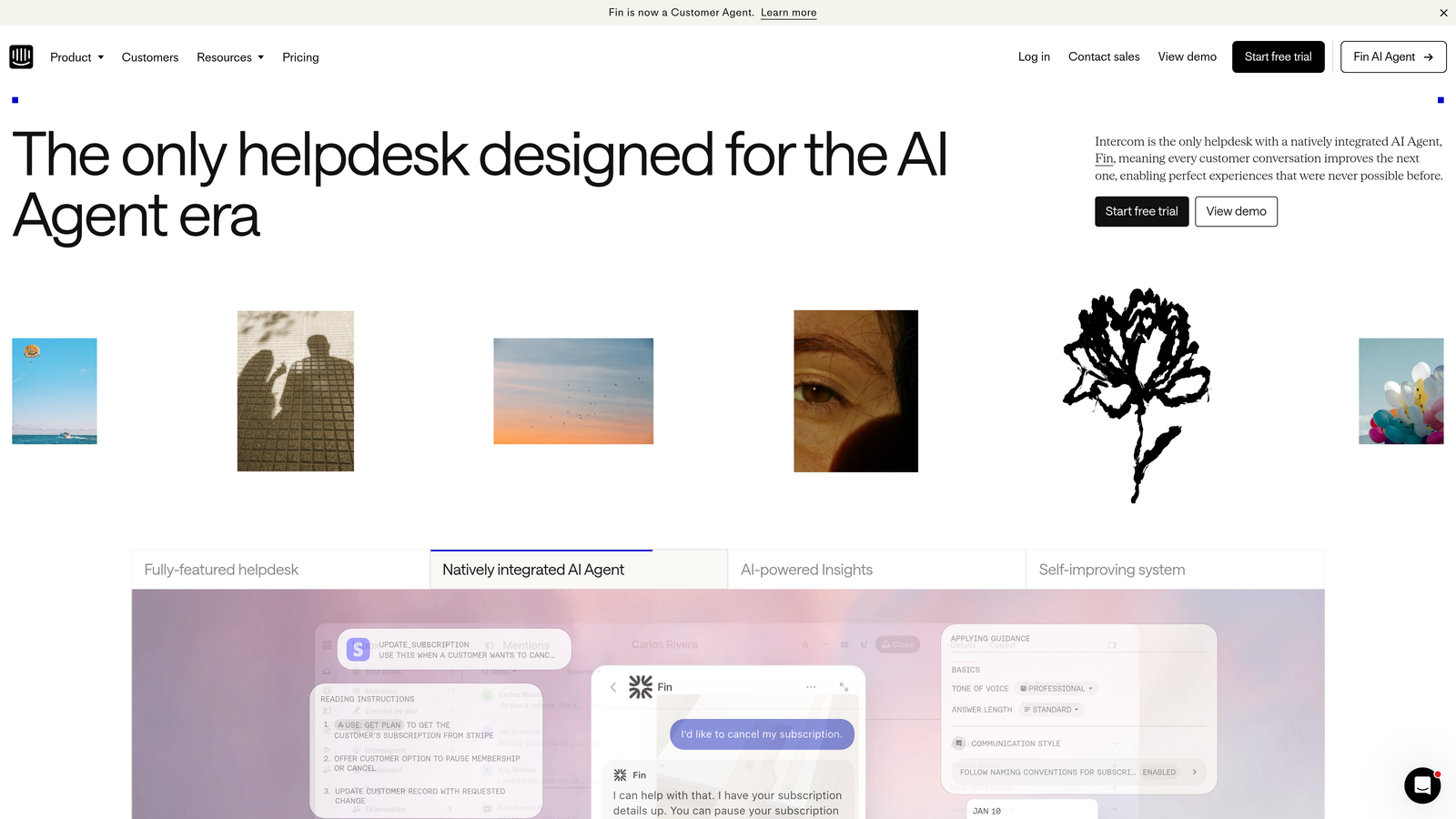
Intercom Product Tours is native product tour functionality within Intercom's customer messaging platform for teams already using their support ecosystem.
Where This Tool Shines
If you're already invested in Intercom's ecosystem, Product Tours provides seamless integration with your existing messenger, inbox, and customer data. The unified analytics mean you can see how product tours impact support volume, connecting guidance effectiveness directly to ticket reduction. Support teams can trigger specific tours from conversations, guiding users through solutions without switching tools.
The integration with Intercom's messenger means tours feel like natural extensions of your support experience rather than separate overlay tools. Users familiar with your Intercom messenger will find tours intuitive and consistent with other help interactions.
Key Features
Code-Free Tour Builder: Create multi-step product tours using Intercom's visual editor without engineering involvement.
Messenger Integration: Tours launch from the same messenger users know for support, creating a consistent experience across help interactions.
Targeted Tours: Show specific tours based on user attributes, behavior, or segment membership using Intercom's customer data.
Video and GIF Support: Embed visual media within tour steps to demonstrate complex interactions or provide richer context.
Unified Analytics: View tour performance alongside support metrics to understand how guidance impacts ticket volume and resolution time.
Best For
Companies already using Intercom for customer support who want to add product tours without introducing another tool. Best for teams that value ecosystem integration over specialized tour features.
Pricing
Available as an add-on to Intercom plans. Pricing varies based on your existing Intercom tier and user volume.
7. Chameleon
Best for: Teams requiring pixel-perfect customization and brand consistency
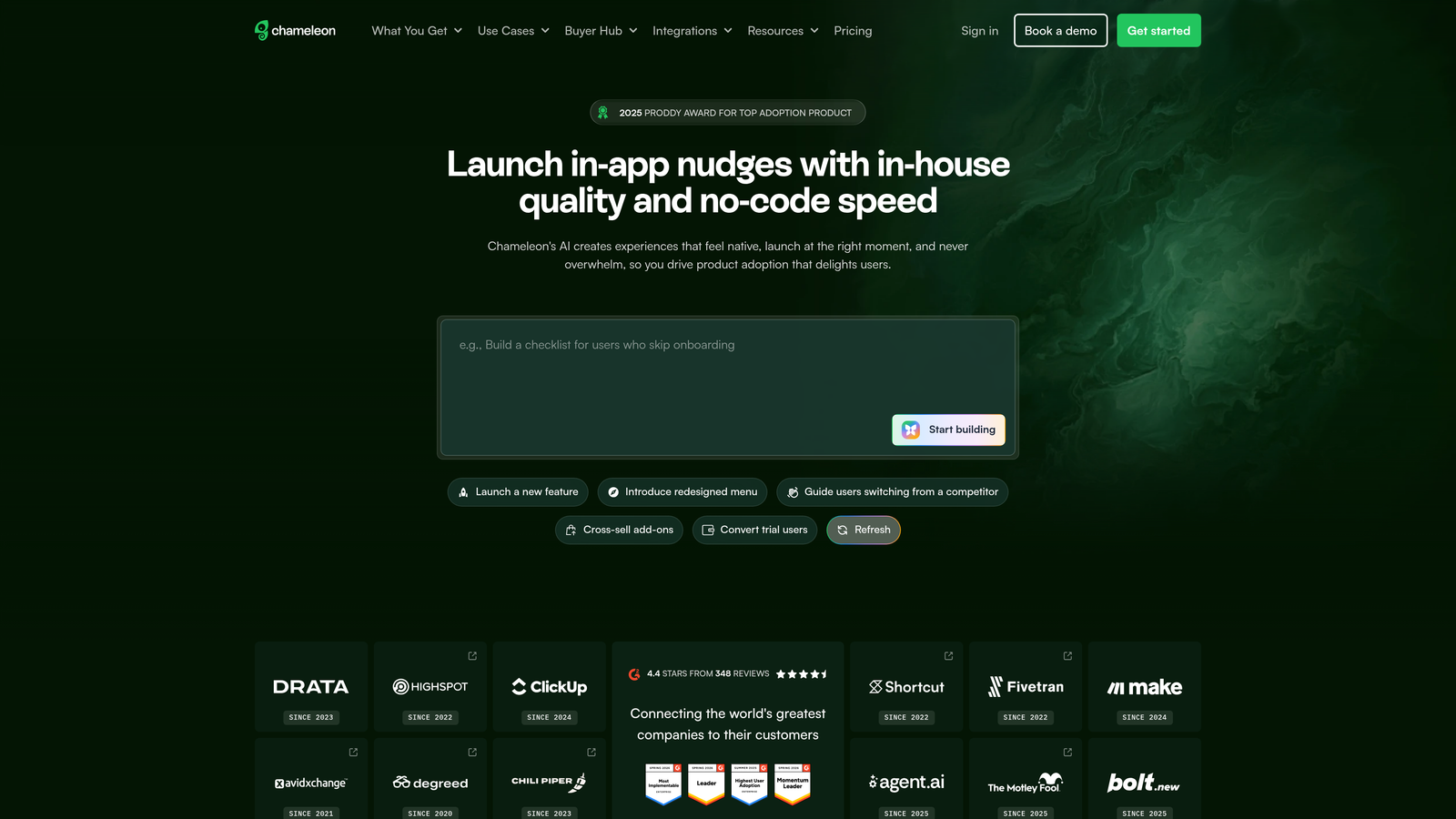
Chameleon is a highly customizable in-app guidance platform with advanced targeting for teams wanting pixel-perfect, brand-consistent experiences.
Where This Tool Shines
Chameleon gives you CSS-level control over every visual element, making it possible to create guidance that looks native to your product rather than obviously overlaid. For companies with strong design systems or specific brand requirements, this level of customization ensures tours feel like part of the product experience, not a third-party add-on.
The launcher functionality creates persistent help menus that users can access anytime, similar to a resource center but with more flexibility in positioning and behavior. Combined with microsurveys, you can collect feedback at exactly the right moments without disrupting user flow.
Key Features
Deep CSS Customization: Full control over styling using custom CSS, allowing pixel-perfect alignment with your design system and brand guidelines.
Microsurveys and Feedback: Collect contextual feedback with targeted surveys that appear based on user actions or feature usage.
Launchers for Help Menus: Create persistent, customizable help widgets that users can access from anywhere in your product.
Advanced User Targeting: Sophisticated segmentation based on user properties, behavior, company attributes, or custom data points.
A/B Testing and Analytics: Test different tour variations and track detailed metrics on engagement, completion rates, and downstream impact.
Best For
Design-conscious SaaS companies that need tours to match their brand precisely. Ideal for teams with specific design requirements or complex targeting needs.
Pricing
Starts at $279 per month for the Startup plan. Growth and Enterprise tiers available with additional features and higher user limits.
8. Appcues
Best for: Teams prioritizing quick implementation and ease of use
Appcues is a user-friendly onboarding and adoption platform known for quick implementation and intuitive flow builder.
Where This Tool Shines
Appcues built its reputation on being the easiest tool to get running. Teams often have their first product tour live within hours of installation, not days or weeks. The drag-and-drop builder requires minimal learning curve, making it accessible to customer success, product marketing, or support teams who need to create guidance quickly.
Checklists provide a different approach to onboarding than sequential tours. Users can complete tasks in any order, checking off items as they go. This works particularly well for products where users have different priorities or need to revisit setup steps over time.
Key Features
Drag-and-Drop Flow Builder: Intuitive visual editor that makes creating tours, modals, and tooltips accessible to non-technical team members.
Checklists for Progress Tracking: Onboarding checklists that let users complete tasks in any order, with progress saved across sessions.
Slideouts and Modals: Announcement formats for feature releases, updates, or important messages without disrupting user workflow.
Event Tracking Without Code: Track user interactions and feature usage without requiring engineering to instrument custom events.
Analytics Tool Integration: Connect with Segment, Amplitude, Mixpanel, and other analytics platforms to combine tour data with product usage metrics.
Best For
SaaS companies that need to launch onboarding quickly without extensive setup or training. Particularly valuable for smaller teams without dedicated onboarding specialists.
Pricing
Starts at $249 per month for the Essentials plan. Growth plan at $879 per month includes advanced features like A/B testing and priority support.
9. Stonly
Best for: Creating interactive troubleshooting guides and decision trees
Stonly is an interactive knowledge base platform enabling step-by-step visual guides that can be embedded in products, help centers, or support tickets.
Where This Tool Shines
Stonly excels at creating branching guides that adapt based on user responses. Instead of linear walkthroughs, you can build decision trees that ask questions and show relevant steps based on answers. This works exceptionally well for troubleshooting scenarios where the right solution depends on specific conditions or configurations.
The embeddable widgets mean guides can appear anywhere: in your product, your help center, within support tickets, or even in chat conversations. Support agents can send interactive guides instead of writing out instructions, and users can work through solutions at their own pace.
Key Features
Interactive Step-by-Step Guides: Create guides with conditional branching that adapt based on user inputs and selections.
Embeddable Widgets: Place guides in any context including products, help centers, support tickets, or chat conversations.
Decision Trees for Troubleshooting: Build diagnostic flows that ask questions and provide solutions based on specific scenarios or configurations.
AI-Assisted Guide Creation: Use AI to help structure guides, suggest content, and optimize flows based on usage patterns.
Guide Performance Analytics: Track which guides users access, where they drop off, and which paths lead to successful resolutions.
Best For
Support teams handling complex troubleshooting scenarios where solutions vary based on user configuration, plan type, or technical environment. Also valuable for teams wanting to deflect tickets with interactive self-service.
Pricing
Free plan available for basic features. Paid plans start at the Small Business tier with custom pricing based on guide volume and team size.
Making the Right Choice
The right visual support guidance tool depends on your specific needs and existing infrastructure. If you want AI that actually understands what users see on their screen, Halo AI's page-aware intelligence provides context that text-based chatbots can't match. For enterprise digital transformation projects spanning multiple complex applications, WalkMe's comprehensive platform handles scale and complexity. Teams prioritizing product analytics alongside guidance should consider Pendo's unified approach.
Quick implementation matters? Appcues and Userpilot both offer no-code builders that get you live fast. Already using Intercom? Their native Product Tours integrate seamlessly with your existing support workflow. Need pixel-perfect brand alignment? Chameleon's CSS customization gives you complete control. For troubleshooting and decision-tree scenarios, Stonly's branching guides adapt to user needs.
Consider your team's technical resources, the complexity of your product, and whether you need standalone guidance or a broader support platform. The best tool isn't necessarily the one with the most features, but the one that solves your specific support challenges while fitting naturally into your team's workflow.
Your support team shouldn't scale linearly with your customer base. Let AI agents handle routine tickets, guide users through your product, and surface business intelligence while your team focuses on complex issues that need a human touch. See Halo in action and discover how continuous learning transforms every interaction into smarter, faster support.