9 Best Visual Support Guidance Tools for Product Teams in 2026
Visual support guidance tools help product teams reduce support tickets by showing users exactly where to click and how to navigate through interfaces, rather than relying on text-based instructions. This guide evaluates nine leading platforms for 2026 based on their AI capabilities, interactive walkthroughs, screen annotation features, ease of implementation, and integration options—helping you choose the right solution to transform frustrating support interactions into seamless self-service experiences.
 Grant CooperFounder11 min read
When customers get stuck in your product, a wall of text rarely helps. They need to see exactly where to click, which button to find, and how to navigate to their goal. Visual support guidance tools bridge this gap by showing users precisely what to do within the context of your actual interface—turning frustrating support interactions into smooth, self-service experiences.
Whether you're looking for AI-powered page-aware guidance, interactive walkthroughs, or screen annotation capabilities, the right tool can dramatically reduce support ticket volume while improving customer satisfaction. Here's our curated selection of the best visual support guidance tools available today, evaluated for ease of implementation, guidance quality, and integration capabilities.
1. Halo AI
Best for: AI-powered contextual guidance that adapts to what users are actually doing on screen
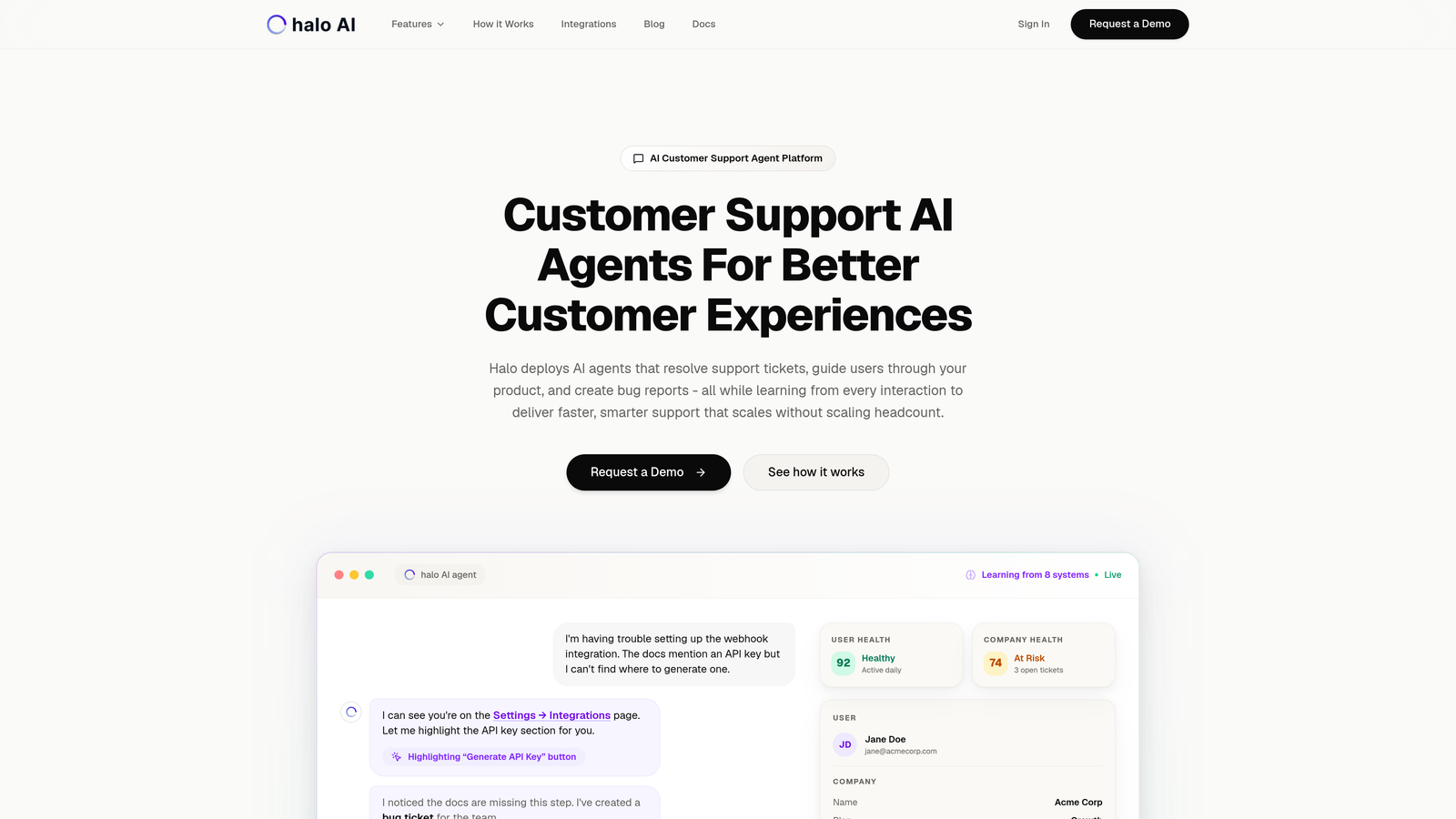
Halo AI is an AI-powered customer support platform that provides page-aware visual guidance within your product interface.
Where This Tool Shines
Unlike pre-programmed guidance flows that show the same steps to everyone, Halo AI understands the current UI context your users are viewing. The platform sees what your customers see and provides real-time assistance tailored to their specific situation.
The continuous learning architecture means every support interaction makes the system smarter. Your AI agents don't just resolve tickets—they guide users through your product while learning patterns that improve future responses.
Key Features
Page-Aware Chat Widget: Understands current UI context to provide relevant guidance based on what users are actually looking at.
Visual UI Guidance: Shows users exactly where to click with contextual pointers and explanations within the interface.
AI Ticket Resolution: Resolves support tickets autonomously while guiding users through solutions in real-time.
Continuous Learning: Improves guidance quality with every interaction, adapting to how users actually navigate your product.
Multi-System Integrations: Connects with Intercom, Zendesk, Slack, Linear, and other business tools for comprehensive support workflows.
Best For
B2B product teams who want to scale support without scaling headcount. Particularly valuable for SaaS companies with complex products where contextual guidance makes the difference between frustrated users and successful self-service.
Pricing
Contact for pricing based on your support volume and integration requirements.
2. WalkMe
Best for: Enterprise organizations needing comprehensive digital adoption across multiple complex applications
WalkMe is an enterprise digital adoption platform offering visual guidance, analytics, and automation for complex software environments.
Where This Tool Shines
WalkMe excels in enterprise environments where employees need guidance across multiple interconnected systems. The platform handles conditional logic that adapts guidance based on user actions, making it powerful for complex workflows that span different applications.
The analytics dashboard provides deep insights into where users struggle, which paths they take, and how guidance impacts completion rates. This data helps teams optimize both their guidance flows and the underlying product experience.
Key Features
Smart Walk-Thrus: Interactive guidance with conditional logic that adapts to user choices and actions.
Cross-Application Guidance: Seamlessly guides users across different software applications in integrated workflows.
Deep Analytics Dashboard: Tracks user behavior, guidance effectiveness, and identifies friction points across applications.
Task Automation: Automates repetitive tasks to reduce manual work and improve accuracy.
Enterprise Security: Meets compliance requirements for large organizations with robust security controls.
Best For
Large enterprises with complex software ecosystems who need to drive adoption across multiple platforms. Ideal for organizations where employee productivity depends on mastering interconnected business applications.
Pricing
Enterprise pricing model; contact WalkMe for a customized quote based on user count and implementation scope.
3. Pendo
Best for: Product-led growth teams who want visual guidance integrated with product analytics
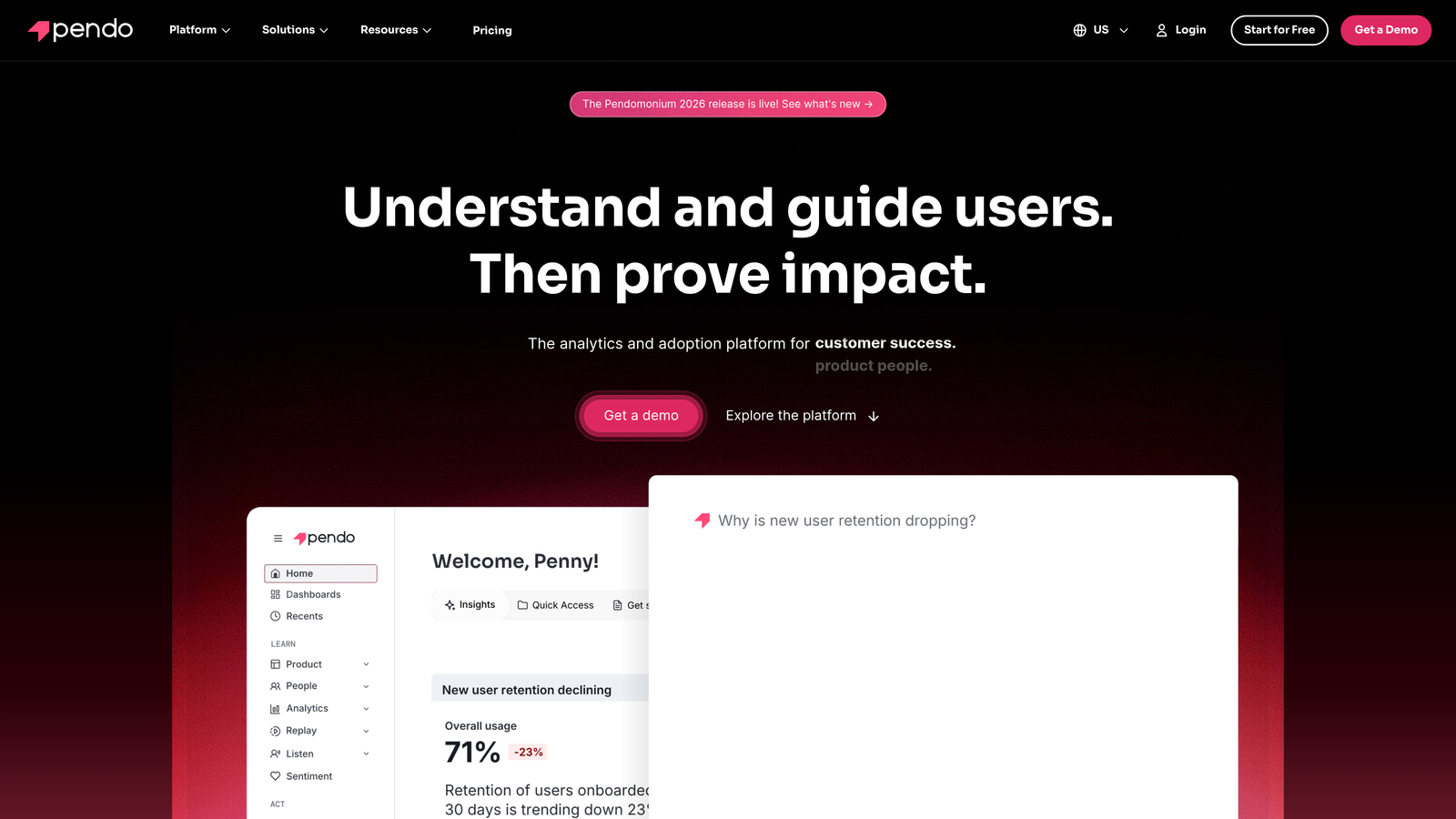
Pendo is a product experience platform combining in-app guides with robust analytics for data-driven product teams.
Where This Tool Shines
Pendo's strength lies in unifying guidance with usage data. You can see exactly how users interact with your product, then create targeted guides based on behavioral patterns. This tight integration means your guidance strategy is informed by real user data rather than assumptions.
The resource center functionality gives users a self-service hub without leaving your product. Combined with NPS surveys and feedback collection, Pendo creates a complete picture of product experience.
Key Features
Visual In-App Guides: Create tooltips, walkthroughs, and modals with a visual editor requiring no code.
Behavioral Targeting: Deliver guides based on user actions, feature usage, and segment membership.
Integrated Product Analytics: Track feature adoption, user paths, and engagement metrics alongside guidance performance.
Resource Center: Provides a searchable help hub within your product for self-service support.
Feedback Collection: Captures NPS scores and qualitative feedback to inform product decisions.
Best For
Product teams at SaaS companies who want to connect user guidance with product analytics. Especially valuable for product-led growth strategies where understanding user behavior drives both product and guidance improvements.
Pricing
Free tier available for basic analytics and guides; paid plans require custom pricing based on monthly active users.
4. Whatfix
Best for: Interactive walkthroughs with branching logic for complex enterprise software training
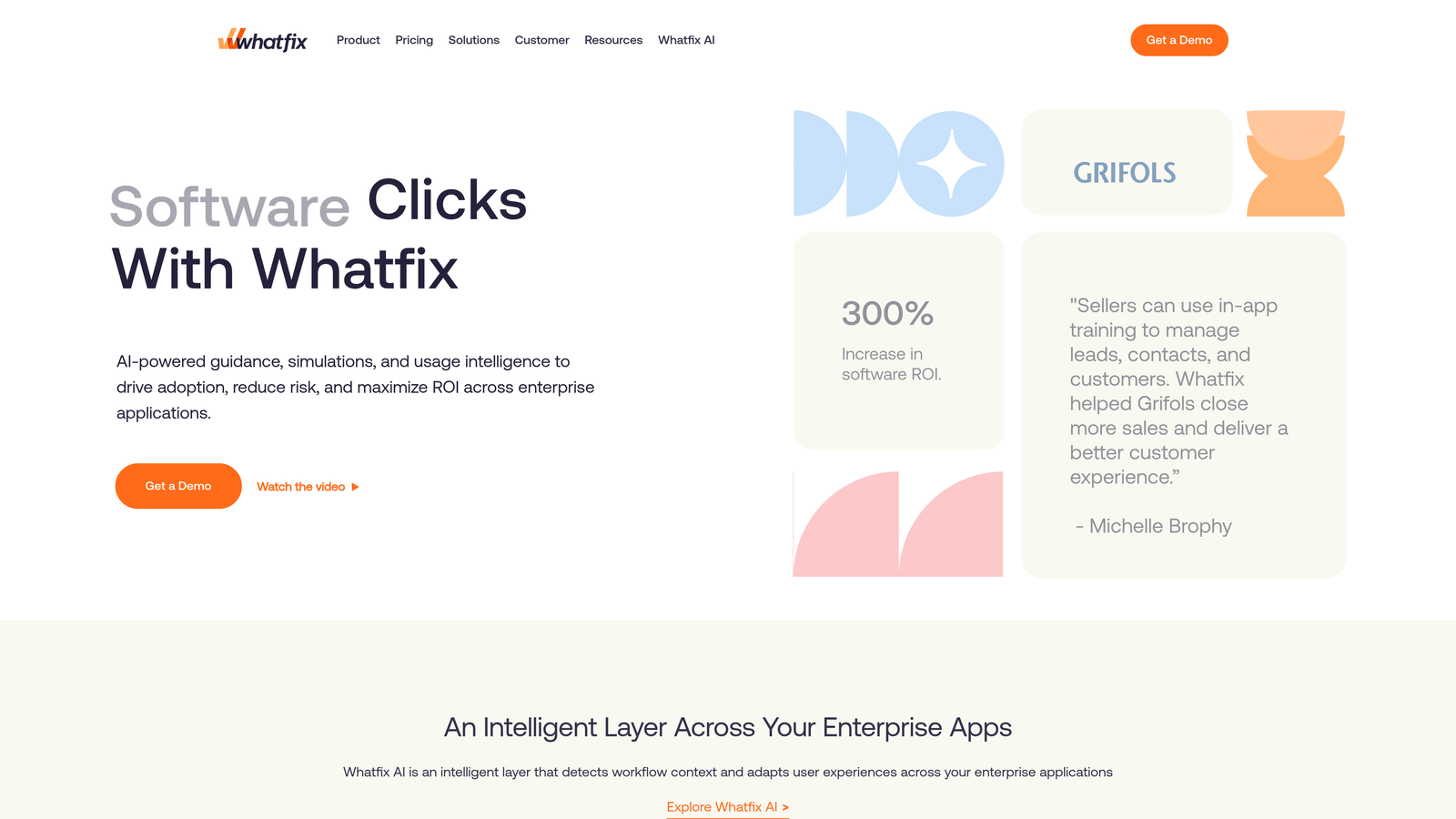
Whatfix is a digital adoption platform specializing in contextual self-help and interactive guidance for enterprise applications.
Where This Tool Shines
Whatfix handles complexity well. The branching walkthrough capability lets you create different paths based on user choices, making it ideal for software with multiple ways to accomplish tasks. Users get guidance that matches their specific workflow rather than a one-size-fits-all approach.
The self-help widget provides contextual content exactly where users need it, reducing the need to search through documentation. Field validations catch errors before they happen, improving data quality while guiding users toward correct inputs.
Key Features
Branching Walkthroughs: Creates interactive guides with conditional paths based on user selections and actions.
Smart Tips: Displays contextual tooltips and hints at the moment users need them.
Field Validations: Prevents errors by validating user inputs in real-time during guided workflows.
Self-Help Widget: Provides searchable, contextual help content without leaving the application.
Multi-Format Support: Delivers guidance through tooltips, pop-ups, videos, and interactive elements.
Best For
Enterprise teams implementing complex software like ERP or CRM systems where users need comprehensive training and ongoing support. Works well for organizations with diverse user roles requiring different guidance paths.
Pricing
Contact Whatfix for enterprise pricing based on deployment size and feature requirements.
5. Userpilot
Best for: Product teams wanting no-code flexibility to rapidly build and test visual guides
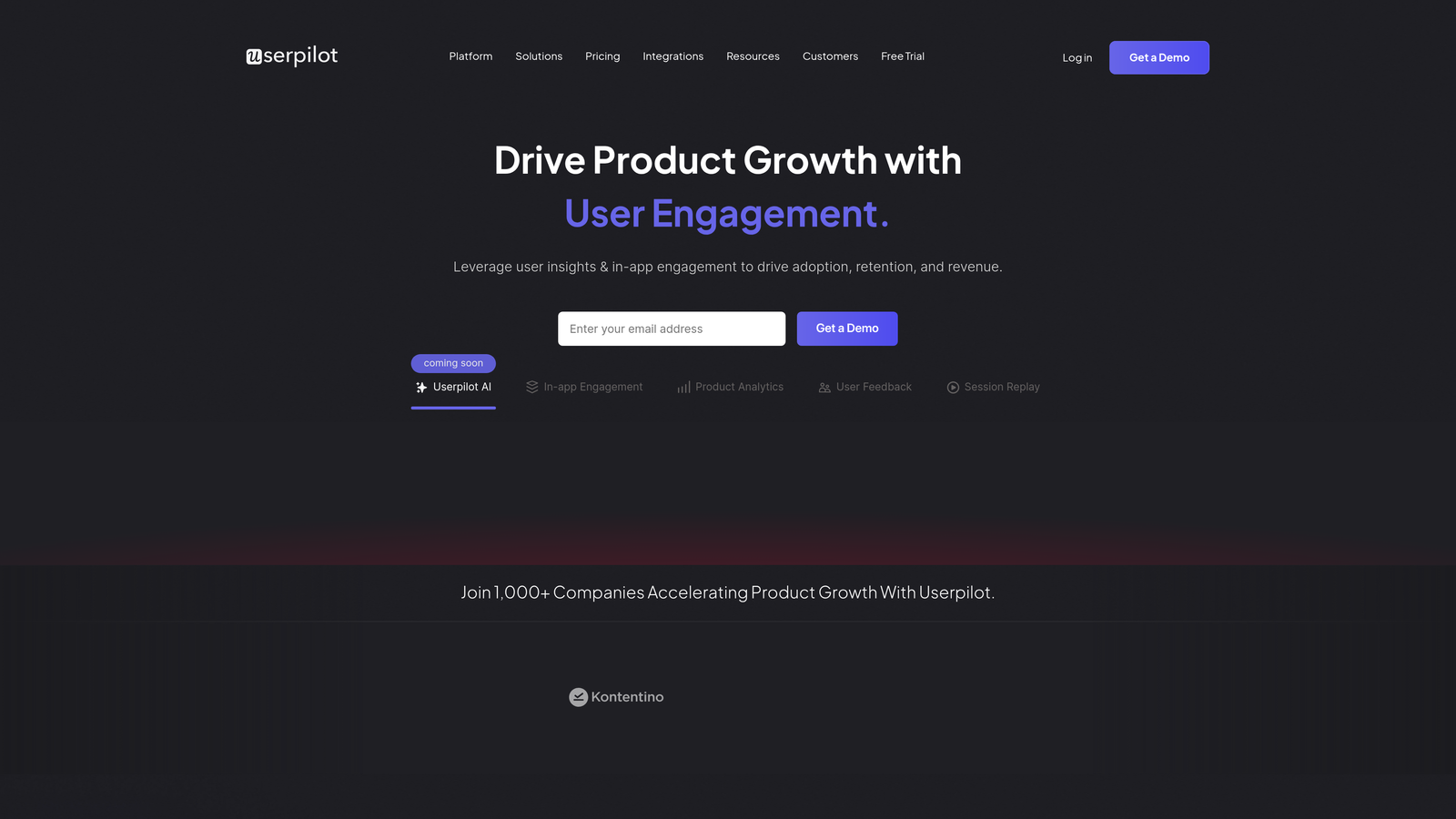
Userpilot is a product growth platform with a visual flow builder for creating guides, tooltips, and resource centers without coding.
Where This Tool Shines
The no-code builder lets product managers create sophisticated guidance flows without waiting for engineering resources. You can build, test, and iterate on guidance experiences quickly, making it ideal for teams that need to move fast.
User segmentation capabilities mean you can deliver different experiences to different user groups. New users get onboarding flows while power users see advanced feature announcements—all managed from the same platform.
Key Features
No-Code Flow Builder: Visual editor for creating multi-step guidance flows without technical skills.
Contextual Tooltips: Displays targeted tooltips and modals based on user behavior and page context.
Resource Center: Builds searchable help centers within your product for self-service support.
User Segmentation: Targets specific user groups with tailored guidance based on attributes and behavior.
A/B Testing: Tests different guidance approaches to optimize conversion and completion rates.
Best For
SaaS product teams who need to iterate quickly on user onboarding and feature adoption. Particularly valuable for startups and mid-market companies where product managers handle growth initiatives without dedicated engineering support.
Pricing
Starts at $249 per month with pricing tiers based on monthly tracked users and feature access.
6. Intercom Product Tours
Best for: Teams already using Intercom who want native visual guidance within their messaging platform
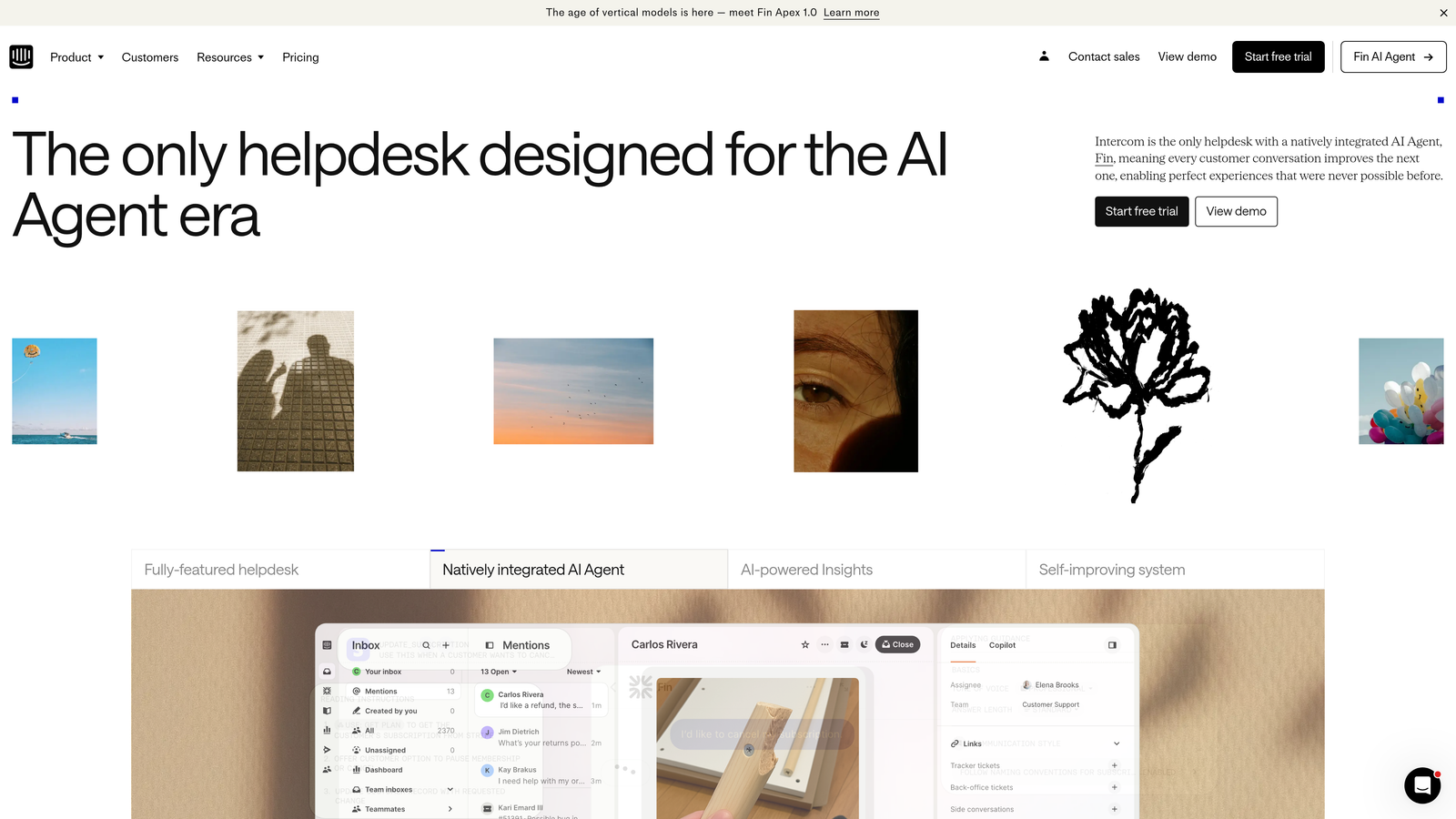
Intercom Product Tours is the visual guidance feature built into Intercom's customer messaging platform.
Where This Tool Shines
If you're already invested in Intercom's ecosystem, Product Tours provides seamless visual guidance without adding another vendor. The native integration means tours feel like a natural extension of your Intercom messenger rather than a bolted-on experience.
Pointer-based guidance directs users to specific UI elements while maintaining the familiar Intercom interface. Video and GIF support lets you show rather than tell, which works particularly well for visual learners.
Key Features
Native Intercom Integration: Works seamlessly within the Intercom messenger users already know.
Pointer-Based Guidance: Highlights specific UI elements with visual pointers and explanations.
Segment Targeting: Delivers tours to specific user segments based on Intercom's customer data.
Video and GIF Support: Embeds visual content within tours for richer explanations.
Tour Analytics: Tracks completion rates and user engagement with guided experiences.
Best For
Companies already using Intercom for customer communication who want to add visual guidance without introducing a separate platform. Makes sense when you value ecosystem consistency over specialized guidance features.
Pricing
Included in Intercom pricing plans; starts at $39 per seat per month for the Starter plan.
7. Appcues
Best for: Quick implementation using pre-built patterns for common onboarding scenarios
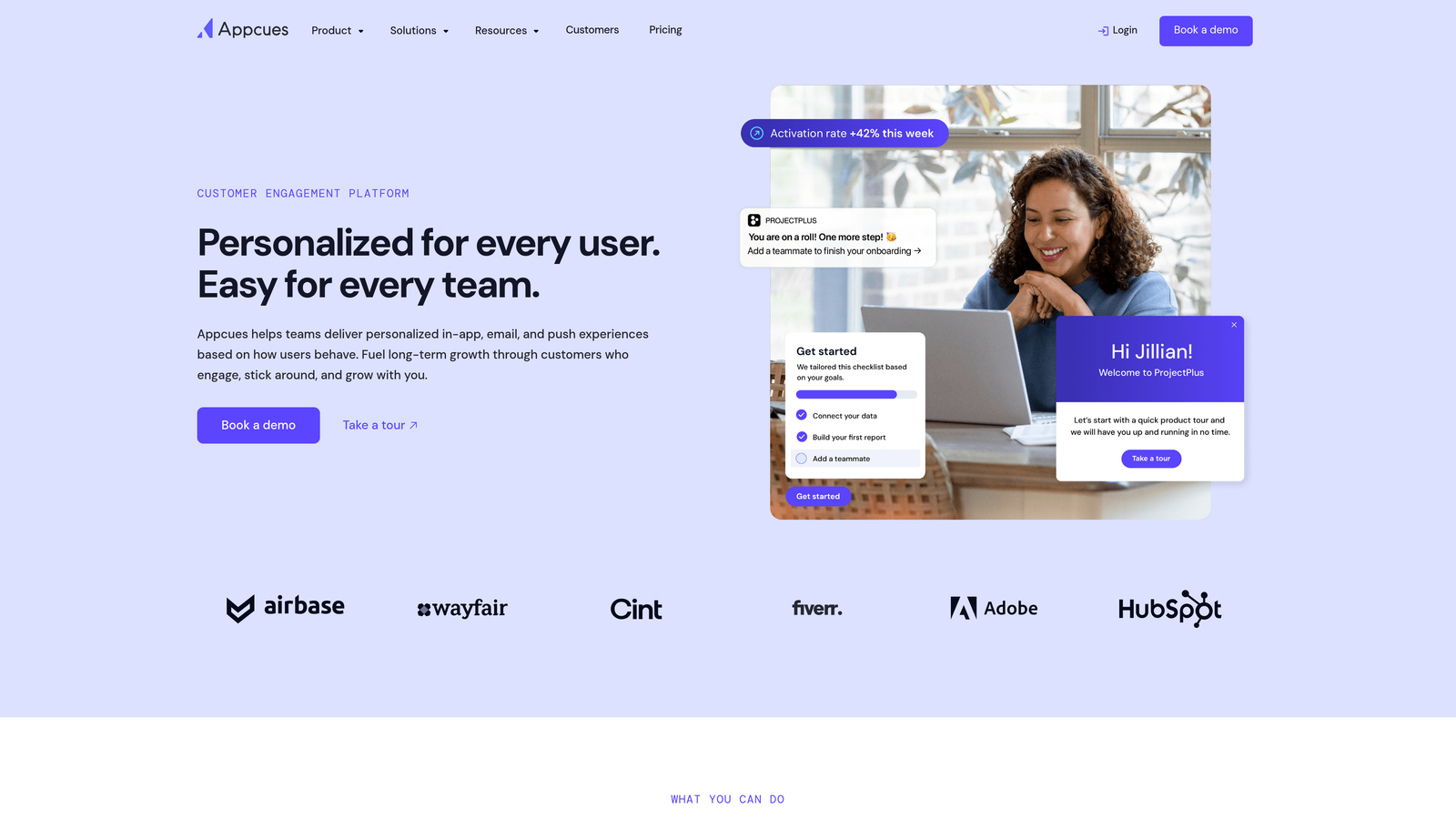
Appcues is a user onboarding platform with a pattern library for creating visual product experiences rapidly.
Where This Tool Shines
The pre-built pattern library means you don't start from scratch. Common onboarding flows like welcome tours, feature announcements, and progress checklists are ready to customize, dramatically reducing time to launch.
Mobile and web support from a single platform keeps your guidance consistent across devices. Users get the same quality experience whether they're on desktop or mobile apps, managed from one interface.
Key Features
Pattern Library: Pre-built flow templates for common use cases that you can customize and deploy quickly.
Mobile and Web Support: Creates consistent guidance experiences across desktop and mobile applications.
Checklists and Progress Tracking: Shows users their onboarding progress with interactive checklists.
Hotspots and Tooltips: Highlights new features and provides contextual help with minimal disruption.
Event-Based Targeting: Triggers guidance based on specific user actions and events in your product.
Best For
Product teams who want to launch user onboarding quickly without building everything from scratch. Ideal for companies with standard onboarding patterns that benefit from proven templates.
Pricing
Starts at $249 per month with pricing based on monthly active users and features.
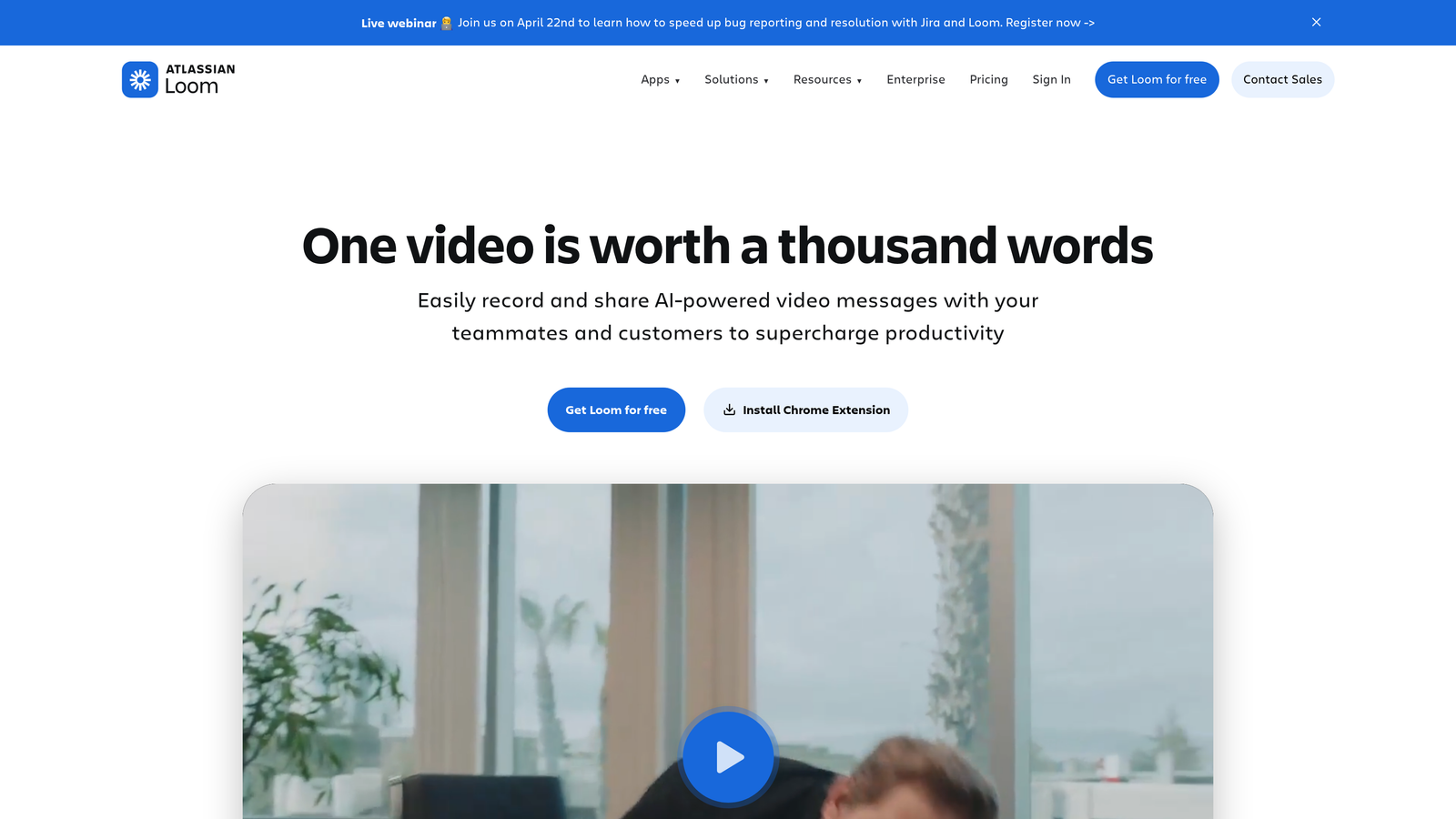
8. Loom
Best for: Personalized async video explanations with screen recording and annotations
Loom is an async video messaging platform for creating visual explanations through screen recordings with annotations.
Where This Tool Shines
Loom excels when you need to show rather than tell, especially for one-off explanations or personalized support. The combination of screen recording with camera overlay creates a personal connection that text-based guidance can't match.
Drawing and annotation tools let you highlight exactly what matters during recording. Viewer engagement analytics show which parts users watched, rewatched, or skipped, helping you understand what resonates.
Key Features
Screen and Camera Recording: Captures your screen with optional camera overlay for personalized explanations.
Drawing and Annotation: Adds visual emphasis with drawing tools during or after recording.
Viewer Analytics: Tracks who watched your videos, for how long, and which sections they engaged with.
Shareable Links: Distributes videos through simple links without requiring downloads or special software.
AI Summaries: Generates automatic summaries and chapter markers for longer recordings.
Best For
Support teams handling complex or unique issues that benefit from personalized video walkthroughs. Also valuable for internal training and knowledge sharing where async video beats scheduling meetings.
Pricing
Free tier available with recording limits; Business plan starts at $12.50 per user per month.
9. Scribe
Best for: Automatic documentation generation that captures your workflow as you work
Scribe is an auto-documentation tool that captures clicks and keystrokes to generate step-by-step visual guides automatically.
Where This Tool Shines
Scribe eliminates the tedious work of creating documentation manually. Just perform the task once while Scribe records, and you get a polished visual guide with screenshots and descriptions. This makes documentation creation so easy that teams actually keep guides up to date.
The AI-generated step descriptions are surprisingly accurate, though you can edit them for clarity. Embeddable guides integrate into help centers, making your documentation accessible exactly where users look for answers.
Key Features
Automatic Screenshot Capture: Records your screen and captures screenshots at each step as you work.
AI-Generated Descriptions: Creates step descriptions automatically based on your actions and context.
Editable Documentation: Lets you refine AI-generated content and add custom annotations.
Embeddable Guides: Integrates step-by-step guides into help centers and knowledge bases.
Browser Extension and Desktop App: Works across web applications and desktop software for comprehensive coverage.
Best For
Support and operations teams who need to document processes quickly without dedicated technical writers. Particularly useful for maintaining up-to-date internal documentation and customer-facing help articles.
Pricing
Free tier available for basic documentation; Pro plan starts at $23 per user per month.
Making the Right Choice
The visual support guidance landscape offers solutions ranging from enterprise digital adoption platforms to lightweight documentation tools. Your choice depends on what you're trying to solve.
For AI-powered contextual guidance that adapts to what users are actually doing, Halo AI stands out with its page-aware intelligence and continuous learning. WalkMe and Whatfix excel in complex enterprise environments where guidance spans multiple interconnected systems. Pendo makes sense when you want guidance tightly integrated with product analytics for data-driven decisions.
If you need quick implementation without engineering resources, Userpilot and Appcues offer no-code builders with pre-built patterns. Teams already invested in Intercom benefit from native Product Tours that maintain ecosystem consistency. For async video explanations, Loom provides personal touch at scale, while Scribe automates the documentation creation process entirely.
Consider your implementation timeline, technical resources, and primary use case. Enterprise platforms require significant investment but deliver comprehensive capabilities. Lighter tools get you started faster but may lack advanced features like conditional logic or cross-application guidance.
Think about where users currently struggle. If they need help navigating complex workflows, interactive walkthroughs with branching logic matter most. If they're getting stuck on specific features, contextual tooltips and hotspots might suffice. If your challenge is keeping documentation current, auto-generation tools like Scribe reduce maintenance burden.
Your support team shouldn't scale linearly with your customer base. Let AI agents handle routine tickets, guide users through your product, and surface business intelligence while your team focuses on complex issues that need a human touch. See Halo in action and discover how continuous learning transforms every interaction into smarter, faster support.