Visual UI Guidance for Customers: How AI Turns Your Interface Into a Self-Service Guide
Visual UI guidance for customers transforms complex software navigation by using AI to deliver in-product, contextual assistance that points users directly to the elements they need—eliminating frustrating support tickets and reducing time-to-completion for critical workflows. Rather than relying on static documentation or reactive chat support, this approach meets users precisely where they're stuck, turning your interface itself into an intelligent self-service guide.
 Grant CooperFounder15 min read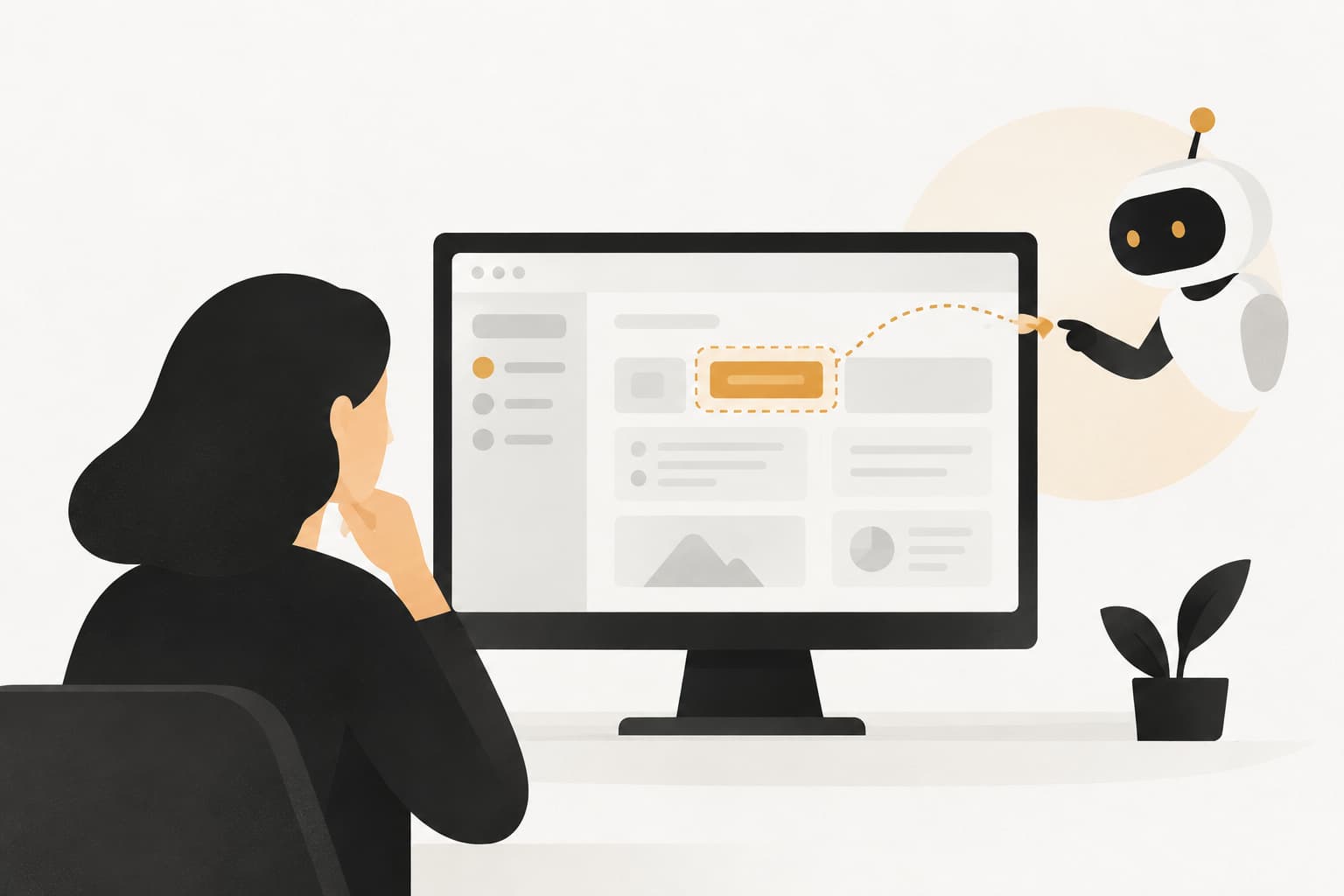
Picture this: a customer is three steps into a critical workflow in your product. They need to invite a teammate, configure an integration, or set up a billing rule. They know roughly what they want to do, but the button they need isn't where they expected it. The menu label doesn't match the mental model they brought with them. They hover, they click around, they backtrack. After two minutes of frustration, they open a support chat and type: "How do I do this?"
That moment, repeated thousands of times a day across B2B SaaS products, is where visual UI guidance enters the picture. Instead of sending a wall of text that the user has to read, interpret, and then mentally map back onto the screen they're already looking at, visual guidance meets them exactly where they are: inside the product, on the specific page where they're stuck, pointing at the exact element they need to interact with next.
This represents a meaningful shift in how support works. Traditional support is reactive by nature. A user gets frustrated, submits a ticket, waits for a response, and by then the moment has passed. Visual UI guidance for customers flips that model. It's proactive, contextual, and embedded directly in the product experience. In this article, we'll unpack what visual UI guidance actually is, how the underlying technology works, where it fits into your existing support stack, and why B2B SaaS teams are increasingly treating it as a competitive differentiator rather than a nice-to-have.
When Words Aren't Enough: The Case for In-Product Visual Guidance
There's a fundamental mismatch at the heart of traditional support. A user is inside your product, looking at a specific screen, trying to accomplish a specific task. When they get stuck and reach out for help, every conventional support channel asks them to do the same thing: leave the product, go somewhere else, find the answer, and come back.
Knowledge base articles require the user to open a new tab, search for the right article, read through instructions written for a generic version of the interface, and then context-switch back to the product to attempt the steps. Live chat text responses describe interface elements in words: "Click the gear icon in the top right corner, then select Account Settings from the dropdown." That sounds reasonable until you realize the user isn't looking at a gear icon — they're looking at a screen full of icons, menus, and labels, and they're not sure which one you mean.
Every one of these context switches introduces friction. The user has to hold the instructions in working memory while navigating back to the right place. If the product has been updated since the knowledge base article was written, the steps won't match. If the user is on a different plan tier with a slightly different interface, the instructions lead them somewhere unexpected. Frustration compounds. The problem of customers waiting too long for answers is made worse when every channel requires them to leave the product entirely.
Visual UI guidance solves this by eliminating the context switch entirely. Instead of describing where to click, the guidance shows where to click, directly on the user's screen. Instead of referencing an element by name, it highlights the actual element. Instead of a walkthrough that exists in a separate tab, the walkthrough lives inside the product itself, visible alongside the interface the user is already interacting with.
This is a qualitatively different kind of support. It doesn't ask the user to translate instructions into actions. It removes the translation step altogether. For complex, feature-rich SaaS products where workflows span multiple pages and require several sequential steps, that difference matters enormously. Users who receive visual, in-context guidance are far more likely to complete the task they started rather than abandoning it out of frustration or waiting hours for a ticket response.
The contrast with traditional support modalities isn't just about convenience. It's about whether the user actually succeeds. Text-based support can answer the question. Visual guidance helps the user complete the task. Those are different outcomes, and in a SaaS business where activation and retention depend on users actually getting value from the product, the distinction is significant.
What Visual UI Guidance Actually Looks Like in Practice
Understanding the concept is one thing. Seeing how it plays out in a real interaction is where it becomes concrete. Let's walk through what visual UI guidance for customers actually involves at the component level, and then trace through a specific example.
The foundation is a page-aware chat widget. Unlike a standard chat widget that knows nothing about where the user is in your product, a page-aware widget reads the current page context: the URL path, the page title, visible UI elements, and potentially the user's account state. This context is passed to the AI agent so that when a user asks a question, the AI already knows which screen they're looking at and can tailor its response accordingly.
The second component is visual pointing or highlighting. Rather than describing an element, the AI can draw attention to it directly, using a highlight, an arrow, a pulsing indicator, or a sequential spotlight that moves through the steps of a workflow. The user's eye is guided to exactly the right place on the screen. Exploring the range of visual support guidance tools available today shows just how sophisticated this highlighting capability has become.
The third component is step-by-step orchestration. A single question can trigger a multi-step walkthrough that advances as the user completes each action. The AI doesn't just answer the question and leave the user to figure out the rest. It walks alongside them through the entire workflow.
Here's what that looks like in practice. A user is on the main dashboard of a project management tool. They type into the chat widget: "How do I add a team member?" A standard chat widget might respond with: "Go to Settings, then click on Team, then use the Invite button." A page-aware AI with visual guidance capabilities responds differently. It recognizes that the user is on the dashboard, identifies the Settings option in the navigation, and highlights it directly on screen. The user clicks it. The AI then recognizes the new page context, identifies the Team tab, and highlights that. The user clicks it. The AI then highlights the Invite button and, if needed, walks the user through filling in the invitation form.
At no point does the user have to interpret a text description and map it onto their screen. At no point do they leave the product. The entire interaction happens in context, sequentially, with the AI tracking their progress and adjusting its guidance based on what's actually visible on screen at each step.
This kind of interaction is only possible when the AI has genuine page awareness. Without it, the best a chat widget can do is provide generic text instructions that may or may not match the user's actual screen. With it, the support interaction becomes an embedded, visual experience that feels less like asking for help and more like having an expert sitting next to you, pointing at the screen.
The Technology Behind Page-Aware AI Support
Page-aware AI support isn't magic, but it does require a meaningfully different technical architecture than a standard chat widget bolted onto a helpdesk. Understanding how it works at a conceptual level helps explain why not all AI support tools deliver the same experience.
The starting point is context capture. When a user opens the chat widget, the widget reads information about the current page: the URL path (which tells the AI which section of the product the user is in), the page title, and potentially the DOM structure of the visible interface. This last point is particularly important. The DOM, or Document Object Model, is the underlying structure of the web page, describing every element that's rendered on screen. A widget that can read DOM context knows not just that a user is "in the settings area" but which specific elements are visible, what they're labeled, and how they're arranged.
This captured context is passed to the AI agent along with the user's message. Instead of the AI receiving only "How do I add a team member?", it receives something like: "User is on /dashboard, visible elements include primary navigation with Home, Projects, Settings, and Reports options, user is asking: How do I add a team member?" That enriched context allows the AI to generate guidance that references actual, visible elements rather than generic descriptions that may or may not match the user's screen.
The guidance itself is then rendered as a visual overlay or sequential highlight within the product interface. The AI identifies the target element, the widget surfaces a visual indicator pointing to it, and the interaction advances as the user completes each step. Teams evaluating this capability should review the full range of AI support platform features to understand what to look for when comparing solutions.
The continuous learning layer is what separates a static implementation from one that genuinely improves over time. Every guided interaction generates signal: did the user complete the task after receiving guidance? Did they abandon partway through? Did the interaction escalate to a live agent despite the AI's attempt to help? These outcomes feed back into the system, allowing the AI to refine which guidance paths lead to successful task completion and which ones need improvement.
Over time, this means the AI gets better at the specific workflows that matter most to your users. It learns which steps users skip, where they get confused even with guidance, and which explanations land clearly versus which ones create more questions. This kind of iterative improvement is only possible when the system is designed to learn from every interaction, not just to respond to each one in isolation.
Where Visual Guidance Fits Into Your Support Stack
One question that comes up quickly when teams start exploring visual UI guidance is whether it replaces their existing helpdesk setup. The short answer is no, and the longer answer explains why the combination is more powerful than either alone.
Visual UI guidance handles a specific category of support interaction: the in-product, task-level question where a user needs help completing something they're actively trying to do. It excels at these moments because it can provide immediate, contextual help without requiring a ticket, a queue, or a human agent. But not every support issue fits this pattern. Billing disputes, bug reports, account-level configuration questions, and complex troubleshooting scenarios often require human judgment, access to account data, or coordination across teams. That's where your helpdesk lives, and visual guidance doesn't replace it.
Instead, think of visual guidance as a layer that sits in front of your helpdesk, handling the high-volume, task-level interactions that don't need human involvement while routing everything else appropriately. The handoff moment is critical here. When visual guidance isn't enough — when the AI has walked a user through several steps and the issue still isn't resolved — the escalation to a live agent should be seamless and context-rich.
The worst version of this handoff is the one most users have experienced: you've spent ten minutes with a chatbot, finally get connected to a human, and have to re-explain everything from scratch. A well-designed system eliminates this entirely. The live agent receives full context: which page the user was on, what they were trying to accomplish, which steps were already attempted, and where the interaction broke down. The user doesn't repeat themselves. The agent starts with everything they need to resolve the issue quickly.
The integration story extends further than just helpdesk handoffs. Visual guidance that's connected to your broader business stack becomes part of a larger intelligence loop. When a user encounters what appears to be a bug during a guided interaction, the AI can automatically create a structured bug ticket in a tool like Linear, complete with the page context, the steps that preceded the issue, and the user's account information. Reviewing how an AI support platform with integrations connects to tools like Slack and HubSpot shows how far this intelligence loop can extend. When a pattern of users gets stuck on the same workflow, that signal can surface in Slack as a team alert or feed into HubSpot as a customer health indicator.
This is where visual guidance stops being purely a support tool and starts functioning as a business intelligence layer. The interactions happening inside your product are generating data about where your product creates friction, which customer segments struggle most, and which workflows need UX attention. Teams that capture and act on this data are getting product feedback disguised as support interactions, and that's a significant source of competitive advantage.
Why B2B SaaS Teams Are Prioritizing This Approach
The enthusiasm for visual UI guidance among B2B SaaS teams isn't driven by novelty. It's driven by a few concrete business pressures that the approach addresses directly.
The onboarding use case is the most compelling starting point. New users are the most likely to get stuck, the most likely to churn if they don't reach value quickly, and the most expensive to support through traditional channels because they generate a disproportionate share of ticket volume. Visual guidance during onboarding helps users complete key activation steps without requiring human intervention at every friction point. The user who can't figure out how to connect their first integration, set up their first workflow, or configure their account correctly doesn't need a support ticket. They need someone to show them where to click. Visual guidance does exactly that, at scale, without adding headcount.
The scalability argument matters just as much for growing teams. As a SaaS product adds users, the volume of "how do I do this?" questions grows proportionally. Support teams cannot scale headcount at the same rate. The math doesn't work, and the economics don't either. AI-powered visual guidance allows one system to handle thousands of simultaneous in-product walkthroughs, each tailored to the specific page and context of the user receiving it. The support capacity scales with the user base in a way that human teams simply cannot.
The business intelligence angle is less obvious but increasingly valued by product teams. Every page-aware interaction generates a map of where users consistently get stuck. Which pages generate the most guidance requests? Which workflows have the highest abandonment rates even after guidance? Which UI elements are users consistently unable to find without help? This data is product feedback in disguise. Teams that analyze it can identify UX friction points, prioritize redesigns, and validate whether product changes actually reduce confusion. The support team's data becomes a direct input to the product roadmap. Understanding automated support performance metrics helps teams track exactly which guidance flows are delivering results and which need refinement.
Taken together, these three drivers explain why visual UI guidance for customers is moving from experimental to standard practice among product-led SaaS companies. It's not just about deflecting tickets. It's about building a support experience that actively accelerates product adoption, scales without headcount, and generates intelligence that makes the product better over time.
Building a Visual Guidance Strategy That Actually Works
Knowing that visual UI guidance is valuable and knowing how to implement it effectively are two different things. A few strategic principles separate implementations that genuinely move the needle from ones that add complexity without payoff.
Start with your highest-friction moments: Before building any guidance flows, use your existing support ticket data and drop-off analytics to identify where users consistently get stuck. The pages that generate the most tickets, the workflows with the highest abandonment rates, and the features with the lowest adoption are your starting points. Building guidance for these moments first ensures you're solving real problems rather than guessing at what users need.
Design for progressive complexity: Not every user is at the same stage. New users need guidance on core workflows: account setup, basic navigation, the primary actions that define the product's value. More experienced users need guidance on advanced features, integrations, and edge-case workflows. A good visual guidance strategy layers these progressively, prioritizing the most common tasks first and expanding coverage as users mature. Trying to build guidance for everything at once leads to shallow coverage everywhere rather than deep, reliable coverage where it matters most. A structured AI support platform implementation guide can help teams sequence this rollout effectively.
Measure what actually matters: Ticket deflection is the obvious metric, and it's worth tracking. But it's not sufficient on its own. Task completion rate, which measures whether users who receive guidance actually finish the workflow they started, is a more direct indicator of whether the guidance is working. Time-to-resolution for guided interactions tells you whether the AI is genuinely accelerating task completion or just adding steps. And if you can track whether guided users have lower churn rates than unguided ones, you're measuring the business impact of the guidance at the level that matters most: customer retention.
Treat the handoff as part of the experience: The quality of your visual guidance strategy is partly determined by what happens when it doesn't work. A clean, context-rich escalation to a live agent is not a fallback. It's a core part of the experience. Design it deliberately, ensure the agent receives full context, and measure the escalation rate as a signal about where your guidance flows need improvement.
The teams that get the most out of visual guidance are the ones that treat it as an ongoing system rather than a one-time implementation. The guidance gets better as the AI learns from interactions. The strategy gets better as the team analyzes where guidance succeeds and where it falls short. The data gets more valuable as patterns accumulate over time. This is a compounding investment, not a one-and-done deployment.
The Bottom Line: Support That Grows Smarter With Every Interaction
Visual UI guidance for customers represents a genuine evolution in how B2B SaaS companies think about support. The shift isn't just from text to visual. It's from reactive to proactive, from generic to contextual, and from cost center to experience layer. When support is embedded in the product, aware of the user's exact context, and capable of walking them through workflows in real time, it stops being something that happens after frustration and starts being something that prevents frustration from occurring in the first place.
The best implementations don't treat visual guidance as a standalone feature. They combine page-aware AI with seamless live agent handoff, continuous learning from every interaction, and integration with the broader business stack so that support data feeds product decisions, customer health signals, and team workflows. That combination is what transforms a chat widget into a genuine intelligence layer.
Your support team shouldn't scale linearly with your customer base. Let AI agents handle routine tickets, guide users through your product, and surface business intelligence while your team focuses on complex issues that need a human touch. See Halo in action and discover how continuous learning transforms every interaction into smarter, faster support.
How Halo helps
Halo's support agent is page-aware: it sees where the user is in your product, guides them visually through the UI, and answers in their language — across chat, email, and in-app messaging. Learn more about Halo's page-aware AI support agent.