8 Best Visual UI Guidance Software Tools in 2026
Visual UI guidance software helps reduce churn by delivering in-app walkthroughs, tooltips, and contextual help directly within your product interface. This guide evaluates the 8 best tools for 2026—from dedicated digital adoption platforms to AI-powered support agents—based on contextual awareness, ease of implementation, and scalability to help you choose the right solution for your onboarding and user retention needs.
 Matt PattoliFounder12 min read
When users get stuck inside your product, the cost isn't just a support ticket. It's churn. Visual UI guidance software solves this by delivering in-app walkthroughs, tooltips, and contextual help exactly where users need it, without forcing them to leave the interface and search a knowledge base.
This category has expanded significantly, with tools ranging from dedicated digital adoption platforms to AI-powered support agents that combine UI guidance with autonomous ticket resolution. The right choice depends on whether you need standalone onboarding flows, embedded contextual help, or a fully integrated support layer that learns from every interaction.
We've selected the best tools in the category for 2026, evaluated on contextual awareness, ease of implementation, AI capabilities, and how well they scale with your product. For broader context on the support automation angle, see our guides on automated customer support and AI chat widgets.
1. Halo AI
Best for: B2B SaaS teams that want visual UI guidance embedded inside their AI support layer
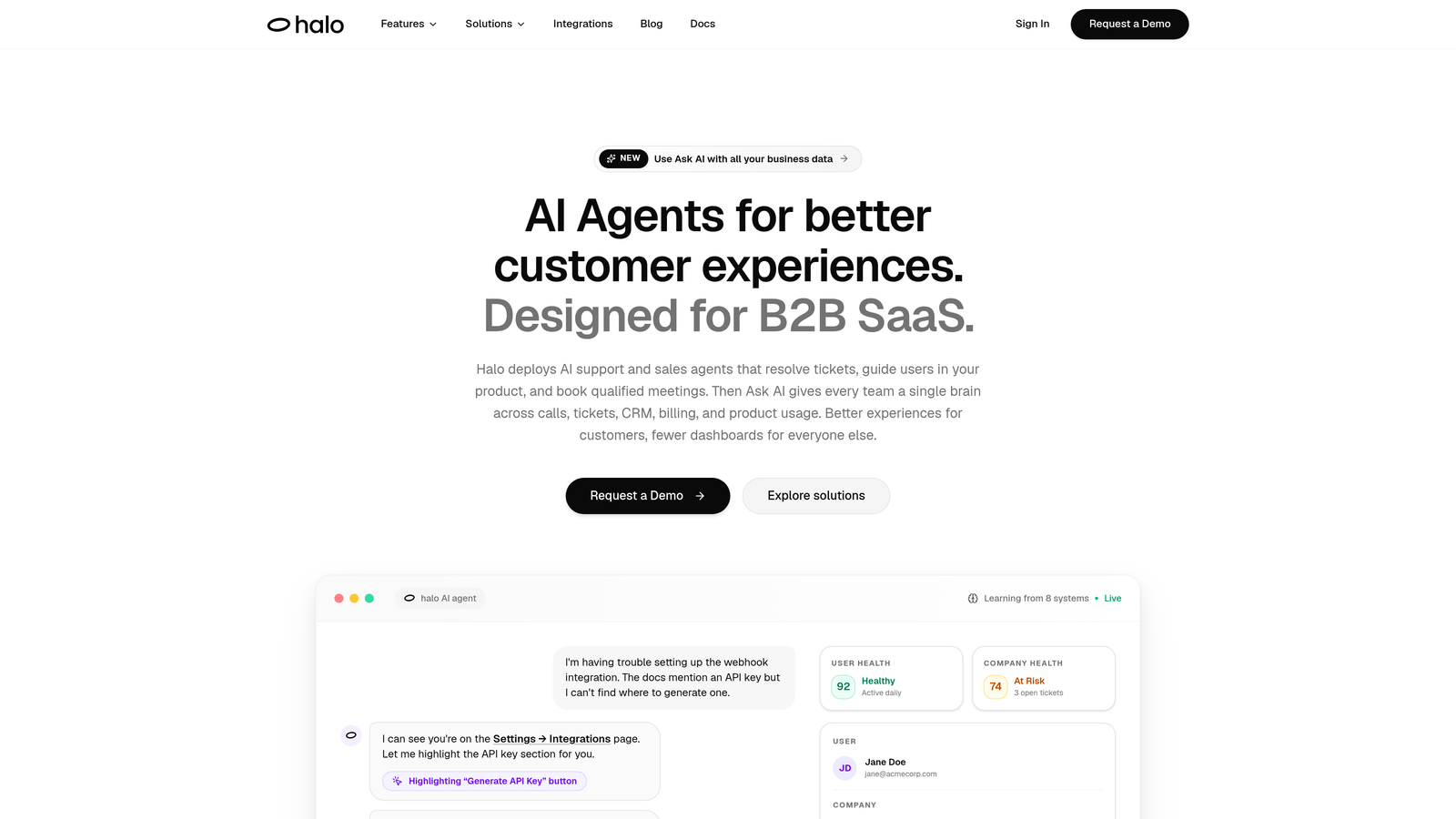
Halo AI is an AI-powered customer support platform with a page-aware chat widget that delivers contextual visual guidance without a separate DAP implementation.
Where This Tool Shines
Halo AI's core differentiator is its page-aware architecture. The AI agent knows which screen a user is on and delivers guidance relevant to that exact context, not a generic walkthrough triggered by a URL pattern. This means users get help that matches their current state in the product, which is a meaningfully different experience from traditional tooltip-based onboarding.
Unlike dedicated digital adoption platforms, Halo AI doesn't require a separate implementation layer on top of your existing support stack. Visual guidance is one capability within a broader autonomous support system that also handles ticket resolution, bug reporting, and live agent handoff. For teams managing a helpdesk alongside an onboarding tool, consolidating these into one platform reduces both complexity and cost.
Key Features
Page-Aware Chat Widget: The AI understands which screen the user is on and delivers contextually relevant visual guidance without a separate DAP.
Autonomous Ticket Resolution: AI agents resolve support tickets independently, handling routine issues without human intervention.
Auto Bug Ticket Creation: When UI issues are detected during a support interaction, Halo automatically creates a bug report and routes it to the right team.
Live Agent Handoff: Complex issues escalate seamlessly to human agents with full conversation context preserved.
Continuous Learning: The AI improves guidance accuracy over time by learning from every interaction across your user base.
Deep Integrations: Connects to Linear, Slack, HubSpot, Intercom, Stripe, Zoom, PandaDoc, and Fathom for a unified support and business intelligence layer.
Best For
B2B SaaS companies and product teams that want visual UI guidance without managing a separate digital adoption platform. Particularly well-suited for teams already running a helpdesk who want to add AI-driven in-product guidance and autonomous ticket resolution in one move.
Pricing
Contact for pricing. See haloagents.ai for current plans and to book a demo.
2. Pendo
Best for: Mid-market and enterprise teams that want in-app guidance informed by deep product analytics
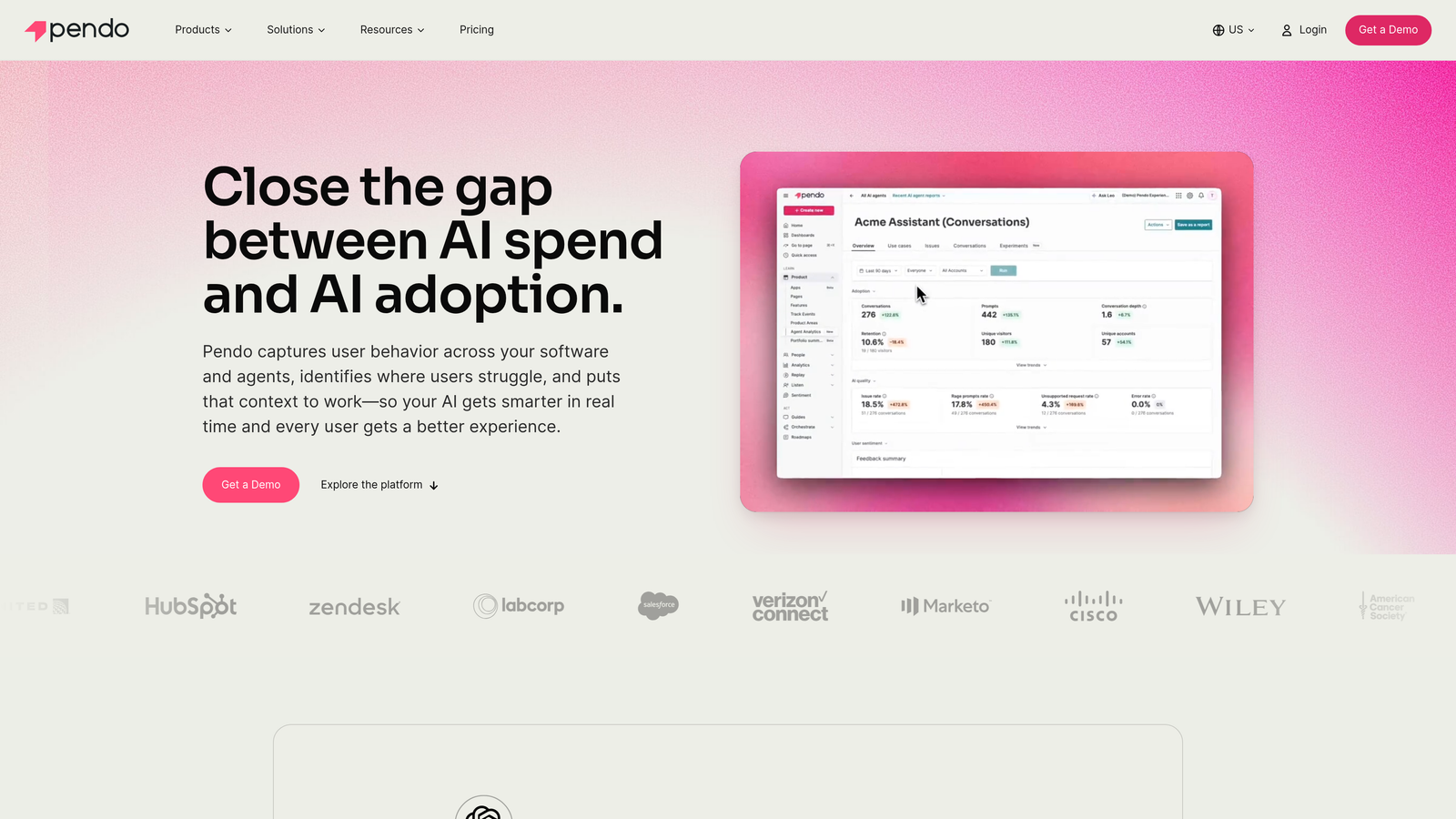
Pendo is a digital adoption platform that combines in-app guides with a powerful behavioral analytics layer, enabling teams to target guidance based on what users actually do in the product.
Where This Tool Shines
Pendo's strongest differentiator is the connection between its analytics and its guidance engine. Rather than showing walkthroughs to everyone, you can target specific segments based on feature usage, lifecycle stage, or NPS score. This makes guidance feel relevant rather than intrusive.
The platform also includes in-app NPS surveys and feedback collection, which gives product teams a direct line to user sentiment without needing a separate survey tool. For teams that want to close the loop between guidance and product iteration, Pendo provides that infrastructure in a single platform.
Key Features
In-App Guides: Tooltips, lightboxes, banners, and full walkthroughs with visual targeting via a point-and-click interface.
Product Analytics: Track feature adoption, session data, and user paths to understand where friction exists before building guidance.
Behavioral Segmentation: Target guidance based on actual in-product behavior, not just demographic or firmographic attributes.
NPS and Feedback Collection: Run in-app surveys alongside guidance to capture sentiment at key moments in the user journey.
CRM Integrations: Connects with Salesforce, Zendesk, and major CRM platforms to sync user data across your stack.
Best For
Product and customer success teams at mid-market and enterprise SaaS companies that want to tie in-app guidance directly to product analytics. Less suited for early-stage teams with limited analytics infrastructure or tight budgets.
Pricing
Custom pricing with a free tier available for small products. Paid plans are not publicly listed; expect pricing on the higher end of the category. Verify at pendo.io.
3. WalkMe
Best for: Large enterprises managing digital adoption across complex, multi-application environments
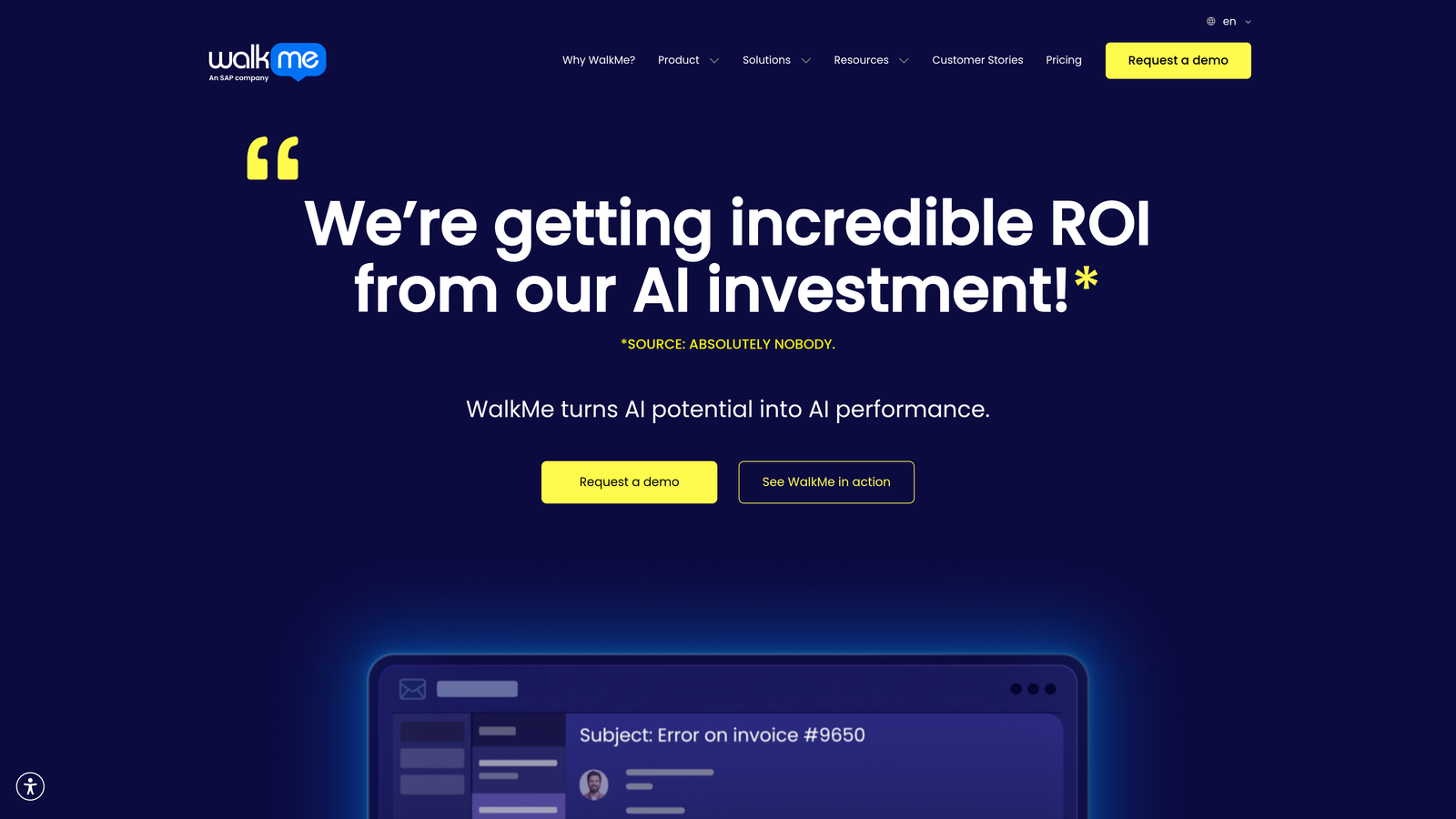
WalkMe is one of the original enterprise digital adoption platforms, built for large-scale software adoption across both customer-facing products and internal enterprise applications.
Where This Tool Shines
WalkMe's depth is unmatched when it comes to enterprise complexity. It supports multi-application environments, meaning you can deliver consistent guided experiences across an entire software stack, not just a single product. This makes it particularly strong for internal IT and HR use cases, such as ERP rollouts or compliance training.
The platform also goes beyond passive guidance by automating repetitive in-app tasks alongside walkthroughs. Users can be guided through a process and have certain steps completed automatically, which reduces both time-to-completion and error rates in high-stakes workflows.
Key Features
Smart Walk-Thrus: Step-by-step visual guidance that adapts to user actions in real time across any web application.
Multi-Application Support: Deliver consistent guided experiences across complex enterprise software stacks from a single platform.
Task Automation: Automate repetitive in-app actions alongside guidance to reduce manual effort in complex workflows.
Enterprise Security and Compliance: Built-in tooling for enterprise-grade security, governance, and compliance requirements.
Adoption Analytics Dashboard: Track adoption rates, guide engagement, and drop-off points at scale across your organization.
Best For
Large enterprises managing digital adoption across multiple internal and external applications. Implementation typically requires dedicated resources, so it's less suited for lean SaaS teams looking for a quick deployment.
Pricing
Custom enterprise pricing, not publicly listed. Expect a significant investment relative to other tools in this category. Verify at walkme.com.
4. Appcues
Best for: SaaS growth and product teams that want no-code onboarding flows without engineering support
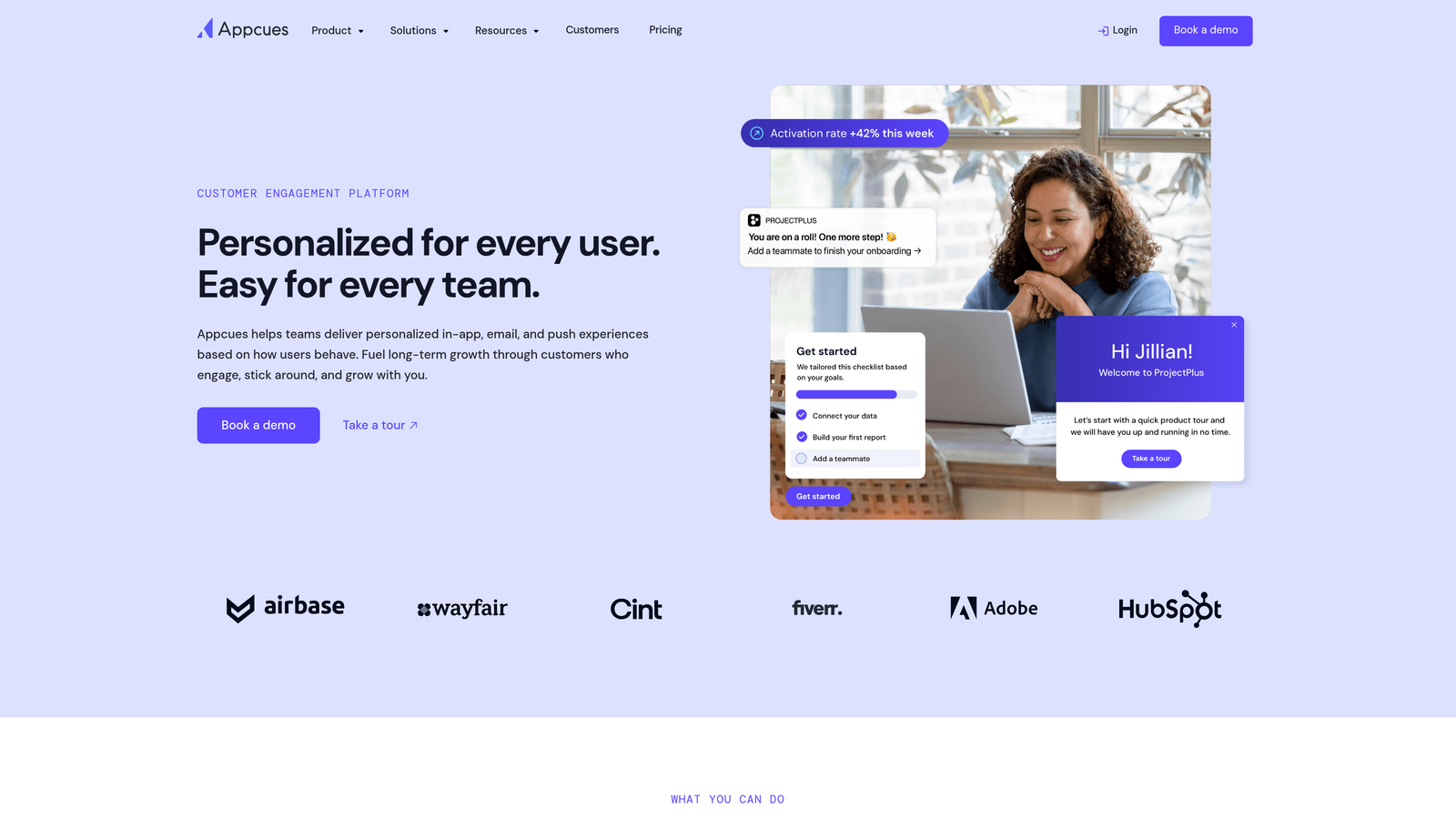
Appcues is a no-code in-app experience builder that lets non-technical teams create onboarding flows, feature announcements, and guided walkthroughs independently.
Where This Tool Shines
Appcues is genuinely accessible to non-engineers. The flow builder works via a Chrome extension that lets you click on elements in your live product and attach guidance to them, no code required. This means product managers and growth teams can ship onboarding improvements without queuing up engineering work.
The segmentation capabilities are strong for the price point. You can target specific user cohorts based on attributes, lifecycle stage, or behavioral events, ensuring that new users see activation flows while power users see feature announcements. A/B testing for onboarding flows adds an optimization layer that's typically only found in more expensive platforms.
Key Features
No-Code Flow Builder: Create tooltips, modals, slideouts, and checklists by clicking directly on elements in your live product.
User Segmentation: Target specific cohorts with relevant guidance based on attributes, behavior, and lifecycle stage.
A/B Testing: Test variations of onboarding flows to optimize completion rates and activation.
Event Tracking: Measure flow completion, drop-off points, and engagement across all in-app experiences.
Integrations: Connects with Segment, Mixpanel, HubSpot, and Salesforce to sync data across your growth stack.
Best For
Growth-stage SaaS teams with active product and growth functions but limited engineering bandwidth for onboarding work. Strong fit for PLG companies focused on self-serve activation.
Pricing
Starts at approximately $249/month. Verify current pricing at appcues.com before committing.
5. Intercom Product Tours
Best for: Existing Intercom customers who want lightweight guided walkthroughs without a separate tool
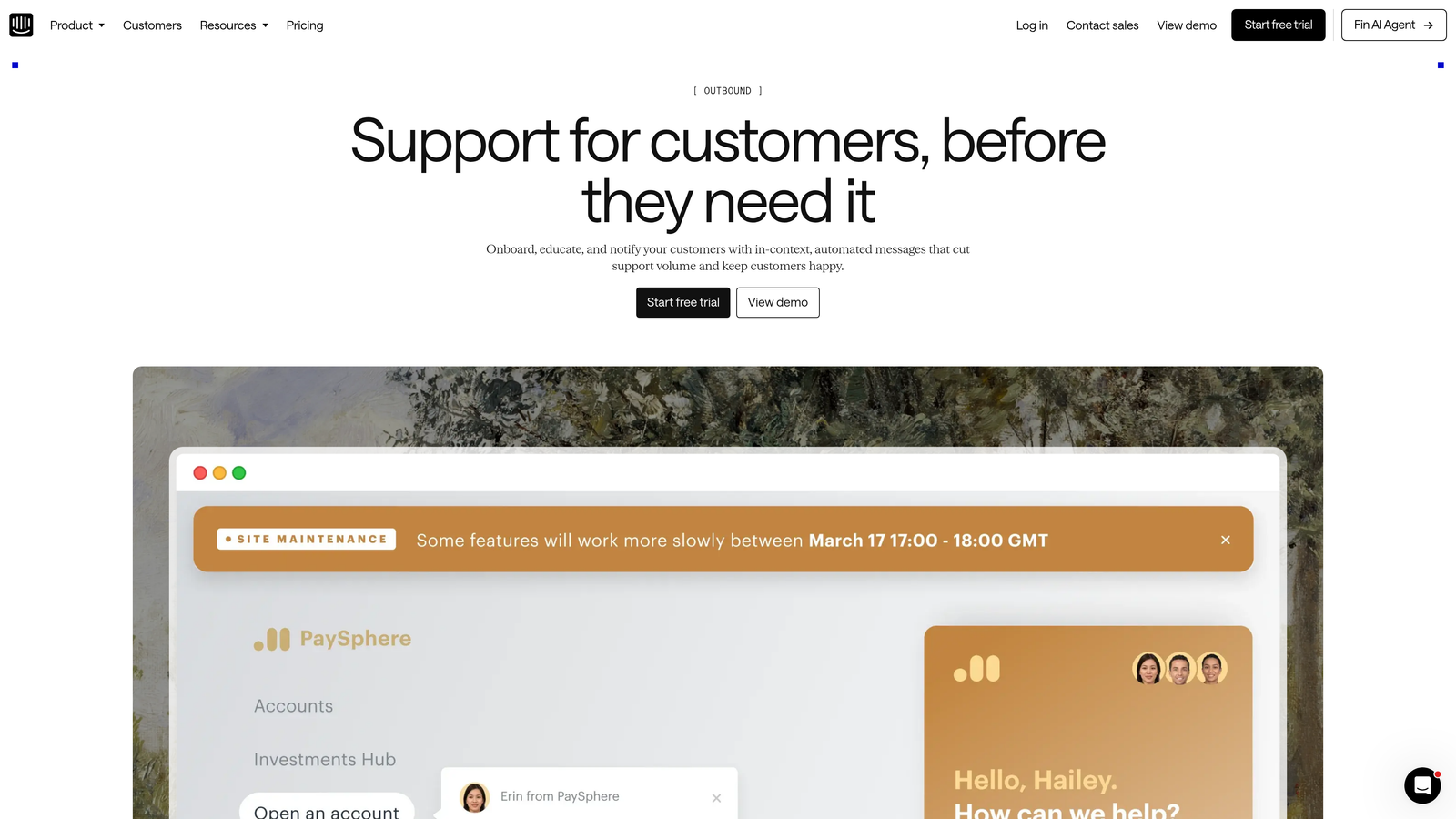
Intercom Product Tours is a native in-app tour feature built directly into the Intercom platform, designed for teams that want basic guided walkthroughs without adopting a dedicated DAP.
Where This Tool Shines
The primary advantage here is zero additional implementation. If you're already running Intercom for support and messaging, Product Tours is available as an add-on with no new SDK to install or separate system to manage. For teams that need simple, linear guided tours and don't want the overhead of a full DAP, this is a pragmatic choice.
Tours are triggered by user actions or events within Intercom's existing targeting framework, which means you can leverage the user segments and attributes you've already built. The integration with Intercom's inbox and messaging tools also means guided tours can transition naturally into support conversations if a user gets stuck mid-flow.
Key Features
Event-Triggered Tours: Launch step-by-step in-app tours based on user actions or Intercom events without additional configuration.
Native Intercom Integration: No additional implementation required for existing Intercom customers.
Audience Targeting: Use existing Intercom user segments and attributes to control who sees each tour.
Inbox and Messaging Continuity: Tours can hand off naturally to Intercom support conversations for users who need more help.
Basic Completion Analytics: Track tour engagement and completion rates within the Intercom dashboard.
Best For
Teams already invested in Intercom who need basic guided tours without adopting a standalone DAP. Not suitable as a standalone purchase or for teams needing advanced branching logic, deep analytics, or high design customization.
Pricing
Available as an add-on to existing Intercom plans. Verify current pricing at intercom.com.
6. Userpilot
Best for: PLG SaaS companies focused on user activation, feature adoption, and expansion metrics
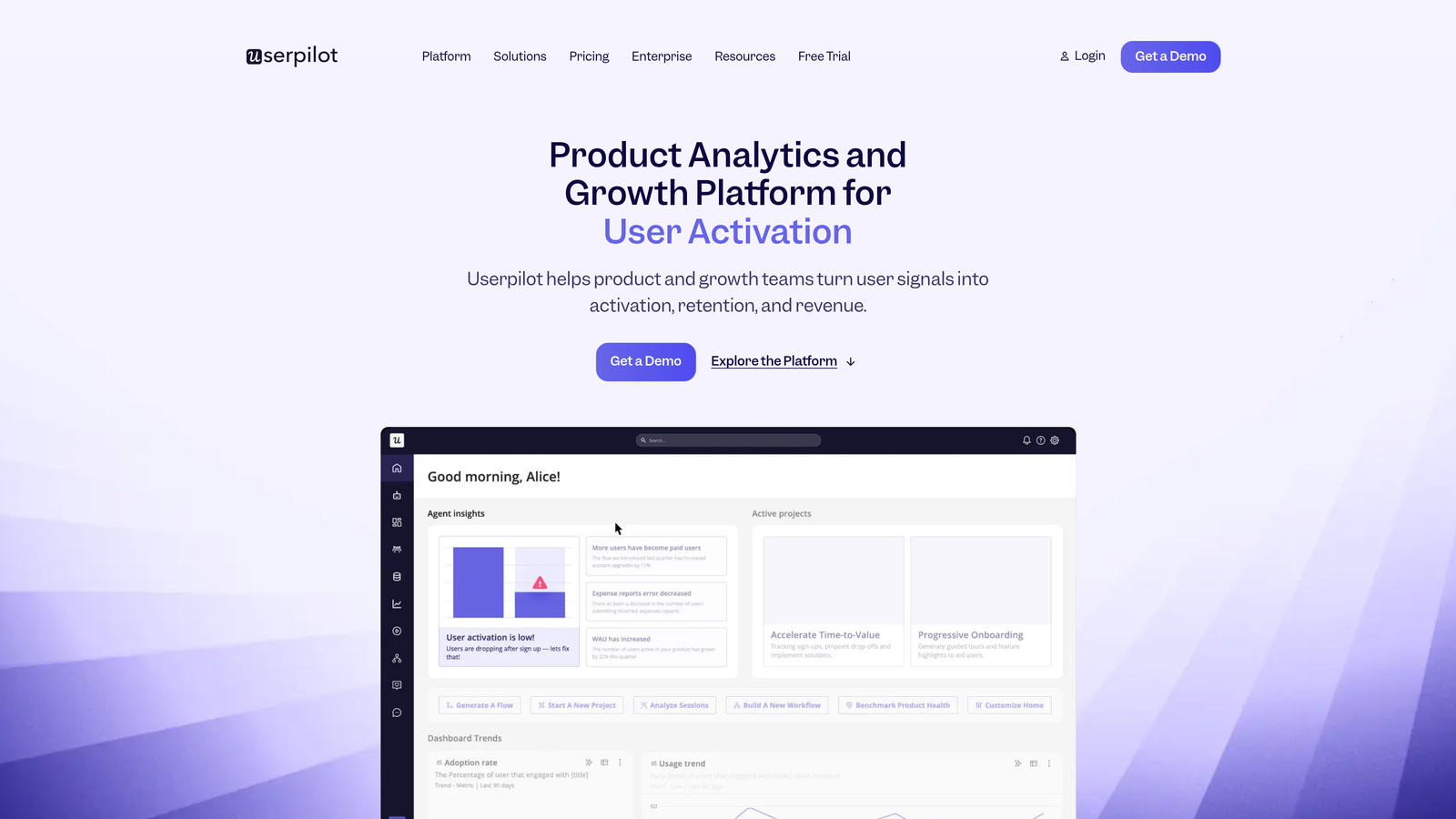
Userpilot is a product growth platform that uses behavior-triggered in-app guidance as the primary mechanism for driving activation, feature adoption, and account expansion.
Where This Tool Shines
Userpilot is built around PLG metrics in a way that most DAPs aren't. Rather than treating guidance as a standalone feature, the platform connects flows directly to activation goals, feature adoption rates, and expansion signals. This makes it easier to demonstrate the business impact of your onboarding work in terms that resonate with product and revenue teams.
The in-app survey and microsurvey capabilities are a genuine strength. You can collect real-time feedback at specific moments in the user journey, such as after a user completes a key workflow or encounters a friction point, and tie that feedback directly to the guidance flows you're running. This creates a continuous improvement loop without needing a separate survey tool.
Key Features
Behavior-Triggered Flows: Launch activation checklists and feature adoption flows based on specific in-product behaviors.
In-App Surveys: Collect microsurvey feedback at key moments in the user journey to inform guidance improvements.
PLG Goal Tracking: Connect guidance flows directly to activation, adoption, and expansion metrics.
Lifecycle Segmentation: Target users by attributes, behavior, and lifecycle stage for relevant, timely guidance.
Analytics Integrations: Connects with Segment, Mixpanel, Amplitude, and HubSpot to sync behavioral data.
Best For
PLG SaaS companies with product-led growth motions where activation and feature adoption are primary KPIs. Strong fit for teams that want to tie guidance directly to revenue and expansion metrics.
Pricing
Starts at approximately $249/month. Verify current pricing at userpilot.com before committing.
7. Chameleon
Best for: Design-forward teams that need highly customized, brand-consistent in-app guidance with A/B testing
Chameleon is an in-app experience platform built for teams that prioritize design flexibility and analytical rigor in their UI guidance without sacrificing customization for ease of use.
Where This Tool Shines
Chameleon offers more design control than most tools in this category. Tooltips, modals, banners, and launchers can be customized to match brand guidelines precisely, which matters for SaaS companies where in-app experiences are part of the product identity. The platform supports both no-code and code-based customization, giving design and engineering teams the flexibility to work in whichever mode suits them.
The A/B testing capabilities are unusually robust for a DAP. You can test variations of individual guidance elements, not just entire flows, which enables more granular optimization. Rate limiting features also prevent guidance overload, a common problem with tools that don't control how frequently users see in-app messages.
Key Features
High-Fidelity Customization: Full design control over tooltips, modals, banners, and launchers to match brand guidelines precisely.
A/B Testing: Test variations at the element level, not just full flows, for granular optimization of in-app guidance.
Rate Limiting: Control how frequently users see in-app guidance to prevent experience fatigue.
Flexible Implementation: Supports both no-code and code-based customization for design and engineering teams.
Analytics Integrations: Deep integration with Segment, Mixpanel, and HubSpot for behavioral data sync.
Best For
Design-conscious SaaS teams that want brand-consistent in-app experiences with strong testing infrastructure. Particularly well-suited for companies where the in-app experience is a core part of product quality and differentiation.
Pricing
Starts at approximately $279/month. Verify current pricing at chameleon.io before committing.
8. Userflow
Best for: Startups and growth-stage SaaS teams that need fast implementation and transparent pricing
Userflow is a lightweight in-app guidance tool with a minimal JavaScript footprint, designed for teams that need to ship onboarding flows quickly without a complex implementation process.
Where This Tool Shines
Userflow's implementation story is genuinely fast. A single lightweight JS snippet is all you need to get started, and the no-code builder lets you create tours, checklists, and tooltips without engineering involvement after that initial setup. For early-stage teams where speed matters more than feature depth, this is a meaningful advantage.
The resource center widget deserves a mention because it's often overlooked. It gives users an in-app self-service hub where they can access guides, checklists, and help content on demand, rather than waiting for triggered flows. Combined with conditional logic for branching flows, Userflow punches above its weight class for the price point.
Key Features
Lightweight Implementation: Single JS snippet with minimal performance impact, getting teams live faster than heavier platforms.
No-Code Flow Builder: Create tours, checklists, and tooltips without ongoing engineering involvement.
Resource Center Widget: In-app self-service hub where users can access guides and help content on demand.
Conditional Logic: Branching flows that adapt based on user actions for more personalized guidance paths.
Transparent Pricing: Startup-friendly tiers with pricing published publicly, no enterprise sales process required to understand costs.
Best For
Startups and growth-stage SaaS companies that need a fast, affordable path to in-app guidance without the overhead of enterprise DAP implementations. Less suited for large teams needing deep analytics, multi-application support, or advanced enterprise compliance features.
Pricing
Starts at approximately $200/month. Verify current pricing at userflow.com.
Which Tool Is Right for Your Team?
The right choice depends less on feature lists and more on where visual UI guidance fits in your broader support and product strategy.
If you want visual guidance embedded inside an AI support layer that also resolves tickets, creates bug reports, and learns from every interaction, Halo AI is the only tool here that delivers all of that in one system. It's the right choice for B2B SaaS teams that don't want to manage a separate DAP on top of their existing helpdesk stack.
For dedicated digital adoption with deep product analytics, Pendo is the most established option at mid-market and enterprise. If you're running large-scale internal adoption across complex enterprise software, WalkMe has the depth and compliance tooling to match. Appcues and Userpilot are both strong choices for PLG SaaS teams with active growth functions and no-code requirements. Chameleon stands out when design fidelity and A/B testing are priorities. Userflow is the fastest path to implementation for early-stage teams watching their budget. And if you're already deep in the Intercom ecosystem, Product Tours is the path of least resistance for basic guided walkthroughs.
For teams exploring the broader support automation angle, our guides on AI helpdesk software and AI support agents cover how these categories connect.
Your support team shouldn't scale linearly with your customer base. Let AI agents handle routine tickets, guide users through your product, and surface business intelligence while your team focuses on complex issues that need a human touch. See Halo in action and discover how continuous learning transforms every interaction into smarter, faster support.