9 Best Visual User Guidance Software Tools for Product Teams in 2026
Visual user guidance software helps product teams reduce support tickets and improve user onboarding by delivering on-screen highlights, interactive walkthroughs, and contextual tooltips exactly when users need help. This comprehensive comparison evaluates nine leading platforms based on implementation ease, guidance capabilities, analytics, and integrations to help you choose the right solution for your product team's needs in 2026.
 Matt PattoliFounder12 min read
When users get stuck in your product, they don't read documentation—they leave. Visual user guidance software solves this by showing users exactly what to do through on-screen highlights, interactive walkthroughs, and contextual tooltips that appear right where help is needed. For product teams and support organizations, these tools reduce ticket volume, accelerate onboarding, and turn confused users into confident power users.
This guide compares the top visual guidance platforms available today, evaluating each on ease of implementation, guidance capabilities, analytics depth, and integration flexibility. Whether you need lightweight tooltips or comprehensive digital adoption infrastructure, you'll find the right fit for your product and team.
1. Halo AI
Best for: Teams wanting visual guidance integrated with AI-powered support automation
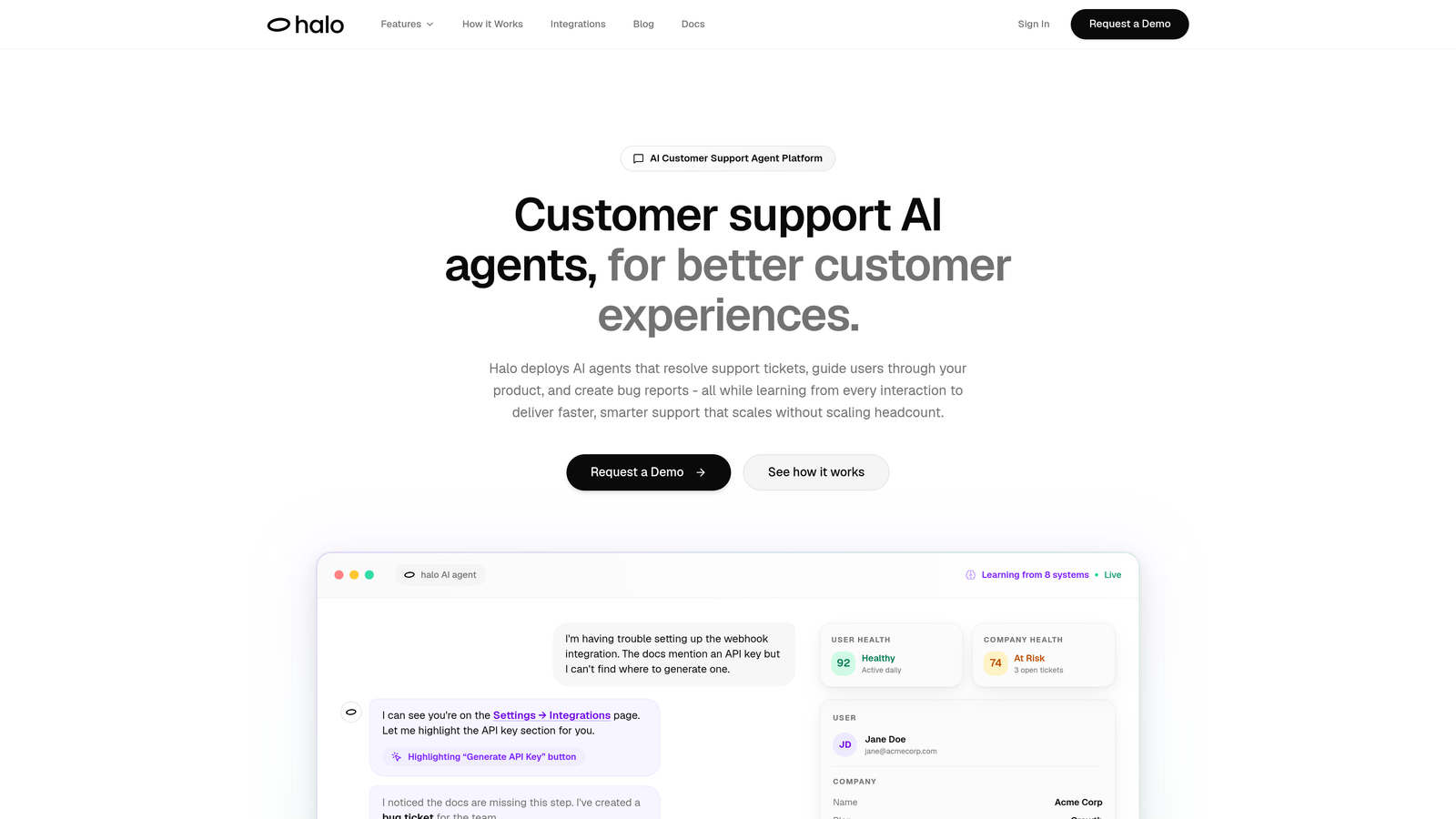
Halo AI is an AI-powered customer support platform that combines visual user guidance with intelligent ticket resolution and business intelligence.
Where This Tool Shines
Unlike standalone guidance tools, Halo understands the full context of what users see on their screen. The page-aware chat widget doesn't just trigger tooltips based on clicks—it comprehends the user's current view and provides contextual help that addresses their specific situation.
What sets Halo apart is how visual guidance connects to your entire support ecosystem. When users need help, AI agents can resolve tickets while simultaneously guiding them through solutions with real-time element highlighting. If guidance reveals a product bug, the system automatically creates tickets in Linear without manual intervention.
Key Features
Page-Aware Context: The chat widget sees what users see, enabling contextual guidance based on their current screen state rather than just page URLs.
Visual UI Guidance: Real-time element highlighting shows users exactly where to click, what to fill in, and how to complete tasks within your product.
AI Ticket Resolution: Agents resolve support tickets while guiding users through solutions, creating a seamless experience between help and action.
Automatic Bug Detection: When guidance reveals product issues, the system creates bug tickets automatically with full context for your engineering team.
Business Intelligence: Beyond support metrics, Halo surfaces customer health signals, revenue intelligence, and anomaly detection from every interaction.
Best For
B2B product teams who want visual guidance as part of a complete support automation strategy. Particularly valuable if you're using helpdesk systems like Zendesk or Intercom and want AI to handle routine tickets while providing in-product guidance that scales without adding headcount.
Pricing
Contact for pricing; demo available to see the platform in action with your specific product environment.
2. WalkMe
Best for: Enterprise-wide digital adoption across complex software stacks
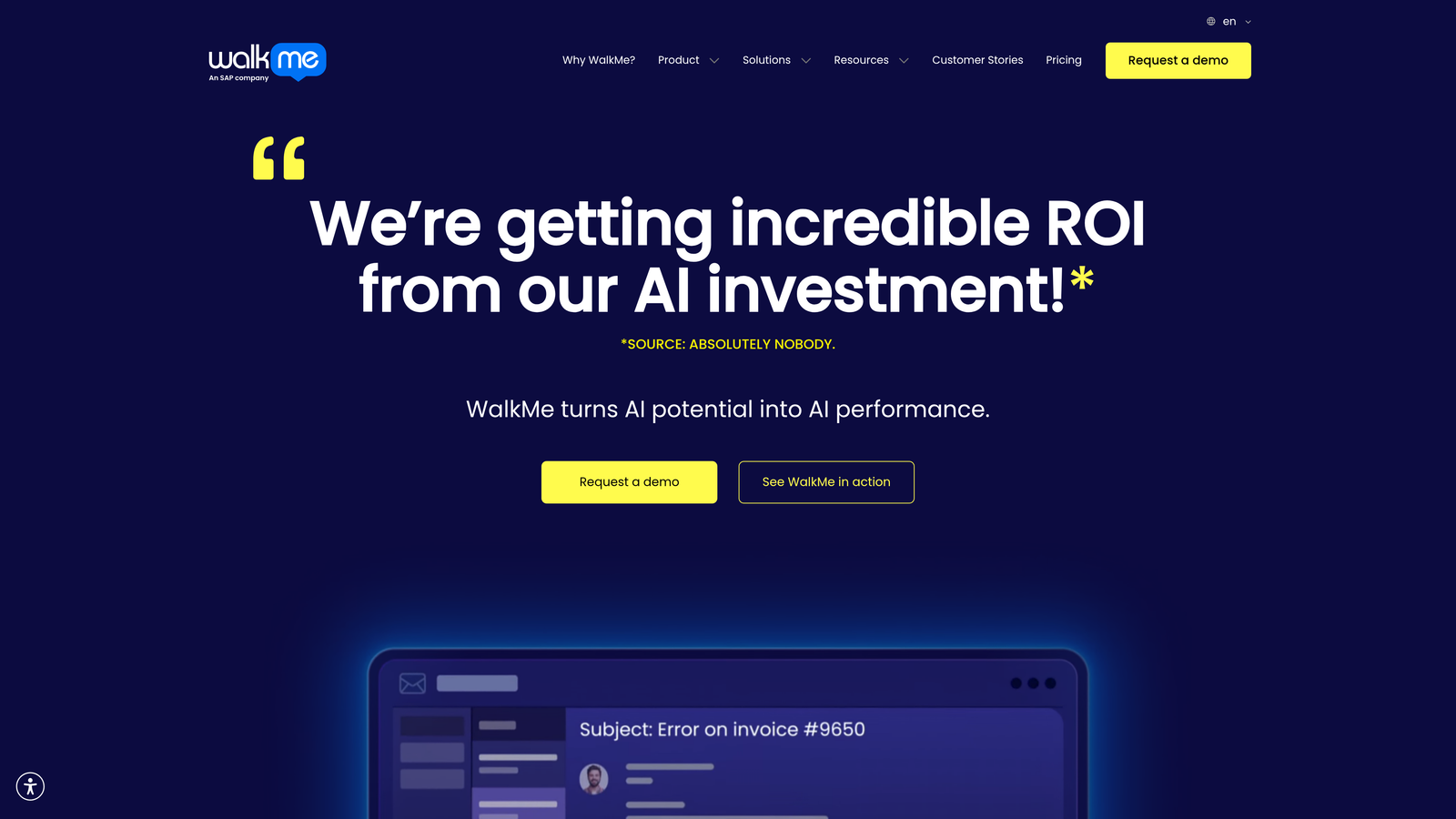
WalkMe is an enterprise digital adoption platform that provides comprehensive guidance, automation, and analytics for large organizations.
Where This Tool Shines
WalkMe excels in enterprise environments where employees need guidance across multiple applications. The platform's Smart Walk-Thrus use conditional logic to adapt guidance based on user behavior, creating dynamic paths that respond to different scenarios rather than following rigid scripts.
The ActionBot feature goes beyond showing users what to do—it actually completes tasks automatically. For repetitive workflows in enterprise software like Salesforce or SAP, this automation reduces clicks and accelerates processes that would otherwise require extensive training.
Key Features
Smart Walk-Thrus: Interactive guidance with branching logic that adapts to user choices and context, creating personalized instruction paths.
ActionBot: Automated task completion that executes multi-step processes on behalf of users, reducing manual work in complex enterprise applications.
Insights Dashboard: Deep adoption analytics showing where users struggle, which features go unused, and how guidance impacts productivity.
Cross-Application Guidance: Support for guiding users across multiple enterprise software platforms within a single workflow.
Workstation: Desktop application support that extends guidance beyond web browsers to native software environments.
Best For
Large enterprises implementing new software across thousands of employees. Ideal for organizations with complex tech stacks where employee training costs are significant and adoption rates directly impact ROI on enterprise software investments.
Pricing
Enterprise pricing model; contact WalkMe for custom quotes based on user count and deployment scope.
3. Pendo
Best for: Product teams needing guidance combined with deep product analytics
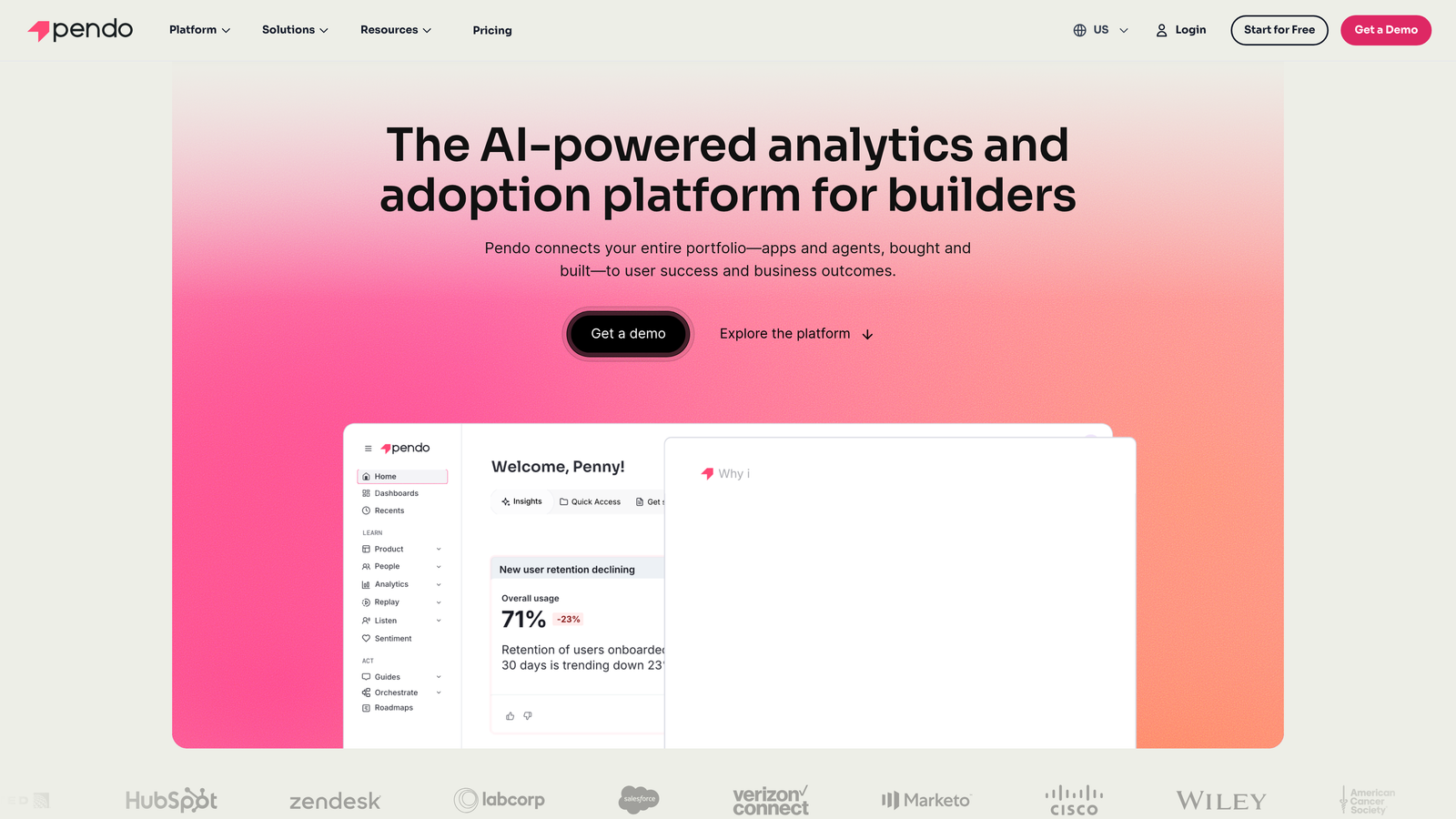
Pendo is a product experience platform that combines in-app guidance with comprehensive product analytics and user feedback collection.
Where This Tool Shines
Pendo's strength lies in connecting guidance to product data. You're not just showing users tooltips—you're analyzing which features they use, where they get stuck, and how guidance impacts retention. This analytics-first approach means product teams can validate whether their onboarding flows actually improve activation rates.
The segmentation capabilities let you target guidance based on user behavior, account attributes, or feature usage patterns. Show different onboarding to power users versus beginners, or guide enterprise customers through advanced features while keeping the interface simple for smaller accounts.
Key Features
In-App Guides: Multiple formats including tooltips, lightboxes, and banners that can be deployed without engineering involvement.
Product Analytics: Track feature usage, user paths, and retention metrics to understand how people actually use your product.
Segmentation Engine: Target guidance based on user attributes, behavior patterns, or account characteristics for personalized experiences.
NPS and Feedback: Collect user sentiment and feature requests directly within your product at contextually relevant moments.
Resource Center: Self-serve help hub where users can search documentation, watch videos, and access guidance on demand.
Best For
Product managers and growth teams who need to prove that onboarding investments drive measurable outcomes. Best suited for SaaS companies where product analytics inform roadmap decisions and guidance is part of a broader product-led growth strategy.
Pricing
Free tier available for basic analytics and guidance; paid plans scale from growth stage to enterprise with custom pricing.
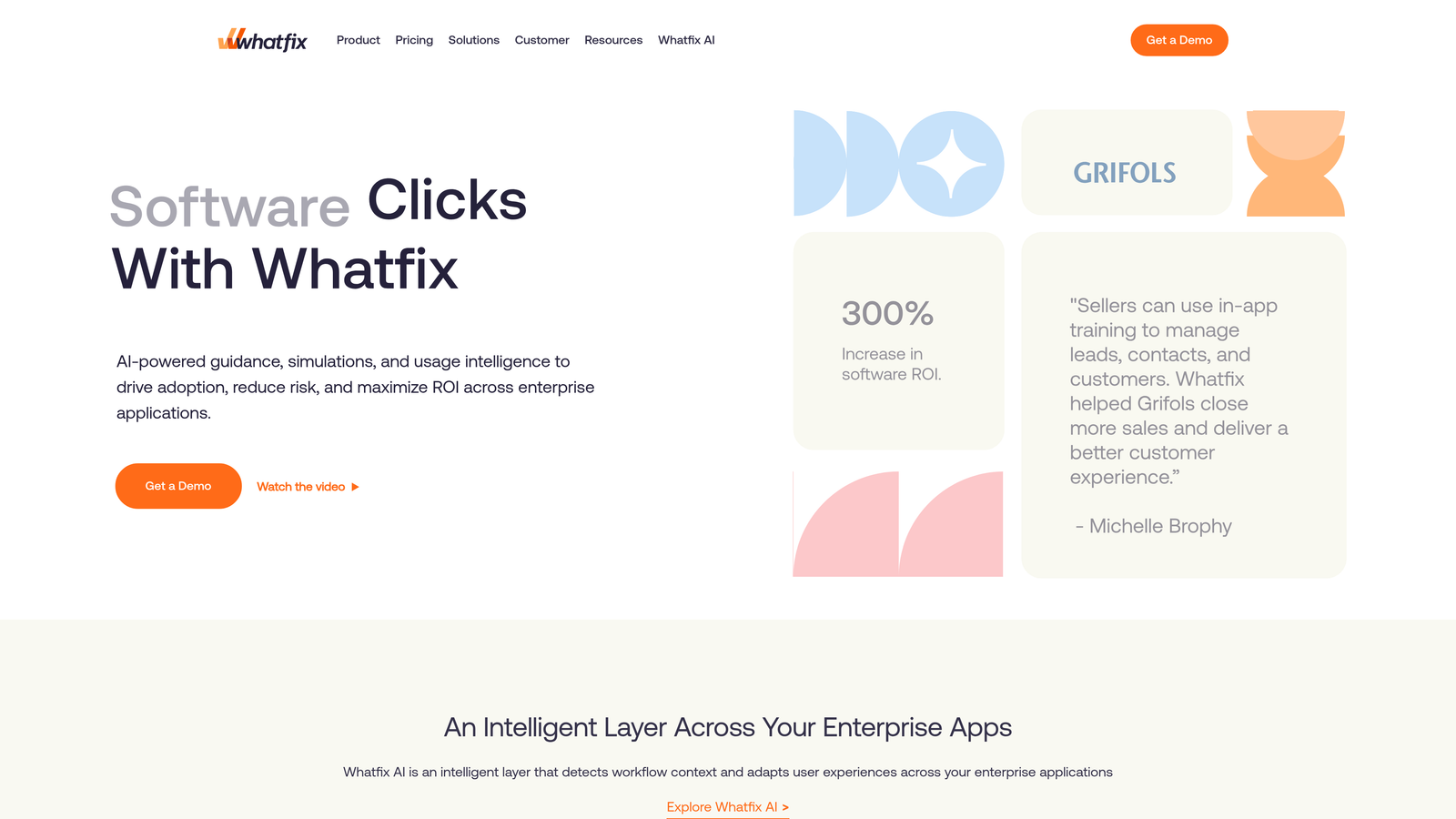
4. Whatfix
Best for: Employee training and enterprise application onboarding at scale
Whatfix is a digital adoption platform focused on employee training with multi-format content creation and comprehensive onboarding programs.
Where This Tool Shines
Whatfix addresses the content creation bottleneck that plagues many guidance implementations. The platform auto-generates content in multiple formats from a single source—create a walkthrough once, and Whatfix produces interactive flows, video tutorials, and written documentation automatically.
The self-help widget provides employees with a searchable library of guidance that's always accessible. Rather than interrupting workflows with forced tours, users can search for help when they need it, finding step-by-step instructions without leaving their application.
Key Features
Interactive Flows: Step-by-step walkthroughs that guide employees through complex enterprise application tasks with contextual instruction.
Auto-Generated Content: Create guidance once and automatically generate multiple content formats including videos, PDFs, and interactive tutorials.
Self-Help Widget: Searchable guidance library that employees can access on-demand without disrupting their workflow.
Task Lists: Structured onboarding programs that track completion and ensure employees master critical workflows.
Engagement Analytics: Detailed reporting on which guidance gets used, completion rates, and where employees abandon training.
Best For
HR and training teams managing employee onboarding across enterprise applications. Particularly valuable for organizations with high employee turnover or frequent software updates that require continuous training.
Pricing
Enterprise pricing model; contact Whatfix for custom quotes based on employee count and deployment requirements.
5. Appcues
Best for: Product teams wanting fast, no-code onboarding implementation
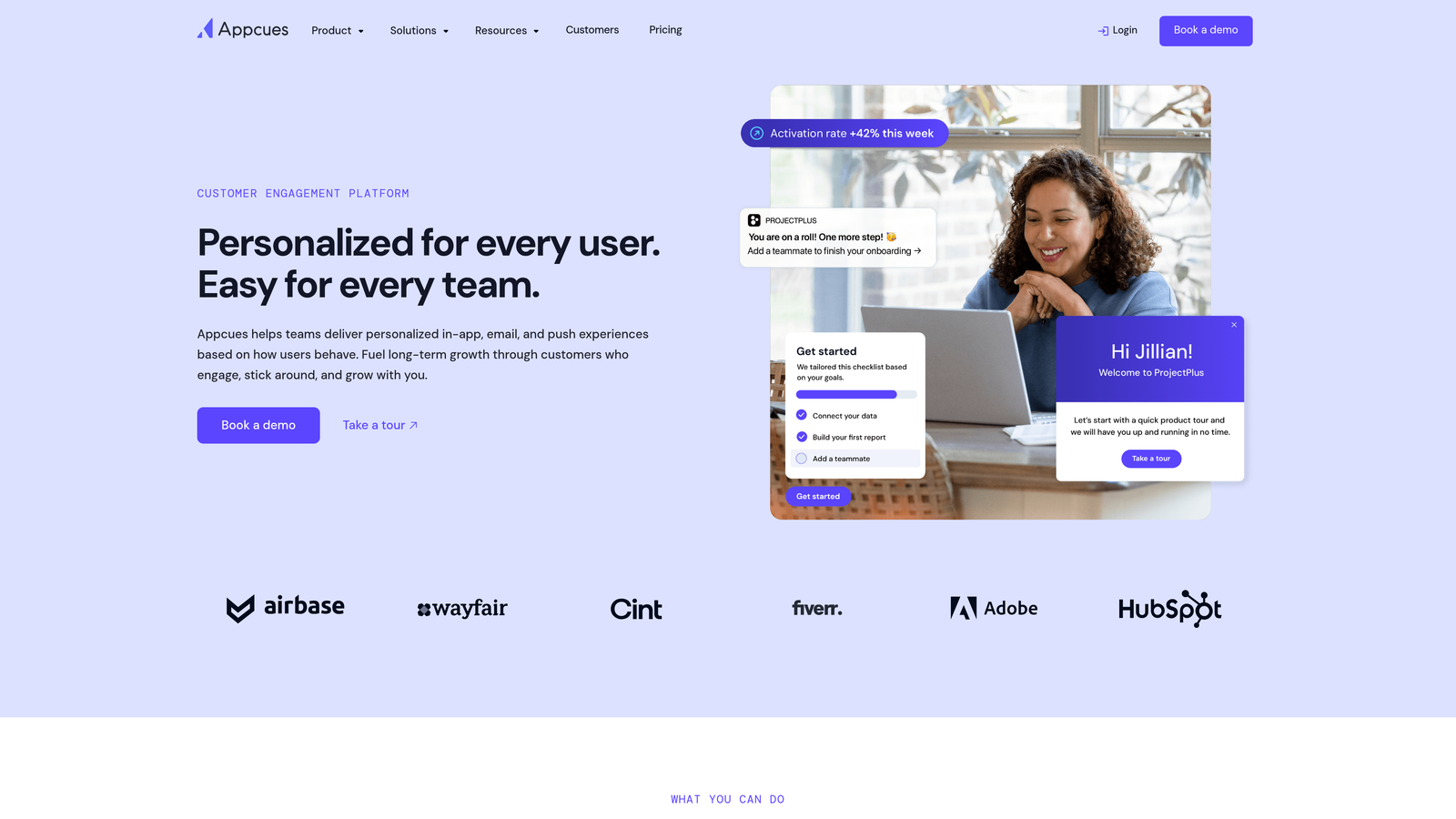
Appcues is a no-code user onboarding platform that enables product teams to build and deploy in-app experiences quickly without engineering resources.
Where This Tool Shines
Appcues removes the technical barrier to creating guidance. The visual flow builder lets product managers and growth teams design onboarding experiences through drag-and-drop—no code required. Launch a new feature tour in hours, not weeks waiting for engineering sprints.
The platform's A/B testing capabilities mean you can validate onboarding approaches with data. Test different tooltip copy, compare modal versus slideout formats, or experiment with onboarding flow sequences to find what actually drives activation.
Key Features
Visual Flow Builder: Drag-and-drop interface for creating guidance experiences without writing code or involving developers.
Multiple Formats: Modals, tooltips, slideouts, and hotspots that can be mixed within flows for varied user experiences.
Checklists: Task-based onboarding that shows users their progress and encourages completion of key activation steps.
Event-Based Targeting: Trigger guidance based on user actions, page visits, or custom events for contextually relevant timing.
A/B Testing: Experiment with different onboarding approaches and measure impact on activation, retention, and feature adoption.
Best For
Fast-moving product teams at SaaS companies who need to iterate on onboarding quickly. Ideal when you want product managers owning the user experience without depending on engineering bandwidth for every change.
Pricing
Starts at $249/month for the Essentials plan; growth and enterprise tiers available with advanced features and higher user limits.
6. Userpilot
Best for: Product growth teams prioritizing experimentation and feature adoption
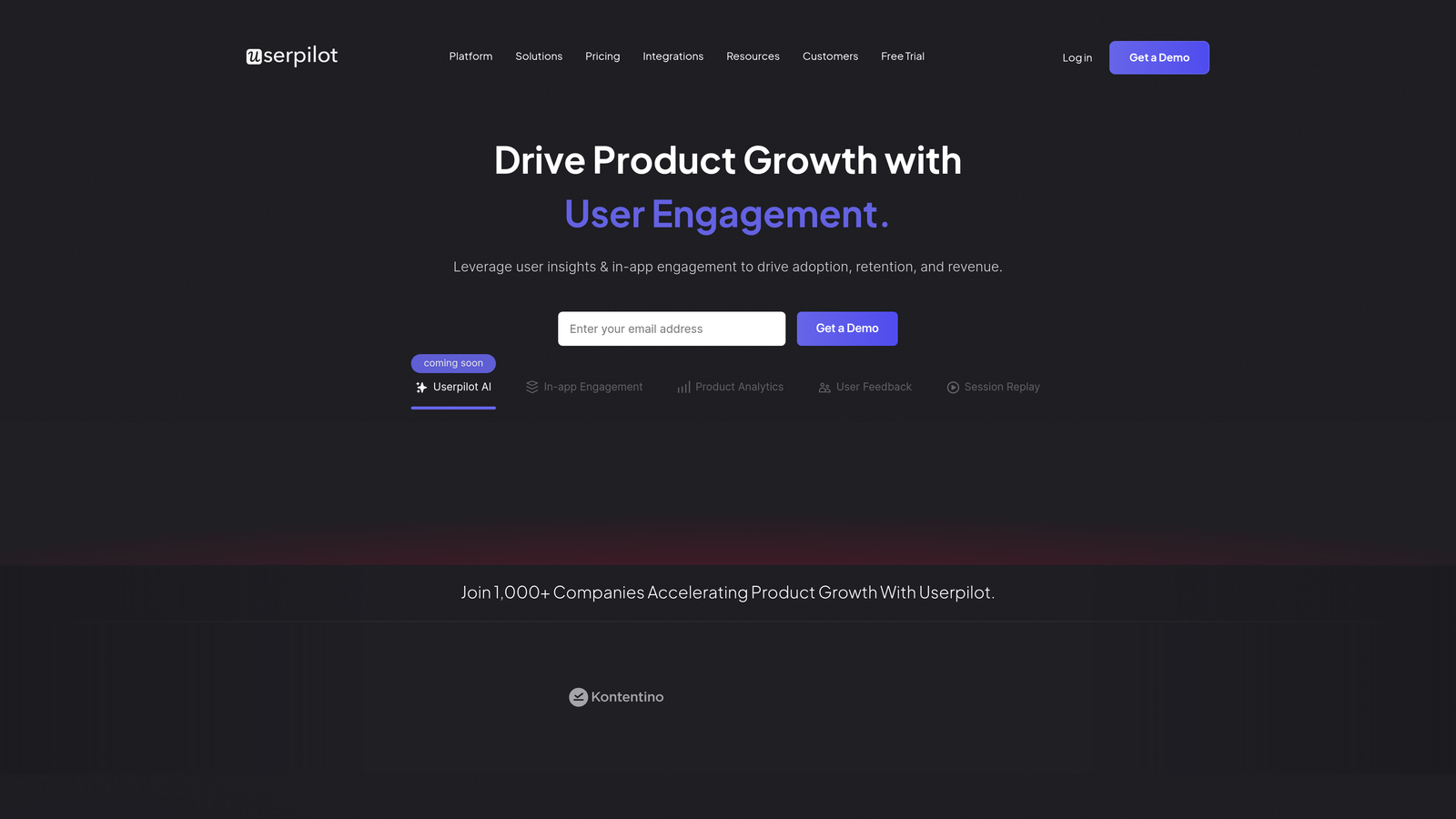
Userpilot is a product growth platform for building contextual in-app experiences with strong experimentation and analytics capabilities.
Where This Tool Shines
Userpilot combines guidance with feature tagging that tracks usage without requiring code changes. Tag features visually in the platform, and immediately see adoption metrics—no waiting for engineering to instrument analytics events.
The experimentation capabilities go beyond simple A/B tests. Run multivariate experiments on entire onboarding flows, testing different combinations of guidance formats, timing, and messaging to optimize for your specific activation metrics.
Key Features
Experience Builder: Create flows, tooltips, and modals with a visual editor that requires no technical implementation.
Feature Tagging: Track feature usage and adoption by visually tagging UI elements without writing analytics code.
Multivariate Testing: Run complex experiments testing multiple variables simultaneously to find optimal onboarding combinations.
In-App Surveys: Collect NPS scores and user feedback at contextually relevant moments within your product.
Resource Center: Searchable help content library that users can access on-demand for self-serve support.
Best For
Growth-focused product teams at B2B SaaS companies where feature adoption drives expansion revenue. Best suited for organizations that make data-driven decisions and need to prove onboarding ROI with metrics.
Pricing
Starts at $249/month; growth and enterprise tiers available with advanced analytics, higher user limits, and additional features.
7. Chameleon
Best for: Design-conscious teams needing highly customized, on-brand guidance
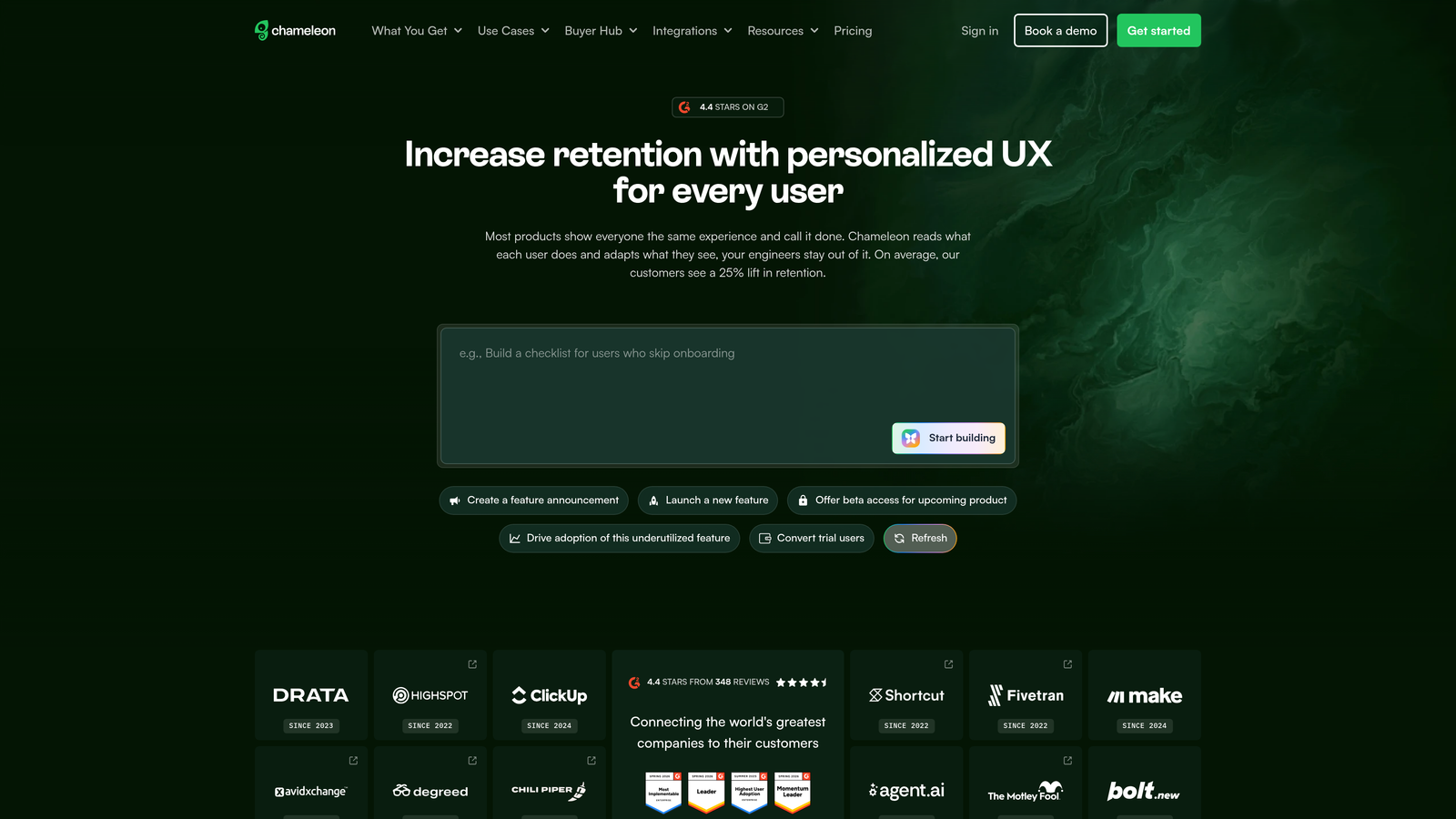
Chameleon is a product tour platform with deep styling options and customization capabilities for teams with specific brand requirements.
Where This Tool Shines
Chameleon gives you granular control over how guidance looks and behaves. Advanced CSS customization means tours can match your exact brand guidelines—fonts, colors, animations, and spacing all configurable to blend seamlessly with your product's design system.
The rate limiting feature prevents user fatigue by controlling how often people see guidance. Set rules to avoid bombarding users with multiple tours, ensuring each interaction feels helpful rather than intrusive.
Key Features
Advanced Styling: Deep CSS customization options that let you match guidance precisely to your brand and design system.
Microsurveys: Lightweight feedback collection that gathers user insights at contextually relevant moments without disrupting workflow.
Launchers: Persistent help menus that provide ongoing access to tours and guidance without forcing immediate interaction.
Rate Limiting: Control guidance frequency to prevent overwhelming users with too many tours or tooltips.
Integration Ecosystem: Connect to HubSpot, Salesforce, Segment, and other tools for coordinated user experiences across platforms.
Best For
Product teams with strong design standards who need guidance that feels native to their product. Ideal for companies where brand consistency matters and generic-looking tooltips would undermine the user experience.
Pricing
Starts at $279/month; custom enterprise pricing available for larger deployments and advanced feature requirements.
8. Stonly
Best for: Support teams deflecting tickets with interactive knowledge guides
Stonly is an interactive knowledge platform that combines step-by-step guides with in-app guidance for support deflection and self-service.
Where This Tool Shines
Stonly's interactive guides use decision-tree logic to adapt based on user responses. Instead of static documentation, users answer questions that narrow down to their specific situation, receiving personalized instructions that address their exact scenario.
The platform serves both customers and support agents. Customer-facing guides deflect tickets by helping users solve problems independently, while agent-facing guides ensure support teams provide consistent, accurate solutions without memorizing procedures.
Key Features
Interactive Guides: Decision-tree logic creates personalized instruction paths based on user responses and context.
In-App Widget: Embed knowledge delivery directly in your product for contextual self-service support.
AI Answer Suggestions: Intelligent recommendations surface relevant guides based on user questions and behavior patterns.
Agent-Facing Guides: Support team resources that ensure consistent, accurate responses across all customer interactions.
Effectiveness Analytics: Track which guides resolve issues, where users drop off, and how self-service impacts ticket volume.
Best For
Customer success and support teams focused on ticket deflection and self-service adoption. Particularly valuable for products with complex use cases where static documentation fails to address the variety of user situations.
Pricing
Free tier available for basic features; paid plans start at $199/month with advanced capabilities and higher usage limits.
9. Userflow
Best for: Developer-friendly teams wanting flexible implementation and resource centers
Userflow is an onboarding tool with flexible implementation options, strong developer experience, and comprehensive resource center capabilities.
Where This Tool Shines
Userflow balances no-code ease with developer flexibility. The visual flow builder handles most use cases without code, but when you need custom behavior, the JavaScript API provides programmatic control over guidance triggers, content, and user attributes.
The resource center functionality creates a permanent help hub within your product. Users can search documentation, watch videos, and access checklists on-demand—providing ongoing value beyond initial onboarding.
Key Features
Flow Builder: Visual editor with conditional logic for creating adaptive guidance that responds to user behavior and attributes.
Resource Center: Self-serve documentation hub with search, categories, and mixed content formats for ongoing user support.
Checklists: Structured onboarding tasks that track completion and encourage users to activate key features.
Event Tracking: Monitor user actions and attributes to trigger contextually relevant guidance and measure onboarding effectiveness.
Localization: Multi-language support for international products serving users across different regions and languages.
Best For
Technical product teams who appreciate developer-friendly tools but want non-technical team members to manage day-to-day guidance updates. Ideal for products with international user bases requiring multi-language support.
Pricing
Starts at $240/month; growth and pro tiers available with increased user limits and advanced features.
Making the Right Choice
The visual guidance landscape has matured significantly. Enterprise teams implementing software across thousands of employees should consider WalkMe or Whatfix for their comprehensive digital adoption capabilities and cross-application support.
For product-led growth teams, the decision often comes down to whether analytics matter as much as guidance. Pendo and Userpilot excel when you need to connect onboarding to feature adoption metrics and prove ROI with data. Appcues and Chameleon shine when speed and design control take priority over deep analytics.
If your primary goal is support deflection through self-service knowledge, Stonly or Userflow provide strong resource center capabilities that extend beyond initial onboarding into ongoing help delivery.
Halo AI represents a different approach entirely—visual guidance integrated with AI-powered support automation. Rather than treating guidance as a standalone function, it connects what users see on screen to intelligent ticket resolution and business intelligence. This makes sense when you want guidance to be part of a complete support ecosystem rather than an isolated onboarding tool.
The best choice depends on your team's priorities. Need standalone guidance you can implement quickly? Choose based on ease of use and design flexibility. Want guidance connected to product analytics? Prioritize platforms with strong measurement capabilities. Looking for guidance as part of broader support automation? Consider platforms that integrate visual help with ticket resolution and customer intelligence.
Your support team shouldn't scale linearly with your customer base. Let AI agents handle routine tickets, guide users through your product, and surface business intelligence while your team focuses on complex issues that need a human touch. See Halo in action and discover how continuous learning transforms every interaction into smarter, faster support.