9 Best Visual User Guidance Tools for SaaS Teams in 2026
This guide reviews nine visual user guidance tools for SaaS teams in 2026, covering dedicated product adoption platforms and AI-powered solutions that deliver in-app walkthroughs, contextual tooltips, and interactive overlays to reduce support tickets and improve user onboarding. Each tool is evaluated on implementation ease, guidance depth, and integration capabilities to help B2B SaaS teams identify the right fit for reducing churn and enabling smarter self-service.
 Matt PattoliFounder13 min read
When users can't figure out your product, they don't read documentation. They submit a ticket. Visual user guidance tools solve this by delivering in-app walkthroughs, contextual tooltips, and interactive overlays that meet users exactly where they're stuck. For SaaS teams managing growing support queues, these tools have become an essential first line of defense against preventable tickets.
This list covers nine tools across the spectrum: from dedicated product adoption platforms to AI-powered support agents that combine visual guidance with intelligent ticket resolution. Whether you're trying to reduce onboarding drop-off, cut repetitive support requests, or give users a smarter way to self-serve, there's a solution here.
We've evaluated each tool on ease of implementation, guidance depth, integration capabilities, and overall value for B2B SaaS teams. Halo AI is listed first because it's the publisher of this article, but every tool on this list earns its place on merit.
1. Halo AI
Best for: B2B SaaS teams that want visual guidance and autonomous ticket resolution in one platform
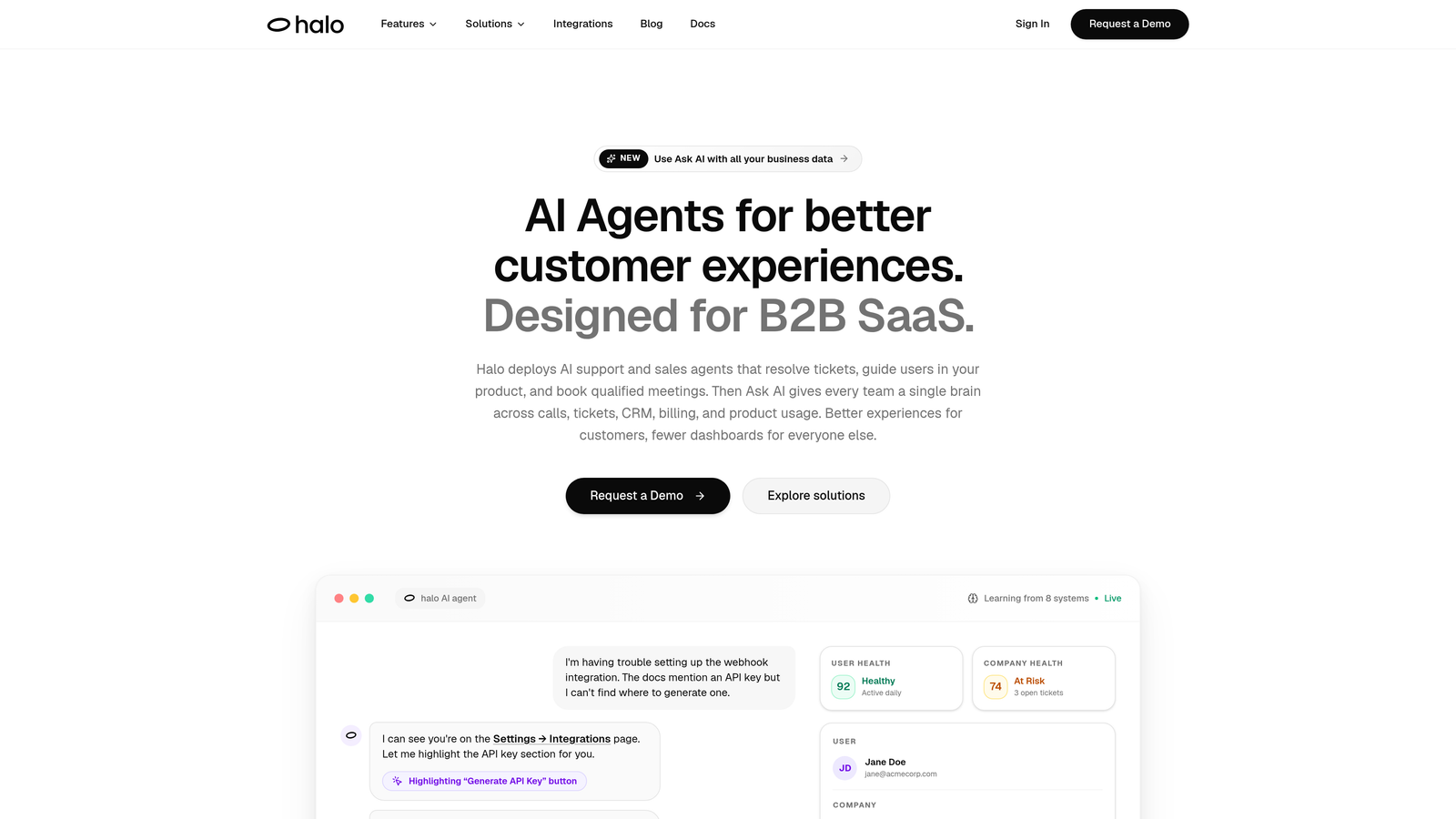
Halo AI is an AI-native customer support platform with a page-aware chat widget that delivers contextual visual UI guidance while also resolving tickets autonomously.
Where This Tool Shines
Most visual guidance tools stop at showing users what to do. Halo goes further by understanding where a user is in your product, seeing what they see, and guiding them through your UI in real time. That page-aware context is what separates it from traditional walkthrough builders: there's no need to pre-script every possible path a user might take.
What makes Halo genuinely different is that it doesn't treat guidance and support as separate functions. When a user can't resolve their issue through guidance alone, Halo can autonomously handle the ticket, create a bug report, or escalate to a live agent, all within the same interaction. For teams tired of juggling multiple point solutions, that consolidation has real operational value.
Key Features
Page-Aware Chat Widget: The AI sees what the user sees and delivers contextual guidance based on their exact location in your product.
Autonomous Ticket Resolution: AI agents handle routine support requests end-to-end, with intelligent handoff to live agents when complexity warrants it.
Auto Bug Ticket Creation: User-reported issues are automatically converted into structured bug tickets, reducing manual triage work.
Smart Inbox with Business Intelligence: Beyond support metrics, Halo surfaces customer health signals, revenue intelligence, and anomaly detection from support interactions.
Deep Integration Stack: Connects with Linear, Slack, HubSpot, Intercom, Stripe, Zoom, PandaDoc, and Fathom, so guidance and support data flows into your existing workflows.
Best For
B2B SaaS teams that want to consolidate visual guidance and support automation into one platform. Particularly well-suited for product and support teams that are tired of the boundary between "adoption tool" and "support tool" and want a system that handles both intelligently.
Pricing
Contact for pricing. Enterprise and team plans are available at haloagents.ai. Custom pricing reflects the platform's breadth across guidance, ticket resolution, and business intelligence.
2. Appcues
Best for: Growth and product teams building personalized onboarding flows without engineering support
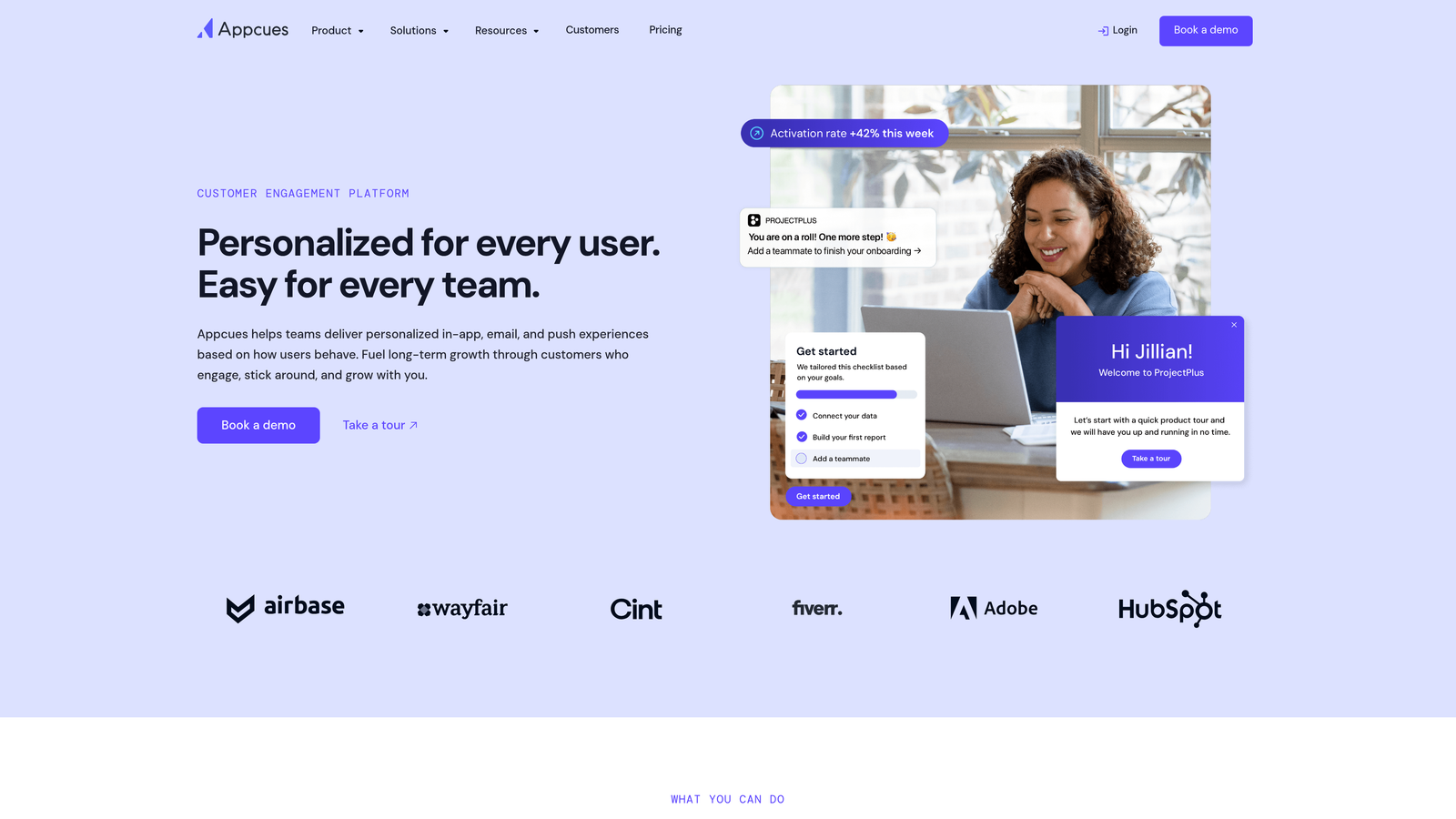
Appcues is a no-code product adoption platform that lets non-technical teams build in-app walkthroughs, tooltips, and announcements independently.
Where This Tool Shines
Appcues has built a strong reputation for making onboarding flow creation genuinely accessible to product and growth teams. The drag-and-drop builder is intuitive enough that most teams are publishing their first flow within hours of setup, not days. That speed-to-value is a real differentiator for teams that can't depend on engineering bandwidth for every guidance update.
The segmentation capabilities are particularly strong. You can deliver different onboarding experiences based on user role, plan tier, or behavior, which means new users aren't all funneled through the same generic walkthrough.
Key Features
No-Code Flow Builder: Drag-and-drop interface for building walkthroughs, tooltips, and modals without writing code.
User Segmentation: Deliver personalized guidance experiences based on user attributes, behavior, or plan.
A/B Testing: Test different onboarding flows to identify what drives activation and feature adoption.
NPS Surveys and Checklists: Collect in-app feedback and keep users on track with onboarding progress checklists.
Integration Ecosystem: Connects with Segment, HubSpot, Salesforce, and major analytics platforms.
Best For
Product and growth teams at mid-market SaaS companies who need to iterate on onboarding independently, without filing engineering tickets for every change. Works well for teams with an established user segmentation strategy who want to personalize the guidance experience at scale.
Pricing
Starts at approximately $249/month, tiered by monthly active users. Pricing scales as your user base grows, so it's worth modeling your MAU trajectory before committing.
3. Pendo
Best for: Teams that want to ground guidance decisions in real product usage data
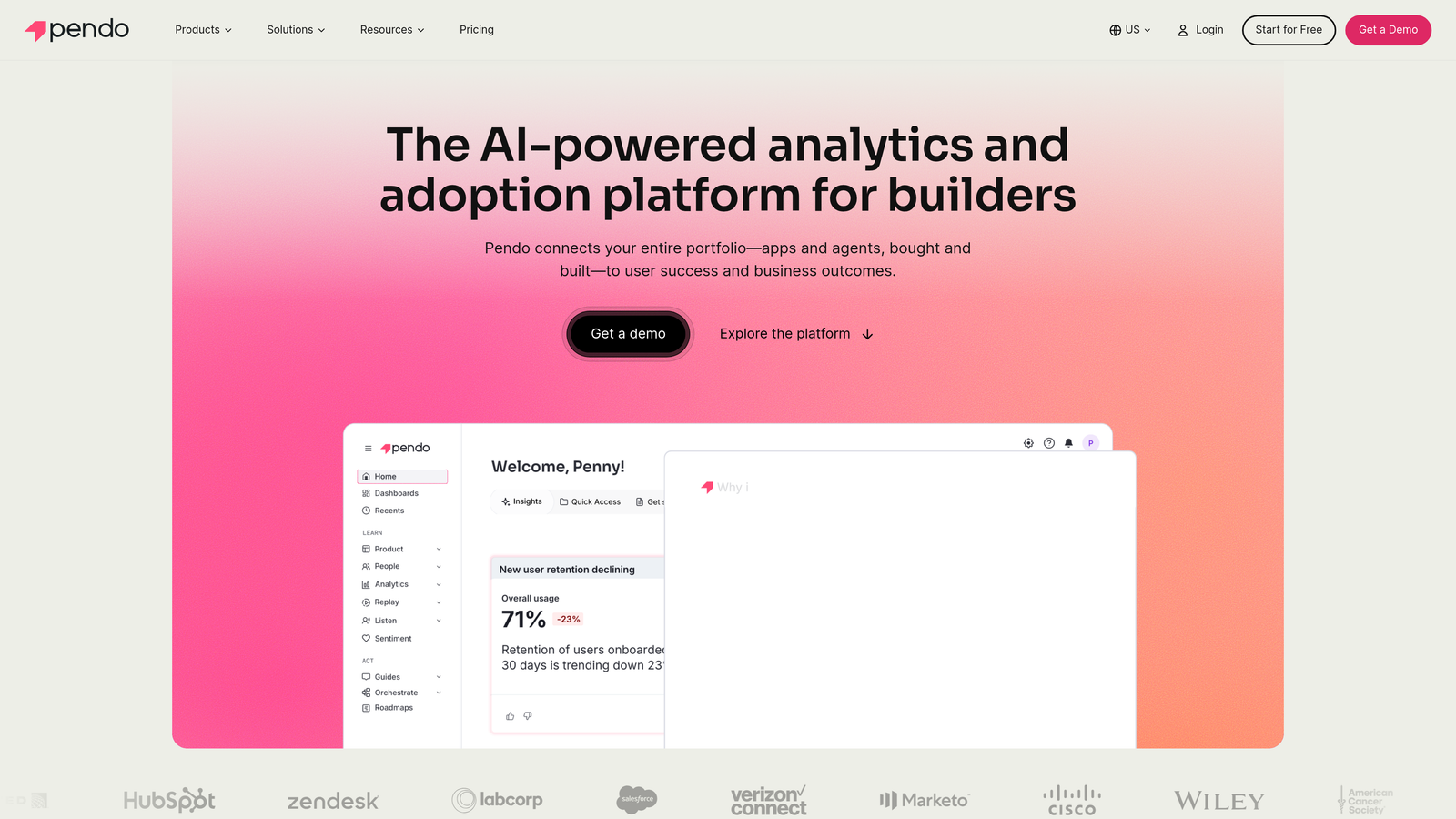
Pendo is a product experience platform that pairs in-app guides with deep behavioral analytics, so guidance strategies are built on what users actually do, not what teams assume they do.
Where This Tool Shines
Pendo's core advantage is the feedback loop between analytics and guidance. You can identify which features users are ignoring, build targeted walkthroughs to drive adoption of those features, and then measure whether the guidance actually moved the needle. That closed loop is harder to replicate when your analytics and guidance tools are separate products.
The retroactive data capture is a practical advantage worth calling out. Pendo can capture usage data without requiring you to tag every element upfront, which means you're not starting from zero when you decide to build a guidance strategy around a feature that's been live for months.
Key Features
In-App Guides and Walkthroughs: Build tooltips, lightboxes, and step-by-step flows directly within your product.
Product Analytics: Track feature usage, session data, and user paths to inform guidance decisions.
Retroactive Data Capture: Collect historical usage data without requiring upfront element tagging.
NPS and Feedback Collection: Gather user sentiment directly within the product experience.
Free Tier: Smaller teams can get started without a paid commitment.
Best For
Product teams at growth-stage or enterprise SaaS companies who want analytics and guidance in one platform. Especially valuable for teams making data-driven decisions about which features need adoption support and measuring the impact of guidance campaigns.
Pricing
Free tier available for smaller teams. Paid plans are custom-quoted based on usage and feature requirements. Expect enterprise-level pricing as your usage scales.
4. Intercom Product Tours
Best for: Teams already using Intercom who want to add in-app walkthroughs without adopting a new platform
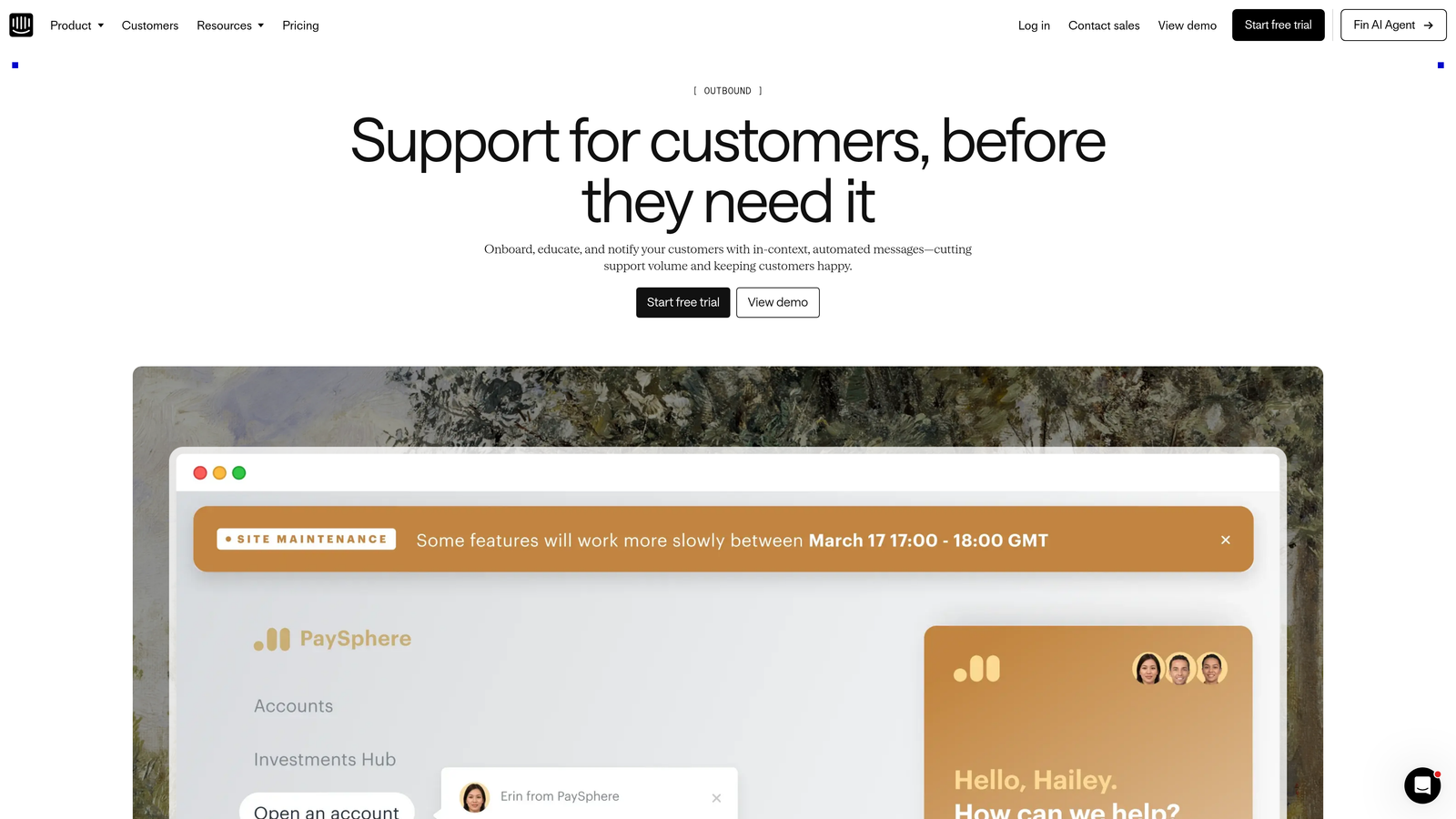
Intercom Product Tours is an add-on to Intercom's customer communications platform that enables step-by-step in-app walkthroughs alongside Intercom's existing messaging and help center capabilities.
Where This Tool Shines
The strongest argument for Product Tours is ecosystem fit. If your team is already running support, chat, and your help center through Intercom, adding guided walkthroughs in the same platform reduces tool sprawl and keeps user interaction data unified. There's no separate integration to maintain and no context switching for your support team.
Triggering tours based on user behavior and attributes works naturally within Intercom's existing targeting logic, which means teams familiar with Intercom's segmentation can get up and running quickly.
Key Features
Behavior-Triggered Tours: Launch walkthroughs based on user actions, attributes, or events within Intercom.
Native Messenger Integration: Tours live alongside Intercom's chat widget and help center for a unified user experience.
Rich Media Support: Include video and images within tour steps to make guidance more visual.
Tour Analytics: Track completion rates and drop-off points to identify where users disengage.
Targeting Rules: Deliver tours to specific user segments based on plan, role, or behavior.
Best For
Teams already invested in the Intercom ecosystem who want to extend their platform with guided walkthroughs rather than adopting a standalone product adoption tool. Less compelling as a first tool if you're not already an Intercom customer.
Pricing
Available as a paid add-on to existing Intercom plans. Pricing varies by plan tier. Check Intercom's current pricing page for the most accurate figures, as add-on costs shift with plan changes.
5. WalkMe
Best for: Enterprise organizations deploying complex software at scale with compliance and audit requirements
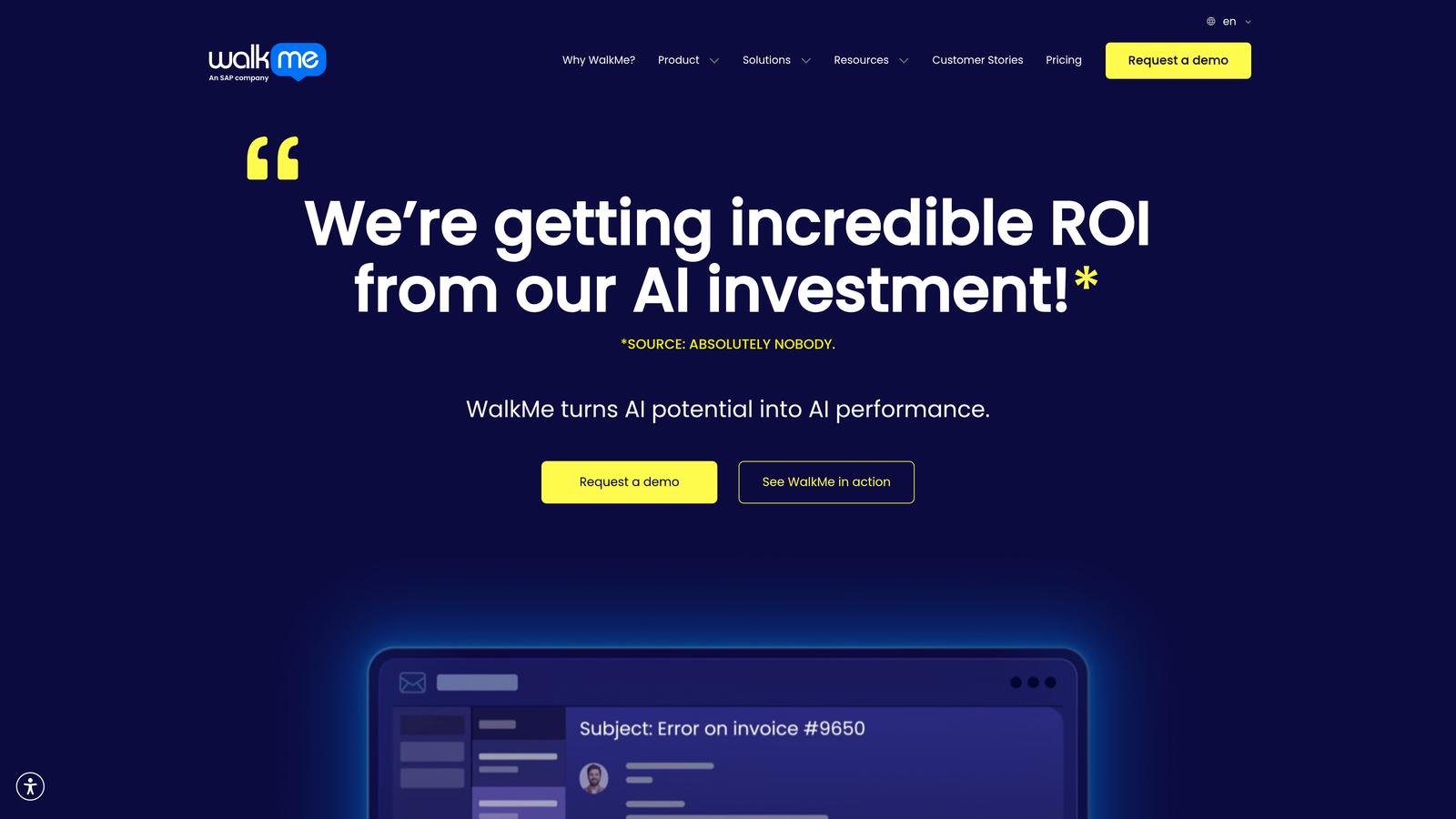
WalkMe is an enterprise digital adoption platform (DAP) built for large organizations that need to guide employees and customers through complex, multi-application software environments.
Where This Tool Shines
WalkMe operates at a different scale than most tools on this list. Its cross-application guidance capability means it can walk users through workflows that span multiple enterprise tools, which is a genuine requirement for large organizations running complex software stacks. That breadth is hard to replicate with lighter-weight tools.
The workflow automation layer is also notable. WalkMe can complete certain tasks on behalf of users, not just show them how to do it themselves. For organizations with highly repetitive compliance-sensitive workflows, that distinction matters.
Key Features
Smart Walk-Thrus: Step-by-step process guidance that adapts to user actions within complex workflows.
Workflow Automation: Automates repetitive tasks within guided processes, reducing user effort.
Compliance and Audit Trails: Tracks user interactions for compliance reporting and process adherence.
Cross-Application Guidance: Delivers guidance across multiple enterprise tools within a single workflow.
Advanced Analytics: Detailed engagement and adoption reporting across the entire guided experience.
Best For
Large enterprise organizations with complex, multi-tool software environments and dedicated IT or digital adoption teams. WalkMe typically requires a meaningful implementation engagement, so it's best suited for organizations with the resources to support that rollout.
Pricing
Enterprise pricing only, with custom quotes based on scope and usage. Plan for a dedicated implementation engagement as part of the total cost of ownership.
6. Userflow
Best for: Lean SaaS teams that need fast implementation and a powerful flow builder without performance overhead
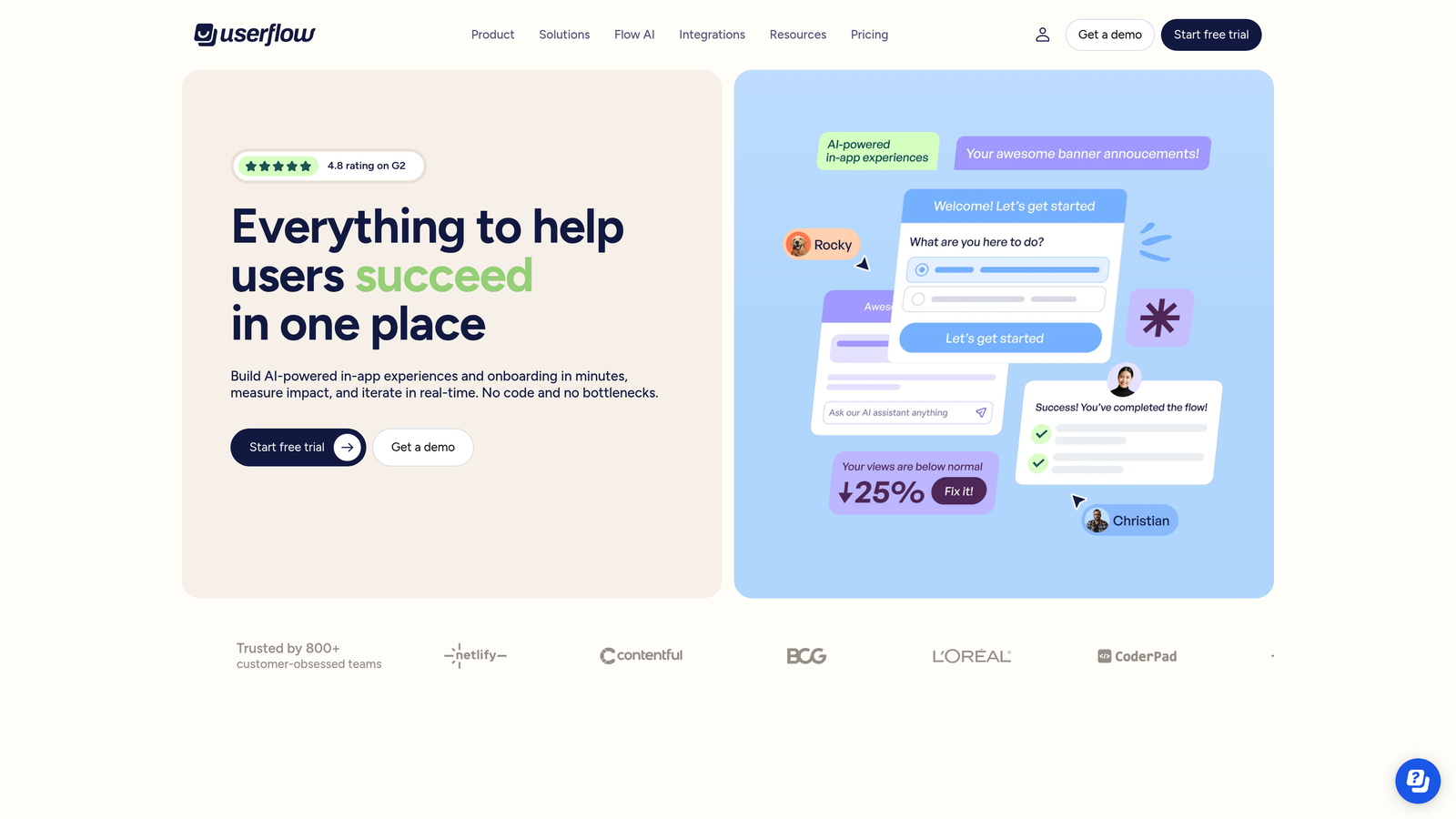
Userflow is a developer-friendly product adoption tool with a lightweight SDK and a capable visual builder for onboarding flows, checklists, and tooltips.
Where This Tool Shines
Userflow has carved out a strong position with teams that care about performance. The SDK is notably lightweight compared to heavier DAP alternatives, which matters when you're already managing multiple third-party scripts and want to minimize impact on page load times.
The flow builder supports branching logic, so you can create guidance experiences that adapt based on user choices or attributes. Combined with onboarding checklists that show users their progress, it covers the core onboarding use case well without requiring a large platform investment.
Key Features
Lightweight SDK: Minimal performance impact on your application, a practical advantage for performance-conscious teams.
Visual Flow Builder: Build branching flows and tooltips with a no-code visual interface.
Onboarding Checklists: Progress-tracking checklists that keep users moving through activation milestones.
Resource Center: In-app self-serve help hub that users can access on demand.
Integrations: Connects with Segment and Amplitude for behavioral data sync.
Best For
Lean SaaS teams and startups that want solid onboarding flow capabilities without the overhead of an enterprise DAP. A good fit for engineering-aware teams that prioritize performance and want fast time-to-value.
Pricing
Starts at approximately $200/month, tiered by monthly active users. The entry point is startup-friendly relative to some competitors, with room to scale as your user base grows.
7. Chameleon
Best for: Teams that want to combine in-app guidance with embedded microsurveys and user feedback loops
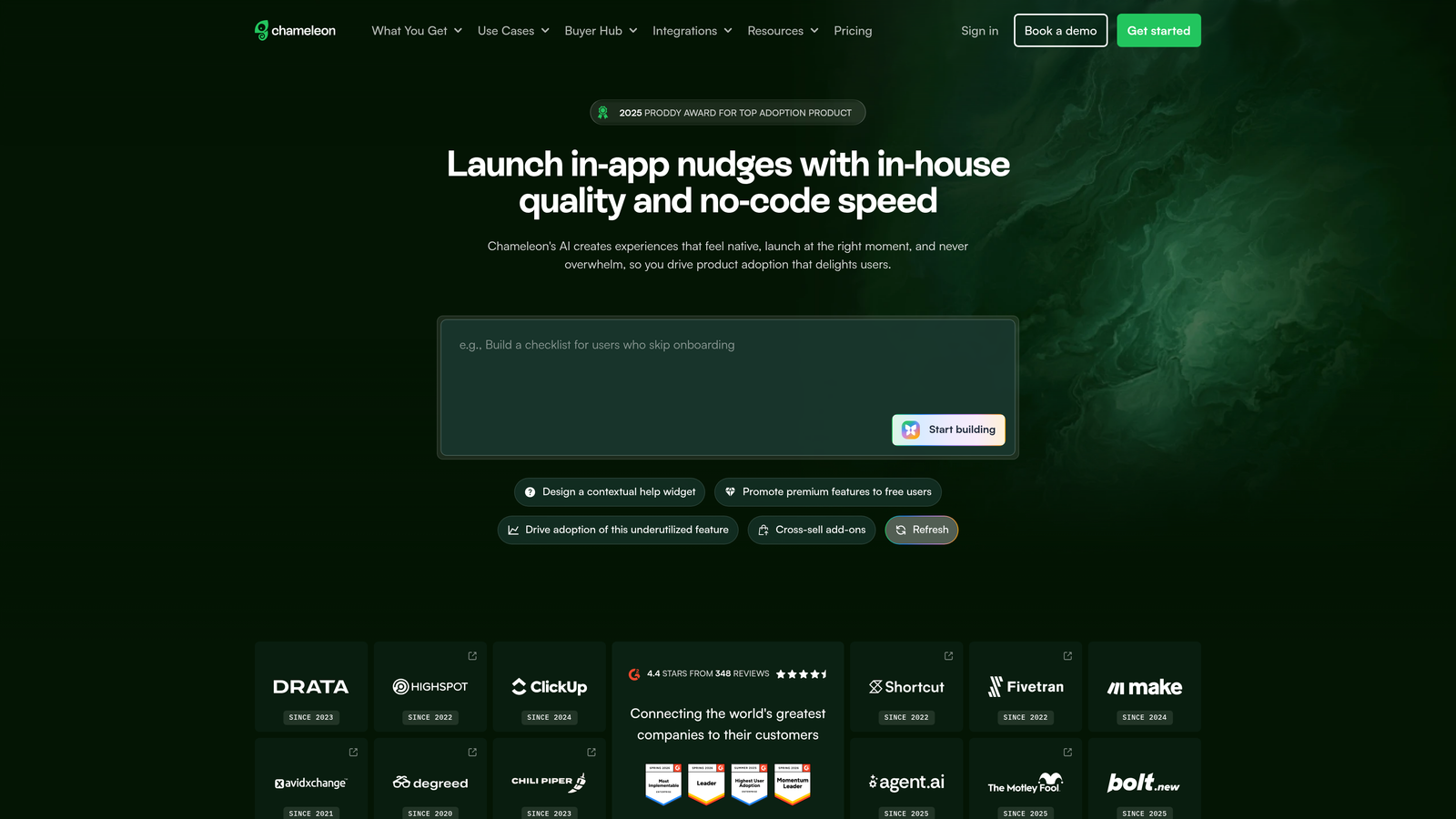
Chameleon is a product adoption platform with a strong focus on customization and an unusual strength: it integrates feedback collection directly into the guidance layer itself.
Where This Tool Shines
Most guidance tools treat surveys and walkthroughs as separate features. Chameleon's design philosophy blurs that line deliberately. You can embed microsurveys and NPS prompts within a tour step, collect a response, and branch the guidance experience based on what the user tells you. That creates a feedback loop that most adoption tools can't match natively.
The customization depth is also worth noting. Chameleon's UI experiences are highly brandable, which matters for companies where the in-product experience needs to feel native rather than like a third-party overlay.
Key Features
Fully Customizable Tours and Modals: No-code building with extensive visual customization to match your product's design language.
Embedded Microsurveys and NPS: Collect user feedback within the guidance experience itself, not as a separate interaction.
Behavior-Based Targeting: Trigger guidance based on user properties, events, and CRM data from HubSpot, Salesforce, or Segment.
Launcher: Self-serve help launcher that gives users on-demand access to tours and resources.
CRM Integrations: Syncs with HubSpot, Salesforce, and Segment for rich user context.
Best For
Product teams that want to use guidance as a two-way channel, both directing users and collecting structured feedback in the same interaction. Also a strong choice for design-conscious teams that need pixel-level control over how in-app experiences look.
Pricing
Starts at approximately $279/month. Higher tiers unlock advanced targeting rules and deeper CRM integrations. Worth evaluating total cost against the specific features your team will actually use.
8. Stonly
Best for: Support teams building interactive, branching self-serve guides that adapt to user responses
Stonly is an interactive knowledge base platform that lets teams build decision-tree style guides, embedded directly in-product or within existing help centers.
Where This Tool Shines
Stonly's branching guide format is genuinely different from linear walkthrough tools. Instead of walking every user through the same steps, a Stonly guide asks questions and adapts the path based on answers. That makes it particularly effective for troubleshooting flows, where the right guidance depends on what the user is actually experiencing.
The helpdesk integration story is strong. Stonly connects with Zendesk, Intercom, and Freshdesk, which means support teams can surface the right branching guide directly within the tools they're already using, without requiring users to leave the conversation to find documentation.
Key Features
Branching Decision-Tree Guides: Guides that adapt based on user responses, delivering relevant steps rather than a one-size-fits-all flow.
Embeddable In-Product Widget: Deliver self-serve guidance directly within your application without redirecting users.
Helpdesk Integrations: Connects with Zendesk, Intercom, Freshdesk, and other support platforms.
Guide Analytics: Track usage, resolution rates, and drop-off points to improve guide effectiveness over time.
AI-Assisted Creation and Search: AI tools to speed up guide authoring and improve in-widget search relevance.
Best For
Support and success teams that want smarter self-serve, particularly for troubleshooting and multi-path guidance scenarios. A strong fit for teams already running support through Zendesk, Intercom, or Freshdesk who want to extend those platforms with interactive guidance.
Pricing
Starts at approximately $99/month, scaling with usage and team size. One of the more accessible entry points on this list for support-focused teams.
9. Userpilot
Best for: Product-led growth teams tying in-app guidance directly to activation and adoption goals
Userpilot is a product growth platform focused on feature adoption and user activation, with goal-tracking built directly into the guidance layer.
Where This Tool Shines
Userpilot's differentiator is the connection between guidance and measurable outcomes. You can define activation milestones, attach guidance flows to those milestones, and track whether users are actually reaching them. That goal-oriented framing makes it easier to justify guidance investments and iterate based on what's actually driving product adoption.
The segmentation capabilities are solid, allowing teams to target guidance by user role, plan, or behavioral signals. Combined with a resource center for self-serve help, it covers the full onboarding and adoption surface without requiring multiple tools.
Key Features
Guidance Flows and Checklists: Build in-app walkthroughs, modals, and onboarding checklists without code.
Goal and Milestone Tracking: Define activation goals and measure whether guidance is moving users toward them.
Feature Tagging and Usage Analytics: Track which features users are adopting and where they're dropping off.
Behavioral Segmentation: Target guidance by user role, plan tier, or in-product behavior.
Resource Center: In-app self-serve hub that users can access on demand for help and tutorials.
Best For
Product-led growth teams that want to connect their guidance strategy to measurable activation and adoption outcomes. A good fit for teams that report on feature adoption metrics and need to demonstrate the impact of onboarding investments.
Pricing
Starts at approximately $249/month, tiered by monthly active users. Pricing is comparable to Appcues at the entry level, so the decision often comes down to which feature set better matches your team's priorities.
Which Tool Is Right for Your Team?
The right choice depends on what problem you're actually trying to solve, and how much of the solution you want in a single platform.
If your primary goal is consolidating visual guidance with autonomous support resolution, Halo AI is the most complete option. It's the only tool on this list that combines page-aware contextual guidance with ticket resolution, bug reporting, and live agent handoff in one system. For teams tired of managing separate tools for guidance and support, that integration is worth serious consideration.
For teams focused specifically on no-code onboarding flow creation, Appcues and Userpilot are both strong options with similar pricing and comparable feature sets. Appcues tends to win on ease of use; Userpilot edges ahead on goal-tracking and activation metrics.
If your guidance decisions should be grounded in behavioral data, Pendo is the natural fit. The analytics-guidance loop is genuinely difficult to replicate by combining separate tools.
For support teams wanting smarter self-serve without a full DAP investment, Stonly offers the most accessible entry point with branching guides that adapt to real user needs. And for enterprise organizations with complex, multi-application environments, WalkMe remains the category leader, though it requires the implementation resources to match.
Your support team shouldn't scale linearly with your customer base. Let AI agents handle routine tickets, guide users through your product, and surface business intelligence while your team focuses on complex issues that need a human touch. See Halo in action and discover how continuous learning transforms every interaction into smarter, faster support.