9 Best Zoom Support Integration Software Tools in 2026
Zoom support integration software connects your video meeting data directly to helpdesks, CRMs, and support workflows, eliminating context loss when teams handle customer calls alongside tickets and chat. These tools automatically log call summaries, sync meeting notes to customer records, and trigger follow-ups without manual data entry, helping support teams maintain continuity across channels and reduce customer frustration from having to repeat information.
 Grant CooperFounder12 min read
When your support team juggles Zoom calls alongside tickets, chat, and email, context gets lost fast. Customers repeat themselves, agents scramble between tabs, and follow-ups fall through the cracks.
Zoom support integration software bridges this gap by connecting your video meeting data directly to your helpdesk, CRM, and support workflows. The right tool automatically logs call summaries, syncs meeting notes to customer records, and triggers follow-up actions without manual data entry.
This list covers top solutions that integrate Zoom with your support stack, from AI-powered platforms that resolve tickets autonomously to specialized connectors that keep your existing tools in sync.
1. Halo AI
Best for: Teams wanting AI agents that autonomously resolve tickets using Zoom call context
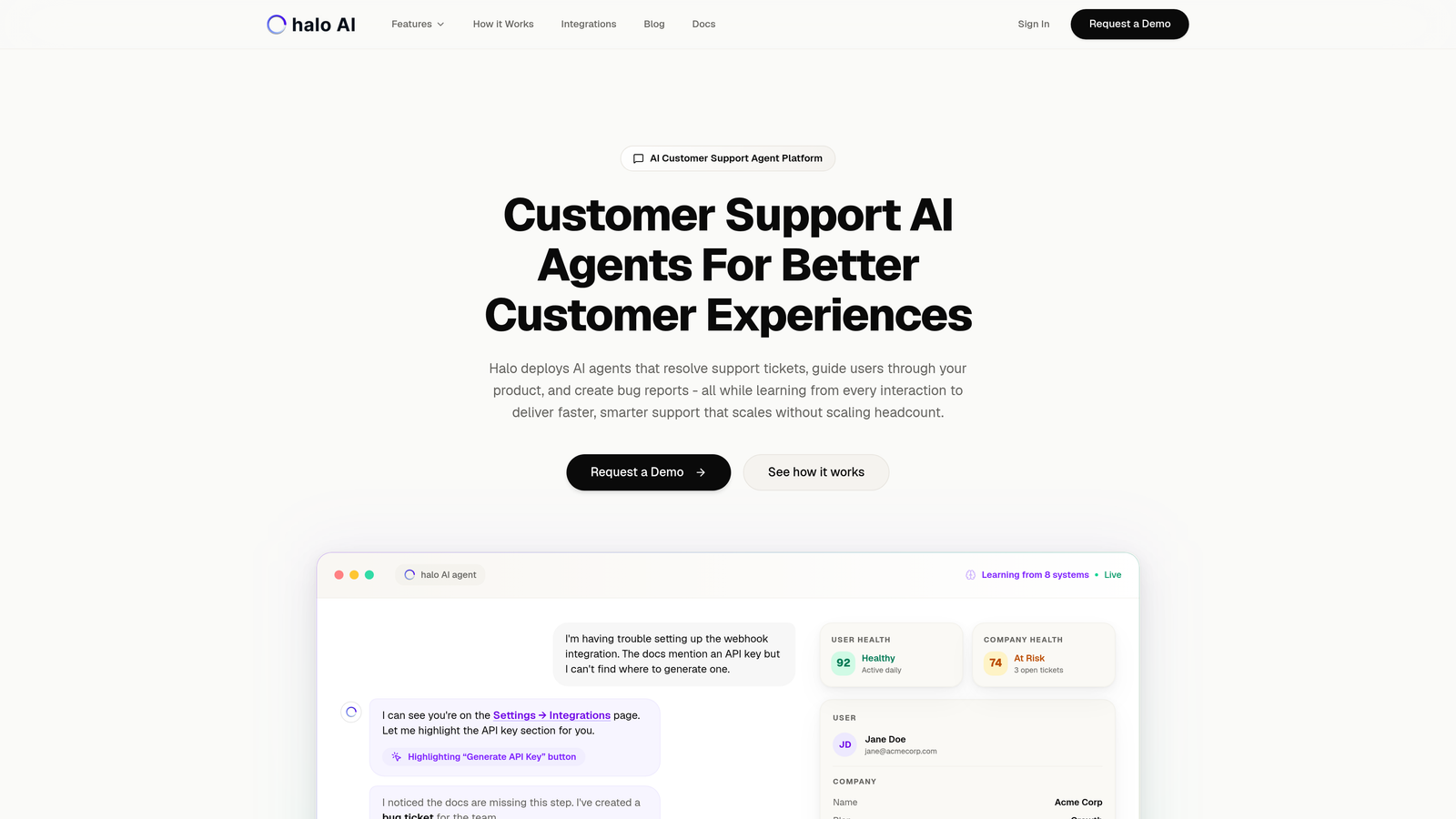
Halo AI is an AI-powered customer support platform that treats Zoom integration as part of a broader intelligence layer across your entire support operation.
Where This Tool Shines
Unlike traditional helpdesks that simply log Zoom calls, Halo's AI agents actively use meeting context to resolve tickets without human intervention. When a customer has a Zoom call about a billing issue, Halo connects that conversation to their Stripe data, previous tickets, and product usage patterns to deliver complete resolution.
The platform learns from every interaction, meaning your support gets smarter over time rather than requiring constant manual updates. This continuous learning approach transforms Zoom calls from isolated events into training data that improves your entire support operation.
Key Features
AI Ticket Resolution: Autonomous agents handle support requests using context from Zoom calls, chat interactions, and your entire business stack.
Native Zoom Integration: Meeting data syncs automatically to customer records without manual logging or data entry.
Page-Aware Chat Widget: Visual UI guidance shows users exactly where to click, reducing the need for video calls in the first place.
Auto Bug Ticket Creation: Support conversations automatically generate engineering tickets in Linear when product issues surface.
Business Intelligence: Extract customer health signals, revenue intelligence, and anomaly detection from support interactions across all channels.
Best For
B2B companies and product teams that want to scale support without scaling headcount. Particularly valuable if you're already using helpdesk systems like Zendesk or Freshdesk but need smarter automation that goes beyond basic ticket routing.
Pricing
Contact for pricing. The platform is designed for teams ready to move beyond traditional helpdesk limitations toward AI-first support operations.
2. Zendesk
Best for: Enterprise teams needing embedded Zoom meetings directly within ticket workflows
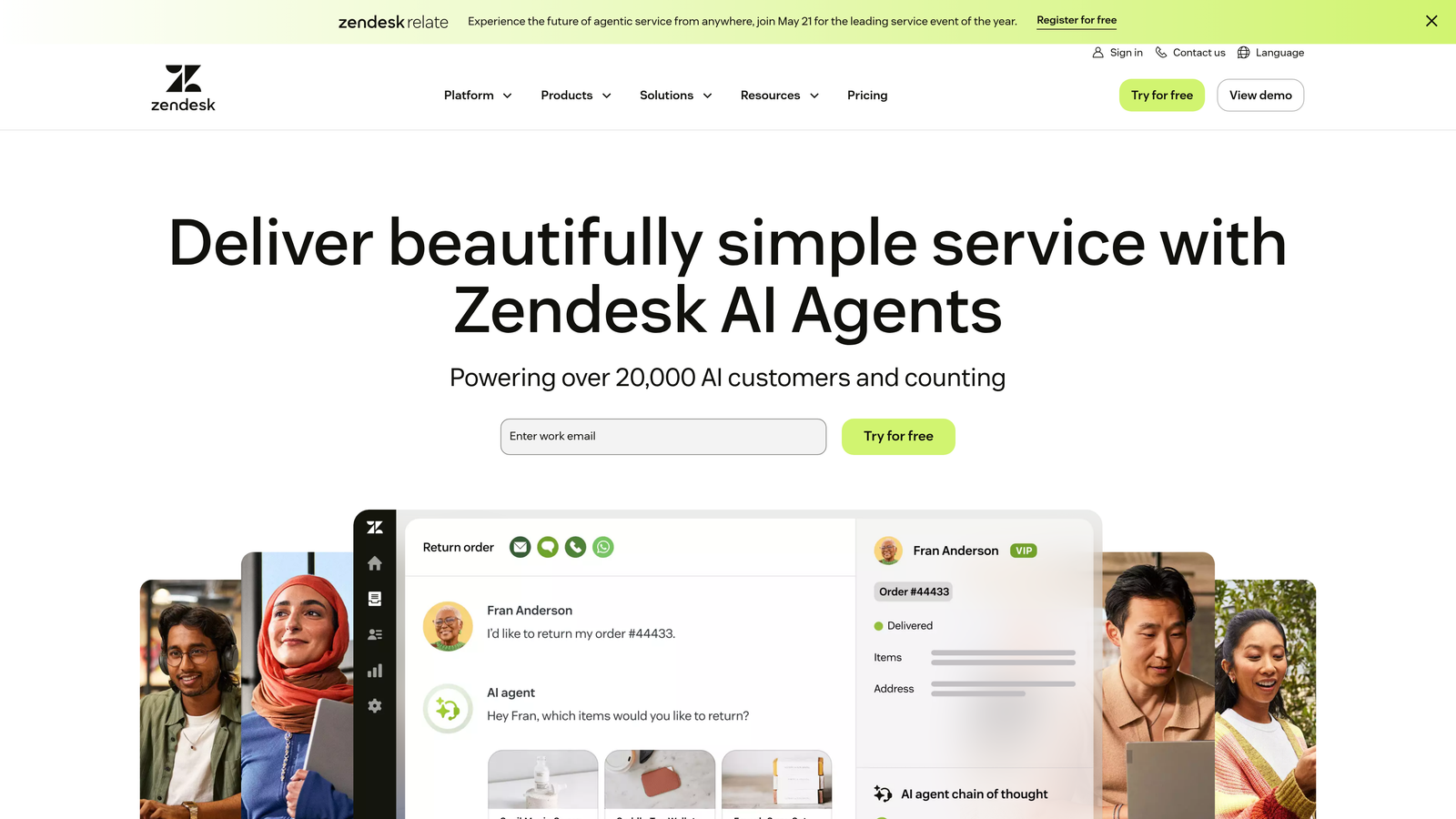
Zendesk is an enterprise helpdesk platform with a native Zoom app that brings video meetings into the ticket interface.
Where This Tool Shines
Zendesk's Zoom integration embeds directly in the ticket sidebar, so agents never leave their workspace to start video calls. This keeps context intact and eliminates the tab-switching that causes information loss during customer interactions.
The platform automatically attaches meeting recording links to tickets, creating a permanent record of video conversations alongside email and chat history. For teams with established Zendesk workflows, this integration feels native rather than bolted on.
Key Features
Embedded Meetings: Launch Zoom calls directly from the ticket sidebar without switching applications or losing ticket context.
Automatic Recording Links: Meeting recordings attach to tickets automatically, creating searchable archives of customer video interactions.
Click-to-Call: Start Zoom meetings from customer records with a single click, reducing friction in escalation workflows.
Marketplace Extensions: Access additional Zoom connectors and specialized integrations through Zendesk's extensive app marketplace.
Omnichannel Reporting: Track Zoom interactions alongside other channels in unified analytics dashboards.
Best For
Established support teams already using Zendesk who need reliable video integration without changing their existing helpdesk infrastructure. Works well for organizations with complex ticket routing and multi-tier support structures.
Pricing
Starts at $55/agent/month for Suite Team plan. Zoom integration requires Suite plans, not available on lower-tier offerings.
3. Freshdesk
Best for: Mid-market teams wanting straightforward Zoom scheduling and call logging
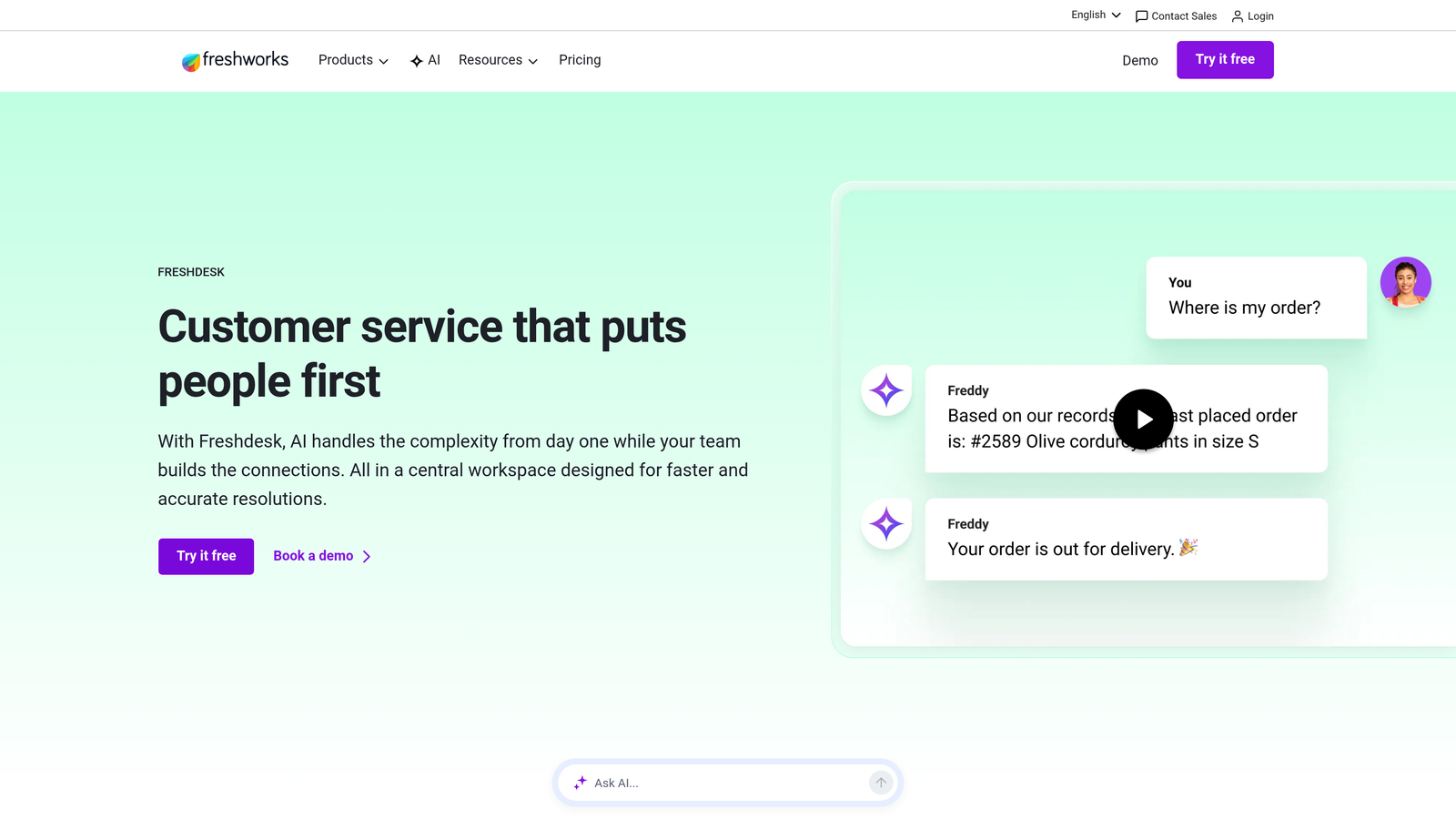
Freshdesk is a mid-market helpdesk solution that offers uncomplicated Zoom integration focused on meeting creation and automatic logging.
Where This Tool Shines
Freshdesk keeps Zoom integration simple and affordable. Agents can create Zoom meetings with one click from any ticket, and the platform automatically attaches meeting links to customer communications without manual copying and pasting.
The integration handles the essentials well, call recordings link to ticket history, meeting details populate automatically, and the setup process takes minutes rather than hours. For growing teams that need reliability without enterprise complexity, this balance works.
Key Features
One-Click Meeting Creation: Generate Zoom meetings directly from tickets with automatic link insertion into customer emails.
Auto-Attached Links: Meeting URLs automatically appear in ticket communications, eliminating manual copy-paste workflows.
Recording History: Call recordings link to ticket timelines, creating searchable archives of video support interactions.
Affordable Scaling: Lower per-agent costs compared to enterprise platforms, making it practical for teams of 10-50 agents.
Mobile Access: Agents can start Zoom calls from Freshdesk's mobile app, supporting remote and hybrid support teams.
Best For
Growing companies that need functional Zoom integration without enterprise pricing. Ideal for teams transitioning from basic email support to multi-channel operations that include video.
Pricing
Starts at $15/agent/month on the Growth plan. Zoom integration is available across all paid tiers, not restricted to enterprise plans.
4. Intercom
Best for: Product-led support teams escalating from chat to video seamlessly
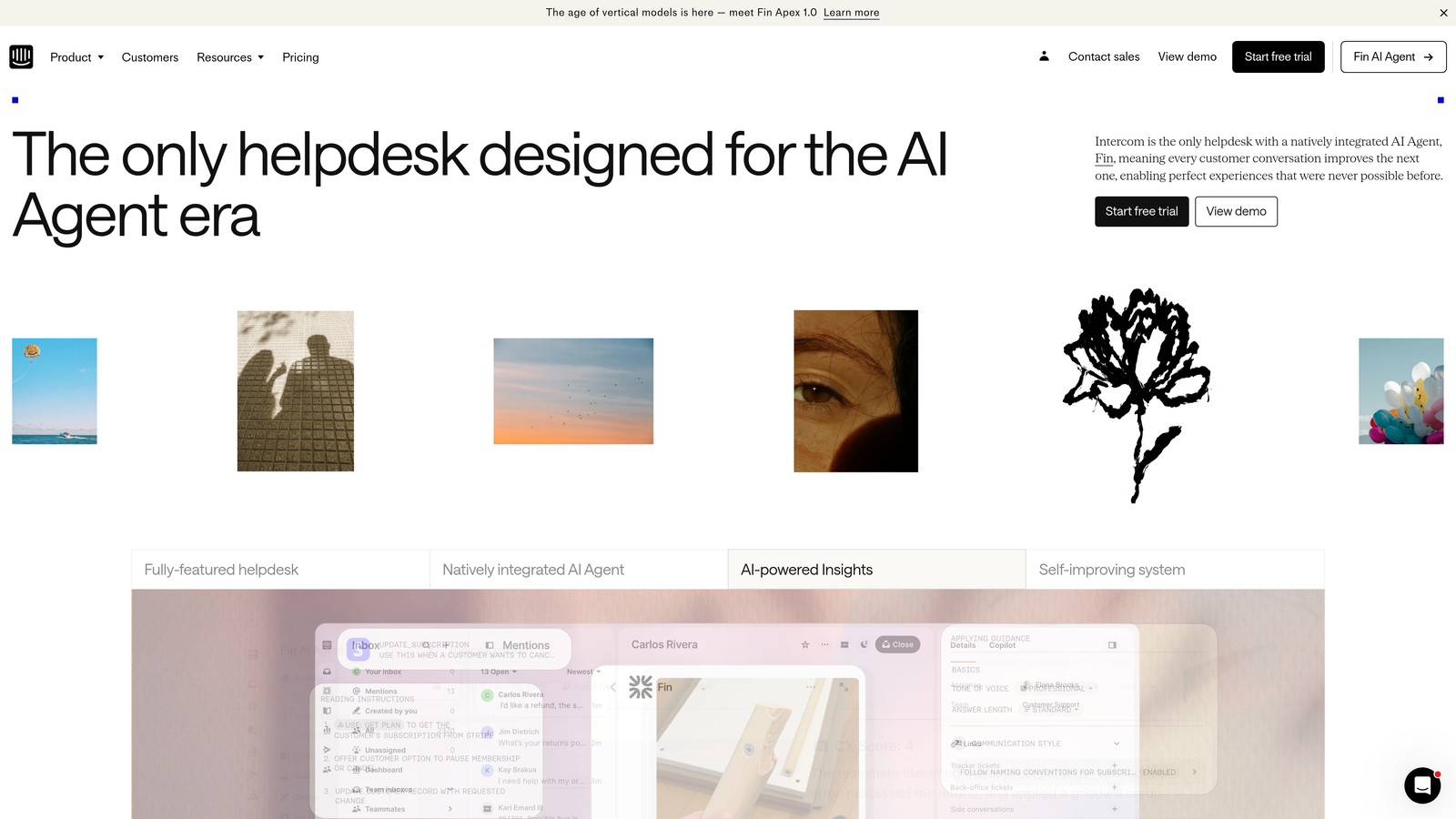
Intercom is a conversational support platform that enables smooth escalation from messenger conversations to Zoom video calls while maintaining unified customer context.
Where This Tool Shines
Intercom treats Zoom as a natural escalation point in conversational workflows. When a chat conversation gets complex, agents can transition to video with one click while keeping the entire interaction history visible in a unified timeline.
This approach works particularly well for product-led companies where support happens inside the application. Customers start with in-app chat, escalate to video when needed, and all context flows into their profile automatically without agents switching between systems.
Key Features
One-Click Escalation: Transform messenger conversations into Zoom calls instantly without losing conversation context or customer history.
Unified Timeline: View chat messages and video interactions in a single customer timeline, eliminating information silos.
Profile Context: Meeting details automatically populate customer profiles, connecting video calls to product usage and behavior data.
Product Tours: Combine in-app guidance with video support, reducing the need for calls by helping customers self-serve first.
Proactive Messaging: Trigger Zoom meeting invitations based on customer behavior, such as repeated failed actions or high-value account activity.
Best For
SaaS companies and product teams that support customers inside their application. Particularly valuable when your support strategy prioritizes self-service first with video as a high-touch escalation option.
Pricing
Starts at $39/seat/month on the Essential plan. Zoom integration is available across all tiers, with advanced automation features on higher plans.
5. HubSpot Service Hub
Best for: Teams needing unified CRM and support data with automatic Zoom logging
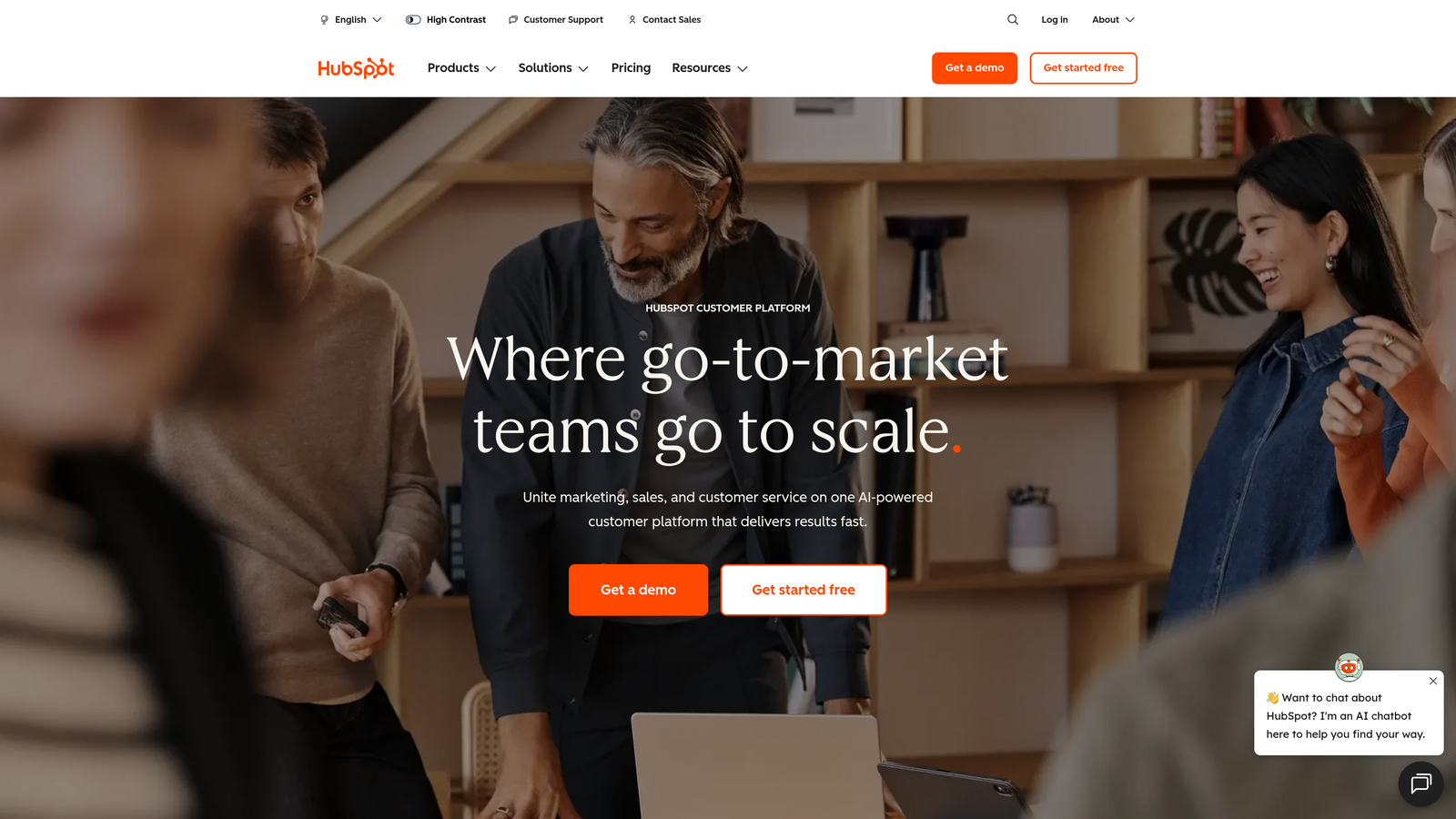
HubSpot Service Hub is a CRM-integrated service platform that automatically logs Zoom calls to contact records, providing revenue and support context in one view.
Where This Tool Shines
HubSpot's strength lies in connecting support interactions to the broader customer journey. When a Zoom call happens, it appears on the contact timeline alongside deal stages, marketing emails, and website visits, giving support agents complete business context.
This unified view helps teams understand whether they're supporting a prospect, a new customer, or a renewal risk. Support becomes strategic rather than reactive because agents see revenue data, contract details, and product usage before they join the Zoom call.
Key Features
Automatic Call Logging: Zoom meetings sync to contact timelines without manual entry, creating permanent records linked to customer profiles.
Calendar Sync: Schedule Zoom meetings directly from HubSpot with two-way calendar integration that prevents double-booking.
Revenue Context: Support tickets appear alongside deal data, showing agents the business value of each customer interaction.
Native CRM Integration: Access marketing, sales, and service data in one platform, eliminating the need to sync between separate systems.
Workflow Automation: Trigger follow-up tasks, ticket creation, or internal notifications automatically when Zoom calls end.
Best For
Companies already using HubSpot CRM or marketing tools who want to unify support operations within their existing ecosystem. Works well when support, sales, and marketing need shared visibility into customer interactions.
Pricing
Free tier available with basic features. Starter plan begins at $20/month for two users, with Zoom integration included across all tiers.
6. Fathom
Best for: Extracting actionable insights from Zoom calls with AI transcription and summaries
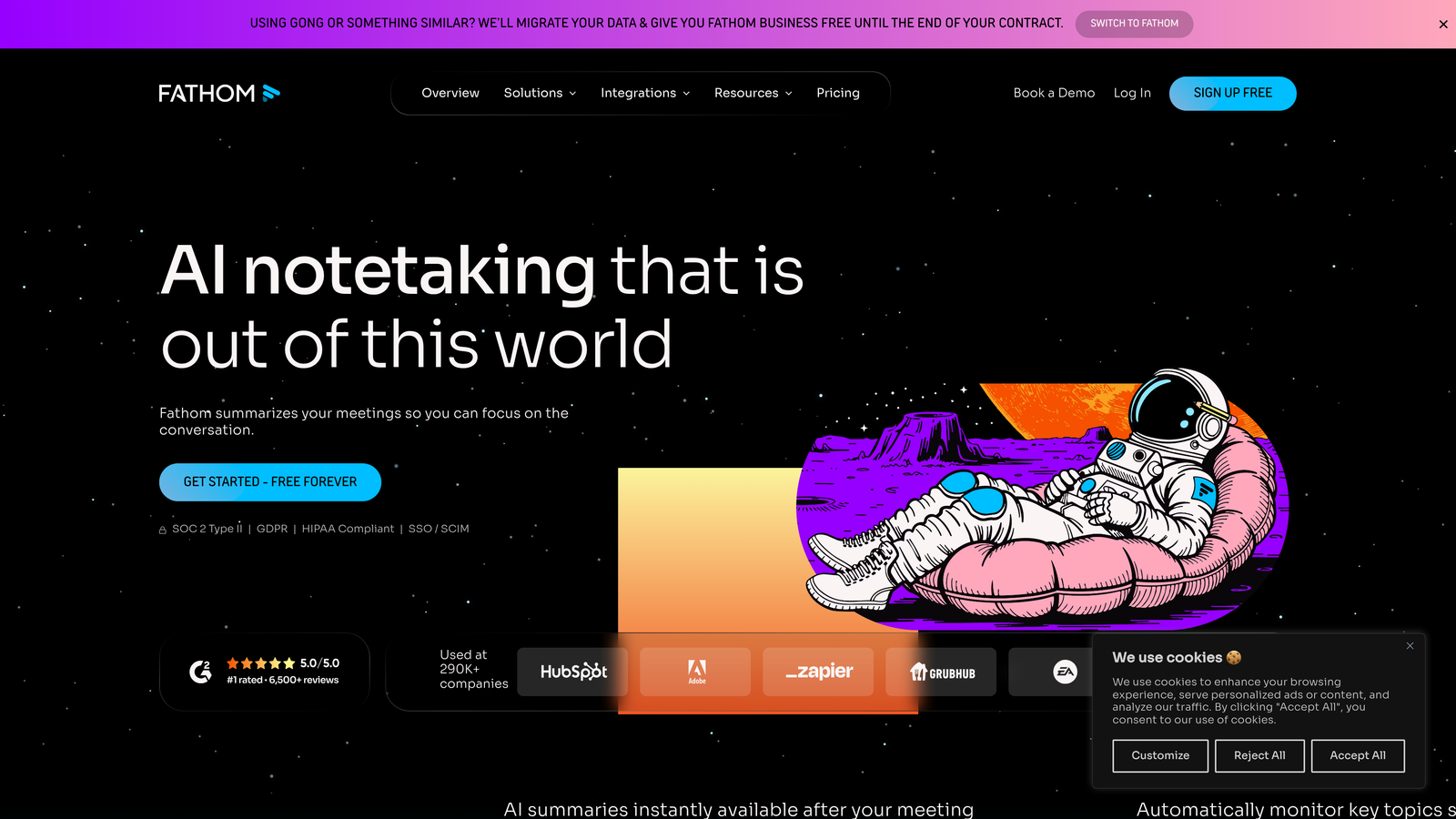
Fathom is an AI meeting assistant that automatically transcribes and summarizes Zoom calls, pushing actionable notes to your support and CRM tools.
Where This Tool Shines
Fathom transforms Zoom calls from ephemeral conversations into searchable, actionable data. The AI generates summaries highlighting key decisions, action items, and customer concerns without requiring manual note-taking during calls.
The real value appears when these summaries sync automatically to HubSpot, Salesforce, or your helpdesk. Support teams can search past calls for specific issues, onboard new agents by reviewing call libraries, and extract patterns across hundreds of customer conversations.
Key Features
Real-Time Transcription: AI transcribes Zoom calls as they happen, with speaker identification and timestamp accuracy.
AI Summaries: Automatic generation of meeting highlights, action items, and key discussion points without manual review.
CRM Sync: Push summaries automatically to HubSpot, Salesforce, and other CRMs, linking call insights to customer records.
Searchable Library: Build a knowledge base of past calls that agents can search when similar issues arise.
Highlight Sharing: Clip and share specific moments from calls with teammates or customers without sending entire recordings.
Best For
Support teams that conduct frequent Zoom calls and need to extract insights without dedicating time to manual note-taking. Particularly valuable for onboarding, quality assurance, and identifying recurring customer issues.
Pricing
Free tier available for individual use. Team plans start at $24/user/month with advanced features like custom vocabulary and longer retention.
7. Zapier
Best for: Building custom Zoom workflows without code when you need niche tool connections
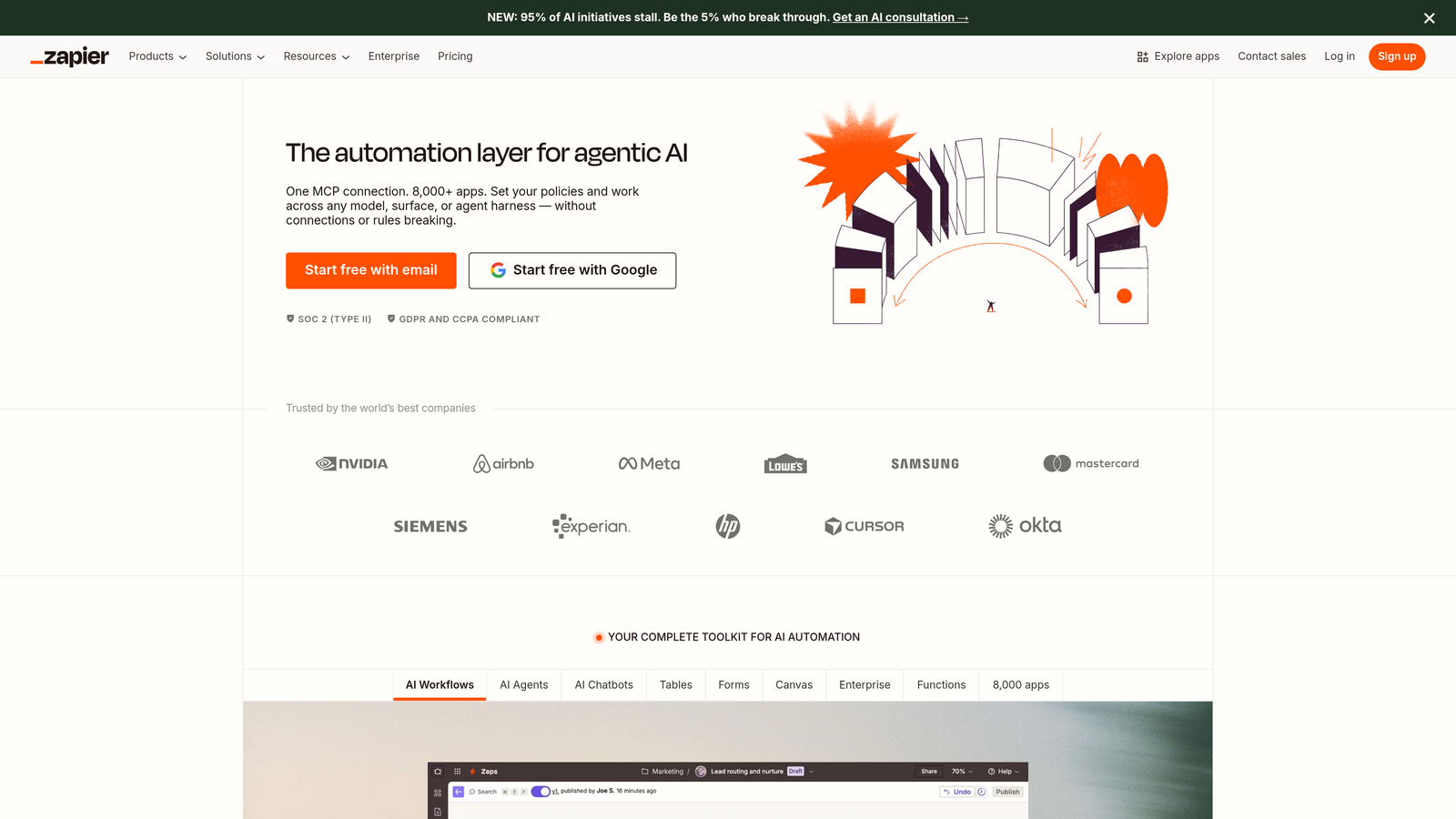
Zapier is a no-code automation platform that connects Zoom to virtually any support tool, enabling custom workflows triggered by meeting events.
Where This Tool Shines
Zapier fills gaps that native integrations miss. If you use a specialized helpdesk, project management tool, or internal database that doesn't have a Zoom app, Zapier bridges the connection without requiring developer resources.
The platform's strength lies in flexibility. You can create workflows like "when a Zoom call ends, create a ticket in our custom helpdesk and post a summary in Slack," all through a visual interface. This works particularly well for teams with unique workflows that don't fit standard integration patterns.
Key Features
Meeting Triggers: Automate actions when Zoom meetings start, end, or when recordings become available.
6,000+ App Connections: Connect Zoom to nearly any business tool, including niche helpdesks, databases, and internal systems.
No-Code Builder: Create multi-step workflows through a visual interface without writing code or involving developers.
Automatic Ticket Creation: Generate support tickets in your helpdesk automatically when specific Zoom events occur.
Custom Follow-Ups: Trigger email sequences, task assignments, or notifications based on meeting outcomes or participant actions.
Best For
Teams using specialized or custom support tools that lack native Zoom integrations. Also valuable when you need workflows that combine Zoom with multiple systems in ways that standard integrations don't support.
Pricing
Free tier available with 100 tasks/month. Starter plan begins at $19.99/month for 750 tasks, with Zoom integration available across all tiers.
8. Salesforce Service Cloud
Best for: Enterprise support operations with complex routing and deep Zoom embedding requirements
Salesforce Service Cloud is an enterprise service platform with deep Zoom integration through Omni-Channel routing, designed for large teams with sophisticated support requirements.
Where This Tool Shines
Salesforce embeds Zoom directly in the Service Console, treating video as a first-class channel alongside email, chat, and phone. Omni-Channel routing can queue video support requests just like other channels, enabling sophisticated workflows where availability and skill-based routing apply to Zoom calls.
The platform's reporting capabilities track video interactions across the entire customer lifecycle, connecting support calls to opportunity data, case history, and product usage. This depth works for enterprises that need comprehensive visibility and control over multi-channel support operations.
Key Features
Console Embedding: Zoom appears natively in Service Console, so agents handle video calls without leaving their primary workspace.
Omni-Channel Routing: Queue and route video support requests using the same logic as other channels, with skill-based assignment and capacity management.
Cross-Channel Reporting: Analyze Zoom interactions alongside all support channels in unified dashboards with custom metrics.
Einstein AI: Get AI-powered recommendations during calls based on customer history, case patterns, and knowledge base content.
Field Service Integration: Connect Zoom video support to field service operations, enabling remote troubleshooting before dispatching technicians.
Best For
Large enterprises with complex support structures that need sophisticated routing, comprehensive reporting, and integration with broader Salesforce ecosystems. Best when you're already invested in Salesforce infrastructure.
Pricing
Starts at $25/user/month for Starter Suite. Full Zoom integration capabilities typically require Professional or Enterprise tiers at higher price points.
9. Zoom Contact Center
Best for: Building video-first support operations entirely within the Zoom ecosystem
Zoom Contact Center is a native Zoom solution for creating video-first support operations with built-in queue management, routing, and analytics without third-party connectors.
Where This Tool Shines
Zoom Contact Center eliminates integration complexity by keeping everything within Zoom's platform. Queue management, supervisor tools, analytics, and video support all operate natively, removing the friction that comes from connecting disparate systems.
This approach works particularly well for teams building new support operations from scratch or those heavily invested in Zoom for communications. You avoid the overhead of maintaining integrations, syncing data between platforms, or troubleshooting connection issues between tools.
Key Features
Native Queue Management: Handle video support requests with built-in queuing, routing, and overflow management designed specifically for Zoom.
Unified Communications: Manage voice, video, and chat interactions in one platform without switching between separate tools.
Supervisor Tools: Monitor agent activity, listen to calls, and provide coaching through native Zoom Contact Center dashboards.
Built-In Analytics: Track performance metrics, wait times, and resolution rates without connecting external reporting tools.
Zero Integration Overhead: Eliminate the complexity of maintaining connections between Zoom and third-party helpdesks or CRMs.
Best For
Organizations building support operations from the ground up or those willing to consolidate their support stack within the Zoom ecosystem. Works well when video is your primary support channel rather than an occasional escalation path.
Pricing
Contact for pricing. Zoom Contact Center is positioned as an enterprise solution with custom pricing based on agent count and feature requirements.
Finding Your Fit
Your choice depends on where Zoom fits in your support strategy and what you're trying to accomplish beyond basic call logging.
Choose Halo AI if you want AI agents that autonomously handle tickets using Zoom call context as part of a broader intelligence layer. The platform's continuous learning approach means your support gets smarter over time rather than requiring constant manual updates.
Go with Zendesk or Freshdesk for traditional helpdesk workflows with reliable Zoom embedding. Zendesk fits enterprise teams with complex routing, while Freshdesk offers similar functionality at mid-market pricing.
Pick Intercom for product-led support that escalates seamlessly from chat to video. The unified timeline approach works particularly well when supporting customers inside your application.
HubSpot Service Hub makes sense when you need CRM and support unified in one platform. The revenue context helps support teams understand the business impact of each interaction.
Fathom excels at extracting actionable insights from every Zoom call through AI transcription and summaries. This approach works when you conduct frequent calls and need searchable archives without manual note-taking.
Use Zapier when you need custom workflows between Zoom and niche tools that lack native integrations. The no-code builder handles unique requirements that standard apps don't address.
Salesforce fits enterprise teams with complex routing requirements and existing Salesforce investments. The depth of reporting and Einstein AI capabilities justify the complexity for large operations.
Zoom Contact Center makes sense if you're building support operations entirely within the Zoom ecosystem and want to avoid integration overhead altogether.
Your support team shouldn't scale linearly with your customer base. Let AI agents handle routine tickets, guide users through your product, and surface business intelligence while your team focuses on complex issues that need a human touch. See Halo in action and discover how continuous learning transforms every interaction into smarter, faster support.