9 Best Affordable Support Automation Tools in 2026
Discover the 9 best affordable support automation tools in 2026, carefully selected based on AI capabilities, integrations, scalability, and transparent pricing to help B2B teams handle growing ticket volumes without expanding headcount. From AI-native platforms to flexible helpdesk solutions, these tools deliver genuine ROI at price points accessible to startups and mid-market SaaS companies alike.
 Grant CooperFounder13 min read
Support ticket volumes keep climbing, but budgets rarely keep pace. For B2B teams trying to scale customer support without scaling headcount, the answer increasingly lies in automation — and the good news is that meaningful automation no longer requires enterprise-tier pricing.
The tools below were selected based on five criteria: AI capabilities, integration depth, scalability, ease of setup, and transparent pricing. "Affordable" here doesn't mean stripped-down or underpowered. It means genuine ROI at price points accessible to growing teams. Whether you're a lean startup or a mid-market SaaS company, there's something on this list worth exploring.
1. Halo AI
Best for: B2B SaaS teams wanting an AI-first platform that resolves tickets autonomously and surfaces business intelligence.
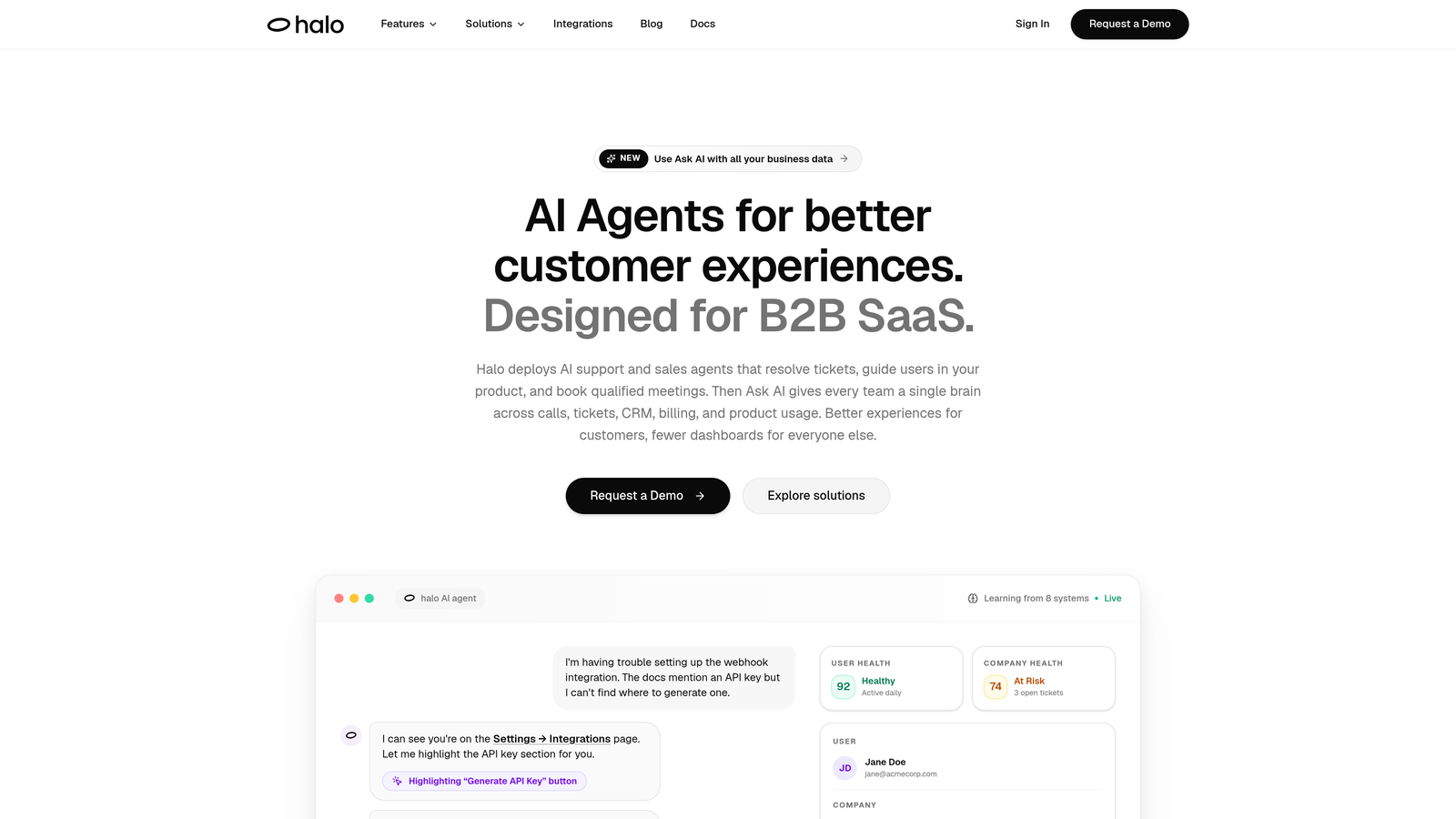
Halo AI is an AI-native customer support platform built to resolve tickets, guide users through your product, and generate business intelligence — all without requiring you to bolt AI onto an existing helpdesk.
Where This Tool Shines
Most support tools treat AI as a feature layered on top of traditional ticketing. Halo takes the opposite approach: AI is the foundation, and every interaction makes the system smarter. The platform's continuous learning model means resolution quality improves over time rather than plateauing after initial setup.
What sets Halo apart from budget chatbot tools is the depth of context it brings to each interaction. The page-aware chat widget can see what a user is looking at in real time, enabling visual UI guidance that goes far beyond generic help articles. Combine that with integrations across Linear, Slack, HubSpot, Stripe, Zoom, PandaDoc, Fathom, and Intercom, and you have a support layer that's genuinely connected to your entire business stack.
Key Features
Autonomous Ticket Resolution: AI agents handle support tickets end-to-end with continuous learning from every resolved interaction, improving accuracy over time.
Page-Aware Chat Widget: The widget understands which page a user is on and what they're seeing, enabling contextual visual guidance rather than generic responses.
Smart Inbox with Business Intelligence: Beyond ticket management, the inbox surfaces customer health signals, revenue intelligence, and anomaly detection — turning support data into strategic insight.
Auto Bug Ticket Creation: Automatically creates bug reports in Linear and other connected tools when issues are detected, closing the loop between support and engineering.
Live Agent Handoff: Complex issues escalate seamlessly to human agents with full conversation context preserved, so customers never have to repeat themselves.
Best For
Product-led SaaS companies and B2B teams that want AI to handle a significant share of routine tickets autonomously, while also using support interactions to generate broader business intelligence. Particularly well-suited for teams already using tools like HubSpot, Linear, Slack, or Intercom.
Pricing
Competitive entry-level pricing with usage-based scaling. Contact Halo directly for current pricing details tailored to your team's volume and stack.
2. Freshdesk
Best for: Growing support teams that need a full-featured helpdesk with a free starting point and AI automation built in.
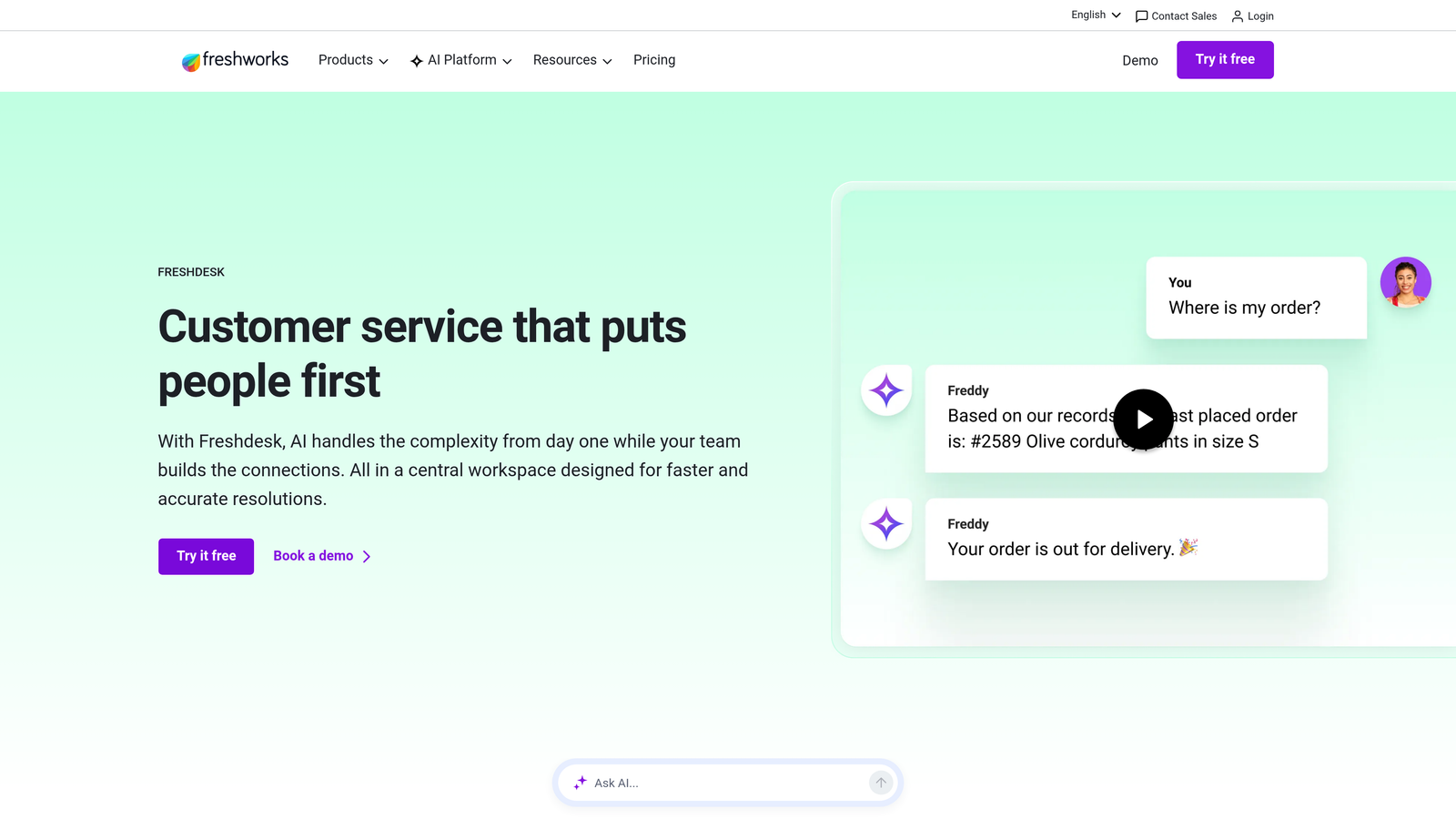
Freshdesk is a mature, full-featured helpdesk platform that balances accessibility with depth, offering a genuinely useful free tier alongside AI-powered automation at competitive paid tiers.
Where This Tool Shines
Freshdesk's free plan is one of the most generous in the market, covering basic ticketing for small teams without a time limit. As teams grow, Freddy AI adds meaningful automation: auto-triage, suggested responses, and canned actions that reduce the repetitive load on agents.
The workflow automation engine is particularly strong. Time-based and event-based triggers let you build logic that handles escalations, SLA reminders, and routing without writing a single line of code. For teams coming from email-only support, Freshdesk provides a structured upgrade path that doesn't require a complete operational overhaul.
Key Features
Free Plan for Small Teams: Supports up to 2 agents with basic ticketing, email support, and a knowledge base at no cost.
Freddy AI: Handles auto-triage, response suggestions, and canned action recommendations to speed up agent workflows.
Workflow Automations: Event-based and time-based triggers for routing, escalation, and SLA enforcement without custom development.
Multi-Channel Support: Consolidates email, chat, phone, and social media tickets into a unified inbox.
Best For
Teams transitioning from email-only support to a structured helpdesk, and growing SaaS companies that want AI-assisted workflows without committing to an AI-native platform from day one.
Pricing
Free plan available for up to 2 agents. Paid plans start around $15 per agent per month, with AI features available on higher tiers.
3. Tidio
Best for: E-commerce and small business teams wanting an affordable chatbot and live chat combo with strong AI capabilities.
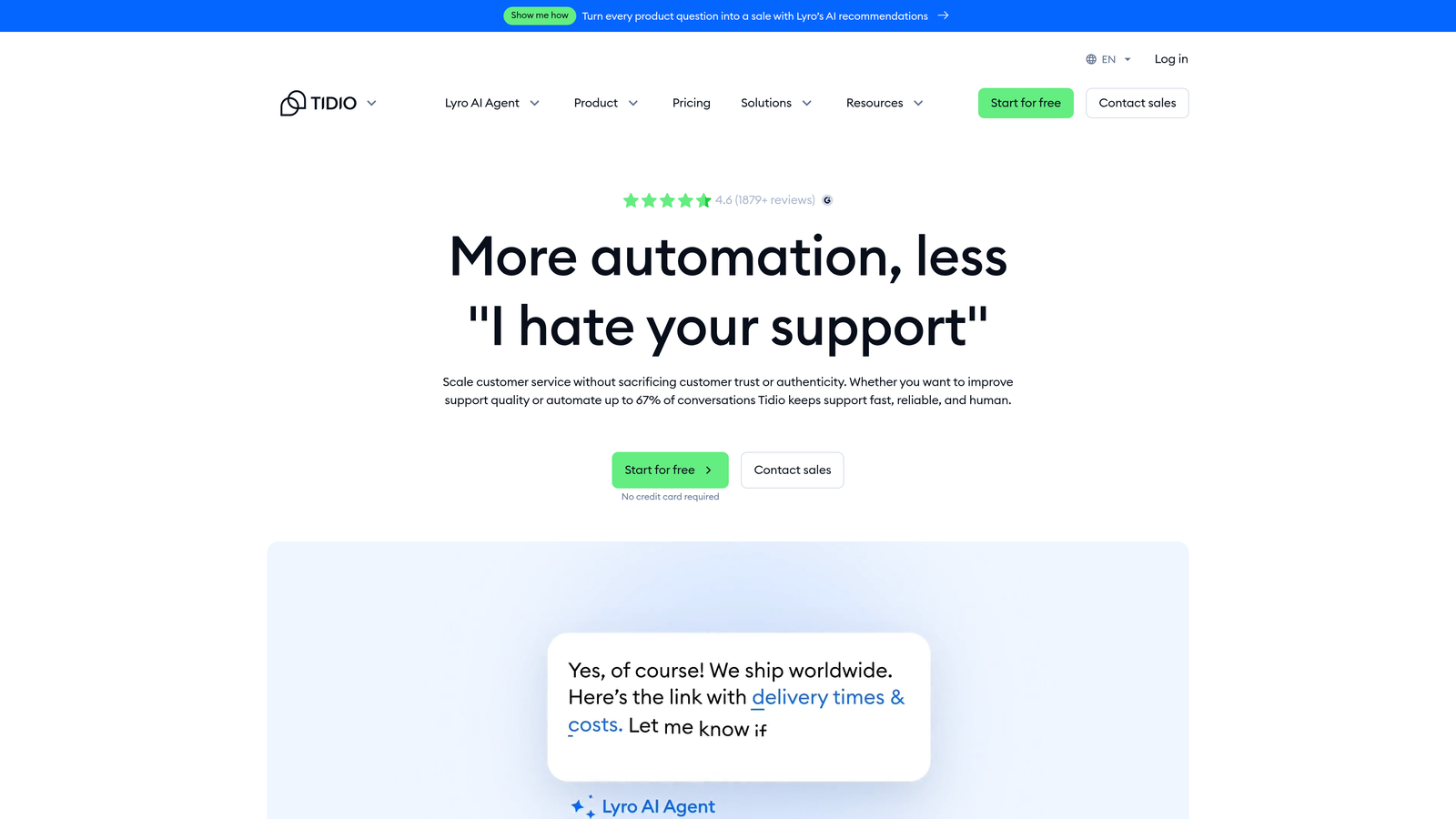
Tidio is a budget-friendly platform that packs live chat, a visual chatbot builder, and an AI-powered conversational agent into a package well-suited for smaller teams and online stores.
Where This Tool Shines
Tidio's Lyro AI chatbot is the standout feature here. Trained on your knowledge base, it handles conversational support queries autonomously, escalating to a live agent when needed. For teams without a dedicated support engineer, the visual drag-and-drop builder makes it easy to create bot flows without touching code.
The platform's native integrations with Shopify, WooCommerce, and WordPress make it a natural fit for e-commerce operations. The live chat component adds real-time visitor tracking and typing preview, giving agents useful context before they even respond.
Key Features
Lyro AI Chatbot: Conversational AI trained on your knowledge base content for autonomous query resolution.
Visual Flow Builder: Drag-and-drop chatbot builder with 35+ pre-built templates for common support scenarios.
E-Commerce Integrations: Native connections to Shopify, WooCommerce, and WordPress out of the box.
Live Chat with Visitor Intelligence: Real-time visitor tracking and typing preview for more informed agent responses.
Best For
E-commerce businesses and small teams that want AI chatbot capabilities without a large budget. Less suited for complex B2B SaaS workflows that require deep CRM or engineering tool integrations.
Pricing
Free plan available with basic features. Paid plans start around $29 per month, making it one of the more accessible options on this list.
4. Zoho Desk
Best for: Teams already in the Zoho ecosystem that want AI-assisted support tightly integrated with CRM and project management.
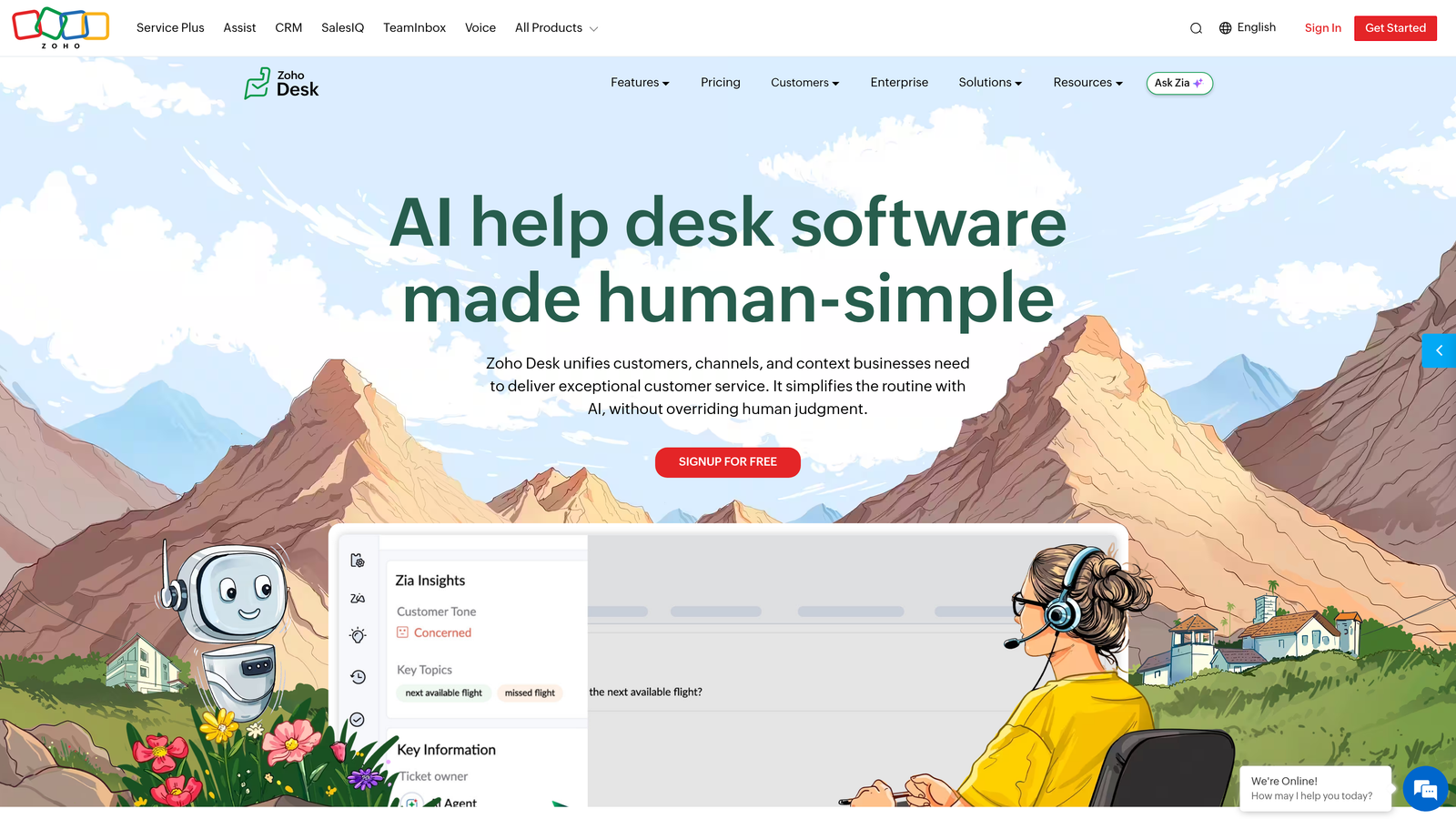
Zoho Desk is an affordable helpdesk that earns its place through deep integration with the broader Zoho suite and a capable AI assistant called Zia.
Where This Tool Shines
If your team already uses Zoho CRM, the case for Zoho Desk becomes compelling quickly. Customer records, deal history, and support tickets share a unified data layer, which means agents have full context on every interaction without switching tools. Zia AI adds sentiment analysis and response suggestions that help agents prioritize and respond more effectively.
The Blueprint workflow automation feature is worth highlighting. It enforces process steps, ensuring tickets follow defined resolution paths rather than falling through the cracks. For teams with compliance or SLA requirements, this structured approach to workflow is a meaningful differentiator.
Key Features
Zia AI Assistant: Handles sentiment analysis, automatic ticket tagging, and response suggestions to improve agent efficiency.
Blueprint Workflow Automation: Enforces process steps and approval chains to ensure consistent ticket handling across the team.
Zoho Ecosystem Integration: Deep native connections to Zoho CRM, Zoho Projects, and the broader Zoho One suite.
Multi-Department Support: Custom views, SLA management, and department-level organization for larger support operations.
Best For
Companies already invested in the Zoho ecosystem, or those looking for a structured, process-oriented helpdesk with AI assistance at a low per-seat cost.
Pricing
Free plan supports up to 3 agents. Paid plans start around $14 per agent per month, making it one of the most cost-effective options for teams needing CRM integration.
5. Help Scout
Best for: Teams that prioritize human-touch support and want AI to assist agents rather than replace them entirely.
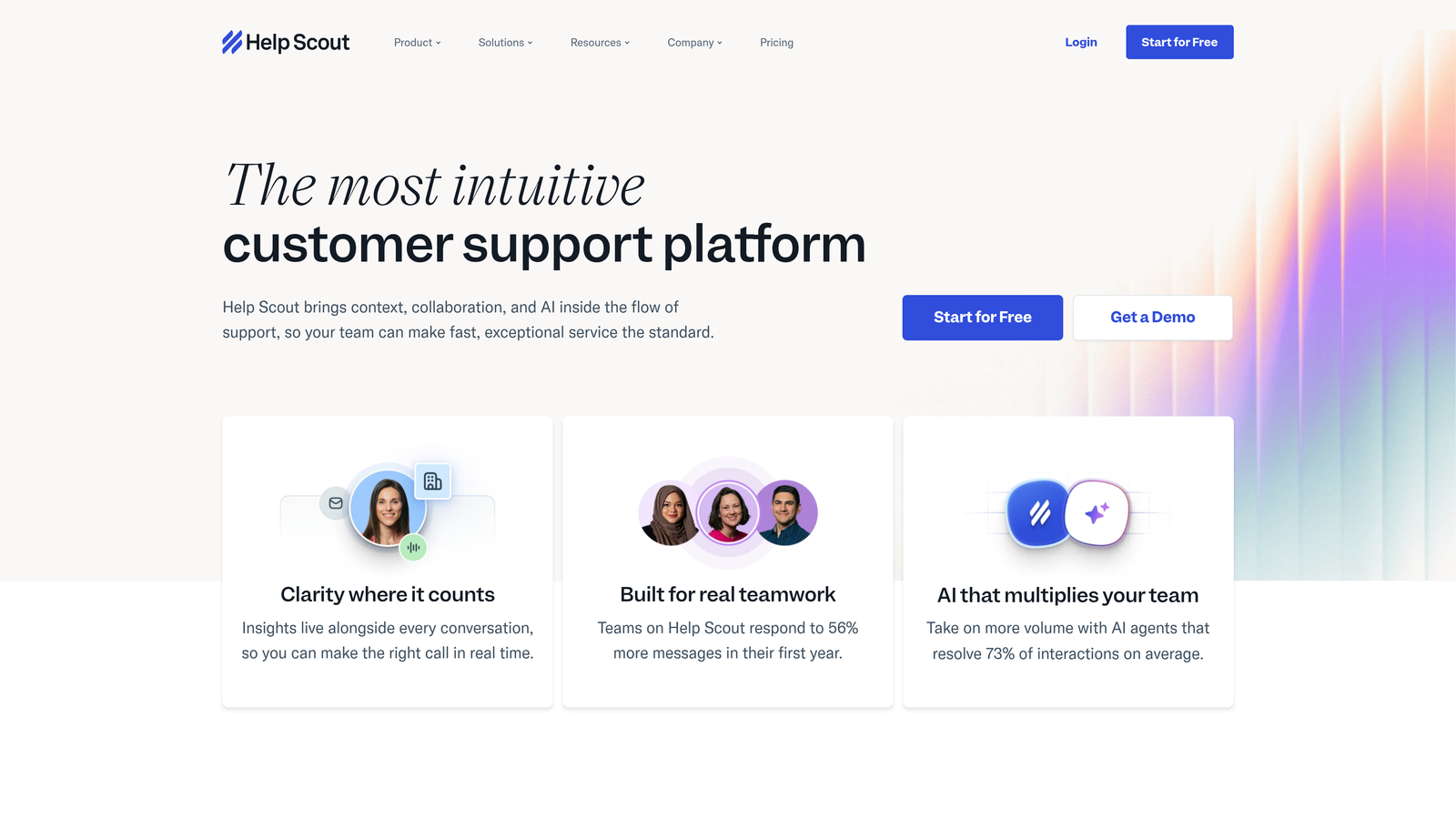
Help Scout is a shared inbox and knowledge base platform that blends AI drafting tools with a clean, collaboration-first interface designed for teams that care about the quality of every customer interaction.
Where This Tool Shines
Help Scout's philosophy is that great support is human at its core, with AI handling the time-consuming parts. AI Drafts generates response suggestions that agents can review and send, while AI Summarize condenses long conversation threads into a quick brief. The result is faster response times without sacrificing the personal tone that many B2B customers expect.
The Beacon widget is a particularly useful feature for SaaS teams. Embedded directly in your product, it surfaces relevant help docs before a user submits a ticket, reducing inbound volume without making customers feel like they're hitting a wall.
Key Features
AI Drafts and AI Summarize: AI-generated response drafts and conversation summaries that help agents respond faster without losing quality.
Beacon Widget: Embeddable in-app help widget that surfaces knowledge base articles and enables proactive self-service.
Docs Knowledge Base: Built-in documentation tool with search analytics to identify content gaps.
Collision Detection and Internal Notes: Team collaboration features that prevent duplicate responses and enable private agent-to-agent communication.
Best For
Customer success and support teams at SaaS companies where relationship quality matters and agents need AI assistance rather than full automation. Less suited for teams aiming for high-volume autonomous resolution.
Pricing
Plans start around $25 per user per month. No free plan, but the feature set justifies the cost for teams with meaningful support volume.
6. Crisp
Best for: Lean teams and early-stage startups that want a free, all-in-one messaging platform with CRM included.
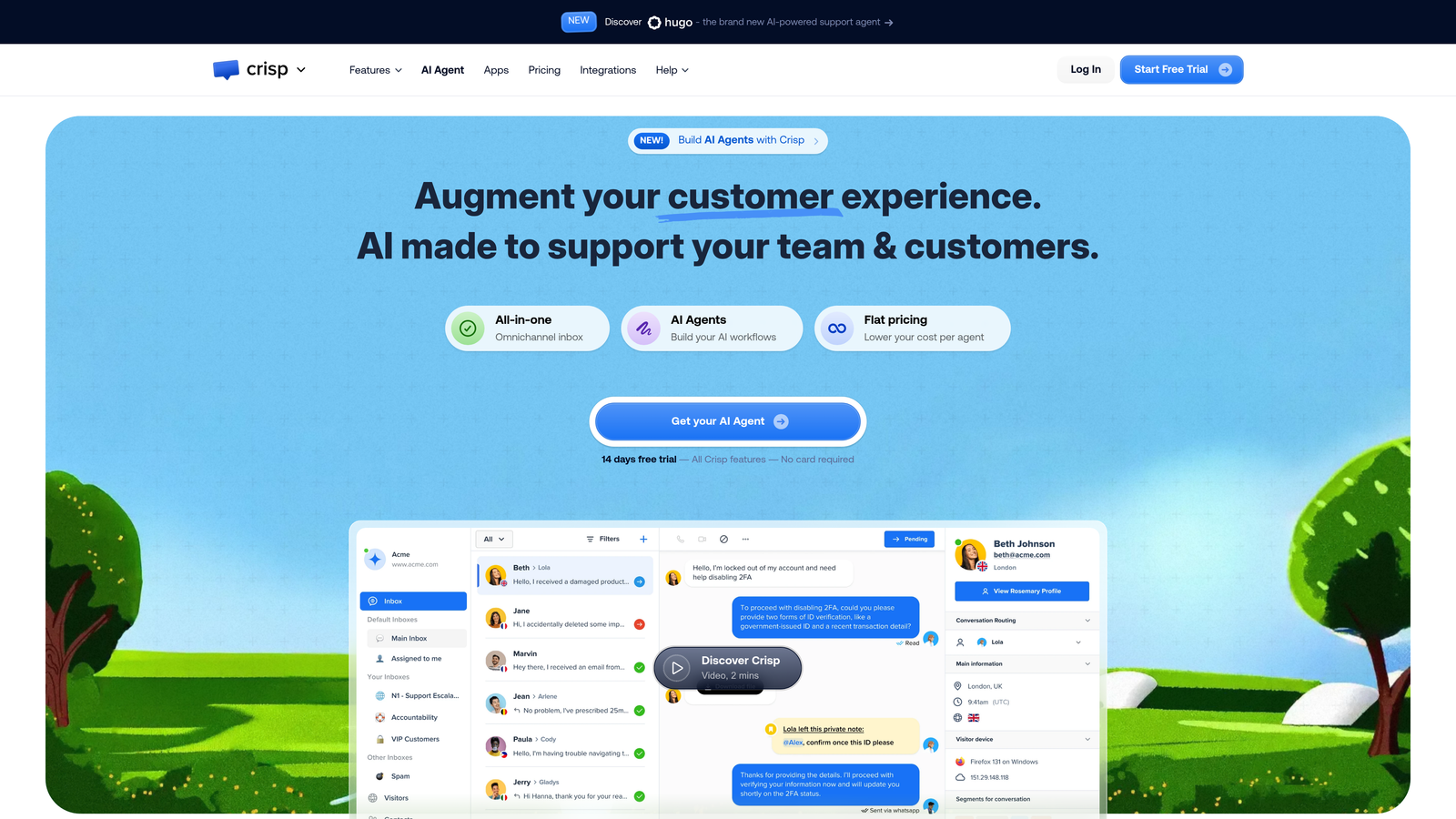
Crisp is an all-in-one messaging platform with one of the most generous free tiers available, combining live chat, a shared inbox, a no-code chatbot builder, and a built-in CRM in a single workspace.
Where This Tool Shines
For teams that are just getting started with support automation, Crisp removes the typical barrier of "we need to set up five different tools first." The free plan covers live chat, a basic inbox, and two seats — enough to validate whether chat-based support makes sense for your audience before committing budget.
The no-code chatbot builder uses conditional logic flows that are straightforward to configure, and the unified inbox pulls in conversations from chat, email, Facebook Messenger, and more. The built-in CRM is a genuine differentiator at this price point: most tools at this tier charge separately for contact management.
Key Features
Generous Free Plan: Two seats with live chat, shared inbox, and basic bot functionality at no cost.
No-Code Chatbot Builder: Conditional logic flows for automated responses, lead qualification, and routing without development resources.
Unified Multi-Channel Inbox: Consolidates chat, email, Messenger, and other channels into a single team inbox.
Built-In CRM and Knowledge Base: Contact management and documentation tools included without additional cost.
Best For
Early-stage startups, freelancers, and small teams that need a functional support setup at minimal cost. May feel limiting for teams with complex routing needs or high ticket volumes.
Pricing
Free plan available for 2 seats. Pro plan starts around $25 per month per workspace, which is unusually affordable for a multi-channel platform.
7. Intercom Fin
Best for: High-volume support teams that want a premium AI agent with per-resolution pricing that scales predictably.
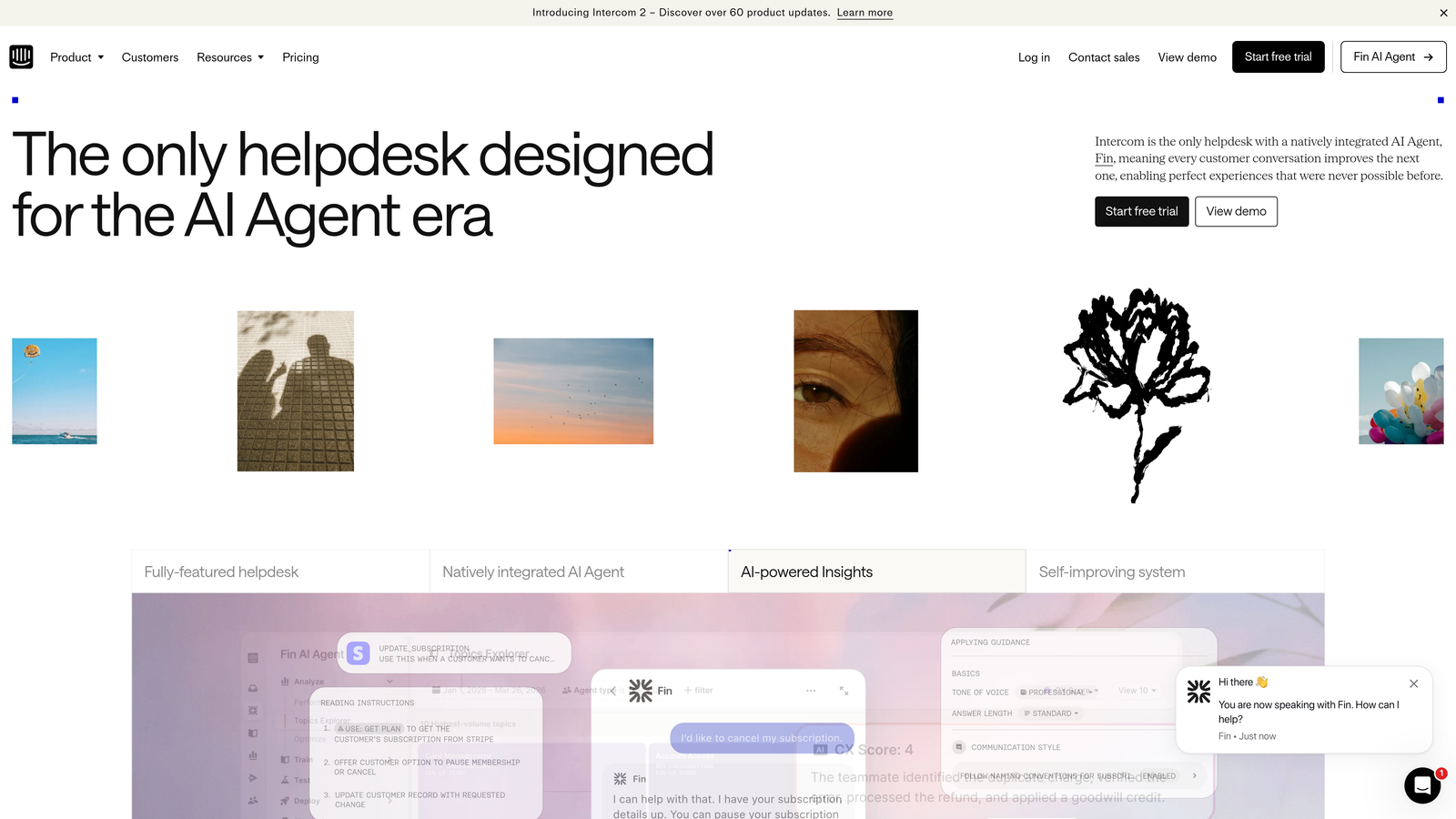
Intercom Fin is Intercom's purpose-built AI agent, trained on your help center content and priced on a per-resolution model that aligns cost directly with value delivered.
Where This Tool Shines
Fin's per-resolution pricing model is worth understanding carefully. Rather than paying a flat monthly fee regardless of AI performance, you pay for each ticket Fin actually resolves. For teams with high ticket volumes and a well-structured knowledge base, this can make Fin surprisingly cost-effective compared to per-seat alternatives.
The quality of Fin's responses is consistently strong because it draws directly from your existing help center content. Handoffs to human agents include full conversation context, so the transition is smooth. Intercom's broader platform also includes product tours, tooltips, and proactive messaging, making it a more complete customer engagement tool beyond just support.
Key Features
Fin AI Agent: Trained on your help center for autonomous resolution of common queries with high accuracy.
Per-Resolution Pricing: Pay for outcomes rather than seats, aligning cost with actual value delivered by the AI.
Seamless Human Handoff: Full conversation context passed to live agents when Fin escalates, eliminating repeated explanations.
Proactive Engagement Tools: Product tours, tooltips, and outbound messaging included in the broader Intercom platform.
Best For
Teams with established help center content and meaningful inbound ticket volume who want an AI agent that improves deflection rates. The per-resolution model rewards teams with good documentation.
Pricing
Fin is priced at approximately $0.99 per resolution. Intercom platform plans start around $39 per seat per month, so total cost depends heavily on your usage patterns.
8. HubSpot Service Hub
Best for: Teams already on HubSpot CRM that want support automation natively connected to their marketing and sales data.
HubSpot Service Hub brings ticketing, live chat, knowledge base automation, and AI assistance into HubSpot's unified CRM platform, with a free tier that makes it easy to start without financial commitment.
Where This Tool Shines
The core advantage of Service Hub is data unification. When support, sales, and marketing all operate from the same customer record, agents see the full picture: which plan a customer is on, recent sales conversations, marketing emails they've received. This context often eliminates the need to ask customers to explain their situation from scratch.
Breeze AI adds knowledge base article suggestions and ticket routing intelligence, helping teams build self-service resources that actually reflect what customers are asking. For teams that already pay for HubSpot's marketing or sales tools, adding Service Hub represents strong incremental value.
Key Features
Free Ticketing and Live Chat: Functional support tools available at no cost, integrated directly with HubSpot CRM.
Breeze AI: AI-powered knowledge base suggestions and ticket routing to improve deflection and agent efficiency.
Unified Customer Record: Shared data across marketing, sales, and service for full customer context in every interaction.
Customer Portal and Feedback Surveys: Self-service portal and CSAT/NPS tools included in paid tiers.
Best For
HubSpot customers looking to consolidate their support stack, and growing B2B teams that want CRM-connected support without managing separate integrations.
Pricing
Free tools available with basic functionality. Starter plan begins around $20 per seat per month, with more advanced AI features on higher tiers.
9. Chatbase
Best for: Non-technical teams that want to deploy a custom AI chatbot trained on their own content in minutes, not weeks.
Chatbase is a no-code AI chatbot builder that lets you train a GPT-powered assistant on your documentation, URLs, or uploaded files, then deploy it as an embeddable widget with minimal setup.
Where This Tool Shines
Chatbase removes nearly all the technical friction from deploying an AI support chatbot. You upload your content sources, the platform trains a custom model, and you embed the widget on your site. For teams without engineering resources, this is a meaningful unlock: you get a context-aware AI chatbot without a development sprint.
The source citation feature is particularly useful for B2B contexts. When Chatbase answers a question, it can reference the specific document or page it drew from, which builds user trust and makes it easier to identify gaps in your documentation when answers miss the mark.
Key Features
No-Code Training: Upload documents, URLs, or raw text to train a custom AI chatbot without any development work.
GPT-Powered Responses with Citations: AI answers include source references, improving transparency and helping identify content gaps.
Embeddable Widget: Customizable branded chat widget deployable on any website with a simple code snippet.
Conversation Analytics: Dashboard for tracking common questions, drop-off points, and chatbot performance over time.
Best For
Small teams, solo operators, and companies that need a quick AI chatbot deployment without engineering involvement. Best suited as a first layer of deflection rather than a full support platform.
Pricing
Free plan available with limited monthly messages. Paid plans start around $19 per month, making it one of the lowest-cost entry points for AI chatbot functionality.
How to Pick the Right Tool for Your Budget
The right choice depends less on which tool has the most features and more on where your team actually loses time today. Start there.
If you're a B2B SaaS team dealing with high ticket volumes and want AI that handles resolution autonomously while surfacing business intelligence, Halo AI is built specifically for that scenario. Its page-aware context, continuous learning, and deep integrations across the B2B stack make it the strongest fit for product-led companies that want support to do more than just close tickets.
If you're just getting started and need to validate your support setup before committing budget, Freshdesk, Crisp, and HubSpot Service Hub all offer genuinely useful free tiers. Start with one, learn what your customers actually ask, and upgrade when volume justifies it.
If you're already on a platform like HubSpot or Zoho, lean into the native integration before adding a new tool. Zoho Desk and HubSpot Service Hub both deliver strong value precisely because they share data with tools you're already using.
For teams with well-documented help centers and high inbound volume, Intercom Fin's per-resolution pricing can be surprisingly competitive. The model rewards good documentation and rewards you when the AI actually performs.
And if you need a fast, no-code AI chatbot deployment with minimal setup, Chatbase gets you live faster than almost anything else on this list.
The broader shift happening in 2026 is clear: support teams no longer need to choose between quality and affordability. AI-native tools have made autonomous ticket resolution, intelligent routing, and business intelligence accessible at price points that growing teams can actually justify. Your support team shouldn't scale linearly with your customer base. Let AI agents handle routine tickets, guide users through your product, and surface business intelligence while your team focuses on complex issues that need a human touch. See Halo in action and discover how continuous learning transforms every interaction into smarter, faster support.