9 Best AI Support Tools by Subscription Pricing in 2026
This guide compares AI support tool subscription pricing across nine leading platforms, evaluating pricing transparency, scalability, and tier-by-tier feature value so businesses of any size can find a model that maximizes automation ROI without unexpected costs at scale.
 Matt PattoliFounder14 min read
Choosing an AI customer support tool isn't just about features. It's about finding a pricing model that scales with your business without punishing your growth. Whether you're a lean startup fielding hundreds of tickets or an established SaaS company handling thousands, the wrong pricing structure can quickly erode the ROI you expected from automation.
This guide breaks down nine leading AI support tools, comparing what you actually pay versus what you actually get. We've evaluated each tool on pricing transparency, scalability, and the features included at each tier. If you're already using a helpdesk like Zendesk, Freshdesk, or Intercom and wondering whether to layer on an AI tool or replace your stack entirely, this comparison will help you cut through the noise.
Understanding AI Support Pricing Models Before You Compare
Before diving into individual tools, it helps to understand the pricing architectures you'll encounter. Most AI support tools fall into one of five models: per-seat (predictable but doesn't reflect AI efficiency gains), per-resolution (charges for each AI-handled ticket, which can spike at scale), conversation-based (charges per conversation regardless of outcome), tiered flat-rate (fixed monthly fee with feature gates), or hybrid combinations of seat and usage fees.
The model that works best for your team depends heavily on your ticket volume, resolution complexity, and how aggressively you want AI handling conversations autonomously. Keep that in mind as you read through each tool below.
1. Halo AI
Best for: B2B SaaS teams wanting an AI-first platform with business intelligence built in.
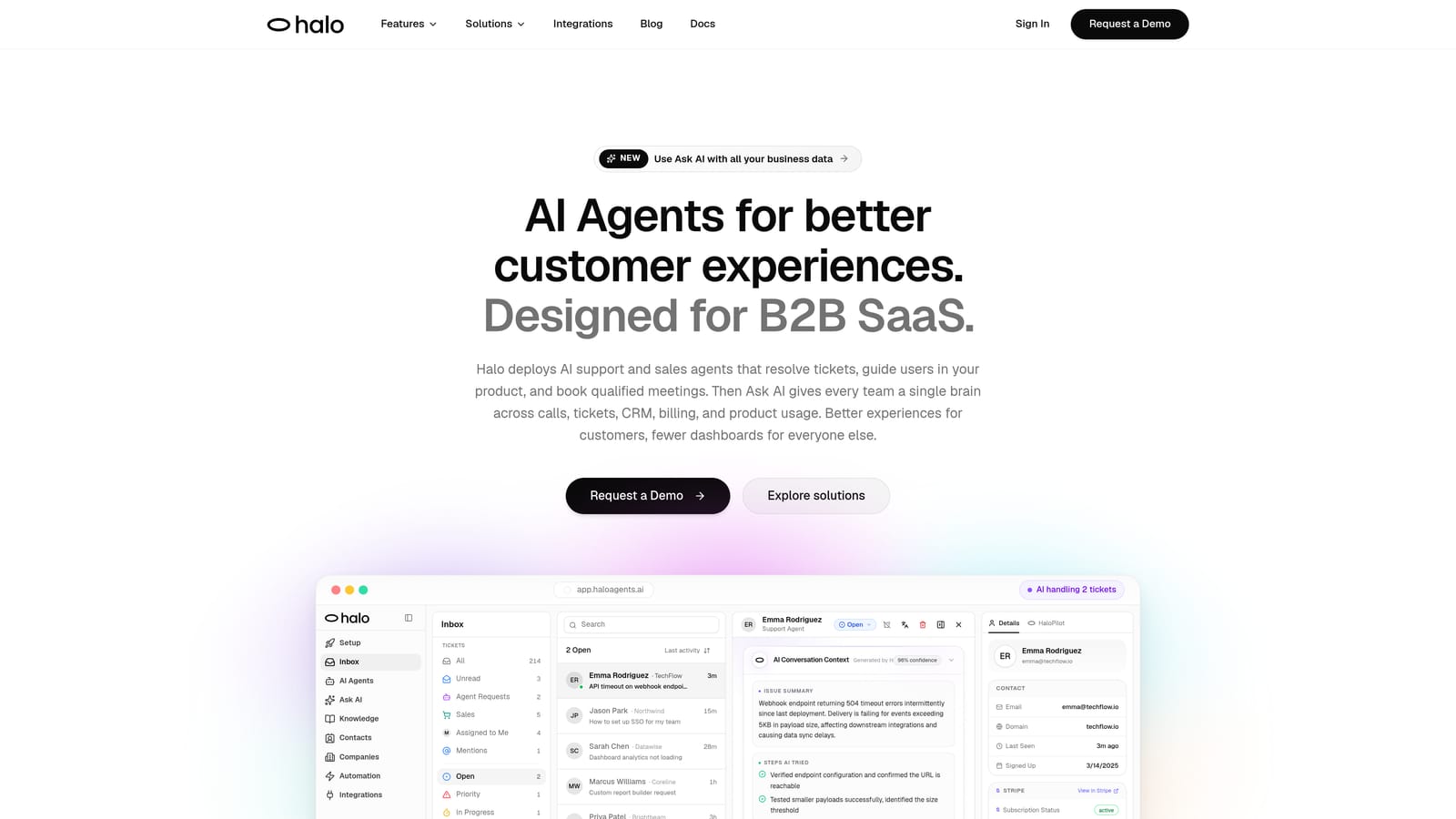
Halo AI is an AI-first customer support platform built from the ground up to resolve tickets, guide users through your product, and surface business intelligence—all while continuously learning from every interaction.
Where This Tool Shines
Unlike most tools on this list, Halo AI wasn't designed as a bolt-on to an existing helpdesk. It's built AI-first, which means the intelligence isn't layered on top of legacy infrastructure. The platform's page-aware chat widget is a genuine differentiator: it understands what page a user is on and what they're seeing, enabling it to provide contextual, visual UI guidance rather than generic answers.
What sets Halo apart from pure automation tools is the Smart Inbox. Beyond resolving tickets, it surfaces customer health signals, revenue intelligence, and anomaly detection, turning your support queue into a source of business insight rather than just a cost center.
Key Features
Intelligent AI Agents: Resolve tickets autonomously with built-in live agent handoff for complex issues that need a human touch.
Page-Aware Chat Widget: Sees what users see in real time, enabling contextual guidance and visual UI walkthroughs.
Smart Inbox with Business Intelligence: Surfaces customer health signals, anomaly detection, and revenue intelligence alongside standard ticket management.
Auto Bug Ticket Creation: Automatically generates and routes bug reports to engineering tools like Linear, closing the loop between support and product.
Deep Integrations: Connects natively with Slack, HubSpot, Intercom, Stripe, Zoom, PandaDoc, and Fathom—covering the full B2B SaaS stack.
Continuous Learning Architecture: Gets measurably smarter with every resolved interaction, improving accuracy over time without manual retraining.
Best For
Halo AI is best suited for B2B SaaS companies and product teams that want more than ticket deflection. If your support data should be informing product decisions, customer success, and revenue strategy, the Smart Inbox makes that connection automatic. It's particularly well-positioned for teams already using tools like Linear, HubSpot, or Stripe who want their support layer to integrate deeply rather than operate in isolation.
Pricing
Halo AI uses a demo-first, contact-for-pricing model. This approach is common for AI-first platforms targeting B2B teams, where pricing is typically scoped to team size, ticket volume, and integration needs. Reach out via haloagents.ai to get a tailored quote.
2. Intercom (Fin AI)
Best for: Teams wanting a polished messenger experience with AI resolution layered on top.
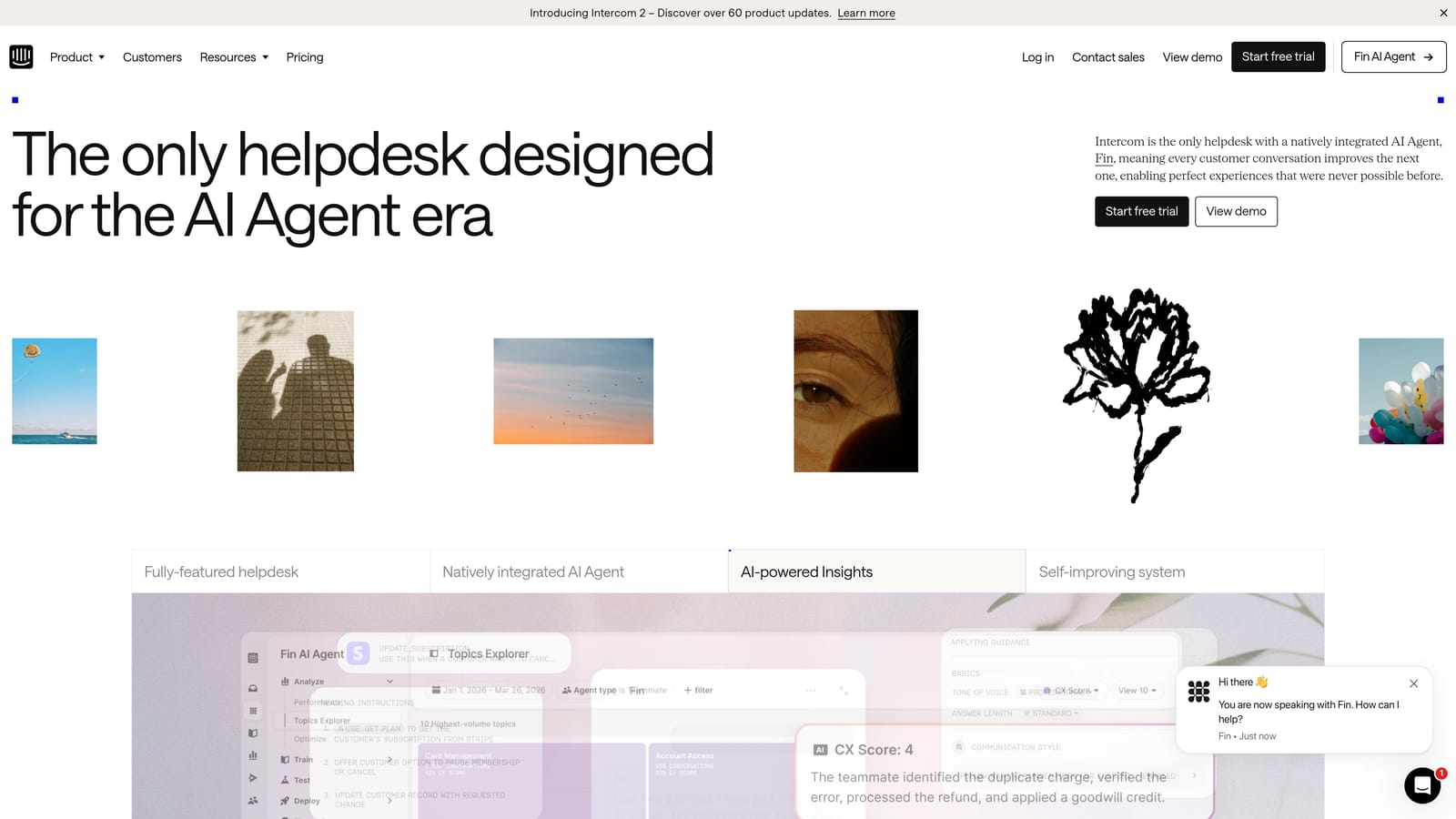
Intercom is a messaging-first customer platform whose Fin AI agent handles autonomous query resolution across chat and email, with pricing that combines a base subscription and per-resolution fees.
Where This Tool Shines
Intercom's messenger experience is widely regarded as one of the best in the category. Fin AI benefits from that foundation, resolving customer queries within a polished, familiar interface that customers tend to engage with naturally. The AI Copilot for human agents is also a strong addition, helping live agents draft responses and summarize conversations without leaving their inbox.
The workflow builder gives operations teams meaningful control over routing logic, making it possible to build fairly sophisticated escalation paths without engineering involvement.
Key Features
Fin AI Agent: Handles autonomous resolution across chat and email using your knowledge base and content.
AI Copilot for Agents: Assists human agents with response drafts, summaries, and knowledge retrieval mid-conversation.
Omnichannel Messenger: Strong mobile and web messenger experience with high customer engagement rates.
Workflow Builder: Visual automation builder for routing, tagging, and escalation logic.
Native Integrations: Connects with major CRMs, Slack, and popular ticketing tools out of the box.
Best For
Intercom works well for growth-stage SaaS companies and consumer apps where the messenger experience matters as much as the resolution rate. Teams that already use Intercom for outbound messaging or product tours will find Fin AI a natural extension. Be mindful of the hybrid pricing model: per-resolution fees on top of seat costs can add up quickly at scale.
Pricing
Base plans start at approximately $39 per seat per month (Essential tier); Fin AI resolution fees are charged separately per resolved conversation. Pricing is subject to change. Verify current rates at intercom.com.
3. Zendesk AI
Best for: Enterprise teams needing deep reporting, compliance controls, and AI layered onto an established helpdesk.
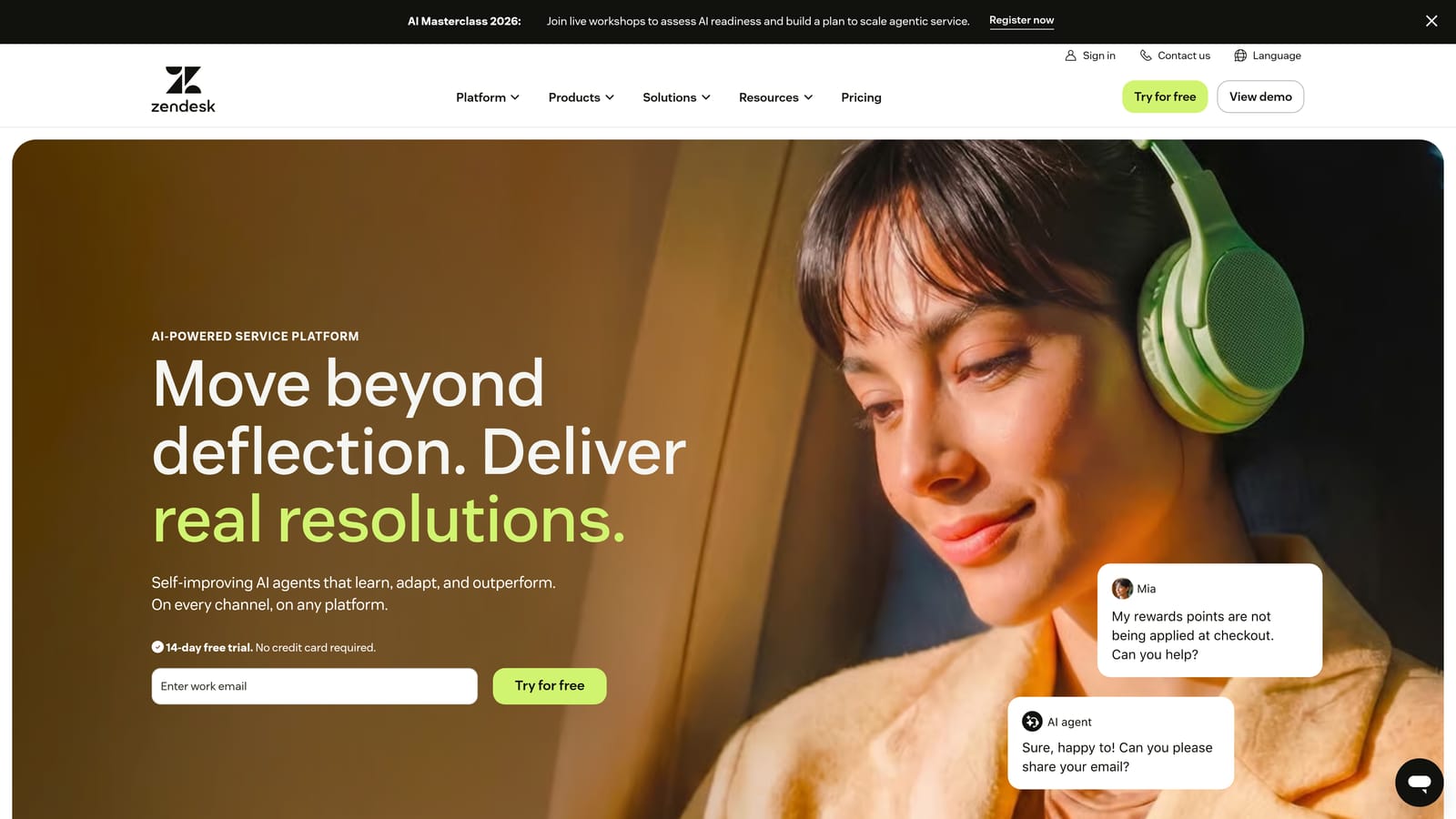
Zendesk layers AI capabilities including intelligent triage, AI agents, and an agent copilot on top of its well-established helpdesk platform, with AI features available as add-ons to Suite plans.
Where This Tool Shines
Zendesk's strength has always been its depth: robust SLA management, advanced reporting, and enterprise-grade compliance controls that regulated industries rely on. The AI layer builds on that foundation rather than replacing it, which is both a strength and a limitation. Teams already invested in Zendesk workflows will find the AI add-ons integrate smoothly without disrupting existing processes.
Intelligent Triage is particularly useful for high-volume teams, automatically categorizing and routing tickets based on intent, sentiment, and language before a human ever looks at them.
Key Features
Intelligent Triage: Automatic ticket categorization, intent detection, and routing at the point of submission.
AI Agents: Automated self-service resolution for common queries using your existing knowledge base.
Agent Copilot: Suggested replies, conversation summaries, and next-step recommendations for human agents.
Advanced Reporting: Deep analytics with SLA tracking, CSAT measurement, and custom dashboards.
Enterprise Security: Compliance controls, data residency options, and role-based access management.
Best For
Zendesk AI is best for mid-market and enterprise teams with complex support operations that need compliance, reporting depth, and the stability of a mature platform. Smaller teams may find the pricing structure and configuration overhead disproportionate to their needs.
Pricing
Suite Team starts at approximately $55 per agent per month; AI add-ons are priced separately and enterprise plans require a custom quote. Pricing is subject to change. Verify at zendesk.com.
4. Freshdesk (Freddy AI)
Best for: Small to mid-sized teams wanting bundled AI features at accessible price points.
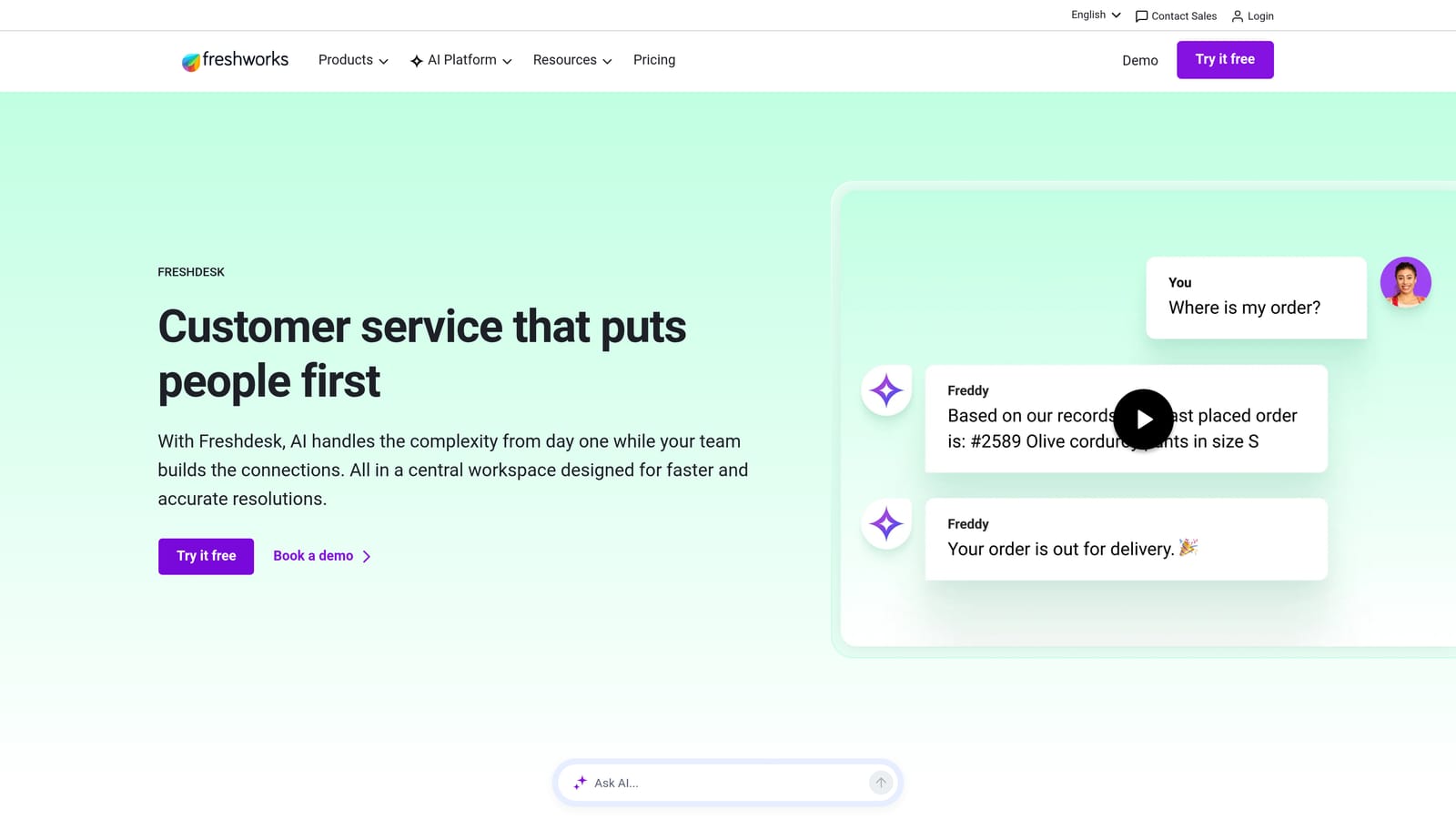
Freshdesk bundles its Freddy AI across tiered plans, offering self-service bots, agent copilot features, and AI-powered insights at price points designed to be accessible for growing teams.
Where This Tool Shines
Freshdesk's value proposition is straightforward: you get a capable omnichannel helpdesk with AI features included at lower price points than most enterprise competitors. Freddy Copilot helps agents draft responses and summarize tickets, while Freddy Self Service handles customer-facing automation without requiring a separate bot platform.
The Freshworks marketplace with over 1,000 integrations gives teams significant flexibility in connecting Freshdesk to their existing stack, which reduces the friction of adoption for teams already using common business tools.
Key Features
Freddy Self Service: Customer-facing AI bot for autonomous query resolution and self-service deflection.
Freddy Copilot: Agent assist for drafting, summarization, and knowledge retrieval during live conversations.
Freddy Insights: AI-powered analytics with anomaly detection and trend identification across support data.
Omnichannel Support: Unified inbox covering email, chat, phone, and social media channels.
Marketplace Integrations: Over 1,000 apps available, covering CRMs, billing tools, and productivity platforms.
Best For
Freshdesk is a strong fit for small to mid-sized teams that want AI-augmented support without enterprise pricing. Teams scaling from manual processes will find the tiered model lets them grow into more advanced features without switching platforms.
Pricing
Growth plan starts at approximately $15 per agent per month; Freddy Copilot is available as a per-agent add-on at higher tiers. Pricing is subject to change. Verify at freshdesk.com.
5. Tidio (Lyro AI)
Best for: Small teams and e-commerce businesses wanting conversation-based AI at an accessible entry price.
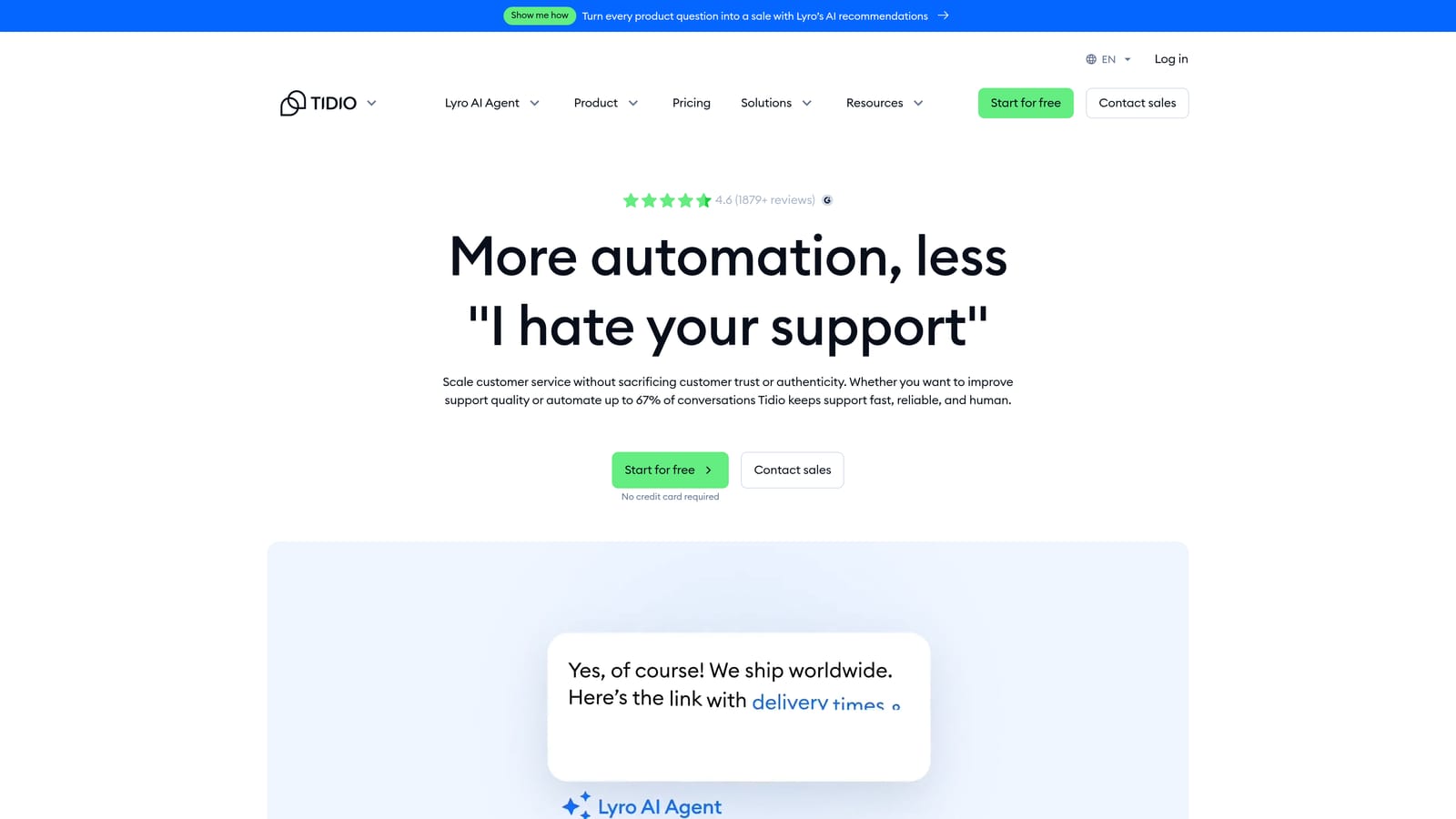
Tidio offers Lyro as its AI agent with conversation-based pricing, making it one of the more accessible entry points for small teams wanting AI support automation without a large upfront commitment.
Where This Tool Shines
Tidio's setup experience is notably fast. No-code configuration means small teams can get Lyro handling conversations within hours rather than weeks. The conversation-based pricing model is intuitive for teams that think in terms of customer interactions rather than agent seats, and the included conversation bundles in base plans give you a meaningful runway before needing to purchase additional capacity.
The e-commerce integrations with Shopify and WooCommerce are genuinely useful, enabling Lyro to handle order status queries, return requests, and product questions with relevant context from your store data.
Key Features
Lyro AI Agent: Handles customer conversations autonomously using your knowledge base and FAQ content.
Conversation-Based Pricing: Charges per conversation with bundled allowances in base plans and purchasable top-ups.
Live Chat with Human Handoff: Smooth escalation to human agents when Lyro reaches the limits of its confidence.
E-Commerce Integrations: Native connections to Shopify and WooCommerce for order and product context.
No-Code Setup: Configurable without engineering involvement, enabling fast deployment for small teams.
Best For
Tidio is best for e-commerce businesses and small SaaS teams with relatively straightforward support queries. Teams with complex, multi-step support workflows or high ticket volumes may find the conversation-based model becomes expensive at scale.
Pricing
Base plans include a set number of Lyro conversations; additional conversation packs are purchasable as needed. Pricing is subject to change. Verify current bundles and rates at tidio.com.
6. Help Scout AI
Best for: Teams wanting predictable flat-rate pricing with AI assist rather than full AI automation.
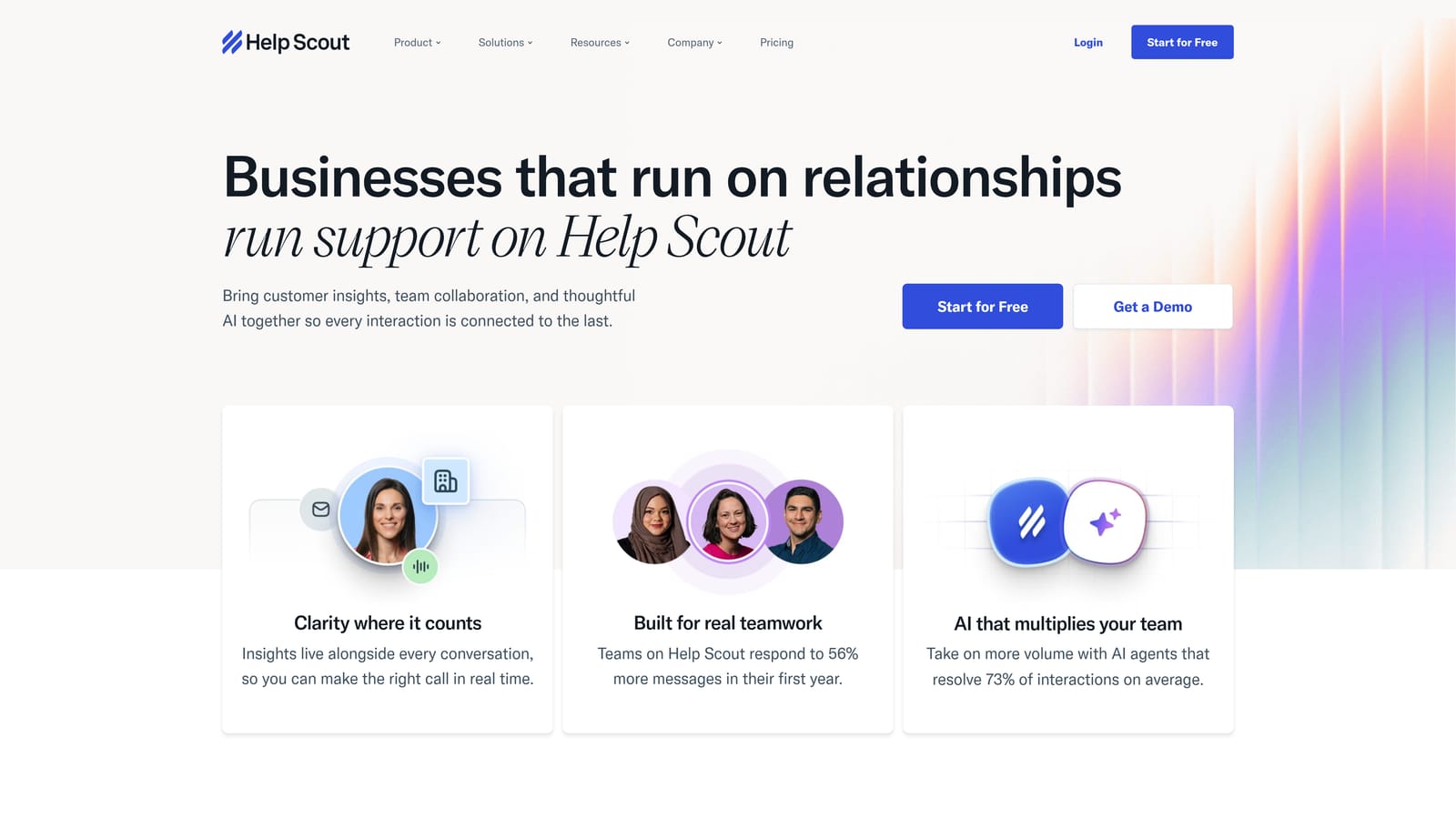
Help Scout takes a human-first approach to AI, embedding AI Summarize, AI Assist, and AI Drafts into its shared inbox without per-resolution fees, making costs predictable for teams that prioritize AI augmentation over full automation.
Where This Tool Shines
Help Scout's AI features are designed to make human agents faster and more consistent rather than replace them entirely. AI Summarize gives agents instant context on long conversation threads, AI Drafts generates suggested replies, and AI Assist helps adjust tone or expand on brief notes. All of this is included in the standard per-user pricing without usage-based overages.
For teams where the human relationship is central to the support experience, this model makes a lot of sense. You get meaningful AI efficiency gains without the risk of runaway costs tied to conversation or resolution volume.
Key Features
AI Summarize: Instant conversation summaries so agents can get up to speed without reading full threads.
AI Drafts: Suggested reply generation based on conversation context and your knowledge base.
AI Assist: Tone adjustment, expansion, and editing tools for agents composing responses.
Flat Per-User Pricing: AI features included in plan with no overage fees or per-resolution charges.
Unified Platform: Shared inbox, Docs knowledge base, and live chat all in one subscription.
Best For
Help Scout is ideal for teams that value the human touch in support and want AI as an accelerator rather than a replacement. It's particularly well-suited for companies where brand voice and relationship quality matter as much as response speed.
Pricing
Standard plan starts at approximately $20 per user per month billed annually, with AI features included. Pricing is subject to change. Verify at helpscout.com.
7. Forethought AI
Best for: Mid-market and enterprise teams wanting an AI layer on top of existing helpdesks like Zendesk or Salesforce.
Forethought is an AI platform that sits on top of existing helpdesks, providing triage, routing, resolution, and agent assist through a workflow-driven architecture without requiring teams to migrate away from their current tools.
Where This Tool Shines
Forethought's product is organized into distinct modules: Solve for autonomous resolution, Triage for intelligent routing and classification, and Assist for agent copilot functionality. This modular structure lets teams adopt the capabilities they need without committing to a full platform replacement, which is a meaningful advantage for enterprises with established Zendesk or Salesforce investments.
The custom workflow builder handles complex routing logic that simpler tools can't manage, making it well-suited for support operations with nuanced escalation paths or multiple product lines requiring different handling.
Key Features
Solve: AI resolution for common queries without human involvement, using your existing knowledge sources.
Triage: AI-powered ticket classification, intent detection, and priority-based routing.
Assist: Agent copilot with suggested responses and knowledge retrieval surfaced in the agent workspace.
Helpdesk Integrations: Native connections to Zendesk, Salesforce, ServiceNow, and other enterprise platforms.
Custom Workflow Builder: Handles complex routing logic for multi-product or multi-team support organizations.
Best For
Forethought is best for mid-market and enterprise teams that want to add AI intelligence to an existing helpdesk investment rather than replace it. It's not a self-serve product, so smaller teams or those wanting quick deployment may find the onboarding process slower than alternatives.
Pricing
Custom, quote-based pricing. Not self-serve. Contact Forethought directly for a scoped proposal. Verify at forethought.ai.
8. Kustomer AI
Best for: High-volume consumer brands needing deep customer context alongside AI-powered support automation.
Kustomer is a CRM-first customer service platform with AI built into its unified customer timeline, designed for brands handling high conversation volumes that need rich customer history woven into every interaction.
Where This Tool Shines
Kustomer's defining characteristic is its unified customer timeline: every email, chat, SMS, social interaction, and purchase event consolidated in a single view. When AI-powered intent detection triggers an automated response, it does so with full customer context rather than treating each conversation in isolation. For brands where customer history shapes support decisions, this architecture is genuinely valuable.
The omnichannel coverage is broad, spanning email, chat, SMS, social, and voice, which makes Kustomer a strong fit for consumer brands managing support across many channels simultaneously.
Key Features
Unified Customer Timeline: All customer interactions and data consolidated in a single chronological view per customer.
AI Intent Detection: Automatically identifies customer intent and triggers appropriate automated responses or routing.
Omnichannel Coverage: Unified inbox for email, chat, SMS, social media, and voice channels.
CRM-Native Architecture: Customer data embedded in every interaction rather than pulled from an external system.
Workflow Automation: Routing, tagging, escalation, and SLA management built into the platform.
Best For
Kustomer is best suited for high-volume consumer brands, particularly in retail, e-commerce, and subscription businesses, where deep customer context and omnichannel coverage are operational necessities rather than nice-to-haves.
Pricing
Enterprise-focused with custom pricing. Verify current tiers and rates at kustomer.com.
9. Dixa AI
Best for: European teams prioritizing GDPR compliance with conversation-based pricing and omnichannel AI flows.
Dixa is an omnichannel customer service platform with AI conversation flows and conversation-based pricing, with particularly strong positioning for European teams prioritizing data residency and regulatory compliance.
Where This Tool Shines
Dixa's conversation-based pricing model is a meaningful structural difference from seat-based competitors. As you automate more conversations with AI, your cost per interaction can decrease rather than staying fixed to headcount. For teams actively working to increase AI resolution rates, this alignment between pricing and efficiency gains is worth serious consideration.
The GDPR-compliant infrastructure with European data hosting options addresses a genuine blocker for many European teams evaluating US-headquartered alternatives. Skills-based routing and knowledge base tools round out a platform designed for teams that want strong operational control alongside AI automation.
Key Features
AI Conversation Flows: Automated customer interactions across chat, email, phone, and messaging apps.
Conversation-Based Pricing: Charges per conversation rather than per agent seat, aligning costs with actual usage.
Skills-Based Routing: Intelligent assignment matching customer needs to agent expertise.
GDPR-Compliant Infrastructure: European data hosting options for teams with strict data residency requirements.
Knowledge Base and Self-Service: Built-in self-service portal included without additional licensing.
Best For
Dixa is best for European teams and any organization with strong GDPR requirements that want conversation-based pricing aligned with their automation goals. It's particularly relevant for teams in regulated industries or those serving EU customers at scale.
Pricing
Quote-based pricing for most tiers. Verify current rates and conversation bundles at dixa.com.
Which AI Support Tool Is Right for Your Team?
The right tool depends less on which has the longest feature list and more on which pricing model aligns with how your support operation actually works.
If you want a flat, predictable cost with AI assist for human agents, Help Scout is the cleanest option. If you're already deep in the Zendesk or Salesforce ecosystem and want AI layered on without migrating, Forethought is built for exactly that. For e-commerce teams with straightforward queries and modest volume, Tidio's conversation-based model offers a low-risk entry point. European teams with GDPR requirements should take a close look at Dixa.
For B2B SaaS teams that want more than ticket deflection, Halo AI stands apart. The combination of page-aware context, continuous learning, and a Smart Inbox that surfaces customer health signals and revenue intelligence means your support operation becomes a source of business insight, not just a cost to manage. It's built AI-first rather than retrofitted onto legacy helpdesk infrastructure, which shows in how the product behaves at scale.
Your support team shouldn't scale linearly with your customer base. Let AI agents handle routine tickets, guide users through your product, and surface business intelligence while your team focuses on complex issues that need a human touch. See Halo in action and discover how continuous learning transforms every interaction into smarter, faster support.