9 Best AI Support Tools for Growing Companies in 2026
Discover the 9 best AI support tools for growing companies in 2026, evaluated for ease of deployment, scalability, and integration depth. This guide helps scaling businesses automate routine inquiries, reduce response times, and deliver consistent customer experiences without proportionally increasing headcount — covering options that fit growth-stage needs and budgets rather than enterprise-only solutions.
 Grant CooperFounder13 min read
When your company is scaling, customer support is one of the first things that breaks. Ticket volumes spike, response times creep up, and hiring fast enough to keep pace feels impossible. AI support tools offer a real way out — automating routine inquiries, routing complex issues intelligently, and delivering consistent experiences without linearly scaling headcount.
But not every tool is built for companies in growth mode. Some are designed for enterprise behemoths with dedicated implementation teams; others are too lightweight to handle real complexity as you scale. This guide focuses on AI support tools that can grow with you, integrate with the stack you already use, and start delivering value quickly.
We evaluated each option based on ease of deployment, AI accuracy, integration depth, scalability, and pricing flexibility. Here are the top AI support tools worth considering in 2026.
1. Halo AI
Best for: Growing B2B teams that need autonomous ticket resolution, product guidance, and business intelligence in one platform.
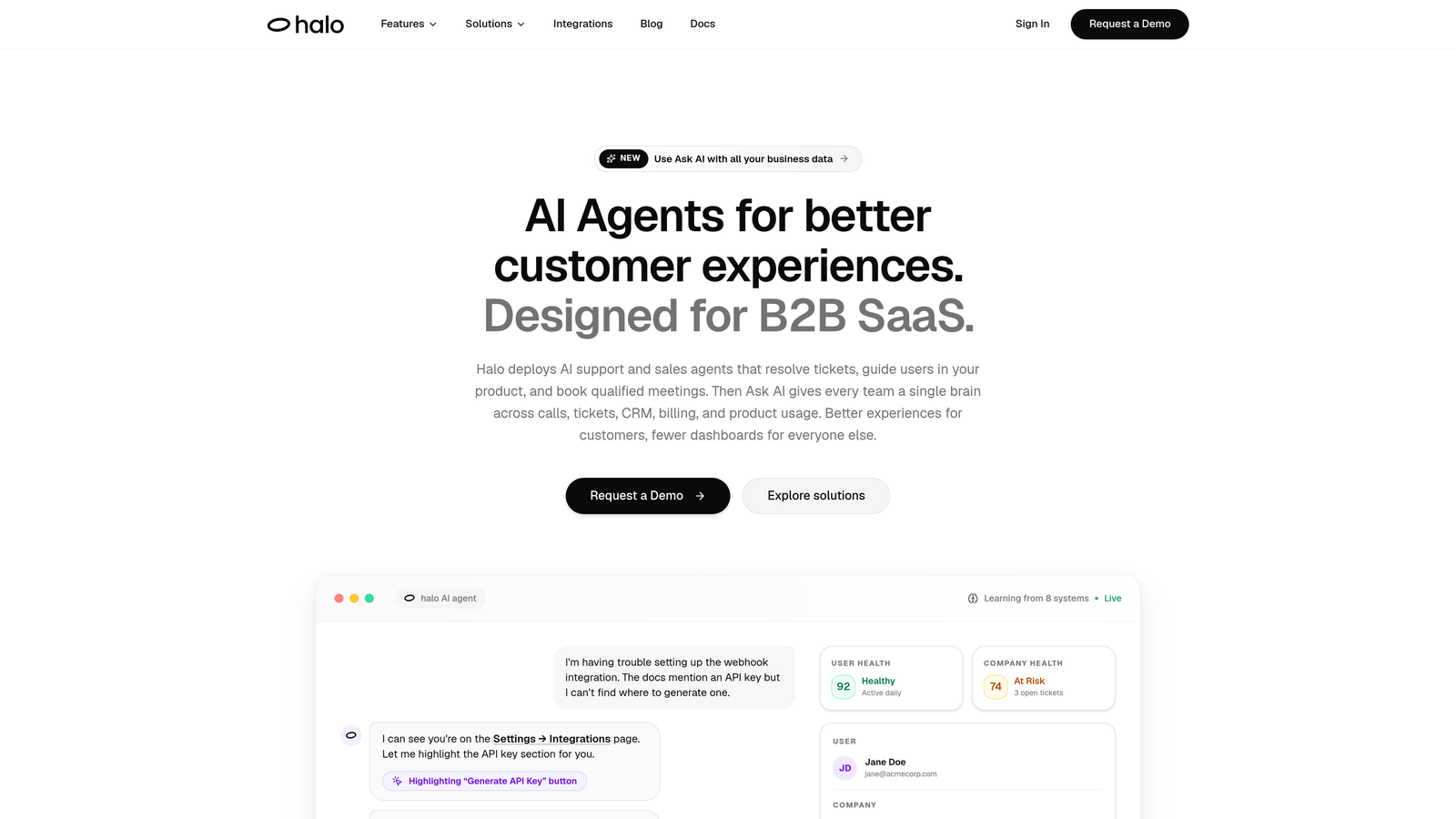
Halo AI is an AI-first customer support platform built around autonomous agents that resolve tickets, guide users through your product, and surface actionable business intelligence.
Where This Tool Shines
What separates Halo from most tools on this list is its page-aware architecture. The chat widget doesn't just respond to what users type — it sees what they're looking at, enabling it to provide visual UI guidance that's actually contextual rather than generic. Think of it like having a support agent who can look over a customer's shoulder and say "click that button, right there" rather than describing a seven-step process from memory.
The other standout is what Halo calls its Smart Inbox. Beyond standard support metrics, it surfaces customer health signals, revenue intelligence, and anomaly detection — turning your support data into a business intelligence layer. For growing companies, this kind of signal is genuinely valuable: you're not just resolving tickets, you're learning what's breaking, who's at risk, and where product gaps exist.
Key Features
Page-Aware Chat Widget: Sees what users see in real time and provides visual UI guidance specific to the page they're on.
Autonomous Ticket Resolution: AI agents handle routine tickets end-to-end, with intelligent handoff to live agents when complexity requires it.
Auto Bug Ticket Creation: Automatically generates bug reports and routes them to Linear or other dev tools without manual intervention.
Smart Inbox with Business Intelligence: Surfaces customer health signals, revenue intelligence, and anomaly detection alongside standard support data.
Deep Integrations: Connects with Slack, HubSpot, Intercom, Stripe, Zoom, PandaDoc, Fathom, and more — making it a central node in your existing stack.
Best For
B2B SaaS companies and product teams that want AI support to do more than deflect tickets. Halo is particularly well-suited for teams already using tools like HubSpot, Linear, or Intercom who want a single AI layer that connects across their stack and learns continuously from every interaction.
Pricing
Contact for pricing. Halo is designed to scale with growing teams, so pricing is structured around your specific volume and needs rather than rigid per-seat tiers.
2. Intercom Fin
Best for: Teams already on Intercom who want a native AI agent without switching platforms.
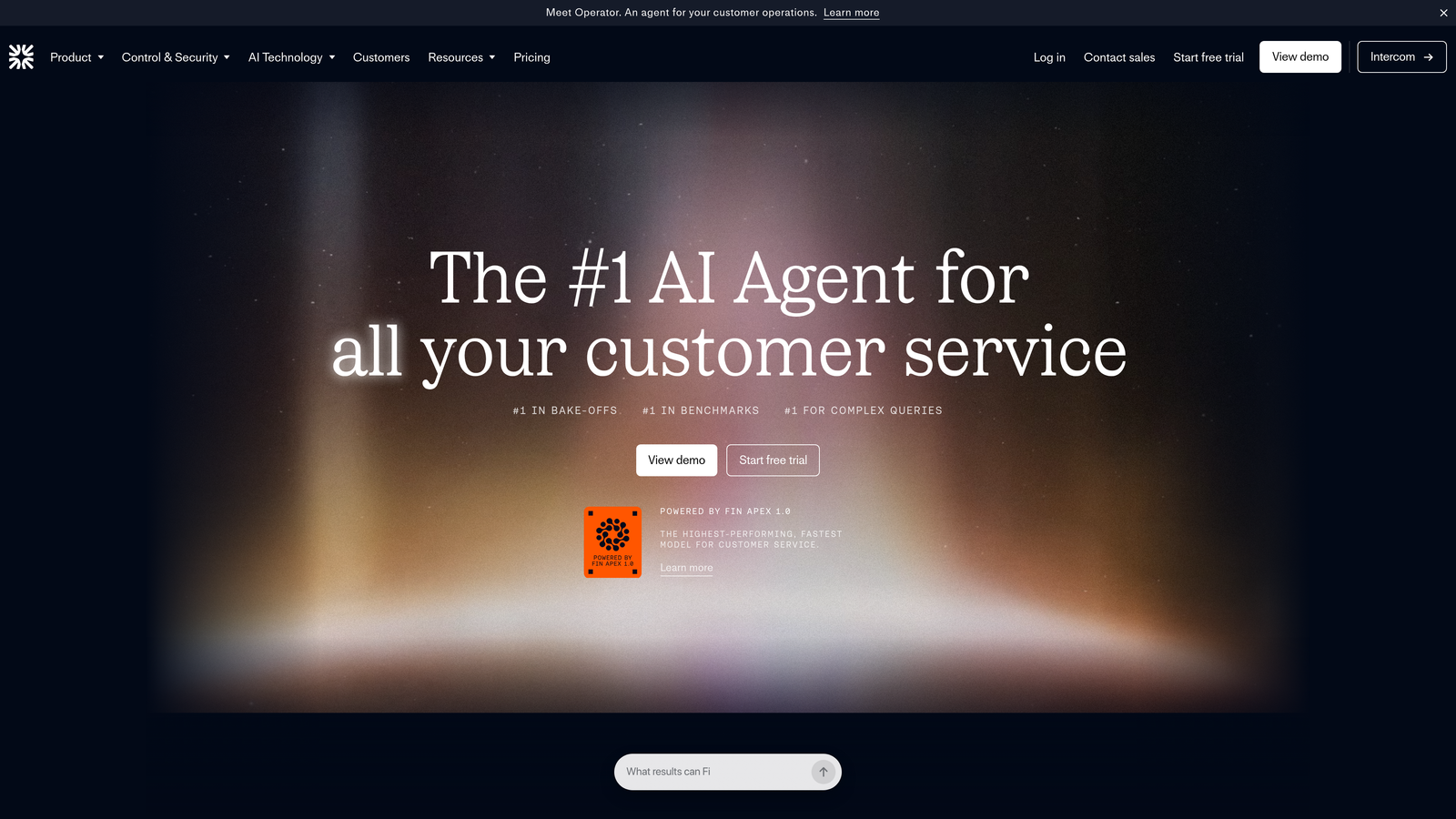
Intercom Fin is Intercom's native AI agent, resolving customer questions using your existing knowledge base and conversation history with seamless human handoff.
Where This Tool Shines
If you're already running support on Intercom, Fin is the path of least resistance. It plugs directly into your existing help center articles and past conversation data, which means there's no separate training pipeline or content migration required. The AI learns from what you've already built.
Fin also handles multi-channel support across chat, email, and social from a single interface. For growing teams managing support across multiple touchpoints, having one AI agent that covers all of them — without separate configurations — reduces operational overhead considerably.
Key Features
Knowledge Base Integration: Resolves queries by drawing on existing Intercom help articles and historical conversation data.
Multi-Channel Coverage: Deploys across chat, email, and social channels from a single setup.
Conversation Summarization: Automatically summarizes conversations for agents picking up mid-thread.
Custom Answer Workflows: Allows teams to create brand-specific responses for sensitive or nuanced topics where AI shouldn't improvise.
Best For
Growing companies already invested in the Intercom ecosystem. If you're considering switching helpdesks, the calculus changes — but for existing Intercom users, Fin is a fast, low-friction way to add AI resolution capacity.
Pricing
Usage-based pricing per resolution, layered on top of your existing Intercom subscription. Costs scale with volume, which suits growing teams but warrants careful monitoring as ticket counts increase.
3. Zendesk AI
Best for: Established teams on Zendesk Suite looking to add AI-powered triage, resolution, and agent productivity tools.
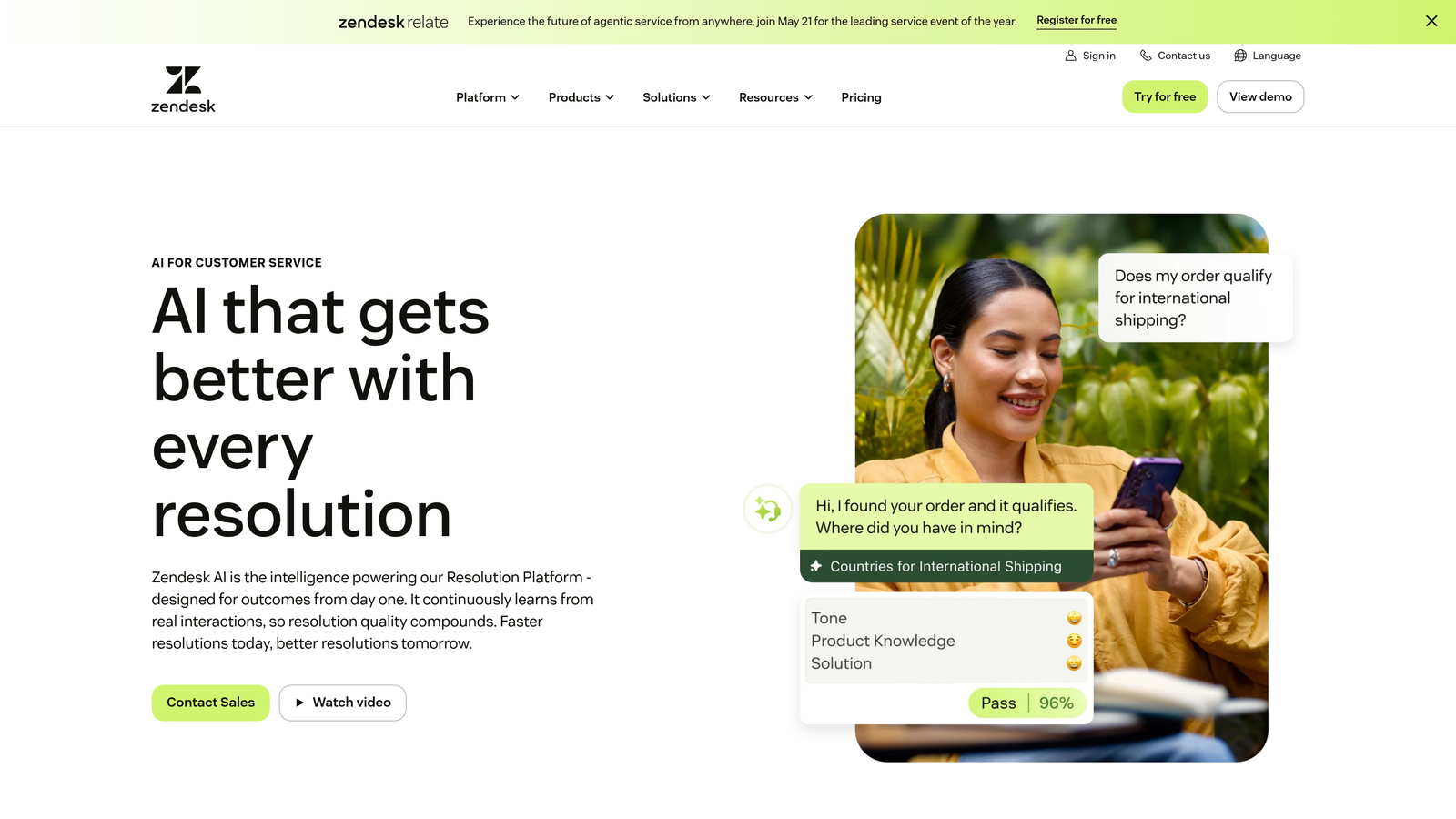
Zendesk AI is a suite of AI capabilities embedded throughout the Zendesk platform, covering automated resolution, intelligent routing, and generative AI for agents.
Where This Tool Shines
Zendesk AI benefits from years of training data across a massive customer base, which means its intent detection arrives pre-trained on common support patterns. For teams without the time to build custom training datasets, this head start matters. You can get meaningful triage and routing improvements without extensive configuration.
On the agent side, generative AI reply suggestions and knowledge base drafting tools meaningfully reduce the time agents spend on each ticket. These aren't flashy features, but for teams handling high volumes, shaving minutes off average handle time compounds quickly.
Key Features
Pre-Trained Intent Detection: Arrives with intent models covering common support categories, reducing initial setup time.
AI-Powered Triage and Routing: Classifies tickets by intent, language, and sentiment and routes them to the appropriate team or workflow.
Generative AI Reply Suggestions: Drafts agent replies and knowledge base articles based on conversation context.
Macro Suggestions: Recommends relevant macros to agents based on ticket content, speeding up resolution.
Best For
Companies already on Zendesk Suite who want to activate AI without switching platforms. Less ideal for teams not yet on Zendesk, given the platform investment required before AI features become accessible.
Pricing
AI features are included in Suite plans starting around $55 per agent per month, with an advanced AI add-on available for teams needing deeper capabilities.
4. Freshdesk Freddy AI
Best for: Budget-conscious growing teams that want accessible AI features without enterprise pricing.
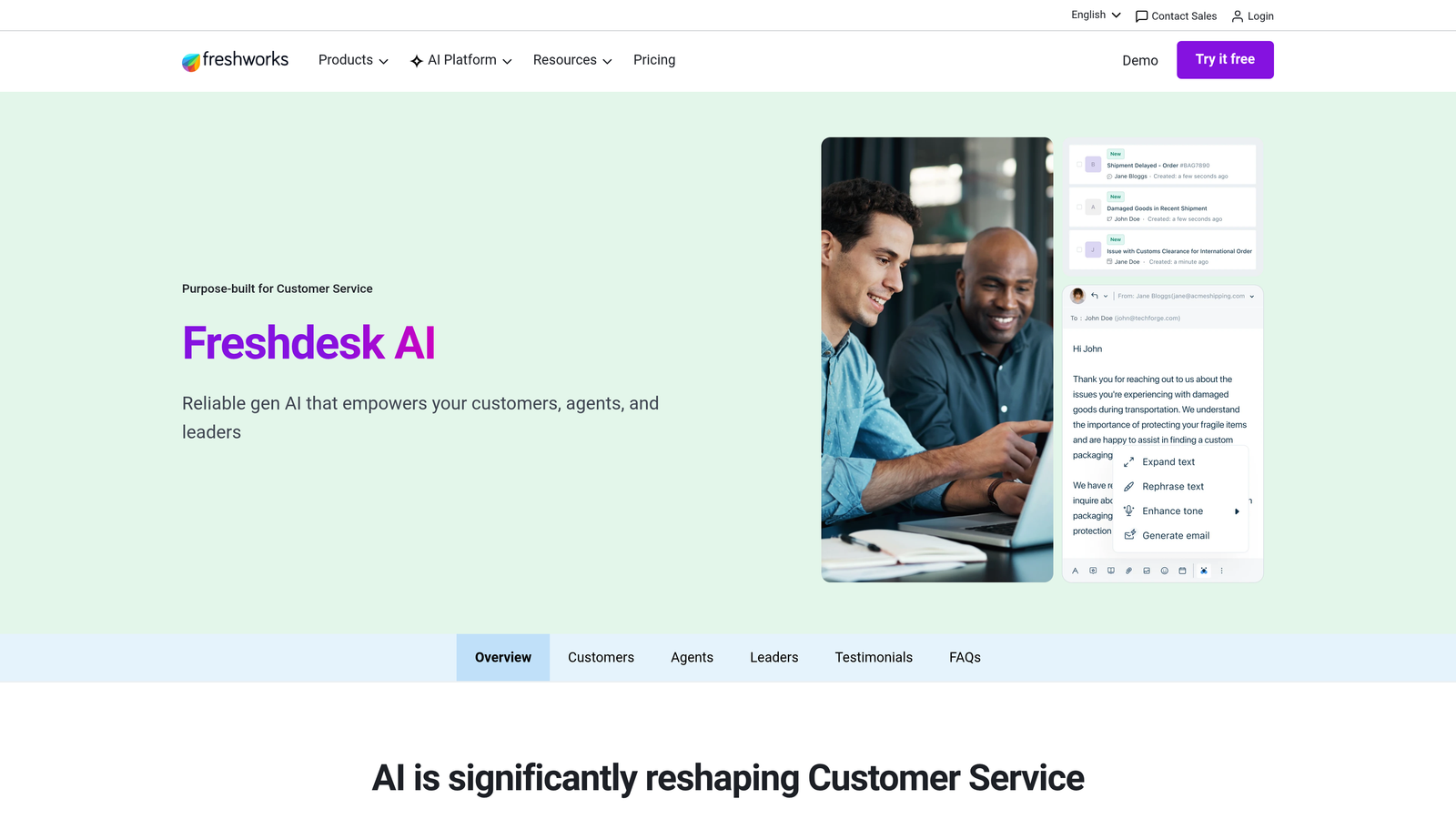
Freshdesk Freddy AI is Freshworks' built-in AI assistant, offering automated responses, ticket classification, and agent assist features at price points that work for earlier-stage companies.
Where This Tool Shines
Freddy AI's biggest advantage is accessibility. The free tier gives smaller teams a genuine entry point into AI-assisted support without a budget commitment, and the Pro plan's pricing is competitive with most alternatives. For companies in early growth stages where budget is a real constraint, this matters.
The thank-you detector and spam filtering features are understated but practical. Tickets that shouldn't require any agent time — automated confirmations, spam, out-of-office replies — get filtered out automatically, keeping the queue clean without manual effort.
Key Features
Freddy AI Agent: Handles customer-facing automated responses for common queries without human involvement.
Ticket Classification and Routing: Automatically categorizes, prioritizes, and routes incoming tickets based on content.
Agent Assist: Surfaces suggested replies and canned response recommendations to speed up agent workflows.
Thank-You Detector and Spam Filtering: Reduces queue noise by automatically identifying tickets that don't require a response.
Best For
Early-stage and growth-phase companies that need solid AI support features without committing to enterprise-tier pricing. Also a good fit for teams already using the broader Freshworks suite.
Pricing
Free tier available. AI features on the Pro plan start around $49 per agent per month, making it one of the more accessible options on this list.
5. Ada
Best for: High-volume, multilingual support operations that need sophisticated automation across multiple channels.
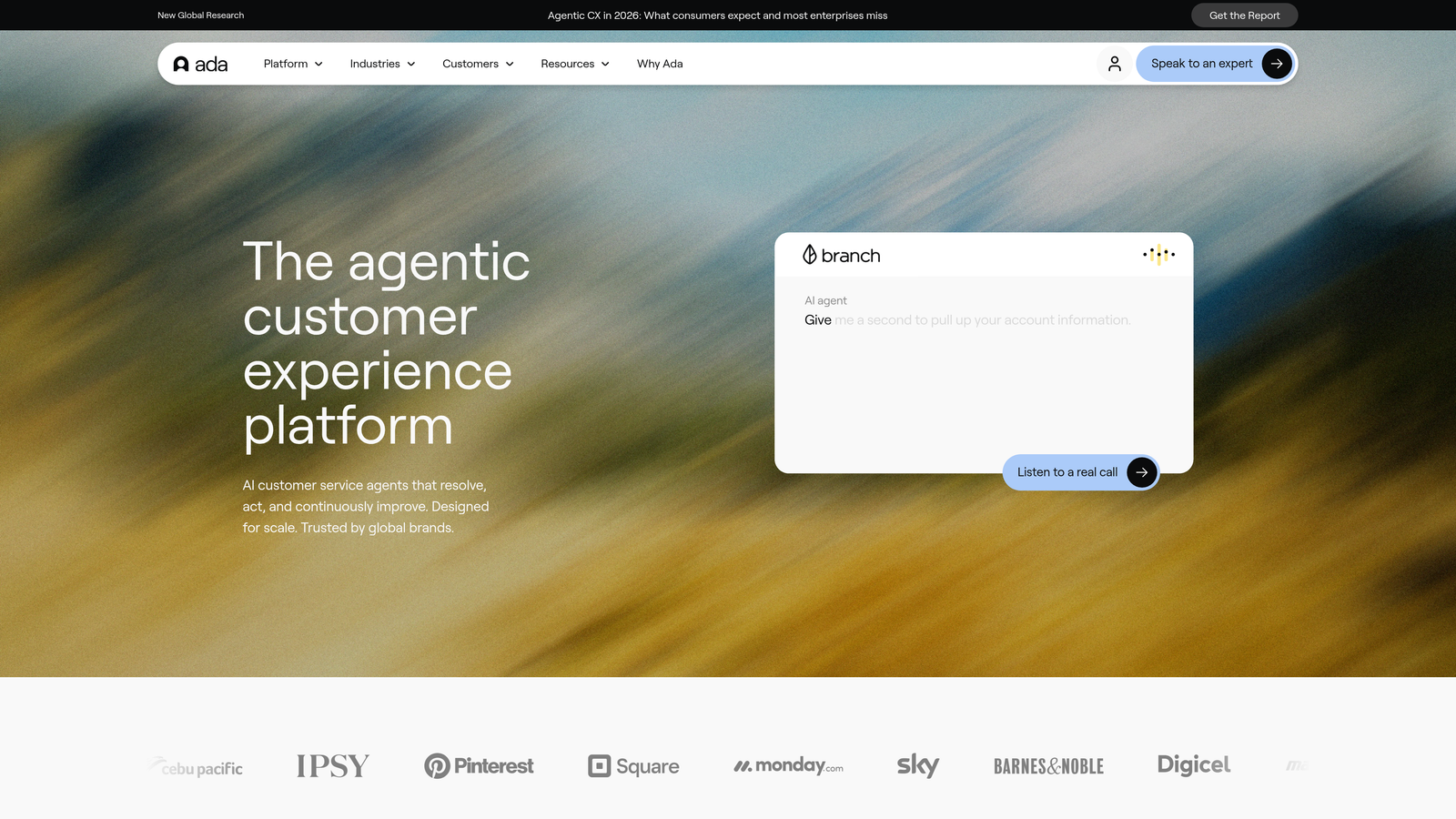
Ada is an AI-powered customer service automation platform built for scale, handling complex multi-step queries across 50+ languages and multiple channels without requiring engineering resources to configure.
Where This Tool Shines
Ada's reasoning engine is its core differentiator. Most AI chatbots handle FAQ deflection reasonably well; Ada is designed to handle multi-step queries that require understanding context across a conversation rather than just matching keywords to answers. For companies with genuinely complex support scenarios, this distinction is significant.
The no-code automation builder means support teams can build and modify conversation flows without depending on engineering. As your product evolves and support scenarios change, you're not stuck waiting for a developer to update your bot logic.
Key Features
No-Code Automation Builder: Enables support teams to create and update AI-driven conversation flows without engineering involvement.
50+ Language Support: Handles multilingual support with automatic translation, useful for companies with international customer bases.
Omnichannel Deployment: Deploys across web, mobile, social, and messaging apps from a unified configuration.
Multi-Step Reasoning Engine: Handles complex queries that require maintaining context across multiple conversation turns.
Best For
Mid-market companies and above dealing with high ticket volumes, multilingual customers, or complex support scenarios that go beyond simple FAQ deflection. Less suited for early-stage teams with lighter support needs.
Pricing
Custom pricing based on volume and configuration. Ada typically fits mid-market and enterprise budgets rather than early-stage startups.
6. Tidio
Best for: Small businesses and early-stage companies that need live chat and AI chatbot functionality in a lightweight, affordable package.
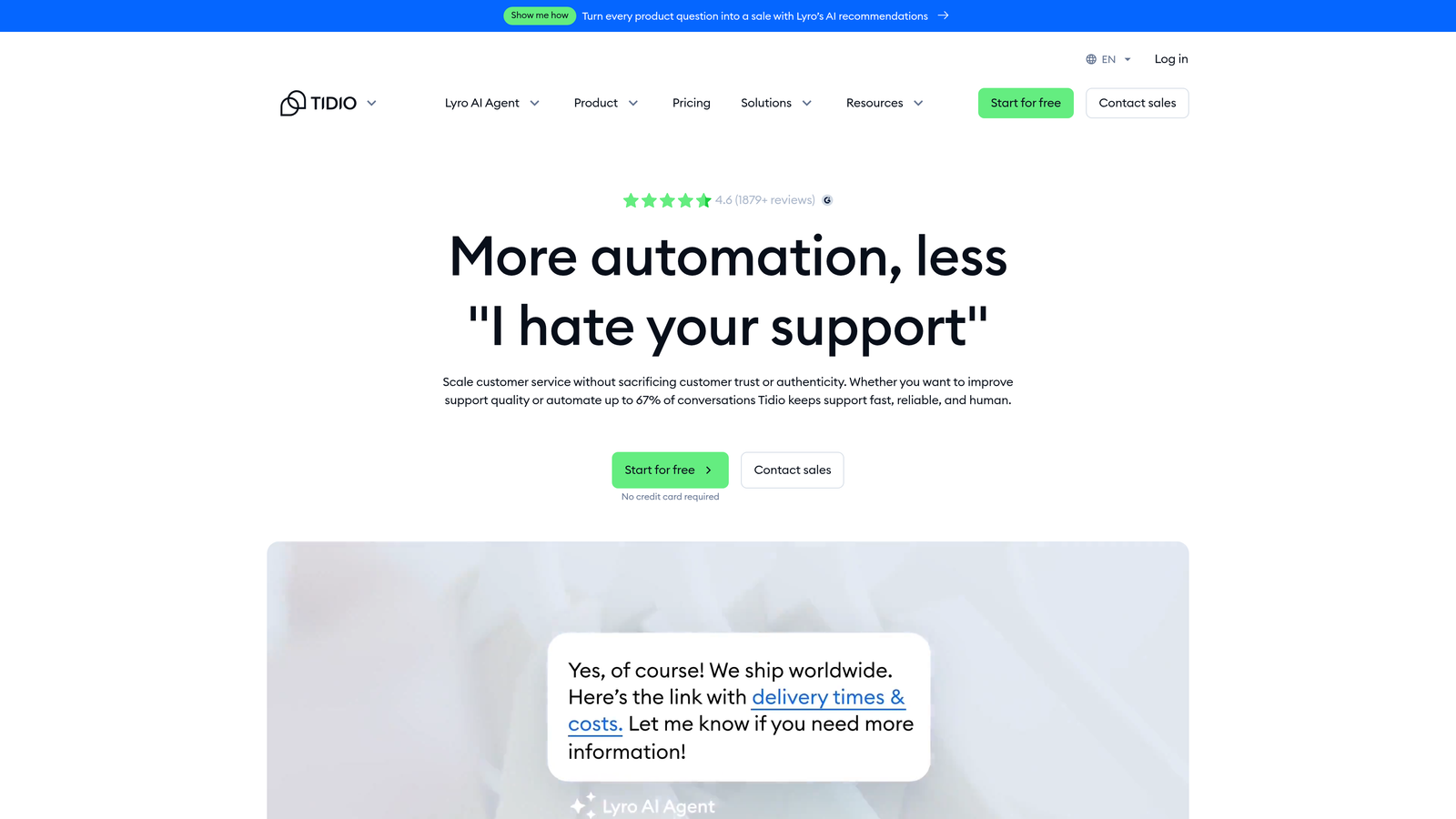
Tidio is a customer support platform combining live chat, the Lyro AI chatbot, and helpdesk features in a package designed for teams that are just building out their support function.
Where This Tool Shines
Tidio's strength is simplicity. You can get a functional AI chatbot live on your website in a matter of hours, not weeks. Lyro learns from your existing FAQ content and help documentation, so there's no complex training process — you point it at what you've already written and it starts answering questions.
For e-commerce businesses specifically, Tidio's native integrations with Shopify and WordPress make it a natural fit. Real-time visitor monitoring lets support teams see who's on the site and proactively engage customers who might be stuck.
Key Features
Lyro AI Chatbot: Learns from your FAQ and help content to answer common questions automatically without manual flow building.
Visual Chatbot Flow Builder: Allows teams to create custom automation sequences for specific scenarios beyond standard FAQ handling.
Real-Time Visitor Monitoring: Shows live website visitors and enables proactive chat engagement.
E-Commerce Integrations: Native integrations with Shopify, WordPress, and other e-commerce platforms.
Best For
Small businesses, early-stage startups, and e-commerce brands that need an accessible entry point into AI support without complexity or significant budget. May require a platform migration as support needs grow more sophisticated.
Pricing
Free plan available. The Lyro AI add-on starts around $39 per month, making this one of the most affordable options for teams getting started.
7. Forethought
Best for: Teams with an existing helpdesk investment who want to add an intelligent AI layer without replacing their current platform.
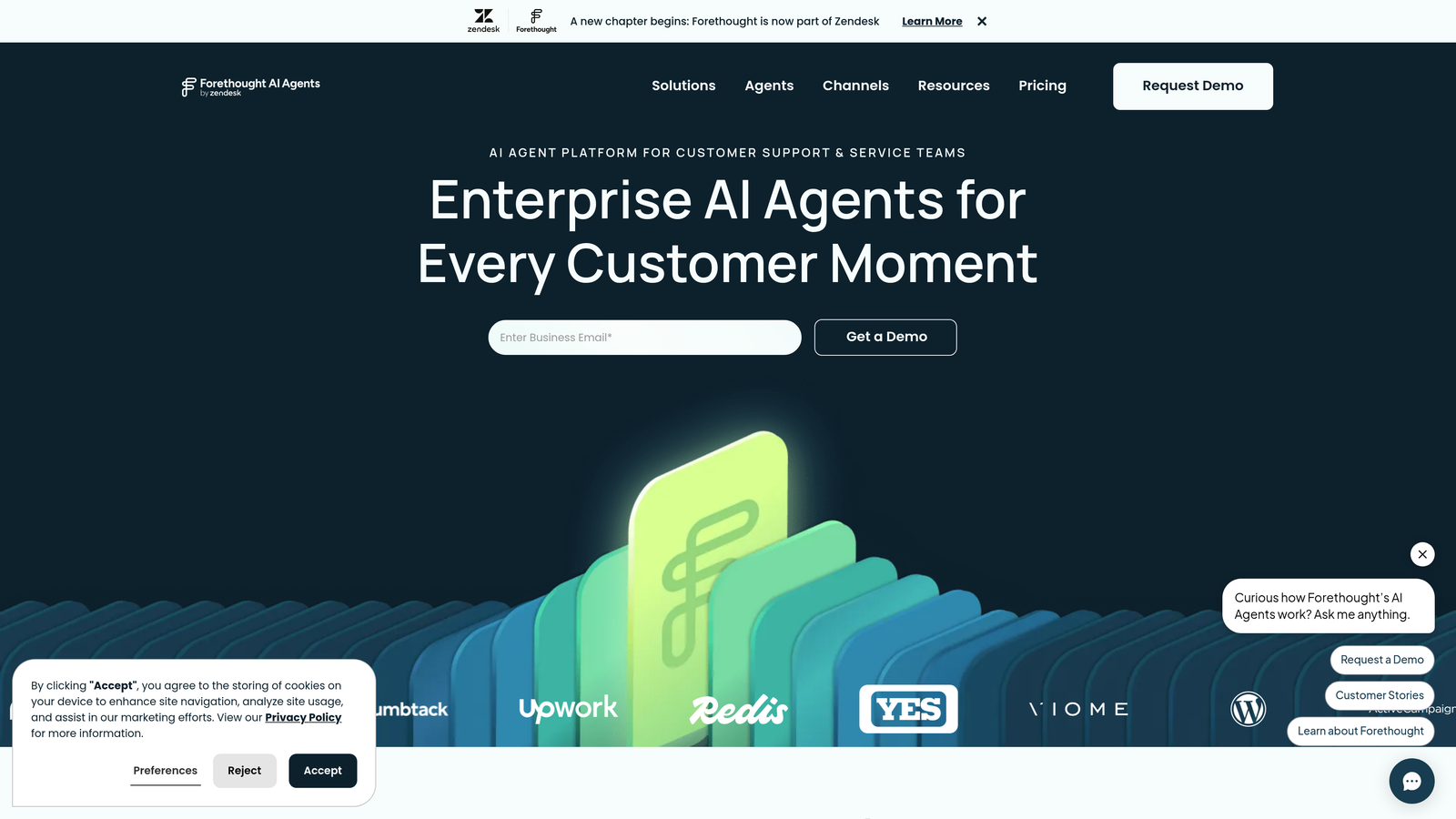
Forethought is an AI platform focused on intelligent triage, routing, and resolution that sits on top of existing helpdesks like Zendesk, Salesforce Service Cloud, and Freshdesk.
Where This Tool Shines
Forethought's architecture is fundamentally different from most tools on this list: rather than replacing your helpdesk, it enhances it. If your team has years of historical ticket data in Zendesk or Salesforce and you're not ready to migrate, Forethought lets you add sophisticated AI capabilities without losing that institutional knowledge or disrupting existing workflows.
The two-product structure — Solve for customer-facing resolution and Assist for agent-side support — means you can deploy one or both depending on where you need the most leverage. Teams that aren't ready to automate customer-facing interactions can start with agent assist and expand from there.
Key Features
Intelligent Ticket Classification: Classifies and prioritizes tickets based on intent and urgency, routing them to the right team automatically.
Solve: Customer-facing AI agent that handles automated resolution for common query types.
Assist: Agent-side AI that surfaces relevant knowledge articles and suggests replies in real time.
Helpdesk Agnostic: Works as an enhancement layer on Zendesk, Salesforce Service Cloud, Freshdesk, and other platforms.
Best For
Growing companies with significant existing helpdesk investments and historical ticket data they want to leverage. Particularly useful for teams that need to improve performance without a platform migration.
Pricing
Custom pricing based on ticket volume. Budget accordingly for a mid-market positioning — this isn't a lightweight starter tool.
8. HubSpot Service Hub with AI
Best for: Companies already in the HubSpot ecosystem that want support, CRM, and AI capabilities unified in one platform.
HubSpot Service Hub is HubSpot's service platform with AI-powered chatbots, ticket automation, and knowledge base tools — all connected to HubSpot's CRM for full customer lifecycle visibility.
Where This Tool Shines
The core advantage of Service Hub is context. Because it's built on top of HubSpot CRM, support agents can see a customer's full history — marketing interactions, sales conversations, previous support tickets — in a single unified timeline. This kind of visibility changes the quality of support you can deliver, particularly for B2B companies where customer relationships are complex.
AI-generated reply suggestions and conversation summaries reduce the cognitive load on agents, but the real differentiator is the CRM integration. You're not just resolving tickets; you're logging every interaction against a contact record that your sales and marketing teams can also see.
Key Features
AI Chatbot Builder: Connected directly to HubSpot CRM contact data, enabling personalized responses based on customer history.
AI Reply Suggestions and Summaries: Generates draft replies and conversation summaries to accelerate agent workflows.
Unified Customer Timeline: Spans marketing, sales, and support interactions in a single view accessible across teams.
AI-Powered Knowledge Base: Includes intelligent search and article recommendations to help customers self-serve.
Best For
HubSpot-native companies that want to unify support with their CRM rather than managing separate platforms. Less compelling for teams not already in the HubSpot ecosystem, where the onboarding investment is harder to justify.
Pricing
Free tools available. Service Hub Professional starts at $100 per seat per month, positioning it toward companies with a meaningful budget for their support stack.
9. Help Scout with AI Assist
Best for: Teams that prioritize human-first support and want AI to augment agents rather than replace them.
Help Scout is a shared inbox and help center platform with AI features designed to make human agents faster and more effective — drafting replies, summarizing conversations, and surfacing relevant articles.
Where This Tool Shines
Help Scout takes a deliberately human-centered approach to AI. Rather than building toward full automation, its AI features focus on making agents better at their jobs: drafting replies they can review and send, summarizing long threads so agents can get up to speed quickly, and helping with tone and translation. For teams where the human relationship is core to the support experience, this philosophy fits well.
The shared inbox itself is genuinely well-designed for team collaboration — clean, intuitive, and built around how support teams actually work. The AI features layer on top without adding complexity, which is a harder balance to strike than it sounds.
Key Features
AI Drafts: Generates reply suggestions based on conversation context and help documentation for agents to review and send.
AI Summarize: Creates quick conversation overviews for agents handling handoffs or picking up mid-thread.
AI Assist: Helps agents adjust tone, length, and translation of their own replies without switching tools.
Collaborative Shared Inbox: Clean team inbox designed for visibility, assignment, and collaboration across support teams.
Best For
Growing companies where human support quality is a brand differentiator and full automation isn't the goal. Also well-suited for teams that value simplicity and don't want a complex platform to manage.
Pricing
Standard plan starts at $25 per user per month. AI features are included in the Plus plan at $50 per user per month, which is competitive for what's included.
Finding the Right Fit for Your Growth Stage
The right AI support tool depends less on which has the most features and more on where you are in your growth journey and what your biggest constraint actually is.
If you're an early-stage team just getting support infrastructure in place, Tidio or Freshdesk Freddy AI offer accessible entry points without heavy upfront investment. Both let you activate AI capabilities quickly and expand as your needs grow.
If you're scaling fast and need AI that does more than answer FAQs, the AI-native platforms are worth serious consideration. Halo AI stands out for B2B SaaS teams specifically: the page-aware architecture, continuous learning, and business intelligence layer address problems that generic helpdesk AI doesn't touch. Ada is the stronger choice if multilingual, high-volume omnichannel support is the primary challenge.
If you're already deeply invested in a specific platform ecosystem, the native AI options are often the smartest path. Intercom Fin for Intercom shops, Zendesk AI for Zendesk teams, HubSpot Service Hub for HubSpot-native companies. Forethought is worth evaluating if you want to enhance an existing helpdesk without replacing it.
For teams where human relationships are central to the support experience, Help Scout's augmentation-first approach is a genuine alternative to full automation.
Your support team shouldn't scale linearly with your customer base. Let AI agents handle routine tickets, guide users through your product, and surface business intelligence while your team focuses on complex issues that need a human touch. See Halo in action and discover how continuous learning transforms every interaction into smarter, faster support.