9 Best Automated Bug Reporting Systems for Product Teams in 2026
Automated bug reporting systems eliminate the productivity drain of manual issue tracking by automatically capturing errors with complete technical context—session recordings, console logs, stack traces, and environment data. This guide evaluates the nine best platforms for 2026 based on capture capabilities, integration depth, and workflow automation to help product teams reduce bug resolution time from days to minutes.
 Grant CooperFounder12 min read
Manual bug reporting is a productivity black hole. Engineers spend hours trying to reproduce issues based on vague descriptions like "it's broken" or "nothing happens when I click." Users get frustrated trying to explain technical problems they don't understand. Meanwhile, critical bugs slip through because the feedback loop between customers and developers is too slow and too noisy.
Automated bug reporting systems solve this by capturing errors, crashes, and user-reported issues with complete context—session recordings, console logs, stack traces, environment data. The result? Developers can reproduce and fix problems in minutes instead of days, and users feel heard without needing to become technical writers.
This guide evaluates top automated bug reporting tools based on capture capabilities, integration depth, workflow automation, and value for product teams. Whether you need crash monitoring, user feedback collection, or AI-powered issue detection, you'll find the right fit for your development workflow.
1. Halo AI
Best for: AI-powered bug detection from customer support conversations with full context
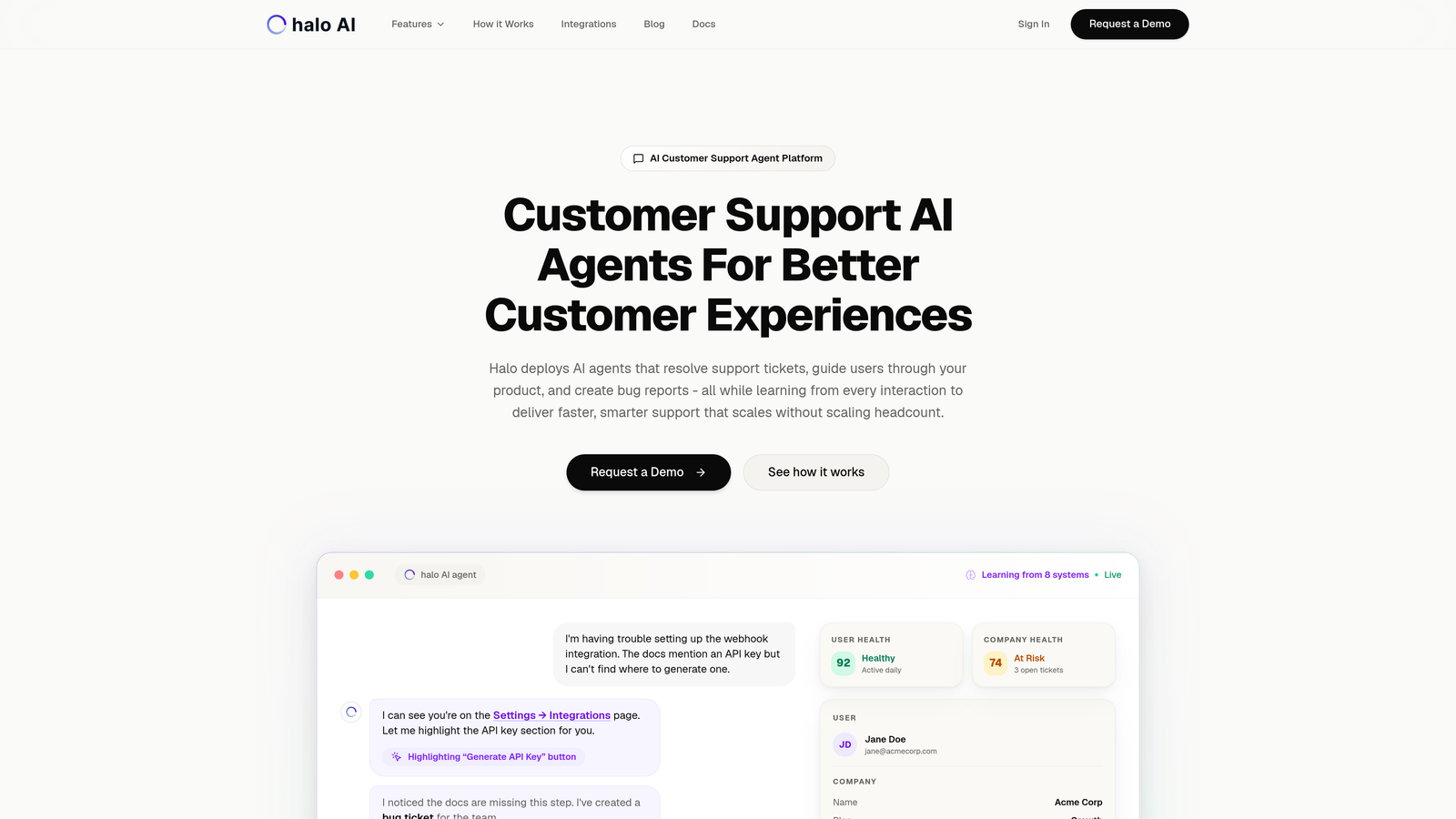
Halo AI automatically detects and creates bug tickets from customer support interactions, capturing what users see and what they're trying to accomplish without requiring manual reporting.
Where This Tool Shines
Most bug reporting tools wait for crashes or require users to submit reports. Halo AI identifies issues proactively during support conversations, understanding when a customer's problem indicates a bug versus a usage question. The AI sees the exact page state and user context, eliminating the "can you send a screenshot?" back-and-forth.
The platform learns from every interaction, improving its ability to distinguish between feature requests, user errors, and genuine bugs. When it detects an issue, it automatically creates detailed tickets in Linear with reproduction steps, affected user information, and visual context—no manual triage needed.
Key Features
Auto Bug Ticket Creation: Detects bugs from support conversations and creates tickets automatically with full context.
Page-Aware Context: Captures what users see on screen, providing visual reproduction steps developers can actually use.
Linear and Slack Integrations: Syncs directly with development workflows, routing issues to the right teams instantly.
Continuous Learning: AI improves detection accuracy over time by learning from every customer interaction and resolution.
Live Agent Handoff: Escalates complex issues to human agents when AI detection needs validation or additional context.
Best For
B2B SaaS companies and product teams that want to eliminate manual bug triage from support tickets. Particularly valuable for teams using helpdesk systems like Zendesk, Freshdesk, or Intercom who want intelligence layer that connects support conversations to development workflows.
Pricing
Contact for pricing based on support volume and integration requirements.
2. Sentry
Best for: Real-time application monitoring with detailed stack traces and performance insights
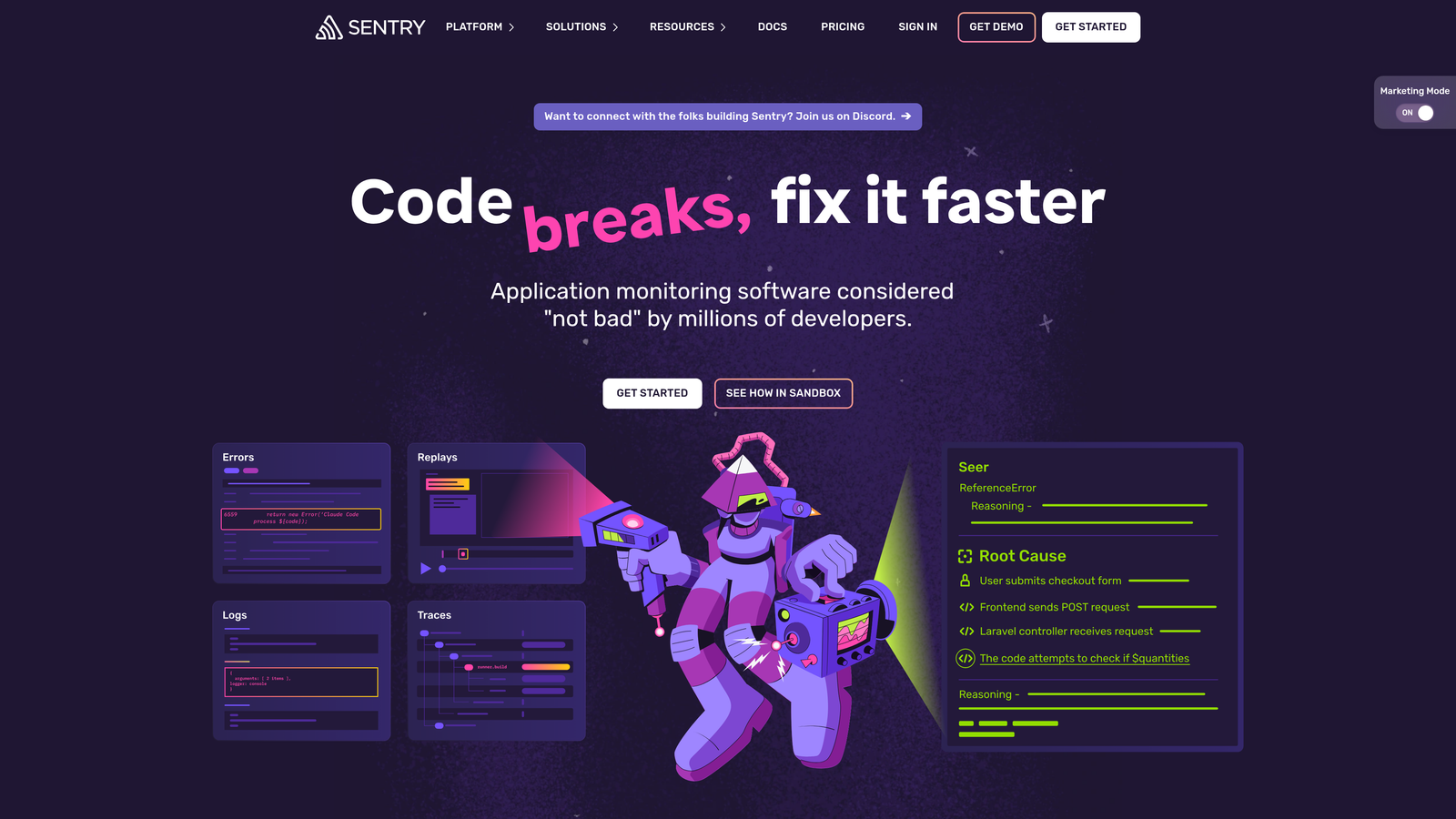
Sentry provides comprehensive error tracking that captures crashes, exceptions, and performance issues across web and mobile applications with developer-friendly debugging context.
Where This Tool Shines
Sentry excels at code-level error detection with stack traces that pinpoint exactly where things break. The platform automatically captures source maps, release versions, and user context, making it possible to reproduce issues without guessing. When an error occurs, developers see the exact line of code, the user's environment, and the sequence of events leading to the crash.
The distributed tracing feature is particularly powerful for microservices architectures, showing how errors propagate across services. Release tracking helps teams identify which deployments introduced regressions, and the automatic grouping prevents alert fatigue by consolidating duplicate errors.
Key Features
Real-Time Crash Detection: Captures errors the moment they occur with immediate notifications to relevant teams.
Full Stack Traces: Provides complete error context including source maps, affected lines of code, and variable states.
Release Tracking: Links errors to specific deployments, making it easy to identify which release introduced a bug.
Distributed Tracing: Follows errors across microservices to understand system-wide impact and root causes.
Broad Language Support: Works with JavaScript, Python, Ruby, PHP, Java, .NET, Go, and mobile platforms.
Best For
Engineering teams building web applications, mobile apps, or microservices who need deep technical debugging context. Ideal for companies with complex technology stacks requiring visibility across multiple languages and frameworks.
Pricing
Free tier available for small projects. Team plan starts at $26/month with volume-based pricing for larger implementations.
3. BugSnag
Best for: Stability monitoring with automatic error grouping and mobile-first crash reporting
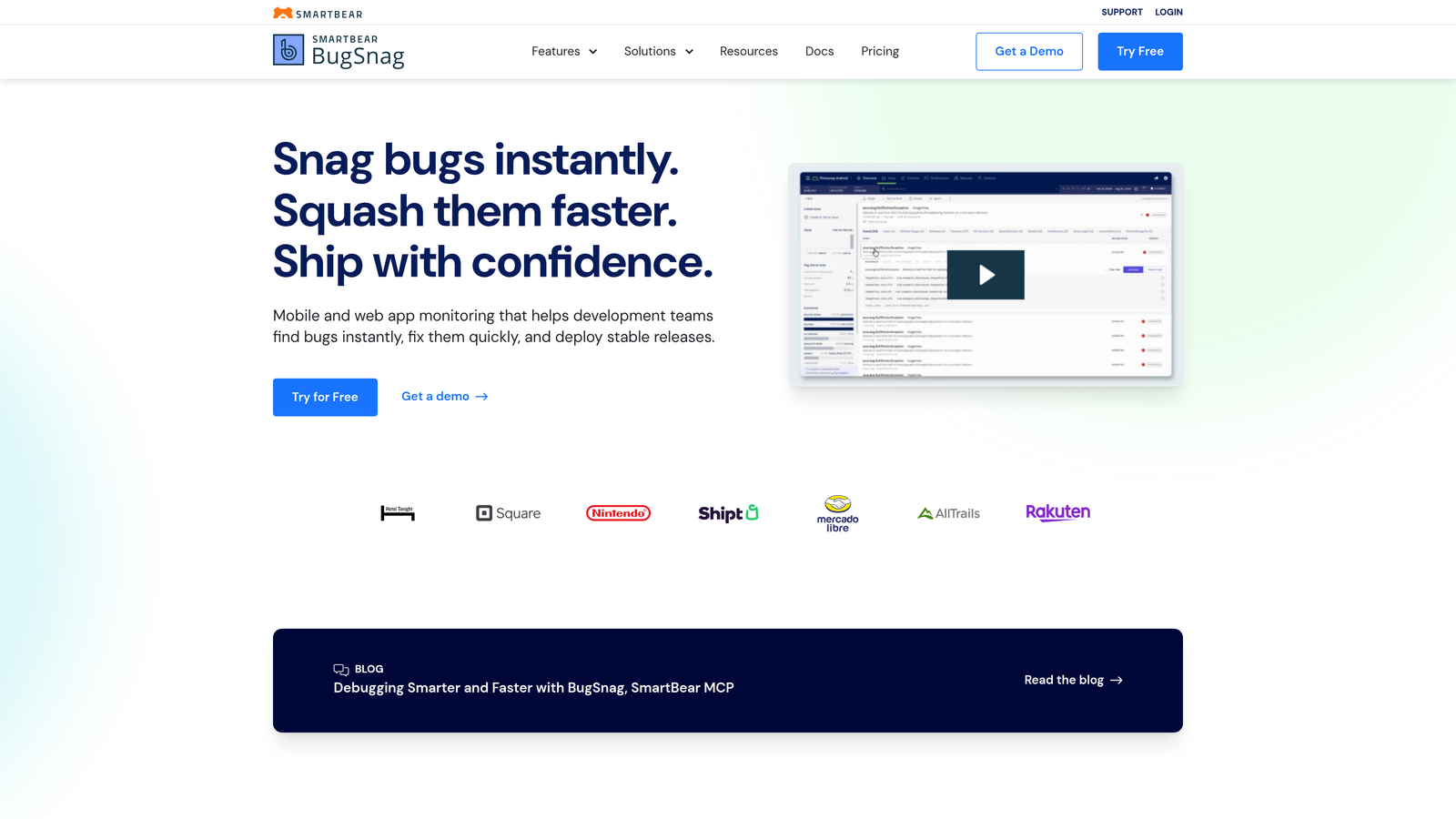
BugSnag automatically captures, groups, and prioritizes application errors across mobile and web platforms with focus on stability metrics and release health.
Where This Tool Shines
BugSnag's automatic error grouping prevents teams from drowning in duplicate reports. The platform intelligently clusters similar errors, showing which issues affect the most users and which are critical versus noise. Stability scores provide a clear metric for app health, making it easy to communicate quality to stakeholders.
Mobile teams particularly appreciate the strong iOS, Android, and React Native SDKs that capture crashes even when devices are offline. The release health monitoring shows exactly how new versions perform compared to previous releases, helping teams decide whether to roll forward or roll back.
Key Features
Automatic Error Grouping: Intelligently clusters similar errors to reduce noise and highlight widespread issues.
Stability Scores: Provides clear metrics showing app health trends and release-over-release comparisons.
Mobile SDK Excellence: First-class support for iOS, Android, React Native, Flutter, and Unity with offline crash capture.
Release Health Monitoring: Tracks stability metrics per release to identify problematic deployments quickly.
Development Workflow Integrations: Syncs with Jira, Slack, GitHub, and other tools teams already use.
Best For
Mobile-first product teams and companies shipping frequent releases who need clear visibility into how each version performs. Particularly valuable for consumer apps where stability directly impacts user retention.
Pricing
Free for small teams. Paid plans start at $59/month with pricing based on monthly active devices.
4. Instabug
Best for: In-app bug reporting with shake-to-report functionality and automatic device data capture
Instabug provides an SDK that lets users report bugs directly from within mobile apps using gestures, with automatic capture of device logs, network activity, and visual annotations.
Where This Tool Shines
The shake-to-report feature makes bug reporting feel natural for mobile users. Instead of navigating to a feedback form, users literally shake their phone and instantly capture what's wrong. Instabug automatically attaches screenshots, device information, network logs, and reproduction steps—context that would take users 10 minutes to describe manually.
The visual annotation tools let users circle, arrow, and highlight exactly what's broken on their screen. Combined with automatic crash reporting and application performance monitoring, teams get both user-reported issues and automatic error detection in one platform.
Key Features
Shake-to-Report: Users report bugs with a simple gesture, making feedback collection effortless and contextual.
Automatic Screenshot Annotation: Built-in drawing tools let users mark up screenshots to show exactly what's wrong.
Comprehensive Context Capture: Automatically includes device logs, network requests, console output, and reproduction steps.
Crash Reporting and APM: Combines user feedback with automatic crash detection and performance monitoring.
In-App Surveys: Collect targeted feedback and feature requests alongside bug reports.
Best For
Mobile app teams who want to make bug reporting easy for users while capturing rich technical context. Especially useful for beta testing programs and apps with active user communities.
Pricing
Free tier available. Growth plan starts at $240/month based on monthly active users.
5. Marker.io
Best for: Visual website feedback with browser extension and direct project management integration
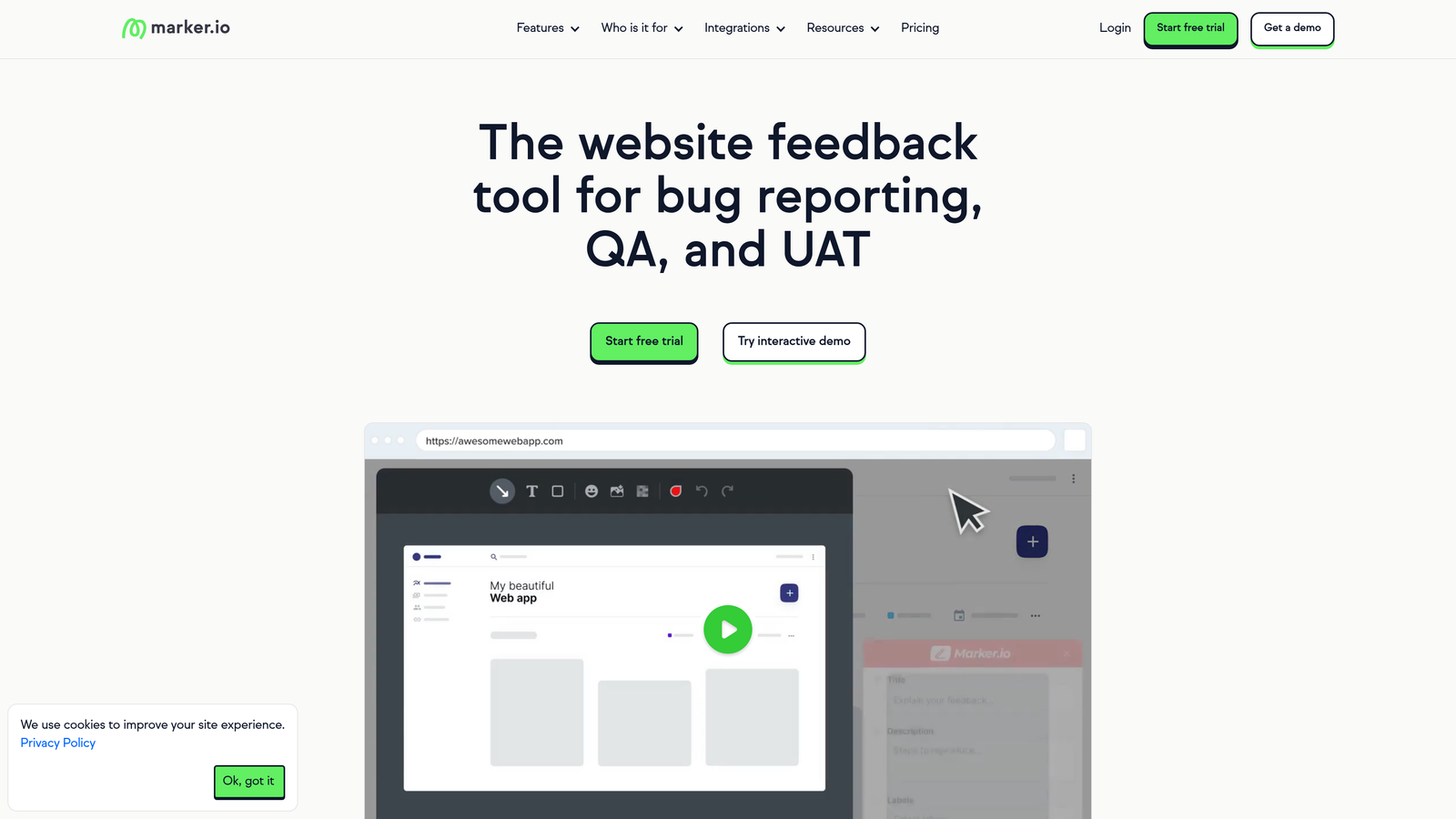
Marker.io enables teams to capture annotated screenshots of websites and web apps, sending them directly to project management tools with automatic technical metadata.
Where This Tool Shines
Marker.io eliminates the screenshot-paste-email workflow that slows down feedback cycles. The browser extension lets anyone on your team capture what they see, annotate it with arrows and text, and send it straight to Jira, Linear, Asana, or Trello with one click. The tool automatically captures browser version, screen resolution, console errors, and page URL.
The guest reporting feature is particularly clever for agencies and client work. Clients can report issues without creating accounts or learning new tools—they just click a widget, mark up the screen, and submit. The feedback appears in your project management system with all the technical context developers need.
Key Features
Browser Extension: One-click screenshot capture from any website with instant annotation capabilities.
Visual Annotation Tools: Drawing, arrows, text, and blur tools for precise visual communication.
Automatic Technical Metadata: Captures browser, OS, screen size, console errors, and network requests automatically.
Direct Project Management Sync: Creates tickets in Jira, Linear, Trello, Asana, and 15+ other tools instantly.
Guest Reporting: Clients and external stakeholders can submit feedback without accounts or logins.
Best For
Web development agencies, design teams, and SaaS companies that need streamlined visual feedback from clients, QA testers, and internal stakeholders. Perfect for teams already using project management tools.
Pricing
Starter plan begins at $39/month for small teams, with volume-based pricing for larger organizations.
6. Userback
Best for: Visual feedback platform with screen recording and client portal for external stakeholders
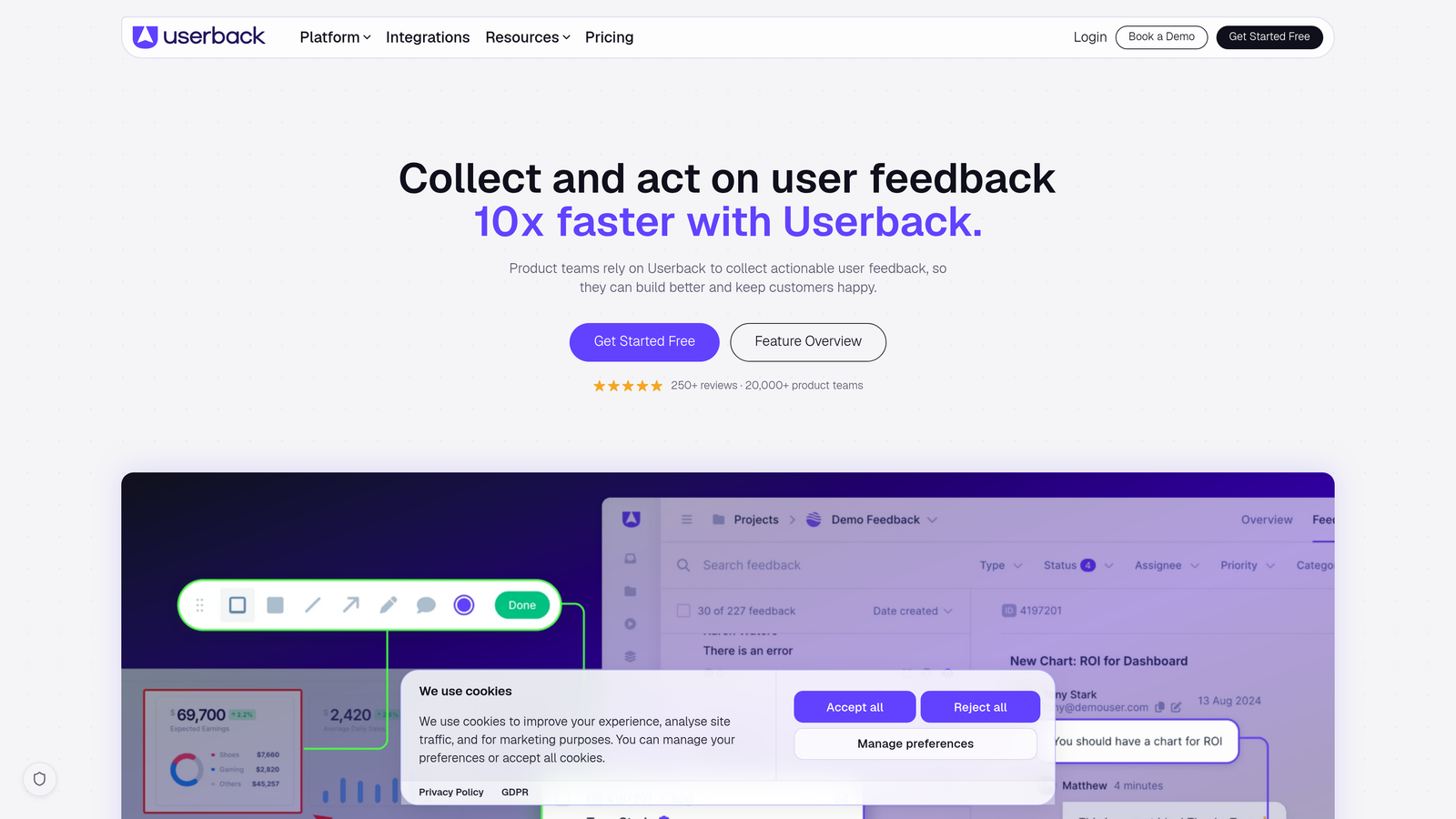
Userback combines screenshot annotation, screen recording with audio narration, and session replay to collect comprehensive bug reports from clients, testers, and internal teams.
Where This Tool Shines
The screen recording feature with audio narration lets users show and tell exactly what's happening. Instead of describing steps in text, they record themselves reproducing the bug while explaining the problem. This eliminates ambiguity and speeds up reproduction dramatically.
The client portal creates a dedicated space for external stakeholders to submit and track feedback without accessing your internal project management tools. Session replay adds another layer of context, showing what users did before encountering the bug. The combination of visual tools, recordings, and replay makes Userback particularly effective for complex user workflows.
Key Features
Screen Recording with Audio: Users record their screen while narrating the problem, providing clear reproduction steps.
Visual Annotation Tools: Drawing, highlighting, and markup capabilities for precise visual feedback.
Session Replay: Automatically captures user sessions leading up to bug reports for additional context.
Client Portal: Dedicated feedback hub for external stakeholders with tracking and status updates.
Broad Integration Support: Connects to Jira, Azure DevOps, GitHub, Slack, and 20+ project management platforms.
Best For
Agencies and SaaS companies managing feedback from multiple clients or external users. Ideal for teams needing rich visual context and organized client communication channels.
Pricing
Startup plan starts at $59/month with pricing scaling based on team size and feature requirements.
7. Raygun
Best for: Combined crash reporting and real user monitoring with customer-centric error views
Raygun merges error tracking with real user monitoring to provide both technical debugging context and business impact metrics showing which customers are affected by bugs.
Where This Tool Shines
Raygun's customer-centric approach shows not just what broke, but who it affected. When an error occurs, you see which specific customers encountered it, how many times, and whether it's impacting high-value accounts. This helps prioritize fixes based on business impact rather than just error frequency.
The real user monitoring (RUM) component provides performance insights alongside crash data, showing how page load times and JavaScript errors affect user experience. Deployment tracking makes it easy to correlate errors with specific releases, and the platform's strong .NET and JavaScript support makes it particularly popular with enterprise development teams.
Key Features
Customer-Centric Error Views: Shows which specific customers are affected by each error for better prioritization.
Real User Monitoring: Tracks page load performance, JavaScript errors, and user experience metrics.
Deployment Tracking: Links errors to specific releases and deployments for faster root cause identification.
Strong .NET and JavaScript Support: First-class SDKs for .NET, JavaScript, mobile, and popular frameworks.
Affected User Counts: Quantifies business impact by showing how many users encounter each error.
Best For
Enterprise development teams and B2B SaaS companies that need to understand business impact alongside technical errors. Particularly valuable for .NET shops and teams with customer success obligations.
Pricing
Small Business plan starts at $39/month with pricing based on monthly events and user volume.
8. Rollbar
Best for: AI-powered error grouping with continuous code improvement workflows and CI/CD integration
Rollbar uses AI-assisted grouping to organize errors intelligently while integrating deeply with CI/CD pipelines to track issue resolution across deployments.
Where This Tool Shines
Rollbar's AI-powered grouping goes beyond simple pattern matching. The system learns which errors are truly related and groups them accordingly, even when stack traces vary slightly. This reduces noise significantly and helps teams focus on unique issues rather than wading through thousands of similar errors.
The automated issue resolution tracking is particularly useful for continuous deployment workflows. Rollbar monitors which errors disappear after deployments, automatically marking issues as resolved when they stop occurring. Version tracking shows error trends across releases, making it easy to spot regressions or improvements.
Key Features
AI-Powered Error Grouping: Intelligently clusters related errors using machine learning, not just pattern matching.
Automated Resolution Tracking: Monitors deployments and automatically marks issues resolved when errors stop occurring.
CI/CD Pipeline Integration: Connects with deployment workflows to link errors with specific code changes.
Version and Deploy Tracking: Tracks error rates across releases to identify regressions quickly.
Broad Language Support: SDKs for 30+ languages and frameworks including Python, Ruby, PHP, Java, and JavaScript.
Best For
Engineering teams practicing continuous deployment who need error monitoring that keeps pace with rapid release cycles. Ideal for organizations with polyglot technology stacks.
Pricing
Free tier available for small projects. Essentials plan starts at $31/month with volume-based pricing.
9. LogRocket
Best for: Session replay with error tracking that visually reproduces bugs through user recordings
LogRocket combines session replay technology with error tracking, allowing developers to watch exactly what users experienced when bugs occurred, complete with console logs and network activity.
Where This Tool Shines
LogRocket's session replay is like having a DVR for your application. When an error occurs, you can watch a video-like replay of the user's session, seeing exactly what they clicked, typed, and experienced. The replay includes console logs, network requests, and Redux/Vuex state changes, giving developers complete context.
The frustration signals feature is particularly insightful, automatically flagging sessions with rage clicks, dead clicks, and error messages. This helps teams discover usability issues that don't generate error logs but still frustrate users. The combination of visual replay and technical debugging context makes reproduction nearly instant.
Key Features
Session Replay: Video-like recordings of user sessions showing exactly what happened before and during errors.
Console and Network Logs: Complete technical context including console output and network request details.
Performance Monitoring: Tracks page load times, API response times, and frontend performance metrics.
Frustration Signals: Automatically detects rage clicks, dead clicks, and error messages indicating poor UX.
State Inspection: Deep integration with Redux, Vuex, and NgRx to show application state changes.
Best For
Frontend teams building complex JavaScript applications who need visual reproduction capabilities. Particularly valuable for SaaS products with intricate user workflows and state management.
Pricing
Free tier available. Team plan starts at $99/month based on monthly session volume.
Finding Your Fit
The right automated bug reporting system depends on where bugs originate in your workflow and what context you need to fix them quickly.
For teams wanting to eliminate manual bug triage from support tickets, Halo AI captures issues users report naturally during conversations, automatically creating detailed tickets with visual context. For code-level crash monitoring with deep technical debugging, Sentry and BugSnag provide comprehensive error tracking with stack traces and release correlation. Mobile teams benefit from Instabug's shake-to-report functionality and offline crash capture.
If you need visual feedback from clients or non-technical stakeholders, Marker.io and Userback excel at screenshot annotation and screen recording. Web development agencies particularly appreciate the guest reporting features that let clients submit feedback without learning new tools. For teams focused on business impact, Raygun's customer-centric views show which high-value accounts are affected by errors.
Continuous deployment teams should consider Rollbar's AI-powered grouping and automated resolution tracking, while frontend teams building complex JavaScript applications will appreciate LogRocket's session replay capabilities that make bugs visually reproducible.
The common thread across all these tools is eliminating the guesswork from bug reproduction. Whether through automatic crash detection, visual annotations, or AI-powered analysis, the best systems capture enough context that developers can fix issues without playing detective.
Your support team shouldn't scale linearly with your customer base. Let AI agents handle routine tickets, guide users through your product, and surface business intelligence while your team focuses on complex issues that need a human touch. See Halo in action and discover how continuous learning transforms every interaction into smarter, faster support.