9 Best Automated Support Analytics Platforms in 2026
This guide ranks the 9 best automated support analytics platform options for 2026, evaluated across AI capabilities, integration ecosystems, ease of use, and pricing. It helps B2B SaaS support and CX teams move beyond reactive metrics and identify the right tool for turning support data into proactive customer health and revenue intelligence.
 Matt PattoliFounder14 min read
Support analytics used to mean pulling a weekly ticket count and hoping the CSAT score trended upward. That was enough when support was a cost center. It is not enough anymore.
For B2B SaaS teams today, support data is a direct window into customer health, product quality, and revenue risk. The right platform does not just tell you how many tickets came in. It tells you why customers are struggling, which accounts are at risk of churning, and where your product is quietly breaking. That shift from reactive metrics to proactive intelligence is what separates a modern automated support analytics platform from a basic reporting dashboard.
To build this list, we evaluated platforms across five dimensions: depth of analytics, AI capabilities, integration ecosystem, ease of use, and pricing transparency. The tools below span different use cases and team sizes, from lean startup support teams to enterprise CX organizations managing dozens of channels simultaneously.
Here are the top automated support analytics platforms worth considering in 2026.
1. Halo AI
Best for: B2B SaaS teams that want analytics and autonomous ticket resolution in a single AI-native system.
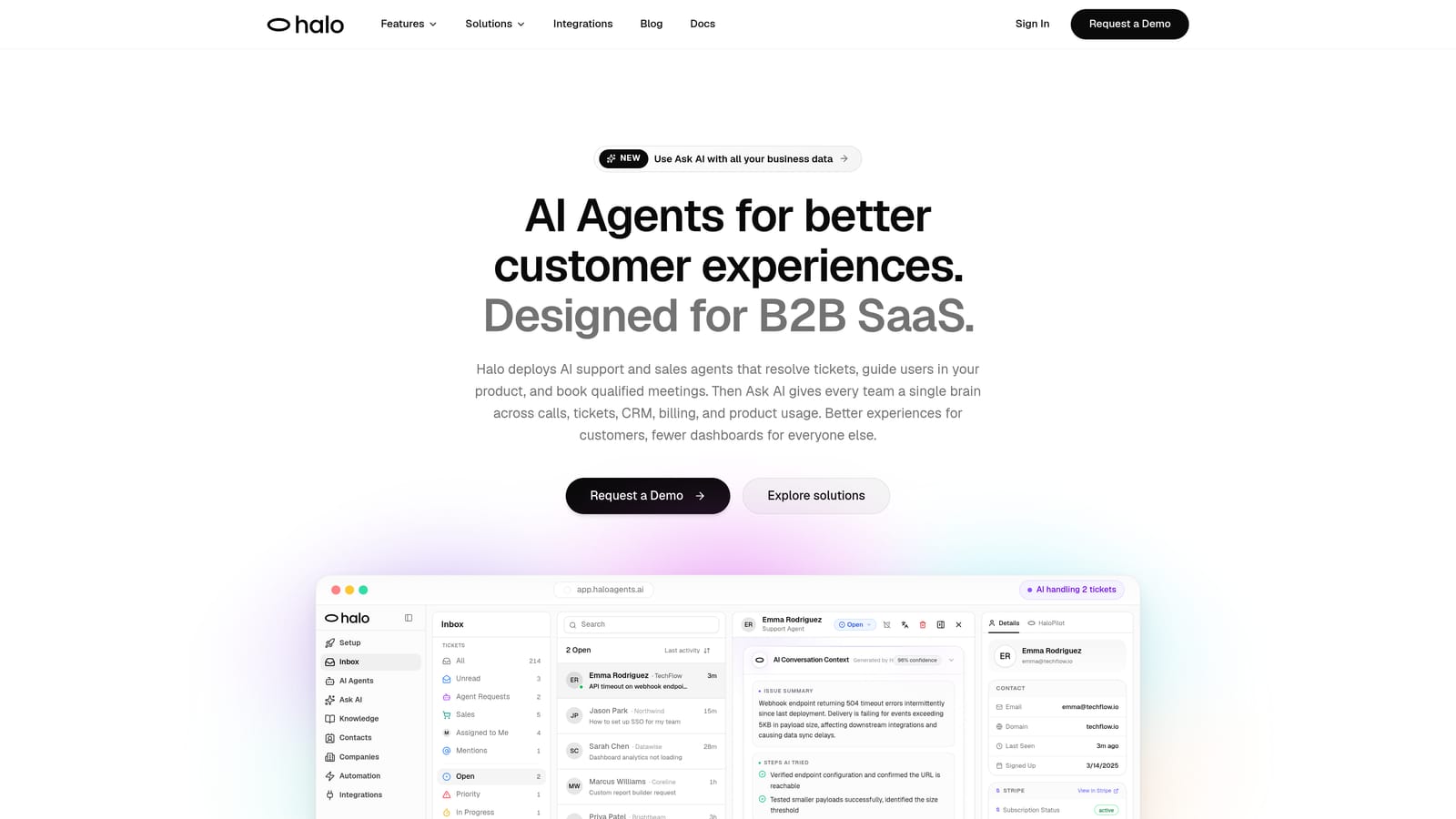
Halo AI is an AI-native customer support platform where business intelligence emerges directly from ticket resolution, not from a separate reporting module bolted on afterward.
Where This Tool Shines
Most analytics platforms ask you to build reports after the fact. Halo takes a different approach: the AI agents that resolve tickets also generate intelligence as a byproduct of every interaction. That means customer health signals, revenue anomalies, and product bug patterns surface automatically inside the Smart Inbox, without anyone needing to configure a dashboard query.
The page-aware context is particularly valuable for SaaS teams. The AI sees exactly what a user sees when they reach out, which means the data captured is contextually rich. When patterns emerge across sessions, they are already tagged, categorized, and actionable, not buried in raw conversation logs waiting for a human to find them.
Key Features
Smart Inbox with Business Intelligence: Surfaces customer health signals, anomaly detection, and revenue intelligence directly from resolved interactions, without manual report configuration.
Page-Aware AI Agents: Agents understand the specific product page or workflow a user is on, creating richer contextual support data that feeds more accurate analytics.
Auto Bug Ticket Creation: Automatically generates bug tickets when recurring issues are detected, feeding product analytics directly from support conversations.
Deep Integration Ecosystem: Connects natively with Linear, Slack, HubSpot, Intercom, Stripe, Zoom, PandaDoc, and Fathom, so support data flows into the tools your team already uses.
Live Agent Handoff with Full Context: When escalation is needed, agents inherit the full conversation context, ensuring no intelligence is lost at the handoff point.
Continuous Learning: Every resolved ticket improves future analytics accuracy, meaning the system gets smarter over time without manual retraining.
Best For
Support managers and product leaders at B2B SaaS companies who are frustrated that their current helpdesk gives them ticket counts but not business intelligence. Particularly strong for teams that want to reduce support headcount growth while increasing the quality of insights reaching product and revenue teams.
Pricing
Contact for pricing at haloagents.ai. Given the AI-native architecture and integration depth, pricing is scoped to team size and usage.
2. Zendesk Explore
Best for: Teams already committed to the Zendesk Suite who need structured reporting without switching platforms.
Zendesk Explore is the native analytics and reporting layer built into the Zendesk Suite, offering pre-built dashboards and a custom query builder for teams that live inside Zendesk.
Where This Tool Shines
If your team is already running support through Zendesk, Explore removes the friction of a third-party analytics integration. Everything is in one place, and the pre-built dashboards cover the core KPIs most support managers track daily: ticket volume, CSAT, SLA compliance, and agent performance.
The custom report builder using Zendesk Query Language gives technically inclined users flexibility to go deeper. That said, complex queries can be slow to load, and building advanced dashboards typically requires someone comfortable with ZQL, which is not always the case on smaller teams.
Key Features
Pre-Built Dashboards: Ready-to-use views covering ticket volume, CSAT, SLA compliance, and agent performance with no setup required.
Custom Report Builder (ZQL): Zendesk Query Language enables custom reporting for teams with the technical capacity to build tailored views.
Real-Time and Historical Views: Switch between live operational data and historical trend analysis within the same interface.
Scheduled Report Delivery: Automate report distribution to stakeholders on a recurring schedule without manual exports.
Native Suite Integration: Seamlessly connects with all Zendesk Suite products, including Talk, Chat, and Guide.
Best For
Mid-market and enterprise support teams already invested in the Zendesk ecosystem who need solid standard reporting without managing a separate analytics tool. Less suitable for teams that need cross-platform data or AI-driven insights.
Pricing
Included in Zendesk Suite Professional and above. Suite Professional starts at approximately $115 per agent per month. Verify current pricing at zendesk.com before purchasing.
3. Freshdesk Analytics
Best for: Growing support teams on the Freshworks platform looking for built-in reporting without additional tooling costs.
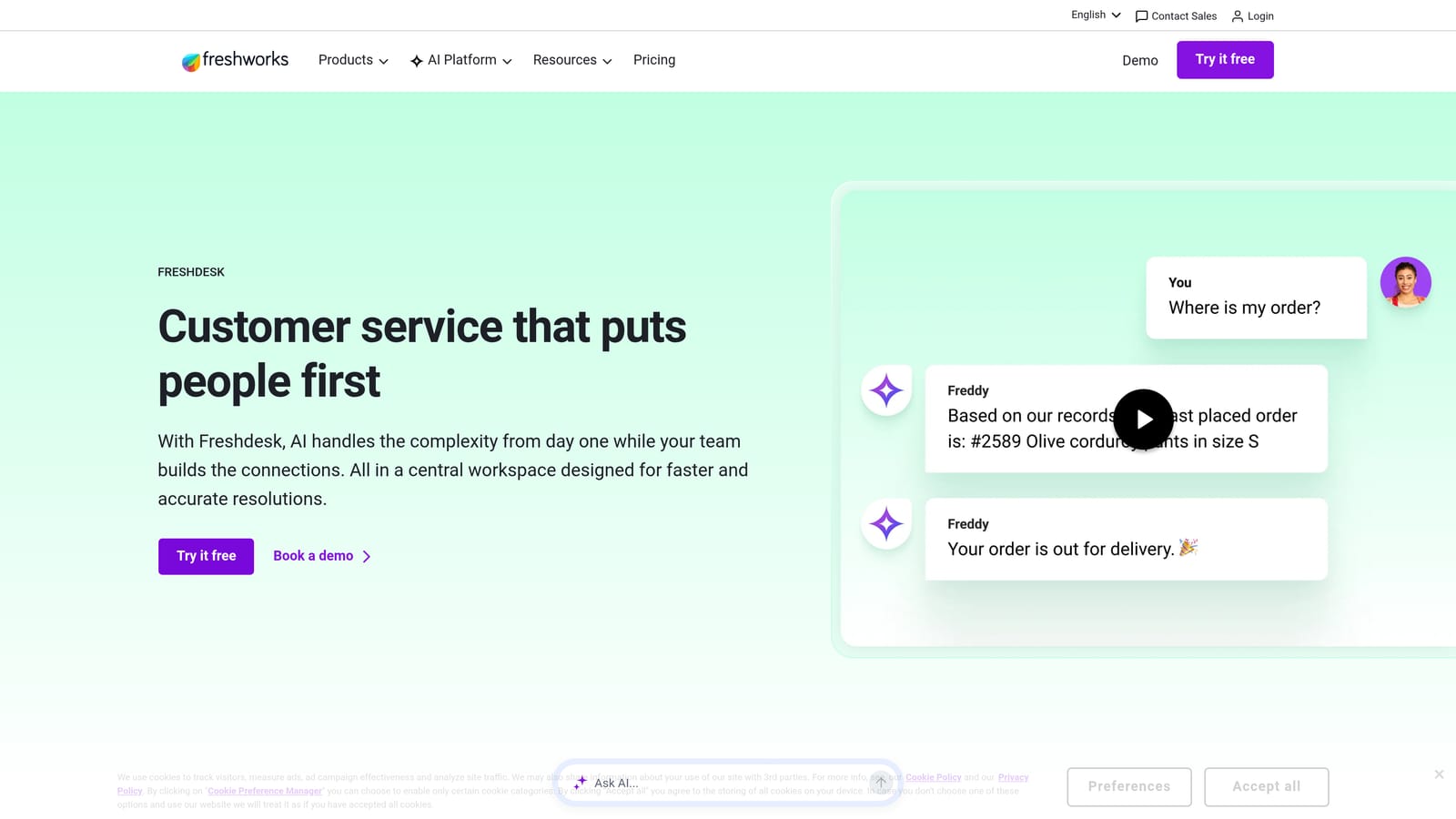
Freshdesk includes a built-in reporting suite that provides curated and custom reports for teams managing support on the Freshworks platform.
Where This Tool Shines
Freshdesk Analytics earns its place by being genuinely accessible. The drag-and-drop report builder means support managers can create custom views without involving a data analyst, which matters a lot for teams that do not have dedicated analytics resources.
The curated reports cover the essentials cleanly: ticket trends, team performance, and SLA tracking. For teams on the Growth plan and above, the analytics depth increases meaningfully, making it a reasonable choice for scaling teams that want to grow into more sophisticated reporting over time.
Key Features
Curated Reports: Pre-built report templates covering ticket trends, team performance, and SLA compliance out of the box.
Drag-and-Drop Report Builder: Custom reports without coding, accessible to non-technical support managers.
Scheduled Email Delivery: Automated report distribution to team leads and stakeholders on a defined schedule.
Agent and Group Comparisons: Side-by-side performance metrics across individual agents and support groups.
CSAT Tracking: Built-in customer satisfaction measurement and trend reporting across ticket types.
Best For
Small to mid-sized support teams already using Freshdesk who want solid reporting without paying for a separate analytics tool. Teams on the Freshworks ecosystem get the most value here.
Pricing
Included across Freshdesk plans, with advanced analytics available on the Growth plan and above. Growth starts at approximately $15 per agent per month. Verify current pricing at freshworks.com.
4. Intercom
Best for: Product-led SaaS teams that measure support through conversations and customer journeys rather than traditional ticket queues.
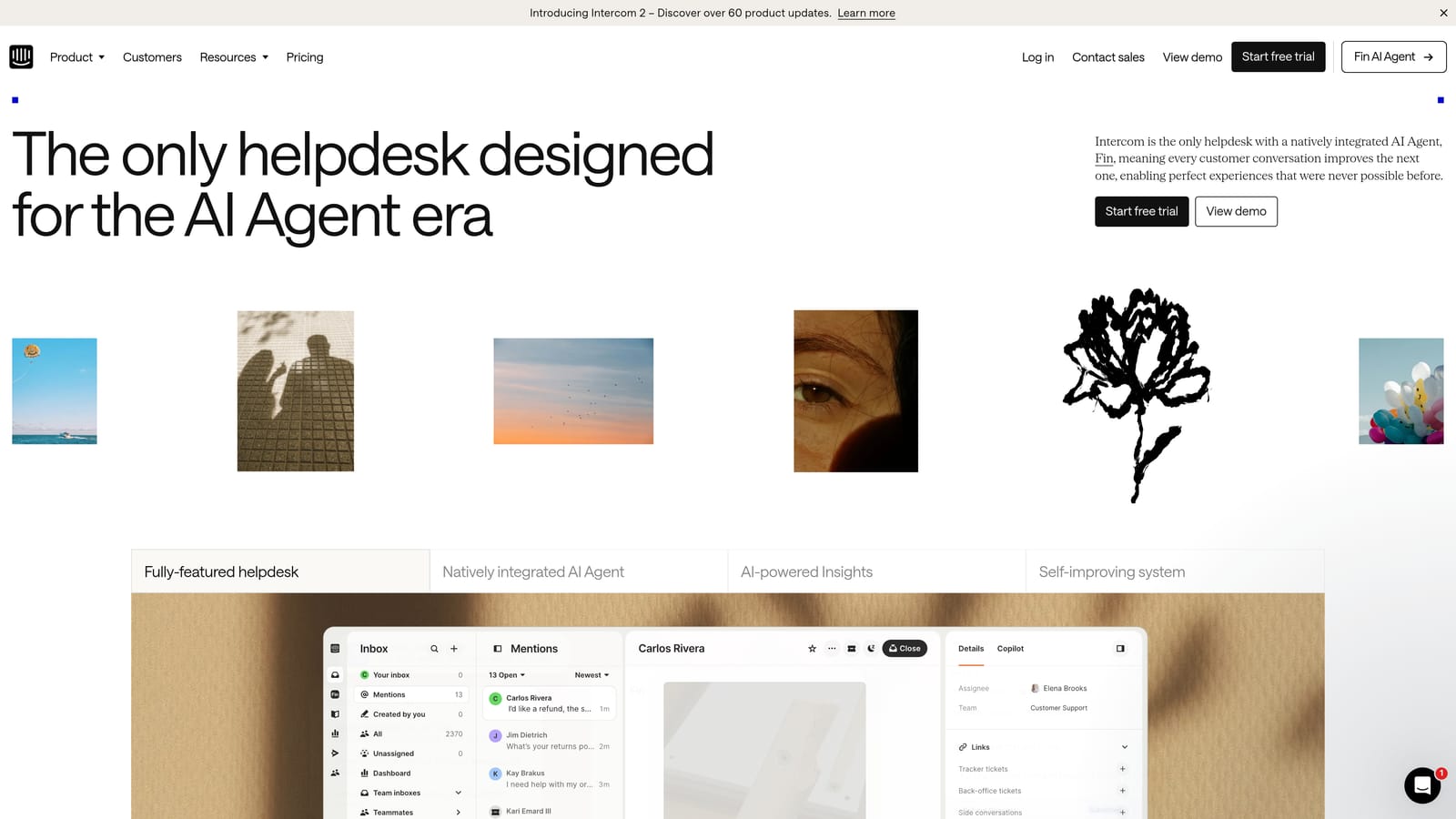
Intercom is a customer messaging platform with analytics built around conversations, bot performance, and the full customer journey, rather than traditional ticket-centric reporting.
Where This Tool Shines
Intercom's analytics model reflects its product philosophy: customers are people having conversations, not tickets to be closed. This makes its reporting genuinely useful for understanding how customers move through your product and where they hit friction, rather than just how fast your team responded.
Bot and automation performance reports are a particular strength. If you are running automated flows through Intercom's Fin AI or custom bots, the analytics give you visibility into resolution rates, deflection rates, and where automation breaks down and hands off to humans.
Key Features
Conversation Analytics: Tracks volume, response times, and resolution rates across all messaging channels.
Bot and Automation Performance: Detailed reporting on AI and bot resolution rates, deflection rates, and handoff points.
Team and Agent Dashboards: Individual and team-level performance metrics with historical trend views.
CSAT Survey Tracking: Built-in satisfaction collection and trend analysis tied directly to conversations.
Customer Journey Analytics: Reporting across messaging touchpoints to understand the full path a customer takes before and after contacting support.
Best For
Product-led SaaS companies that use Intercom as their primary customer communication layer and want analytics that reflect the conversational model. Less suited to teams that need deep ticket-based SLA reporting.
Pricing
Pricing varies by seat count and usage. Contact Intercom or visit intercom.com for current plan details, as pricing is usage-sensitive and changes frequently.
5. Gorgias
Best for: E-commerce and direct-to-consumer brands that need support analytics tied directly to revenue data.
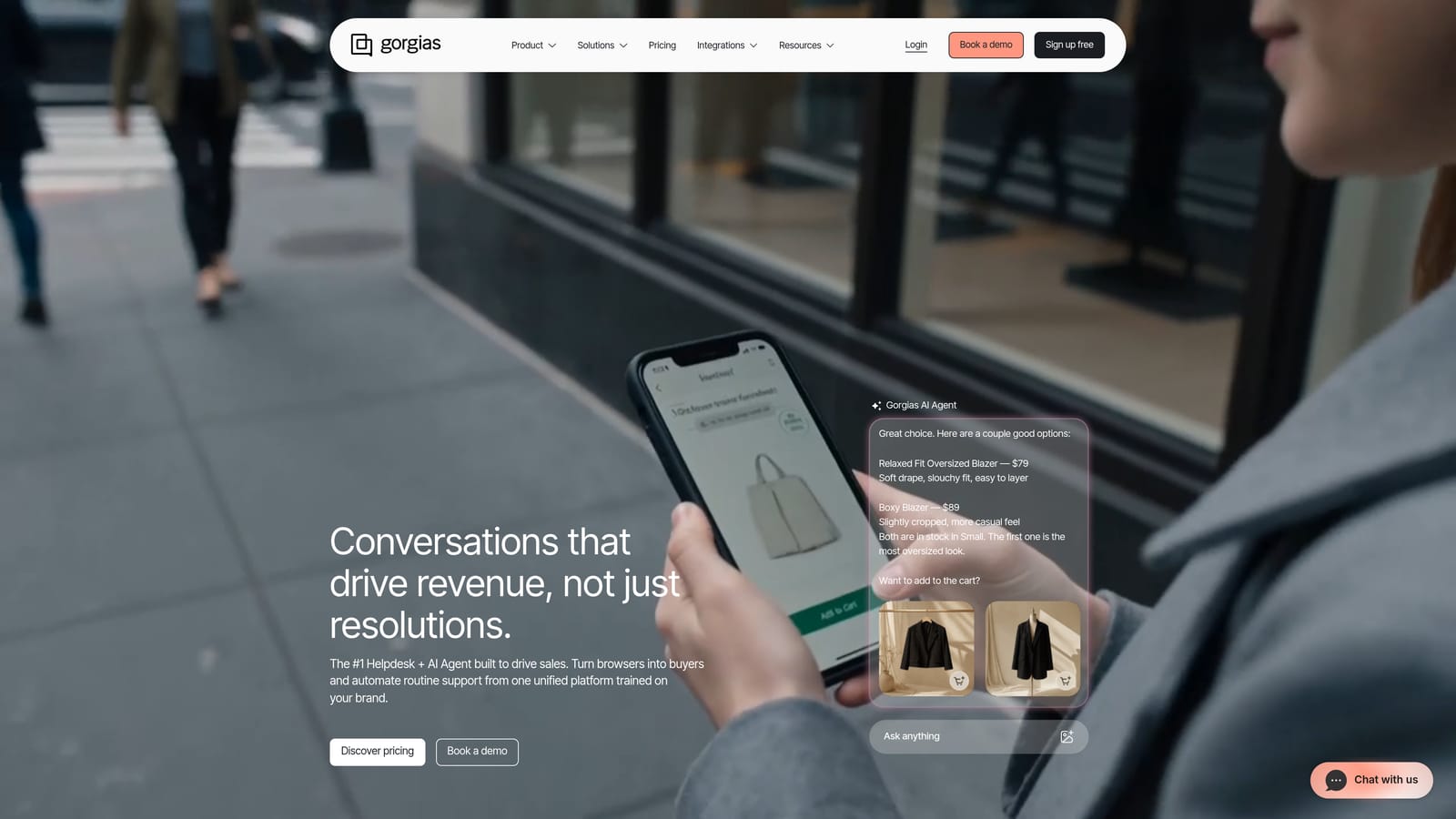
Gorgias is a helpdesk platform purpose-built for e-commerce brands that connects support analytics directly to revenue data from Shopify, BigCommerce, and Magento.
Where This Tool Shines
Gorgias solves a problem that general-purpose helpdesks ignore: for e-commerce brands, support interactions directly influence purchase decisions. A customer asking about a return policy is also a potential repeat buyer. Gorgias ties support conversations to actual sales data, so you can see the revenue impact of your support team's work, not just their ticket counts.
The macro and automation analytics are also well-built for DTC operations. Teams can see which automated responses are driving resolution versus which are creating frustration, and adjust workflows accordingly.
Key Features
Revenue Statistics: Links individual support interactions to e-commerce sales data, showing the direct revenue impact of support conversations.
Macro and Automation Analytics: Performance tracking for templated responses and automation flows, showing resolution rates and customer outcomes.
Response Time Tracking: First reply time and overall response time metrics across channels.
CSAT Measurement: Built-in satisfaction tracking with trend analysis over time.
Native E-Commerce Integrations: Deep data connections with Shopify, BigCommerce, and Magento for unified commerce and support analytics.
Best For
E-commerce and DTC brands where support directly influences conversion and retention. Not designed for B2B SaaS or service businesses that do not operate on an e-commerce platform.
Pricing
Starter plan from approximately $10 per month, with pricing scaling based on ticket volume. Verify current pricing at gorgias.com before committing.
6. Kustomer
Best for: Omnichannel support teams that want analytics centered on the full customer timeline rather than individual tickets.
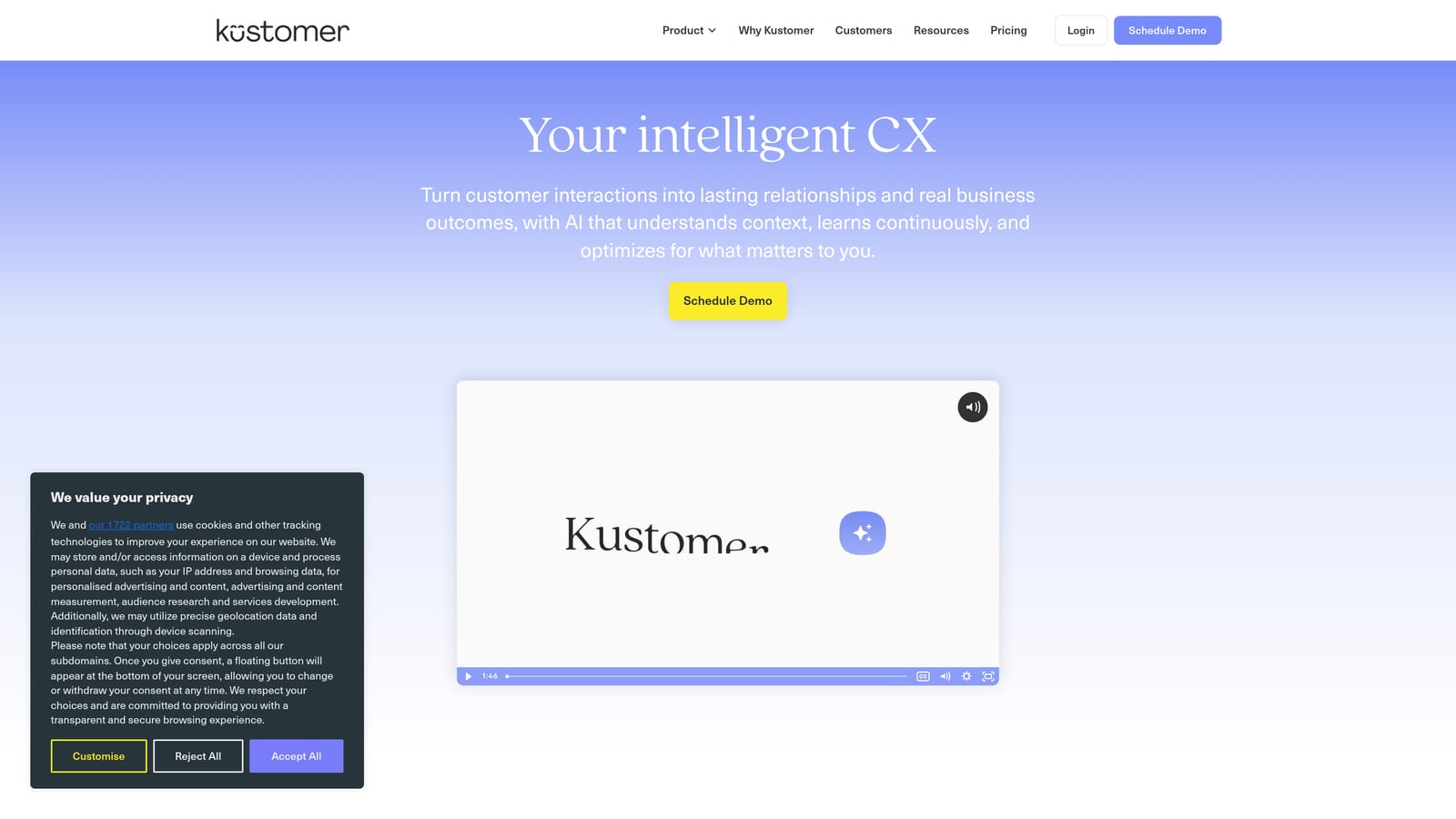
Kustomer is a CRM-style customer service platform that centers analytics around the complete customer timeline, making it well-suited for teams managing support across many channels simultaneously.
Where This Tool Shines
The core insight behind Kustomer is that a ticket is not the unit of analysis. The customer is. Its timeline-based approach means analytics reflect the full arc of a customer relationship, not just the most recent interaction. This is genuinely useful for identifying customers who have had repeated issues across channels, which is often a leading indicator of churn.
The AI-powered conversation intelligence and automatic tagging reduce the manual work of categorizing conversations, which in turn makes the analytics more reliable. Patterns surface from tagged data, so the quality of insights depends on consistent categorization, and Kustomer handles much of that automatically.
Key Features
Customer Timeline Analytics: Unified view of all support interactions across channels, organized by customer rather than by ticket.
Omnichannel Data Unification: Conversation data from email, chat, social, voice, and messaging consolidated in one analytics view.
Team and Agent Performance Metrics: Standard performance reporting with omnichannel context.
CSAT and Customer Effort Score (CES): Both satisfaction and effort metrics tracked and trended over time.
AI-Powered Conversation Intelligence: Automatic tagging and categorization of conversations to improve analytics accuracy without manual labeling.
Best For
Mid-market and enterprise support teams managing omnichannel operations where understanding the full customer relationship is more important than per-ticket reporting.
Pricing
Enterprise pricing, not publicly listed. Contact Kustomer directly at kustomer.com for current plan details and custom quotes.
7. Tidio
Best for: Small businesses and early-stage teams that need accessible support analytics without technical complexity.
Tidio is a live chat and chatbot platform with straightforward analytics designed for teams that need insight without the overhead of configuring complex reporting systems.
Where This Tool Shines
Tidio's strength is its accessibility. The dashboards are visual, intuitive, and require no technical setup or training to interpret. For small business owners or lean support teams wearing multiple hats, that matters more than analytical depth.
The bot performance tracking is particularly useful for teams using Tidio's automation features. Seeing which bot flows are resolving conversations versus escalating them helps small teams optimize their automation without needing a data analyst to interpret the results.
Key Features
Chat Volume and Response Time Analytics: Core operational metrics tracked in a clean, visual dashboard format.
Bot Performance Tracking: Automation rate and resolution rate reporting for chatbot flows.
Agent Performance Comparisons: Side-by-side metrics for individual agents to identify coaching opportunities.
Visitor Behavior Metrics: Engagement data showing how visitors interact with chat before and during conversations.
Simple Visual Dashboards: No technical setup required; dashboards are interpretable by non-technical users immediately after setup.
Best For
Small businesses, early-stage startups, and lean support teams that need basic analytics without complexity or significant cost. Not suited for enterprise teams that need deep custom reporting or cross-platform data.
Pricing
Free plan available. Paid plans start at approximately $29 per month. Verify current pricing at tidio.com.
8. Zoho Desk Analytics
Best for: Teams embedded in the Zoho ecosystem who want cross-product analytics connecting support data to CRM and sales data.
Zoho Desk includes a reporting and analytics layer with native connections to Zoho Analytics and Zoho CRM, making it a strong choice for teams already invested in the broader Zoho platform.
Where This Tool Shines
The native integration with Zoho Analytics is the differentiator here. Teams that need to go beyond standard support KPIs can connect their helpdesk data to Zoho's dedicated analytics product without any custom integration work. This unlocks more sophisticated analysis than most native helpdesk reporting tools allow.
The cross-product data connection with Zoho CRM and Zoho SalesIQ is particularly useful for B2B teams. Seeing support ticket history alongside deal stage and account health in one reporting environment helps support managers understand which customers need attention before a renewal conversation.
Key Features
Native Zoho Analytics Integration: Advanced custom reporting powered by Zoho's dedicated analytics product, accessible without separate integration setup.
Cross-Product Data: Unified data from Zoho CRM and Zoho SalesIQ alongside support metrics for a fuller customer view.
Pre-Built KPI Dashboards: Ready-to-use views for ticket trends, agent performance, and operational KPIs.
SLA Compliance and Breach Reporting: Detailed tracking of SLA performance with breach alerting.
Scheduled Reports and Data Export: Automated report delivery and raw data export for teams that need to share data outside the Zoho ecosystem.
Best For
SMB and mid-market teams already using Zoho CRM or other Zoho products who want cross-functional analytics without paying for an additional analytics platform. Best value is realized when multiple Zoho products are in use.
Pricing
Zoho Desk starts at approximately $14 per agent per month, with advanced analytics features available on higher-tier plans. Verify current pricing at zoho.com/desk.
9. Sprinklr Service
Best for: Large enterprises managing customer support across 30 or more digital channels with complex governance requirements.
Sprinklr Service is an enterprise-grade unified customer service platform with AI-powered analytics spanning more than 30 digital channels, built for organizations where scale and compliance are non-negotiable requirements.
Where This Tool Shines
Sprinklr's defining capability is channel breadth. Most support analytics platforms handle email, chat, and maybe social. Sprinklr unifies data from social networks, messaging apps, voice, chat, email, and digital communities in a single analytics environment. For enterprise brands managing customer conversations at massive scale across many regions and channels, that unification is genuinely difficult to replicate with point solutions.
The integration of social listening data with support analytics is a particular differentiator. Sprinklr can surface emerging issues from social conversations before they become high-volume support tickets, giving enterprise CX teams a window into problems that have not yet reached the helpdesk.
Key Features
Unified Analytics Across 30+ Channels: Social, messaging, voice, chat, and email data consolidated in a single reporting environment.
AI-Powered Sentiment Analysis and Topic Clustering: Automatic categorization and sentiment tagging across high-volume conversation data.
Enterprise Governance and Compliance Reporting: Audit trails, access controls, and compliance reporting built for regulated industries and complex organizational structures.
Real-Time and Historical Dashboards: Live operational views alongside historical trend analysis for both tactical and strategic decision-making.
Social Listening Integration: Emerging issues from social channels surface in support analytics before they escalate into ticket volume spikes.
Best For
Large enterprise organizations with complex omnichannel support operations, particularly those in regulated industries or managing global brand presence across many digital channels. The pricing and implementation complexity make it unsuitable for smaller teams.
Pricing
Enterprise pricing, not publicly listed. Contact Sprinklr directly at sprinklr.com for custom quotes and implementation details.
Which Platform Is Right for Your Team?
The automated support analytics landscape has matured into three distinct categories, and choosing the right platform depends largely on where you sit within that landscape.
If your team is already committed to a specific helpdesk ecosystem, the native analytics tools are the path of least resistance. Zendesk Explore, Freshdesk Analytics, Intercom, and Zoho Desk Analytics all offer solid reporting within their respective platforms. They require minimal setup, and the data is already there. The tradeoff is that they are largely constrained to that ecosystem, and the intelligence they surface rarely goes beyond standard support KPIs.
For specific verticals, the specialized platforms earn their place. Gorgias is the clear choice for e-commerce brands where support analytics need to connect directly to revenue data from Shopify or BigCommerce. Kustomer serves omnichannel teams that think in customer timelines rather than ticket queues. Sprinklr is built for enterprise organizations managing support at a scale and channel complexity that most platforms simply cannot match.
For B2B SaaS teams that want more than ticket counts, Halo AI represents a fundamentally different model. Analytics are not a reporting layer you configure after the fact. They are a byproduct of AI agents actually resolving tickets, which means customer health signals, product bug patterns, and revenue anomalies surface automatically. If your goal is to move from reactive metrics to proactive intelligence without hiring a data team, that architecture matters.
Our recommendations by use case: Halo AI for B2B SaaS teams that want autonomous resolution and business intelligence in one system, Gorgias for e-commerce brands connecting support to revenue, and Sprinklr for enterprise organizations managing complex omnichannel operations.
Your support team should not scale linearly with your customer base. See Halo in action and discover how continuous learning transforms every interaction into smarter, faster support that surfaces the intelligence your product and revenue teams actually need.