9 Best Bug Tracking Automation Tools for Product Teams in 2026
Bug tracking automation tools help product teams eliminate manual bug logging by automatically capturing, categorizing, and routing issues to the right developers. This comprehensive guide reviews the 9 best bug tracking automation solutions for 2026, comparing features like AI-powered ticket creation, intelligent triage, and workflow automation to help you choose the right tool that integrates with your development stack and scales with your team's growth.
 Matt PattoliFounder13 min read
Every minute your team spends manually logging bugs is a minute not spent fixing them. For product teams juggling customer support tickets, user feedback, and internal QA reports, the manual process of creating, categorizing, and routing bug tickets creates a bottleneck that slows down your entire development cycle.
Bug tracking automation tools eliminate this friction by automatically capturing issues, enriching them with context, and routing them to the right team members. Here are the top tools that automate different aspects of bug tracking, from AI-powered ticket creation to intelligent triage and workflow automation. We've focused on solutions that integrate with modern development stacks and scale with growing product teams.
1. Halo AI
Best for: Product teams that need to automatically surface bugs hidden in customer support conversations
Halo AI is an AI-powered customer support platform that automatically detects bugs during support interactions and creates detailed tickets in your issue tracker.

Where This Tool Shines
Most bugs don't arrive neatly packaged as "bug reports." They're buried in support conversations where customers describe problems without technical terminology. Halo's AI agents analyze every support interaction in real-time, identifying when a customer issue represents an actual product bug versus a usage question or feature request.
What sets Halo apart is its page-aware context capture. When a customer reports an issue, the system knows exactly what they're seeing on their screen, capturing the visual state alongside the conversation. This means developers receive bug tickets with the full context needed to reproduce issues immediately, without the back-and-forth typically required to gather details.
Key Features
Auto Bug Ticket Creation: AI analyzes support conversations and automatically creates tickets when it detects product issues, eliminating manual triage.
Page-Aware Context: Captures what users actually see on their screen, including UI state, form inputs, and visual elements relevant to the bug.
Direct Linear Integration: Creates tickets directly in Linear with all necessary context, enabling instant developer handoff without switching tools.
Continuous Learning: The AI improves detection accuracy over time by learning from every interaction and developer feedback on created tickets.
Multi-System Connectivity: Connects to Slack, Intercom, and major helpdesk systems to monitor bugs across your entire support ecosystem.
Best For
B2B product teams who receive substantial customer support volume and want to eliminate the manual work of identifying which support tickets represent actual bugs. Particularly valuable if your developers spend time asking support for reproduction steps or struggle to understand reported issues.
Pricing
Contact for pricing. Bug automation is included as part of the broader customer support platform, which also handles ticket resolution and user guidance.
2. Linear
Best for: Fast-moving product teams that want native automation without complex configuration
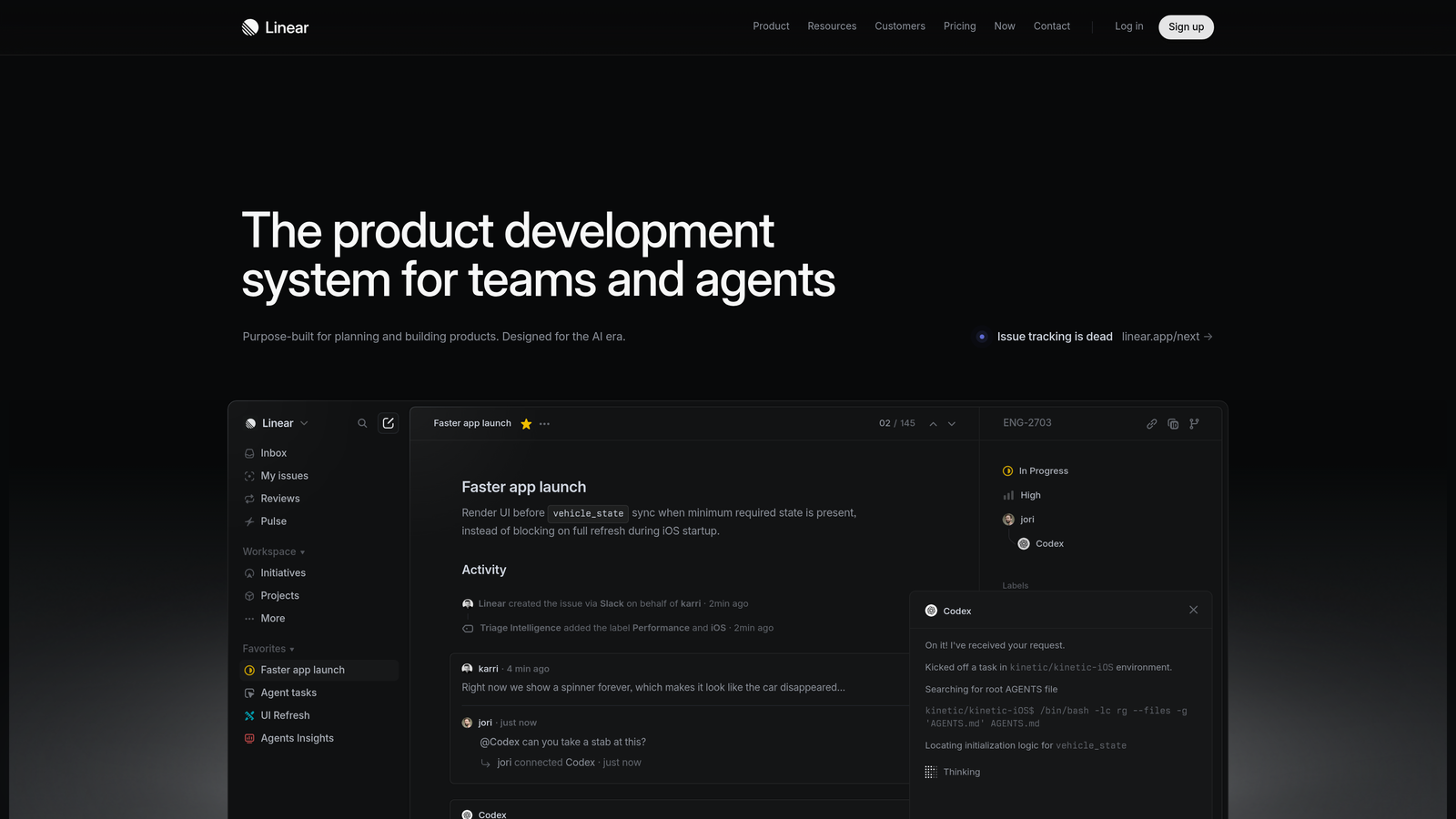
Linear is a modern issue tracking platform with built-in automation designed specifically for product development workflows.
Where This Tool Shines
Linear's automation feels like a natural extension of your workflow rather than a separate system you need to configure. The platform understands product development patterns and offers automation that matches how teams actually work. When a bug moves to "In Progress," Linear can automatically assign it to whoever moved it, notify the right Slack channel, and update related issues.
The cycles feature brings automatic sprint planning to bug tracking. Linear can automatically move bugs between cycles based on status, priority, or custom rules, keeping your backlog organized without manual housekeeping.
Key Features
Workflow Automation: Trigger actions based on issue status changes, including automatic assignments, notifications, and label updates.
Cycles Integration: Automatically move issues between sprints based on completion status or priority thresholds.
SLA Automation: Set automatic escalation rules for bugs that haven't been addressed within specified timeframes.
Triage Queue: Auto-assignment rules distribute incoming bugs to team members based on workload, expertise, or rotation schedules.
GitHub Sync: Automatically update issue status when pull requests are opened, merged, or deployed.
Best For
Development teams that value speed and simplicity over extensive customization. Linear works best for teams already committed to its opinionated workflow rather than those needing to replicate complex legacy processes.
Pricing
Free for teams up to 10 users. Standard plan at $8 per user per month includes full automation capabilities and unlimited issues.
3. Jira Automation
Best for: Enterprise teams with complex approval workflows and cross-project bug tracking needs
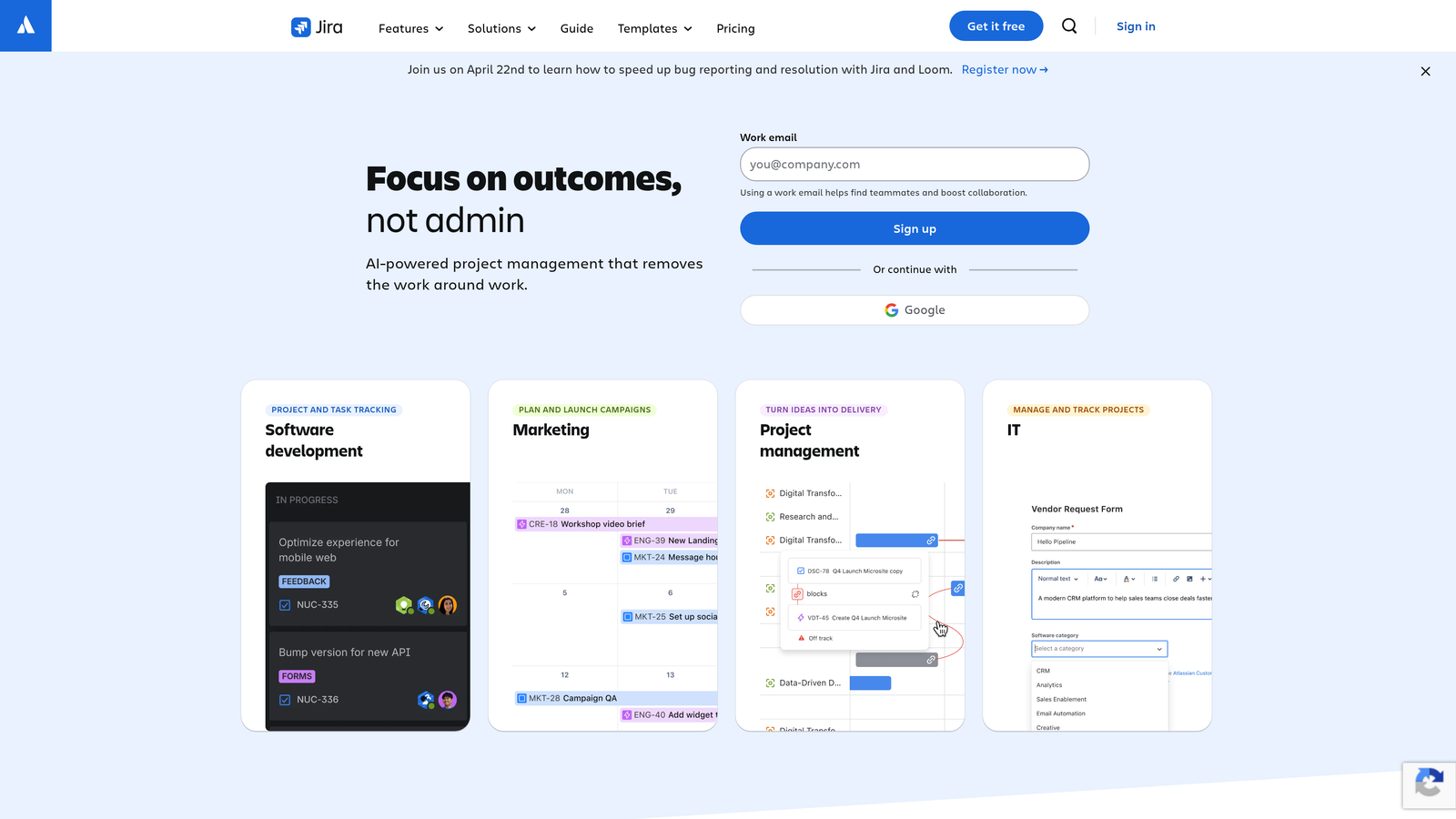
Jira Automation is the built-in automation engine for Jira, offering enterprise-grade workflow automation for bug tracking and project management.
Where This Tool Shines
Jira's automation handles complexity that would break simpler tools. You can build multi-step workflows with conditional logic, cross-project automation, and scheduled tasks that run on specific timeframes. When a critical bug is reported, Jira can automatically escalate it through multiple approval layers, notify stakeholders across different teams, and create related subtasks in other projects.
The rule builder uses a trigger-condition-action model that's powerful enough for enterprise needs while remaining accessible to non-technical team members. With over 3,000 marketplace integrations, you can automate connections between Jira and virtually any tool in your stack.
Key Features
Rule-Based Engine: Build complex automation with triggers, conditions, and actions that handle multi-step workflows.
Cross-Project Automation: Create rules that span multiple projects, automatically creating related issues or syncing bug status across teams.
Scheduled Automation: Run automation on specific schedules for tasks like weekly bug triage or monthly priority reviews.
Marketplace Integrations: Connect to 3,000+ apps for automation that extends beyond Jira into your entire toolchain.
Audit Logging: Track every automated action with detailed logs for compliance and debugging automation rules.
Best For
Large organizations with established Jira workflows who need sophisticated automation across multiple teams and projects. Best suited for teams that have the time to invest in learning and configuring complex automation rules.
Pricing
Free for up to 10 users. Standard plan at $7.75 per user per month includes automation with generous monthly execution limits.
4. Shortcut
Best for: Teams wanting streamlined automation that doesn't require extensive configuration
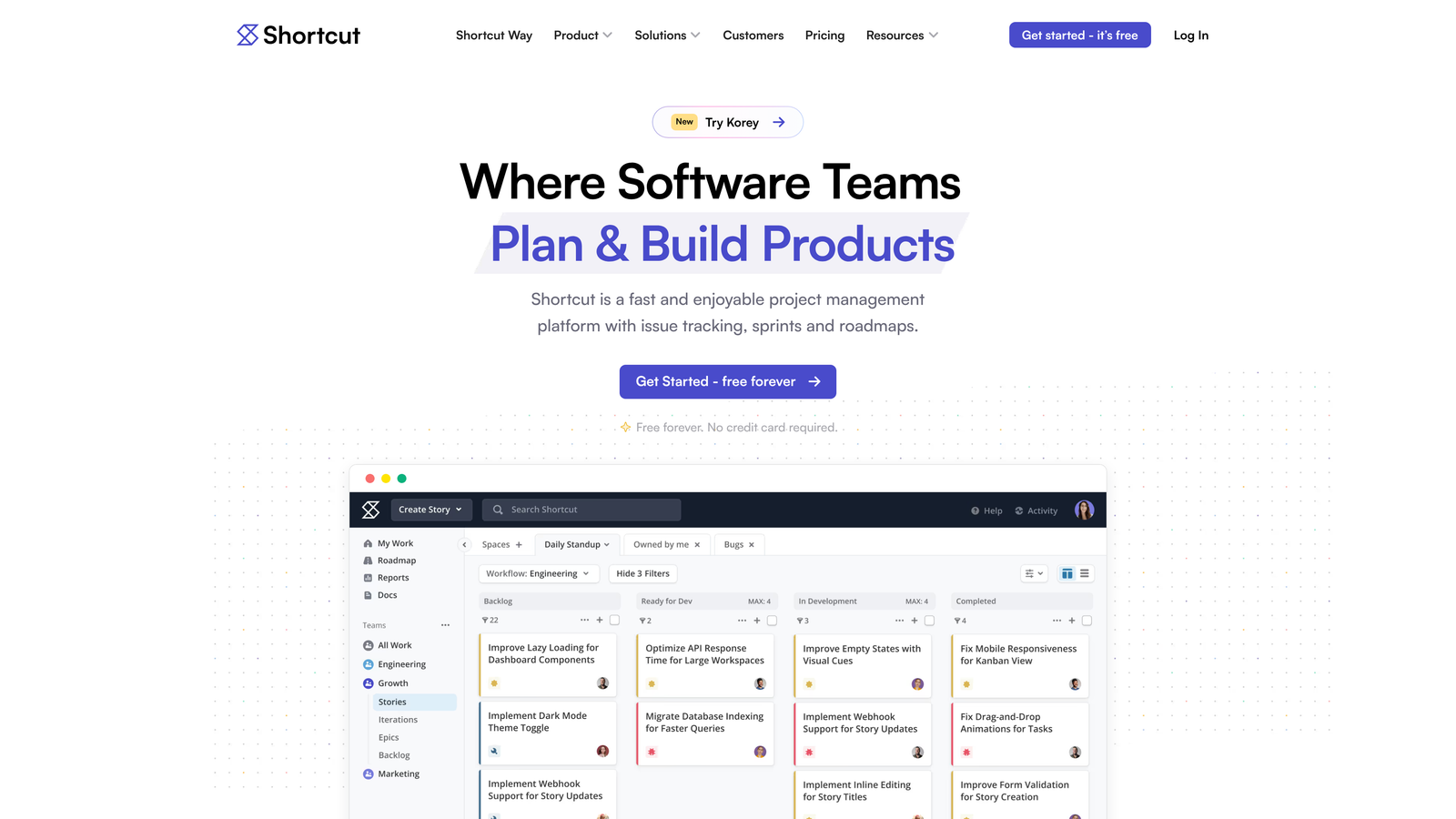
Shortcut is a project management platform that emphasizes simplicity, offering automation that works out of the box without complex setup.
Where This Tool Shines
Shortcut's philosophy is that automation should enhance your workflow without becoming a second job to maintain. The platform offers story templates that automatically populate bug reports with the right fields, labels, and assignments based on the type of issue. When developers create pull requests in GitHub or GitLab, Shortcut automatically updates the linked bug's status without manual intervention.
The API-first design means technical teams can build custom automation that fits their specific needs without fighting against the platform's constraints. Unlike more rigid tools, Shortcut gives you the flexibility to automate exactly what matters to your team.
Key Features
Story Templates: Automatically populate bug reports with predefined fields, labels, and workflows based on issue type.
Workflow Automation: Simple automation rules that trigger on status changes without requiring complex configuration.
GitHub/GitLab Integration: Automatic status updates when pull requests are created, reviewed, or merged.
API-First Design: Build custom automation using a comprehensive API that exposes all platform functionality.
Iteration Planning: Automatically move bugs between iterations based on completion status or priority changes.
Best For
Mid-sized product teams that want automation without the overhead of maintaining complex rule systems. Particularly valuable for teams with engineering resources to build custom integrations through the API.
Pricing
Free for teams up to 10 users. Team plan at $8.50 per user per month includes full automation features and unlimited stories.
5. Height
Best for: Teams that want AI to automatically organize and prioritize their bug backlog
Height is an AI-native project management platform that uses machine learning to automatically categorize, prioritize, and deduplicate bugs.
Where This Tool Shines
Height's AI reads bug descriptions and automatically applies relevant labels, estimates, and priority levels based on content analysis. When someone reports "the checkout page crashes when applying discount codes," Height recognizes this as a critical payment flow issue and prioritizes it accordingly, without manual triage.
The duplicate detection goes beyond simple keyword matching. Height's AI understands semantic similarity, catching when two bugs describe the same issue using different terminology. This prevents your backlog from filling with redundant tickets that waste developer time.
Key Features
AI Auto-Labeling: Analyzes bug content and automatically applies appropriate labels, categories, and tags.
Smart Priority Suggestions: AI recommends priority levels based on bug severity, affected users, and business impact.
Automatic Duplicate Detection: Identifies similar bugs using semantic analysis, preventing backlog bloat from redundant tickets.
Natural Language Task Creation: Create bugs by describing them conversationally, and AI structures them into proper tickets.
Intelligent Assignment: Suggests team members for bug assignment based on expertise and current workload.
Best For
Product teams drowning in unorganized bug reports who need AI assistance to maintain a clean, prioritized backlog. Works best for teams comfortable trusting AI suggestions while maintaining human oversight.
Pricing
Free tier available for small teams. Team plan at $8.50 per user per month includes full AI features and unlimited tasks.
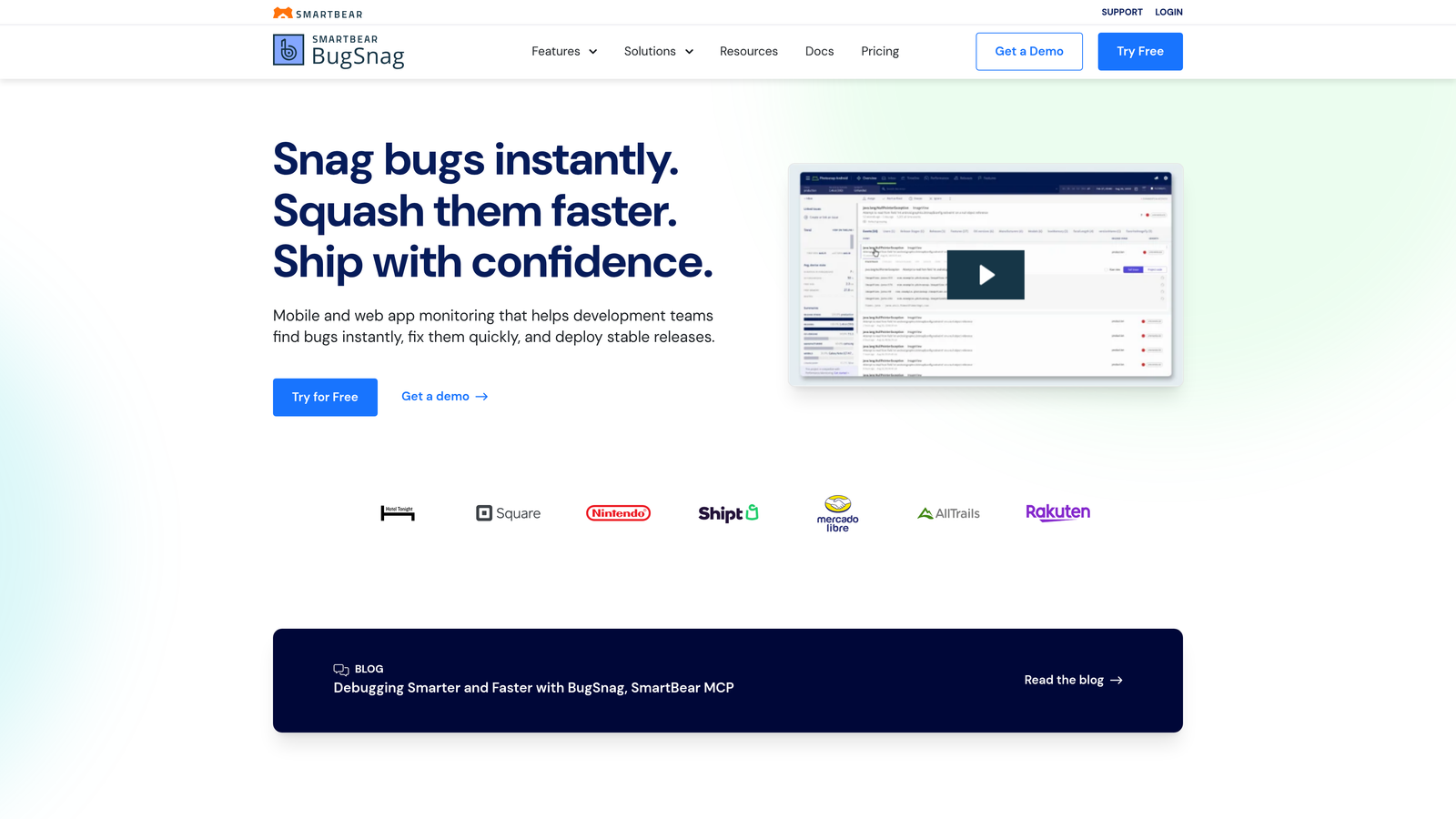
6. Bugsnag
Best for: Teams that need automatic bug ticket creation from production errors and crashes
Bugsnag is an error monitoring platform that automatically detects production issues and creates detailed bug tickets in your issue tracker.
Where This Tool Shines
Bugsnag sits in your production environment, catching errors and crashes before customers even report them. When an exception occurs, it automatically groups similar errors by root cause, preventing your issue tracker from being flooded with duplicate tickets for the same underlying problem.
The platform captures breadcrumbs—a trail of user actions leading up to the error—giving developers the context needed to reproduce bugs immediately. One-click integration with Jira, Linear, and GitHub means errors become actionable tickets without manual data entry.
Key Features
Automatic Error Grouping: Groups similar errors by root cause using stack trace analysis, preventing duplicate tickets.
One-Click Issue Creation: Send errors directly to Jira, Linear, GitHub, or other issue trackers with full debugging context.
Release Health Tracking: Automatically monitor error rates after deployments and create tickets when regressions are detected.
Breadcrumb Capture: Records user actions before errors occur, providing reproduction steps automatically.
Stability Scoring: Calculates application stability metrics to help prioritize which bugs need immediate attention.
Best For
Development teams that want proactive bug detection from production environments rather than waiting for customer reports. Particularly valuable for mobile apps and web applications with large user bases.
Pricing
Free tier for small applications. Team plan starts at $59 per month for up to 7,500 events, scaling with usage volume.
7. Sentry
Best for: Developer-focused teams that need automatic issue creation with rich debugging context
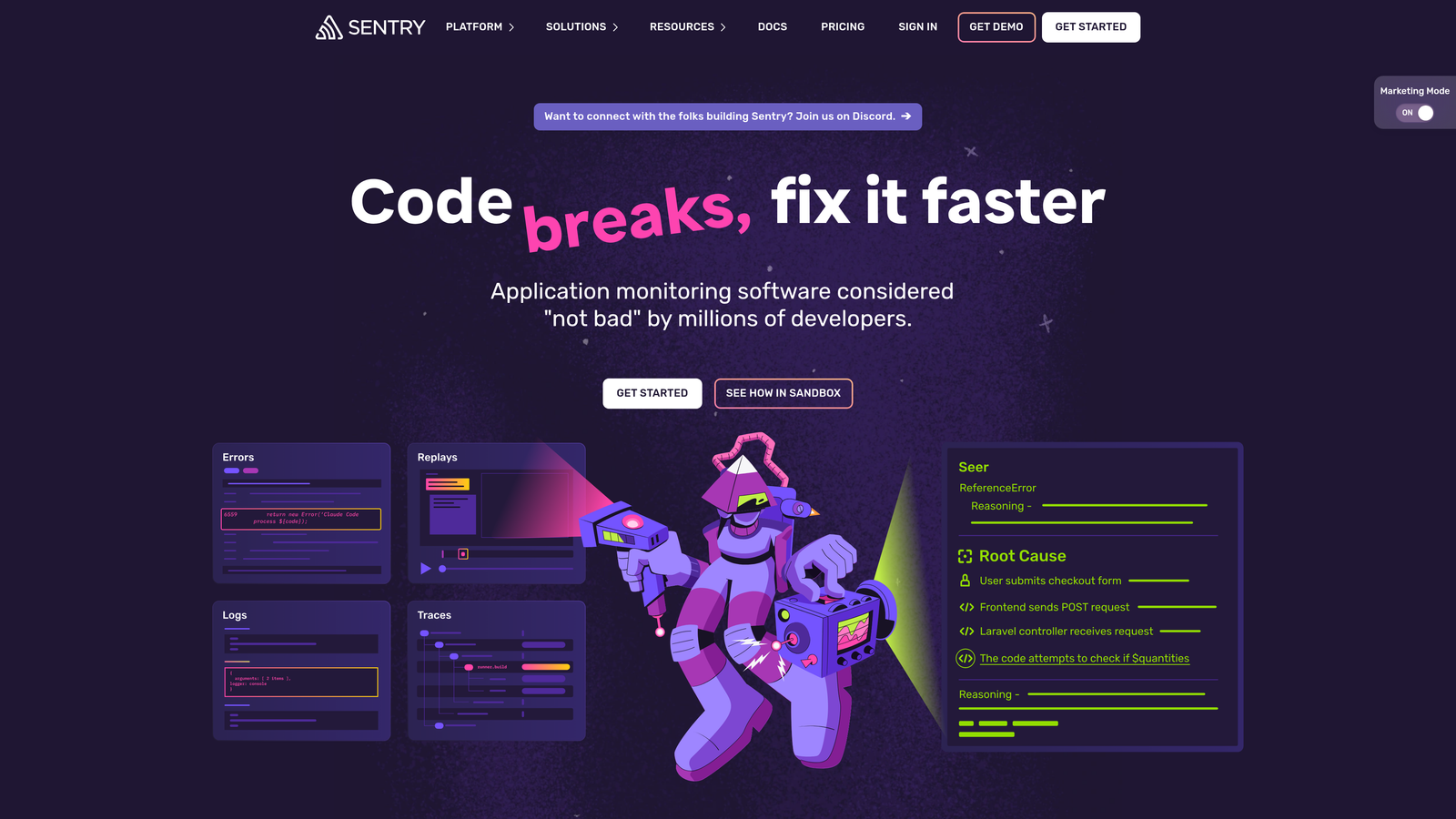
Sentry is an error tracking platform that automatically creates bug tickets from crashes and errors while providing detailed debugging information.
Where This Tool Shines
Sentry's strength is the depth of context it captures automatically. When an error occurs, Sentry doesn't just log the stack trace. It captures the full application state, user session replay, and performance metrics surrounding the issue. Developers receive bug tickets that include everything needed to understand and fix the problem.
The intelligent alert rules reduce noise by learning which errors matter most. Instead of creating tickets for every minor warning, Sentry focuses on issues that actually impact users, using factors like error frequency, affected user count, and business impact.
Key Features
Automatic Issue Creation: Creates tickets directly in GitHub, Jira, or other trackers when errors exceed defined thresholds.
Session Replay: Captures video-like replays of user sessions leading to errors, showing exactly what users experienced.
Stack Traces and Context: Includes full stack traces, local variables, and application state in automatically created tickets.
Intelligent Alert Rules: Machine learning reduces alert noise by prioritizing errors based on user impact and severity.
GitHub Integration: Automatically assigns tickets to developers who last touched the problematic code.
Best For
Engineering teams that prioritize debugging efficiency and want comprehensive error context automatically attached to bug tickets. Best for web and mobile applications where session replay provides significant value.
Pricing
Free developer tier for small projects. Team plan at $26 per month includes 50,000 events and session replay capabilities.
8. ClickUp
Best for: Teams wanting extensive automation flexibility within an all-in-one workspace
ClickUp is a comprehensive project management platform with a powerful automation builder for creating custom bug tracking workflows.
Where This Tool Shines
ClickUp's automation builder offers over 100 pre-built templates specifically for bug tracking, from simple status updates to complex multi-step workflows. The platform supports conditional logic, allowing you to create sophisticated automation that adapts based on bug priority, assignee, or custom field values.
Email-to-task automation is particularly useful for bug tracking. Customers or team members can email bugs directly to ClickUp, which automatically creates tickets with parsed content, attachments, and proper categorization. This eliminates the manual work of copying bug reports from email into your tracker.
Key Features
100+ Automation Templates: Pre-built automation for common bug tracking workflows, from triage to resolution.
Conditional Logic: Build complex automation with if-then rules based on multiple conditions and custom field values.
Email-to-Task: Automatically create bug tickets from emails with intelligent parsing of content and attachments.
Custom Field Triggers: Trigger automation based on changes to custom fields like severity, affected version, or customer tier.
Cross-Workspace Automation: Create automation that spans multiple workspaces for organizations with complex structures.
Best For
Teams that want bug tracking integrated into a broader project management system and need extensive customization options. Works well for organizations consolidating multiple tools into one platform.
Pricing
Free tier available with basic automation. Unlimited plan at $7 per user per month includes advanced automation features and unlimited storage.
9. Marker.io
Best for: Teams that need visual bug reporting with automatic technical metadata capture
Marker.io is a visual bug reporting tool that automatically captures screenshots, browser information, and console logs when bugs are reported.
Where This Tool Shines
Marker.io eliminates the "works on my machine" problem by automatically capturing the exact technical environment where bugs occur. When someone reports a bug, the tool grabs browser version, operating system, screen resolution, console logs, and network requests without requiring the reporter to know what information developers need.
The screenshot annotation feature lets non-technical team members or clients point directly at problematic UI elements. Combined with automatic technical metadata, developers receive bug reports that contain everything needed to reproduce issues immediately, reducing the back-and-forth typically required to gather details.
Key Features
One-Click Screenshot Capture: Annotated screenshots with arrows, highlights, and notes to pinpoint exact issues visually.
Automatic Metadata Collection: Captures browser, OS, screen size, and console logs automatically with every bug report.
Direct Issue Tracker Integration: Creates tickets directly in 30+ platforms including Jira, Linear, GitHub, and Asana.
Session Replay: Records user sessions leading up to bug reports, showing developers exactly what happened.
Guest Reporting: Allow clients or stakeholders to report bugs without needing accounts in your issue tracker.
Best For
Product teams that receive bug reports from non-technical stakeholders, clients, or QA teams who need an easy way to communicate visual issues. Particularly valuable for web applications where UI bugs are common.
Pricing
Starter plan at $39 per month for up to 3 users. Team plan at $99 per month includes unlimited users and advanced features like session replay.
Making the Right Choice
The best bug tracking automation tool depends on where your bugs originate and how much manual triage you want to eliminate.
For teams drowning in support tickets that contain hidden bugs, Halo AI's automatic bug detection offers the most hands-off approach. The AI analyzes every customer conversation, surfaces actual product issues, and creates tickets with full visual context—eliminating the manual work of identifying which support interactions represent bugs versus usage questions.
Development teams already using Linear will find its native automation sufficient for most workflows. The platform's opinionated approach to automation matches how modern product teams work, without requiring extensive configuration. If you're building on Linear's foundation, its built-in capabilities handle status updates, assignments, and cycle management elegantly.
Enterprise organizations with complex approval chains should consider Jira's powerful rule engine. When you need cross-project automation, multi-step workflows, and deep customization, Jira's complexity becomes an asset rather than a burden. The learning curve is steep, but the flexibility is unmatched.
If production errors are your main source of bugs, pair Sentry or Bugsnag with your issue tracker for automatic ticket creation. These error monitoring platforms catch issues before customers report them, creating tickets with rich debugging context that speeds up resolution. Sentry's session replay is particularly valuable for understanding user-facing bugs.
Teams prioritizing visual bug reports from stakeholders will appreciate Marker.io's streamlined capture process. When non-technical team members or clients need to report UI issues, Marker.io's screenshot annotation and automatic metadata collection bridge the communication gap between reporters and developers.
The common thread across effective bug tracking automation is reducing manual data entry while increasing the context available to developers. The best tools don't just create tickets automatically—they enrich them with the information needed to understand and fix issues quickly.
Your support team shouldn't scale linearly with your customer base. Let AI agents handle routine tickets, guide users through your product, and surface business intelligence while your team focuses on complex issues that need a human touch. See Halo in action and discover how continuous learning transforms every interaction into smarter, faster support.