9 Best Customer Service AI Tools Reviewed for 2026
This guide delivers honest, in-depth Customer Service AI Reviews of the 9 best platforms available in 2026, evaluated on real-world criteria including resolution quality, integration depth, setup complexity, scalability, and total value. Whether you run a lean SaaS support team or manage high-volume B2B operations, these reviews help you find the right AI fit.
 Grant CooperFounder14 min read
Picking the right AI for customer support is harder than it looks. Most platforms promise autonomous resolution and smart escalation, but the real differences emerge in how deeply they integrate with your stack, how well they learn over time, and whether they add genuine business intelligence or just deflect tickets.
This guide cuts through the noise with honest reviews of the top customer service AI platforms available in 2026, evaluated on real-world criteria: resolution quality, integration depth, setup complexity, scalability, and total value. Whether you're running a lean SaaS support team or managing high-volume B2B customer operations, these picks cover the full spectrum. We've included Halo AI as our top pick because it's our platform, and we'll be transparent about where it excels and where alternatives may suit you better.
1. Halo AI
Best for: B2B SaaS teams wanting AI-first autonomous support with business intelligence built in
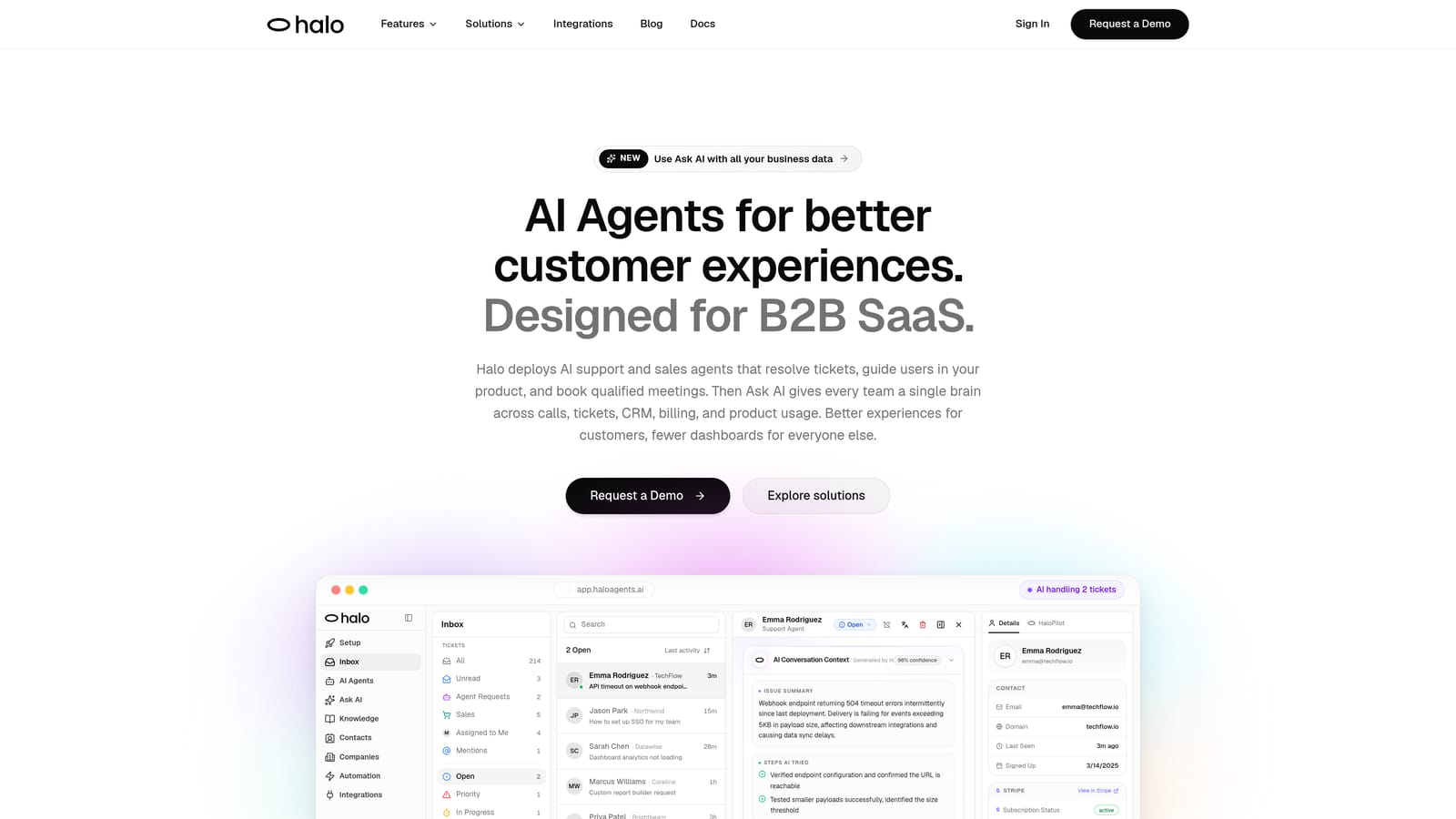
Halo AI is an AI-first customer support platform built for B2B SaaS teams that need more than ticket deflection.
Where This Tool Shines
Halo is built from the ground up as an AI-first platform, not a layer bolted onto a legacy helpdesk. That architectural difference matters: the AI agents are designed to resolve tickets autonomously, guide users through your product with page-aware context, and continuously improve from every interaction rather than relying on static knowledge bases.
The standout capability is the page-aware chat widget. The AI sees what the user sees in your product, enabling contextual guidance that generic chat widgets simply cannot provide. Combine that with a smart inbox that surfaces customer health signals, revenue anomalies, and product insights, and Halo starts functioning less like a support tool and more like a business intelligence layer for your entire customer operation.
Key Features
Page-Aware Chat Widget: The AI understands what page and UI state the user is on, delivering contextual guidance instead of generic responses.
Continuous Learning: Every resolved ticket improves future AI responses, so resolution quality compounds over time rather than staying static.
Smart Inbox with Business Intelligence: Surfaces customer health signals, revenue intelligence, and anomaly detection beyond standard support metrics.
Auto Bug Ticket Creation: Automatically creates bug reports and routes them to engineering via Linear integration, closing the loop between support and product.
Live Agent Handoff: Complex escalations transfer seamlessly to human agents with full conversation context preserved.
Deep Integration Stack: Connects with Slack, HubSpot, Intercom, Stripe, Zoom, PandaDoc, Fathom, and Linear out of the box.
Best For
Halo is purpose-built for B2B SaaS and product teams that want AI agents to handle routine tickets autonomously while surfacing insights that inform product and revenue decisions. Teams already embedded in a Zendesk or Freshdesk workflow may need to weigh the transition cost. For straightforward e-commerce chat use cases, some of Halo's deeper capabilities may exceed what's needed.
Pricing
Contact Halo AI for pricing. The platform is focused on SaaS and B2B teams, so pricing is tailored to team size and resolution volume.
2. Intercom (Fin AI)
Best for: Teams already using Intercom who want native AI resolution without additional deployment
Intercom Fin is a conversational AI agent built natively into the Intercom platform, designed to resolve queries using help content and multi-step reasoning.
Where This Tool Shines
Fin's biggest advantage is that it lives inside the Intercom ecosystem you're already using. There's no separate deployment, no new interface to manage, and no integration work to connect it to your inbox and reporting. For teams already invested in Intercom, it's the most frictionless path to AI-assisted resolution.
The current iteration introduced multi-step reasoning, which allows Fin to handle more complex queries that require pulling context from multiple sources rather than just matching a question to a help article. That's a meaningful upgrade from earlier versions that struggled with anything beyond simple FAQ deflection.
Key Features
Native Intercom Integration: No separate deployment needed; Fin runs inside the existing Intercom messenger and inbox.
Multi-Step Reasoning: Handles more complex queries by synthesizing information across connected knowledge sources.
Knowledge Source Connectivity: Pulls from help center content, articles, and connected data to generate accurate responses.
Seamless Human Handoff: Escalates to human agents within the Intercom inbox with full conversation context.
Built-In Reporting: Tracks AI resolution rates and CSAT scores directly within Intercom's reporting suite.
Best For
Teams already using Intercom as their primary support and messaging platform. If you're not on Intercom, adopting Fin means adopting the full Intercom platform, which is a significant commitment. The per-resolution pricing model can also become expensive at high ticket volumes, so it's worth modeling your expected resolution count before committing.
Pricing
Fin is charged per resolution on top of Intercom seat costs. Intercom plans start at approximately $39 per seat per month, with Fin resolution costs added on top.
3. Zendesk AI
Best for: Enterprise teams already on Zendesk Suite who need AI layered across an established helpdesk workflow
Zendesk AI embeds artificial intelligence across its Suite, offering AI agents for self-service, intelligent triage, agent-assist features, and AI-generated replies within a mature enterprise helpdesk.
Where This Tool Shines
Zendesk's strength is breadth. AI capabilities span the entire workflow: intelligent triage routes tickets before a human touches them, AI-generated reply drafts speed up agent responses, macro suggestions reduce repetitive decision-making, and the AI Agent (a significant upgrade from the earlier Answer Bot) can handle end-to-end conversations autonomously.
The app marketplace is also a genuine differentiator. With hundreds of integrations available, teams with complex or unusual tech stacks can usually find a connector. For enterprises with established Zendesk workflows, adding AI is an incremental step rather than a platform migration.
Key Features
AI Agents: Handles end-to-end customer conversations autonomously, not just simple deflection.
Intelligent Triage and Routing: Classifies and routes tickets based on intent, sentiment, and priority without manual rules.
AI-Suggested Macros and Reply Drafts: Reduces time-to-response for human agents handling complex tickets.
Extensive App Marketplace: Hundreds of third-party integrations for connecting Zendesk to your broader stack.
Enterprise Reporting and Compliance: Robust analytics, audit logging, and compliance tooling for regulated industries.
Best For
Enterprise teams already running on Zendesk Suite who want AI capabilities without migrating platforms. The legacy architecture can make deep customization cumbersome compared to AI-first platforms, and enterprise-scale pricing is significant. Teams evaluating Zendesk AI fresh should weigh the full platform cost carefully.
Pricing
AI features are included in Suite Professional and above. Suite plans start at approximately $115 per agent per month, with additional AI add-ons available for advanced capabilities.
4. Freshdesk Freddy AI
Best for: SMB and mid-market teams wanting AI across self-service, agent assist, and analytics at competitive pricing
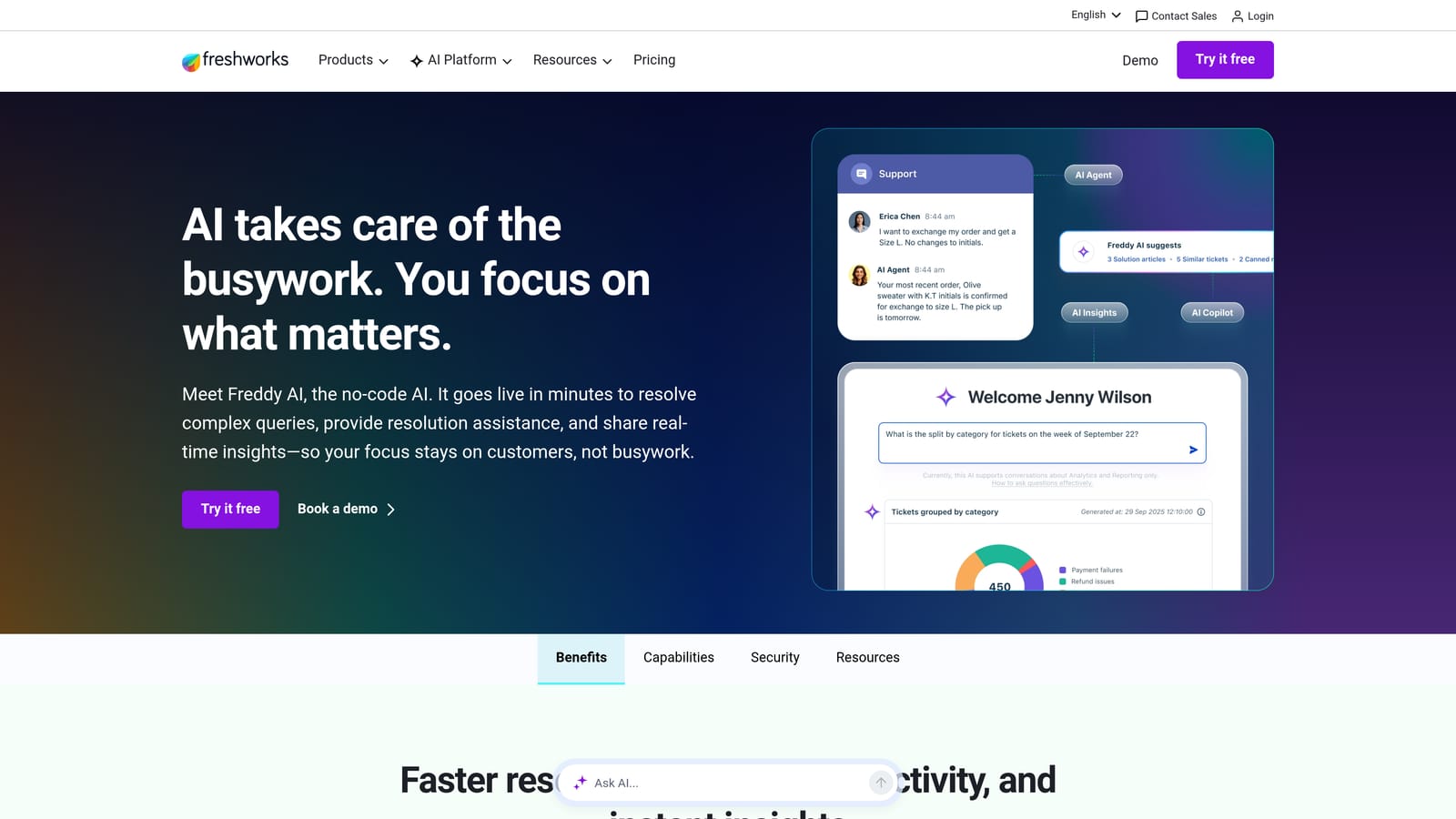
Freshdesk Freddy AI is Freshworks' AI layer spanning self-service bots, agent copilot features, and AI-generated analytics across Freshdesk and Freshchat.
Where This Tool Shines
Freddy AI covers three distinct use cases under one umbrella: customer-facing self-service (Freddy Self Service), agent-assist capabilities (Freddy Copilot), and AI-generated analytics (Freddy Insights). That breadth at Freshworks' price points makes it genuinely compelling for teams that can't justify Zendesk or Salesforce pricing but still want AI across their support workflow.
Freddy Insights is worth highlighting specifically. The AI-generated anomaly detection and analytics surface patterns in support data that would otherwise require manual analysis, giving smaller teams access to insights that were previously reserved for enterprises with dedicated analytics resources.
Key Features
Freddy Self Service: Customer-facing AI bot for ticket deflection and autonomous resolution across chat and email.
Freddy Copilot: Suggested replies, conversation summarization, and next-best-action recommendations for human agents.
Freddy Insights: AI-generated analytics with anomaly detection for identifying support trends and operational issues.
Multichannel Support: Covers email, chat, and phone across Freshdesk and Freshchat in a unified workflow.
Competitive Pricing: Freddy features are accessible at SMB price points, not locked behind enterprise tiers.
Best For
SMB and mid-market teams already using or evaluating Freshdesk who want AI self-service, agent assist, and analytics without enterprise pricing. Freddy has historically lagged behind Intercom and Zendesk AI in resolution sophistication for complex queries, though it continues to improve rapidly.
Pricing
Freddy features are tiered across Freshworks plans. Growth plans start at approximately $15 per agent per month, with Enterprise plans from approximately $79 per agent per month for advanced Freddy capabilities.
5. Tidio Lyro AI
Best for: E-commerce and small business teams wanting fast AI chat deployment with minimal configuration
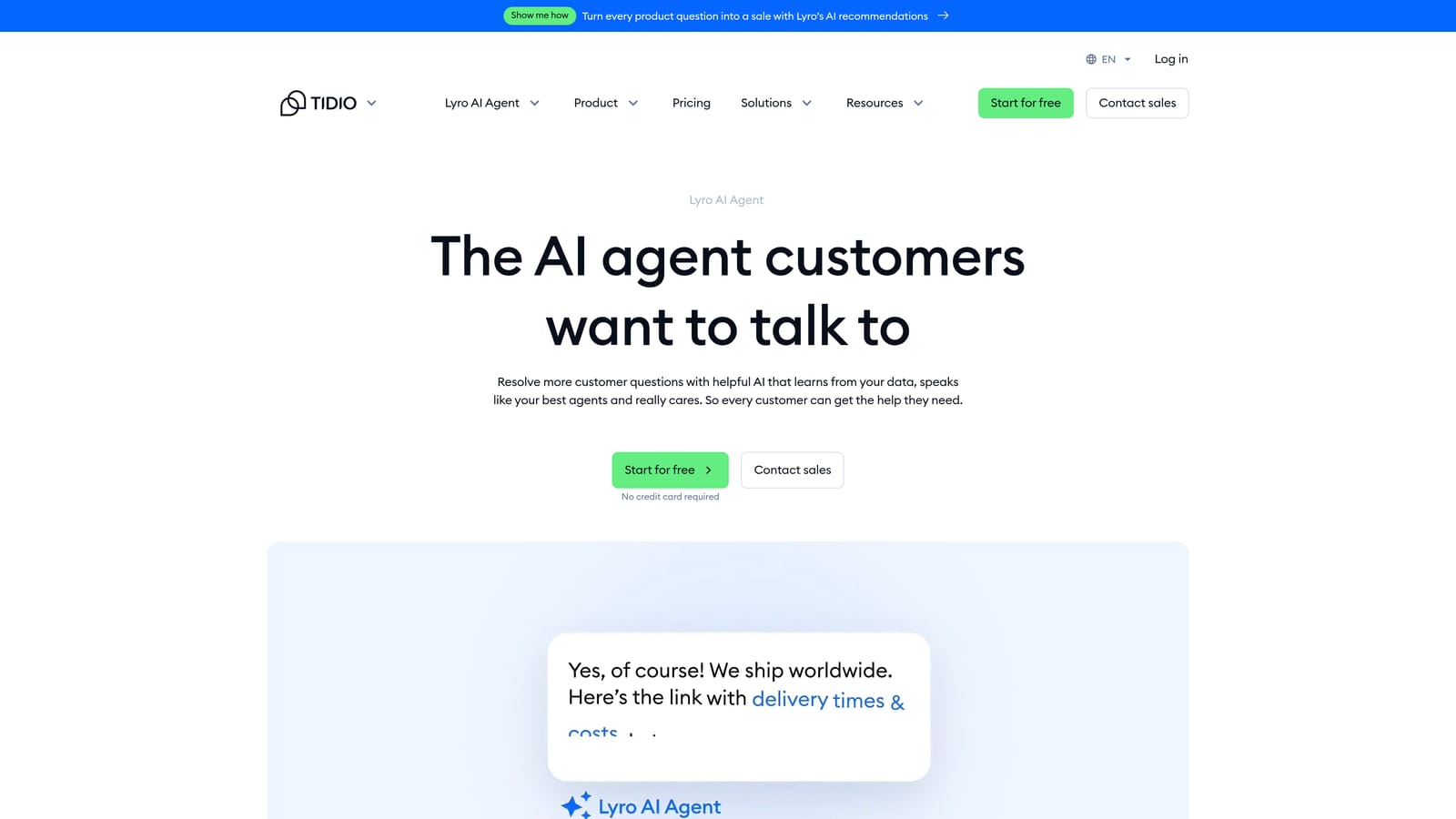
Tidio Lyro is a conversational AI agent focused on fast deployment for chat-based customer support, particularly popular with e-commerce and small business teams.
Where This Tool Shines
Lyro's core proposition is speed to value. Connect it to your existing FAQ content or help documentation, and it begins resolving chat conversations almost immediately without extensive configuration or training. For teams that need something working this week rather than next quarter, that matters.
The Shopify and WooCommerce integrations give Lyro genuine e-commerce context, allowing it to answer order status questions, product queries, and common purchase-related issues without human intervention. For consumer-facing businesses with high chat volume and repetitive queries, Lyro handles the bulk of that load effectively.
Key Features
Fast Setup: Connects to existing FAQ and help content quickly, with minimal configuration overhead before it starts resolving conversations.
Autonomous Chat Handling: Manages conversations end-to-end without requiring complex conversation flow design.
E-Commerce Integrations: Native Shopify and WooCommerce connectivity for order and product context.
Clear Escalation: Hands off to live agents when conversations exceed its confidence threshold.
Conversation-Based Pricing: Pay for what you use rather than per-seat licensing.
Best For
E-commerce businesses, small teams, and anyone who needs AI chat resolution deployed quickly without deep technical setup. Lyro is less suited for complex B2B support workflows, ticketing systems, or teams that need business intelligence beyond basic chat metrics.
Pricing
Lyro is available as an add-on starting at approximately $39 per month for 50 conversations, scaling with volume from there.
6. Salesforce Einstein for Service
Best for: Enterprise organizations running support and CRM on Salesforce who need AI with full customer data context
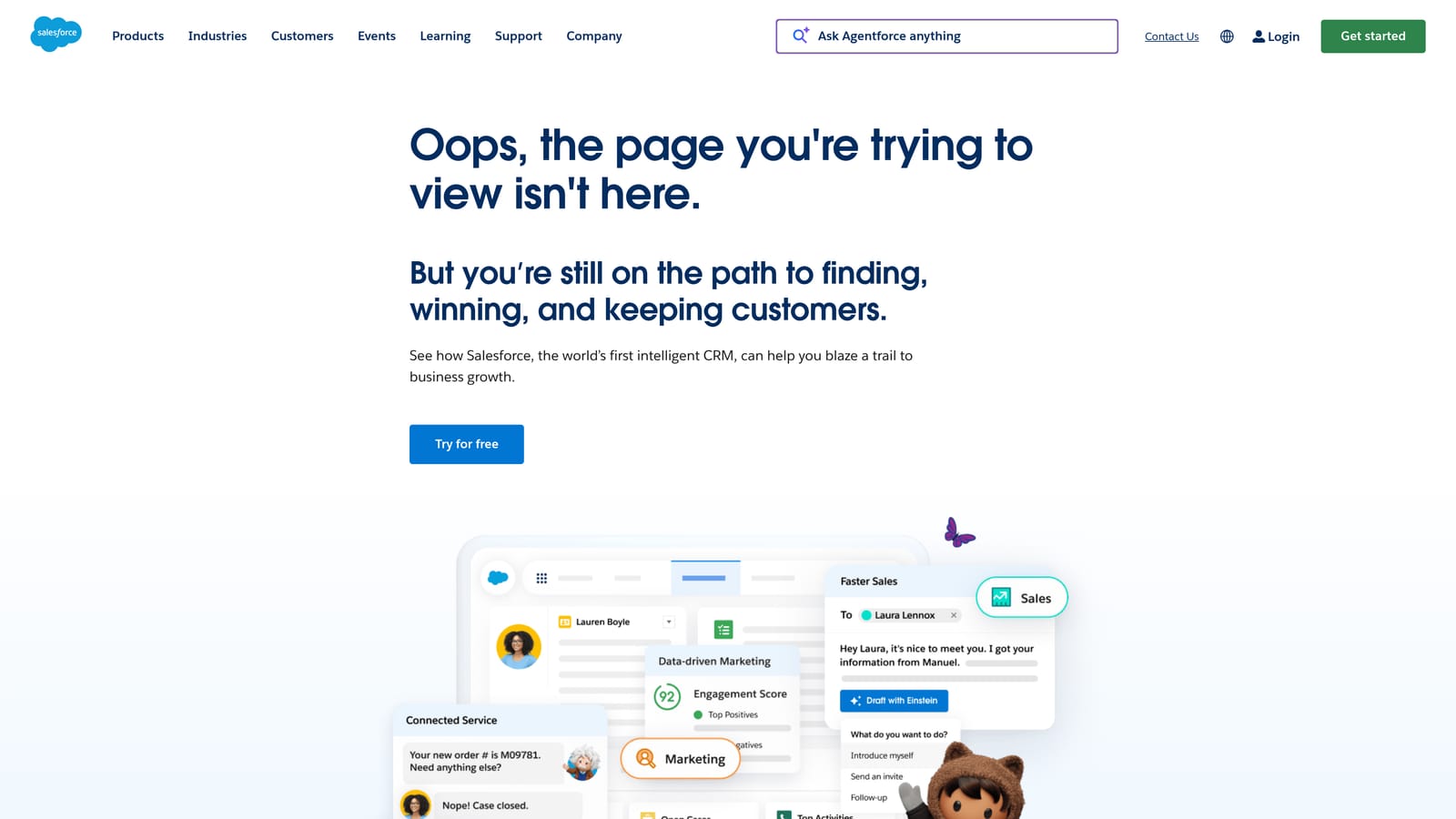
Salesforce Einstein for Service embeds AI throughout Service Cloud, leveraging full CRM data to power case classification, AI-generated replies, next-best-action recommendations, and self-service bots.
Where This Tool Shines
The differentiator here is CRM-native context. When Einstein handles a support interaction, it has access to the complete customer record: purchase history, contract status, previous cases, relationship health, and everything else stored in Salesforce. That depth of context enables genuinely personalized service responses that AI tools operating without CRM data simply cannot match.
For enterprises where sales, service, and success all operate within Salesforce, Einstein also enables cross-functional intelligence. A support interaction can trigger workflows in Sales Cloud, update account health scores, or surface renewal risk signals, creating a unified view of the customer relationship that extends well beyond support.
Key Features
CRM-Native AI: Full access to customer history, relationship data, and account context for every interaction.
Einstein Bots: Self-service automation with deep Salesforce workflow integration for complex enterprise use cases.
AI Case Classification and Routing: Intelligent triage based on case content and customer data combined.
Next-Best-Action Recommendations: Guides service agents toward the most effective response based on customer context.
Cross-Cloud Unification: Connects Service Cloud and Sales Cloud for a complete view of the customer lifecycle.
Best For
Large enterprises already running on Salesforce where support, sales, and CRM are unified. Einstein requires significant Salesforce investment and admin expertise to implement effectively. Teams outside the Salesforce ecosystem will find the cost and complexity difficult to justify.
Pricing
Included in higher Service Cloud tiers. Service Cloud Enterprise starts at approximately $165 per user per month, with Einstein add-ons available for specific capabilities.
7. Ada
Best for: Large enterprises needing configurable AI automation with strong compliance controls and brand governance
Ada is a dedicated enterprise AI agent platform that sits in front of existing helpdesks, offering highly configurable automated support with strong compliance controls and no-code customization.
Where This Tool Shines
Ada is designed to be the AI layer in front of your existing support infrastructure, integrating with Zendesk, Salesforce, and other helpdesks rather than replacing them. That positioning makes it a strong choice for enterprises that are locked into existing helpdesk contracts but want sophisticated AI automation layered on top.
The no-code conversation builder gives non-technical teams genuine control over how the AI behaves, what it says, and when it escalates, without requiring engineering resources for every configuration change. Combined with robust compliance and data governance features, Ada is well-suited for regulated industries where AI behavior needs to be tightly controlled and auditable.
Key Features
No-Code AI Conversation Builder: Enterprise-grade controls for building and modifying AI conversation flows without engineering involvement.
Helpdesk Integration Layer: Sits in front of Zendesk, Salesforce, and other platforms as an AI automation layer.
Brand Voice and Escalation Customization: Fine-grained control over tone, response style, and escalation triggers.
Compliance and Data Governance: Robust controls for regulated industries with audit trails and data handling requirements.
Multi-Language Support: Handles global support operations across multiple languages from a single platform.
Best For
Large enterprises with complex compliance requirements, existing helpdesk investments they want to keep, and a need for tightly governed AI automation. Ada can be heavyweight for smaller teams that don't need enterprise-grade compliance controls.
Pricing
Enterprise pricing only; contact Ada directly for a custom quote. Not suited for teams with limited budgets.
8. Forethought
Best for: Teams that want AI to make human agents significantly more effective rather than replace them entirely
Forethought provides AI-powered triage, routing, and agent assistance built to layer on top of existing helpdesks, focused on making human agents more effective rather than pursuing full autonomous resolution.
Where This Tool Shines
Forethought's philosophy is different from most tools on this list. Rather than maximizing autonomous resolution rates, it focuses on the quality of every interaction, whether handled by AI or a human agent. The Assist product surfaces relevant knowledge, suggests replies, and provides context to agents in real time, compressing the time it takes an experienced agent to respond and helping newer agents perform at a higher level faster.
The Discover analytics layer adds genuine strategic value by identifying patterns in support workflows that are causing inefficiency, revealing where knowledge gaps exist, and surfacing optimization opportunities that aren't visible from standard helpdesk reporting.
Key Features
Solve: Customer-facing AI self-service for deflecting routine queries before they reach the queue.
Triage: Intelligent ticket classification and routing based on content, intent, and priority signals.
Assist: Agent copilot with real-time suggested replies and knowledge retrieval during live conversations.
Discover: AI analytics for identifying support workflow inefficiencies and optimization opportunities.
Broad Helpdesk Compatibility: Integrates with Zendesk, Salesforce, Freshdesk, and other major platforms.
Best For
Support teams that handle complex, high-value interactions where human judgment matters and the goal is agent effectiveness rather than full automation. Less suited for teams seeking high autonomous resolution rates as the primary outcome.
Pricing
Enterprise pricing; contact Forethought directly for a custom quote based on team size and volume.
9. Kustomer
Best for: Consumer brands managing high-volume omnichannel messaging across Meta platforms and traditional channels
Kustomer (owned by Meta) is a CRM-first omnichannel support platform with AI features for routing, agent assistance, and self-service, particularly strong for consumer brands managing high messaging volumes.
Where This Tool Shines
Kustomer's unified customer timeline is genuinely useful. Every interaction across email, chat, SMS, WhatsApp, and Instagram appears in a single chronological view, giving agents full context without switching between channels or systems. For consumer brands where customers reach out through multiple touchpoints, that unified view reduces handle time and prevents the frustrating experience of customers having to repeat themselves.
The Meta ownership also translates into strong native integration with Meta's messaging platforms. WhatsApp Business and Instagram Direct are first-class channels in Kustomer rather than afterthoughts, which matters significantly for consumer brands with large social media customer bases.
Key Features
Unified Customer Timeline: All channels (email, chat, SMS, WhatsApp, Instagram) in a single chronological view per customer.
AI-Powered Routing and Suggested Replies: Intelligent routing and agent-assist features within a CRM context.
Self-Service AI Bots: Conversational AI with design tools for building automated resolution flows.
Meta Platform Integration: Native strength in WhatsApp Business and Instagram Direct for consumer messaging.
Lifecycle Workflow Automation: Automation spanning the full customer lifecycle, not just reactive support interactions.
Best For
Consumer-facing brands with high messaging volume across social and traditional channels, particularly those with significant WhatsApp or Instagram customer bases. B2B SaaS teams may find the CRM-centric, consumer-focused model less aligned with their workflows and ticket-based support patterns.
Pricing
Enterprise pricing with plans starting at approximately $89 per user per month for Enterprise and approximately $139 per user per month for Ultimate.
Which Tool Is Right for Your Team?
The right choice depends heavily on where you're starting from and what you're optimizing for.
If you're a B2B SaaS team wanting AI-first autonomous support with business intelligence: Halo AI is built specifically for this. The page-aware context, continuous learning, and smart inbox go beyond ticket deflection into genuine operational intelligence.
If you're already on Intercom or Zendesk: Fin AI and Zendesk AI are the lowest-friction paths to AI resolution without a platform migration. Factor in per-resolution pricing carefully for Fin at scale.
If budget is a primary constraint: Freshdesk Freddy AI offers solid AI self-service, agent assist, and analytics at SMB-friendly pricing that the enterprise platforms can't match.
If you're an e-commerce business needing fast chat deployment: Tidio Lyro gets you live quickly with minimal setup and native Shopify integration.
If your entire operation runs on Salesforce: Einstein for Service provides CRM-native AI context that standalone tools cannot replicate, though the investment required is substantial.
If you're a large enterprise with compliance requirements: Ada's governance controls and no-code configurability make it worth evaluating, particularly if you want AI in front of an existing helpdesk investment.
Your support team shouldn't scale linearly with your customer base. Let AI agents handle routine tickets, guide users through your product, and surface business intelligence while your team focuses on complex issues that need a human touch. See Halo in action and discover how continuous learning transforms every interaction into smarter, faster support.