9 Best Customer Service Automation Software Tools Reviewed for 2026
This guide delivers in-depth Customer Service Automation Software Reviews of nine leading B2B platforms, evaluating each on AI resolution quality, integration depth, learning capability, and total cost of ownership. Whether you run a lean support team needing autonomous ticket resolution or a larger operation adding AI to an existing helpdesk, you'll find a clear, scenario-matched recommendation.
 Matt PattoliFounder14 min read
Customer service automation has moved well beyond simple chatbots and canned responses. Today's B2B teams are choosing between AI-native platforms that learn and adapt, legacy helpdesks bolting on AI features, and specialized tools that solve one piece of the puzzle exceptionally well.
The problem? Most review sites lump them all together without helping you understand which tool actually fits your stack, your team size, or your support complexity. This guide cuts through the noise.
We evaluated nine platforms on the criteria that matter most to B2B product teams: quality of AI resolution (not just deflection), integration depth, learning capability over time, and total cost of ownership. Whether you're running a lean support team that needs autonomous resolution or a larger operation looking to add intelligence to an existing helpdesk, there's a clear winner for each scenario. Let's get into it.
1. Halo AI
Best for: B2B SaaS teams that need autonomous ticket resolution without scaling headcount
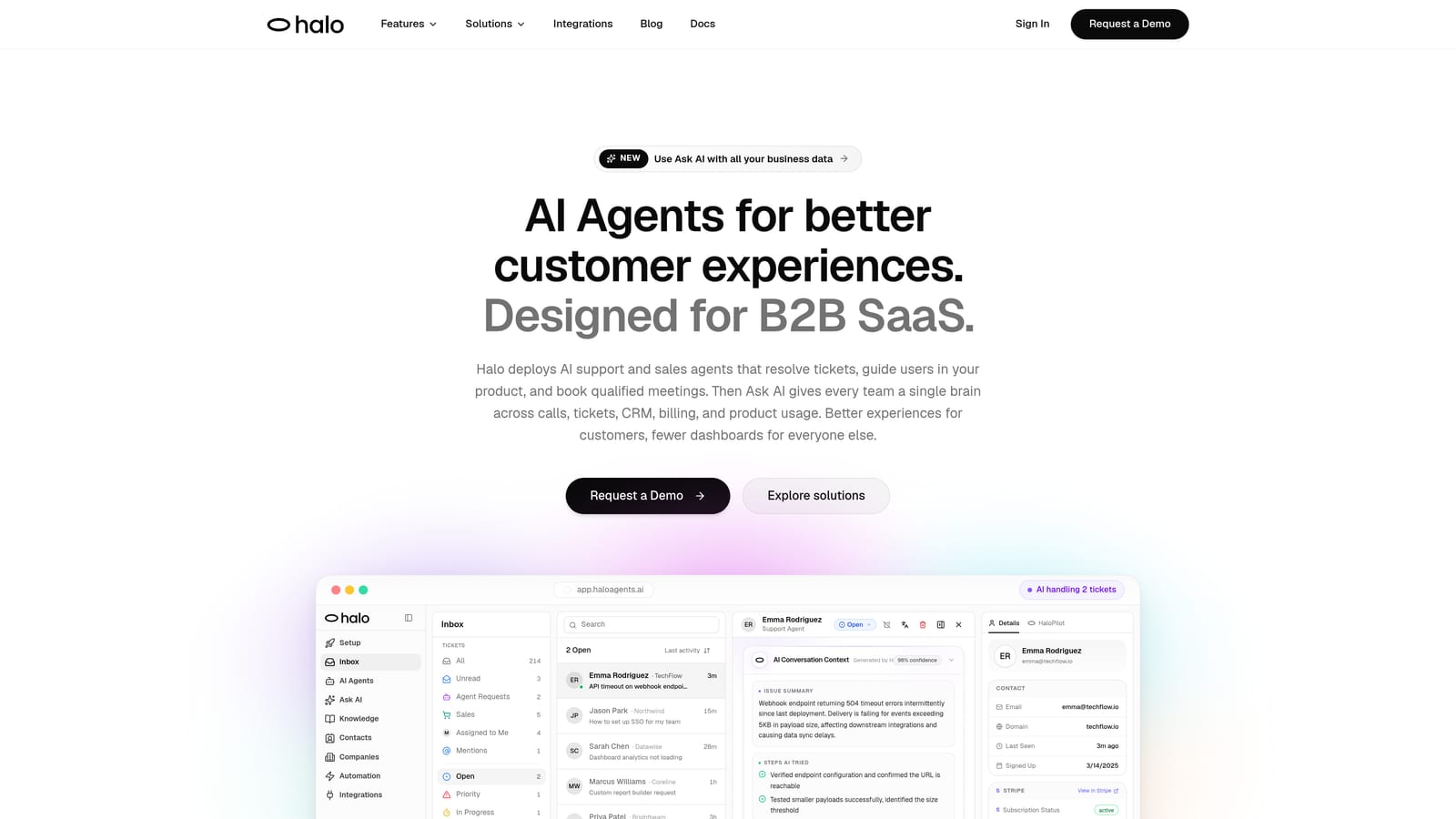
Halo AI is an AI-native customer support platform that deploys intelligent agents to resolve tickets, guide users through your product with page-aware context, auto-create bug reports, and surface business intelligence — all while learning from every interaction.
Where This Tool Shines
The key differentiator here isn't just AI capability, it's architecture. Halo was built AI-first rather than retrofitting intelligence onto a traditional helpdesk. That distinction matters in practice: the system understands what page a user is on, what they're seeing on screen, and can provide visual UI guidance in context rather than generic help center links.
Beyond resolution, Halo's smart inbox surfaces business intelligence that most support tools ignore entirely. Customer health signals, revenue anomaly detection, and product friction patterns emerge from support interactions, giving product and success teams visibility they wouldn't otherwise have. It's support infrastructure that doubles as a business intelligence layer.
Key Features
Page-Aware Chat Widget: Understands the user's current screen and delivers contextually relevant visual guidance, not generic answers.
Autonomous AI Agents with Live Handoff: Resolves tickets end-to-end with graceful escalation to human agents when complexity warrants it, with full context preserved.
Auto Bug Ticket Creation: Detects and routes bug reports automatically to Linear or connected project management tools, closing the loop between support and engineering.
Smart Inbox with Business Intelligence: Surfaces customer health signals, revenue risk indicators, and anomaly detection directly from support data.
Deep Integration Stack: Connects natively with Slack, HubSpot, Intercom, Stripe, Zoom, PandaDoc, Fathom, and Linear for a unified operational view.
Continuous Learning: Improves from every resolved interaction, meaning the system gets meaningfully smarter over time rather than staying static.
Best For
Halo is the strongest fit for B2B SaaS product teams that want AI to handle the bulk of routine tickets autonomously while extracting intelligence from those interactions. If you're scaling customer volume without wanting to scale headcount linearly, this is the architecture to evaluate first.
Pricing
Pricing is available on request via a demo-first sales motion. Given the depth of integrations and business intelligence capabilities, factor in the value of replacing multiple point tools when evaluating total cost.
2. Zendesk
Best for: Enterprise teams needing mature SLA management, complex routing, and compliance certifications
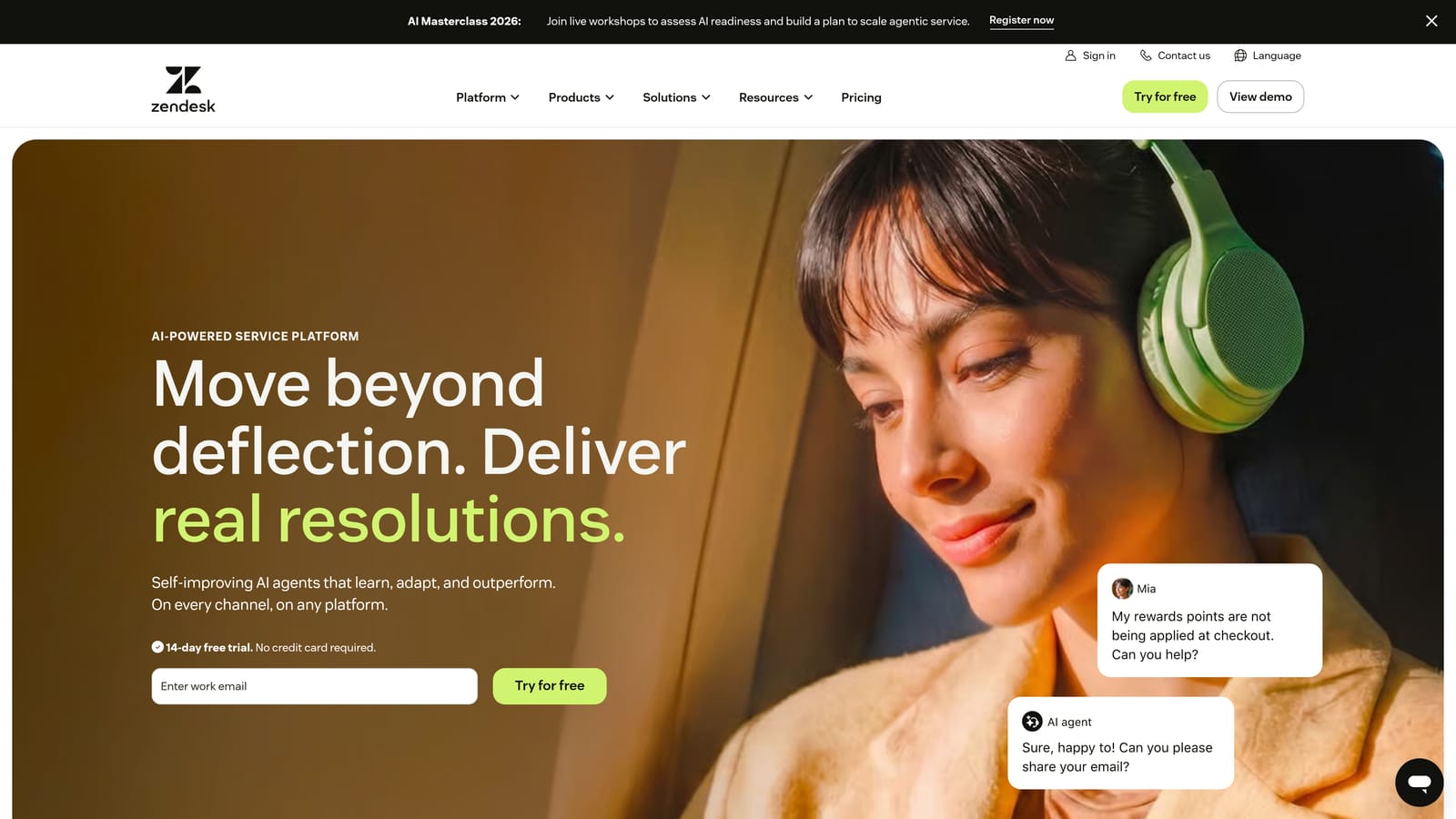
Zendesk is one of the most established helpdesk platforms, offering enterprise-grade ticketing, routing, and SLA management with AI features layered on via Zendesk AI.
Where This Tool Shines
Zendesk's strength is its maturity. Years of enterprise deployments have produced a ticketing engine that handles genuinely complex routing logic, multi-tiered SLA policies, and compliance requirements that regulated industries demand. If your support operation has intricate escalation trees and strict audit requirements, Zendesk has likely solved for that already.
The 1,000+ marketplace integrations also mean you can connect almost any tool in your stack. That said, Zendesk AI is an addition to the platform rather than its foundation, which means buyers should evaluate how the AI layer performs specifically on their ticket types before assuming it matches the resolution quality of AI-native alternatives.
Key Features
Mature Ticketing Engine: Complex routing rules, multi-condition triggers, and SLA management built for enterprise-scale operations.
Zendesk AI: Covers triage, intent detection, and suggested replies, with ongoing development toward more autonomous resolution.
1,000+ Marketplace Integrations: Broad ecosystem coverage across CRM, e-commerce, analytics, and productivity tools.
Enterprise Compliance: SOC 2, HIPAA, and other certifications for regulated industries.
Reporting and Analytics: Extensive dashboards covering team performance, ticket volume trends, and SLA adherence.
Best For
Enterprise support teams with complex routing requirements, strict compliance needs, and existing Zendesk expertise on staff. Less ideal for teams prioritizing AI-native resolution quality over helpdesk feature depth.
Pricing
Suite plans start at mid-range per-agent pricing for SMBs; enterprise plans require custom quotes. Implementation and admin costs should be factored in for complex deployments.
3. Intercom
Best for: PLG SaaS companies combining support, onboarding, and lifecycle messaging in one platform
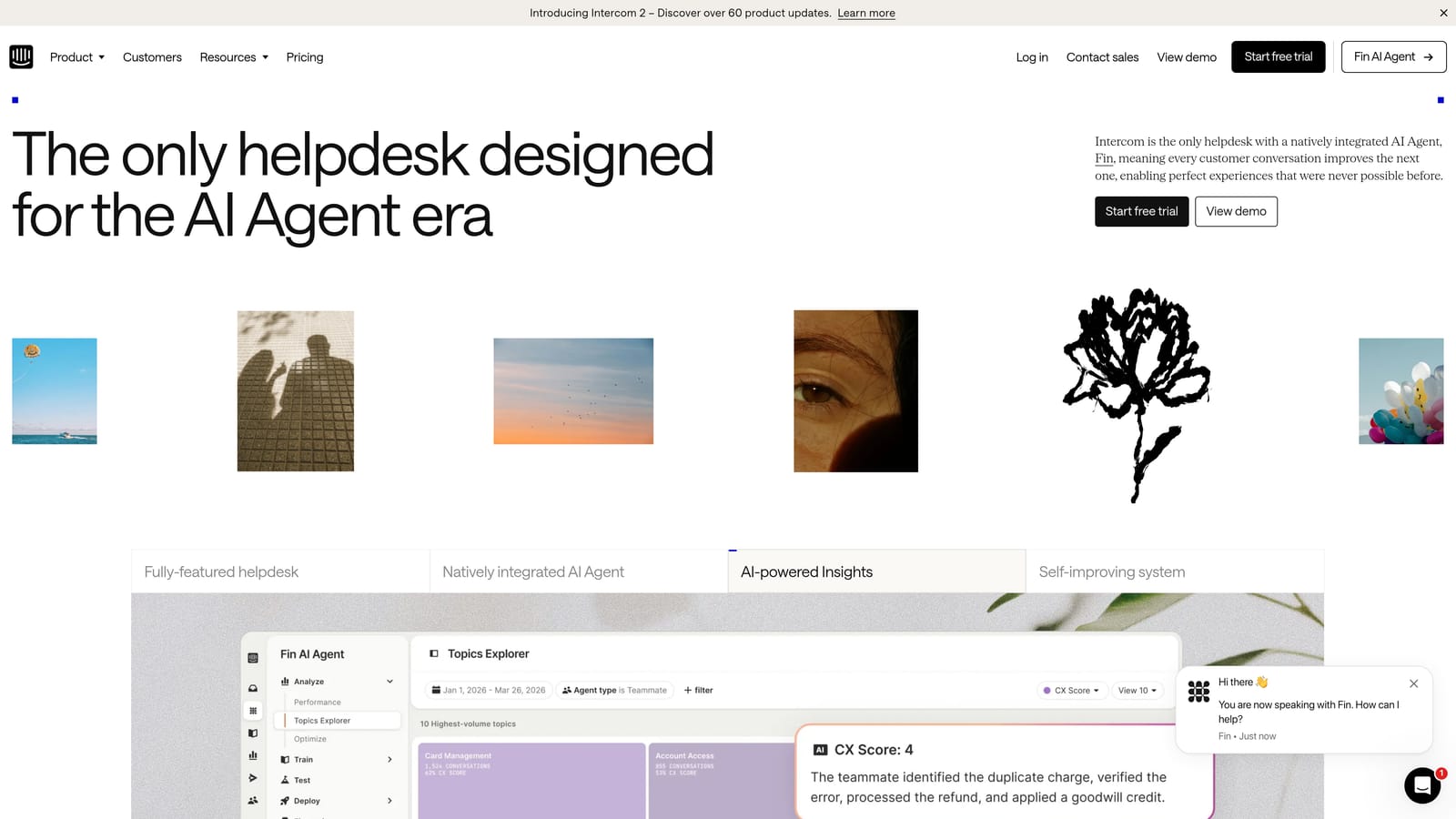
Intercom is a customer communications platform that combines support, onboarding, and lifecycle messaging, with its Fin AI agent handling autonomous ticket resolution.
Where This Tool Shines
Intercom's real advantage is breadth across the customer lifecycle. You can run in-app onboarding flows, proactive support campaigns, and reactive ticket resolution from a single platform. For product-led growth companies where the line between support and product adoption is blurry, that unified approach reduces tool sprawl significantly.
Fin AI is Intercom's flagship autonomous resolution layer and has become a meaningful part of their positioning. Buyers should benchmark Fin's resolution rate against their specific ticket types during a trial, since resolution performance varies considerably based on knowledge base quality and ticket complexity.
Key Features
Fin AI Agent: Autonomous conversation resolution drawing from your help content and knowledge base.
In-App Messaging and Proactive Campaigns: Reach users in-product with targeted messages based on behavior and lifecycle stage.
Unified Inbox: Consolidates chat, email, and social conversations in one view.
Product Tours and Onboarding Flows: Built-in tools for guiding new users through your product without additional software.
Modular Pricing: Mix and match support and engagement products based on what your team actually uses.
Best For
SaaS companies with a PLG motion that want support, onboarding, and lifecycle messaging under one roof. Teams with straightforward ticket types will see stronger Fin AI performance than those with complex, technical support needs.
Pricing
Modular pricing scales with seat count and usage. Costs can grow quickly as conversation volume increases, so request a full quote based on your projected usage before committing.
4. Freshdesk
Best for: Mid-market teams wanting structured helpdesk automation at a competitive price point
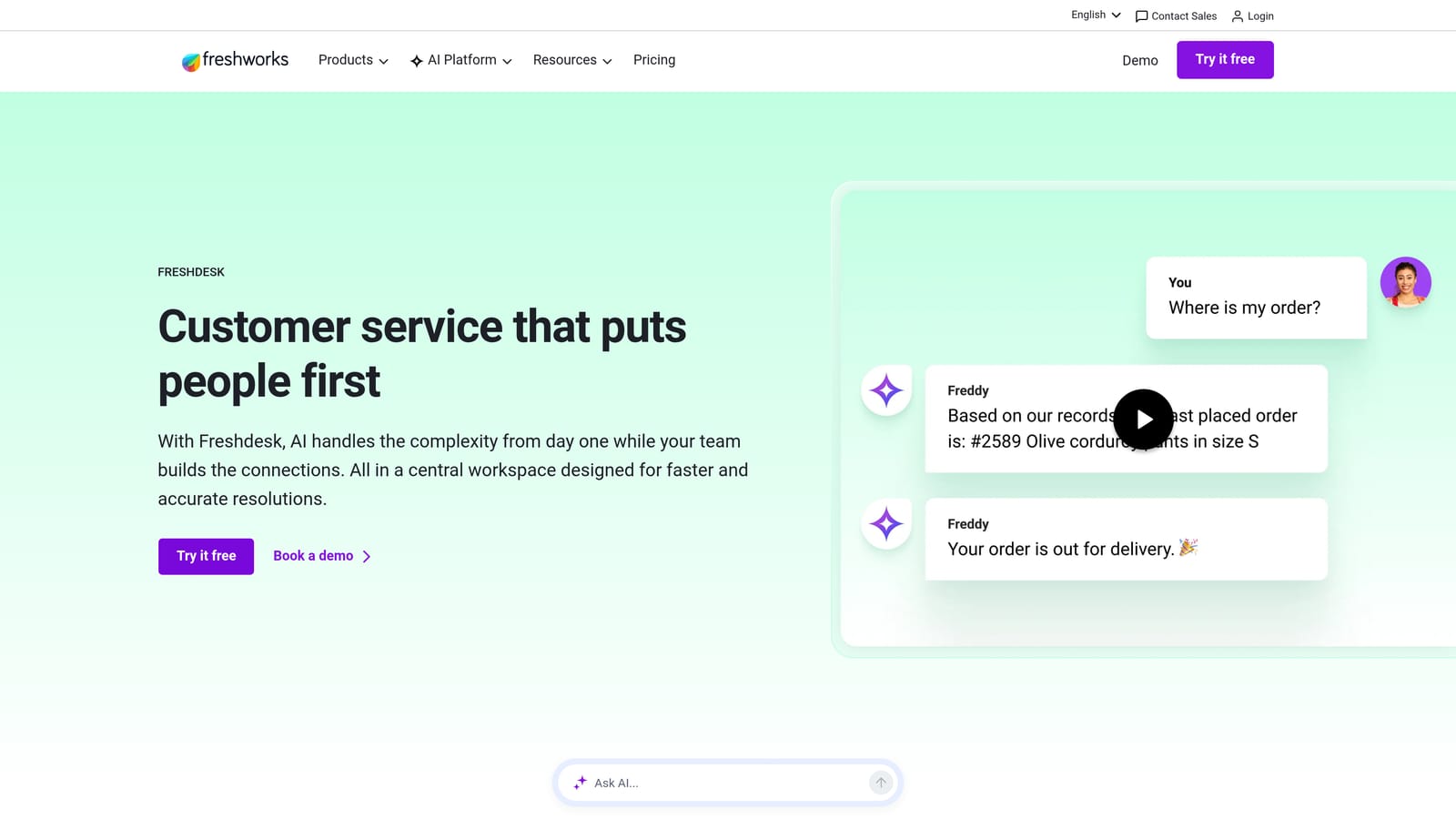
Freshdesk is a mid-market helpdesk from Freshworks featuring Freddy AI for ticket assistance, automation rules, and omnichannel support at a competitive price point.
Where This Tool Shines
Freshdesk consistently punches above its price point for teams that need solid helpdesk fundamentals: SLA policies, automation rules, omnichannel inbox, and AI-assisted triage without the enterprise price tag of Zendesk or Salesforce. For teams coming from email-based support who need to professionalize their operations, Freshdesk offers a practical on-ramp.
Being part of the Freshworks suite is a meaningful advantage for teams that also use Freshsales or Freshservice, since customer data can flow across products without custom integrations. Freddy AI handles ticket summarization and suggested responses well; autonomous resolution is more limited compared to AI-native platforms.
Key Features
Freddy AI: Ticket summarization, suggested responses, and basic triage to reduce agent cognitive load.
Automation Rules and SLA Policies: Configurable workflows that route, escalate, and close tickets based on defined conditions.
Omnichannel Inbox: Unified view of email, chat, phone, and social conversations.
Free Tier: Available for small teams, making it accessible for early-stage companies evaluating their options.
Freshworks Suite Integration: Native connections to Freshsales CRM and Freshservice ITSM for teams using the broader ecosystem.
Best For
Mid-market B2B teams that need reliable helpdesk infrastructure with AI assistance rather than autonomous resolution. A strong choice for budget-conscious buyers who want more than email but less than enterprise complexity.
Pricing
Free plan available for small teams; paid plans start at competitive per-agent rates and scale with features and agent count.
5. Salesforce Service Cloud
Best for: Enterprise organizations already invested in the Salesforce ecosystem
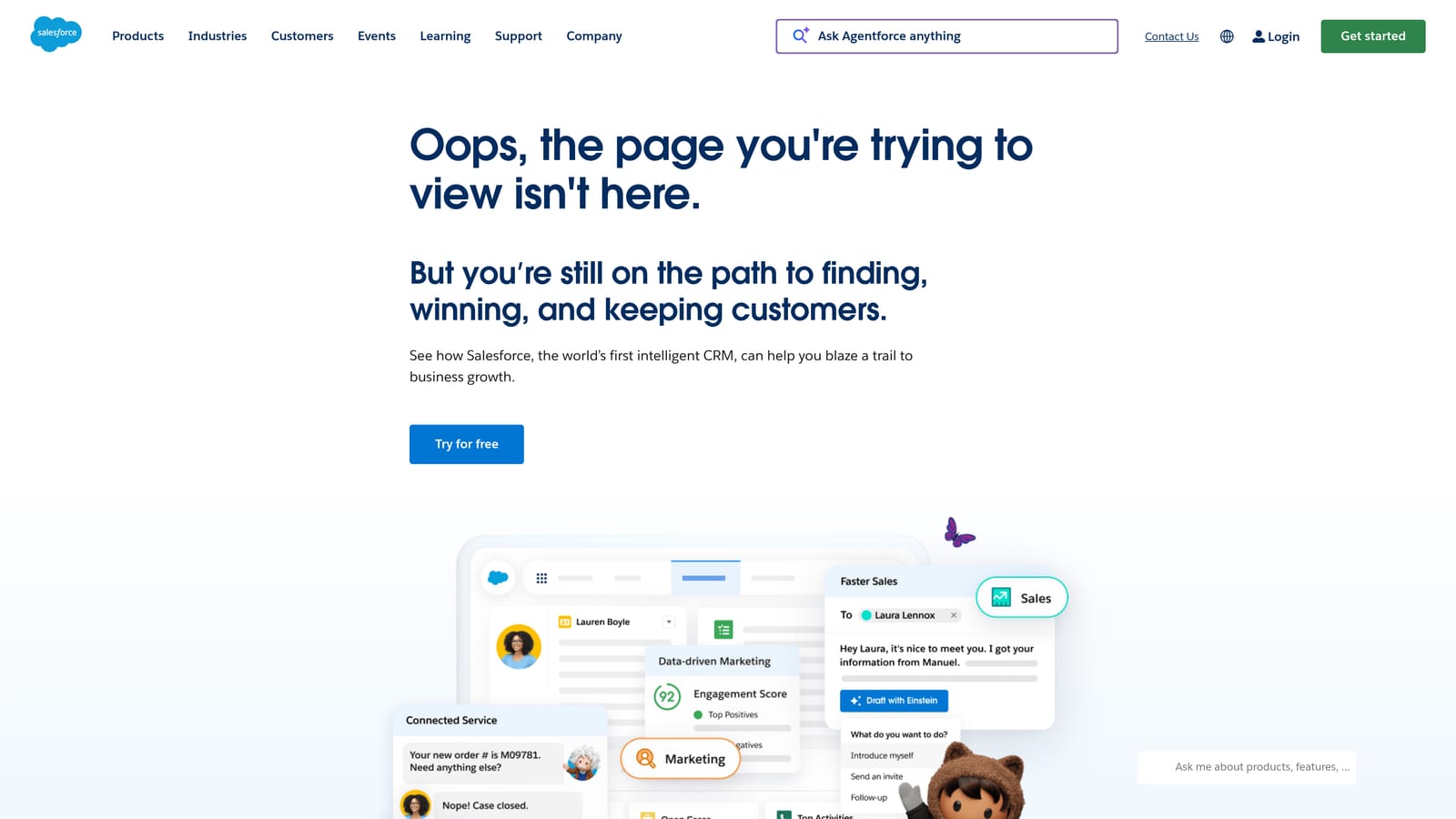
Salesforce Service Cloud is enterprise customer service software deeply integrated with Salesforce CRM, featuring Einstein AI and the newer Agentforce for autonomous case handling.
Where This Tool Shines
If your organization runs on Salesforce, Service Cloud is the natural support extension. The unified customer data model means support agents work with the same account records, deal history, and contact data that sales and marketing use, eliminating the context-switching and data duplication that plagues teams running disconnected tools.
Agentforce represents Salesforce's push toward more autonomous AI-driven support, building on Einstein AI's foundation of case classification and next-best-action recommendations. The caveat is implementation complexity: Service Cloud deployments typically require Salesforce-certified partners or dedicated admins, and the total cost of ownership extends well beyond license fees.
Key Features
Einstein AI: Case classification, knowledge article recommendations, and next-best-action suggestions for agents.
Agentforce: Salesforce's autonomous AI agent capability for more hands-off case resolution.
Unified CRM Data: Full account, contact, and deal context available in every support interaction.
Complex Workflow Automation: Sophisticated escalation paths and approval processes built on the Salesforce platform.
Enterprise Security and Compliance: Industry-leading certifications and data governance controls.
Best For
Large enterprises already running Salesforce CRM that want to consolidate customer data and support operations on one platform. Not the right choice for teams outside the Salesforce ecosystem given implementation complexity and cost.
Pricing
Per-user per-month enterprise pricing; implementation costs are typically significant and should be budgeted separately from license fees.
6. HubSpot Service Hub
Best for: Teams already using HubSpot for sales and marketing who want support in the same platform
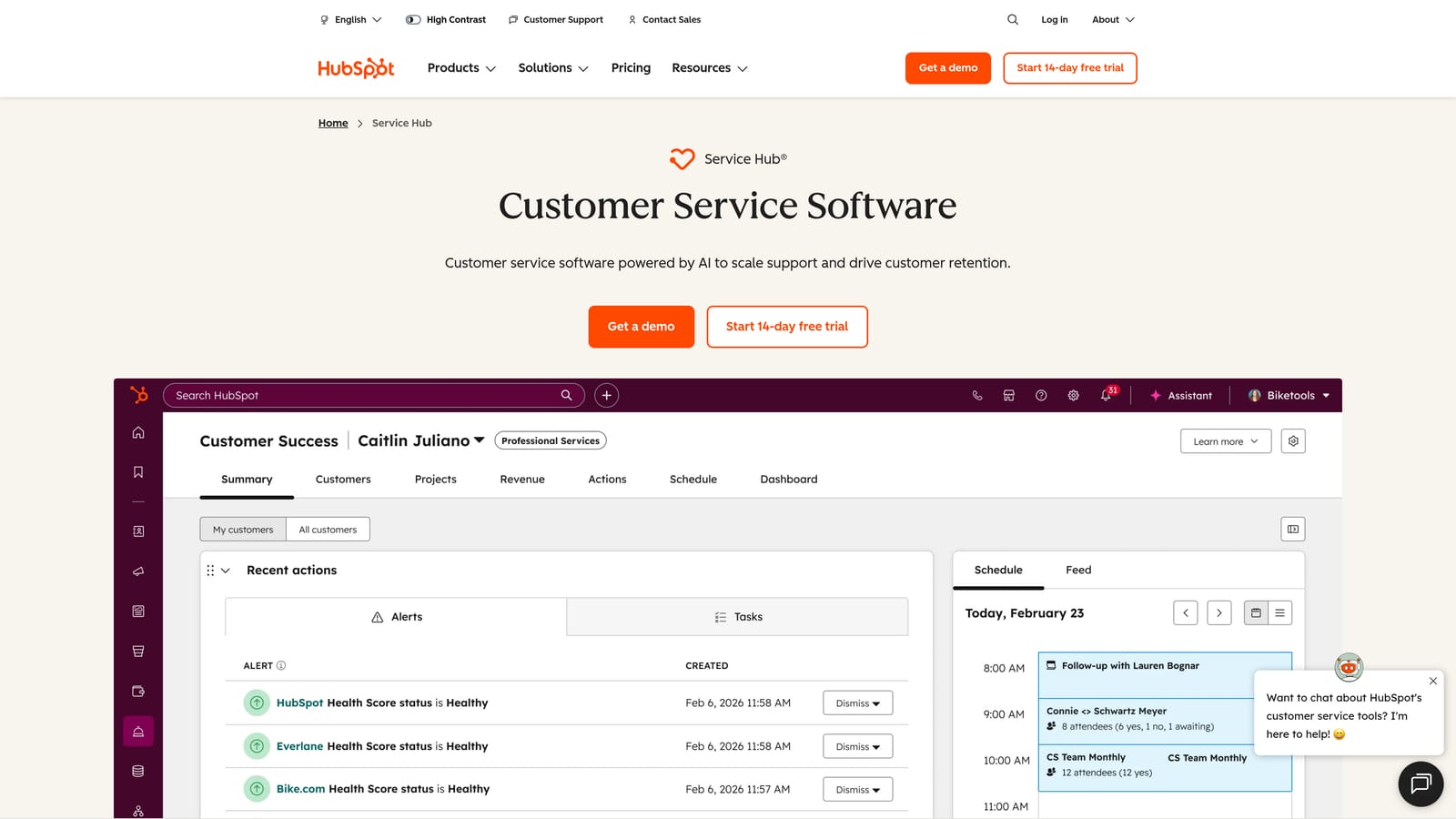
HubSpot Service Hub is HubSpot's customer service product, offering ticketing, knowledge base, and AI-assisted support natively connected to the HubSpot CRM.
Where This Tool Shines
The native CRM connection is Service Hub's clearest advantage. When a support ticket comes in, agents immediately see the customer's deal stage, lifecycle status, recent marketing interactions, and full contact history without switching tools or reconciling data from separate systems. That context makes every support interaction more informed and more personal.
For teams already paying for HubSpot's marketing or sales products, adding Service Hub often represents strong value since the CRM infrastructure is already in place. The AI features, including ticket summarization and chatbot builder, are practical rather than cutting-edge, but they cover the basics well for teams whose primary need is helpdesk consolidation rather than autonomous AI resolution.
Key Features
Native CRM Context: Full deal history, lifecycle stage, and contact data visible in every support ticket without additional integration work.
AI Ticket Summarization and Chatbot Builder: Reduces agent reading time and enables basic automated conversation handling.
Knowledge Base and Customer Portal: Self-service infrastructure that reduces inbound ticket volume for common questions.
Customer Feedback Surveys: Built-in NPS, CSAT, and CES collection tied directly to contact records.
Scalable Pricing: Free tools available; paid tiers grow with your contact database and feature needs.
Best For
HubSpot-centric organizations that want to bring support into the same platform as sales and marketing. Less compelling for teams outside the HubSpot ecosystem or those prioritizing advanced AI resolution over CRM integration.
Pricing
Free tier available with basic features; paid Service Hub plans scale with contacts and feature depth, with pricing tied to your overall HubSpot tier.
7. Tidio
Best for: Smaller teams needing quick AI chat deployment without heavy configuration or cost
Tidio is an accessible live chat and AI chatbot platform featuring Lyro AI, designed for quick deployment and smaller teams that need conversational automation without heavy configuration.
Where This Tool Shines
Tidio's primary strength is accessibility. The visual no-code chatbot builder and straightforward setup mean a small team can have automated chat running in hours rather than weeks. For businesses that have been handling support purely through email or phone and need a fast entry point into chat automation, Tidio removes most of the technical friction.
Lyro AI handles conversational responses reasonably well for common questions, and the live agent takeover feature means a human can step in when the AI reaches its limits. The honest caveat: Tidio is built for simplicity, and teams with complex B2B support workflows, deep enterprise integrations, or high ticket volume will find its capabilities limiting as they scale.
Key Features
Lyro AI: Conversational AI agent that handles automated chat responses based on your help content.
Visual No-Code Chatbot Builder: Drag-and-drop flow creation without developer involvement.
Live Chat with Agent Takeover: Seamless handoff from AI to human when conversations require it.
Email and Messenger Integration: Connects common communication channels into a single interface.
Quick Setup: Minimal technical requirements; designed to be running in a short timeframe.
Best For
Small businesses, early-stage startups, and e-commerce teams that need affordable AI chat automation without enterprise complexity. Not well-suited for B2B SaaS teams with technical support needs or integration-heavy workflows.
Pricing
Free plan available; Lyro AI is included on paid plans starting at accessible price points, making it one of the more budget-friendly options on this list.
8. Gorgias
Best for: E-commerce brands running on Shopify, BigCommerce, or Magento
Gorgias is a helpdesk purpose-built for e-commerce brands, with deep Shopify integration that surfaces order data directly in support tickets and enables revenue-linked automation.
Where This Tool Shines
Gorgias solves a specific problem exceptionally well: e-commerce support is largely about order data, and most generic helpdesks require agents to switch between the support tool and the commerce platform to answer basic questions. Gorgias eliminates that by pulling order status, shipping information, and return history directly into the ticket view.
The automation rules built on order attributes are particularly powerful for e-commerce teams. Auto-closing WISMO (Where Is My Order) tickets when tracking information is available, or triggering refund workflows based on order conditions, can dramatically reduce repetitive agent work. The revenue attribution reporting also helps support teams demonstrate their impact on retention and conversion, a conversation that generic helpdesks rarely enable.
Key Features
Deep E-Commerce Integration: Native connections to Shopify, BigCommerce, and Magento with order data surfaced in every ticket.
Order-Aware Automation: Rules triggered by order attributes, including auto-close for WISMO tickets and return workflows.
Revenue Attribution Reporting: Tracks how support interactions influence conversion and customer retention.
Macros with Order Context: Response templates that pull live order data into personalized replies.
Omnichannel Inbox: Consolidates email, chat, social, and SMS conversations in one place.
Best For
E-commerce brands with significant Shopify, BigCommerce, or Magento volume where order-related tickets dominate the support queue. Not relevant for pure B2B SaaS teams whose support needs don't center on order management.
Pricing
Ticket-volume-based pricing; plans scale with monthly ticket count rather than agent seats, which can be advantageous for teams with high volume but small headcount.
9. Kustomer
Best for: High-volume consumer support teams needing a unified customer timeline across all channels
Kustomer is a CRM-first customer service platform (owned by Meta) that unifies every customer interaction into a single timeline, with AI-powered routing and workflow automation designed for high-volume operations.
Where This Tool Shines
Kustomer's unified customer timeline is its defining feature. Rather than treating each support conversation as an isolated ticket, Kustomer builds a complete interaction history across every channel: email, chat, SMS, social, and voice. For high-volume consumer brands where a customer might contact you through three different channels in a week, that unified view is the difference between coherent support and a frustrating, repetitive experience.
The CRM attributes that power Kustomer's routing and automation rules are also a meaningful advantage. You can route conversations based on customer lifetime value, subscription tier, or any other attribute in the system, not just the content of the message itself. That kind of data-driven routing is difficult to replicate in generic helpdesks.
Key Features
Unified Customer Timeline: Every interaction across all channels consolidated into a single, chronological customer view.
AI-Powered Routing and Classification: Directs conversations based on intent, channel, and CRM attributes like customer tier or value.
Visual Workflow Automation Builder: No-code builder for creating complex escalation paths and automation rules.
True Omnichannel Support: Email, chat, SMS, social, and voice handled within the same platform.
CRM-Driven Automation: Use any customer attribute to trigger workflows, not just message content or channel.
Best For
High-volume consumer brands and marketplaces that need omnichannel coherence and data-driven routing. Strong fit for teams where customer history and lifetime value should influence how support is prioritized and delivered.
Pricing
Per-user per-month pricing at the enterprise tier; buyers should request a quote and factor in implementation time for a platform with this level of CRM depth.
Which Tool Is Right for Your Team
The right customer service automation software depends entirely on what you're optimizing for. Here's a quick decision framework based on the most common buyer scenarios.
AI-native resolution for B2B SaaS: Halo AI is the clear choice if you want autonomous ticket resolution, page-aware context, and business intelligence from a platform built AI-first rather than retrofitted.
Enterprise helpdesk with compliance requirements: Zendesk's maturity, marketplace depth, and compliance certifications make it the default for large enterprises with complex routing and regulatory needs.
PLG SaaS combining support and onboarding: Intercom unifies support, lifecycle messaging, and product tours in a way that no other platform on this list does.
HubSpot ecosystem: HubSpot Service Hub is the obvious choice for teams already running sales and marketing on HubSpot who want support data in the same CRM.
Salesforce shops: Service Cloud is the natural extension for organizations already invested in the Salesforce platform, with Agentforce adding autonomous capability.
Budget-conscious mid-market: Freshdesk delivers solid helpdesk fundamentals with Freddy AI at a price point that undercuts most enterprise alternatives.
E-commerce order support: Gorgias is purpose-built for this use case and difficult to match on order-data integration depth.
High-volume consumer support: Kustomer's unified timeline and CRM-driven routing make it the strongest fit for brands managing complex omnichannel customer histories.
Simple AI chat on a budget: Tidio gets you conversational automation quickly and affordably, with minimal technical overhead.
One honest note across all of these: AI resolution rates vary significantly based on your knowledge base quality, ticket complexity, and configuration. Any vendor benchmark should be validated against your own ticket data during a trial before you commit.
Your support team shouldn't scale linearly with your customer base. Let AI agents handle routine tickets, guide users through your product, and surface business intelligence while your team focuses on complex issues that need a human touch. See Halo in action and discover how continuous learning transforms every interaction into smarter, faster support.