9 Best Customer Support Platforms Compared for 2026
This customer support platform comparison evaluates 9 leading solutions for 2026, helping teams choose the right fit based on automation capabilities, integration depth, scalability, and total cost of ownership. Rather than overwhelming you with feature lists, this guide focuses on matching platforms to how your support team actually works—comparing AI-native solutions that learn autonomously against established helpdesks with extensive ecosystems to find your optimal choice.
 Matt PattoliFounder11 min read
Choosing the right customer support platform feels like navigating a maze where every turn promises "the perfect solution." Traditional helpdesks offer familiar comfort. AI-native platforms promise autonomous efficiency. Meanwhile, your support tickets keep piling up while you're stuck comparing feature matrices.
The truth? The best platform isn't the one with the longest feature list—it's the one that matches how your team actually works.
This comparison cuts through the noise by focusing on what actually matters: automation capabilities that reduce manual work, integration depth with your existing stack, scalability without linear cost increases, and total cost of ownership beyond the sticker price. We've evaluated platforms across the spectrum—from AI-first solutions that learn autonomously to established players with extensive ecosystems—to help you find the right fit for your team's specific needs.
1. Halo AI
Best for: Teams seeking autonomous AI support that learns continuously and provides business intelligence
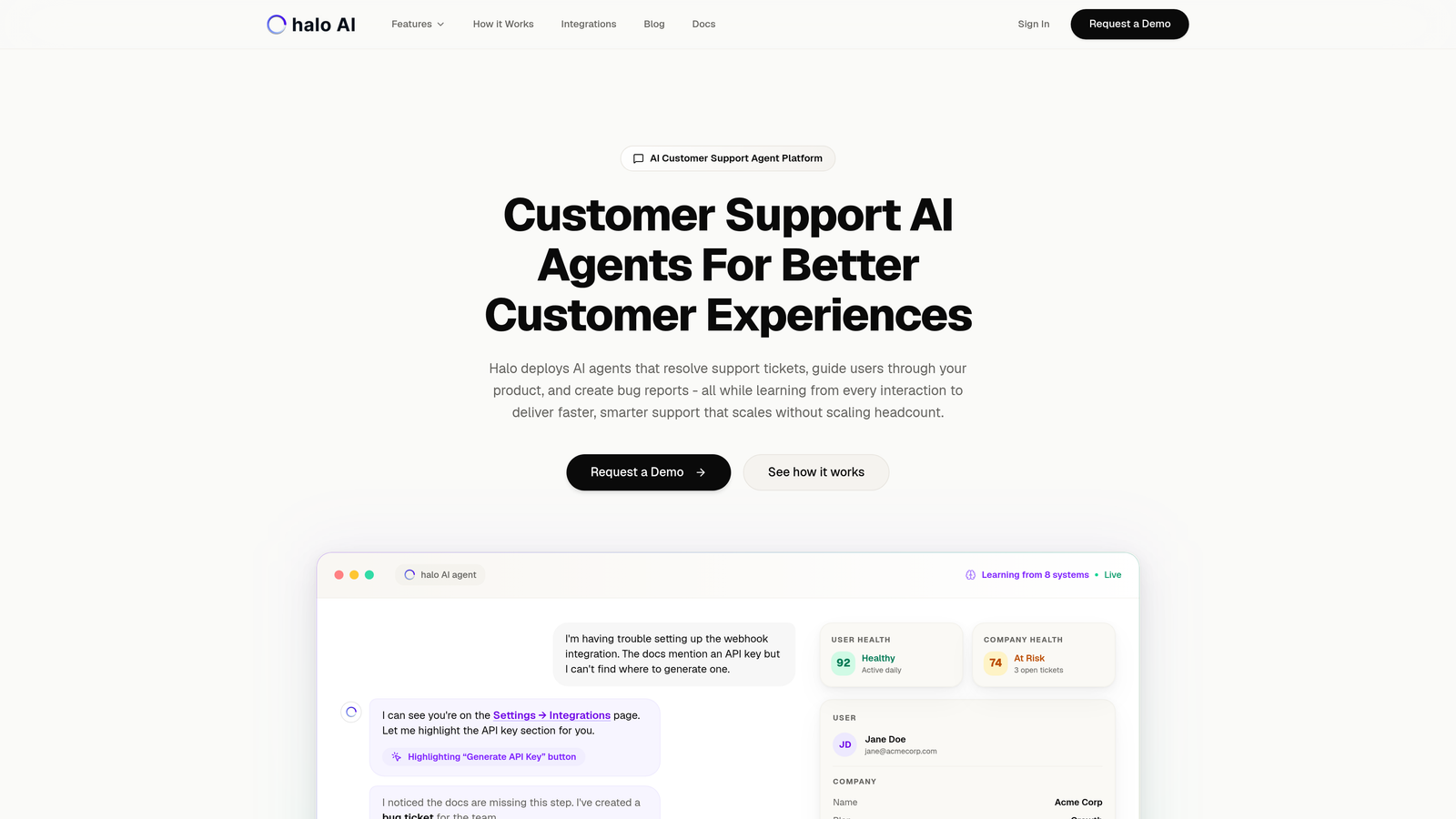
Halo AI represents a fundamental shift in customer support architecture—built AI-first rather than bolting automation onto traditional ticketing.
Where This Tool Shines
Halo's AI agents don't just categorize tickets or suggest canned responses. They autonomously resolve support requests while understanding visual context through page-aware technology that sees exactly what users see. This means the AI can guide customers through specific UI elements, not just provide generic instructions.
The platform's continuous learning architecture improves with every interaction, building institutional knowledge that persists even as team members change. Integration with Linear, Slack, HubSpot, Intercom, Stripe, and other business tools creates a unified intelligence layer that surfaces customer health signals and revenue insights beyond basic support metrics.
Key Features
Autonomous AI Agents: Resolve tickets end-to-end without human intervention, handling routine queries while escalating complex issues intelligently.
Page-Aware Chat Widget: Sees what users see on your product, enabling visual guidance through UI elements rather than abstract instructions.
Smart Inbox with Business Intelligence: Goes beyond ticket metrics to surface customer health signals, anomaly detection, and revenue intelligence.
Auto Bug Ticket Creation: Automatically generates detailed bug reports in Linear when technical issues are detected, complete with context and reproduction steps.
Live Agent Handoff: Seamlessly transitions complex issues to human agents with full conversation context and customer history.
Best For
B2B SaaS companies and product teams that want support to scale without scaling headcount. Particularly valuable for teams using helpdesk systems like Zendesk, Freshdesk, or Intercom who need deeper automation and cross-system intelligence.
Pricing
Contact for pricing. The platform's value proposition centers on reducing support volume through intelligent deflection while improving resolution quality.
2. Zendesk
Best for: Enterprise teams needing extensive customization and omnichannel support at scale
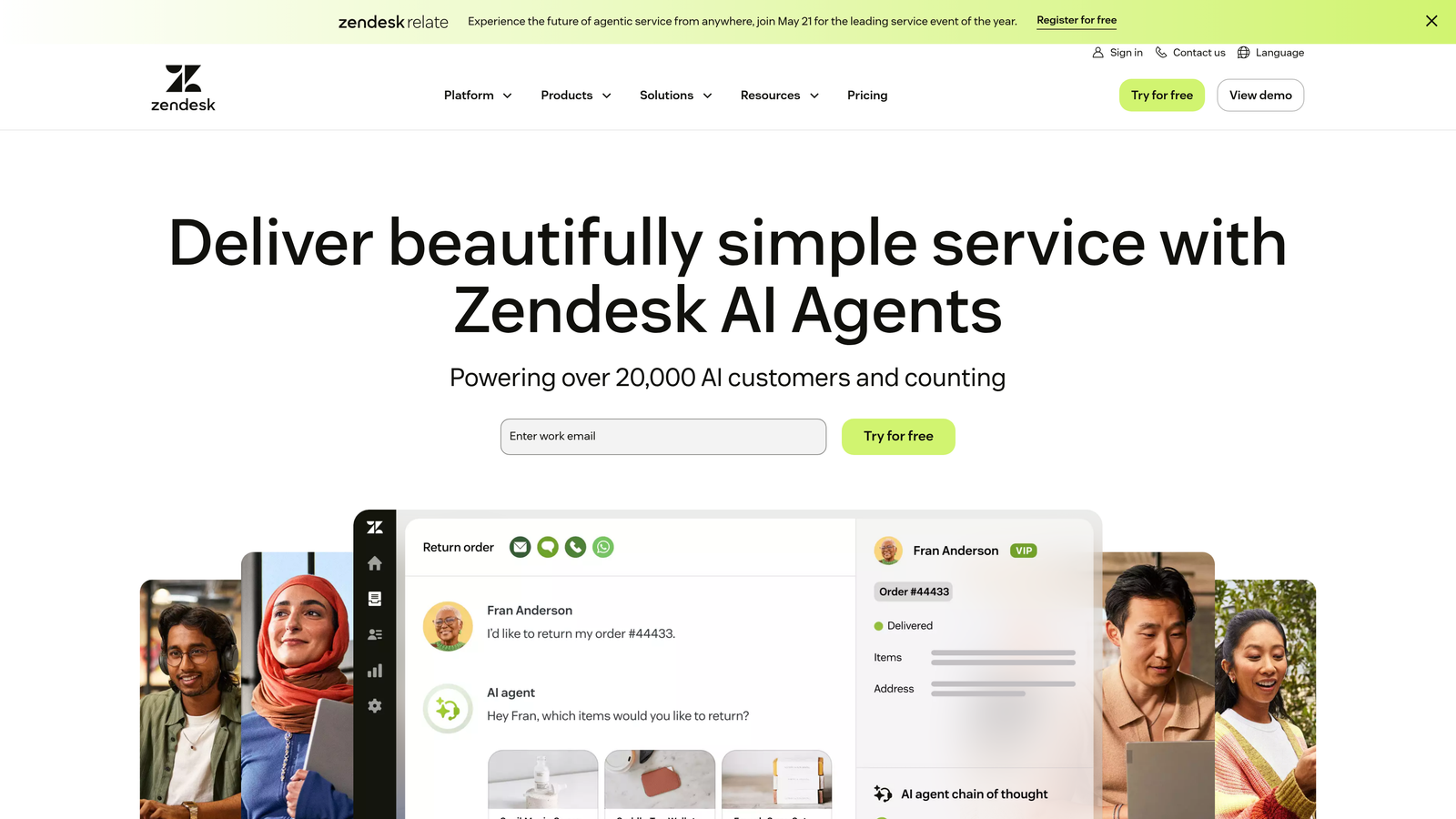
Zendesk built its reputation as the comprehensive solution for enterprise customer service operations.
Where This Tool Shines
Zendesk's extensive app marketplace with over 1,500 integrations means you can connect virtually any tool in your stack. The platform handles complex routing rules, multi-brand support, and sophisticated SLA management that larger operations require.
Advanced reporting capabilities let you slice data across teams, channels, and custom metrics. The platform's maturity shows in details like robust API documentation, extensive customization options, and proven scalability for organizations handling millions of tickets annually.
Key Features
Omnichannel Support: Unified interface for email, chat, phone, social media, and messaging apps with consistent customer context across channels.
App Marketplace: Over 1,500 pre-built integrations plus custom app framework for building proprietary connections.
Advanced Analytics: Customizable dashboards, historical reporting, and predictive insights for capacity planning and performance optimization.
Answer Bot: AI-powered deflection that suggests knowledge base articles before tickets reach agents, though requires manual content curation.
Workflow Automations: Sophisticated trigger and automation engine for routing, escalation, and response management based on complex conditions.
Best For
Enterprise organizations with complex support operations spanning multiple brands, channels, and global teams. Companies that need extensive customization and have technical resources to configure the platform.
Pricing
Starts at $55/agent/month for Suite Team plan. Enterprise features require higher tiers, making it a significant investment for larger teams.
3. Intercom
Best for: Product-led companies prioritizing in-app messaging and proactive customer engagement
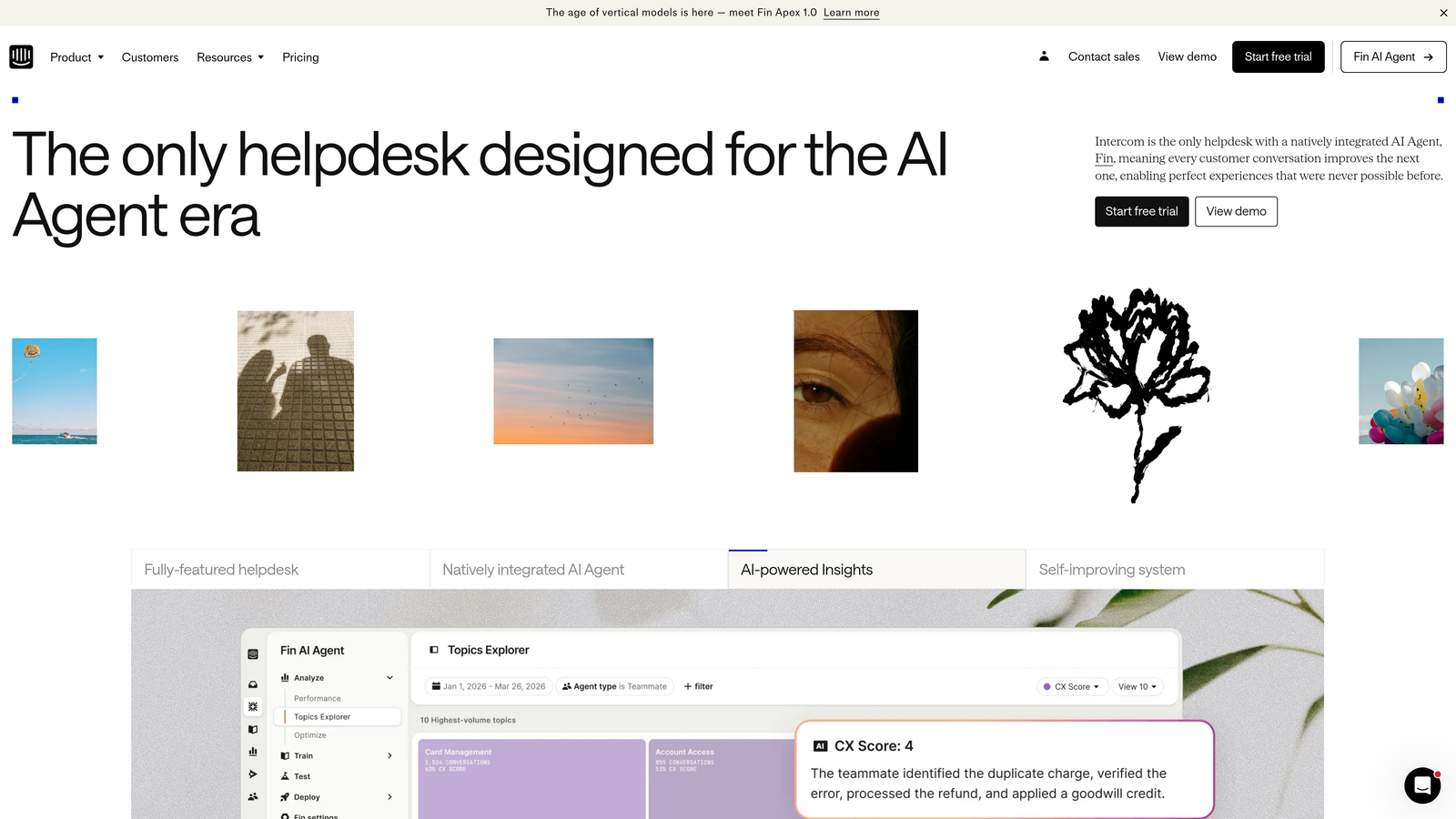
Intercom pioneered the conversational customer platform approach, embedding support directly into product experiences.
Where This Tool Shines
Intercom's messenger doesn't feel like a traditional help widget—it's a communication layer that enables targeted messages, product tours, and contextual support based on user behavior. The platform excels at proactive engagement, reaching customers before they encounter problems.
Fin AI agent represents Intercom's push into autonomous support, though it operates alongside rather than replacing the traditional ticketing model. The resolution-based pricing model aligns costs with actual support volume rather than team size.
Key Features
In-App Messenger: Native-feeling chat experience with targeted messaging based on user attributes, behavior, and page context.
Fin AI Agent: Autonomous AI responses trained on your content, with resolution-based pricing that scales with usage rather than seat count.
Product Tours: Visual onboarding flows and feature announcements delivered contextually within your application.
Resolution-Based Pricing: Pay per conversation resolved rather than per agent seat, potentially reducing costs for efficient teams.
Developer Tools: Strong API and SDK for custom integrations and embedding messenger functionality throughout your product.
Best For
SaaS companies with product-led growth strategies that want support and engagement tightly integrated with the product experience. Teams comfortable with conversation-based pricing models.
Pricing
Starts at $39/seat/month plus $0.99 per resolution. Costs can vary significantly based on support volume and AI usage.
4. Freshdesk
Best for: Growing teams seeking solid automation capabilities without enterprise-level pricing
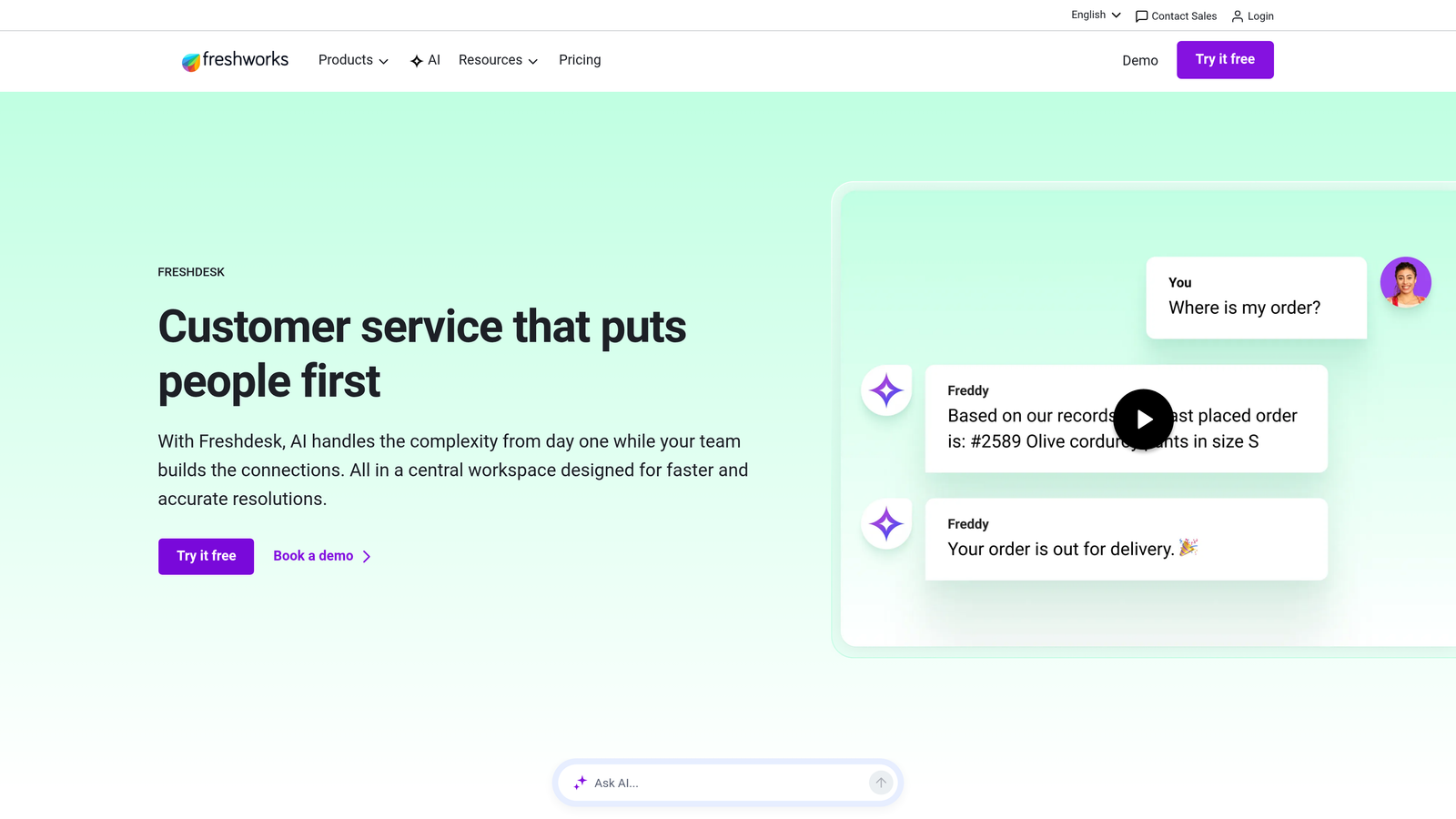
Freshdesk delivers intuitive helpdesk functionality with competitive pricing that makes it accessible for smaller teams.
Where This Tool Shines
Freshdesk strikes a balance between capability and complexity, offering automation features that typically require higher-tier plans elsewhere. Freddy AI provides intelligent ticket categorization and agent suggestions without feeling overwhelming.
The free tier genuinely works for small teams—up to 10 agents with core functionality included. As you grow, paid tiers add automation and analytics without the dramatic price jumps seen with enterprise platforms.
Key Features
Freddy AI: Intelligent ticket categorization, agent suggestions, and predictive support that learns from historical patterns.
Scenario Automations: Visual workflow builder for automating repetitive tasks like routing, prioritization, and follow-ups without coding.
Collision Detection: Prevents multiple agents from working on the same ticket simultaneously, reducing duplicate effort and customer confusion.
Free Tier: Genuinely usable free plan for up to 10 agents, making it accessible for startups testing support workflows.
Field Service Management: Optional add-on for companies needing on-site service scheduling and dispatch capabilities.
Best For
Small to mid-sized companies that need reliable helpdesk functionality with room to grow. Teams that want automation without complexity or enterprise pricing.
Pricing
Free tier available for up to 10 agents. Paid plans start at $15/agent/month, with growth and pro tiers adding advanced features.
5. Help Scout
Best for: Teams prioritizing personal customer relationships over ticket throughput metrics
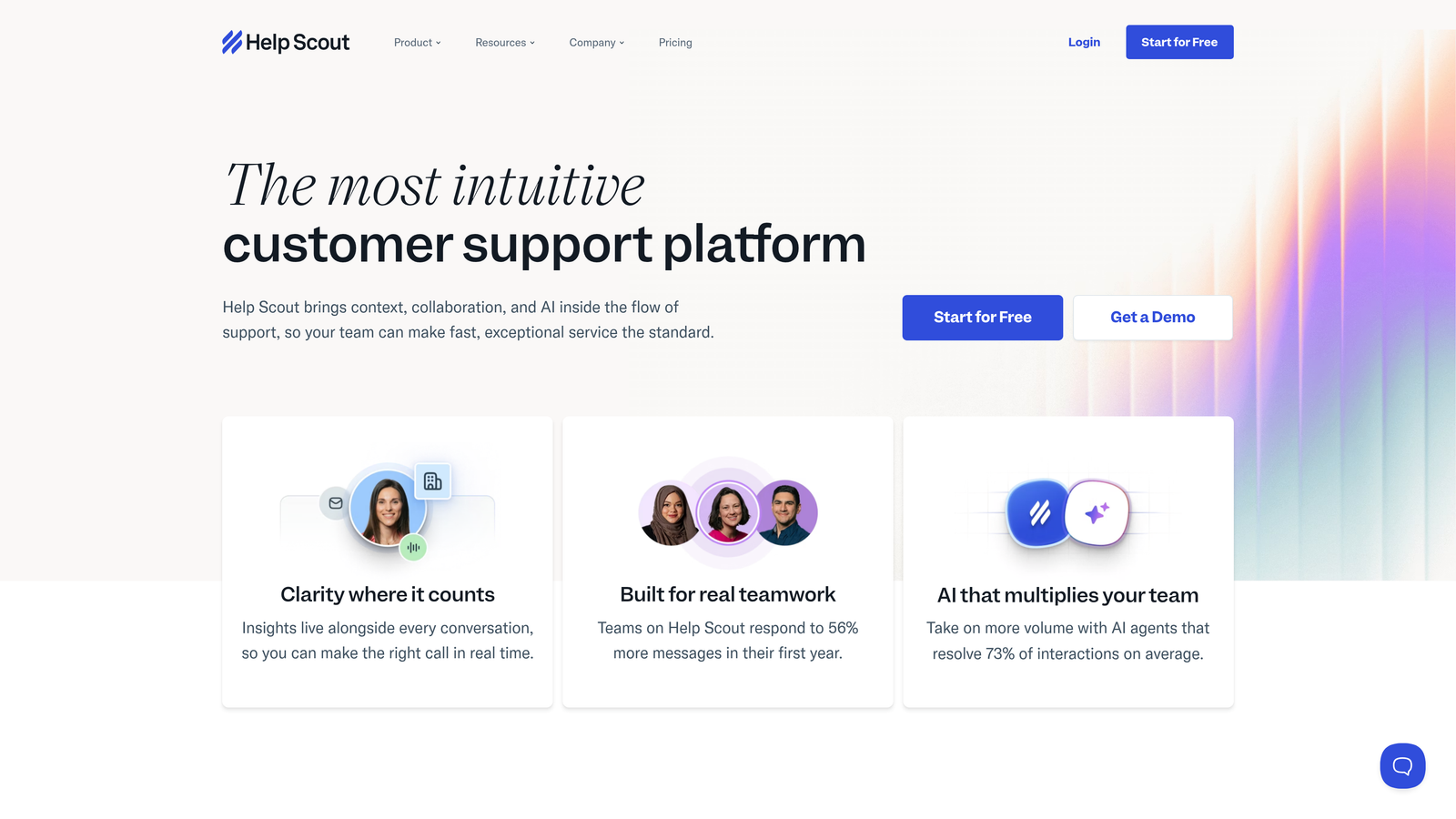
Help Scout built its platform around the philosophy that customer service should feel human, not transactional.
Where This Tool Shines
Help Scout's shared inbox feels more like email than a traditional ticketing system, which reduces friction for teams transitioning from email-based support. The interface emphasizes customer context and conversation history over ticket numbers and SLA countdowns.
Beacon widget provides contextual help that adapts to the page users are viewing, surfacing relevant knowledge base articles before they reach out. The platform's simplicity becomes its strength—teams spend less time learning the tool and more time helping customers.
Key Features
Shared Inbox: Email-like interface with collision detection, internal notes, and assignment workflows that feel natural for email-savvy teams.
Beacon Widget: Contextual help widget that surfaces relevant documentation based on the page users are viewing, reducing ticket volume.
Docs Knowledge Base: Integrated documentation platform with search analytics showing what customers look for but can't find.
Customer Satisfaction Ratings: Simple CSAT surveys after conversations with trend analysis to identify improvement opportunities.
Saved Replies and Workflows: Templates and automation for common scenarios without the complexity of enterprise workflow builders.
Best For
Small to mid-sized teams that value customer relationships over efficiency metrics. Companies transitioning from email-based support who want helpdesk features without losing the personal touch.
Pricing
Starts at $22/user/month with all core features included. Straightforward pricing without hidden tiers or feature gates.
6. HubSpot Service Hub
Best for: Companies already using HubSpot CRM who want unified customer data across service, sales, and marketing
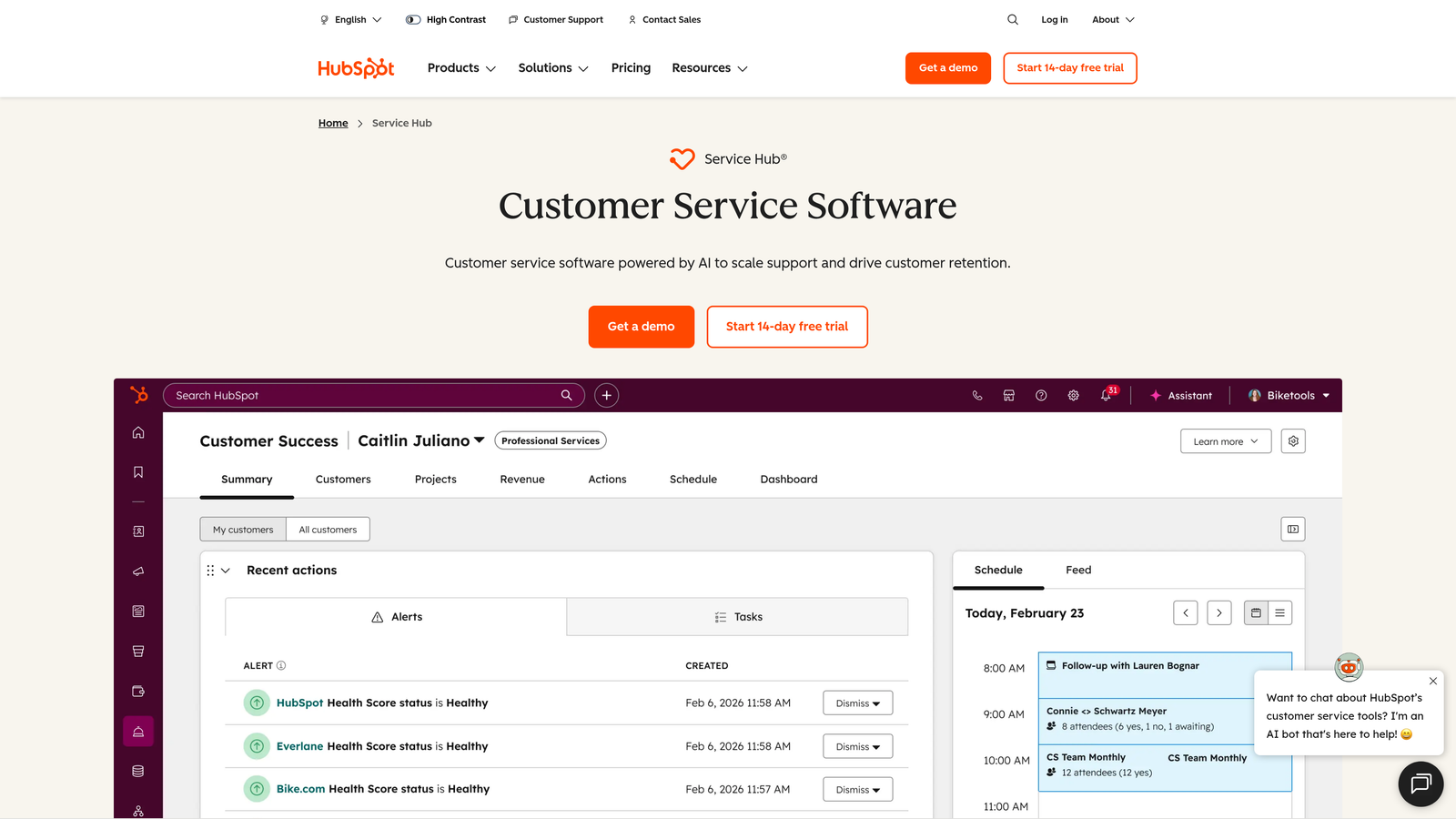
HubSpot Service Hub extends HubSpot's CRM ecosystem into customer service operations.
Where This Tool Shines
Service Hub's killer feature is the unified customer timeline that shows every interaction across sales, marketing, and support. When a customer reaches out, agents see the entire relationship history—what they purchased, which marketing campaigns they engaged with, and previous support conversations.
The free tier provides genuine value for small teams, including ticketing, live chat, and basic automation. As companies grow within the HubSpot ecosystem, upgrading to paid Service Hub tiers feels natural rather than forced.
Key Features
Unified Customer Timeline: Complete interaction history across sales, marketing, and service teams with shared contact records and deal associations.
Conversational Bots: Automated chat flows for qualification, routing, and basic support queries with handoff to live agents.
Customer Portal: Self-service portal where customers can view ticket status, access knowledge base, and manage their account details.
Knowledge Base: Integrated documentation with search analytics, SEO optimization, and content performance tracking.
Free Tier: Surprisingly capable free plan including ticketing, live chat, and basic reporting for small teams.
Best For
Companies already invested in HubSpot's CRM, marketing, or sales tools. Teams that benefit from unified customer data across departments and want to avoid integration complexity.
Pricing
Free tier available with core features. Starter plan at $20/month/seat adds automation and custom reporting. Professional and Enterprise tiers scale with advanced features.
7. Gorgias
Best for: E-commerce companies needing deep integration with Shopify, BigCommerce, or Magento
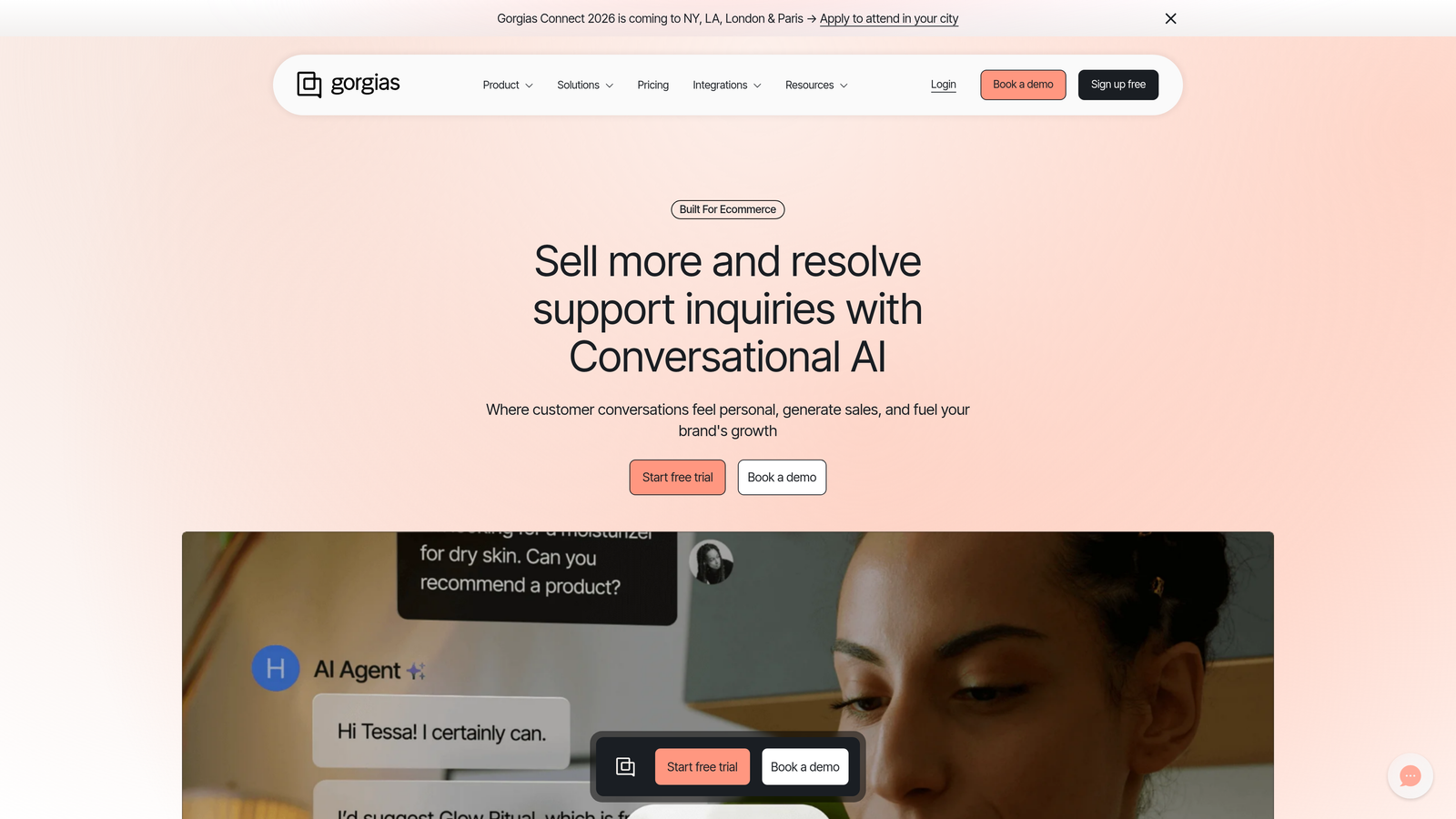
Gorgias built its platform specifically for e-commerce support teams, and that focus shows in every feature.
Where This Tool Shines
Gorgias transforms e-commerce support from generic helpdesk work into revenue-driving operations. One-click actions let agents process refunds, update orders, or send tracking information without leaving the conversation. Revenue statistics tie support interactions directly to business outcomes.
Macros use dynamic order variables to personalize responses with actual customer data—order numbers, tracking links, product names—automatically populated. The platform understands e-commerce workflows in ways general helpdesks can't match.
Key Features
One-Click Order Actions: Process refunds, cancellations, and tracking updates directly from the support interface without accessing separate admin panels.
Revenue Statistics: Track how support interactions impact revenue with metrics showing orders influenced, revenue recovered, and upsell opportunities.
Dynamic Macros: Templates that automatically insert customer-specific order details, tracking numbers, and product information into responses.
Social and SMS Support: Unified inbox for Instagram, Facebook, SMS, and traditional channels where e-commerce customers actually reach out.
E-Commerce Automations: Pre-built rules for common scenarios like order status inquiries, return requests, and shipping questions.
Best For
E-commerce companies on Shopify, BigCommerce, or Magento that want support operations tightly integrated with their store platform. Teams that view support as a revenue channel, not just a cost center.
Pricing
Starts at $10/month for 50 tickets. Pricing scales with ticket volume rather than agent count, which can be advantageous for small teams handling high volume.
8. Front
Best for: Client-facing teams needing collaborative inbox functionality that bridges email and team messaging
Front reimagines the shared inbox by combining email functionality with team collaboration features.
Where This Tool Shines
Front excels when multiple team members need to collaborate on customer communications without losing the personal touch of individual email addresses. Internal comments and @mentions let teams discuss responses privately before sending, reducing back-and-forth with customers.
The platform works particularly well for sales, account management, and customer success teams where email remains the primary communication channel but collaboration is essential. SLA management and analytics provide visibility without the complexity of traditional helpdesks.
Key Features
Shared Inboxes: Team inboxes where multiple people can manage emails while maintaining individual sender addresses for personal touches.
Internal Comments: Private discussions on email threads with @mentions and assignments before responding to customers.
SLA Management: Track response and resolution times with alerts when conversations risk missing targets.
CRM Integrations: Connect to Salesforce, HubSpot, and other CRMs to surface customer context directly in the inbox.
Workflow Automations: Rules for routing, tagging, and assignments based on sender, content, or custom conditions.
Best For
Sales teams, account managers, and customer success organizations that rely heavily on email but need team collaboration and visibility. Companies that want helpdesk-like features without abandoning email workflows.
Pricing
Starts at $19/seat/month for core features. Growth and Scale tiers add advanced analytics, automations, and integrations.
9. Kustomer
Best for: Teams wanting conversation-based pricing and timeline-focused customer views rather than ticket-centric interfaces
Kustomer approaches customer service as relationship management rather than ticket processing.
Where This Tool Shines
Kustomer's timeline view shows the complete customer journey rather than fragmenting interactions into separate tickets. When a customer reaches out, agents see their entire history in chronological context—purchases, previous conversations, account changes—without hunting through multiple systems.
Conversation-based pricing charges per user rather than per conversation, which can significantly reduce costs for teams handling high volumes. Meta's ownership brings ongoing AI investment, though the platform's complexity requires dedicated implementation resources.
Key Features
Unified Customer Timeline: Chronological view of all customer interactions across channels, orders, and account activities in a single interface.
Conversation-Based Pricing: Pay per agent rather than per conversation or resolution, potentially reducing costs for high-volume operations.
AI Sentiment Analysis: Automatic detection of customer sentiment to prioritize urgent or frustrated customers for faster response.
Business Process Automation: Workflow engine for complex routing, escalation, and resolution scenarios beyond basic rule triggers.
Meta AI Investment: Ongoing development backed by Meta's resources, with focus on AI-powered efficiency and automation capabilities.
Best For
Mid-sized to enterprise companies with complex customer relationships spanning multiple touchpoints. Teams that benefit from seeing complete customer context rather than isolated ticket views.
Pricing
Starts at $89/user/month. Higher price point reflects enterprise positioning and comprehensive feature set, with implementation typically requiring professional services.
Making the Right Choice
The right customer support platform depends less on feature count and more on how you want support to operate within your business.
If you're building AI-first operations where automation learns and improves continuously, Halo AI provides autonomous resolution with business intelligence that extends beyond support metrics. For enterprise teams needing extensive customization across complex operations, Zendesk's maturity and ecosystem remain hard to beat. E-commerce companies should seriously consider Gorgias—the e-commerce-specific features deliver immediate value that general platforms can't match.
Budget-conscious growing teams will find Freshdesk's free tier genuinely useful, while companies already invested in HubSpot's ecosystem benefit from Service Hub's unified customer data. Help Scout appeals to teams that prioritize relationship quality over efficiency metrics, and Front bridges the gap for email-heavy operations needing collaboration without abandoning familiar workflows.
The platforms charging premium prices—Intercom, Kustomer, Zendesk's higher tiers—justify costs through sophisticated capabilities, but smaller teams often find better value in focused solutions that do fewer things exceptionally well.
Your support team shouldn't scale linearly with your customer base. Let AI agents handle routine tickets, guide users through your product, and surface business intelligence while your team focuses on complex issues that need a human touch. See Halo in action and discover how continuous learning transforms every interaction into smarter, faster support.