9 Best Help Desk AI Solutions: Cost Comparison & Honest Breakdown for 2026
This guide compares nine leading help desk AI solutions on pricing models, AI capability depth, integration breadth, and total cost of ownership — giving SaaS startups and mid-market teams a clear, honest breakdown to find the right fit without overpaying or hitting a capability ceiling too soon.
 Matt PattoliFounder13 min read
Choosing an AI-powered help desk solution is no longer just a technology decision: it's a financial one. With pricing models ranging from per-seat subscriptions to usage-based consumption billing, comparing true costs across platforms can feel like comparing apples to rocket ships.
This guide cuts through the noise by evaluating nine leading help desk AI solutions on what actually matters: what you get, what you pay, and whether the ROI holds up at scale. Whether you're a lean SaaS startup automating your first support queue or a mid-market team replacing a legacy helpdesk with something smarter, this comparison will help you find the right fit without overpaying for features you don't need or underbuying and hitting a ceiling in six months.
We've assessed each platform on AI capability depth, pricing transparency, integration breadth, and total cost of ownership. Let's get into it.
1. Halo AI
Best for: B2B SaaS teams wanting an AI-first support platform with business intelligence built in.
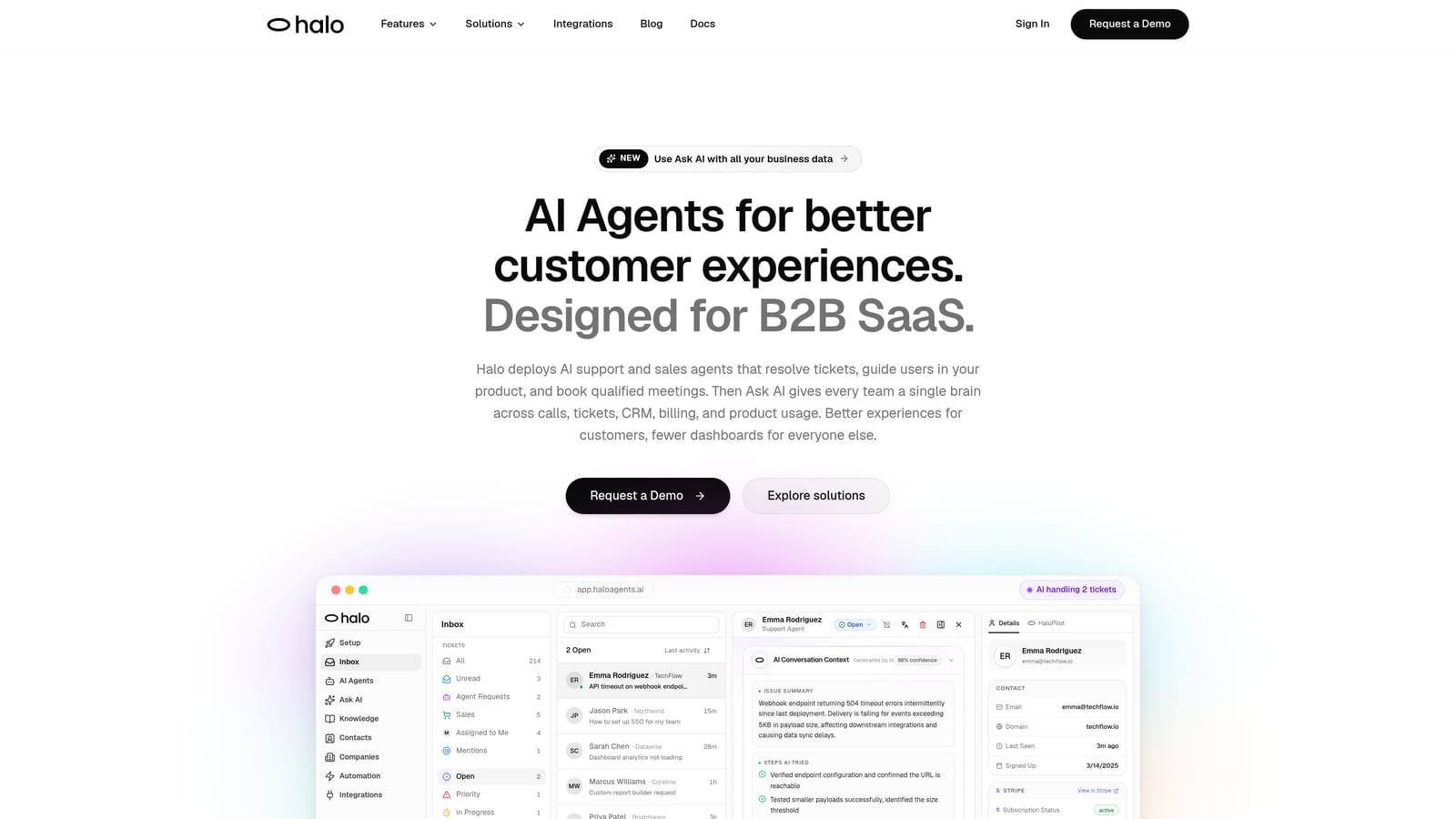
Halo AI is an AI-first customer support platform designed from the ground up for B2B SaaS teams, not retrofitted onto a legacy helpdesk.
Where This Tool Shines
Most AI help desk tools treat automation as a layer on top of existing infrastructure. Halo takes a different architectural approach: intelligence is baked into the core, not bolted on. This means the AI agents don't just suggest replies; they resolve tickets autonomously, understand page-level context, and escalate to live agents when a situation genuinely warrants human judgment.
What sets Halo apart from every other tool in this list is the business intelligence layer. The smart inbox surfaces customer health signals, revenue intelligence, and anomaly detection alongside your support queue. Your support operation becomes a source of product and revenue insight, not just a cost center.
Key Features
Page-Aware Chat Widget: Sees exactly what the user sees, enabling visual UI guidance that's contextually relevant rather than generic.
Autonomous AI Agents: Resolve tickets end-to-end with configurable live agent handoff for complex or sensitive issues.
Smart Inbox with Business Intelligence: Surfaces customer health signals, revenue intelligence, and anomaly detection directly in your support workflow.
Auto Bug Ticket Creation: Automatically routes bug reports to engineering tools like Linear, closing the loop between support and product.
Deep Integration Stack: Connects to Slack, HubSpot, Intercom, Stripe, Zoom, PandaDoc, and Fathom for a unified operational view.
Continuous Learning: Improves from every interaction without requiring manual retraining, so the system gets smarter as your product evolves.
Best For
Halo is purpose-built for B2B SaaS product teams that want more than ticket deflection. If you need your support layer to feed intelligence back into product, sales, and engineering workflows, this is the platform designed for exactly that use case.
Pricing
Contact Halo AI directly for current pricing at haloagents.ai. Given the platform's AI-first architecture and business intelligence capabilities, pricing is best discussed relative to your team size and ticket volume.
2. Zendesk
Best for: Enterprise teams needing a mature, deeply configurable helpdesk with broad omnichannel coverage.
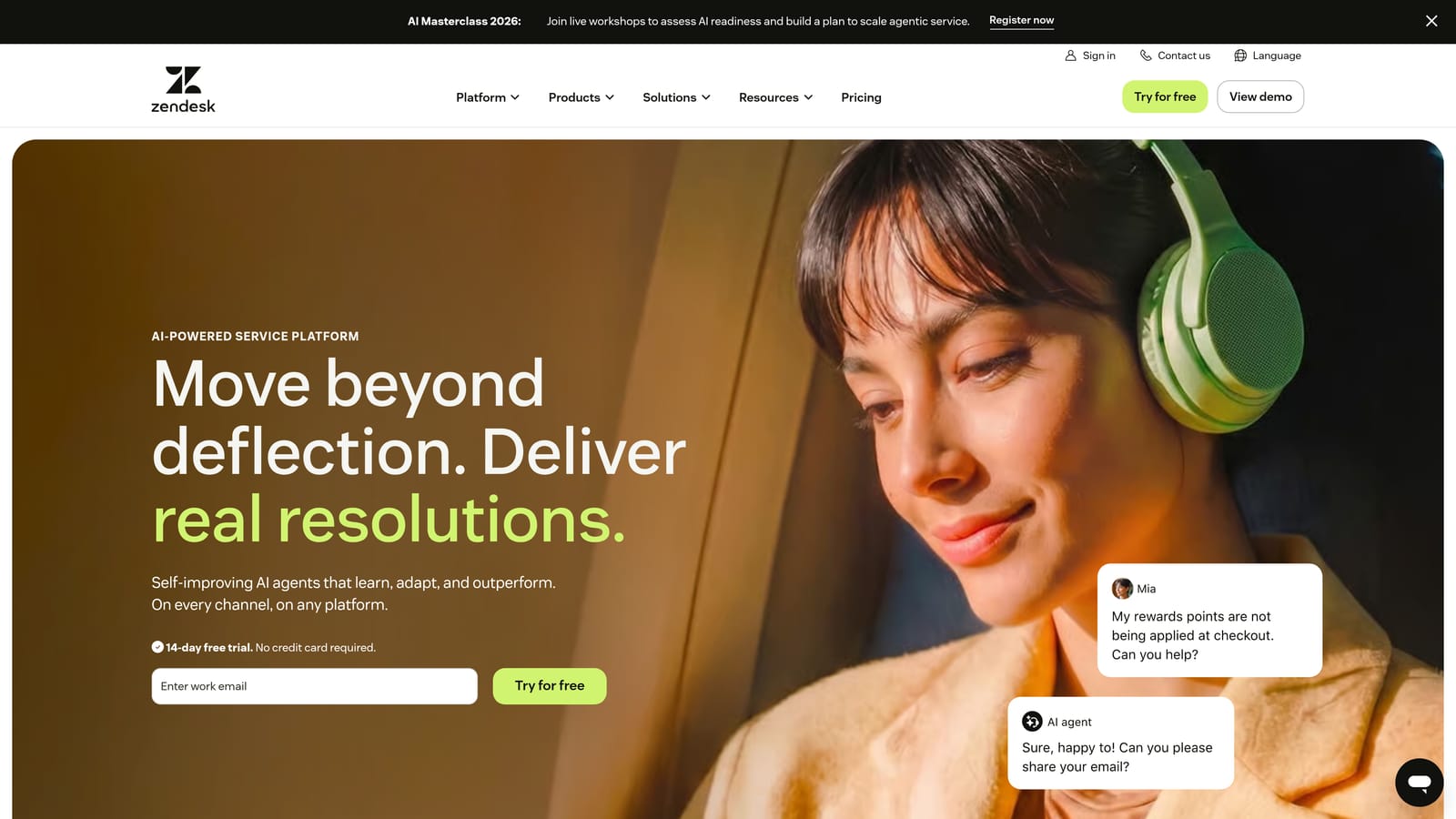
Zendesk is one of the most established names in customer support, with AI capabilities available across its Suite product line on higher-tier plans.
Where This Tool Shines
Zendesk's strength is its maturity. The integration marketplace, workflow automation engine, and SLA management tooling are genuinely best-in-class for enterprise environments. If your support operation involves complex escalation paths, multiple channels, and a large agent team, Zendesk's infrastructure can handle it.
The AI features, branded as Zendesk AI, cover intelligent triage, suggested replies, and agent assist. These are solid productivity tools, though the AI experience is more assistant-oriented than fully autonomous. Teams expecting hands-free ticket resolution may find the AI layer supplementary rather than transformative at lower tiers.
Key Features
Zendesk AI: Intelligent triage, suggested replies, and agent assist to speed up human workflows.
Integration Marketplace: Hundreds of third-party connectors across CRM, e-commerce, and productivity tools.
Advanced Workflow Automation: Triggers, automations, and SLA management for complex support operations.
Omnichannel Support: Email, chat, voice, and social channels unified in one platform.
Robust Reporting: Detailed analytics dashboards for team performance and ticket trends.
Best For
Mid-market to enterprise teams with established support operations, multiple channels, and a need for deep configurability. Less ideal for lean SaaS teams looking for AI-first automation without the overhead of a complex setup.
Pricing
Suite plans start at published per-agent/month rates, with AI features gated to higher tiers. See zendesk.com/pricing for current rates. Note that costs can escalate meaningfully at scale given the per-agent model.
3. Freshdesk
Best for: Growing SMB and mid-market teams that want an accessible entry point with AI available on paid tiers.
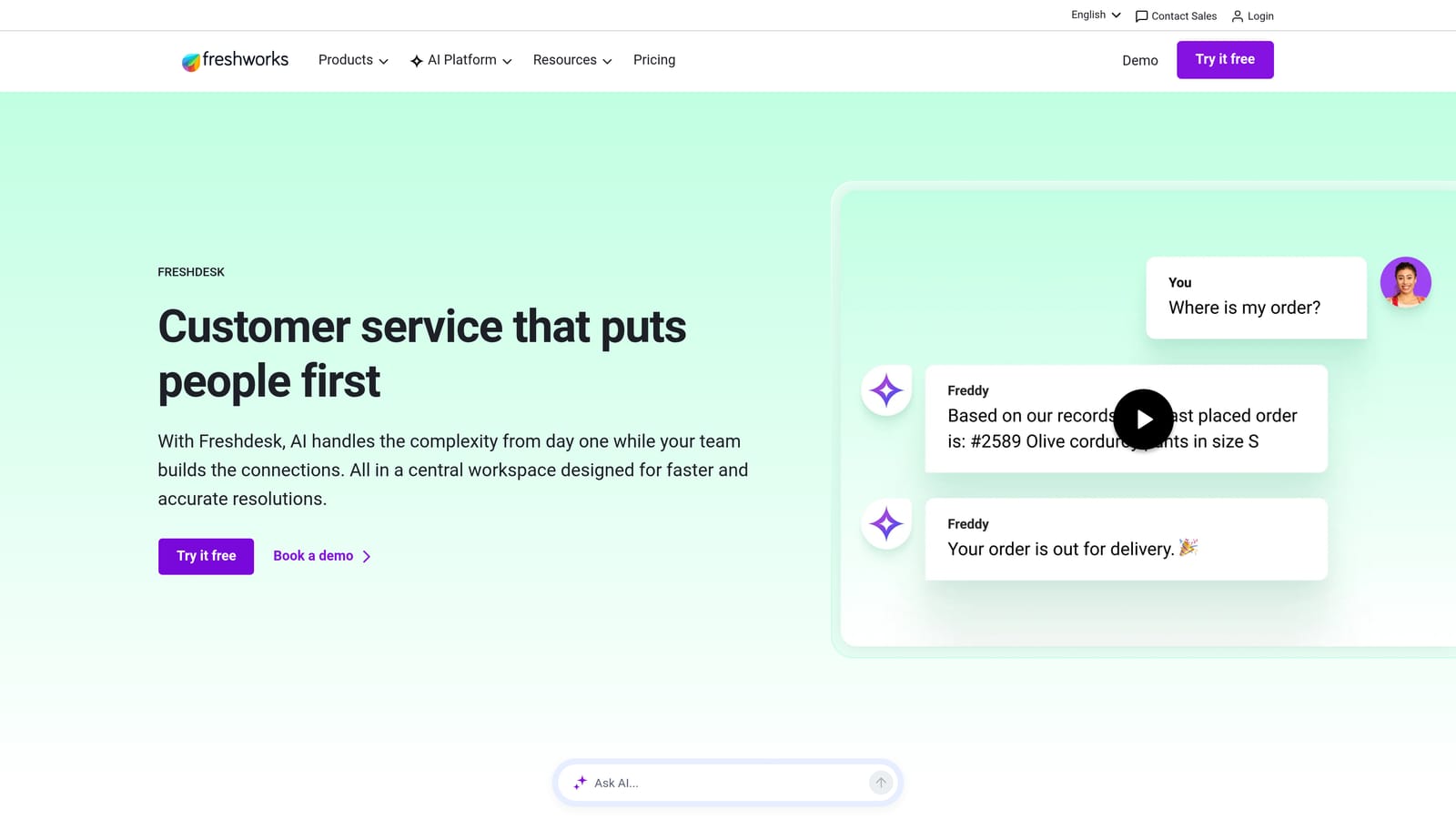
Freshdesk is a mid-market helpdesk platform with a freemium entry point and Freddy AI available on paid tiers, making it a popular choice for budget-conscious teams.
Where This Tool Shines
Freshdesk's freemium model lowers the barrier to entry significantly. Small teams can get started without a budget commitment and upgrade as their needs grow. Freddy AI, available from the Growth tier upward, handles ticket summarization, suggested responses, and auto-triage reasonably well for the price point.
The Freshdesk Omni offering brings together agent inbox and bot experience in a more unified way, which is useful for teams that want to blend human and automated support without managing two separate systems.
Key Features
Freddy AI: Ticket summarization, suggested responses, and auto-triage for agent productivity.
Free Tier: Available for small teams with limited features, making it easy to evaluate before committing.
Omnichannel Inbox: Email, chat, phone, and social channels consolidated in one view.
Marketplace Integrations: Connects with popular SaaS tools across CRM, billing, and project management.
Freshdesk Omni: Unified agent and bot experience for blended support workflows.
Best For
SMB and mid-market teams that are cost-sensitive, already evaluating Freshworks products, or want to start with a free tier and scale up. Teams needing deep AI autonomy may find Freddy AI more of a productivity aid than a full resolution engine.
Pricing
Free plan available; paid plans and Freddy AI Copilot pricing are published at freshdesk.com/pricing. Freddy AI capabilities are unlocked at higher tiers, so factor that into your total cost calculation.
4. Intercom
Best for: SaaS companies wanting strong in-product messaging with an AI agent charged per resolution.
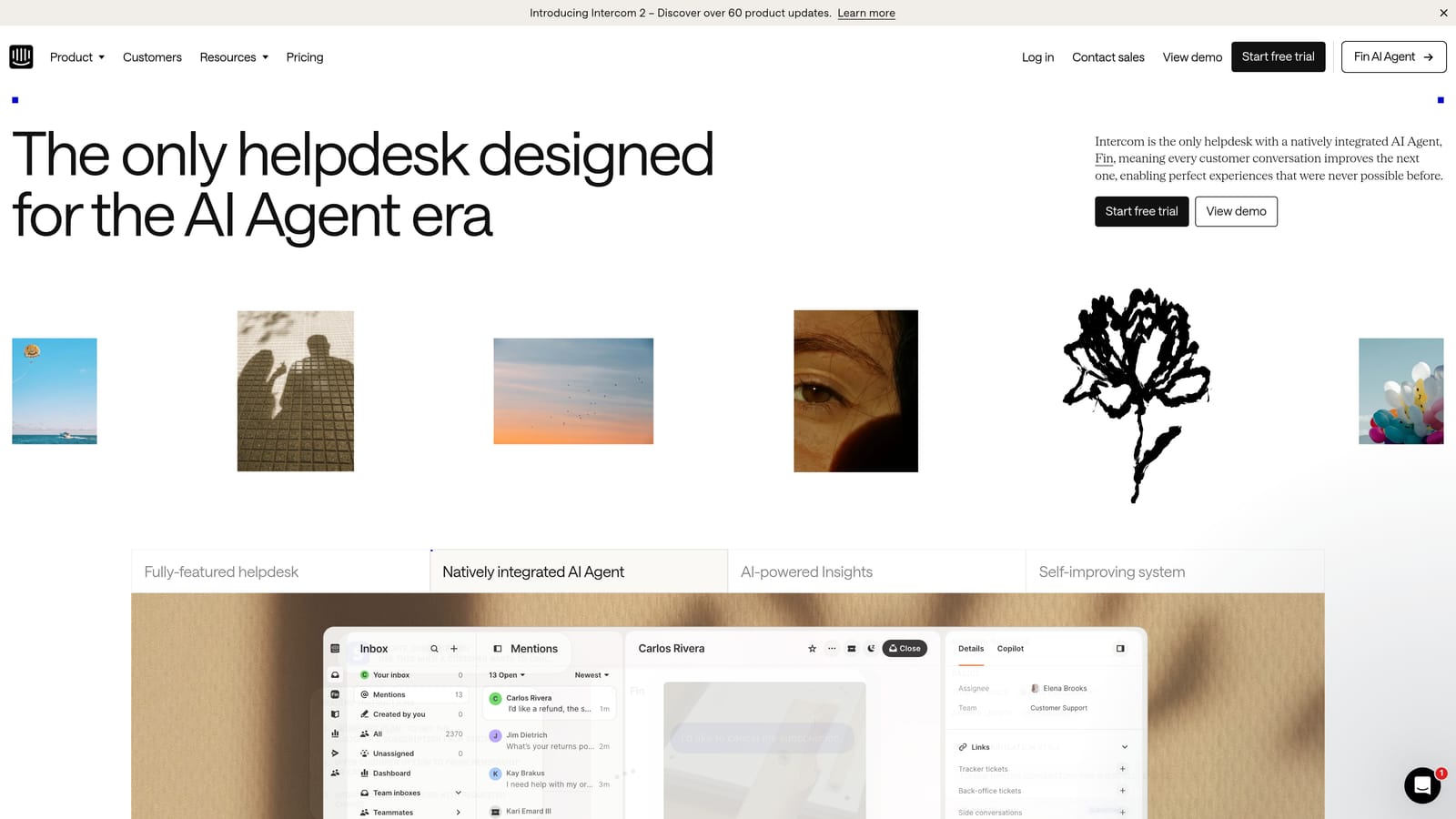
Intercom is a messenger-first customer communications platform with Fin, their AI agent, offered on a per-resolution pricing model on top of the base subscription.
Where This Tool Shines
Intercom's in-product messenger is genuinely excellent for SaaS teams. The proactive messaging, product tours, and onboarding features make it a natural fit for companies that want to engage users contextually rather than reactively. Fin, the AI agent, handles autonomous resolution well and comes with configurable guardrails so you control what it can and can't answer.
The per-resolution pricing model is worth understanding carefully before committing. For teams with consistent, predictable ticket volume, it can offer a fair cost structure. For teams with spiky or high-growth volume, costs can scale faster than expected, so model this out before signing.
Key Features
Fin AI Agent: Autonomous ticket resolution with configurable guardrails and escalation paths.
In-Product Messenger: Proactive and reactive support delivered directly within your product interface.
Per-Resolution Pricing: Fin costs scale with actual usage rather than agent headcount.
Product Tours and Onboarding: Built-in tools for user activation and feature adoption.
Unified Platform: Inbox, help center, and outbound messaging in a single product.
Best For
SaaS companies that already use or are evaluating Intercom for in-product messaging and want to layer AI resolution on top. Teams with unpredictable or rapidly growing ticket volumes should model the per-resolution cost carefully before committing.
Pricing
Base platform fee plus Fin AI charged per resolution. Current rates are published at intercom.com/pricing. The hybrid model means your total bill has two components, so budget accordingly.
5. Tidio
Best for: Small businesses and e-commerce teams wanting an affordable live chat and AI entry point.
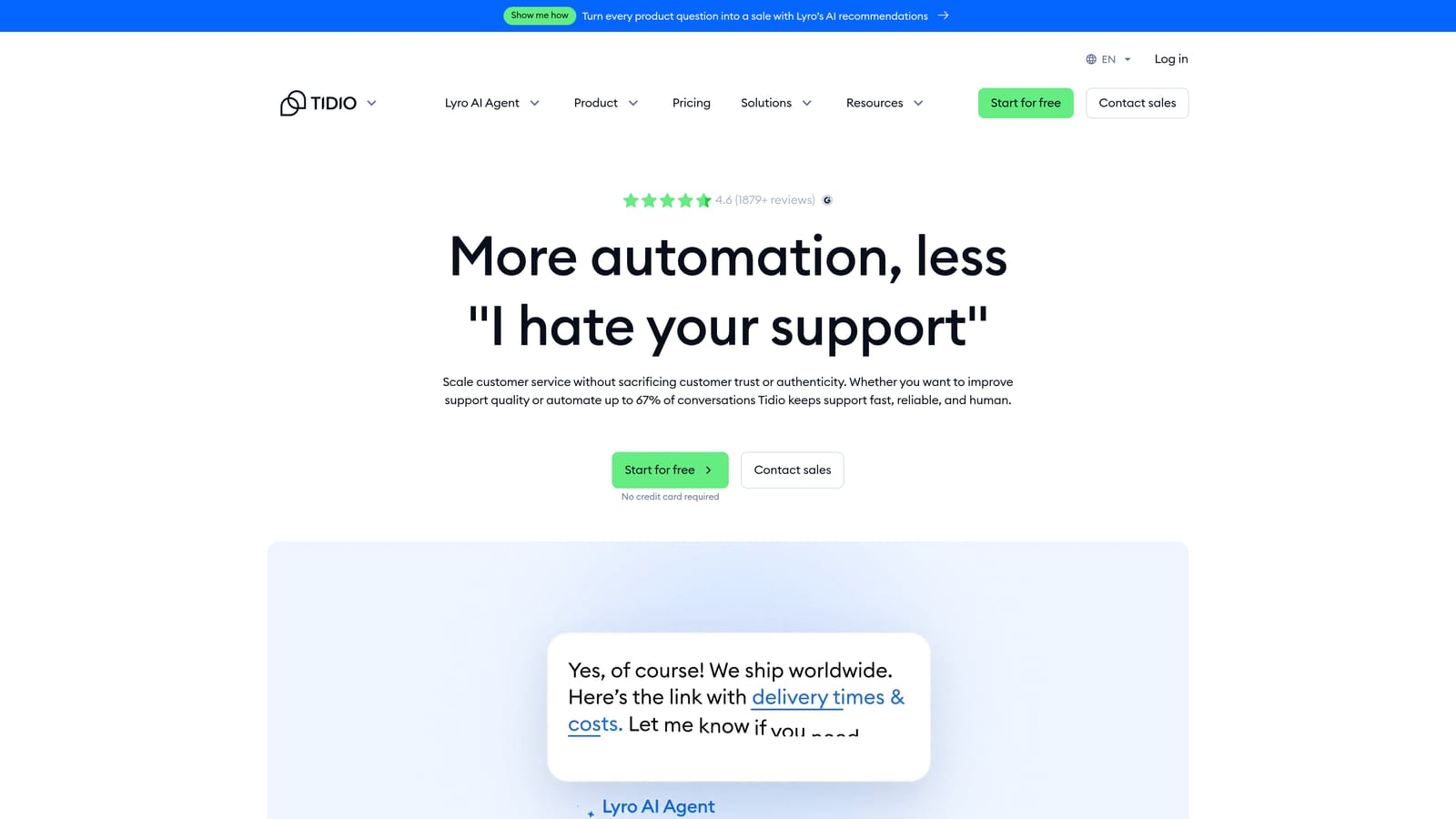
Tidio is an accessible live chat and AI platform with Lyro AI included at competitive price points, making it one of the most affordable options in this comparison.
Where This Tool Shines
Tidio's appeal is simplicity and accessibility. Setup requires no technical expertise, and the free plan lets small teams get started with live chat quickly. Lyro AI, their conversational agent, handles common customer queries with reasonable effectiveness for the price tier.
The e-commerce integrations with Shopify and WooCommerce make Tidio particularly relevant for small online retailers. For B2B SaaS teams, the feature set is more limited compared to platforms built for that context, but for small businesses managing a high volume of repetitive queries, Tidio can deliver solid ROI at low cost.
Key Features
Lyro AI: Conversational AI agent for automated customer responses with natural language understanding.
Live Chat with Handoff: Seamless transition from AI to human agent when needed.
E-Commerce Integrations: Native connections with Shopify and WooCommerce for order-aware support.
Free Plan: Available with limited Lyro conversations for teams evaluating before buying.
Simple Setup: No developer required to get started, ideal for small teams without technical resources.
Best For
Small businesses, e-commerce brands, and early-stage teams that need an affordable, easy-to-deploy AI chat solution. Not the right fit for B2B SaaS teams needing deep integrations, business intelligence, or complex ticket routing.
Pricing
Free plan available; Lyro AI is included from paid tiers. See tidio.com/pricing for current rates. One of the more budget-friendly options in this comparison.
6. Help Scout
Best for: Teams that prioritize a clean, human-centered support experience with AI as a productivity layer.
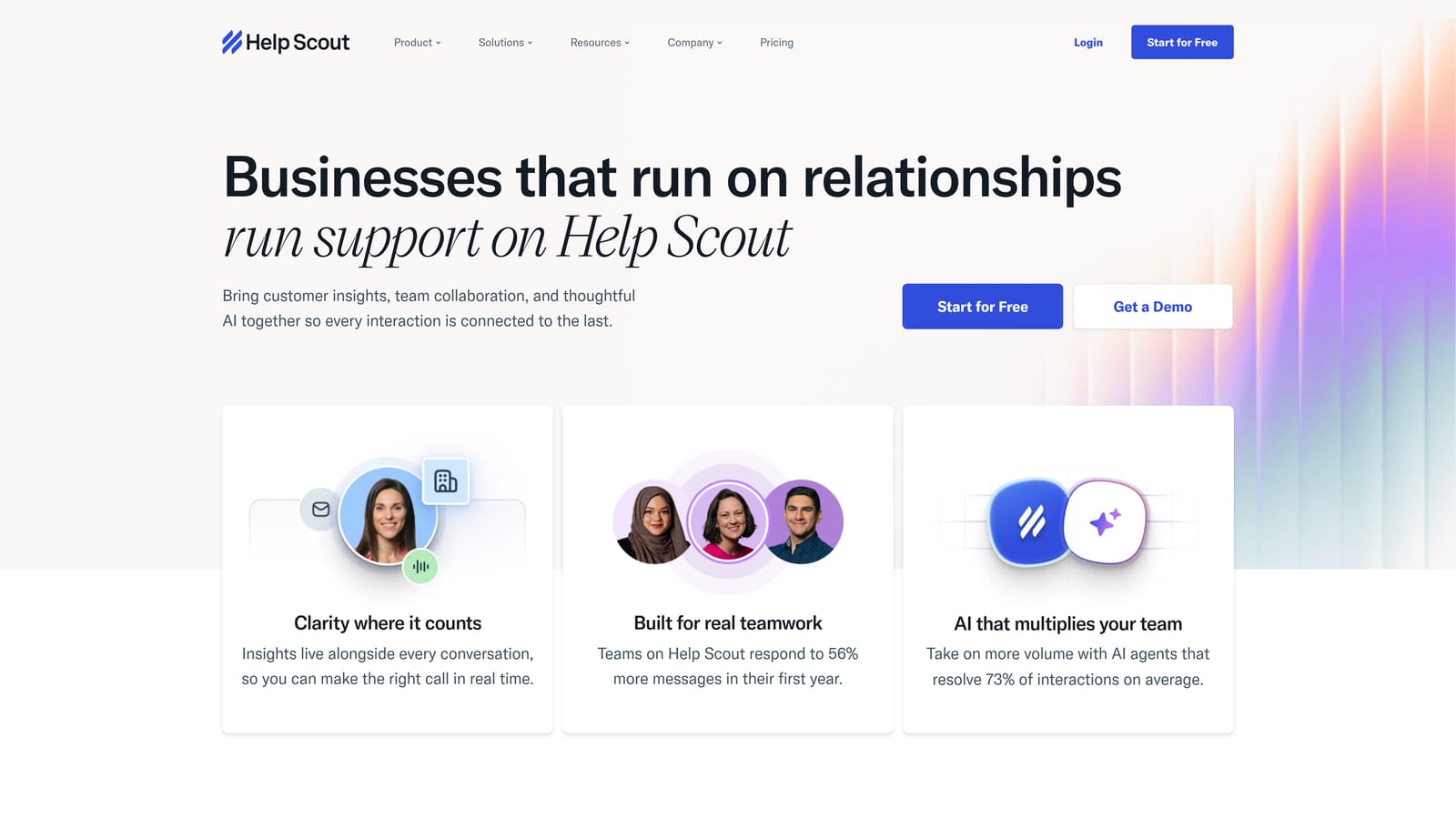
Help Scout is a shared inbox platform that uses AI to assist agents rather than replace them, with a focus on clean UX and straightforward team collaboration.
Where This Tool Shines
Help Scout's philosophy is deliberately agent-forward. The AI features, including AI Summarize, AI Drafts, and AI Assist, are designed to make your human agents faster and more consistent, not to automate them out of the loop. For teams where the quality of human response is a brand differentiator, this approach makes sense.
The platform's UX is genuinely one of the cleanest in the market. Agents aren't overwhelmed with complexity, and the knowledge base (Docs) integrates tightly with the inbox experience. If your team is transitioning away from email-based support and wants a structured but approachable tool, Help Scout is worth serious consideration.
Key Features
AI Summarize: Condenses long conversation threads so agents can get up to speed instantly.
AI Drafts and AI Assist: Helps agents write better, faster replies without fully automating the response.
Shared Inbox: Clean, distraction-free interface built for team collaboration on customer conversations.
Docs Knowledge Base: Integrated documentation with AI-assisted content suggestions.
Customer Data Sidebar: Surfaces conversation history and customer context alongside every ticket.
Best For
Customer success teams, small-to-mid-sized SaaS companies, and any team where high-touch, human-quality responses are a priority. Less suited for teams seeking full ticket automation or complex AI-driven workflows.
Pricing
Per-user/month pricing across published tiers. See helpscout.com/pricing for current rates. Pricing is transparent and predictable, which many teams find refreshing compared to usage-based models.
7. Zoho Desk
Best for: Budget-conscious teams already in the Zoho ecosystem looking for competitive AI-assisted support.
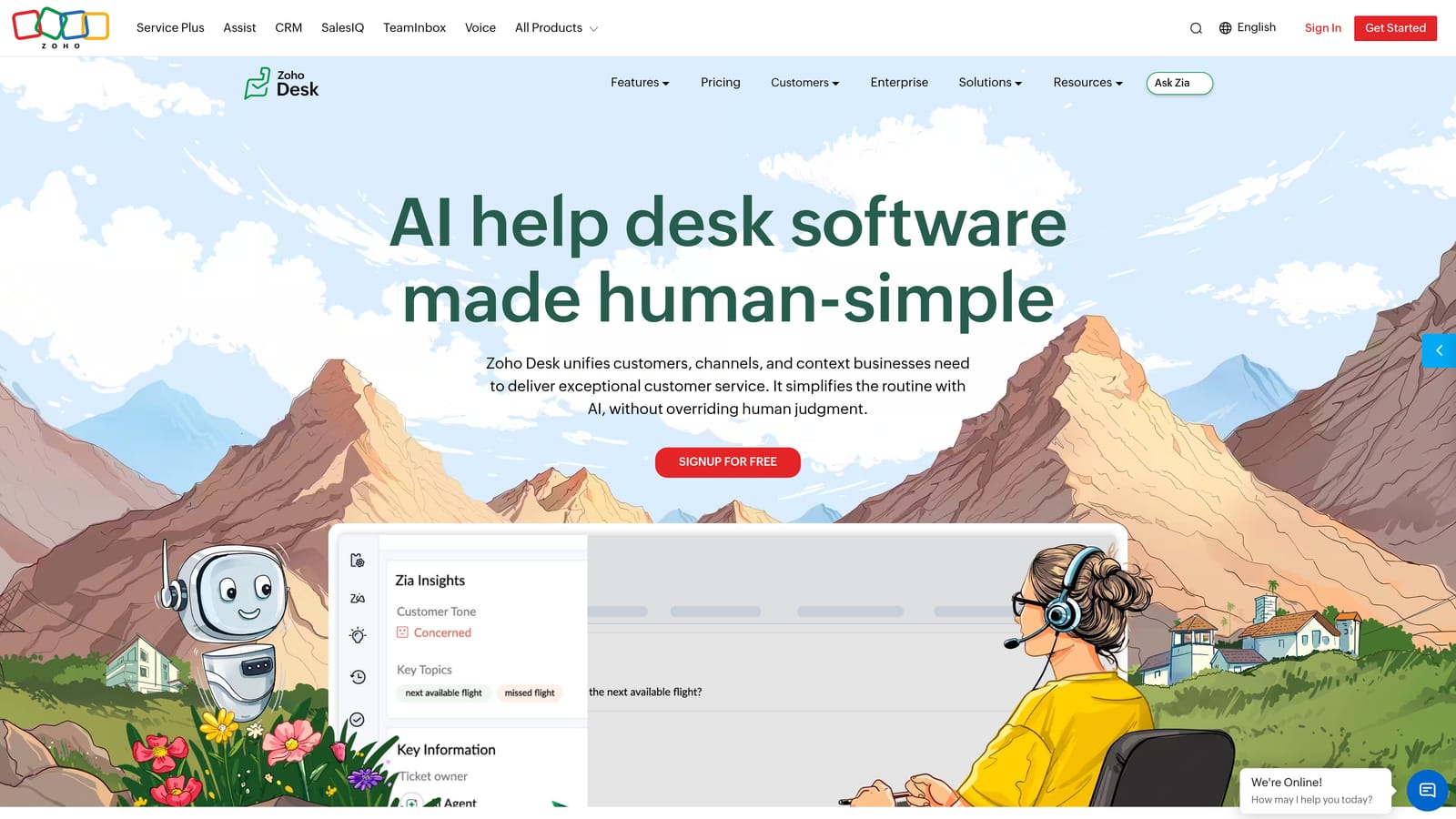
Zoho Desk is a budget-friendly helpdesk deeply integrated with the Zoho ecosystem, featuring Zia AI for intelligent triage, sentiment analysis, and response suggestions.
Where This Tool Shines
Zoho Desk's value proposition is strongest for teams already using Zoho CRM, Zoho Analytics, or other Zoho products. The native integrations across the Zoho suite create a unified data environment that can be genuinely powerful for teams that have invested in that ecosystem. Zia AI covers the core bases: ticket tagging, sentiment analysis, anomaly detection, and response suggestions.
Compared to Zendesk and Freshdesk at similar feature levels, Zoho Desk typically comes in at a more competitive price point. For cost-sensitive teams that don't need enterprise-grade complexity, that delta matters over time.
Key Features
Zia AI: Ticket tagging, sentiment analysis, anomaly detection, and response suggestions built into the platform.
Zoho Ecosystem Integration: Native connections with Zoho CRM, Zoho Analytics, and the broader Zoho product suite.
Multi-Channel Support: Email, chat, phone, and social channels managed in one place.
Blueprint Workflow Automation: Process-driven support workflows with visual automation builder.
Competitive Pricing: Tiered plans that typically undercut comparable Zendesk and Freshdesk tiers.
Best For
SMB and mid-market teams already using Zoho products, or teams prioritizing cost efficiency over cutting-edge AI autonomy. Teams outside the Zoho ecosystem may find the integration story less compelling.
Pricing
Tiered per-agent pricing with a free plan available for up to three agents. Current rates at zoho.com/desk/pricing.html. One of the more affordable options for teams needing AI-assisted triage without a large budget.
8. Kustomer
Best for: High-volume consumer support teams wanting a CRM-embedded helpdesk with conversation-based pricing.
Kustomer is a CRM-embedded helpdesk built for high-volume B2C support, using a conversation-based pricing model that can offer predictability for teams with consistent volume.
Where This Tool Shines
Kustomer's unified customer timeline is its standout feature. Every interaction, purchase, return, and conversation is surfaced in a single view, giving agents full context without switching between tools. For high-volume consumer brands managing complex customer histories, this reduces handle time meaningfully.
The conversation-based pricing model is worth noting as an alternative to per-agent billing. For teams with a stable, predictable conversation volume, this can create more budget certainty than per-seat models where headcount changes affect costs. Teams with volatile volume should model this carefully, as costs can shift significantly month to month.
Key Features
Unified Customer Timeline: Combines CRM data and full support history in a single agent view.
AI-Powered Routing and Summarization: Intelligent ticket routing, intent detection, and conversation summarization.
Conversation-Based Pricing: Costs tied to conversation volume rather than agent headcount.
Omnichannel Coverage: Email, chat, SMS, social, and voice in one platform.
Business Rules Engine: Workflow automation with flexible conditional logic for complex routing scenarios.
Best For
High-volume B2C brands, retail, and consumer subscription companies that need deep CRM context alongside support. Less suited for B2B SaaS teams where the CRM-embedded model may be redundant with existing sales tools.
Pricing
Conversation-based pricing model. Contact Kustomer or see kustomer.com for current published rates. Model your average monthly conversation volume before comparing this against per-agent alternatives.
9. Gorgias
Best for: E-commerce brands on Shopify, BigCommerce, or Magento needing order-aware AI automation.
Gorgias is a support platform purpose-built for e-commerce brands, with AI automation that pulls directly from order management systems to resolve common queries like order status, returns, and refunds.
Where This Tool Shines
Gorgias does one thing exceptionally well: e-commerce support automation. The deep Shopify integration means the AI can pull live order data to answer "where's my order?" or "how do I return this?" without any agent involvement. For high-volume DTC brands, this kind of automation can handle a significant portion of the ticket queue automatically.
The ticket-based pricing model means costs scale with support volume rather than team size, which suits e-commerce brands with seasonal spikes. The revenue-per-ticket metric is a genuinely useful feature for teams that want to connect support activity to business outcomes.
Key Features
Deep E-Commerce Integrations: Native Shopify, BigCommerce, and Magento connections with live order data access.
Order-Aware AI Automation: Resolves order status, return, and refund queries using real-time order data.
Ticket-Based Pricing: Costs scale with ticket volume, not agent headcount.
Revenue Statistics per Ticket: Tracks the business impact of support interactions on revenue.
Macros and Rules: High-volume repetitive query automation for common e-commerce scenarios.
Best For
E-commerce brands running on Shopify, BigCommerce, or Magento that need order-aware AI automation. Important caveat: Gorgias is not designed for B2B SaaS support. If your team handles software products, onboarding, or technical issues, this platform's strengths won't align with your use case.
Pricing
Ticket-based pricing with plans published at gorgias.com/pricing. Evaluate based on your monthly ticket volume rather than team size for the most accurate cost comparison.
Which Platform Is Actually Right for You?
The honest answer is that no single platform wins across every use case. The right choice depends on your team structure, ticket volume, existing tech stack, and how much AI autonomy you actually need.
Here's a quick framework to cut through the decision:
B2B SaaS teams wanting AI-first architecture with business intelligence: Halo AI is the standout here. It's the only platform in this list that treats support as a source of product and revenue intelligence, not just a cost center to manage.
Enterprise teams needing mature infrastructure and deep configurability: Zendesk remains the benchmark, though budget for complexity in setup and per-agent costs at scale.
SMB and mid-market teams watching budget: Freshdesk and Zoho Desk both offer competitive pricing with solid AI assist features. Zoho wins on price if you're already in their ecosystem.
SaaS companies prioritizing in-product messaging: Intercom's Fin is strong, but model the per-resolution cost carefully before committing at scale.
E-commerce brands on Shopify: Gorgias is the clear specialist choice. Don't use it for anything else.
One thing worth internalizing: sticker price is rarely the full story. Per-seat models get expensive as teams grow. Per-resolution models can spike with volume. Platforms that seem affordable at launch sometimes require expensive add-ons to unlock the features that made them appealing in the first place. Always calculate total cost of ownership across your projected 12-24 month growth, not just your current state.
Your support team shouldn't scale linearly with your customer base. If you're a SaaS team ready to move beyond reactive ticket management, See Halo in action and discover how continuous learning transforms every interaction into smarter, faster support.