9 Best Help Desk Automation Tools in 2026
This guide reviews the 9 best help desk automation tools in 2026, evaluating each on depth of automation, AI intelligence, integration ecosystem, and scalability for B2B SaaS teams. It cuts through the noise between legacy systems with bolted-on AI and platforms built AI-first, helping support leaders choose the right solution to reduce ticket volume and free agents for high-value work.
 Grant CooperFounder13 min read
Support teams are drowning in repetitive tickets while customers expect instant answers around the clock. The same questions hit your inbox daily, agents spend hours on work that could be automated, and your best people are stuck triaging instead of solving real problems.
Help desk automation tools solve this by handling routine requests, routing complex issues intelligently, and surfacing insights that would otherwise stay buried in your ticket queue. But not all automation is created equal. Some tools bolt AI onto legacy ticketing systems as an afterthought; others are built AI-first from the ground up with intelligence woven into every layer.
This guide covers the best help desk automation tools in 2026, selected based on depth of automation (not just canned responses), integration ecosystem, intelligence capabilities beyond basic deflection, scalability for B2B SaaS teams, and transparent pricing. Whether you're exploring automated customer support for the first time, evaluating AI helpdesk software, or looking for a smarter intelligent ticket routing system, this list has options for every stage and budget.
1. Halo AI
Best for: B2B SaaS teams wanting AI-first support that learns, guides users visually, and surfaces business intelligence.
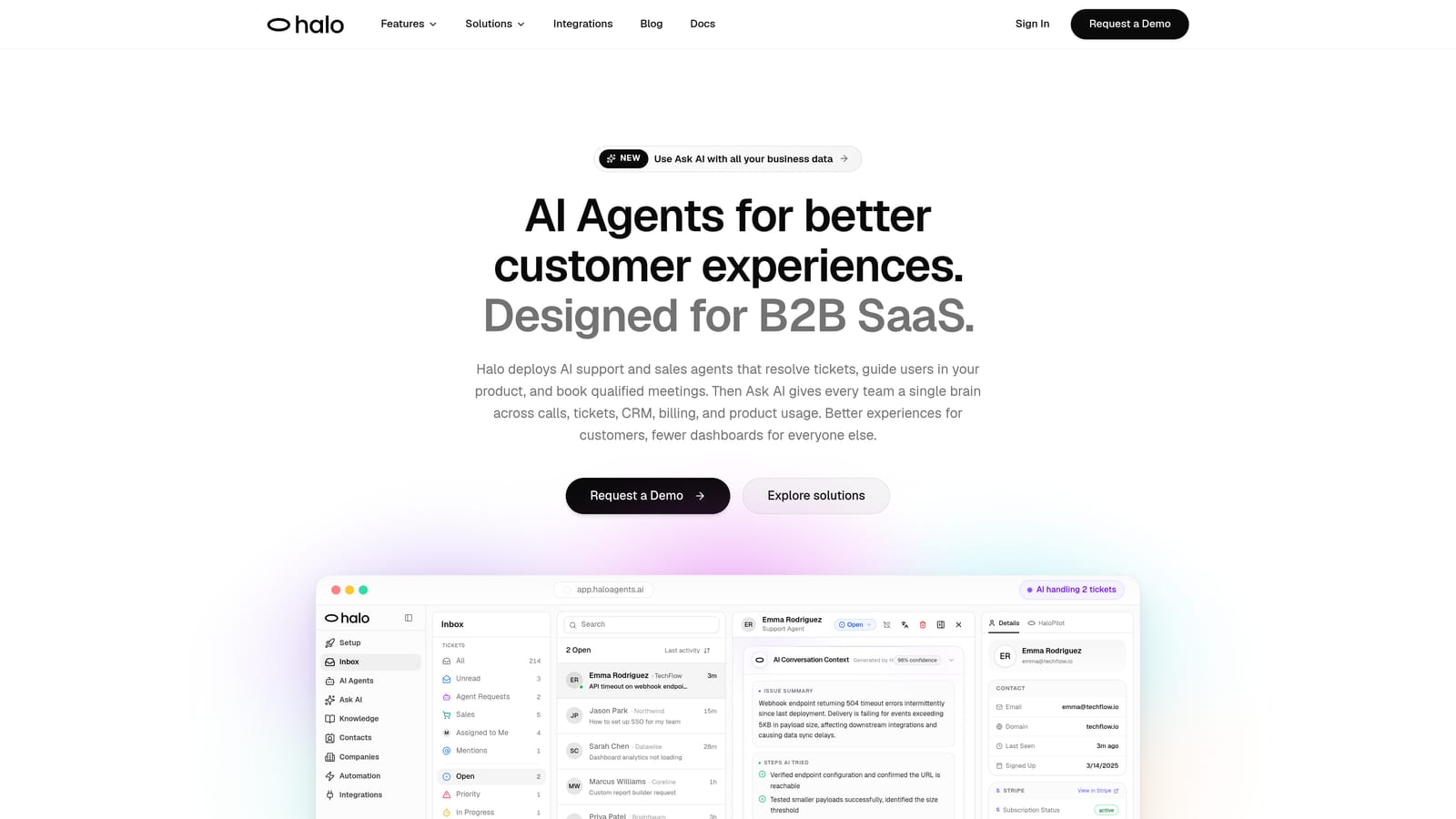
Halo AI is an AI-first customer support platform that deploys intelligent agents to resolve tickets, guide users through your product visually, and generate business intelligence from every interaction.
Where This Tool Shines
Halo AI's defining characteristic is that it wasn't built by adding AI to an existing helpdesk. The entire platform is architected around autonomous resolution, which means intelligence isn't a feature you toggle on — it's the foundation everything else runs on.
What genuinely sets it apart is page-aware context. Halo's AI sees what the user sees on screen, enabling it to provide in-context visual UI guidance rather than generic help article links. For SaaS products with complex workflows, this is the difference between an AI that actually helps users and one that sends them to a documentation page and hopes for the best.
Key Features
Page-Aware AI Agents: The chat widget understands which product page a user is on and provides contextual, visual guidance in real time rather than generic responses.
Smart Inbox with Business Intelligence: Beyond ticket management, Halo surfaces customer health signals, revenue anomaly detection, and churn indicators directly from support data.
Auto Bug Ticket Creation: When support interactions reveal product issues, Halo automatically generates bug tickets connected to engineering tools like Linear, closing the loop between support and product teams.
Seamless Live Agent Handoff: Complex or sensitive issues escalate to human agents without jarring transitions, preserving conversation context throughout.
Deep Integration Stack: Connects to Slack, HubSpot, Intercom, Stripe, Zoom, PandaDoc, and Fathom, reducing context-switching across your business stack.
Continuous Learning: Every resolved ticket makes the AI smarter, so support quality compounds over time rather than staying static.
Best For
B2B SaaS companies that want support automation to do more than deflect tickets. Particularly strong for product teams that want AI to guide users through complex workflows, and for support leaders who want churn signals and revenue intelligence surfaced from their support queue.
Pricing
Check haloagents.ai for current plans. Pricing is not listed in this article to ensure you see the most up-to-date information directly from the source.
2. Zendesk
Best for: Enterprise teams that need proven SLA management, a massive app ecosystem, and compliance-grade infrastructure.
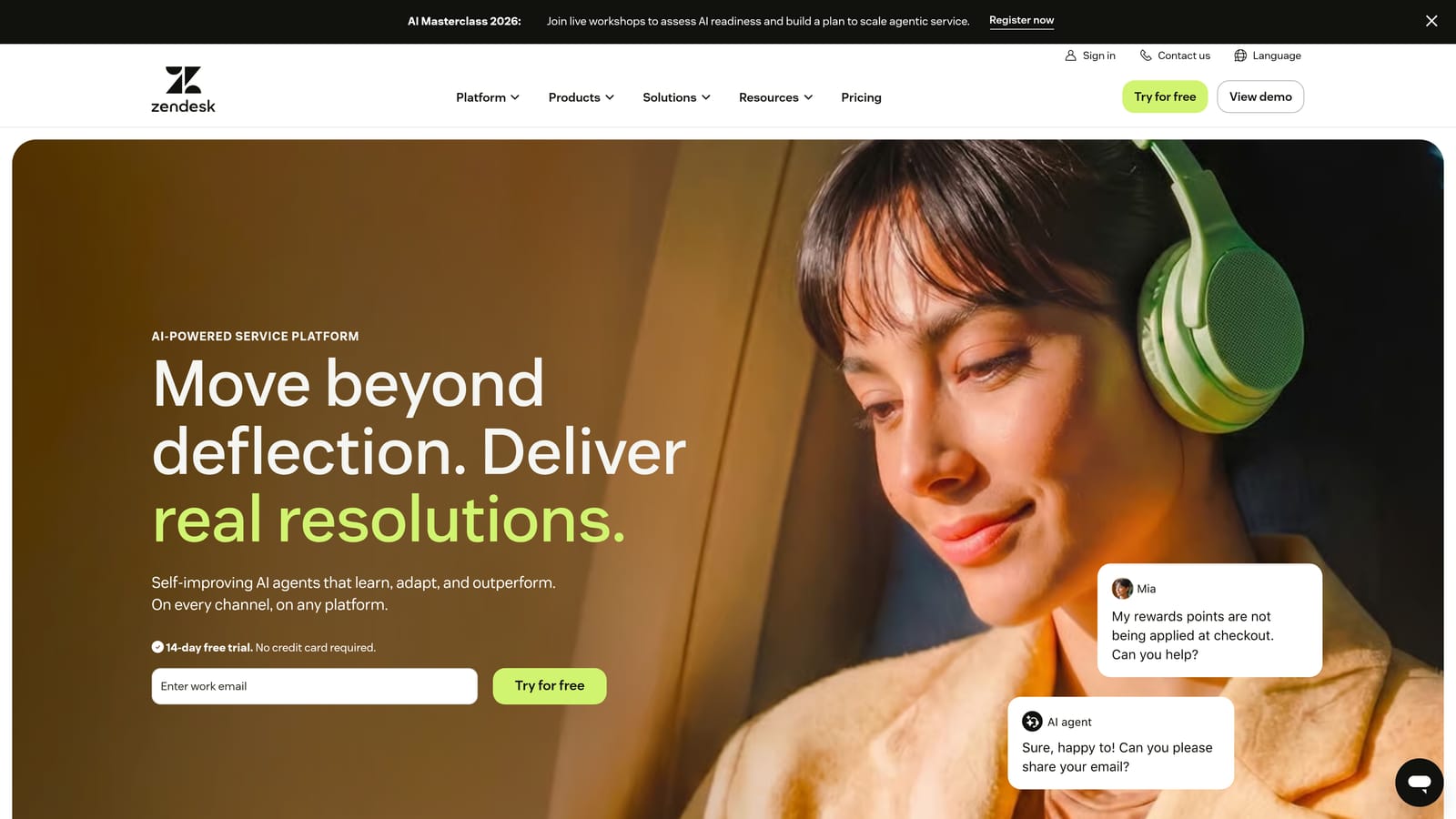
Zendesk is the enterprise-standard helpdesk platform with AI features layered across ticket triage, routing, and agent assistance.
Where This Tool Shines
Zendesk's strength is breadth and reliability. It's been the backbone of enterprise support operations for years, and its ecosystem of over 1,000 integrations means it connects to almost anything you're already running. For large teams with complex SLA requirements, compliance mandates, and multi-department workflows, Zendesk offers the infrastructure to handle it.
The AI capabilities, powered by Zendesk AI (built on OpenAI), handle intelligent triage, suggested replies, and intent detection. These features are genuinely useful, though they feel like additions to the platform rather than its core design philosophy.
Key Features
Zendesk AI: Handles intelligent triage, suggested replies, and intent detection across incoming tickets to reduce manual sorting.
Robust SLA Management: Sophisticated escalation workflows and SLA tracking built for enterprise support teams with strict response commitments.
Integration Marketplace: Over 1,000 app integrations covering virtually every business tool category.
Advanced Analytics: Reporting dashboards that give managers visibility into team performance, ticket trends, and resolution patterns.
Enterprise Compliance: Security controls and compliance certifications that meet the requirements of regulated industries.
Best For
Enterprise organizations with established support workflows, compliance requirements, and the budget to match. Also a strong fit for teams that need a large integration marketplace to connect disparate tools.
Pricing
Suite plans are available at multiple tiers. Verify current pricing directly at zendesk.com as rates change regularly.
3. Freshdesk
Best for: Budget-conscious mid-market teams that need multi-channel support with solid AI assistance and a generous free tier.
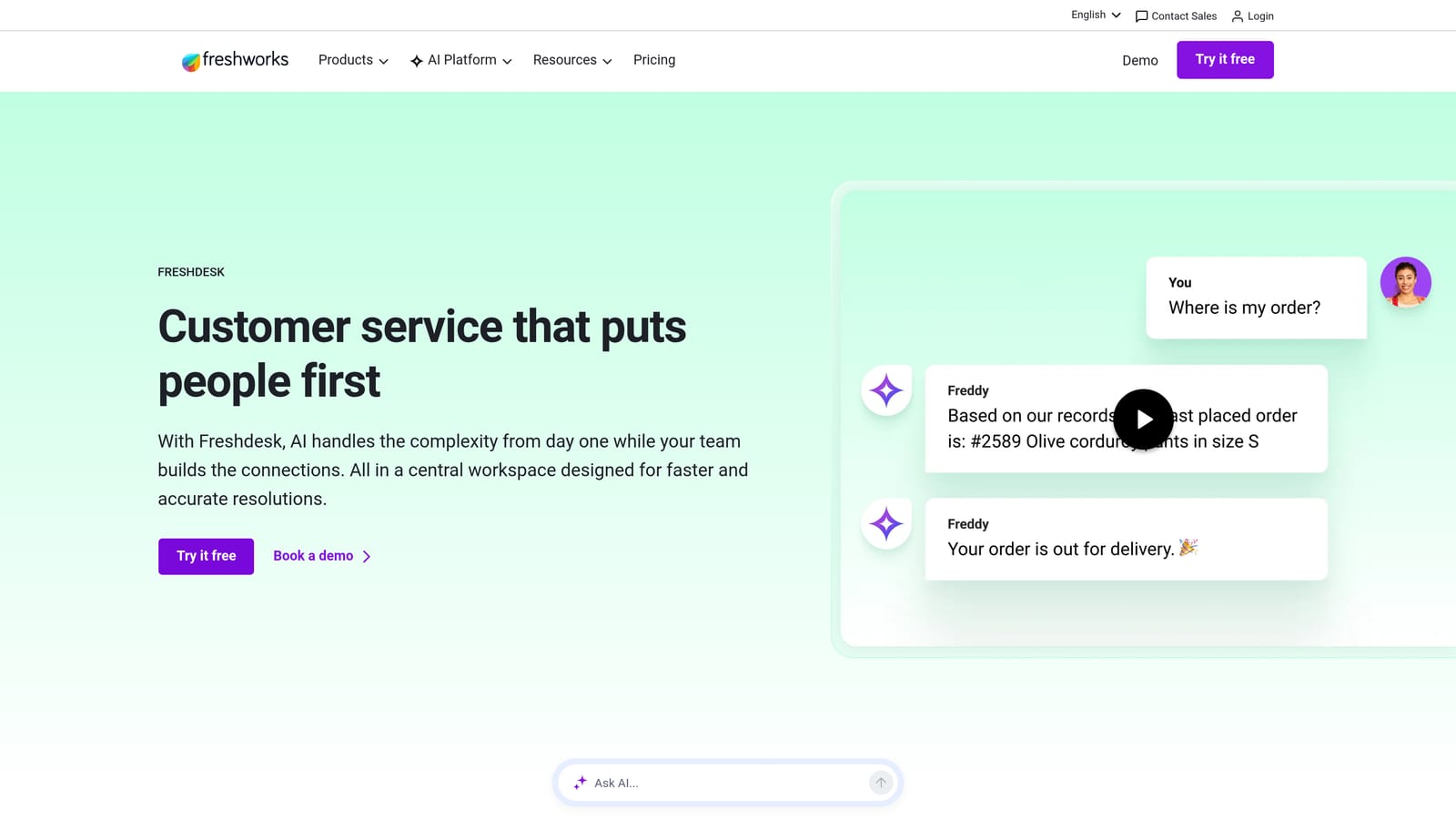
Freshdesk is a mid-market helpdesk by Freshworks with Freddy AI built in for ticket automation, smart assignments, and chatbot building.
Where This Tool Shines
Freshdesk hits a competitive price point without gutting core functionality. The multi-channel coverage is genuinely solid: email, chat, phone, and social media all managed from a single inbox. For teams moving off a basic shared inbox or managing support across multiple channels for the first time, Freshdesk provides a well-rounded starting point.
Freddy AI handles the routine automation work: suggesting ticket fields, auto-assigning based on rules, recommending canned responses, and building chatbot flows without code. It's practical automation rather than cutting-edge AI, which is exactly what many mid-market teams need.
Key Features
Freddy AI: Provides ticket field suggestions, auto-assignment logic, canned response recommendations, and a no-code chatbot builder.
Multi-Channel Support: Manages email, chat, phone, and social media tickets from a unified inbox without requiring separate tools.
No-Code Chatbot Builder: Build automated conversation flows without engineering involvement using a visual interface.
Collision Detection: Prevents two agents from responding to the same ticket simultaneously, reducing duplicated effort and customer confusion.
Free Tier: A functional free plan makes Freshdesk accessible for small teams testing the waters before committing to paid plans.
Best For
Mid-market teams that want multi-channel coverage at a competitive price, especially those not yet ready to invest in a dedicated AI-first platform. The free tier also makes it a reasonable starting point for early-stage companies.
Pricing
Free tier available. Paid plans at multiple price points. Verify current pricing at freshdesk.com.
4. Intercom
Best for: Product-led growth companies that want support automation tied to user behavior and lifecycle stage.
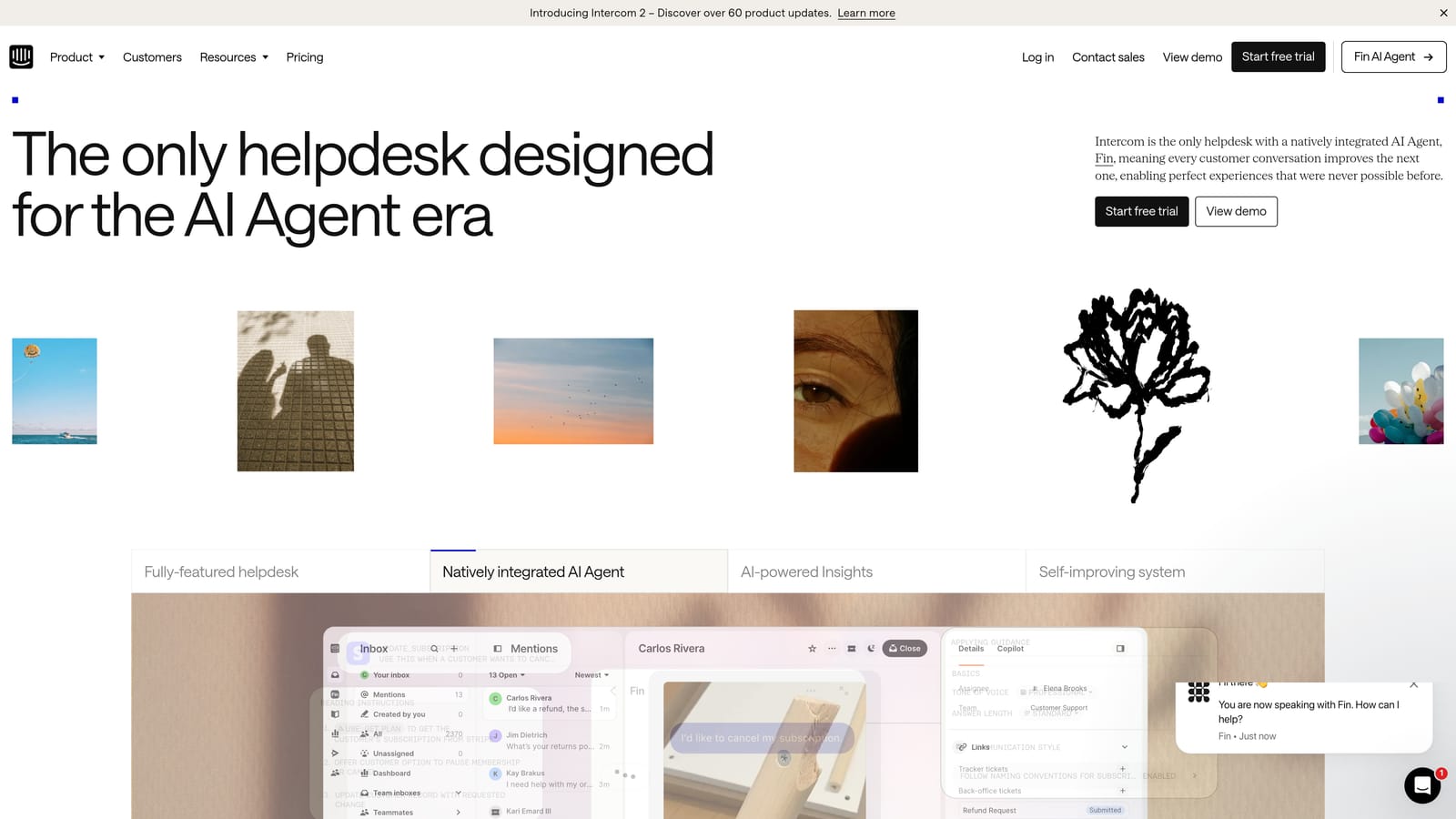
Intercom is a conversational support platform with Fin AI Agent that autonomously resolves queries using your help content and escalates intelligently to human agents.
Where This Tool Shines
Intercom's advantage is how deeply it connects support to product usage data. Fin AI Agent doesn't just answer questions in isolation — it operates with context about who the user is, what they've done in the product, and where they are in their lifecycle. That context produces more relevant, accurate responses than a generic chatbot trained only on help articles.
The per-resolution pricing model is worth understanding before you commit. It aligns Intercom's incentives with actually resolving conversations rather than just deflecting them, though costs can scale quickly at high volume.
Key Features
Fin AI Agent: Autonomously resolves support questions using your help center content, with intelligent escalation when it can't confidently answer.
Product Usage Data Integration: Connects user behavior and product activity to support conversations for more contextual responses.
In-App Messaging: Ties support to onboarding and lifecycle stages, enabling proactive outreach at key moments.
AI-Assisted Reply Drafting: Helps human agents draft responses faster within the shared inbox.
Per-Resolution Pricing: You pay for conversations Fin actually resolves, not just for access to the feature.
Best For
SaaS companies with strong product usage data who want support automation connected to onboarding, retention, and lifecycle workflows. Less suited for teams that are primarily ticket-first rather than chat-first.
Pricing
Fin AI Agent is priced per resolution. Verify current rates at intercom.com.
5. Help Scout
Best for: Teams that want AI to augment human agents with cleaner workflows rather than replace them entirely.
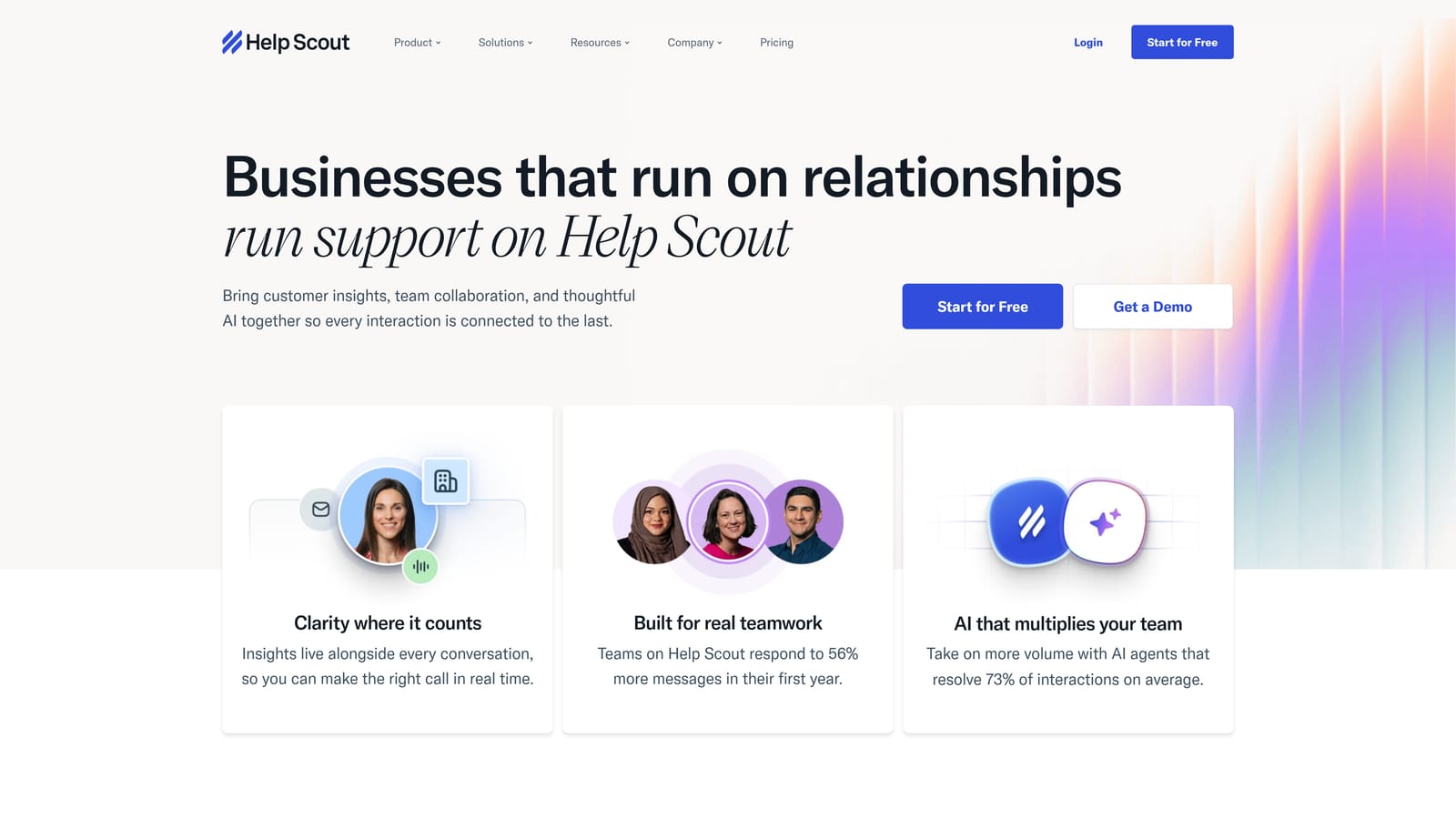
Help Scout is a customer-centric shared inbox and help center platform with AI features designed to make agents faster and more effective without feeling robotic.
Where This Tool Shines
Help Scout occupies a distinct position: it's not trying to be a fully autonomous AI support platform. Instead, it focuses on making human agents dramatically more efficient. The AI tools — summarizing long threads, drafting replies, and deflecting common questions — are genuinely useful additions that don't get in the way of the human-first experience Help Scout is known for.
The collaboration features are particularly strong. Collision detection, private notes, and a clean shared inbox design mean teams actually use it the way it's intended. If your support philosophy centers on relationship quality over ticket velocity, Help Scout fits that mindset.
Key Features
AI Summarize: Condenses long email threads into quick briefings so agents can get up to speed without reading every message.
AI Assist: Helps agents draft and refine replies faster, reducing the time spent on each response.
AI Answers: A self-service bot that deflects common questions before they reach an agent.
Beacon Widget: In-app help and chat widget that surfaces relevant content proactively based on where users are.
Team Collaboration: Collision detection, private notes, and tagging keep teams coordinated without stepping on each other.
Best For
SMBs and mid-market teams that prioritize the human quality of support interactions and want AI as a productivity layer rather than an autonomous resolver. Strong fit for relationship-driven support models.
Pricing
Tiered plans available. Verify current pricing at helpscout.com.
6. Tidio
Best for: SMBs and e-commerce stores that want fast setup, affordable AI chatbot capabilities, and live chat in one package.
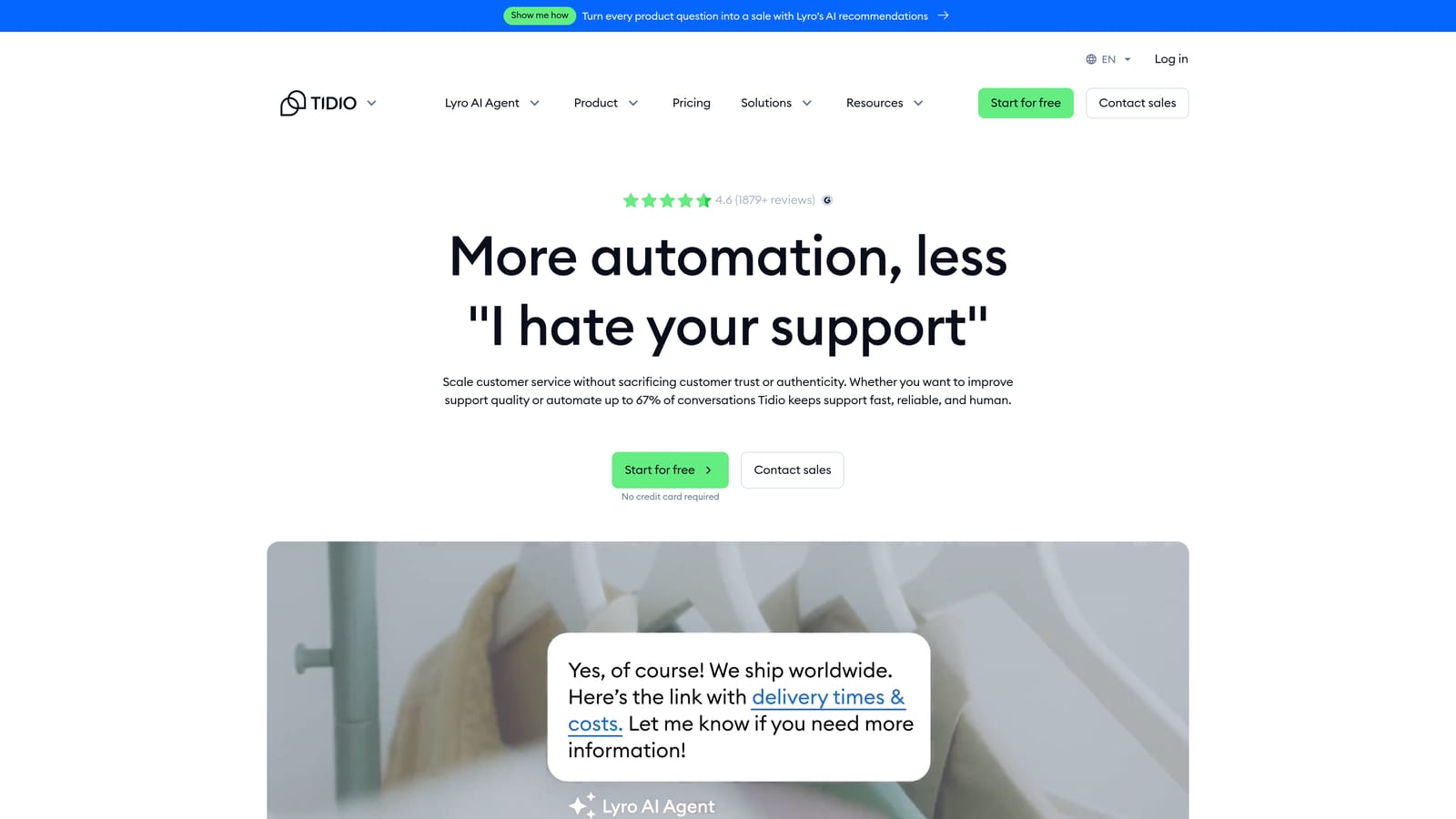
Tidio is a live chat and AI chatbot platform built for SMBs and e-commerce, featuring Lyro AI for autonomous FAQ resolution with minimal configuration required.
Where This Tool Shines
Speed of deployment is Tidio's headline advantage. You can have Lyro AI trained on your help content and handling FAQs autonomously in a matter of hours, not weeks. For small teams without dedicated technical resources, that matters enormously.
The visual flow builder makes automation accessible without engineering help, and the e-commerce integrations with Shopify and WooCommerce mean it fits naturally into retail and DTC support stacks. The free tier also makes it genuinely risk-free to test.
Key Features
Lyro AI Chatbot: Trained on your help content, handles frequently asked questions autonomously, and hands off to human agents when needed.
Visual Flow Builder: Create automation sequences and conversation flows without writing a single line of code.
AI-to-Human Handoff: Smooth transition from Lyro to a live agent when conversations exceed the chatbot's scope.
E-Commerce Integrations: Native connections to Shopify, WooCommerce, and other major platforms for order-aware support.
Free Tier: A functional starting point with Lyro AI available as an affordable add-on for teams ready to automate.
Best For
SMBs, e-commerce stores, and early-stage companies that need a fast, affordable path to AI-assisted support. Less suited for complex B2B SaaS environments with multi-system workflows.
Pricing
Free tier available. Lyro AI is priced per conversation. Verify current rates at tidio.com.
7. Zoho Desk
Best for: Teams already in the Zoho ecosystem that want native CRM integration and solid automation at a competitive price.
Zoho Desk is a helpdesk platform tightly integrated with the Zoho ecosystem, featuring Zia AI for sentiment analysis, anomaly detection, and intelligent ticket management.
Where This Tool Shines
If your business already runs on Zoho CRM, Zoho Books, or other Zoho products, Desk becomes significantly more valuable than its standalone price suggests. The native integrations eliminate the data silos that plague mixed-vendor stacks, giving agents full customer context without switching between tools.
Zia AI brings some genuinely useful capabilities, particularly sentiment analysis on incoming tickets and anomaly detection for unusual support patterns. The Blueprint automation feature is also worth noting: it lets teams define, enforce, and visualize support processes in a way that keeps workflows consistent as teams scale.
Key Features
Zia AI: Performs sentiment analysis, automatic ticket tagging, anomaly detection, and response suggestions based on ticket content.
Blueprint Automation: Define and enforce support processes visually, ensuring consistent handling across agents and teams.
Native Zoho CRM Integration: Full customer context from CRM data surfaces directly within support tickets.
Multi-Channel Support: Manages email, chat, phone, social, and web form tickets from a unified workspace.
Competitive Pricing: Particularly strong value for teams already paying for other Zoho products through bundled plans.
Best For
Organizations already invested in the Zoho ecosystem who want a cohesive, cost-effective support platform. The value proposition weakens significantly for teams not using other Zoho products.
Pricing
Tiered plans available. Verify current pricing at zoho.com/desk.
8. Kustomer
Best for: High-volume customer service operations that need full customer timeline context to handle complex, relationship-driven support.
Kustomer is a CRM-first customer service platform that gives AI agents full customer timeline context to handle high-volume, complex support relationships.
Where This Tool Shines
Kustomer's core insight is that better support requires better context. Rather than treating each ticket as an isolated event, Kustomer builds a complete customer timeline: every interaction, purchase, product event, and touchpoint in one view. When AI has that richness of context, routing decisions and suggested responses become significantly more accurate.
The KIQ Customer Service AI layer uses this timeline data for intelligent routing and response suggestions. For organizations handling thousands of complex customer relationships, the depth of context Kustomer provides is genuinely difficult to replicate in a standard ticketing system.
Key Features
Full Customer Timeline: Every interaction, purchase, and touchpoint consolidated in a single chronological view for agents and AI alike.
KIQ Customer Service AI: Intelligent routing and suggested responses informed by complete customer history rather than just the current ticket.
Conversation Summaries: AI-generated summaries of long conversations help agents get up to speed quickly on complex cases.
Omnichannel Coverage: Manages email, chat, SMS, social, and voice from a unified platform.
Deep Workflow Customization: Supports complex, non-standard support processes that don't fit into rigid out-of-the-box templates.
Best For
Enterprise and high-growth companies managing large volumes of complex customer relationships where context depth is critical. The implementation complexity and price point make it less suitable for smaller teams.
Pricing
Enterprise-focused pricing. Verify current rates at kustomer.com.
9. Gorgias
Best for: DTC and e-commerce brands on Shopify or WooCommerce that want support automation tied directly to order actions and revenue data.
Gorgias is an e-commerce-specialized helpdesk with deep Shopify and WooCommerce integration, capable of autonomously processing refunds, order edits, and cancellations without agent involvement.
Where This Tool Shines
Gorgias does something most helpdesks can't: it takes action on orders, not just tickets. When a customer asks for a refund or wants to cancel an order, Gorgias can process that request autonomously through its Shopify integration rather than routing it to an agent. For high-volume e-commerce operations, that's a meaningful reduction in support workload.
The revenue attribution feature is equally distinctive. Gorgias tracks the revenue impact of every support interaction, letting teams see which conversations convert and which agents drive the most value. That reframes support from a cost center to a revenue function.
Key Features
Auto-Close Routine Tickets: Order status and tracking inquiries are handled and closed automatically without any agent involvement.
Autonomous Order Actions: Processes refunds, order edits, and cancellations directly through Shopify integration without human intervention.
Revenue Attribution: Tracks the revenue impact of every support interaction to quantify the business value of your support team.
AI-Powered Macros: Pre-built and custom macros for common e-commerce scenarios accelerate agent responses on tickets that do need human handling.
Usage-Based Pricing: Pay per ticket rather than per seat, which scales naturally with support volume.
Best For
DTC e-commerce brands and online retailers on Shopify, WooCommerce, or Magento that want automation tied to transactional data. Not a good fit for B2B SaaS teams with general-purpose support needs.
Pricing
Usage-based pricing per ticket. Verify current rates at gorgias.com.
Which Tool Is Right for Your Team?
The right help desk automation tool depends less on feature checklists and more on where your support operation sits today and where you want it to go.
Here's a quick breakdown by use case to cut through the noise:
AI-first B2B SaaS: Halo AI. Built from the ground up for autonomous resolution, page-aware guidance, and business intelligence from support data.
Enterprise with complex workflows: Zendesk. The integration ecosystem, SLA management, and compliance infrastructure are hard to match at scale.
Budget-conscious mid-market: Freshdesk. Solid multi-channel coverage, a functional free tier, and Freddy AI for the essentials without enterprise pricing.
Lifecycle-connected automation: Intercom. Best when support automation needs to connect to product usage, onboarding, and retention workflows.
Relationship-driven SMB: Help Scout. AI that augments human agents rather than replacing them, with a clean experience that customers notice.
E-commerce or SMB quick start: Tidio. Fast setup, affordable Lyro AI, and e-commerce integrations that work out of the box.
Zoho ecosystem: Zoho Desk. The native CRM integration and competitive pricing make it the natural choice if you're already in the Zoho stack.
CRM-first high-volume: Kustomer. Full customer timeline context gives AI the richness it needs to handle complex, high-volume relationships.
DTC e-commerce: Gorgias. Autonomous order actions and revenue attribution make it purpose-built for retail support at scale.
Your support team shouldn't scale linearly with your customer base. Let AI agents handle routine tickets, guide users through your product, and surface business intelligence while your team focuses on complex issues that need a human touch. See Halo in action and discover how continuous learning transforms every interaction into smarter, faster support.
For a deeper look at building your automation strategy, explore our guides on automated customer support and AI customer service to see how the pieces fit together.