9 Best Helpdesk Integration Software for Unified Support in 2026
Helpdesk integration software connects your support platform with CRM, project management, and communication tools to eliminate data silos and streamline customer service workflows. This guide reviews the 9 best helpdesk integration solutions for 2026, evaluated on integration depth, automation capabilities, and real-time data synchronization to help support teams work more efficiently and resolve customer issues faster.
 Matt PattoliFounder11 min read
Managing customer support across disconnected tools creates chaos—tickets slip through cracks, agents waste time switching between systems, and customers repeat themselves endlessly. When your support platform doesn't talk to your CRM, project management tools, or communication channels, your team operates blind, duplicating data entry and missing critical context that could resolve issues faster.
Helpdesk integration software solves this by connecting your support platform with the rest of your business stack into a unified workflow. The right integration solution doesn't just connect tools; it transforms fragmented data into actionable intelligence that helps your team work smarter.
We evaluated dozens of options based on integration depth, ease of setup, automation capabilities, and real-time data sync to bring you the top helpdesk integration software for 2026.
1. Halo AI
Best for: AI-powered support automation with deep multi-system integrations and autonomous ticket resolution
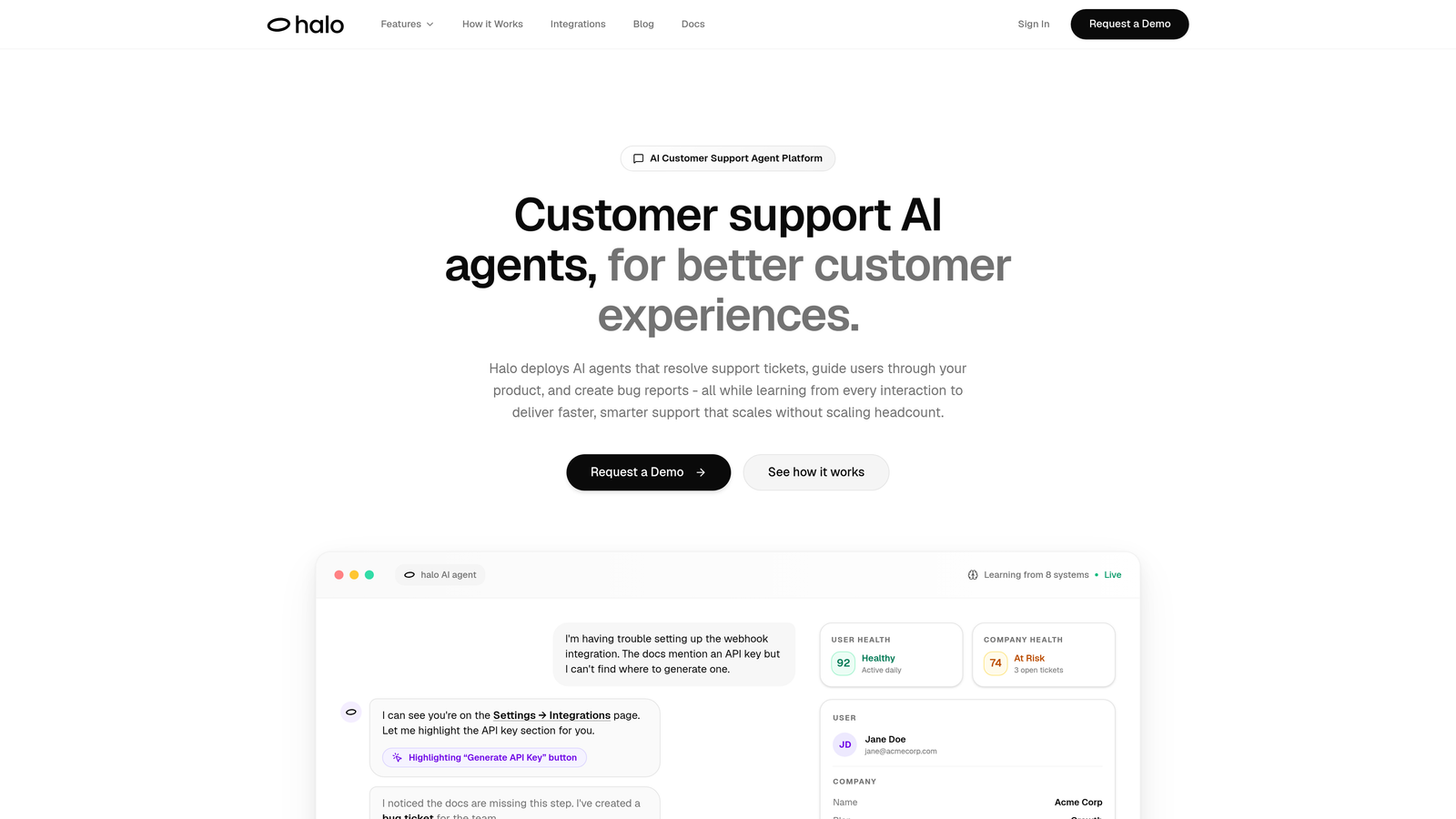
Halo AI takes a fundamentally different approach to helpdesk integration by deploying AI agents that don't just connect systems—they actively resolve tickets using context from your entire business stack.
Where This Tool Shines
Unlike traditional integration platforms that simply move data between systems, Halo's AI agents understand what they're looking at. The page-aware chat widget sees exactly what users see in your product, enabling visual guidance that references specific UI elements. When a customer asks about a billing issue, the AI pulls context from Stripe, checks ticket history from Intercom, and references relevant documentation—all automatically.
The platform's continuous learning architecture means every resolved ticket makes the system smarter. It automatically creates bug tickets in Linear when detecting product issues, syncs customer health signals to HubSpot, and surfaces business intelligence that traditional helpdesks miss entirely.
Key Features
Native Multi-System Integration: Connects Linear, Slack, HubSpot, Intercom, Stripe, Zoom, PandaDoc, and Fathom without middleware complexity.
Autonomous Ticket Resolution: AI agents resolve support tickets using context from all connected systems, not just canned responses.
Auto Bug Ticket Creation: Automatically generates and syncs bug reports to project management tools when product issues are detected.
Page-Aware Visual Guidance: Chat widget understands user context and provides visual UI guidance based on what they're viewing.
Business Intelligence Layer: Surfaces customer health signals, revenue intelligence, and anomaly detection from unified support data.
Best For
B2B SaaS companies and product teams that need more than data synchronization—those seeking AI-first support automation that learns continuously and scales without adding headcount. Particularly valuable for teams currently using multiple helpdesk systems who want autonomous resolution capabilities.
Pricing
Contact for custom pricing based on your support volume and integration requirements. Demo available to see the AI agents in action.
2. Zapier
Best for: No-code automation accessible to non-technical teams with the broadest app ecosystem
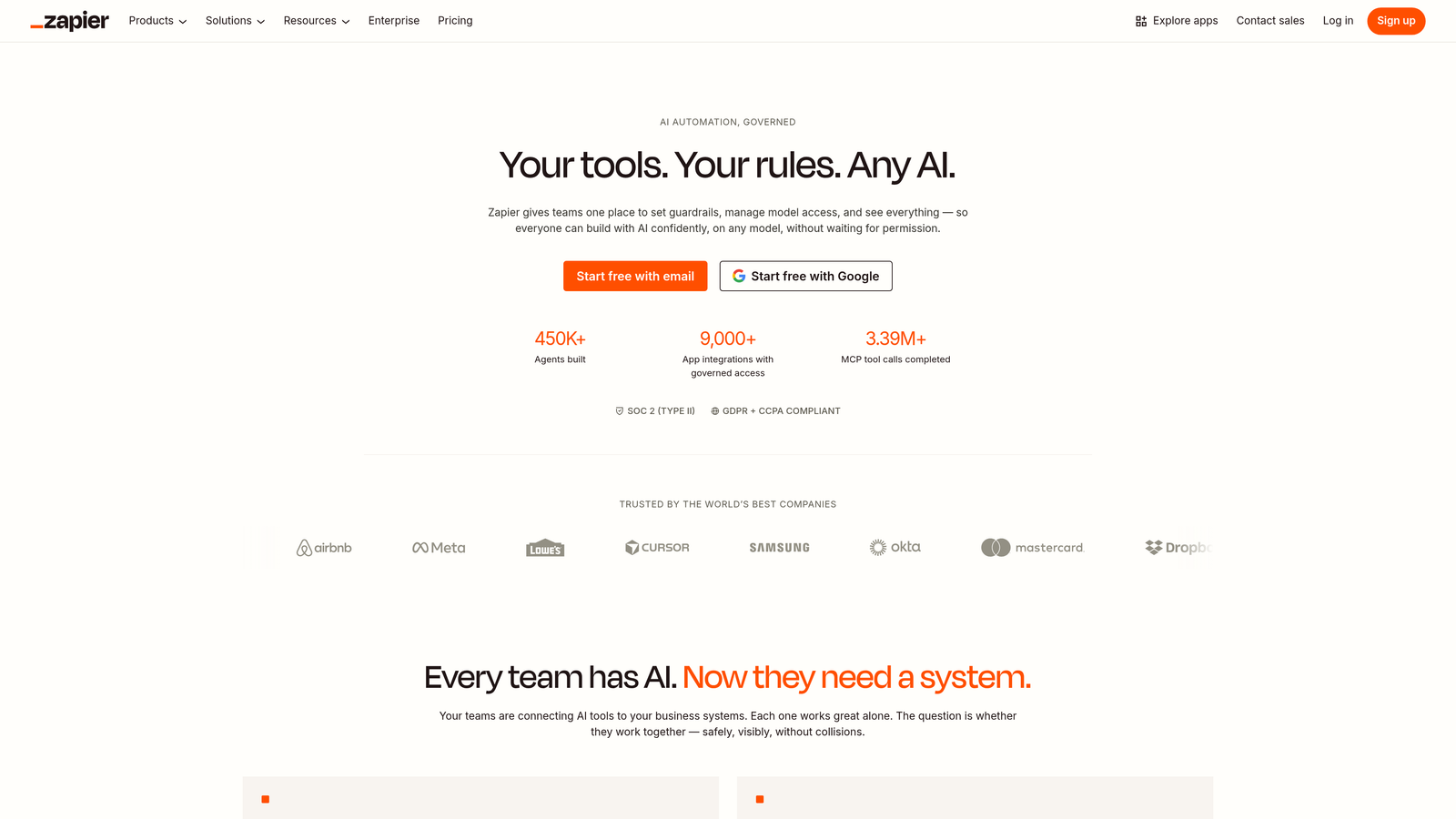
Zapier pioneered no-code integration with a visual workflow builder that connects helpdesks to over 6,000 applications without requiring developer resources.
Where This Tool Shines
Zapier's strength lies in democratizing integration—anyone on your support team can build automated workflows in minutes. The visual interface makes complex multi-step automations accessible, and the sheer number of pre-built integrations means you'll find connectors for virtually any tool in your stack.
The platform handles common helpdesk scenarios elegantly: automatically creating CRM contacts from new tickets, posting urgent issues to Slack, syncing customer data across platforms. Built-in formatters and filters let you transform data without code, while conditional logic enables sophisticated branching workflows.
Key Features
6,000+ App Integrations: Connects all major helpdesks including Zendesk, Freshdesk, Intercom, Help Scout, and ServiceNow.
Visual Workflow Builder: Drag-and-drop interface for creating multi-step Zaps without technical knowledge.
Conditional Logic: Branch workflows based on ticket properties, customer data, or custom conditions.
Built-In Data Tools: Format dates, parse text, and filter data without writing code.
Team Collaboration: Share Zaps across teams and manage permissions for different users.
Best For
Small to mid-sized support teams that need quick integration setup without technical resources. Ideal when connecting mainstream apps with straightforward data flows and moderate volume requirements.
Pricing
Free tier includes 100 tasks per month. Paid plans start at $19.99/month for 750 tasks, scaling up based on task volume and advanced features.
3. Workato
Best for: Enterprise-grade integration with AI-powered automation and comprehensive security compliance
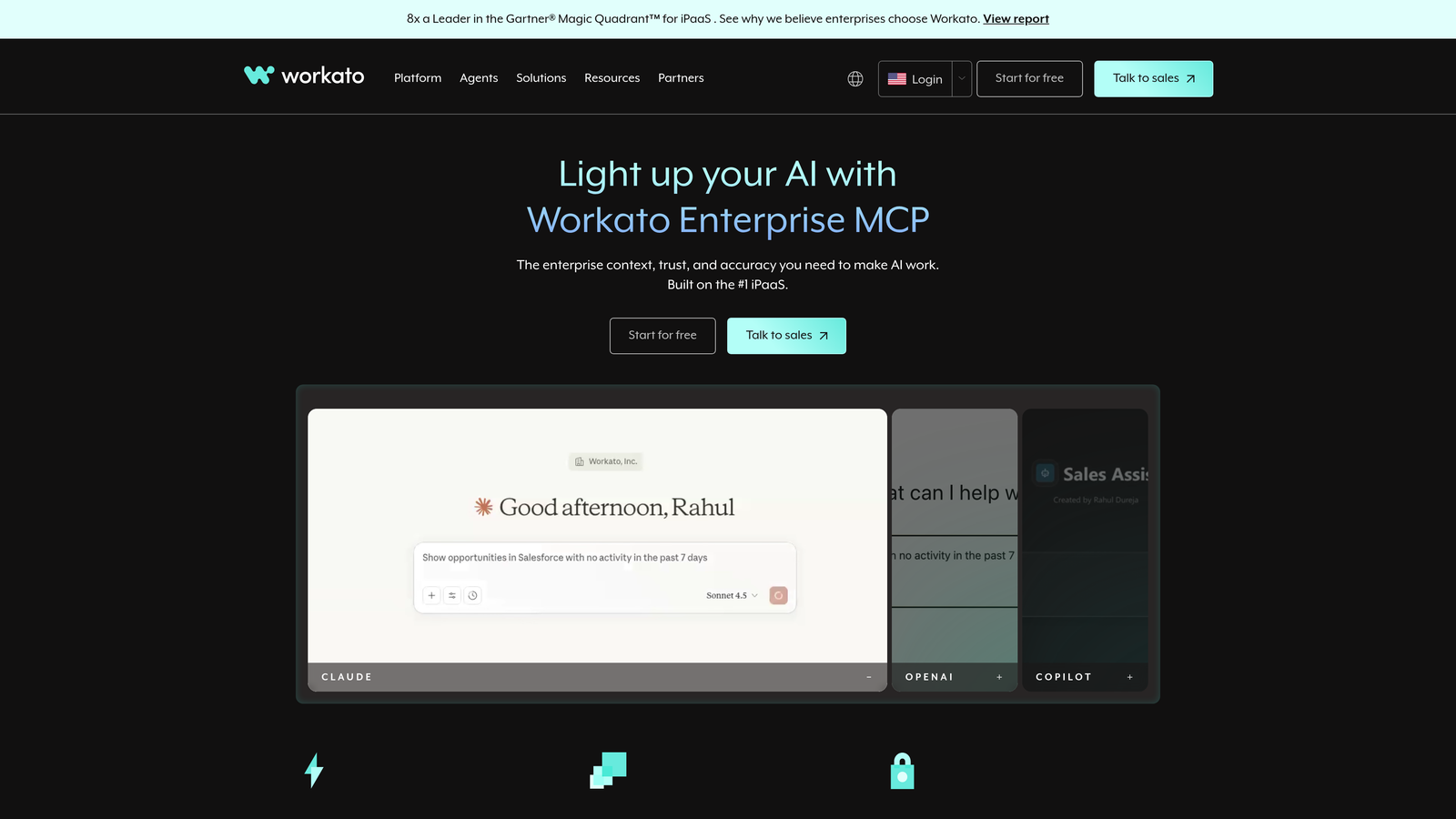
Workato serves enterprise organizations requiring robust security certifications, advanced governance, and AI-assisted workflow creation at scale.
Where This Tool Shines
Workato brings enterprise muscle to helpdesk integration with SOC 2 Type II and HIPAA compliance baked in. The platform's AI suggests recipes based on your connected apps and common patterns, accelerating implementation for teams managing complex integration requirements across multiple departments.
The pre-built connectors for enterprise helpdesks like ServiceNow and Salesforce Service Cloud include sophisticated error handling and monitoring. When integrations fail, Workato's detailed logging and alerting help technical teams diagnose issues quickly rather than discovering problems through customer complaints.
Key Features
AI-Powered Recipe Suggestions: Machine learning recommends automation workflows based on your connected applications and usage patterns.
Enterprise Security Compliance: SOC 2 Type II, HIPAA, and other certifications meet strict regulatory requirements.
Pre-Built Enterprise Connectors: Deep integrations with ServiceNow, Salesforce, SAP, and other enterprise platforms.
Advanced Error Handling: Sophisticated retry logic, detailed error logs, and automated alerting for failed integrations.
API Management: Create, publish, and manage APIs for custom integrations and third-party access.
Best For
Large enterprises with complex integration requirements, strict security compliance needs, and technical teams managing cross-departmental workflows. Particularly valuable in regulated industries like healthcare and finance.
Pricing
Custom enterprise pricing based on recipe volume, connectors, and support requirements. Contact Workato for detailed quote and implementation timeline.
4. Tray.io
Best for: Technical teams requiring granular API control with low-code flexibility
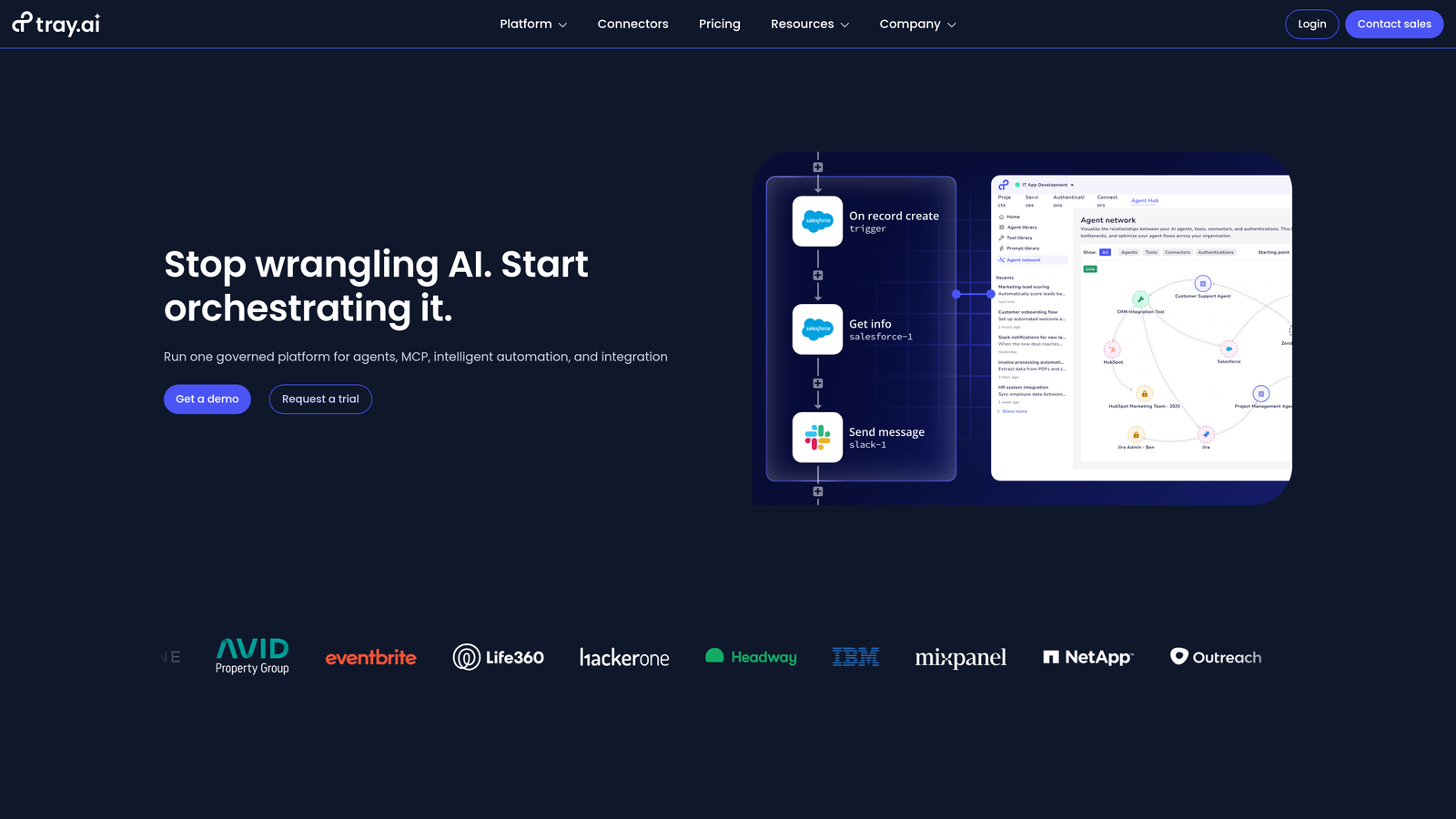
Tray.io bridges visual workflow building with code-level API control, giving technical teams flexibility without sacrificing speed.
Where This Tool Shines
Tray.io appeals to teams that find pure no-code platforms too limiting but don't want to write integration code from scratch. The visual builder handles common scenarios quickly, while the Universal Connector lets developers integrate any REST API with custom authentication and data transformation logic.
The platform's real-time sync capabilities and webhook support enable instant data flow between helpdesks and connected systems. When a high-priority ticket arrives, Tray can trigger immediate actions across multiple platforms—creating Jira issues, notifying teams in Slack, and updating customer records in your CRM simultaneously.
Key Features
Visual Builder with Code Flexibility: Drag-and-drop interface that exposes API-level controls when needed.
Universal Connector: Integrate any REST API with custom authentication, headers, and request formatting.
Advanced Data Transformation: Complex mapping, filtering, and data manipulation using JSONata expressions.
Embedded Integration Capabilities: Build integrations that customers can configure within your product interface.
Real-Time Sync and Webhooks: Instant data flow between systems without polling delays.
Best For
Technical support operations teams and SaaS companies that need both speed and flexibility. Ideal when integrating with custom APIs, proprietary systems, or building customer-facing embedded integrations.
Pricing
Custom pricing based on workflow executions and connector usage. Typical enterprise deployments start in the mid-four-figure range annually.
5. Make (formerly Integromat)
Best for: Visual automation with powerful data transformation at competitive pricing
Make delivers sophisticated automation capabilities through an intuitive visual interface at price points that appeal to growing teams.
Where This Tool Shines
Make's scenario builder visualizes data flow in a way that makes complex workflows easier to understand and debug. The platform excels at data transformation—parsing, filtering, and restructuring information as it moves between your helpdesk and other systems. This matters when your CRM expects data formatted differently than your helpdesk provides it.
The execution history provides detailed visibility into every scenario run, showing exactly what data moved through each step. When troubleshooting integration issues, this transparency helps teams identify problems quickly rather than guessing where data transformation went wrong.
Key Features
Visual Scenario Builder: Flow-chart interface with branching logic and parallel processing paths.
Advanced Data Parsing: Built-in tools for JSON, XML, CSV manipulation and custom data transformation.
1,500+ App Integrations: Connects major helpdesks, CRMs, project management, and communication tools.
Flexible Scheduling: Run scenarios on schedules, via webhooks, or triggered by specific events.
Detailed Execution History: Debug scenarios with step-by-step data flow visualization and error details.
Best For
Growing support teams that need sophisticated automation without enterprise pricing. Particularly valuable when complex data transformation is required between systems with different data structures.
Pricing
Free tier includes 1,000 operations per month. Paid plans start at $9/month for 10,000 operations, scaling based on volume with no per-app connector fees.
6. Celigo
Best for: ERP-helpdesk synchronization for operations-heavy businesses managing inventory and orders
Celigo specializes in connecting business operations systems like NetSuite and Salesforce with customer support platforms.
Where This Tool Shines
Celigo built its reputation on NetSuite integration, and that expertise shows in how seamlessly it syncs order data, inventory status, and customer records between ERP systems and helpdesks. For companies where support inquiries frequently involve order status, shipping updates, or product availability, this operational context transforms support quality.
The platform's AI-assisted mapping learns from your data patterns to suggest field mappings between systems, reducing implementation time. The error management dashboard surfaces integration failures before they impact customers, with automated retry logic for transient issues.
Key Features
Pre-Built NetSuite and Salesforce Integrations: Deep connectors for ERP and CRM systems with support platform synchronization.
E-Commerce Platform Connectors: Sync Shopify, Magento, and BigCommerce order data into helpdesk systems.
Order and Inventory Sync: Real-time visibility into order status, shipping, and product availability within support tickets.
Error Management Dashboard: Centralized view of integration health with automated alerting and retry logic.
AI-Assisted Mapping: Machine learning suggests field mappings based on data patterns and common configurations.
Best For
E-commerce businesses, distributors, and operations-heavy companies where support teams need real-time access to order, inventory, and shipping data. Particularly valuable for NetSuite and Salesforce users.
Pricing
Tiered pricing based on integration complexity and data volume. Contact Celigo for custom quote based on your ERP and helpdesk platforms.
7. Boomi
Best for: Enterprise integration supporting hybrid cloud and on-premise helpdesk deployments
Boomi serves large enterprises with complex infrastructure requirements, including on-premise systems and hybrid cloud architectures.
Where This Tool Shines
Boomi handles scenarios that cloud-only integration platforms can't touch—connecting on-premise helpdesk installations, legacy systems behind firewalls, and hybrid deployments spanning multiple data centers. The master data management hub ensures customer data stays consistent across all connected systems, critical for enterprises with multiple support platforms across divisions.
The pre-built process libraries accelerate implementation by providing tested integration patterns for common enterprise scenarios. API lifecycle management capabilities let technical teams create, version, and govern APIs that other systems consume, turning Boomi into a central integration hub.
Key Features
Hybrid Cloud and On-Premise Support: Deploy integration runtime in cloud, on-premise, or hybrid configurations.
Master Data Management Hub: Centralized customer data governance across multiple support platforms and business systems.
Pre-Built Process Libraries: Tested integration patterns for common enterprise helpdesk scenarios.
API Lifecycle Management: Create, version, secure, and monitor APIs for system-to-system communication.
Flow Low-Code App Development: Build custom applications that leverage integrated helpdesk and business data.
Best For
Large enterprises with on-premise systems, complex infrastructure requirements, and multiple support platforms requiring unified customer data management. Particularly valuable in industries with data residency requirements.
Pricing
Enterprise pricing based on connectors, data volume, and deployment architecture. Annual contracts typically start in the low-six-figure range for comprehensive implementations.
8. n8n
Best for: Self-hosted integration requiring full data control and unlimited workflow executions
n8n offers open-source integration that teams can self-host, providing complete control over data and unlimited execution at predictable costs.
Where This Tool Shines
n8n appeals to teams with strict data governance requirements or those frustrated by per-task pricing that makes integration costs unpredictable. Self-hosting means customer support data never leaves your infrastructure—critical for companies in regulated industries or those handling sensitive information.
The open-source nature enables deep customization. Developers can build custom nodes for proprietary systems, modify core functionality, and contribute improvements back to the community. The active ecosystem means new integrations and features appear regularly without waiting for vendor roadmaps.
Key Features
Self-Hosted or Cloud Deployment: Run on your infrastructure for full control or use managed cloud hosting.
400+ Integrations with Custom Node Support: Pre-built connectors plus ability to create custom integrations for any system.
Unlimited Workflow Executions: Self-hosted deployments have no execution limits or per-task charges.
Full Source Code Access: Modify, extend, and customize the platform to match exact requirements.
Active Community and Extensions: Regular updates, community-built nodes, and shared workflow templates.
Best For
Technical teams with data governance requirements, companies wanting predictable integration costs without per-task pricing, and organizations needing deep customization capabilities. Requires technical resources for self-hosted deployment and maintenance.
Pricing
Free for self-hosted deployments with unlimited executions. Managed cloud hosting starts at $20/month for 2,500 workflow executions, scaling with volume.
9. Pabbly Connect
Best for: Budget-conscious teams needing unlimited operations without per-task charges
Pabbly Connect disrupts traditional integration pricing with unlimited operations on all plans and one-time lifetime pricing options.
Where This Tool Shines
Pabbly's pricing model eliminates the anxiety of watching task counters tick up with every workflow execution. Unlimited operations mean you can automate aggressively without worrying about overage charges—particularly valuable for high-volume support operations where thousands of tickets generate integration tasks daily.
The platform handles multi-step workflows with filters and conditional logic comparable to more expensive alternatives. While the interface isn't as polished as premium competitors, the functionality covers most common helpdesk integration scenarios at a fraction of the cost.
Key Features
Unlimited Operations on All Plans: No per-task charges or execution limits regardless of volume.
One-Time Lifetime Pricing Available: Pay once and own the integration platform permanently without recurring fees.
Multi-Step Workflows with Filters: Create complex automations with conditional logic and data transformation.
1,000+ App Integrations: Connects major helpdesks, CRMs, and business tools with regular additions.
No Per-Task Charges: Predictable costs regardless of support volume or integration complexity.
Best For
Budget-conscious support teams with high automation volumes, startups wanting to minimize recurring costs, and teams frustrated by unpredictable per-task pricing from other platforms.
Pricing
Plans start at $19/month with unlimited operations. Lifetime deals available during promotional periods, typically ranging from $249-$699 for permanent access.
Matching Your Integration Needs to the Right Solution
The right helpdesk integration software depends on what you're actually trying to accomplish. If you need AI agents that autonomously resolve tickets using context from your entire business stack—not just data synchronization—Halo AI delivers continuous learning that makes support smarter with every interaction. For teams wanting simple no-code automation accessible to anyone, Zapier and Make offer visual builders with broad app ecosystems.
Enterprise organizations requiring security compliance and sophisticated governance should evaluate Workato and Boomi, particularly when connecting on-premise systems or managing complex multi-departmental workflows. Technical teams that need API-level control with visual speed will appreciate Tray.io's flexibility, while those with strict data governance requirements might prefer n8n's self-hosted approach.
Budget optimization matters too. Pabbly Connect eliminates per-task anxiety with unlimited operations, while Make delivers sophisticated capabilities at competitive pricing. Operations-heavy businesses managing inventory and orders benefit from Celigo's ERP specialization, ensuring support teams have real-time visibility into order status and product availability.
Your support team shouldn't scale linearly with your customer base. Let AI agents handle routine tickets, guide users through your product, and surface business intelligence while your team focuses on complex issues that need a human touch. See Halo in action and discover how continuous learning transforms every interaction into smarter, faster support.