How to Automate Support Ticket Responses: A 6-Step Implementation Guide
Learn how to automate support ticket responses with a practical 6-step implementation guide designed for B2B companies. This approach helps support teams eliminate the 40-60% of time spent on repetitive questions like password resets and billing inquiries, freeing senior agents to focus on complex customer problems that require human judgment and deep product expertise.
 Grant CooperFounder15 min read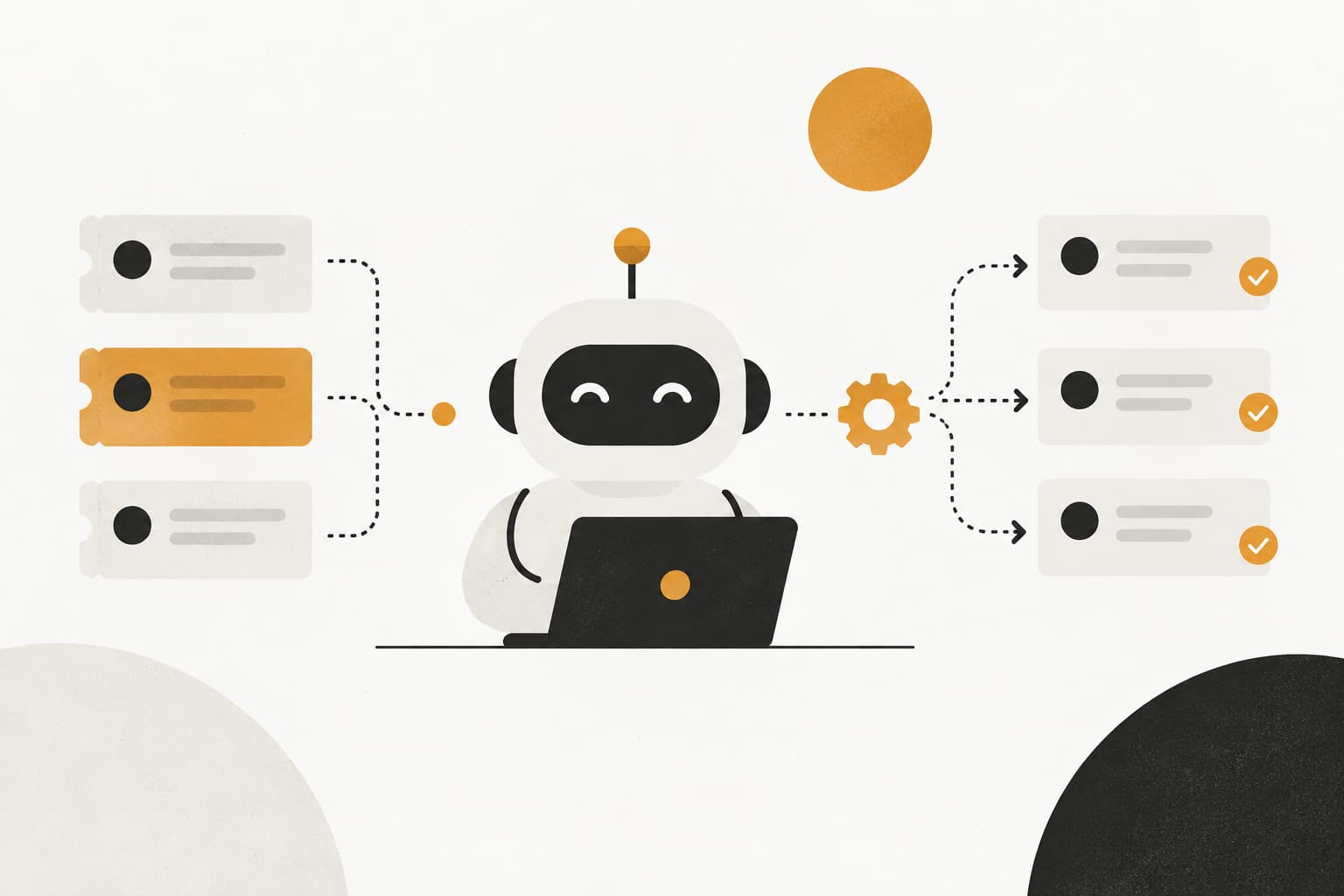
Every minute your support team spends on repetitive tickets is a minute they can't spend solving complex customer problems. For B2B companies handling hundreds or thousands of tickets weekly, manual responses to common questions like password resets, billing inquiries, and feature explanations create a bottleneck that frustrates both agents and customers.
The reality? Many support teams spend 40-60% of their time answering the same questions over and over. Your senior agents—the ones with deep product knowledge and problem-solving skills—are typing out password reset instructions for the third time today instead of tackling that intricate integration issue that's been escalated twice.
Automating support ticket responses isn't about replacing your team. It's about freeing them to do work that actually requires human judgment and empathy. When automation handles the predictable patterns, your agents can focus on the conversations that matter: understanding unique customer challenges, providing strategic guidance, and building relationships that drive retention.
This guide walks you through the practical steps to implement ticket response automation, from auditing your current ticket volume to measuring success. Whether you're using Zendesk, Freshdesk, Intercom, or considering an AI-first approach, you'll learn how to identify automation opportunities, set up intelligent routing, and create responses that feel helpful rather than robotic.
By the end, you'll have a clear roadmap for reducing response times while maintaining the quality your customers expect. Let's get started.
Step 1: Audit Your Ticket Volume and Identify Automation Candidates
You can't automate what you don't understand. The first step is getting a clear picture of what your team actually handles day-to-day.
Export your last 30-60 days of support tickets from your helpdesk system. This timeframe gives you enough data to spot patterns without being skewed by seasonal anomalies. Now comes the categorization work: group tickets by type. Create buckets like billing inquiries, password resets, feature questions, account management requests, technical troubleshooting, and bug reports.
Most helpdesk systems let you filter by tags or categories if your team has been consistent about labeling. If not, you'll need to manually review a representative sample—say, 200-300 tickets—to establish patterns. Yes, it's tedious. But this foundation determines everything that follows.
Calculate the percentage of tickets that follow predictable patterns with standard answers. Look for tickets where the resolution process is essentially identical every time. "How do I reset my password?" always gets the same response. "What's included in the Pro plan?" has a definitive answer. "Why was I charged twice?" follows a standard investigation workflow.
Identify your top 10-15 most frequent ticket types. These become your automation priorities. Rank them not just by volume but by time-to-resolution. A ticket type that appears 50 times per week and takes 10 minutes to resolve is a bigger opportunity than one that appears 100 times but takes 30 seconds.
Here's what matters: flag tickets that require human judgment as exclusions. Refund decisions often involve policy interpretation and customer history. Complex bugs need technical investigation. Escalations from frustrated customers require empathy and de-escalation skills. These stay with your human agents.
Create a simple spreadsheet with columns for ticket type, weekly volume, average resolution time, automation potential (high/medium/low), and notes. This becomes your automation roadmap. For a deeper dive into clearing existing backlogs before implementing automation, see our guide on clearing your customer support ticket backlog.
Success indicator: You should identify at least 40-60% of your tickets as automation candidates. If you're finding less than 30%, you're either being too conservative about what can be automated, or your support operation is genuinely handling mostly complex, unique issues—which is rare for B2B software companies at scale.
One pattern you'll likely discover: the tickets that frustrate your agents most are often the best automation candidates. When your team groans at seeing another "How do I export data?" ticket, that's automation signaling loudly.
Step 2: Map Your Response Workflows and Decision Trees
Now that you know what to automate, you need to document exactly how to automate it. This step separates successful automation from the kind that creates more work than it saves.
Pick your top automation candidate—let's say "password reset requests"—and shadow an experienced agent handling it. Document every single step they take. They check if the account exists. They verify the email address matches the account. They look at whether the account is active or suspended. They send the reset link. They confirm the customer received it.
Each of those steps represents a decision point your automation needs to handle. What happens if the email doesn't match? What if the account is suspended? Your agent knows to escalate suspended accounts to billing. Your automation needs explicit instructions.
Create decision trees for each ticket type. Use if-then logic: if customer asks about password reset AND their account status is "active" AND their email matches records, respond with reset link. If account status is "suspended," respond with billing contact information and escalate to collections team.
Identify what information the automation needs to pull. This is where integration becomes critical. Your automation can't provide contextual, helpful responses without access to relevant data. For password resets, it needs account status. For billing inquiries, it needs subscription tier and payment history. For feature questions, it needs to know what plan the customer is on.
Map out your data sources. Where does this information live? Your CRM holds account details. Your billing system has payment history. Your product database knows feature access by plan tier. Your automation tool needs connections to all of these to make intelligent decisions. Building automated support documentation that scales with your product makes this mapping process significantly easier.
Define escalation triggers clearly. These are the conditions that should always route to a human agent, regardless of how confident the automation is. Examples: customer mentions "cancel," sentiment analysis detects frustration or anger, account value exceeds a threshold, issue involves a bug affecting multiple users, or customer has contacted support three times in 48 hours.
Document edge cases. What happens when a customer asks two unrelated questions in one ticket? What if they're asking about a feature that's in beta? What if their account shows conflicting information? Your automation needs instructions for these scenarios, even if the instruction is "escalate to human review."
Success indicator: Each automation candidate has a clear, documented workflow with no ambiguous decision points. If you hand your documentation to a new team member, they should be able to handle the ticket following your steps without asking clarifying questions.
This mapping process often reveals inefficiencies in your current workflows. You might discover that agents are checking three different systems to answer a simple question because data isn't centralized. Fix those inefficiencies before automating them.
Step 3: Choose Your Automation Approach and Configure Your System
You've identified what to automate and documented how to do it. Now comes the technology decision: what level of automation intelligence do you actually need?
The automation spectrum runs from simple rule-based systems to sophisticated AI-powered platforms. Understanding where your needs fall determines your implementation approach and success.
Rule-based automation uses keyword triggers and macros. Customer types "reset password," system detects those keywords, fires off a pre-written response with a reset link. This works beautifully for simple, predictable requests where customers use consistent language. It's fast to set up, easy to control, and requires minimal technical overhead.
The limitation? Rule-based systems struggle with variation. When a customer writes "I can't log in," "My password isn't working," or "Help, locked out of my account," a basic keyword system might miss all three variations of the same underlying issue. You end up building dozens of keyword combinations trying to catch every possible phrasing.
AI-powered intelligent automation understands intent and context. It recognizes that "I can't log in," "password not working," and "account locked" all represent the same customer need. It can handle follow-up questions, understand nuance, and adapt responses based on account context. The trade-off is complexity—you need proper training data, confidence thresholds, and ongoing monitoring. Understanding AI support agent capabilities helps you set realistic expectations for what modern systems can handle.
For most B2B companies handling moderate to high ticket volumes, a hybrid approach works best. Use rule-based automation for genuinely simple, high-confidence scenarios. Deploy AI for anything requiring interpretation, context awareness, or multi-turn conversations.
Connect your chosen automation tool to your essential business systems. At minimum, you need integration with your helpdesk, knowledge base, and CRM. Ideally, connect to your product database, billing system, and any tools that hold relevant customer context. The more connected your automation, the more contextual and helpful its responses become.
Set up intent recognition to understand what customers actually need, not just keywords they use. Modern AI systems can be trained to recognize intents like "password_reset," "billing_inquiry," "feature_question," and "bug_report" regardless of exact phrasing. This dramatically reduces the maintenance burden compared to keyword-based systems.
Configure confidence scoring. Your automation should know when it's certain versus when it's guessing. Set thresholds: above 90% confidence, auto-respond. Between 70-90%, auto-respond but flag for human review. Below 70%, route directly to an agent. These thresholds will vary based on your risk tolerance and ticket types.
Success indicator: Your system can correctly categorize and route test tickets with 90%+ accuracy. Create a test set of 50-100 real tickets across your automation candidates and run them through the system. If accuracy is below 90%, you need more training data or clearer intent definitions before launching.
Don't underestimate the importance of proper system configuration. A poorly configured AI system creates more frustration than no automation at all.
Step 4: Build Your Automated Response Library
Here's where many automation projects fail: the responses themselves. You can have perfect routing and flawless intent recognition, but if your automated responses sound like they were written by a robot having a bad day, customers will hate the experience.
Write responses that sound human. Avoid corporate jargon, overly formal language, and the passive voice that plagues most automated communications. Instead of "Your password reset request has been processed," try "I've sent a password reset link to your email—it should arrive in the next minute or two."
Acknowledge the customer's situation. Don't just dump information. Show that you understand why they're contacting support. "I see you're having trouble accessing your account—that's frustrating, especially when you need to get work done. Let's get you back in."
Create response variations to prevent repetitive-sounding automation. If your system handles 50 password reset requests per day using identical language, customers will notice. Build 3-5 variations of each response that convey the same information with different phrasing. Your automation can rotate through them.
Include personalization tokens where relevant. Use the customer's name, reference their specific product or plan tier, mention their account details when appropriate. "Hi Sarah, I see you're on our Pro plan" feels dramatically more helpful than a generic greeting.
Build in clear next steps and set expectations for resolution timeline. Don't leave customers wondering what happens next. "Click the link in your email to reset your password. If you don't see it within 5 minutes, check your spam folder or reply to this ticket and I'll help you troubleshoot."
For more complex responses, break information into digestible chunks. Use short paragraphs. Lead with the most important information. If you're explaining a multi-step process, number the steps clearly. A well-structured automated support knowledge base provides the foundation for consistent, accurate responses.
Test your responses with the team members who don't work in support. If your marketing or sales colleagues find a response confusing, your customers definitely will. Better yet, test with actual customers if you can.
Success indicator: Responses pass the "would I be satisfied receiving this?" test. Read each automated response as if you were the frustrated customer who just submitted that ticket. If you'd be annoyed or confused by the response, rewrite it.
Remember that tone matters enormously. Your automated responses should match your brand voice. If your company is casual and friendly in other communications, your automation shouldn't suddenly become stiff and formal. Consistency builds trust.
Step 5: Implement Intelligent Routing and Human Handoff
The difference between automation that delights customers and automation that drives them crazy often comes down to routing. Your system needs to know not just when to respond automatically, but when to step aside and let a human take over.
Configure confidence thresholds for automatic versus human review. This isn't one-size-fits-all—different ticket types warrant different confidence requirements. For password resets where the risk is low, you might auto-respond at 85% confidence. For billing disputes where the stakes are higher, you might require 95% confidence or always route to human review.
Set up sentiment detection to escalate frustrated or angry customers immediately. No customer who opens a ticket with "This is the third time I've contacted you about this issue" should receive an automated response, no matter how accurate. Frustration requires empathy, and empathy requires a human. Implementing automated customer sentiment analysis helps your system detect emotional cues in real-time.
Modern AI systems can analyze sentiment in real-time. Configure yours to flag keywords and phrases that indicate frustration: "unacceptable," "extremely disappointed," "cancel my account," "speak to a manager," or excessive punctuation like "!!!" or "???"
Create VIP routing rules for high-value accounts or enterprise customers. Your automation might handle routine questions from standard accounts, but enterprise customers paying significant annual contracts deserve immediate human attention. Pull account value from your CRM and set thresholds.
Design seamless handoff so agents see full context when automation escalates. Nothing frustrates agents more than picking up a ticket mid-conversation with no idea what the automation already said. Your handoff should include: the original customer inquiry, what the automation attempted, why it escalated, and relevant account context pulled from connected systems. Our guide on automated support handoff systems covers the technical details of building these transitions.
Build in override capabilities. Agents should be able to manually override automation decisions. If they see a ticket that was auto-responded but shouldn't have been, they need a quick way to take over and send a personalized follow-up.
Set up escalation paths for specific scenarios. If automation detects a potential bug affecting multiple customers, escalate to your engineering team. If it identifies a billing discrepancy, route to finance. Smart routing means getting tickets to the right expert, not just any available agent.
Configure time-based escalation. If an automated response doesn't resolve the issue and the customer replies, that ticket should escalate to human review. Don't let customers get stuck in automation loops where they keep receiving unhelpful responses.
Success indicator: Zero customer complaints about being "stuck" with unhelpful automation. Monitor your feedback channels carefully in the first month. If customers are expressing frustration about automated responses or asking to speak to a human, your routing rules need adjustment.
The goal is invisible automation. Customers should get fast, helpful responses without noticing or caring whether a human or AI provided them. The moment they notice the automation, something's wrong.
Step 6: Launch, Monitor, and Continuously Improve
You've built your automation system. Now comes the part that determines whether it succeeds or becomes another abandoned tool: ongoing optimization.
Start with a soft launch. Don't flip the switch to automate everything you've identified overnight. Begin by automating 20-30% of eligible tickets—your highest-confidence, lowest-risk candidates. Password resets, basic feature questions, and simple account inquiries are good starting points.
Monitor quality obsessively in the first two weeks. Review every automated interaction. Read customer replies to automated responses. Are they satisfied? Confused? Frustrated? Did the automation actually resolve their issue or just create more back-and-forth?
Track key metrics across automated versus human-handled tickets. Your dashboard should include resolution rate (percentage of tickets closed without escalation), customer satisfaction scores, average resolution time, and escalation rate. Understanding automated support performance metrics helps you identify which numbers actually matter for your business.
Set up a weekly review process for escalated tickets. When automation punts a ticket to a human, that's valuable learning data. Why did it escalate? Was the confidence threshold too conservative? Did the customer use phrasing your system didn't recognize? Is there a new ticket type emerging that you haven't documented?
Create feedback loops so agents can flag and correct poor automated responses. Build a simple mechanism—a button in your helpdesk interface—where agents can mark an automated response as unhelpful and provide the correct response. Feed this data back into your system to improve future interactions.
Expand automation coverage gradually based on performance data. Once your initial 20-30% is performing well—meeting or exceeding satisfaction scores for human-handled tickets—add the next tier of automation candidates. Repeat the monitoring process. This iterative approach prevents catastrophic failures and builds team confidence.
Watch for seasonal patterns and emerging issues. Your automation might perform beautifully in normal conditions but struggle when you launch a new feature and suddenly get hundreds of "how does this work?" tickets. Be ready to pause automation for specific ticket types when circumstances change.
Conduct monthly audits of your automated response library. Are responses still accurate? Have product features changed? Has your brand voice evolved? Outdated automated responses damage trust faster than no automation at all.
Success indicator: Automated ticket satisfaction scores match or exceed human-handled tickets within 60-90 days of launch. If you're not hitting this benchmark, something in your implementation needs adjustment—response quality, routing rules, or confidence thresholds.
Remember that automation quality compounds over time. Every interaction is an opportunity to learn and improve. Systems that leverage continuous learning become more accurate and helpful with each ticket processed.
Putting It All Together
Automating support ticket responses is an iterative process, not a one-time project. The companies that succeed treat it as an ongoing optimization effort, not a "set it and forget it" implementation.
Start by auditing your tickets to find clear automation candidates—those repetitive, predictable requests that consume agent time without requiring human judgment. Map your workflows carefully, documenting every decision point and data requirement. Choose the right level of automation intelligence for your needs, whether that's rule-based for simple scenarios or AI-powered for context-aware responses.
Build responses that genuinely help customers, not robotic scripts that technically answer questions while frustrating everyone involved. Implement intelligent routing that knows when to handle tickets automatically and when to step aside for human expertise. Launch conservatively, monitor obsessively, and improve continuously based on real performance data.
The key is maintaining human oversight through smart routing and continuous improvement. Your automation should make your support team more effective, not replace their judgment and empathy.
Here's your quick-start checklist to begin implementation:
Export and categorize 60 days of tickets to identify your top automation candidates. Aim to find ticket types representing at least 40% of your volume.
Document workflows for your top 10 ticket types, including decision trees, data requirements, and escalation triggers.
Configure your automation tool with proper integrations to your CRM, knowledge base, billing system, and product database.
Write your initial response library with human-sounding language, personalization tokens, and clear next steps.
Set up routing rules including confidence thresholds, sentiment detection, VIP prioritization, and seamless handoff protocols.
Launch at 20-30% volume with your highest-confidence ticket types and monitor satisfaction scores daily for the first two weeks.
Your support team shouldn't scale linearly with your customer base. Let AI agents handle routine tickets, guide users through your product, and surface business intelligence while your team focuses on complex issues that need a human touch. See Halo in action and discover how continuous learning transforms every interaction into smarter, faster support.
The difference between basic automation and intelligent ticket resolution often comes down to context awareness and continuous learning from every interaction. Start with the foundation we've outlined here, commit to ongoing optimization, and you'll build a support operation that scales efficiently without sacrificing quality.
How Halo helps
Halo automates the full support loop: its AI agent resolves routine tickets autonomously, drafts replies for the rest, and routes what needs a human — with escalation rules your team controls. Learn more about how Halo resolves tickets autonomously.