9 Best In-App Support Chat Widgets for B2B SaaS in 2026
This guide evaluates the 9 best in-app support chat widgets for B2B SaaS teams in 2026, comparing tools on AI capability, contextual awareness, and integration depth to help product teams choose a solution that reduces churn and turns in-product support into a retention driver.
 Matt PattoliFounder13 min read
If your users are hitting walls inside your product and can't get help without leaving the app, you're losing them. In-app support chat widgets have evolved well beyond simple live chat bubbles. Today's best tools combine AI-powered resolution, contextual awareness, and deep integrations that turn your support layer into a genuine retention driver.
This list covers the best in-app support chat widgets for B2B SaaS teams in 2026. Whether you're replacing a legacy helpdesk widget, adding AI automation for the first time, or looking for something that actually understands what page a user is on when they ask for help, there's an option here for you.
We evaluated each tool on AI capability, contextual awareness, integration depth, ease of deployment, and pricing transparency. Halo AI is listed first because it's our product — but every tool on this list earns its place on merit.
1. Halo AI
Best for: B2B SaaS teams that want an AI-first support layer with genuine page-level context awareness.
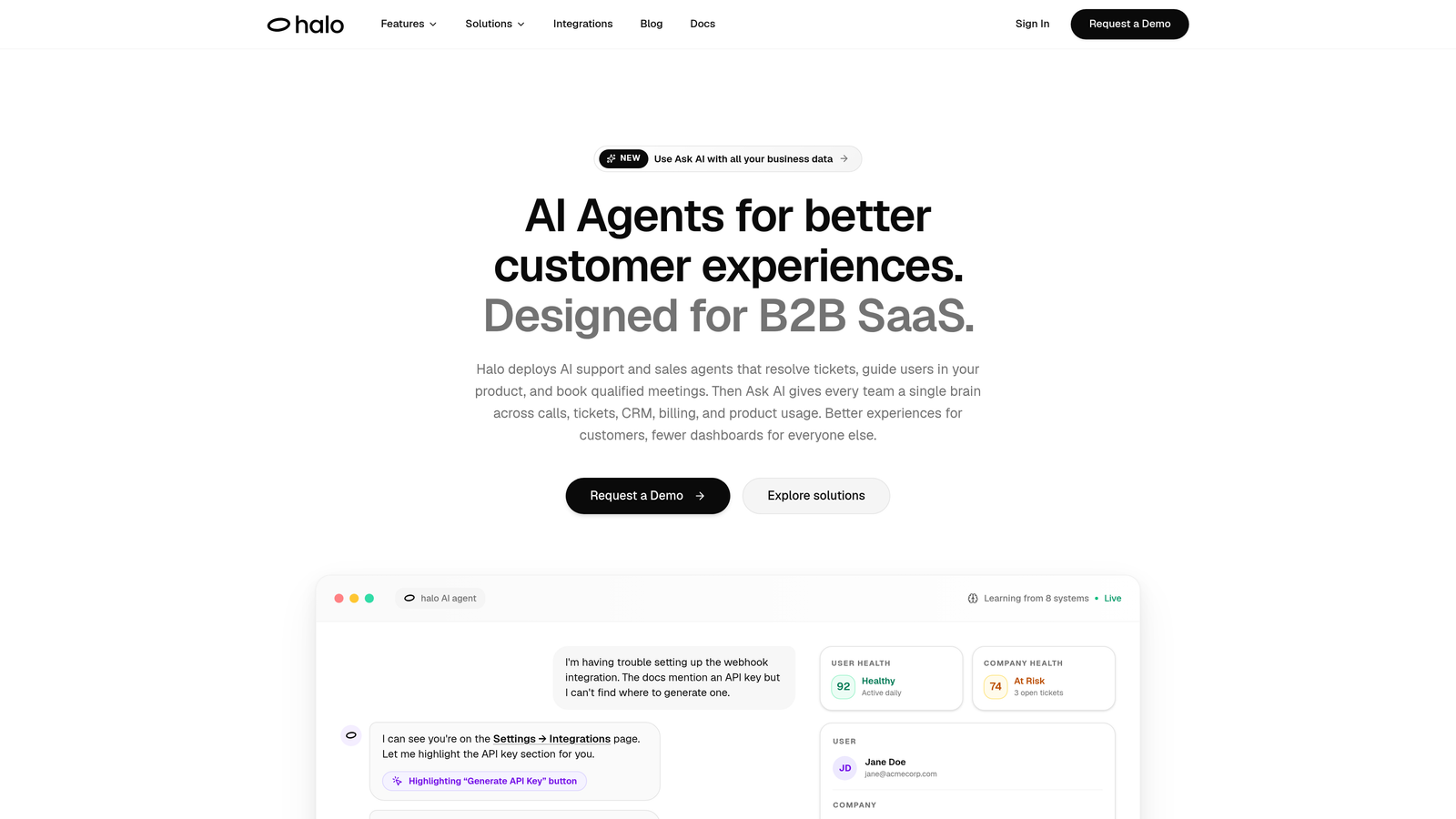
Halo AI is an AI-first in-app support platform with a page-aware chat widget that sees what users see, guides them visually through your product, and resolves tickets autonomously while feeding business intelligence back to your team.
Where This Tool Shines
What separates Halo from most widgets on this list is the depth of context it carries into every conversation. The widget doesn't just know a user sent a message — it knows which page they're on, what UI element they might be stuck on, and can provide visual guidance through the product without the user ever leaving the app. That's a meaningfully different experience from a generic chat bubble.
Beyond resolution, Halo's smart inbox surfaces business intelligence that most support tools ignore entirely: customer health signals, revenue anomalies, and sentiment trends. Your support layer stops being a cost center and starts feeding insights to the broader team.
Key Features
Page-Aware Chat Widget: Understands the user's current screen context and delivers visual UI guidance tailored to where they are in the product.
Autonomous AI Agents: Resolves support tickets without human intervention, learning continuously from every closed interaction.
Auto Bug Ticket Creation: Automatically generates and routes bug reports to Linear or equivalent project management tools.
Smart Inbox with Business Intelligence: Surfaces customer health signals, revenue anomalies, and sentiment trends directly from support conversations.
Live Agent Handoff: Escalates complex issues to human agents seamlessly when the situation calls for it.
Deep Integration Stack: Connects with Linear, Slack, HubSpot, Intercom, Stripe, Zoom, PandaDoc, and Fathom out of the box.
Best For
Product-led SaaS teams that want support to do more than answer questions. Halo is particularly well-suited for companies where the support widget is expected to drive retention, surface product insights, and reduce engineering overhead on bug tracking simultaneously.
Pricing
Contact for pricing. Details and a demo are available at haloagents.ai.
2. Intercom
Best for: Teams that want a mature, full-featured platform combining in-app messaging, onboarding, and AI resolution.
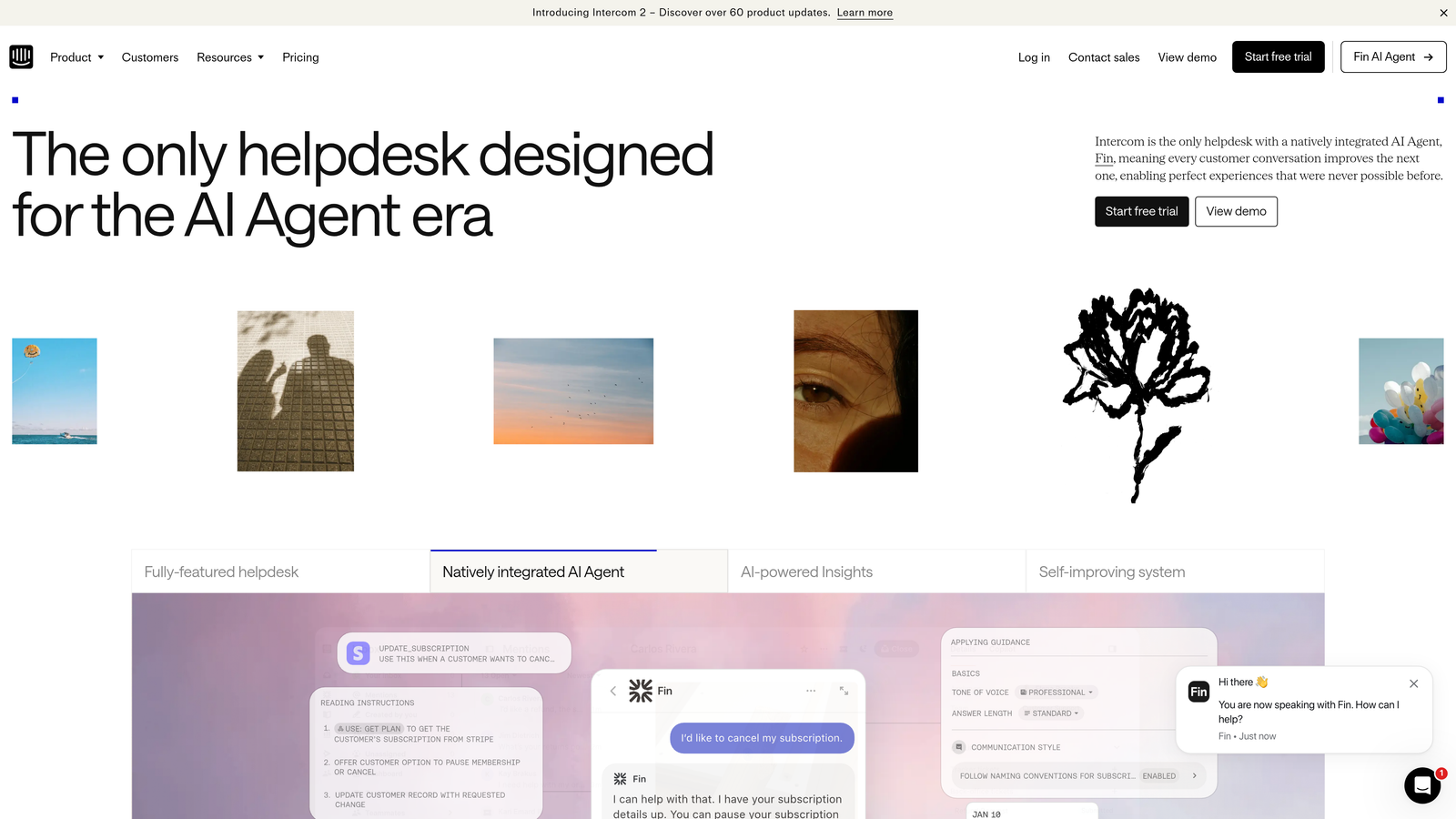
Intercom is a well-established in-app messaging and support platform with its Fin AI agent, product tours, and deep customer data capabilities built in.
Where This Tool Shines
Intercom has spent years building a rich customer data layer underneath its chat widget. You get CRM-style segmentation, behavioral event tracking, and the ability to trigger proactive in-app messages based on what users are doing — not just what they ask. That behavioral depth makes it one of the more powerful platforms for teams that want to blend support with onboarding and lifecycle messaging.
Fin, Intercom's AI agent, handles a meaningful share of conversations autonomously and continues to improve. For teams already invested in the Intercom ecosystem, the widget is a natural extension of that infrastructure.
Key Features
Fin AI Agent: Handles autonomous conversation resolution using your help content and product knowledge.
Product Tours and Onboarding Flows: In-app guided experiences for new user activation, built natively into the platform.
CRM-Style Segmentation: Rich user data and behavioral event tracking to power targeted messaging.
Multi-Channel Inbox: Unified inbox across chat, email, and social channels.
App Marketplace: Extensive library of third-party integrations covering CRMs, billing, and analytics tools.
Best For
Mid-market and enterprise SaaS companies that want a single platform for in-app support, onboarding, and lifecycle messaging. Teams willing to invest in the platform tend to get strong returns from its depth.
Pricing
Starts at approximately $39/month for the Essential plan. Fin AI usage-based add-on pricing applies on top of base plan costs. Verify current pricing at intercom.com.
3. Zendesk Web Widget
Best for: Teams already running Zendesk who want to extend their support infrastructure directly into the product.
Zendesk Web Widget embeds Zendesk's ticketing, AI, and knowledge base capabilities directly into your product experience without requiring users to navigate to a separate support portal.

Where This Tool Shines
If your team lives in Zendesk, the Web Widget is the path of least resistance for in-app support. Tickets created through the widget flow directly into your existing Zendesk queues, macros, and reporting infrastructure. There's no context-switching for agents, and your existing workflows carry over immediately.
The proactive article suggestion feature is particularly useful: before a user even types a message, the widget can surface relevant help center content based on the page they're viewing. That self-service layer reduces inbound volume without requiring a separate AI configuration.
Key Features
Embedded Ticketing and Live Chat: Full Zendesk ticket creation and live chat directly within your product interface.
AI-Powered Answers: Intelligent responses via the Zendesk AI add-on, drawing on your knowledge base.
Proactive Help Article Suggestions: Surfaces relevant content before the user initiates a chat, reducing unnecessary ticket volume.
Full Reporting Integration: All widget interactions flow into Zendesk's existing analytics and macro workflows.
Customizable Launcher Behavior: Control widget appearance, trigger conditions, and branding to match your product.
Best For
Companies already operating on Zendesk Suite who want consistent support infrastructure across their product and external channels without adopting a separate widget tool.
Pricing
Included with Zendesk Suite plans starting at approximately $55/agent/month. AI features require a separate add-on. Verify current pricing at zendesk.com.
4. Freshdesk Messaging (Freshchat)
Best for: Teams in the Freshworks ecosystem looking for multi-channel messaging with competitive pricing.
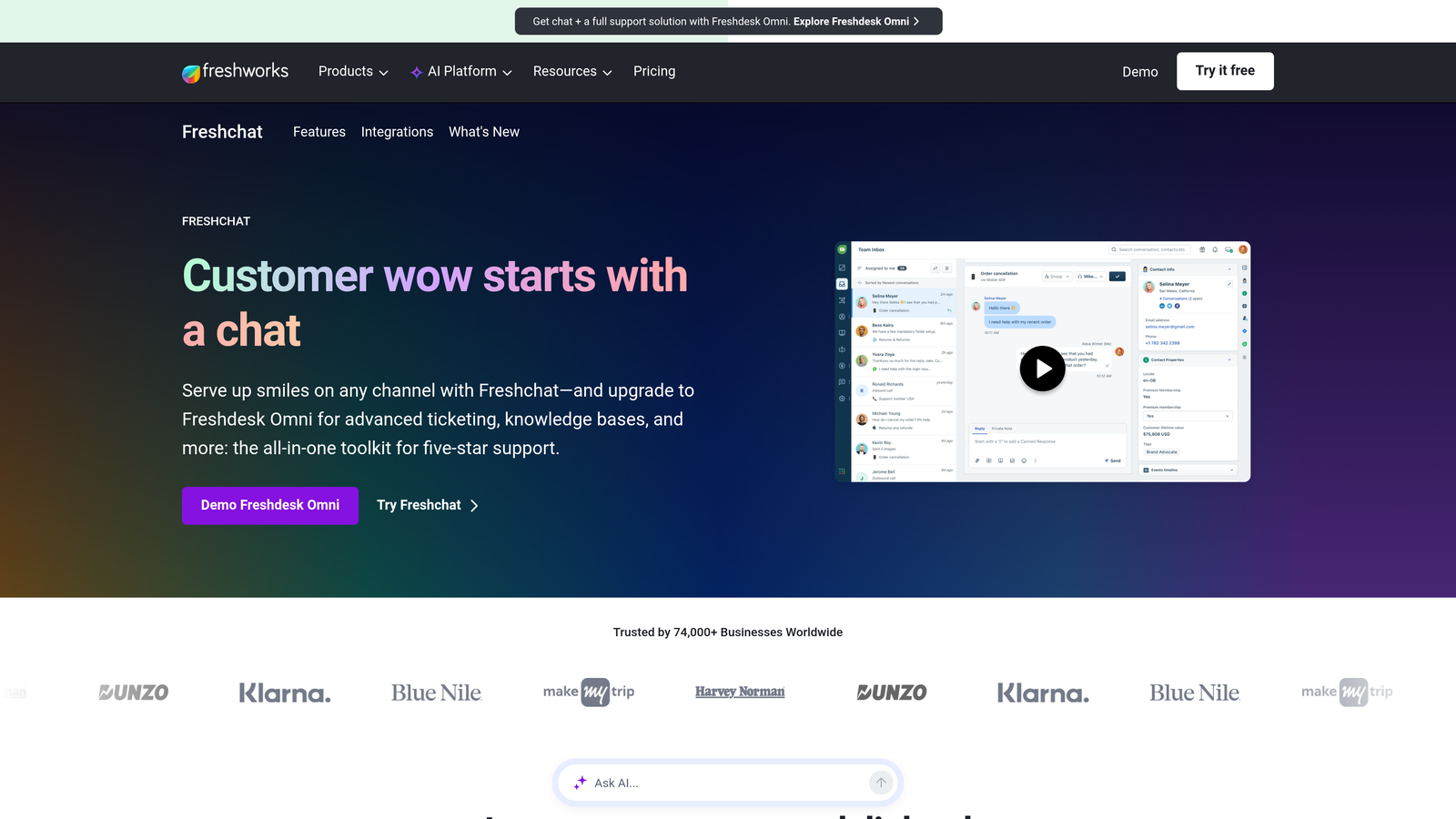
Freshchat is Freshworks' in-app and multi-channel messaging product, combining Freddy AI bot flows with native Freshdesk ticketing integration and a range of channel coverage options.
Where This Tool Shines
Freshchat's strongest argument is value within the Freshworks stack. If you're already using Freshdesk for ticketing, the native integration between the two products means conversations, tickets, and agent workflows stay tightly connected without custom configuration. Freddy AI handles intent detection and bot flows that can deflect common queries before they reach a human agent.
The multi-channel inbox is genuinely broad: web widget, mobile, WhatsApp, and email all route into a single workspace. For teams supporting users across different communication preferences, that coverage matters.
Key Features
Freddy AI: Powers automated bot conversations with intent detection and response flows.
Native Freshdesk Integration: Seamless connection between messaging conversations and Freshdesk ticket management.
Multi-Channel Inbox: Unified workspace covering web, mobile, WhatsApp, and email channels.
Conversation Routing Rules: Automated assignment and routing logic based on team, topic, or user attributes.
In-App Campaign Messaging: Proactive outreach to users based on behavior or lifecycle stage.
Best For
Growing SaaS teams already using Freshworks products who want a capable, cost-effective messaging layer without stepping outside their existing vendor relationship.
Pricing
Free tier available for small teams. Paid plans start at approximately $19/agent/month. Verify current pricing at freshworks.com.
5. Drift
Best for: Revenue-focused teams that want chat to serve both support and sales pipeline goals simultaneously.
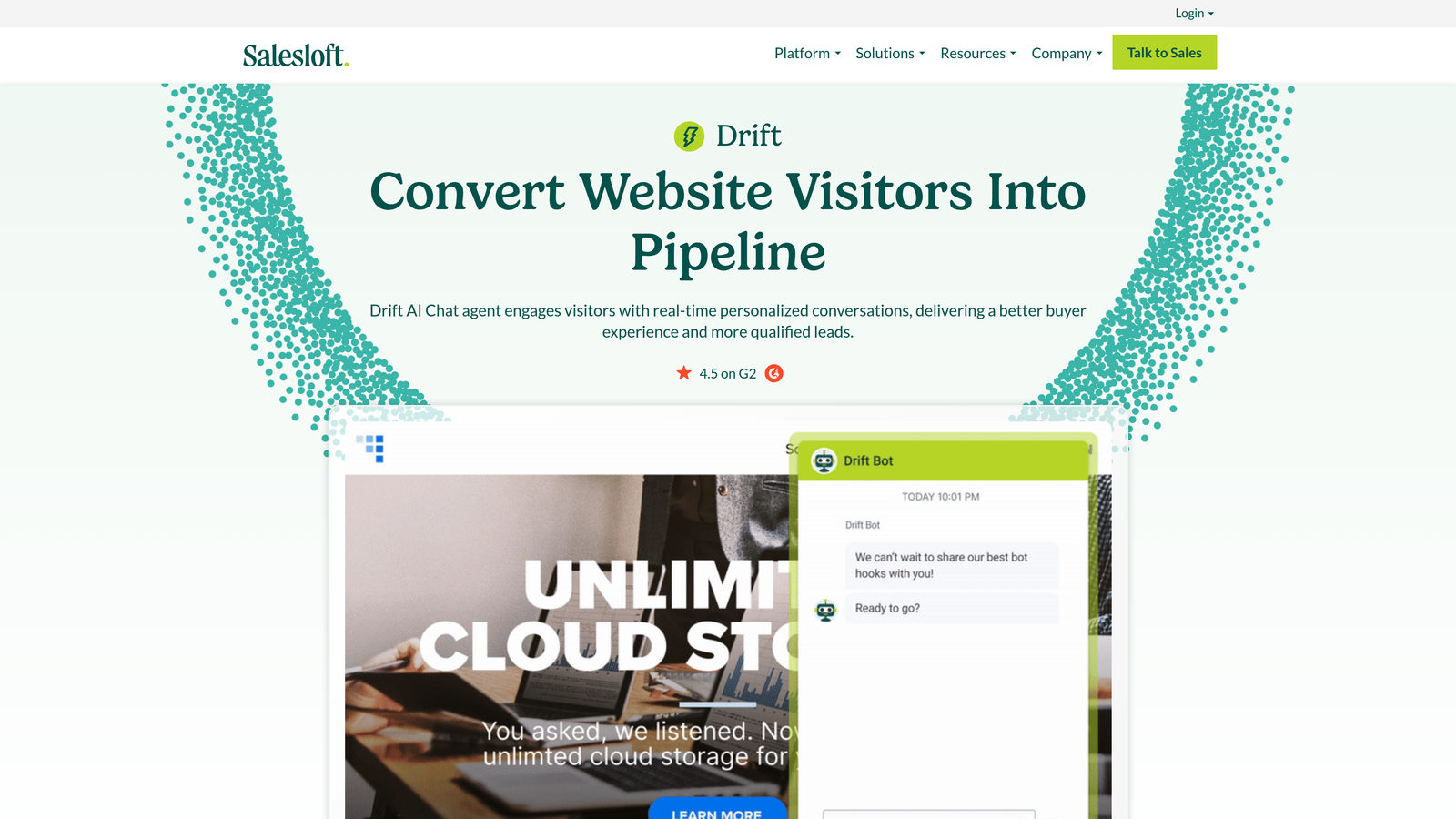
Drift is a conversational platform that blends in-app support and sales automation through playbook-driven chat routing, account-based targeting, and pipeline integration.
Where This Tool Shines
Drift approaches the chat widget from a revenue lens rather than a pure support lens. Its playbook system lets you route conversations differently based on who the user is: a high-value prospect gets routed to sales, an existing customer with a billing question gets routed to support. That flexibility is genuinely useful for teams where the distinction between sales and support conversations is blurry.
Account-based targeting lets you serve different chat experiences to users from specific companies or segments, which matters for enterprise-focused SaaS products. Note: Drift was acquired by Salesloft, so its positioning and roadmap may continue to evolve.
Key Features
Playbook Automation: Routes conversations to sales or support based on user attributes, intent signals, or account data.
AI-Powered Chatbots: Intent recognition and automated response flows for common conversation patterns.
Account-Based Targeting: Customized chat experiences for high-value accounts or specific user segments.
Meeting Scheduling Integration: Allows prospects to book meetings directly from the chat widget.
Real-Time Sales Notifications: Alerts sales team members when target accounts are active in the product.
Best For
B2B SaaS companies with a hybrid sales and support motion, particularly those with named account strategies where the chat experience needs to vary by customer tier or segment.
Pricing
Premium plan starts at approximately $2,500/month. Contact Drift for enterprise pricing. Verify current pricing at drift.com.
6. Help Scout Beacon
Best for: Teams with a strong knowledge base who want a lightweight, non-intrusive widget that surfaces docs first.
Help Scout Beacon is a clean, doc-first in-app support widget that proactively surfaces relevant help articles and offers live chat as a fallback when self-service doesn't resolve the issue.
Where This Tool Shines
Beacon's philosophy is to get out of the way. It's designed to surface the right documentation proactively based on the current page URL, so users can often resolve their issue without ever starting a live conversation. That's a meaningful deflection mechanism for teams with well-maintained knowledge bases.
The widget design itself is deliberately unobtrusive — it doesn't dominate the product UI or feel like an aggressive sales tool. For SaaS products where user experience is a priority, that restraint is a genuine differentiator.
Key Features
Proactive Article Suggestions: Surfaces relevant help content based on the user's current page URL before they type anything.
Clean Widget Design: Non-intrusive interface that integrates naturally into product UI without visual friction.
Live Chat with Shared Inbox Routing: Connects to Help Scout's shared inbox for agent-handled conversations.
Email Fallback: Automatically converts chat to email when agents are offline, so no message goes unanswered.
Custom CSS Controls: Full appearance customization to match your product's visual language.
Best For
Documentation-first SaaS teams where self-service is the primary support strategy and live chat is a secondary fallback. Works particularly well for products with mature, well-organized help centers.
Pricing
Included with Help Scout plans starting at approximately $22/user/month. Verify current pricing at helpscout.com.
7. Crisp
Best for: Early-stage SaaS teams that need multi-channel chat without a significant budget commitment.
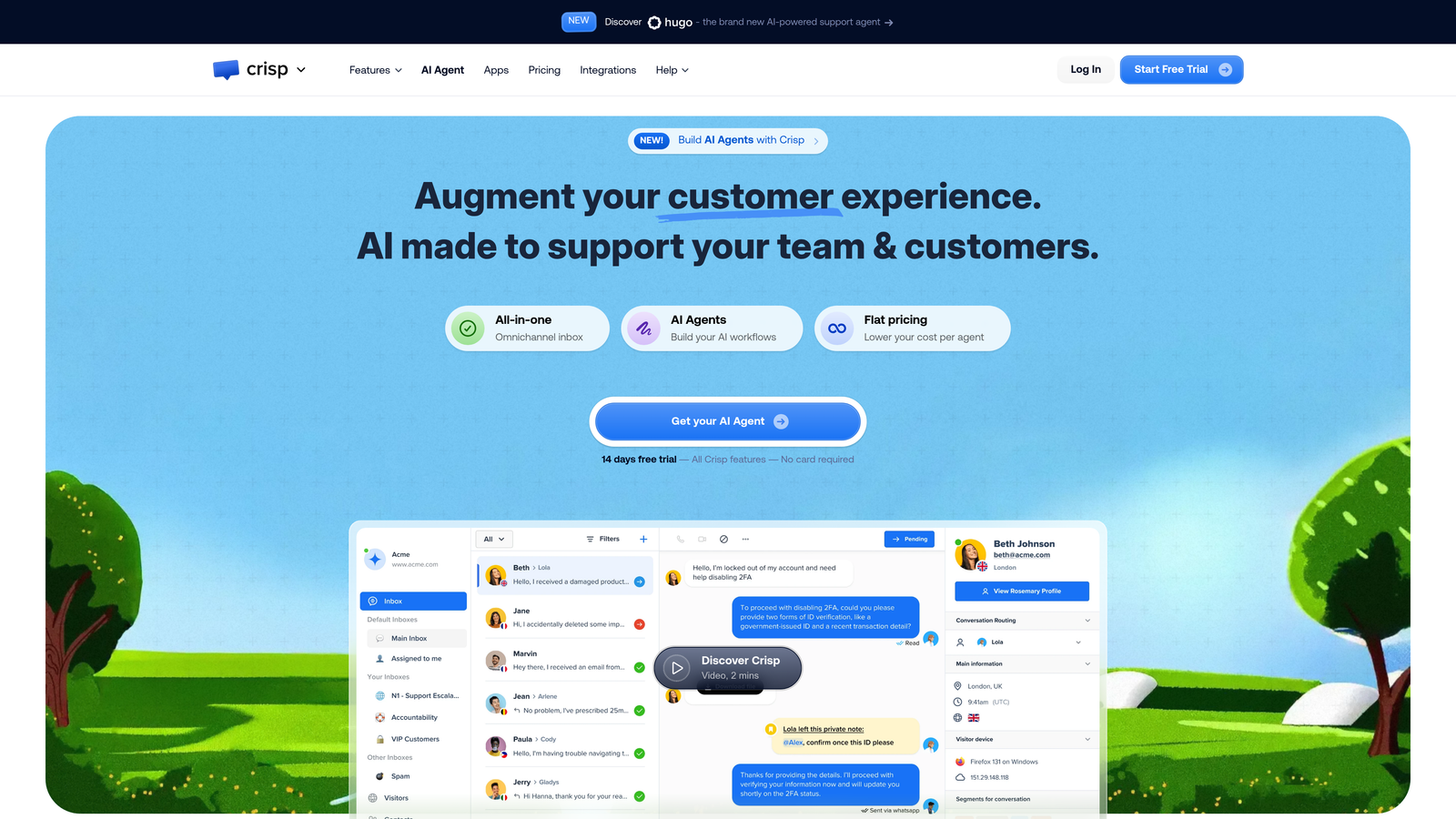
Crisp is an affordable multi-channel in-app chat platform with a generous free tier, a no-code chatbot builder, and a shared inbox — popular with teams that are still finding their support motion.
Where This Tool Shines
Crisp's free tier is genuinely functional, not just a stripped-down trial. Small teams can run live chat, access conversation history, and manage a shared inbox without paying anything. That accessibility makes it a common first step for SaaS startups that haven't yet committed to a more sophisticated platform.
The no-code chatbot builder covers the basics of automation without requiring engineering involvement. It won't replace a purpose-built AI agent, but it handles FAQ deflection and routing flows that would otherwise land in a human inbox.
Key Features
Generous Free Tier: Core live chat functionality available at no cost, with meaningful limits rather than artificial ones.
No-Code Chatbot Builder: Visual flow builder for creating basic automation without developer resources.
Shared Team Inbox: Assignment, tagging, and conversation management for small support teams.
Multi-Channel Coverage: In-app chat, email, social, and SMS channels managed from one workspace.
CRM-Lite User Profiles: Basic user data and conversation history to provide context for agents.
Best For
Pre-Series A SaaS teams or small companies that need a working support widget immediately without a procurement process or significant budget allocation.
Pricing
Free plan available. Paid plans start at approximately $25/month for 4 seats. Verify current pricing at crisp.chat.
8. Tidio
Best for: Teams that want AI-powered autonomous support without heavy engineering setup or ongoing maintenance.
Tidio is an accessible AI chat platform featuring its Lyro AI agent for autonomous query handling, designed for teams that want meaningful automation without dedicated engineering resources.
Where This Tool Shines
Lyro, Tidio's AI agent, is built to handle a substantial share of incoming queries autonomously using your existing help content. The setup process is intentionally low-friction: you point it at your knowledge base and it starts resolving conversations without extensive configuration. For teams without a dedicated support engineer, that accessibility is a real advantage.
Tidio also includes proactive chat triggers based on visitor behavior, so the widget can reach out to users who appear stuck rather than waiting for them to initiate. That proactive layer can catch users before they churn rather than after they've already given up.
Key Features
Lyro AI Agent: Autonomous customer query resolution drawing on your knowledge base content.
No-Code Chatbot Builder: Visual flow builder for creating automated conversation paths without engineering involvement.
Live Chat with Mobile App: Agent responses available via mobile app for teams without dedicated desktop support staff.
Proactive Chat Triggers: Visitor behavior tracking that initiates conversations based on user actions or inactivity.
Integration Library: Connects with Shopify, WordPress, and major CRM platforms.
Best For
SMB SaaS teams and product-led growth companies that want AI-driven deflection without a complex implementation project or ongoing AI training overhead.
Pricing
Free plan available. Lyro AI plans start at approximately $29/month. Verify current pricing at tidio.com.
9. Chatwoot
Best for: Teams that need complete data sovereignty or want full infrastructure ownership over their support stack.
Chatwoot is an open-source, self-hostable multi-channel support platform with a growing AI integration layer — built for teams that can't or won't send customer conversation data to third-party infrastructure.
Where This Tool Shines
Chatwoot's core differentiator is simple: you own it. Self-hosting means your conversation data stays on your infrastructure, which matters for companies in regulated industries, privacy-sensitive markets, or those with specific data residency requirements. The open-source codebase also means you can extend it, fork it, or contribute to it in ways that closed platforms simply don't allow.
The cloud-hosted version is available for teams that prefer managed infrastructure without the self-hosting overhead, making Chatwoot accessible even if you don't have DevOps resources. The community is active, and AI and automation capabilities continue to grow through integrations.
Key Features
Self-Hosted Deployment: Full data sovereignty with your conversation data on your own infrastructure.
Multi-Channel Inbox: Web widget, email, WhatsApp, and social channels in a single workspace.
Open-Source Codebase: Fully auditable, extensible, and community-supported with active contributions.
Growing AI Capabilities: Automation and AI features expanding through native development and third-party integrations.
Cloud Option Available: Managed hosting for teams that want the open-source model without self-hosting complexity.
Best For
Privacy-conscious SaaS teams, companies in regulated industries, or engineering-led organizations that want complete ownership of their support infrastructure and the flexibility to customize at the code level.
Pricing
Self-hosted version is free and open-source. Cloud plans start at approximately $19/month. Verify current pricing at chatwoot.com.
Which Tool Is Right for Your Team?
Every tool on this list solves the core problem — getting help to users without forcing them out of your product — but they do it in meaningfully different ways. Here's how to think about the choice.
Best for AI-first SaaS teams: Halo AI is the clearest choice if you want a widget that understands page context, resolves tickets autonomously, and feeds business intelligence back to your team. It's built from the ground up as an AI support layer, not a chat tool with AI bolted on.
Best for existing Zendesk or Freshdesk stacks: Zendesk Web Widget and Freshchat are the natural paths if you're already invested in those ecosystems. You get in-app support without rebuilding your agent workflows or reporting infrastructure from scratch.
Best for budget-conscious early-stage teams: Crisp's free tier and Tidio's accessible pricing make both strong options for teams that need a working support widget before they've reached the scale that justifies enterprise tooling. Chatwoot's self-hosted free tier is also worth considering if you have the technical capacity to run it.
Best for data sovereignty: Chatwoot is the only option on this list that lets you own the infrastructure entirely. If data residency or regulatory compliance is a hard requirement, it's the clear answer.
Your support team shouldn't scale linearly with your customer base. AI agents can handle routine tickets, guide users through your product, and surface business intelligence while your team focuses on complex issues that actually need a human touch. See Halo in action and discover how continuous learning transforms every interaction into smarter, faster support.