9 Best Integrated Support Helpdesk Solutions in 2026
Managing customer support across multiple channels creates chaos with lost tickets and frustrated customers. An integrated support helpdesk solution unifies email, chat, social media, phone, and other channels into one platform, giving your team complete visibility into every customer interaction while connecting your CRM, knowledge base, and tools into a single source of truth.
 Grant CooperFounder13 min read
Managing customer support across email, Slack, chat widgets, social media, and phone creates operational chaos. Tickets get lost between systems, agents waste hours switching contexts, and customers repeat their issues to multiple people. An integrated support helpdesk solution eliminates this fragmentation by unifying every channel into one cohesive platform where your team can see the complete customer story.
The best integrated helpdesks in 2026 go beyond simple ticket aggregation. They connect your CRM, engineering tools, knowledge bases, and analytics into a single source of truth. More importantly, they're incorporating AI that actually resolves issues autonomously rather than just deflecting to help articles.
Here are the top integrated support helpdesk solutions for 2026, evaluated on integration depth, AI capabilities, scalability, and total cost of ownership.
1. Halo AI
Best for: Teams wanting AI agents that autonomously resolve tickets while continuously learning from every interaction
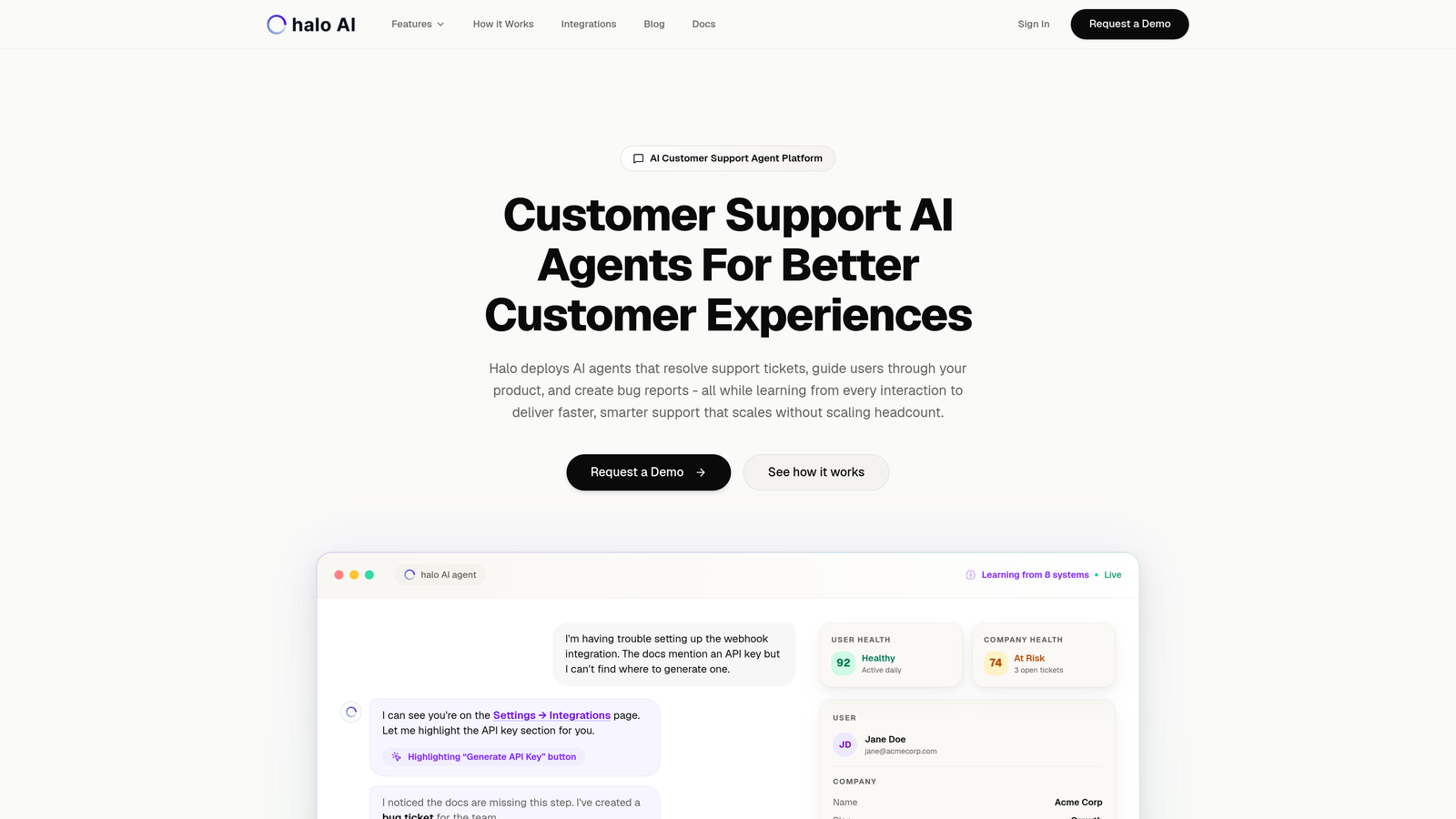
Halo AI takes a fundamentally different approach than traditional helpdesks by putting AI agents at the center rather than bolting chatbots onto existing ticket systems.
Where This Tool Shines
Unlike helpdesks that require you to manually build knowledge bases and train chatbots, Halo's AI agents learn continuously from every ticket resolution, customer interaction, and product change. The platform sees what your users see through its page-aware chat widget, allowing it to provide contextual guidance based on exactly where someone is stuck in your product.
The system doesn't just deflect tickets to help articles. It actually resolves issues autonomously, escalating to human agents only when complexity requires it. Every resolved ticket makes the AI smarter for the next similar issue.
Key Features
Autonomous AI Agents: Resolve support tickets end-to-end without human intervention, handling everything from password resets to complex troubleshooting.
Page-Aware Chat Widget: Provides visual UI guidance based on what users are actually looking at, eliminating the "where do I click?" back-and-forth.
Smart Inbox with Business Intelligence: Surfaces customer health signals, revenue intelligence, and anomaly detection beyond basic support metrics.
Auto Bug Ticket Creation: Automatically creates engineering tickets in Linear when AI detects product issues, complete with reproduction steps.
Native Integrations: Connects directly to your business stack including Linear, Slack, HubSpot, Intercom, Stripe, Zoom, PandaDoc, and Fathom without middleware.
Best For
B2B SaaS companies and product teams that want support to scale without scaling headcount. Particularly valuable if you're currently using Zendesk, Freshdesk, or Intercom and finding that AI features feel like afterthoughts rather than core capabilities.
Pricing
Contact for pricing. The platform focuses on ROI through ticket deflection and resolution automation rather than traditional per-agent pricing models.
2. Zendesk Suite
Best for: Enterprise teams needing extensive customization and a massive ecosystem of pre-built integrations
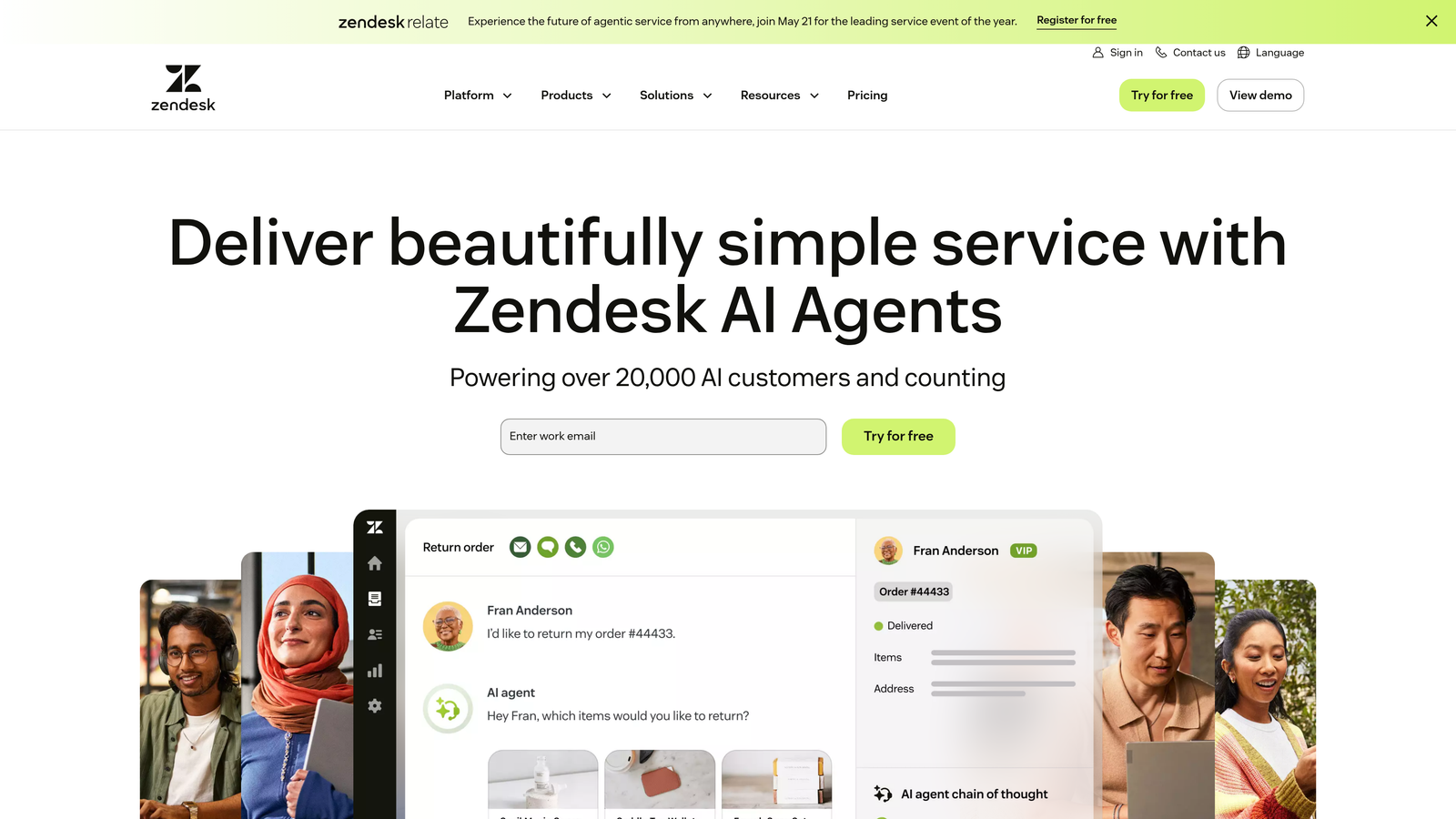
Zendesk Suite remains the enterprise standard for omnichannel support with mature automation capabilities and a marketplace of over 1,500 integrations.
Where This Tool Shines
Zendesk's biggest advantage is its ecosystem maturity. Whatever niche tool your team uses, there's probably a pre-built integration waiting. The platform handles massive ticket volumes without breaking a sweat, making it the go-to choice for companies managing millions of customer interactions annually.
The reporting and analytics capabilities run deep. You can build custom dashboards tracking virtually any metric, segment data by product line or customer tier, and create automated workflows that trigger based on complex conditions.
Key Features
Omnichannel Ticketing: Unified view of customer conversations across email, chat, phone, social media, and messaging apps.
1,500+ Marketplace Integrations: Pre-built connections to virtually every business tool, from obscure CRMs to specialized industry software.
Advanced Reporting: Custom dashboards, data exports, and analytics that let you slice ticket data any way imaginable.
Answer Bot: AI-powered deflection that suggests help articles based on ticket content, though it doesn't resolve issues autonomously.
Workflow Automation: Triggers, automations, and macros for routing tickets, updating fields, and notifying teams based on complex rule sets.
Best For
Enterprise organizations with complex support operations, multiple product lines, and teams that need extensive customization. Works well when you have dedicated Zendesk administrators who can build out advanced workflows.
Pricing
Suite Team starts at $55/agent/month. Enterprise features requiring advanced AI and custom roles start at higher tiers, with costs escalating quickly for larger teams.
3. Freshdesk
Best for: Mid-market teams wanting powerful features without enterprise complexity or pricing
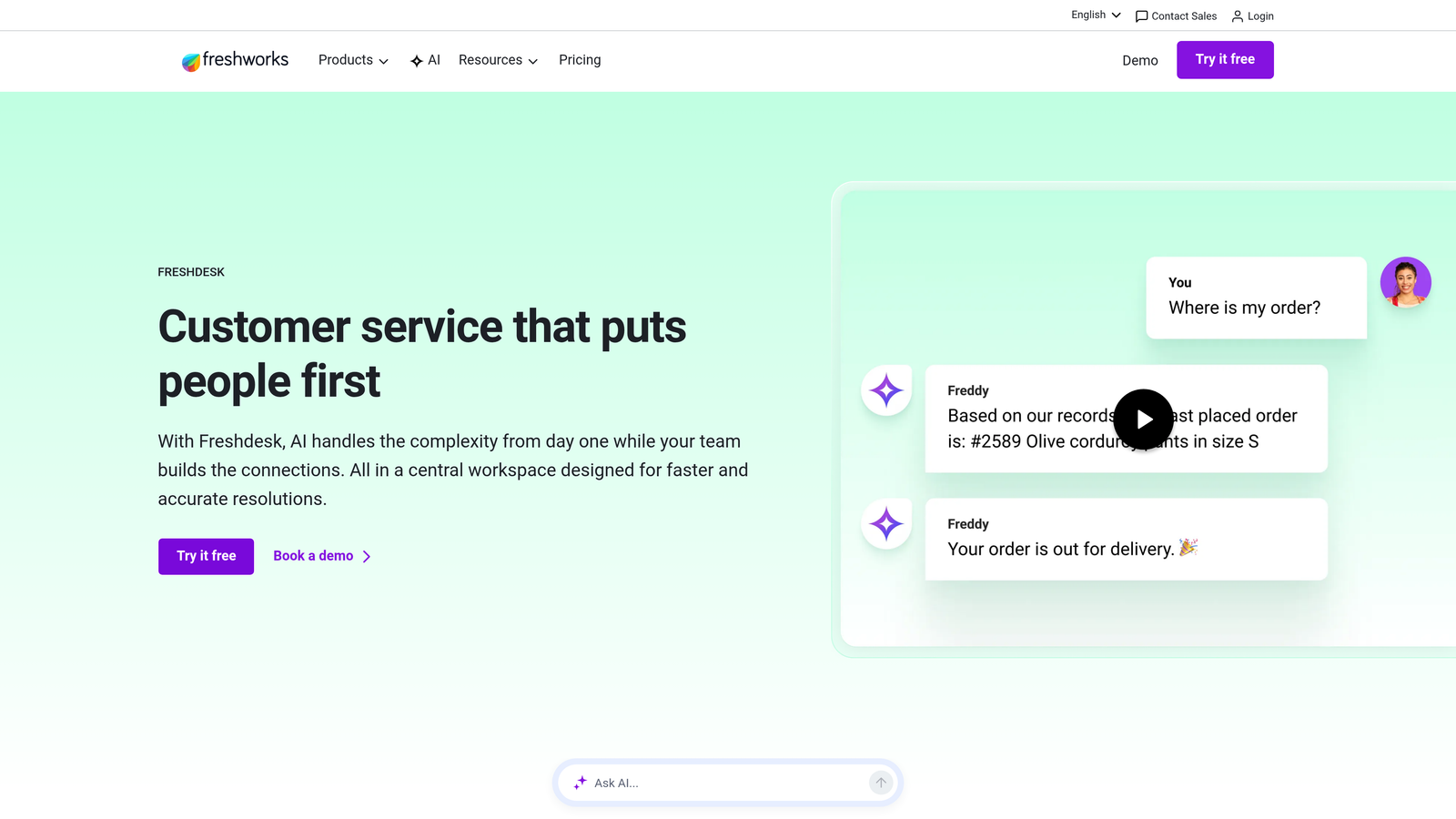
Freshdesk balances robust functionality with approachability, offering a feature set that rivals Zendesk at a fraction of the cost.
Where This Tool Shines
Freshdesk nails the sweet spot between capability and usability. The interface feels intuitive rather than overwhelming, yet you still get advanced features like scenario automations and AI-powered ticket classification. Teams can get productive quickly without extensive training or dedicated administrators.
Freddy AI has evolved beyond basic chatbot functionality to provide intelligent ticket routing, agent assistance, and predictive support. The platform also includes field service management capabilities, making it versatile for companies with on-site service components.
Key Features
Unified Ticketing: Consolidates customer conversations from email, phone, chat, social media, and web forms into a single queue.
Freddy AI: Classifies tickets automatically, suggests responses to agents, and provides conversational support for common issues.
Scenario Automations: Complex workflow automation that goes beyond simple if-then rules to handle multi-step processes.
Knowledge Base and Community: Built-in self-service tools with forums where customers can help each other.
Field Service Management: Optional add-on for scheduling on-site appointments and managing mobile technicians.
Best For
Growing companies that have outgrown basic helpdesks but aren't ready for enterprise complexity. Particularly strong for teams that value ease of use and want features available without extensive configuration.
Pricing
Free tier supports up to 10 agents with basic features. Growth plan starts at $15/agent/month, making it accessible for teams watching budgets while scaling.
4. Intercom
Best for: SaaS companies with product-led growth models needing proactive messaging and in-app support
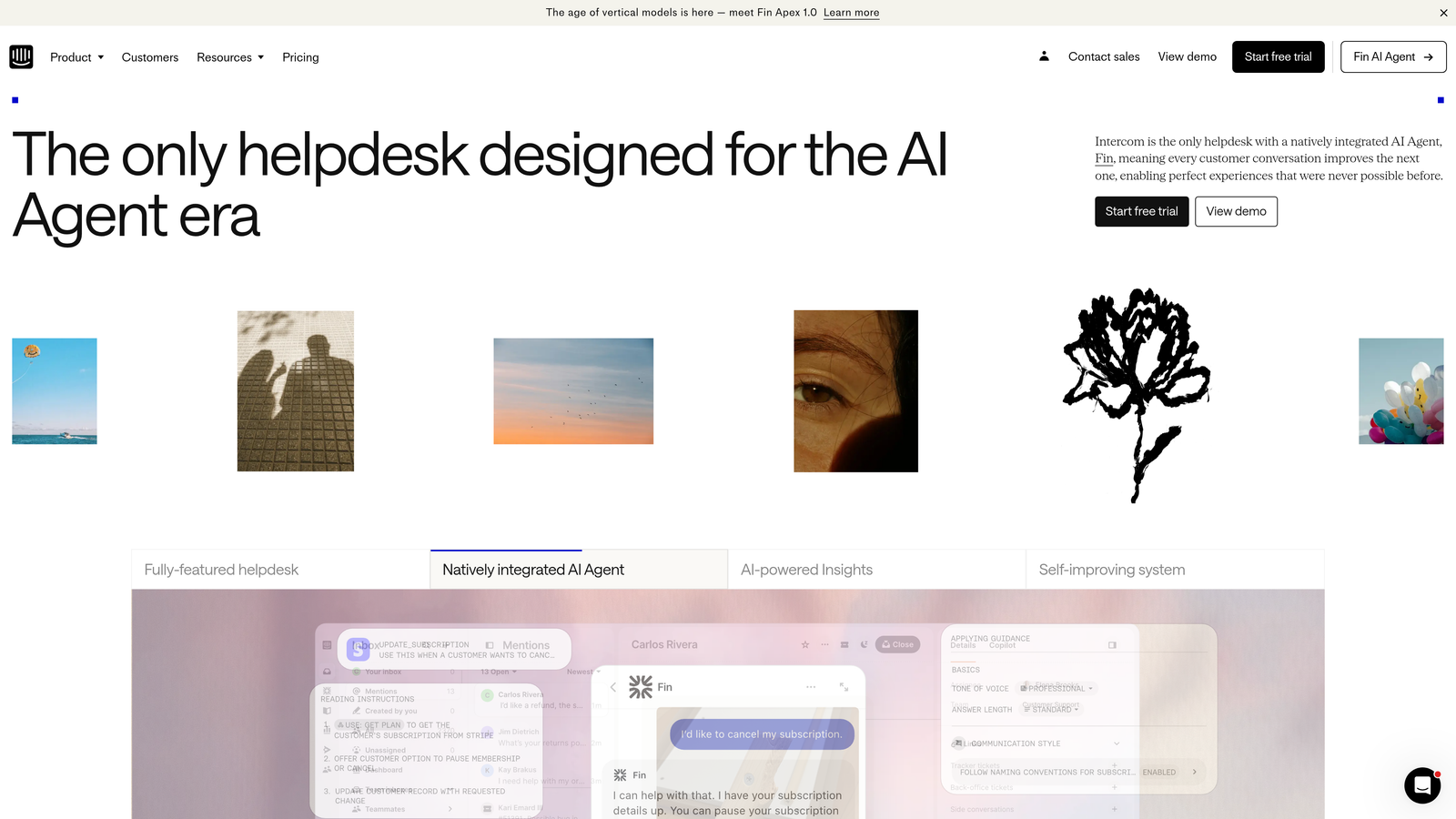
Intercom built its reputation on the messenger-first approach, treating support as an extension of your product experience rather than a separate help center.
Where This Tool Shines
Intercom excels at proactive support and customer engagement. You can trigger targeted messages based on user behavior, send product tours to new users, and reach customers before they even realize they need help. The in-app messenger feels native to your product rather than a bolted-on widget.
Fin AI represents a significant evolution in conversational support, moving beyond scripted bot responses to handle nuanced questions. The platform's outbound messaging capabilities let you turn support into a growth channel by educating users on features they're not using.
Key Features
In-App Messenger: Contextual chat widget that integrates seamlessly into your product interface with customizable styling.
Fin AI Agent: Conversational AI that handles support queries with natural language understanding and can resolve issues autonomously.
Product Tours: Guided onboarding flows that walk users through features, reducing support tickets from confused new customers.
Workflow Automation: Custom bots and automated sequences for qualifying leads, routing conversations, and gathering information.
Outbound Messaging: Targeted campaigns based on user behavior, product usage, or lifecycle stage for proactive engagement.
Best For
SaaS companies where support and product experience blur together. Ideal for product-led businesses that want to educate users, drive feature adoption, and provide contextual help without pulling people out of their workflow.
Pricing
Essential plan starts at $39/seat/month. Advanced features like custom bots and series require higher-tier plans, with costs increasing based on active user volume.
5. HubSpot Service Hub
Best for: Companies already using HubSpot CRM who want complete customer visibility across marketing, sales, and support
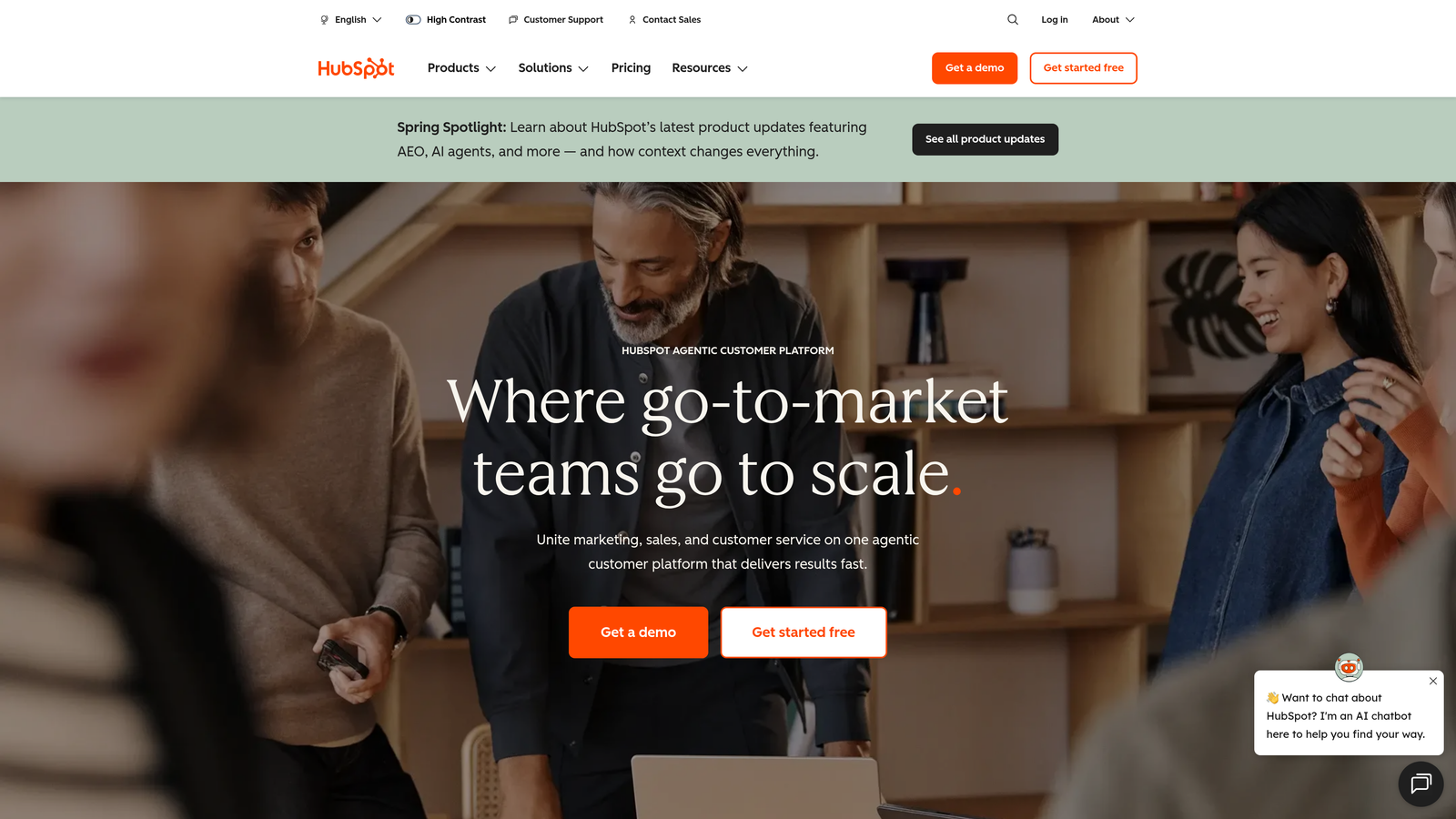
HubSpot Service Hub integrates natively with HubSpot's CRM, giving support teams the full customer context that typically requires expensive middleware.
Where This Tool Shines
The native CRM integration changes how support teams work. Agents see every marketing email, sales conversation, deal stage, and previous ticket in one timeline. No switching between systems or wondering what promises sales made. This context dramatically reduces resolution time and prevents embarrassing disconnects between departments.
The customer portal lets customers track their own tickets and access knowledge base articles, reducing "what's the status?" inquiries. HubSpot's reporting connects support metrics to revenue data, helping you understand which customer segments generate the most support load.
Key Features
Native CRM Integration: Complete customer timeline showing every interaction across marketing, sales, and support without data syncing.
Customer Portal: Self-service interface where customers track ticket status, browse help articles, and manage their account.
Knowledge Base: SEO-optimized help center that ranks in search engines, turning support content into a customer acquisition channel.
Conversation Intelligence: Call recording, transcription, and analytics for phone support with coaching insights.
Customer Feedback Tools: Built-in NPS surveys, CSAT ratings, and customer effort scoring tied to CRM records.
Best For
Companies already invested in HubSpot's ecosystem who want unified customer data. The value proposition weakens significantly if you're not using HubSpot CRM, as you lose the primary advantage.
Pricing
Free tools available with basic ticketing and live chat. Starter plan at $20/month/seat adds automation and reporting. Professional and Enterprise tiers unlock advanced features and remove contact limits.
6. Salesforce Service Cloud
Best for: Enterprise organizations needing extreme customization and deep Salesforce ecosystem integration
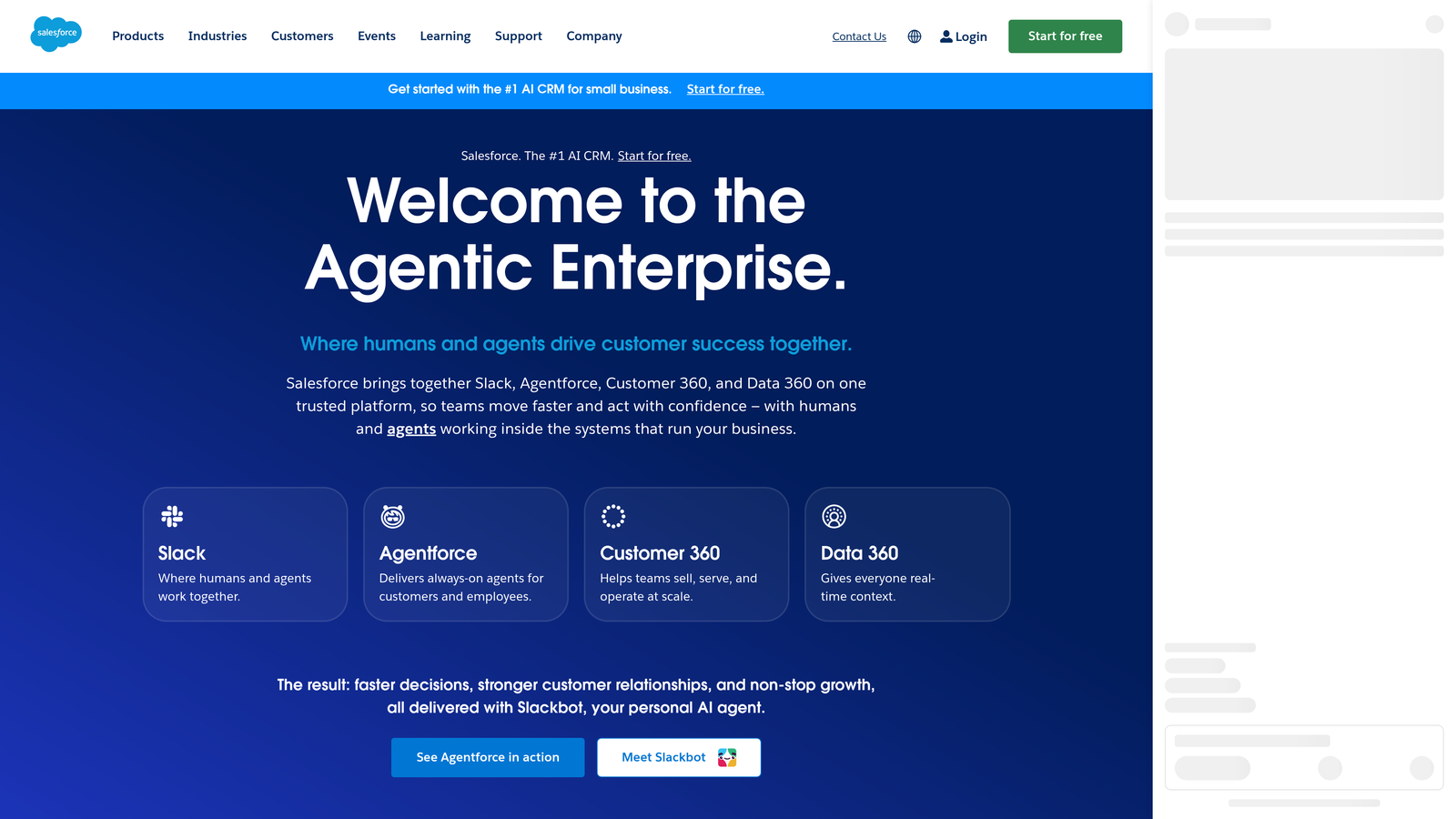
Salesforce Service Cloud offers unmatched customization capabilities through its platform approach, treating support as part of a broader customer relationship strategy.
Where This Tool Shines
Service Cloud's customization depth is both its superpower and its complexity. You can build virtually any workflow, create custom objects and fields, and automate processes that other platforms can't handle. Einstein AI provides intelligent case routing and suggests next-best-actions based on historical patterns.
Field Service Lightning extends support beyond digital channels to manage mobile workforces, schedule on-site appointments, and optimize technician routes. The Lightning console gives agents a command center view with everything needed to resolve cases without tab-switching.
Key Features
Einstein AI: Predictive case routing, next-best-action recommendations, and automated case classification based on machine learning.
Omni-Channel Routing: Intelligent work distribution across email, chat, phone, social, and SMS based on agent skills and availability.
Lightning Console: Customizable agent workspace with split views, keyboard shortcuts, and macros for faster case resolution.
Field Service Lightning: Mobile workforce management with scheduling optimization, GPS tracking, and offline capabilities.
Flow Builder: Visual automation tool for creating complex workflows without code, handling multi-step processes and integrations.
Best For
Large enterprises with complex support operations, existing Salesforce investments, and dedicated administrators. The platform requires significant setup and ongoing management but delivers unmatched flexibility.
Pricing
Essentials starts at $25/user/month for basic features. Professional and Enterprise tiers unlock Einstein AI and advanced customization. Implementation costs often exceed software licensing for large deployments.
7. Help Scout
Best for: Teams that want helpdesk functionality without abandoning the familiar email workflow
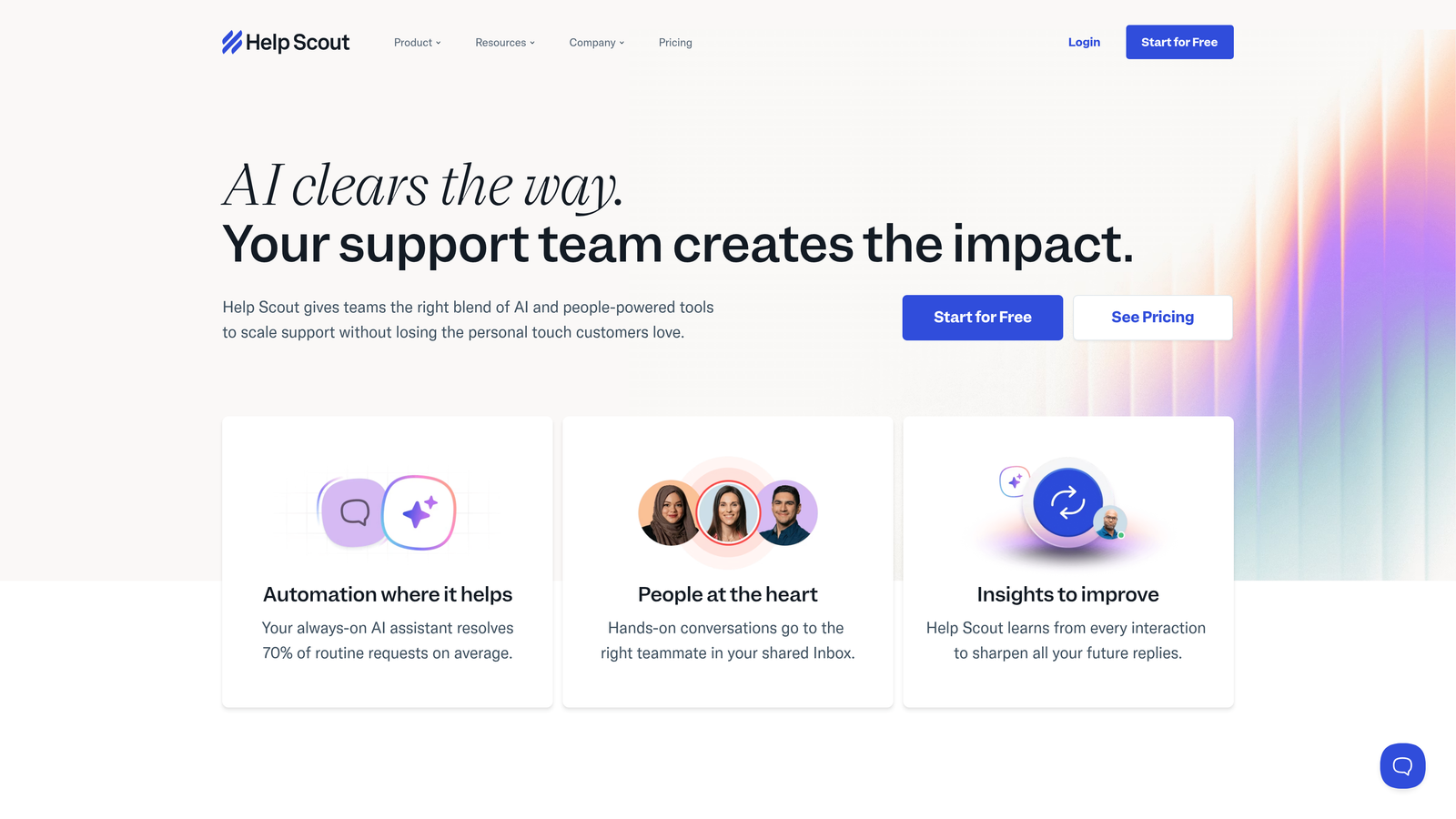
Help Scout built its platform around shared inboxes that feel like regular email, making adoption painless for teams resistant to complex helpdesk systems.
Where This Tool Shines
Help Scout's philosophy centers on human-focused support. The interface deliberately avoids overwhelming agents with dashboards, metrics, and productivity tracking. Instead, it provides a clean shared inbox where teams can collaborate on customer emails without the learning curve of traditional helpdesks.
Collision detection prevents the embarrassing scenario where two agents reply to the same customer. The Beacon widget provides in-app help and chat without requiring customers to leave your product. Customer satisfaction ratings appear directly in conversations, giving immediate feedback on resolution quality.
Key Features
Shared Inbox: Email-like interface that teams can use immediately without extensive training or workflow changes.
Beacon Widget: Embeddable help widget combining knowledge base search, contact forms, and live chat in one interface.
Docs Knowledge Base: Help center with search analytics showing what customers look for but can't find.
Collision Detection: Automatic notifications when multiple agents view the same conversation, preventing duplicate responses.
Satisfaction Ratings: Per-conversation CSAT scores that help identify which types of issues frustrate customers most.
Best For
Small to mid-sized teams that value simplicity and human connection over feature density. Perfect for companies where support feels more like customer success than ticket processing.
Pricing
Standard plan starts at $20/user/month with core features. Plus tier adds advanced automation and integrations. No free tier, but pricing remains straightforward without usage-based charges.
8. Zoho Desk
Best for: Teams using Zoho's business suite who want context-aware support with strong value pricing
Zoho Desk combines AI-powered context awareness through Zia with tight integration across Zoho's extensive business application ecosystem.
Where This Tool Shines
Zia AI goes beyond basic chatbots to provide sentiment analysis on customer messages, detect anomalies in ticket patterns, and suggest responses based on historical resolutions. The platform can automatically tag tickets, identify urgent issues, and route them to the right department based on content analysis.
Blueprint lets you create visual process maps for different ticket types, ensuring consistency in how your team handles everything from refund requests to technical escalations. Multi-department and multi-brand support makes it easy to manage different product lines or business units from one platform.
Key Features
Zia AI Assistant: Sentiment analysis, anomaly detection, and intelligent response suggestions based on ticket content and history.
Blueprint Process Automation: Visual workflow builder for creating standardized processes that guide agents through complex resolutions.
Multi-Department Support: Separate queues, SLAs, and workflows for different teams while maintaining unified reporting.
Zoho Suite Integration: Native connections to Zoho CRM, Projects, Analytics, and other Zoho applications without middleware.
Work Modes: Customizable views that prioritize tickets based on urgency, customer tier, or agent preference.
Best For
Companies already using Zoho applications who want seamless integration across their business stack. The value proposition is strongest when you're invested in the Zoho ecosystem.
Pricing
Free plan supports up to 3 agents with basic features. Standard plan starts at $14/agent/month, making it one of the most affordable options with robust capabilities.
9. Front
Best for: Teams that live in email but need collaboration features and light helpdesk capabilities
Front bridges the gap between email and helpdesk by adding collaboration, automation, and analytics to familiar inbox workflows.
Where This Tool Shines
Front lets teams collaborate on customer emails without forwarding, CC'ing, or losing context. Internal comments and @mentions happen directly on email threads, keeping discussions organized and searchable. Each team member can maintain their individual email address while working from shared inboxes.
The rules engine automates ticket routing, tagging, and assignment based on sender, subject, or content. Analytics track response times, resolution rates, and team performance without requiring complex dashboard configuration. Integrations with CRMs and project management tools keep customer context accessible.
Key Features
Shared Inboxes: Team collaboration on emails while preserving individual sender addresses for personalized responses.
Internal Comments: @mention teammates, discuss customer issues, and share context without forwarding emails or switching tools.
Rules Engine: Automated routing, tagging, and assignment based on customizable conditions and triggers.
Response Time Analytics: Track SLAs, team performance, and individual metrics with built-in reporting.
CRM and Project Integrations: Connect to Salesforce, HubSpot, Asana, and other tools to surface customer context and create tasks.
Best For
Teams that primarily support customers via email and want collaboration features without abandoning familiar workflows. Works well for companies where support volume doesn't justify a full-featured helpdesk.
Pricing
Starter plan begins at $19/seat/month with core features. Growth and Scale tiers add advanced automation, analytics, and integrations. Pricing increases with team size and feature requirements.
Making the Right Choice
The integrated helpdesk market has evolved beyond simple ticket aggregation. The platforms leading in 2026 distinguish themselves through AI sophistication, integration depth, and the ability to surface business intelligence from support data.
Choose Halo AI when you want AI agents that autonomously resolve tickets while continuously learning from every interaction. The platform's page-aware context and native integrations across your business stack eliminate the middleware complexity that plagues traditional helpdesks. Your support quality improves automatically as the AI gets smarter, rather than requiring constant manual knowledge base updates.
Zendesk Suite and Salesforce Service Cloud remain the enterprise standards when you need extreme customization, manage massive ticket volumes, or have complex multi-brand operations. The learning curve is steep and costs escalate quickly, but you get unmatched flexibility.
Freshdesk and Zoho Desk deliver the best value for growing teams that want robust features without enterprise pricing. Freshdesk edges ahead on ease of use, while Zoho Desk wins if you're already invested in their ecosystem.
Intercom excels for SaaS companies with product-led growth models. The messenger-first approach and proactive engagement tools turn support into a feature adoption channel. HubSpot Service Hub makes obvious sense if you're already using their CRM and want unified customer data without integration headaches.
Help Scout and Front appeal to teams that value simplicity over feature density. Help Scout works beautifully for customer success-oriented support, while Front bridges email workflows with light helpdesk capabilities for teams not ready to abandon familiar inbox patterns.
The right integrated helpdesk ultimately depends on your existing tech stack, team size, and how much you want AI handling frontline support. Traditional helpdesks still treat AI as an add-on feature for deflection. Platforms built AI-first can actually resolve issues autonomously, fundamentally changing the economics of customer support.
Your support team shouldn't scale linearly with your customer base. Let AI agents handle routine tickets, guide users through your product, and surface business intelligence while your team focuses on complex issues that need a human touch. See Halo in action and discover how continuous learning transforms every interaction into smarter, faster support.