9 Best Support AI Tools for Developer Tools in 2026
Support AI for developer tools requires more than generic chatbots—it demands platforms that understand code, technical context, and complex API questions. This guide evaluates the 9 best solutions in 2026, assessing each on technical depth, integration with engineering workflows like GitHub and Linear, and autonomous resolution capabilities to help developer tool companies of all sizes find the right fit.
 Matt PattoliFounder13 min read
Developer tools companies face a unique support challenge: their users are technical, their questions are complex, and their patience for generic chatbot responses is essentially zero. When a developer hits a bug in your API or can't parse your SDK documentation, they need precise, context-aware help, not a canned response pointing them to a knowledge base they've already searched.
That's why AI-powered support tools built for (or well-suited to) developer tool companies have become essential infrastructure. This list evaluates platforms that handle the specific demands of developer-focused support, from understanding code snippets and technical context to integrating with engineering workflows like Linear, GitHub, and Slack.
We assessed each tool on technical depth, integration ecosystem, autonomous resolution capability, and how well it serves a developer audience. Whether you're a small dev tools startup or a scaling platform company, there's a fit here.
1. Halo AI
Best for: B2B dev tool teams wanting autonomous ticket resolution with deep engineering workflow integration
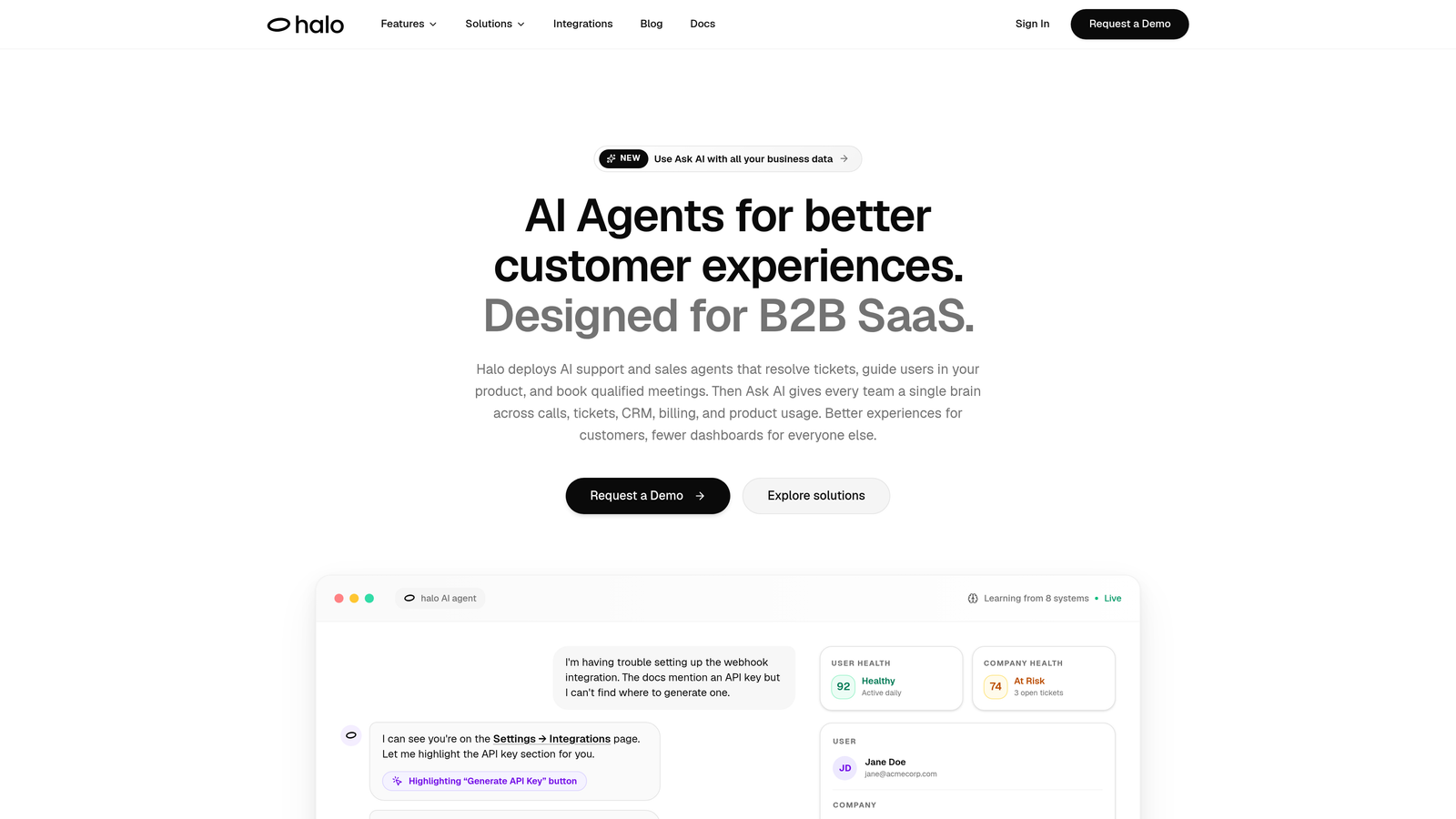
Halo AI is an AI-first customer support platform built for autonomous ticket resolution, page-aware guidance, and direct integration with the engineering tools your team already uses.
Where This Tool Shines
What separates Halo from most support platforms is its architecture: it was built AI-first, not retrofitted with AI features on top of a legacy helpdesk. That distinction matters enormously for developer tool companies, where the support questions are rarely simple and the users asking them can immediately tell when a response is generic or imprecise.
Halo's page-aware chat widget is a standout capability. It sees what users see on screen, giving the AI agent real context about where a user is in your product when they ask for help. Combined with auto bug ticket creation that fires directly into Linear from a support conversation, Halo actively closes the loop between customer-facing support and your engineering team.
Key Features
Autonomous AI Agents: Resolve support tickets end-to-end without human intervention, learning from every interaction to improve over time.
Page-Aware Chat Widget: Understands the user's current location in your product to deliver contextually accurate guidance rather than generic answers.
Auto Bug Ticket Creation: Automatically generates bug reports in Linear directly from support conversations, eliminating manual handoffs between support and engineering.
Smart Inbox with Business Intelligence: Surfaces customer health signals, anomaly detection, and revenue insights from support data, turning your inbox into a product intelligence layer.
Engineering Tool Integrations: Connects natively with Linear, Slack, GitHub, Intercom, HubSpot, Stripe, and more, making it genuinely embedded in the developer workflow.
Best For
Scaling B2B SaaS and developer tool companies that want to automate a high percentage of tickets without sacrificing technical accuracy. Particularly well-suited for teams whose support conversations frequently generate bug reports or feature requests that need to reach engineering quickly.
Pricing
Contact for pricing. Designed for scaling B2B teams; the platform is built to grow with your support volume without requiring proportional headcount increases.
2. Intercom Fin
Best for: Teams already on Intercom who want AI resolution without switching platforms
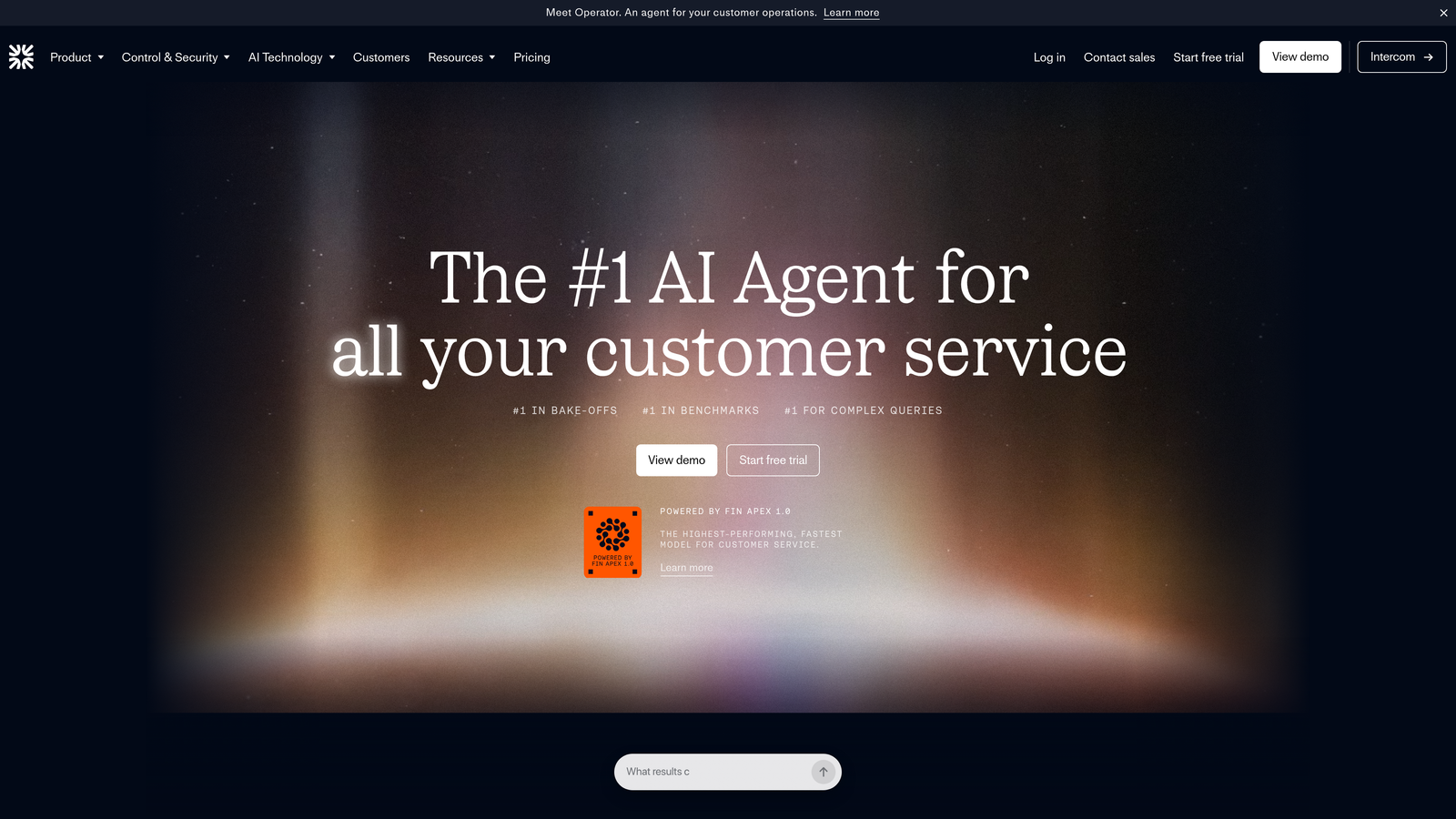
Intercom Fin is Intercom's native AI agent, designed to resolve support questions using your existing help center, documentation, and conversation history.
Where This Tool Shines
If your team is already running support through Intercom, Fin is the path of least resistance to adding AI resolution. It trains on your existing help center content and past conversations without requiring a separate setup process, which means you can get it running quickly without a significant implementation lift.
The handoff experience is genuinely smooth. When Fin can't resolve something, it passes the conversation to a human agent with full context preserved, so customers aren't forced to repeat themselves. For developer tool teams with a mixed support volume (some simple, some deeply technical), this handoff quality matters.
Key Features
Native Intercom Integration: Built directly into Intercom's messenger and inbox with no third-party connection required.
Multi-Source Training: Learns from help center articles, past conversations, and custom content sources you define.
Customizable Persona: Adjustable tone and brand voice to match how your company communicates with developers.
Contextual Handoff: Escalates to human agents with the full conversation thread intact, preserving context.
Multi-Channel Coverage: Operates across chat, email, and in-app messaging within the Intercom ecosystem.
Best For
Companies already invested in Intercom who want to add AI resolution without migrating platforms. Less ideal for teams that need deep engineering tool integrations or want AI-generated bug tickets flowing into Linear or Jira.
Pricing
Per-resolution pricing model layered on top of an existing Intercom subscription. Costs can scale significantly at higher ticket volumes, so model it against your support load before committing.
3. Zendesk AI
Best for: Enterprise developer tool companies with complex support operations already on Zendesk
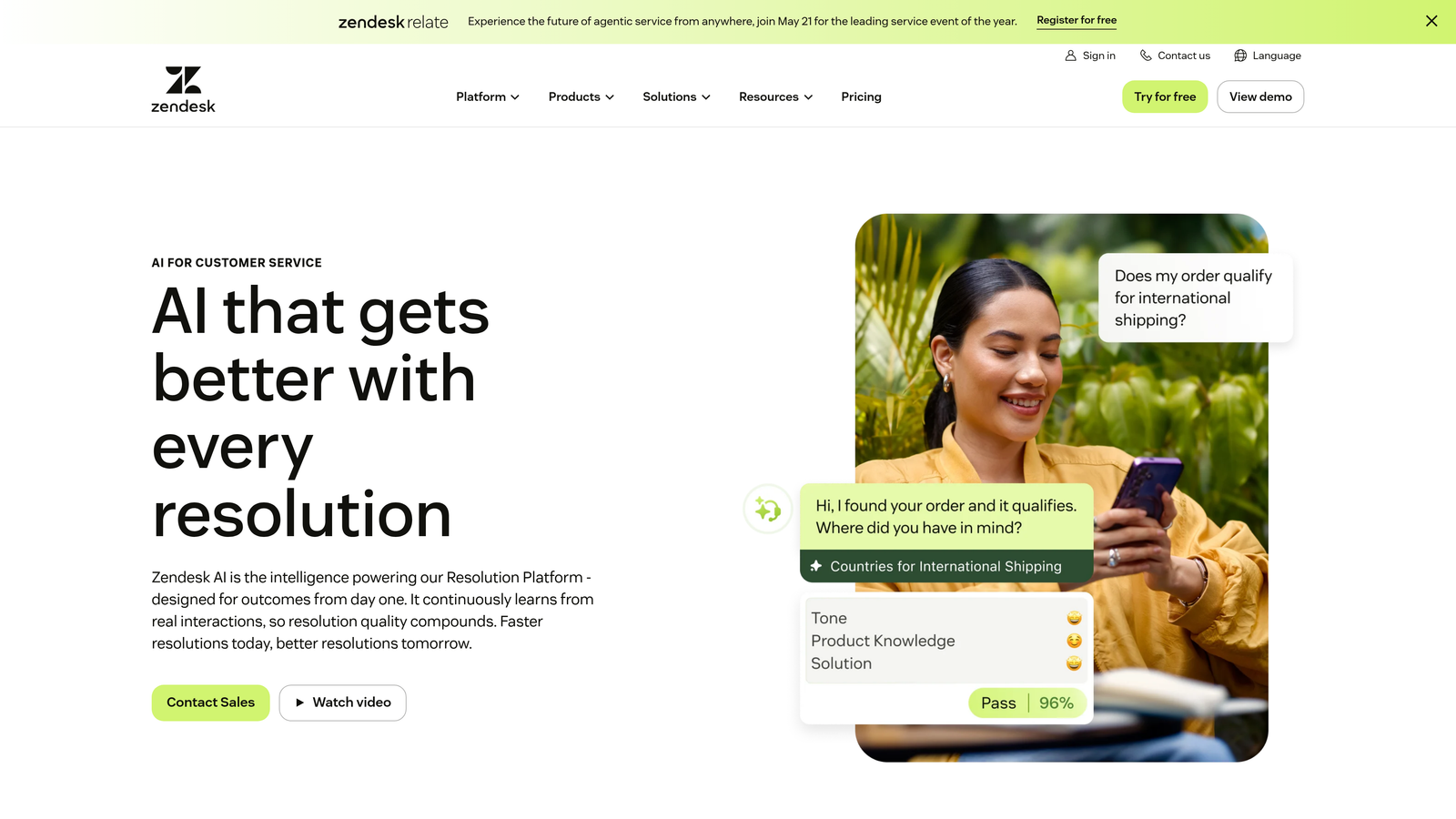
Zendesk AI is an enterprise-grade AI layer built on top of Zendesk's mature ticketing platform, offering autonomous agents, intelligent triage, and agent assist capabilities.
Where This Tool Shines
Zendesk's strength is its depth. The platform has been handling enterprise support operations for years, and the AI layer inherits that maturity: robust workflow customization, extensive marketplace integrations, and a triage engine that can classify intent, language, and sentiment at scale. For developer tool companies with large support teams and complex routing logic, this infrastructure is genuinely valuable.
The agent assist features are particularly useful for technical support scenarios. When a human agent does need to step in, Zendesk AI surfaces relevant knowledge articles and suggests responses, reducing the time it takes to resolve complex developer questions even when automation isn't the right call.
Key Features
AI Agents for Autonomous Resolution: Handles tickets across email, chat, and messaging without human intervention for qualifying issues.
Intelligent Triage: Automatically classifies tickets by intent, language, and sentiment to route them appropriately.
Agent Assist: Surfaces AI-suggested responses and relevant knowledge to human agents in real time.
Advanced Workflow Customization: Deep trigger, automation, and macro capabilities for complex support operations.
Marketplace Integrations: Extensive ecosystem including engineering tools and third-party services.
Best For
Enterprise developer tool companies with established Zendesk deployments and complex support operations. The setup and customization investment is significant, making it less ideal for early-stage teams or those wanting quick time-to-value.
Pricing
AI features are available on Suite Professional and above, with additional AI agent pricing as an add-on. Enterprise pricing; budget accordingly for both the platform and implementation resources.
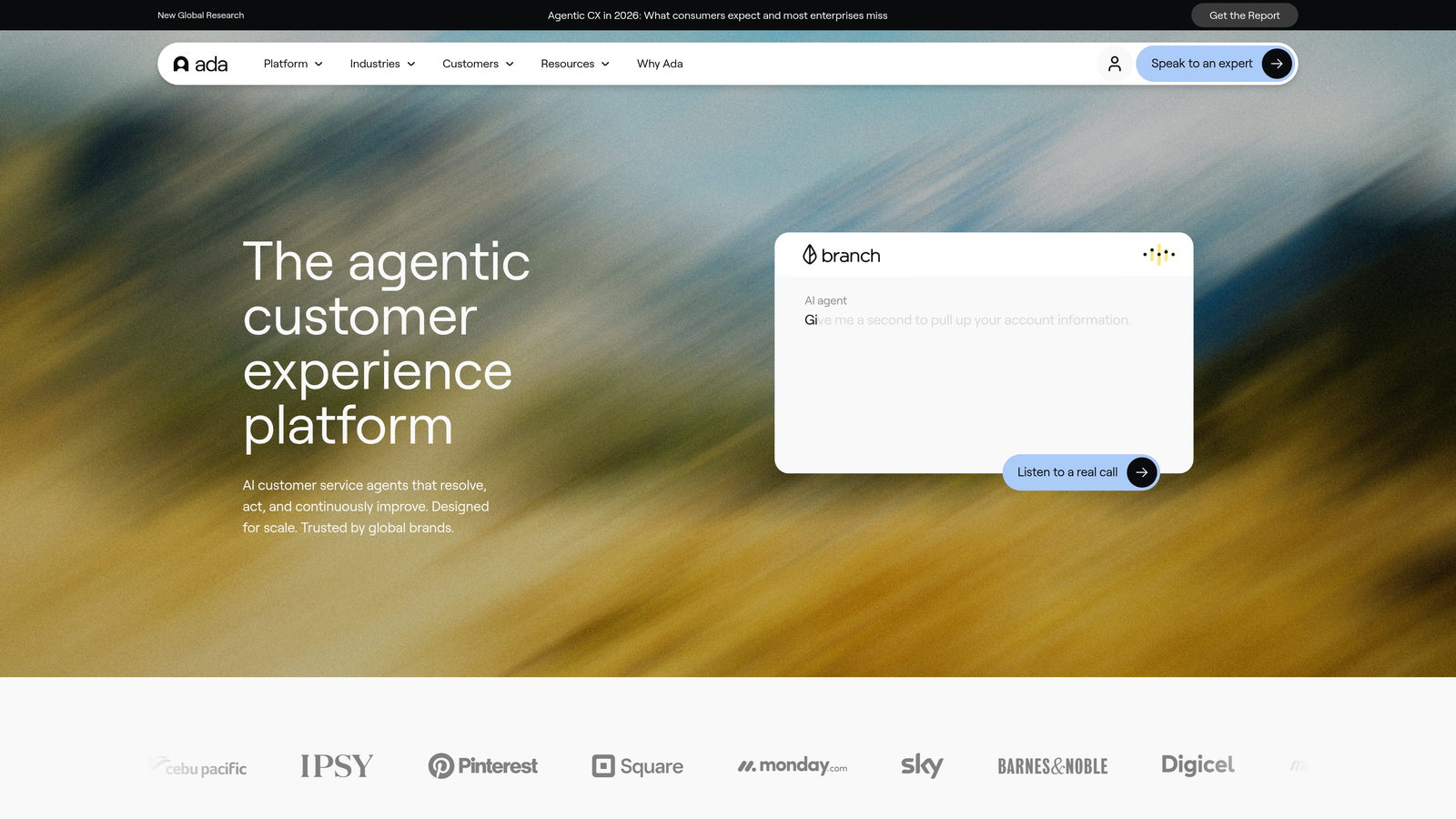
4. Ada
Best for: Teams needing multilingual AI agents with a no-code builder for multi-step resolution flows
Ada is an automation-first AI platform that builds conversational support agents with a reasoning engine capable of handling complex, multi-step queries across many languages.
Where This Tool Shines
Ada's reasoning engine is its differentiator. Rather than matching keywords to canned responses, it can work through multi-step resolution flows, pulling in data from connected systems to give personalized answers. For developer tool companies with global user bases, the multilingual capability (50+ languages out of the box) is a meaningful advantage that most competitors require significant configuration to match.
The no-code builder makes it accessible to support teams that don't have engineering resources to dedicate to chatbot configuration. You can build, test, and deploy agents without writing code, which matters when your engineering team is focused on the product itself.
Key Features
Reasoning Engine: Handles multi-step resolution flows rather than simple FAQ matching.
Multilingual Support: Operates in 50+ languages out of the box with no additional configuration.
System Integrations: Connects to CRMs, helpdesks, and backend systems to personalize responses with live data.
Resolution Rate Optimization: Measures and actively works to improve automated resolution rates over time.
Omnichannel Deployment: Deploys across web, mobile, social, and messaging channels from a single configuration.
Best For
Mid-market to enterprise developer tool companies with global user bases or complex resolution flows that require multi-step logic. Teams that want a no-code setup experience without sacrificing reasoning capability.
Pricing
Custom pricing based on resolution volume. Contact sales for a quote; budget expectations should align with enterprise-tier tooling.
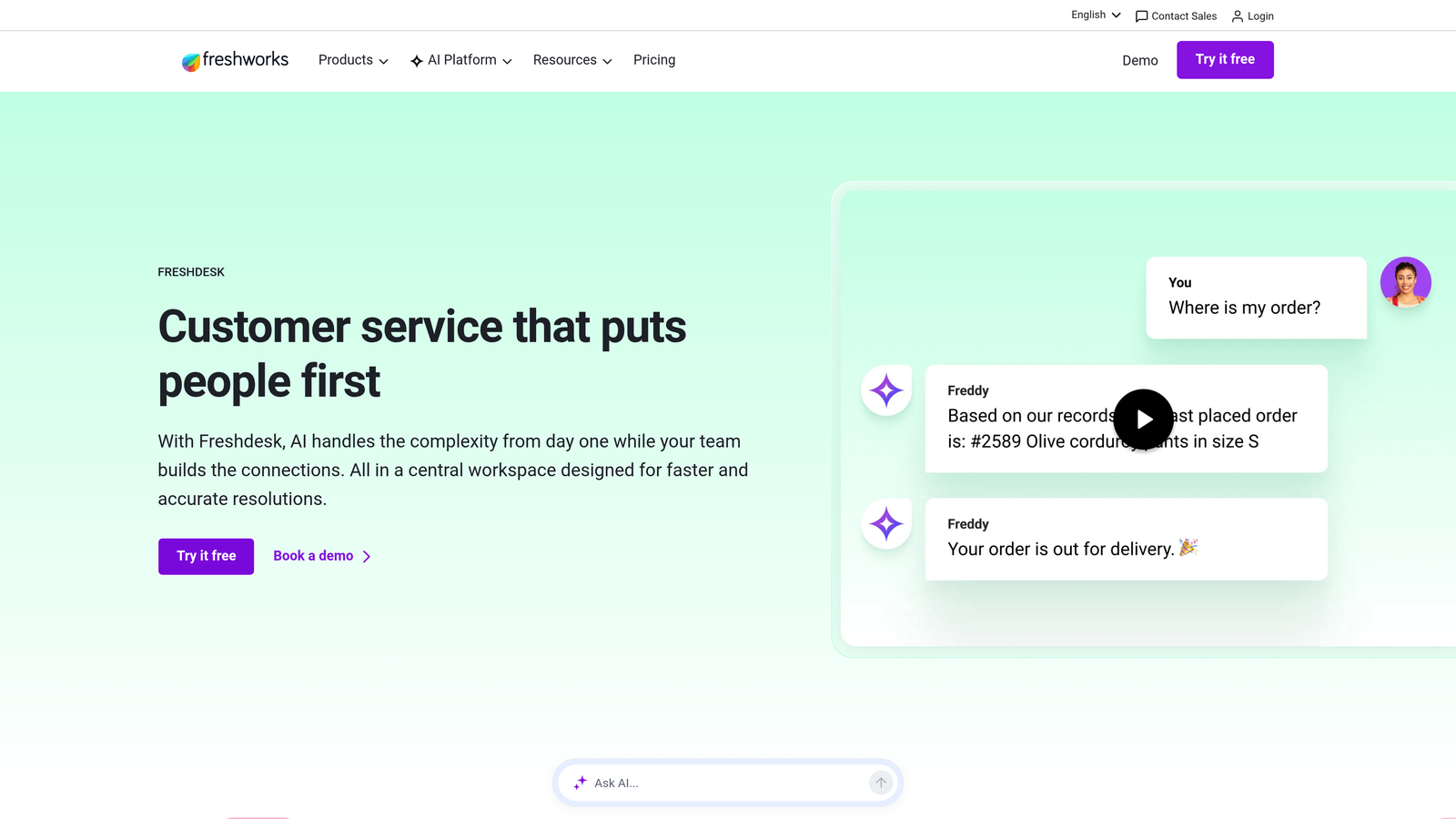
5. Freshdesk Freddy AI
Best for: Growing dev tools teams that want solid AI support features at a mid-market price point
Freshdesk Freddy AI is Freshworks' AI assistant layer for Freshdesk, providing auto-triage, agent-suggested responses, and chatbot capabilities within a helpdesk that's significantly more affordable than enterprise alternatives.
Where This Tool Shines
Freshdesk occupies an important middle ground in the market: more capable than basic helpdesks, more affordable than Zendesk or Salesforce Service Cloud. For developer tool startups that have outgrown simple ticketing but aren't ready for enterprise pricing, Freddy AI delivers meaningful automation without a steep budget commitment.
The Freshworks suite integration is also worth noting. If your team is using Freshworks for CRM or ITSM alongside support, Freddy AI creates a connected data environment that can enrich support interactions with customer context from across the business.
Key Features
AI Ticket Auto-Triage: Automatically categorizes and prioritizes incoming tickets based on content and urgency.
Freddy AI Copilot: Provides agents with suggested responses and conversation summaries to speed up resolution.
Chatbot Builder: Deflects common questions through a configurable chatbot before they reach the agent queue.
Freshworks Suite Integration: Connects with Freshworks CRM and ITSM products for unified customer data.
Accessible Pricing: AI features included in Pro and Enterprise tiers at rates well below enterprise-only competitors.
Best For
Developer tool startups and growing teams that need reliable AI triage and agent assist at a manageable price point. Teams that are Freshworks-native or open to adopting the broader suite will get the most value.
Pricing
AI features included in the Pro plan at $49 per agent per month; advanced AI capabilities available in the Enterprise tier.
6. Kapa.ai
Best for: Developer experience teams who need technically accurate answers sourced from docs, APIs, and community content
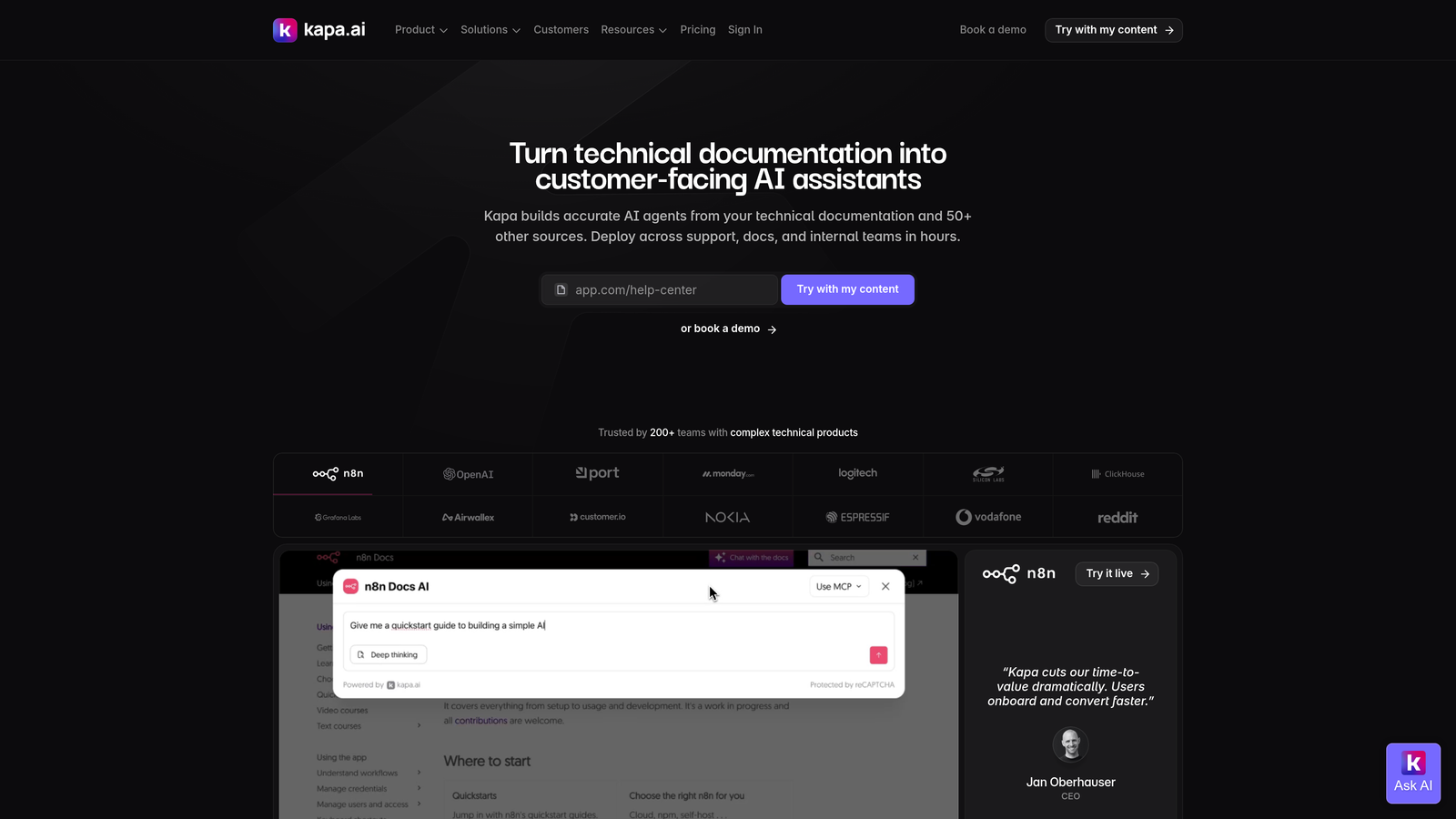
Kapa.ai is an AI support assistant purpose-built for developer-facing companies, trained specifically on technical documentation, API references, GitHub repositories, and community content.
Where This Tool Shines
Kapa.ai is the most developer-specific tool on this list in terms of what it ingests and how it answers. Most AI support platforms train on help center articles and past tickets. Kapa goes further: it can ingest GitHub repos, Slack threads, Discord channels, and API reference docs, then generate technically accurate answers with source citations. For developer tool companies, that citation behavior is critical. Developers don't just want an answer; they want to know where it came from so they can verify it.
The analytics layer is also genuinely useful for developer experience teams. You can see exactly what users are asking and where your documentation has gaps, which turns your support tool into a continuous feedback loop for your docs team.
Key Features
Technical Content Ingestion: Trains on docs, API references, GitHub repos, Slack threads, and community forums simultaneously.
Cited Answers: Generates responses with source citations so developers can trace and verify the information.
Multi-Channel Embedding: Deploys as a widget on docs sites and integrates with Slack, Discord, and Zendesk.
Documentation Gap Analytics: Dashboard showing what users are asking and where documentation is missing or unclear.
Developer Experience Focus: Built specifically for DevEx and DevRel teams rather than general customer support.
Best For
Developer tool companies with rich technical documentation and active developer communities. Particularly valuable for teams running developer portals, open-source projects, or API-first products where documentation quality is a core part of the product experience.
Pricing
Usage-based pricing model. Contact Kapa for details based on your content volume and expected query load.
7. Dosu
Best for: Open-source projects and developer tool maintainers who live in GitHub Issues and Discussions
Dosu is an AI-powered support bot that operates natively inside GitHub Issues and Discussions, automatically answering questions and reducing maintainer burden without requiring a separate support platform.
Where This Tool Shines
Dosu solves a problem that's unique to developer tool companies with open-source components: maintainers drowning in GitHub Issues. Most support tools require users to leave GitHub and open a ticket somewhere else. Dosu meets developers exactly where they already are, answering questions directly in Issues and Discussions using your codebase, documentation, and past issue history as its knowledge base.
The duplicate detection feature alone can meaningfully reduce maintainer workload. When a new issue is filed that closely matches an existing one, Dosu links them and can provide the relevant resolution, preventing the same question from consuming maintainer attention repeatedly.
Key Features
GitHub-Native Operation: Works directly in GitHub Issues and Discussions with no separate platform or login required.
Codebase-Aware Answers: Generates responses using your actual codebase, documentation, and past issue history.
Automatic Triage and Labeling: Classifies and labels incoming issues to reduce manual maintainer triage work.
Duplicate Detection: Identifies duplicate issues and links related conversations automatically.
Open-Source Optimized: Designed specifically for open-source and developer tool community workflows.
Best For
Open-source project maintainers, developer tool teams with active GitHub communities, and any team where the primary support channel is GitHub rather than a traditional helpdesk.
Pricing
Free tier available for open-source projects. Paid plans available for private repositories; pricing scales with usage.
8. Unthread
Best for: Developer tool companies whose customers primarily reach out via Slack
Unthread is a Slack-native support platform that converts channel conversations into trackable tickets with AI-powered triage, SLA management, and analytics, all without leaving Slack.
Where This Tool Shines
Many developer tool companies, particularly those selling to technical teams, end up running a significant portion of their support through shared Slack channels. Unthread formalizes that workflow rather than fighting it. Instead of asking customers to open a separate ticket, Unthread automatically converts Slack messages into tracked support tickets with SLA monitoring and assignment logic.
The integration with Linear and Jira is a practical win for developer tool teams. When a support conversation surfaces a bug or a feature request, Unthread can push it directly into your engineering backlog without requiring anyone to manually copy information between tools.
Key Features
Slack-to-Ticket Conversion: Automatically creates support tickets from Slack messages without any manual action.
AI Triage and Assignment: Routes tickets based on topic and urgency using AI classification.
SLA Tracking: Monitors response and resolution times against defined SLAs, with escalation workflows built in.
Support Analytics: Tracks response times, resolution rates, and common support topics over time.
Linear and Jira Integration: Pushes bugs and feature requests directly into engineering project management tools.
Best For
Developer tool companies with Slack-heavy customer relationships, particularly those selling to technical teams that prefer Slack over traditional ticketing systems. Also well-suited for teams that want to formalize an existing Slack support workflow rather than migrate customers to a new channel.
Pricing
Free tier available for small teams. Paid plans start at $50 per month, scaling with usage and team size.
9. Aide
Best for: Teams that want AI-augmented agents rather than full automation, with strong product intelligence surfacing
Aide is an AI-powered support intelligence platform that classifies, clusters, and drafts responses to help human agents work faster, while surfacing product insights from support patterns.
Where This Tool Shines
Aide takes a human-in-the-loop approach that's genuinely useful for developer tool companies dealing with highly technical, nuanced support questions where full automation would create more problems than it solves. Rather than trying to resolve tickets autonomously, Aide drafts responses for agent review, dramatically reducing the time it takes a human to respond without removing human judgment from the process.
The topic clustering and trend visualization features make Aide particularly valuable for product teams. When the same category of issue starts spiking, Aide surfaces it visually so you can identify whether it's a documentation problem, a product bug, or a feature gap before it becomes a larger issue.
Key Features
Automatic Topic Classification: Clusters incoming tickets by topic to identify patterns and recurring issues at a glance.
AI-Drafted Responses: Generates response drafts for agent review, reducing time-to-reply without removing human oversight.
Zendesk and Front Integration: Operates as an intelligence layer on top of existing helpdesk tools rather than replacing them.
Trend Dashboards: Visual displays of trending support topics and issue frequency over time.
Human-in-the-Loop Design: Built for teams that want AI assistance without full autonomous operation.
Best For
Developer tool teams that aren't ready for full AI automation but want to meaningfully accelerate human agent performance. Also valuable for product and engineering teams who want richer signal from support data to inform roadmap decisions.
Pricing
Tiered pricing based on ticket volume. Free trial available to evaluate fit before committing.
Which Tool Is Right for Your Dev Tools Team?
The right choice here depends on where your support actually lives and how much automation you're ready to embrace.
If your goal is full autonomous resolution with tight engineering workflow integration, Halo AI is the strongest fit. Its page-aware context, auto bug ticket creation in Linear, and AI-first architecture make it purpose-built for the way developer tool support actually works: technical questions, engineering handoffs, and the need for continuous improvement as your product evolves.
For teams already on Intercom or Zendesk, Intercom Fin and Zendesk AI offer the smoothest path to adding AI resolution without a platform migration. If your support primarily runs through Slack, Unthread formalizes that workflow without asking your customers to change their behavior. For GitHub-native communities, Dosu handles triage and answers directly in Issues. And if your priority is technical documentation accuracy with citation transparency, Kapa.ai is the most developer-specific option available.
For teams that want AI augmentation rather than full automation, Aide's human-in-the-loop approach and product intelligence surfacing make it a strong choice. Ada fits well for global teams needing multilingual capability, and Freshdesk Freddy AI is the sensible mid-market option for teams that need solid functionality without enterprise pricing.
The common thread across all of these: your support team shouldn't scale linearly with your customer base. Let AI agents handle routine tickets, guide users through your product, and surface business intelligence while your team focuses on complex issues that need a human touch. See Halo in action and discover how continuous learning transforms every interaction into smarter, faster support.