9 Best Tools to Unify Support Knowledge Scattered Across Tools in 2026
When support knowledge scattered across tools like Notion, Confluence, Slack, and Google Docs forces agents into constant scavenger hunts, resolution times suffer and customer experience deteriorates. This guide evaluates the 9 best platforms in 2026 that aggregate fragmented knowledge into a single source of truth, helping support teams deliver consistent, accurate answers faster while reducing onboarding time and eliminating knowledge silos.
 Grant CooperFounder14 min read
When your support knowledge lives in Notion docs, Confluence pages, Slack threads, Google Docs, old Zendesk macros, and the heads of your three most senior agents, every incoming ticket becomes a scavenger hunt. Your team spends more time searching for the right answer than actually delivering it.
The real cost isn't just wasted minutes. It's the compounding effect: inconsistent customer answers, slower resolution times, new hires who take months to ramp up, and experienced agents who become bottlenecks because they're the only ones who know how something works. Fragmented knowledge is a customer experience problem as much as an operational one.
The good news is that a new generation of tools can aggregate, centralize, and operationalize scattered support knowledge so your team delivers accurate answers from a single source of truth. We evaluated these tools based on integration depth, AI capabilities, ease of setup, and how effectively they eliminate knowledge silos for support teams. Here are the best options for 2026.
1. Halo AI
Best for: Teams that want AI to operationalize scattered knowledge into autonomous ticket resolution
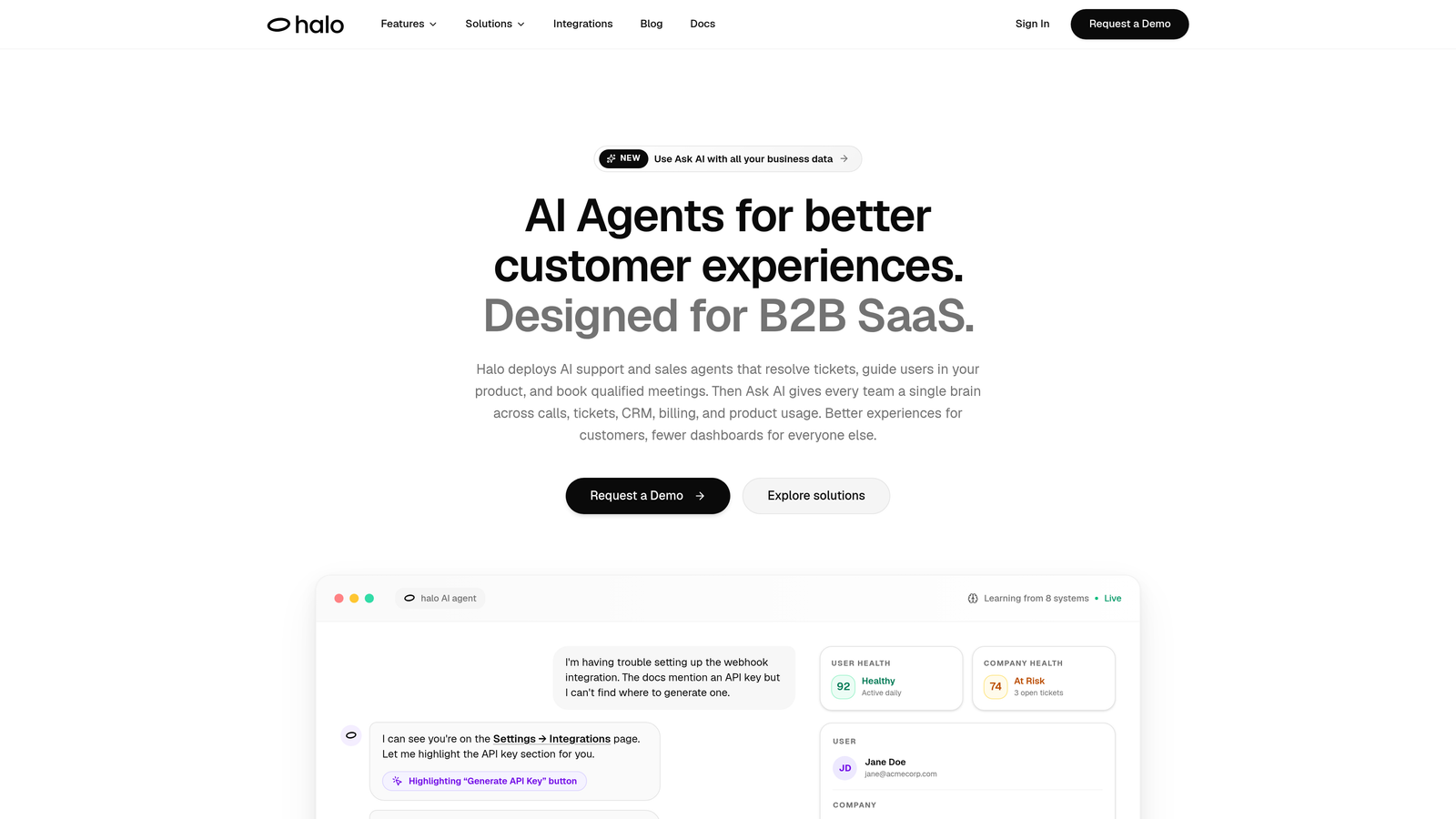
Halo AI is an AI-native support platform that connects to your entire business stack, learns from scattered knowledge sources, and autonomously resolves support tickets while continuously improving from every interaction.
Where This Tool Shines
Most knowledge management tools help agents find information faster. Halo AI goes a step further: it uses that information to resolve tickets on its own. Instead of requiring agents to search Slack, check Notion, and cross-reference Zendesk macros, Halo ingests knowledge from wherever it already lives and puts it to work immediately.
What makes Halo particularly well-suited for teams with scattered knowledge is its continuous learning architecture. Every ticket interaction improves resolution accuracy over time, so the system gets smarter the more you use it. It also understands page-level context, meaning it sees what users see and can offer guidance specific to where they are in your product.
Key Features
Multi-System Integrations: Connects to Linear, Slack, HubSpot, Intercom, Stripe, Zendesk, and more, pulling knowledge from where it already lives without requiring a full migration.
Continuous Learning AI: Improves resolution accuracy from every ticket interaction, building institutional knowledge automatically rather than relying on manual documentation updates.
Page-Aware Chat Widget: Understands the specific page or product context a user is on, delivering guidance that's relevant to their exact situation rather than generic answers.
Auto Bug Ticket Creation: Automatically generates bug reports from support conversations, closing the loop between customer issues and engineering workflows without extra manual steps.
Smart Inbox with Business Intelligence: Goes beyond support metrics to surface customer health signals, revenue intelligence, and anomaly detection directly from support interactions.
Best For
B2B SaaS teams and product-led companies that want to move beyond knowledge management into autonomous resolution. Particularly valuable for teams using Zendesk, Freshdesk, or Intercom who are tired of agents manually searching multiple systems before responding to tickets.
Pricing
Contact for pricing; plans are tailored to team size and integration needs. Reach out directly at haloagents.ai for a custom quote.
2. Guru
Best for: Contextual knowledge delivery surfaced directly inside agent workflows
Guru is an AI-powered knowledge management platform that verifies, organizes, and surfaces knowledge directly in agents' workflows through browser extensions and app integrations.

Where This Tool Shines
Guru's core insight is that agents shouldn't have to leave their current tool to find the right answer. Its browser extension surfaces relevant knowledge cards contextually as agents work inside Zendesk, Intercom, Salesforce, or whatever platform they're using. The information comes to them rather than the other way around.
The verification workflow is another standout. Knowledge cards have designated owners and expiration dates, so content doesn't quietly go stale. This is especially useful for teams whose biggest knowledge problem isn't just fragmentation but outdated information that erodes trust over time.
Key Features
Contextual AI Suggestions: Surfaces relevant knowledge cards in real time inside browsers and apps without requiring agents to switch tabs or search manually.
Verification Workflows: Assigns ownership and expiration to knowledge cards so content stays accurate and up-to-date with structured accountability.
Broad Integrations: Connects with Slack, Zendesk, Salesforce, and other common support and CRM tools for seamless knowledge delivery.
Knowledge Gap Analytics: Tracks what agents search for and what they can't find, helping teams identify and fill documentation gaps proactively.
Best For
Support teams that already have a lot of knowledge documented but struggle to surface it at the right moment. Especially useful for teams with distributed agents who need consistent, verified answers without relying on tribal knowledge.
Pricing
Free plan available for small teams. Paid plans start at approximately $10/user/month, making it accessible for growing support organizations.
3. Tettra
Best for: Slack-heavy teams that want to capture and reuse answers from conversations
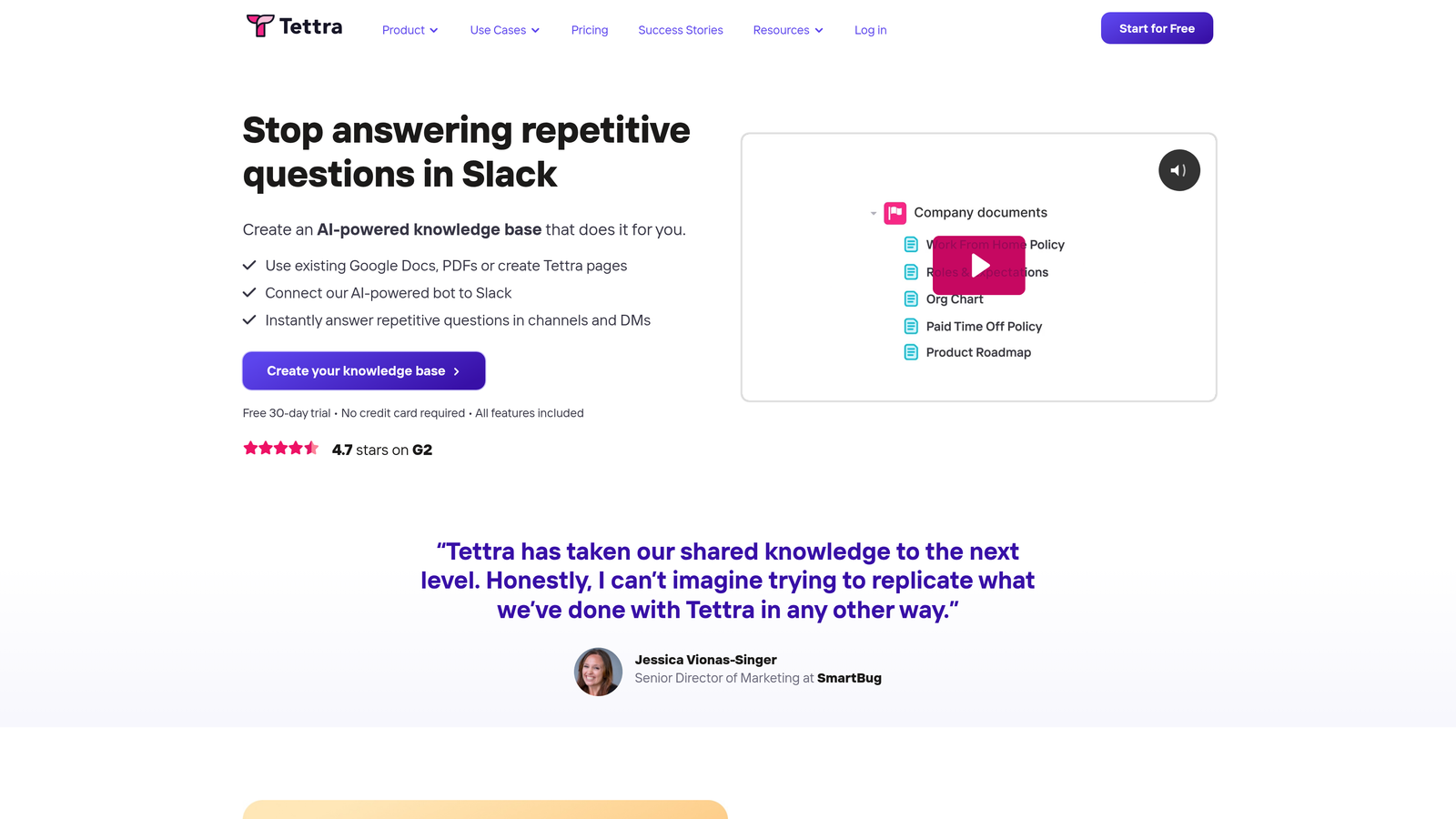
Tettra is a lightweight internal knowledge base designed for teams that live in Slack, with an AI-powered Q&A bot that captures and organizes answers from conversations.
Where This Tool Shines
If your support knowledge is primarily scattered across Slack threads, Tettra addresses the problem at the source. Its Slack bot can answer questions directly from your knowledge base and, critically, can turn answers given in Slack threads into documented knowledge base articles. That tribal knowledge locked in conversations starts becoming institutional knowledge automatically.
The simplicity is intentional. Tettra doesn't try to be everything. It's a focused tool for teams that want a low-friction way to build and maintain internal documentation without pulling people away from the tools they already use.
Key Features
Slack-Native Q&A Bot: Answers agent questions directly inside Slack by querying your knowledge base, reducing context-switching during live support interactions.
Conversation-to-Article Capture: Turns answers from Slack threads into formatted knowledge base articles, converting informal knowledge into structured documentation.
AI-Powered Search: Finds relevant content across connected knowledge sources even when search terms don't exactly match article titles or keywords.
Stale Content Alerts: Flags articles that haven't been reviewed recently, keeping the knowledge base fresh without requiring manual audits.
Best For
Small to mid-size teams that communicate primarily through Slack and want a simple, low-maintenance knowledge base that integrates naturally into their existing workflow rather than adding another system to manage.
Pricing
Free for small teams. Paid plans start at approximately $8.33/user/month with additional features for larger organizations.
4. Notion
Best for: Teams that want maximum flexibility in how they structure and connect support knowledge
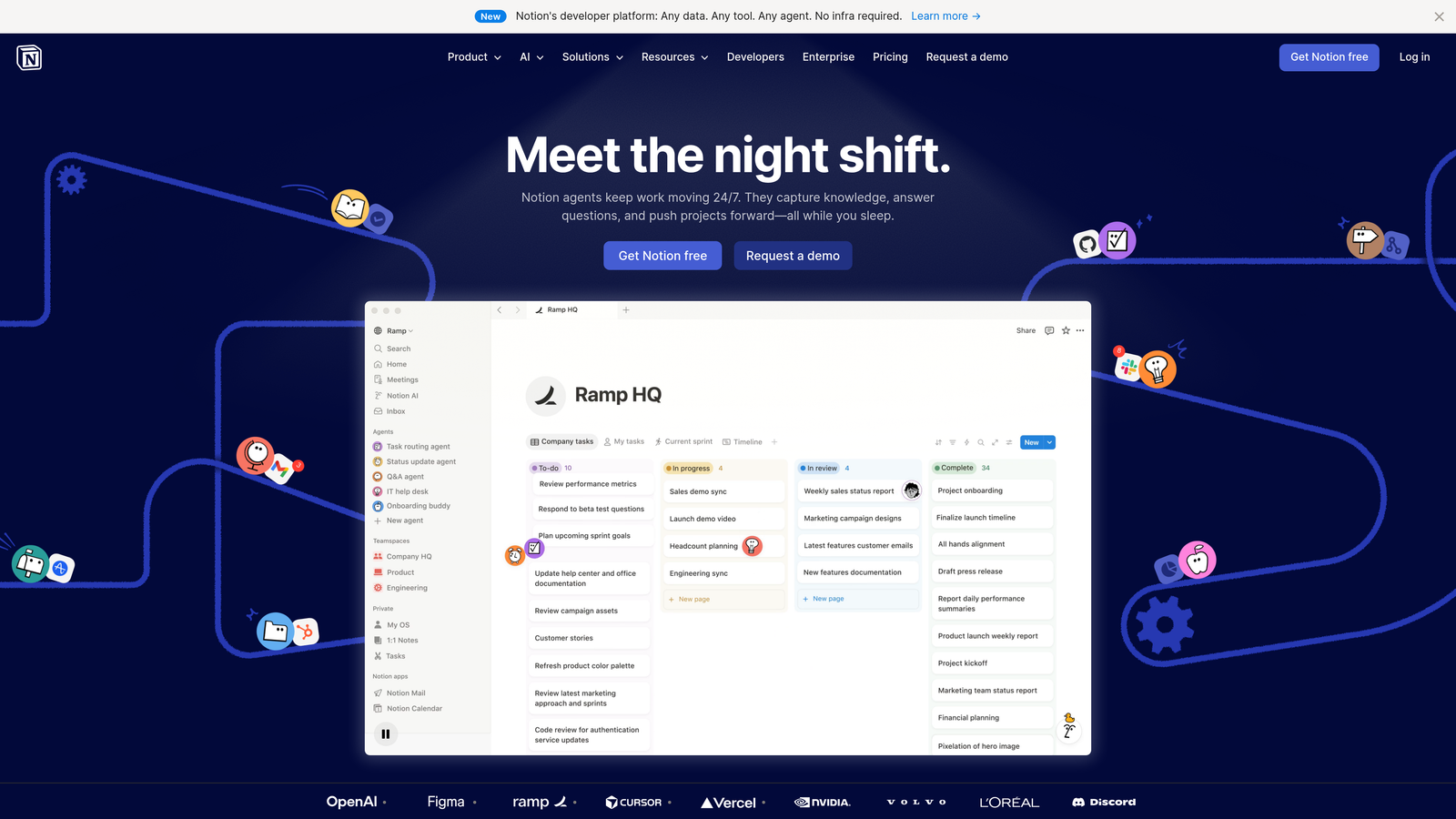
Notion is a flexible all-in-one workspace with databases, wikis, and docs that can be structured into a comprehensive support knowledge base with AI-powered search and summarization.
Where This Tool Shines
Notion's strength is its adaptability. You can build a simple wiki, a relational database of troubleshooting procedures, a structured runbook library, or all three connected together. For support teams whose knowledge spans multiple formats and use cases, that flexibility is genuinely valuable.
Notion AI adds a meaningful layer on top: agents can ask natural language questions and get synthesized answers from across the entire workspace rather than manually navigating page trees. For teams that have already invested in building Notion documentation, this makes that existing content significantly more accessible.
Key Features
Relational Database Architecture: Links related content across pages and databases, so a troubleshooting article can connect directly to the relevant product spec, runbook, and escalation process.
Notion AI Search and Q&A: Lets agents ask questions in plain language and receive synthesized answers drawn from across the entire workspace.
Templates for Support Use Cases: Pre-built structures for knowledge bases, SOPs, runbooks, and onboarding guides reduce setup time significantly.
API and Integration Support: Connects to other tools in your stack, enabling Notion to serve as a central hub that pulls in or links to content from other sources.
Best For
Teams that want a highly customizable documentation foundation and are comfortable investing time in setup and organization. Works well for companies where support knowledge overlaps heavily with product, engineering, and operations documentation.
Pricing
Free plan available. Plus plan starts at $10/user/month, with Business and Enterprise tiers for larger teams with advanced needs.
5. Confluence
Best for: Enterprise teams that need to link support knowledge directly to engineering and product workflows
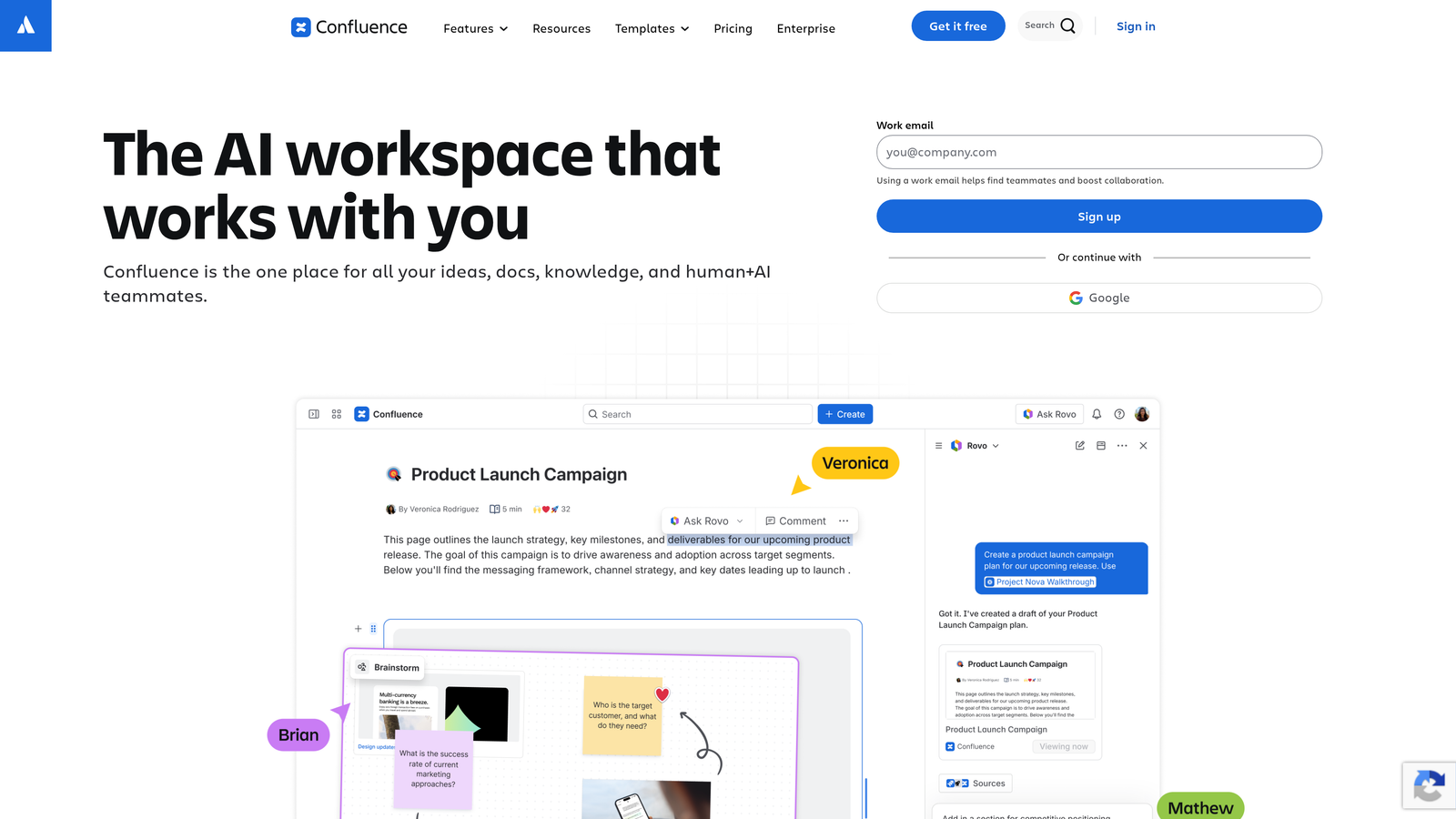
Confluence is an enterprise-grade wiki and documentation platform from Atlassian with deep Jira integration, making it ideal for connecting support knowledge to engineering processes.
Where This Tool Shines
For teams already embedded in the Atlassian ecosystem, Confluence is a natural choice. The Jira integration is particularly powerful for support teams: when a customer issue turns into a bug or feature request, agents can link directly to the relevant Jira ticket from within Confluence documentation, creating a traceable thread from customer complaint to engineering resolution.
Atlassian Intelligence, the platform's AI layer, adds search and content creation capabilities that make navigating large documentation repositories more practical. For enterprise teams with thousands of pages of accumulated knowledge, this matters.
Key Features
Deep Jira Integration: Links support documentation directly to engineering tickets, making it easy to track the status of known issues and connect customer-facing content to internal workflows.
Hierarchical Spaces and Page Trees: Organizes large volumes of documentation into structured, navigable spaces that scale well for enterprise teams.
Atlassian Intelligence AI: Provides AI-powered search, content summarization, and draft generation across all connected Confluence content.
Enterprise Security Controls: Granular permissions and compliance features make it suitable for regulated industries or organizations with strict access requirements.
Best For
Mid-market to enterprise teams that use Jira for engineering and want a documentation platform that integrates tightly with their development workflow. Less ideal for smaller teams or those not already in the Atlassian ecosystem.
Pricing
Free for up to 10 users. Standard plan starts at $6.05/user/month, with Premium and Enterprise tiers available for advanced needs.
6. Slite
Best for: Teams that want instant AI-synthesized answers from existing documentation without rebuilding their knowledge base
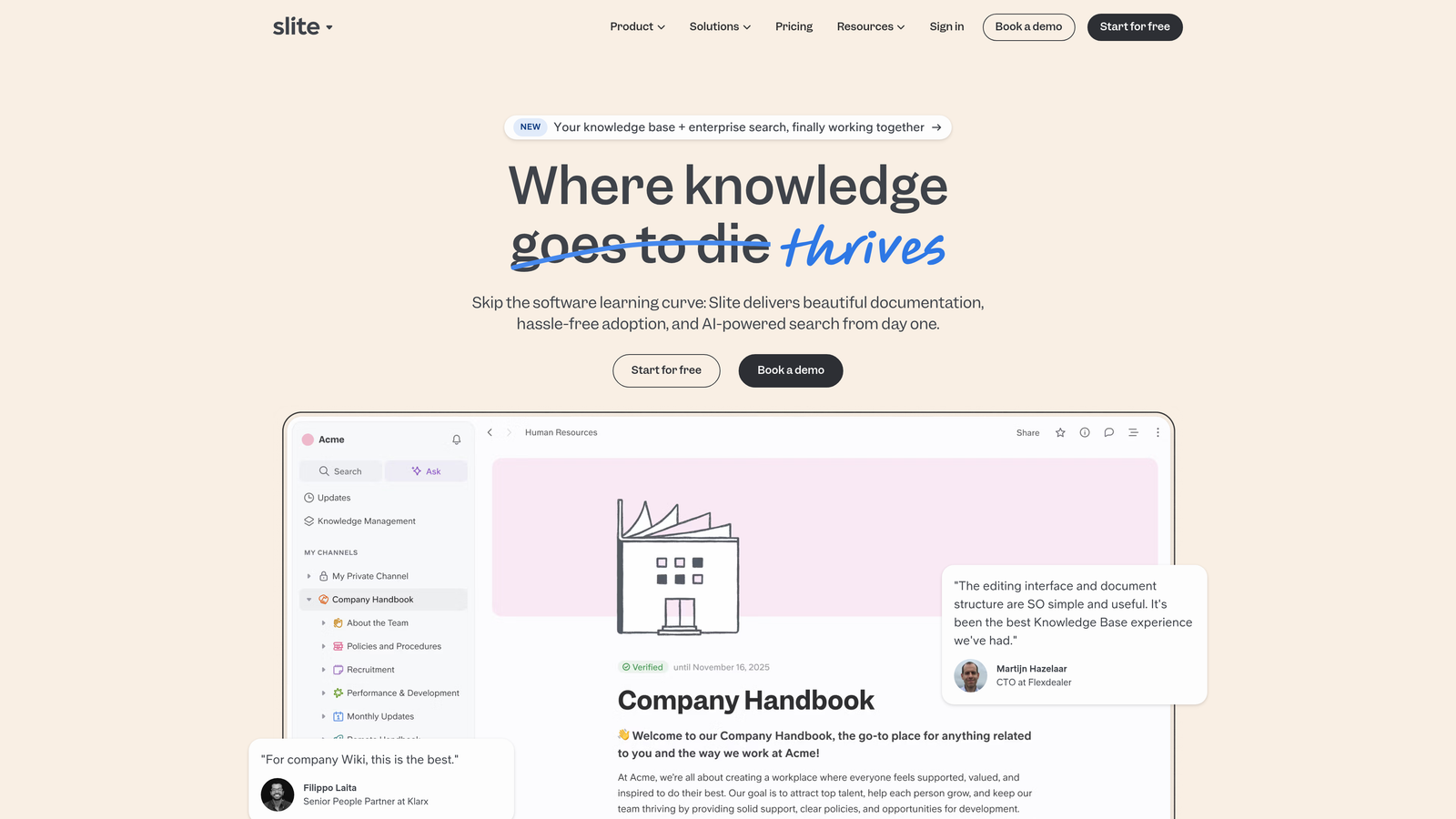
Slite is an AI-first documentation tool that lets teams ask questions in natural language and get synthesized answers from across all connected documents and knowledge sources.
Where This Tool Shines
Slite's Ask AI feature is the headline: instead of navigating through folders or running keyword searches, agents type a question and get a direct answer synthesized from all connected content. For teams with large, unstructured documentation libraries, this is a meaningful productivity shift.
What sets Slite apart from general-purpose tools like Notion is its focus on documentation quality. It automatically detects outdated or duplicate content and surfaces it for review, addressing one of the most common reasons knowledge bases become unreliable over time.
Key Features
Ask AI Synthesis: Generates direct answers to natural language questions by synthesizing information from across all connected documents, not just returning links to articles.
Multi-Source Import: Imports existing content from Notion, Confluence, Google Docs, and other tools, reducing migration friction for teams with established documentation.
Outdated Content Detection: Automatically flags duplicate or stale content for review, helping teams maintain a reliable, trustworthy knowledge base.
Organized Channels: Structures knowledge by team or topic using channels, making it easy to maintain separation between support, product, and engineering documentation.
Best For
Teams that have already invested in documentation across multiple tools and want to unify it under a single AI-queryable layer without starting from scratch. Particularly useful when agents need quick, synthesized answers during live customer interactions.
Pricing
Free plan available. Standard plan starts at $8/user/month, with additional tiers for larger teams and advanced features.
7. Document360
Best for: Teams that need purpose-built knowledge base infrastructure for both agents and customers
Document360 is a purpose-built knowledge base platform supporting both internal and customer-facing documentation with category-based architecture, AI search, and content analytics.
Where This Tool Shines
Document360 is designed specifically for knowledge bases rather than adapted from a general-purpose workspace tool. That focus shows in the details: the category-based architecture makes large content libraries navigable, the version history system lets teams track changes over time, and the analytics reveal exactly how content is being used and where it's falling short.
The dual knowledge base capability is particularly useful for support teams that maintain separate internal and customer-facing documentation. Both can live in the same platform with appropriate access controls, eliminating the need to maintain two separate systems.
Key Features
Dual Internal and External Knowledge Bases: Manages agent-facing and customer-facing documentation in one platform with separate access controls for each audience.
AI-Powered Search with Auto-Suggestions: Delivers relevant results quickly even for large content libraries, reducing time spent searching during live support interactions.
Version History and Workflow Management: Tracks content changes over time and supports review workflows to keep documentation accurate and accountable.
Content Analytics: Reports on article views, search queries, failed searches, and reader feedback, making it straightforward to identify knowledge gaps and high-value content.
Best For
Support teams that need a dedicated, scalable knowledge base platform rather than a general-purpose workspace. Particularly well-suited for teams managing both internal SOPs and a public-facing help center from a single system.
Pricing
Free plan available. Paid plans start at approximately $149/project/month, positioning it as a mid-to-enterprise solution for teams with serious knowledge base needs.
8. Helpjuice
Best for: Teams that want deep search analytics to identify and close knowledge gaps
Helpjuice is knowledge base software built around powerful search and analytics, helping support teams understand what knowledge is missing and what agents and customers search for most.
Where This Tool Shines
Helpjuice approaches the scattered knowledge problem from an analytics angle. Rather than just organizing existing content, it tells you what people are looking for and not finding. Failed search tracking is particularly valuable: it surfaces the exact queries that return no results, giving support managers a prioritized list of documentation to create.
The search experience itself is a core differentiator. Helpjuice's Google-like search with auto-complete and intelligent suggestions makes finding answers fast even in large knowledge bases, which matters when agents are under pressure to respond quickly.
Key Features
Intelligent Search with Auto-Complete: Delivers fast, relevant results with auto-complete suggestions that guide agents and customers to the right content quickly.
Failed Search Analytics: Tracks queries that return no results, giving teams a clear view of where their knowledge base has gaps that need to be filled.
Article Performance Reporting: Shows which articles are most used, most helpful, and most in need of improvement based on real usage data.
Customizable Themes and Multi-Language Support: Adapts to brand requirements and supports global teams with localized content and access controls.
Best For
Support teams that want to use data to drive their knowledge base strategy. Particularly useful for organizations that suspect their documentation has significant gaps but aren't sure where to start closing them.
Pricing
Starts at $120/month for up to 4 users, with pricing scaling for larger teams. All plans include the full feature set including analytics.
9. Stonly
Best for: Teams that want to turn static documentation into interactive, decision-tree troubleshooting guides
Stonly is an interactive guide builder that transforms static knowledge into step-by-step, decision-tree workflows for agents and customers, reducing reliance on tribal knowledge for complex troubleshooting.
Where This Tool Shines
Stonly addresses a specific and persistent problem: tribal knowledge that's hard to document because it's inherently procedural and situational. Senior agents don't just know facts; they know which question to ask next based on the previous answer. Stonly's decision-tree format captures exactly that kind of branching logic in a format anyone can follow.
The no-code guide builder means support managers and team leads can build these interactive workflows without engineering involvement. The result is that complex troubleshooting processes that previously lived only in experienced agents' heads become accessible to the entire team.
Key Features
Decision-Tree Interactive Guides: Builds branching troubleshooting workflows that adapt based on user responses, replicating the diagnostic logic of experienced agents.
Embeddable Widget: Deploys guides directly inside help centers, chat tools, or internal agent dashboards without requiring users to navigate to a separate documentation site.
No-Code Guide Builder: Lets support managers create and update complex branching guides without technical expertise or engineering support.
Guide Usage Analytics: Tracks completion rates, drop-off points, and usage patterns so teams can identify which guides are working and where users get stuck.
Best For
Teams with complex products where troubleshooting is highly situational and difficult to capture in traditional article format. Particularly useful for reducing dependency on senior agents and accelerating new hire ramp-up time.
Pricing
Contact for pricing; plans scale based on usage and feature requirements. Reach out directly through stonly.com for a custom quote.
Which Tool Is Right for Your Team
The right choice depends on where your knowledge problem actually lives and how much of it you want to solve with automation versus structured documentation.
If your goal is to stop having agents search for answers at all, Halo AI is the most direct path there. It doesn't just organize knowledge; it uses it to autonomously resolve tickets, learns from every interaction, and surfaces business intelligence that goes well beyond support metrics. For teams ready to move from knowledge management to AI-powered resolution, it's the logical starting point.
For contextual knowledge delivery inside existing agent workflows, Guru is the standout. If your team already has solid documentation but agents struggle to find it during live interactions, Guru surfaces it where they already work.
Notion and Confluence serve teams that need flexible or enterprise-grade documentation foundations, respectively. Notion suits teams that want maximum customizability; Confluence is the right call if you're already in the Atlassian ecosystem and need tight Jira integration.
Slite is the best option for teams that want AI-synthesized answers from existing documentation without rebuilding everything from scratch. Document360 and Helpjuice are purpose-built knowledge base platforms for teams that need dedicated infrastructure with strong analytics. Tettra is the natural fit for Slack-heavy teams, and Stonly is uniquely positioned for teams whose tribal knowledge is procedural and situational rather than factual.
Your support team shouldn't scale linearly with your customer base. Let AI agents handle routine tickets, guide users through your product, and surface business intelligence while your team focuses on complex issues that need a human touch. See Halo in action and discover how continuous learning transforms every interaction into smarter, faster support.