9 Best Support Operations Software Solutions Compared for 2026
Finding the right support operations software comparison is essential for teams struggling with rising ticket volumes and quality demands. This guide evaluates nine leading platforms—from AI-native solutions like Halo AI to established helpdesk systems—comparing their automation capabilities, workflow management, and analytics features to help you select the best tool for your team's budget and technical needs.
 Matt PattoliFounder11 min read
Support operations teams face a growing challenge: managing increasing ticket volumes while maintaining quality and speed. The right support operations software can transform how your team handles workflows, automates repetitive tasks, and delivers insights that drive better customer outcomes.
This comparison examines nine leading platforms across different categories—from AI-native solutions to established helpdesk systems—to help you find the best fit for your team's specific needs, budget, and technical requirements.
1. Halo AI
Best for: Teams seeking AI-first automation with continuous learning and business intelligence integration
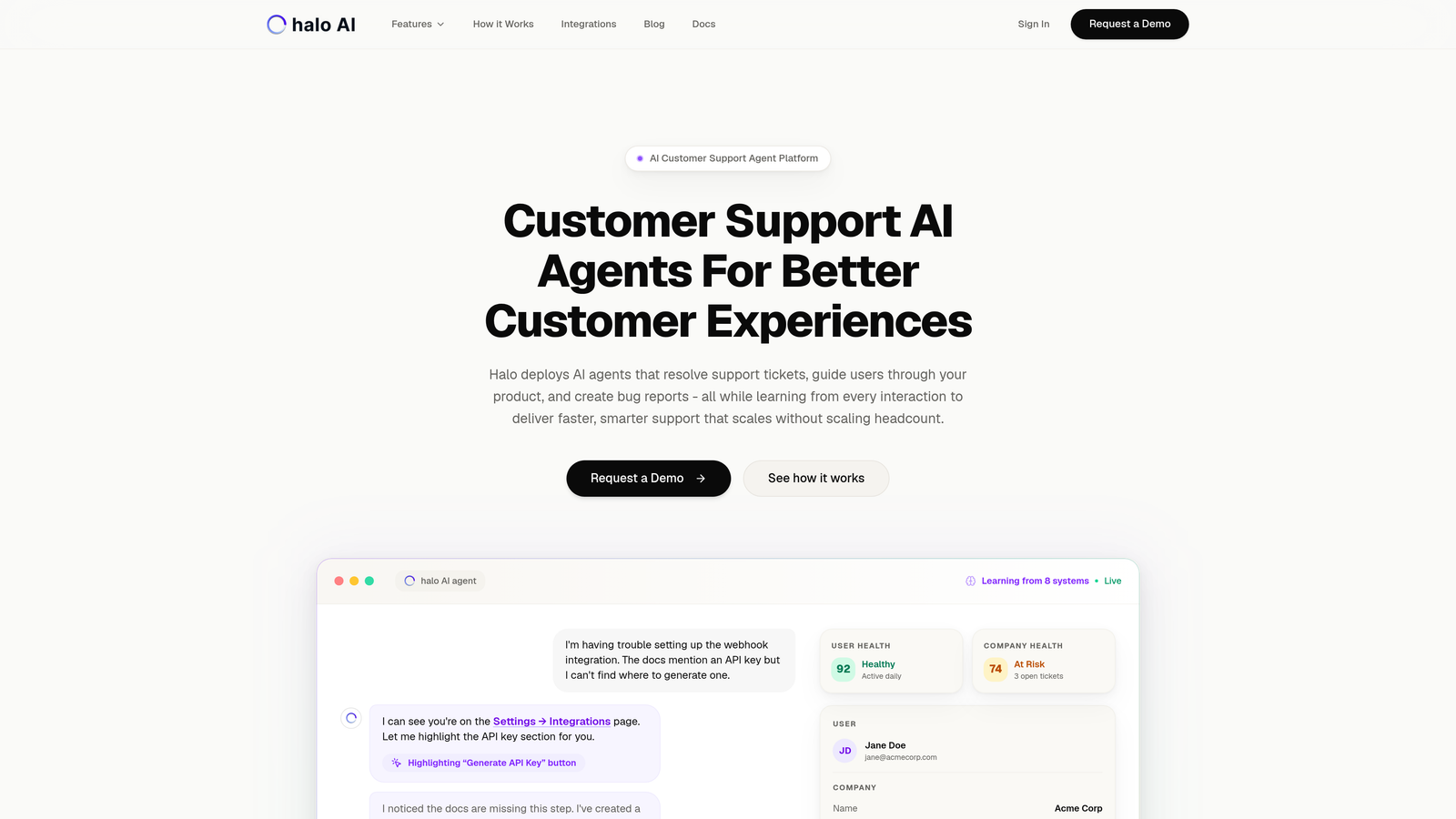
Halo AI represents a fundamentally different approach to support operations—built AI-first rather than retrofitting intelligence onto traditional helpdesk architecture.
Where This Tool Shines
What sets Halo apart is its page-aware context capability. The platform sees exactly what your users see, enabling AI agents to provide visual guidance through your product interface rather than generic text responses.
The continuous learning architecture means every interaction—resolved tickets, escalations, customer feedback—trains the system to handle similar issues more effectively. This creates a compounding intelligence effect that traditional rule-based automation can't match.
Key Features
Autonomous AI Agents: Resolve support tickets without human intervention, learning from every interaction to improve accuracy over time.
Page-Aware Chat Widget: Provides visual UI guidance by seeing exactly what users see on their screen for contextual support.
Smart Inbox with Business Intelligence: Surfaces customer health signals, revenue intelligence, and anomaly detection beyond standard support metrics.
Auto Bug Ticket Creation: Automatically creates detailed bug reports in Linear when issues are identified, complete with context and reproduction steps.
Seamless Human Handoff: Escalates complex issues to live agents with full conversation context and attempted resolution history.
Best For
B2B SaaS companies and product teams who want support that scales without scaling headcount. Particularly valuable for teams already using modern tools like Linear, Slack, HubSpot, Intercom, Stripe, and similar platforms that integrate into Halo's connected intelligence layer.
Pricing
Contact for pricing. The platform's value proposition centers on reducing cost-per-ticket through automation rather than traditional per-agent seat pricing models.
2. Zendesk
Best for: Enterprise organizations requiring extensive customization, omnichannel support, and robust reporting capabilities
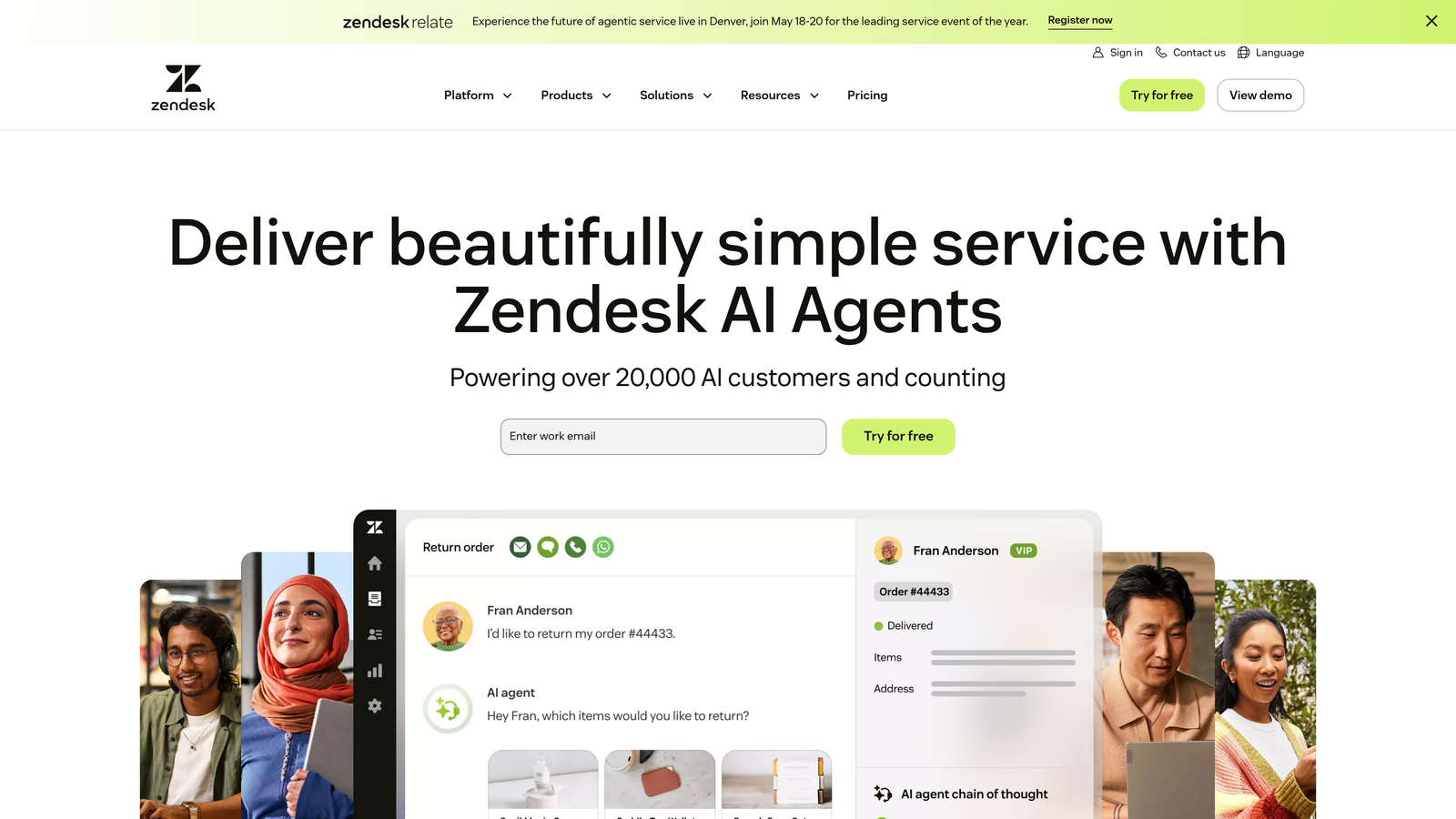
Zendesk remains the dominant enterprise helpdesk platform, offering comprehensive features across every support channel and extensive customization options.
Where This Tool Shines
Zendesk's marketplace ecosystem provides over 1,000 integrations, making it adaptable to virtually any tech stack. The platform handles massive ticket volumes efficiently, with sophisticated routing, SLA management, and workflow automation that enterprises depend on.
The reporting capabilities are particularly robust, offering granular analytics on team performance, customer satisfaction trends, and operational efficiency metrics that inform strategic decisions.
Key Features
Omnichannel Ticket Management: Unified inbox handling email, chat, phone, social media, and messaging apps with consistent workflows across channels.
Advanced Workflow Automation: Triggers, macros, and business rules automate repetitive tasks and ensure consistent ticket handling.
Comprehensive Analytics: Customizable dashboards and reports track everything from first response time to customer satisfaction across teams and channels.
Extensive Marketplace: Over 1,000 pre-built integrations plus API access for custom connections to your existing tools.
AI-Powered Features: Answer bot deflects common questions, while agent assistance suggests responses based on ticket context.
Best For
Large enterprises with complex support operations spanning multiple channels, regions, and product lines. Organizations that need deep customization capabilities and have dedicated administrators to manage the platform.
Pricing
Starts at $55/agent/month for Suite Team, with Professional at $89/agent/month and Enterprise at $115/agent/month. Implementation costs and required add-ons can significantly increase total ownership costs.
3. Freshdesk
Best for: Growing teams seeking powerful features without overwhelming complexity or enterprise-level pricing
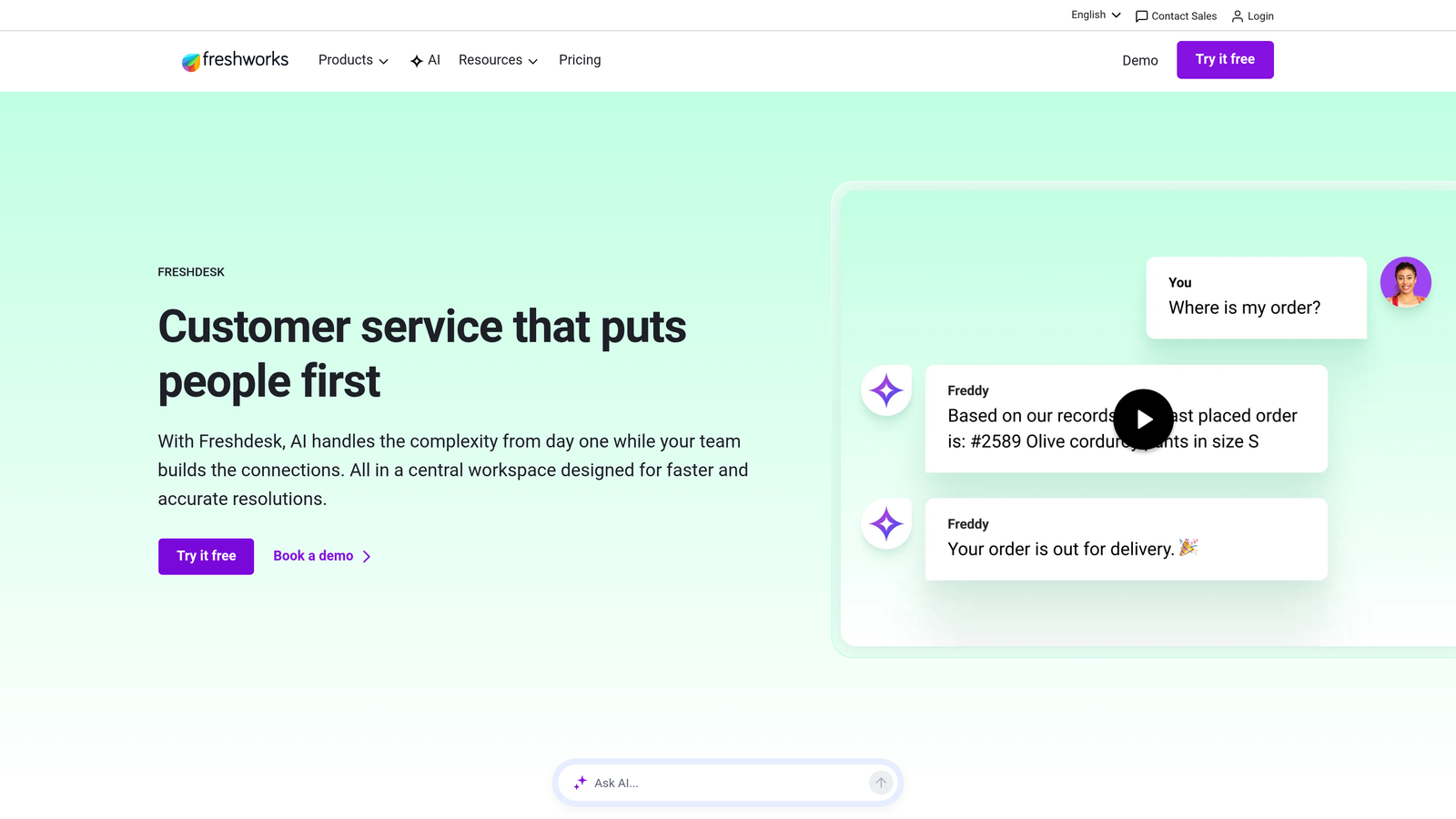
Freshdesk balances sophisticated capabilities with user-friendly design, making advanced support operations accessible to mid-market teams.
Where This Tool Shines
The platform's intuitive interface reduces training time significantly compared to enterprise alternatives. Teams can deploy Freshdesk quickly without extensive configuration, yet still access advanced features like SLA management, workflow automation, and AI-powered ticket classification as they scale.
Freddy AI provides intelligent ticket routing and agent suggestions without requiring complex setup, making artificial intelligence accessible to teams without dedicated AI specialists.
Key Features
Intuitive Ticket Management: Clean interface with collision detection prevents agents from duplicating work on the same ticket.
SLA Management: Automatic escalation ensures high-priority tickets receive timely attention based on customizable business rules.
Freddy AI: Classifies tickets, suggests responses, and predicts customer satisfaction to help agents work more efficiently.
Knowledge Base and Forums: Built-in self-service options reduce ticket volume while improving customer satisfaction.
Team Collaboration: Shared ticket ownership, internal notes, and team huddles keep everyone aligned on complex issues.
Best For
Mid-market companies experiencing rapid growth who need enterprise features without enterprise complexity. Teams transitioning from basic shared inboxes to professional helpdesk software will find the learning curve manageable.
Pricing
Free tier available for up to 10 agents with basic features. Paid plans start at $15/agent/month for Growth, $49/agent/month for Pro, and $79/agent/month for Enterprise.
4. Intercom
Best for: Product-led companies prioritizing conversational support and proactive customer engagement
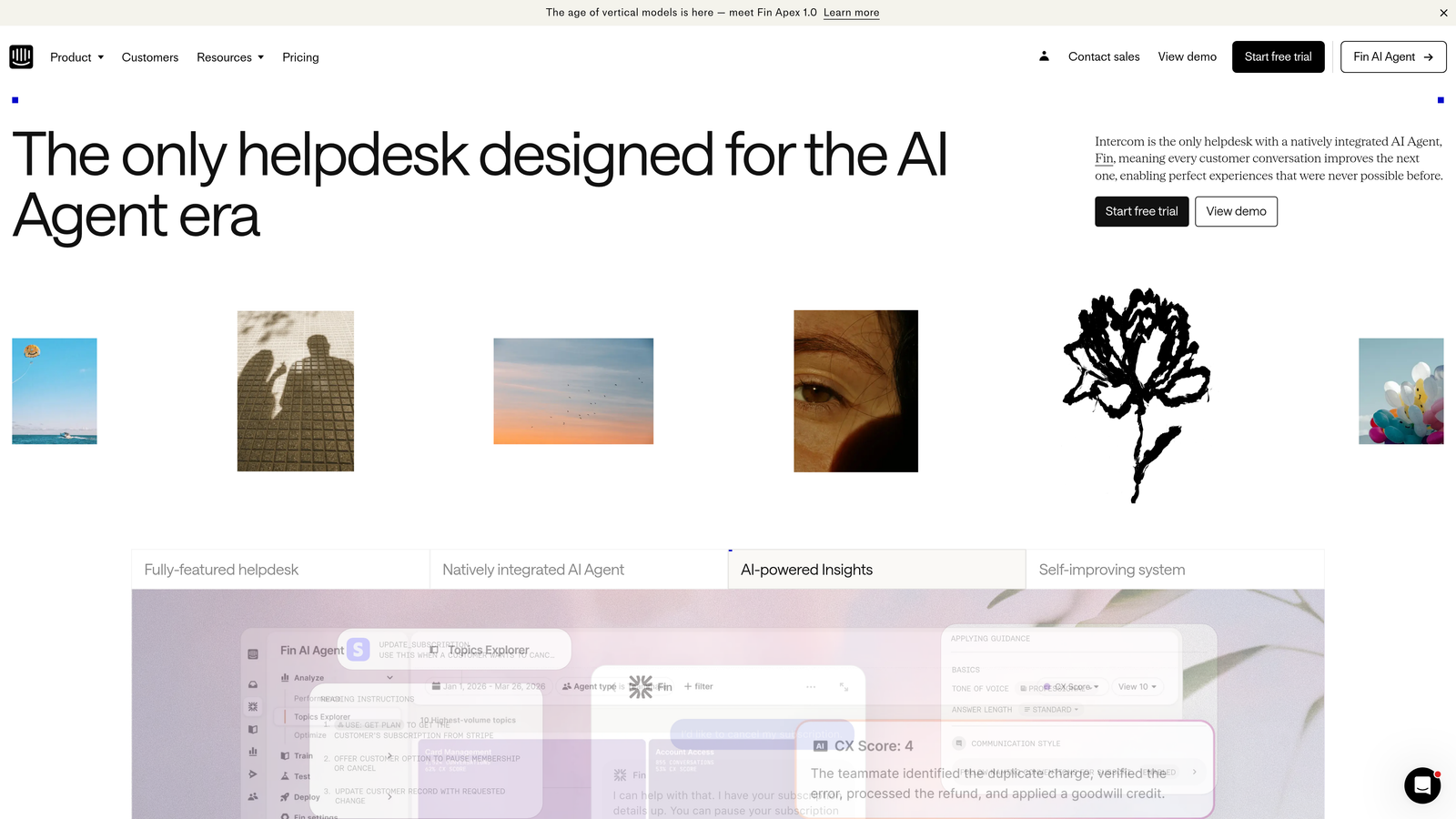
Intercom pioneered the conversational support approach, combining messaging, automation, and customer engagement in a platform designed for modern product teams.
Where This Tool Shines
Intercom excels at proactive engagement—reaching customers at critical moments in their product journey rather than waiting for them to contact support. Product tours, targeted messages, and behavioral triggers help prevent issues before they become tickets.
The Fin AI agent handles automated conversations with surprising sophistication, resolving common questions while maintaining natural dialogue that doesn't feel robotic.
Key Features
Unified Inbox: Consolidates chat, email, and social messages into a single conversation view with complete customer context.
Fin AI Agent: Automated conversation handling that resolves customer questions using your knowledge base content with natural language processing.
Product Tours and Messaging: Proactive engagement tools guide users through features and prevent support issues before they occur.
Custom Bots and Workflows: Build automated conversation flows for qualification, routing, and common support scenarios.
Customer Data Platform: User segmentation and behavioral data inform targeted messaging and support prioritization.
Best For
SaaS companies with product-led growth strategies who view support as part of the overall customer experience. Teams that want to blend reactive support with proactive engagement and in-app messaging.
Pricing
Starts at $39/seat/month for Essential plan. Advanced plan at $99/seat/month adds more automation. Expert plan pricing available on request for enterprise features.
5. Help Scout
Best for: Teams prioritizing authentic customer relationships over feature complexity
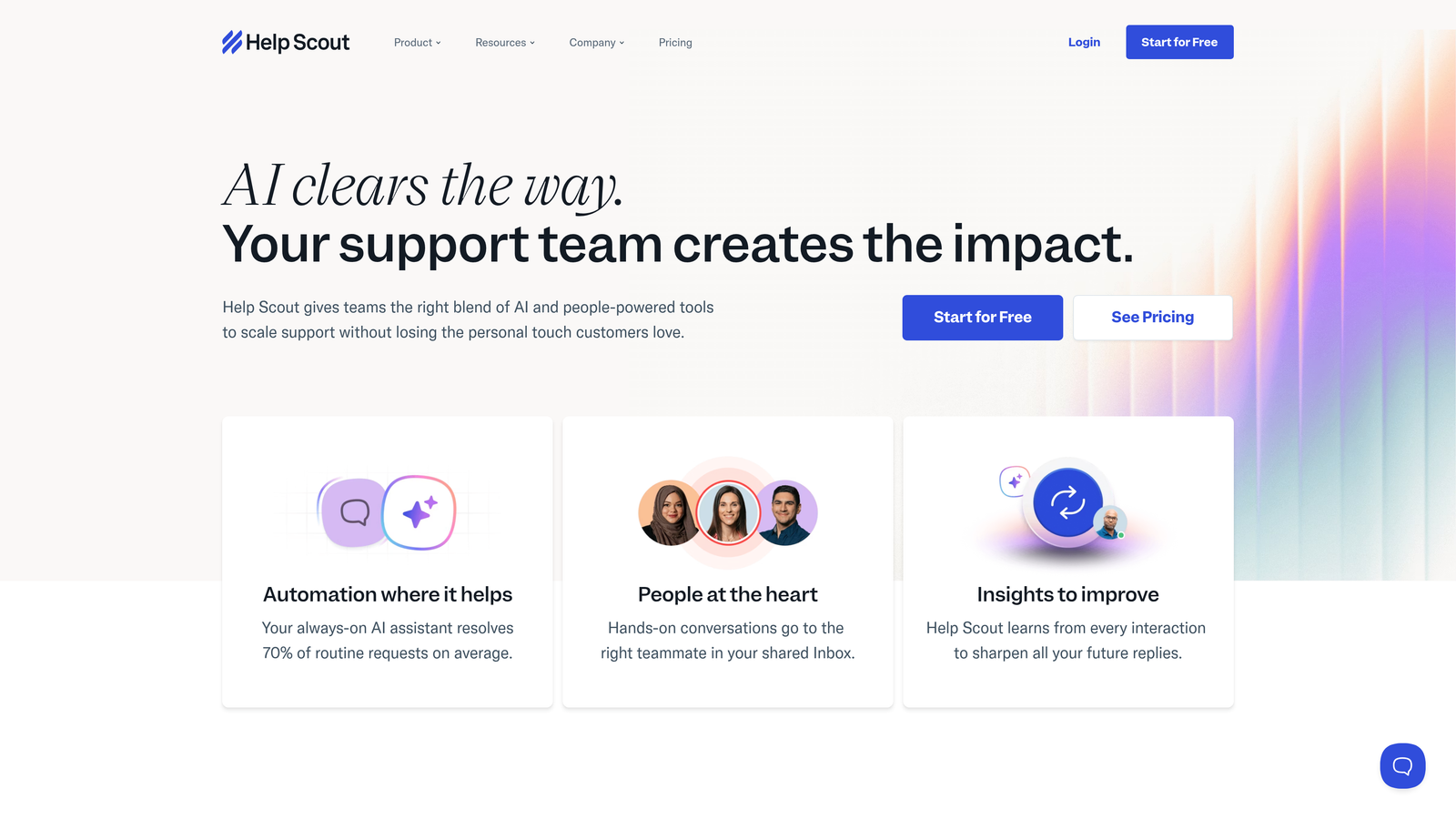
Help Scout focuses on the human side of customer support, offering a streamlined platform that emphasizes genuine conversations over ticket metrics.
Where This Tool Shines
The platform's simplicity is its strength. Help Scout deliberately avoids feature bloat, instead perfecting core helpdesk functions with an interface that feels more like email than enterprise software. This reduces training time and keeps agents focused on customers rather than navigating complex systems.
The Docs knowledge base integrates seamlessly with the Beacon widget, providing contextual self-service options that reduce ticket volume without disrupting the customer experience.
Key Features
Shared Inbox: Email-like interface with collision detection and assignment ensures smooth team collaboration without complexity.
Docs Knowledge Base: Create help articles that integrate with the Beacon widget for contextual self-service on your website.
Saved Replies: Template responses with personalization variables maintain efficiency without sacrificing authentic tone.
Customer Satisfaction Ratings: Simple CSAT surveys after each conversation provide actionable feedback on support quality.
Performance Reporting: Track response times, resolution rates, and team productivity with straightforward analytics.
Best For
Small to medium-sized companies that value customer relationships and team happiness over extensive automation. Organizations where support quality matters more than handling maximum ticket volume.
Pricing
Starts at $20/user/month for Standard plan with core features. Plus plan at $40/user/month adds advanced reporting and customization. Company plan pricing available for larger teams.
6. Gorgias
Best for: E-commerce businesses requiring deep platform integration and revenue attribution
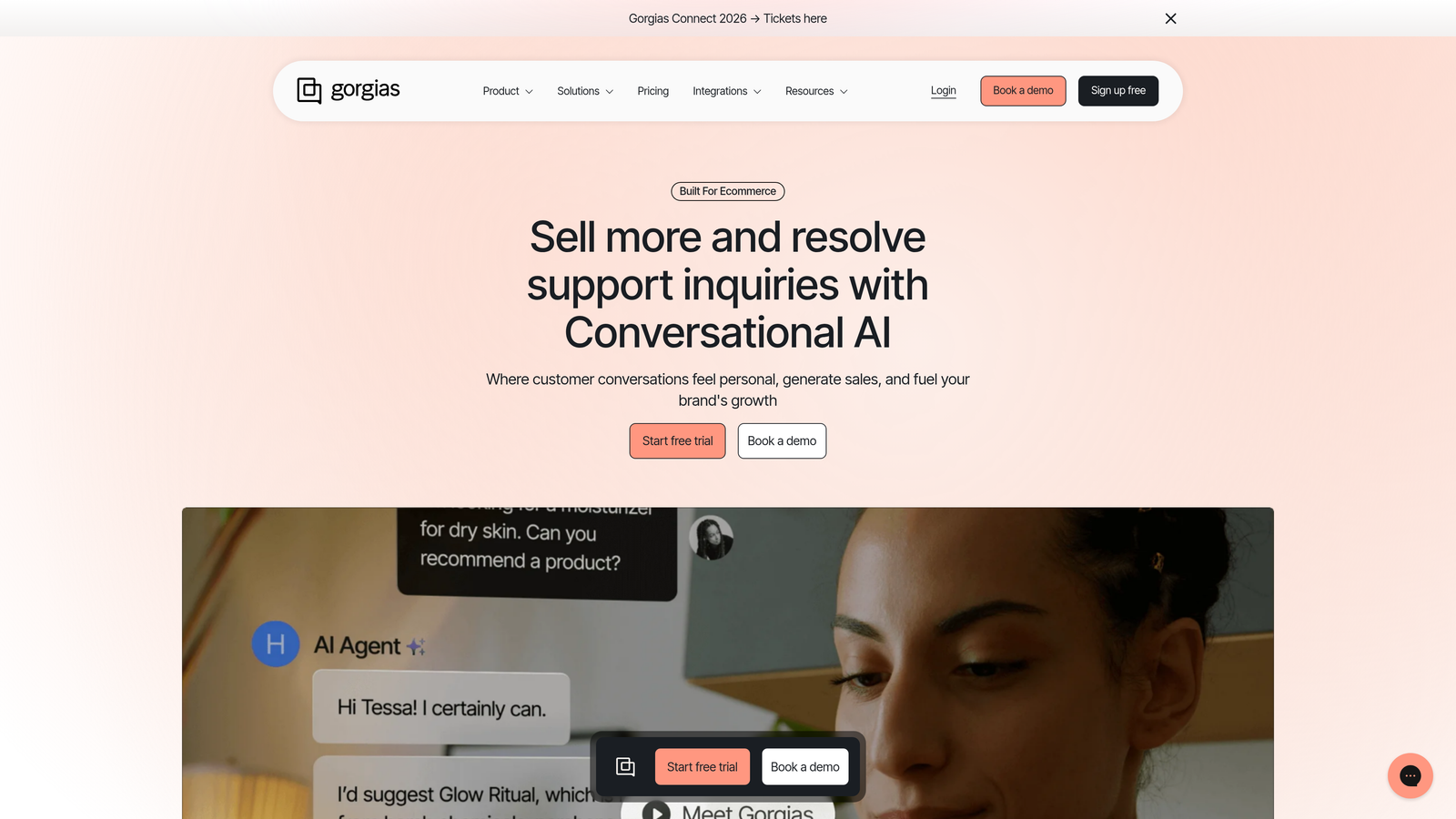
Gorgias specializes in e-commerce support, with native integrations that turn customer service into a revenue-generating function rather than a cost center.
Where This Tool Shines
The platform's Shopify integration is unmatched—agents can view order history, process refunds, update shipping addresses, and modify subscriptions directly from support tickets without switching systems. This dramatically reduces resolution time for common e-commerce issues.
Revenue attribution tracking shows which support interactions lead to purchases, transforming how teams measure support ROI and justify headcount investments.
Key Features
Native E-commerce Integrations: Deep connections to Shopify, BigCommerce, and Magento enable order management actions directly from tickets.
Order Management Actions: Process refunds, cancel orders, update shipping, and modify subscriptions without leaving the support interface.
Revenue Attribution: Track sales generated through support interactions to measure team impact on business outcomes.
Dynamic Macros: Template responses automatically populate with customer-specific order details and product information.
Social and SMS Support: Handle Instagram, Facebook, and SMS conversations alongside email and chat in unified workflows.
Best For
E-commerce brands on Shopify, BigCommerce, or Magento who want support operations that directly contribute to revenue. Teams handling high volumes of order-related inquiries benefit most from the platform's specialized features.
Pricing
Starts at $10/month for 50 tickets, scaling to $60/month for 300 tickets, $360/month for 2,000 tickets, and custom enterprise pricing for higher volumes.
7. Kustomer
Best for: Organizations wanting CRM-powered support with unified customer timelines
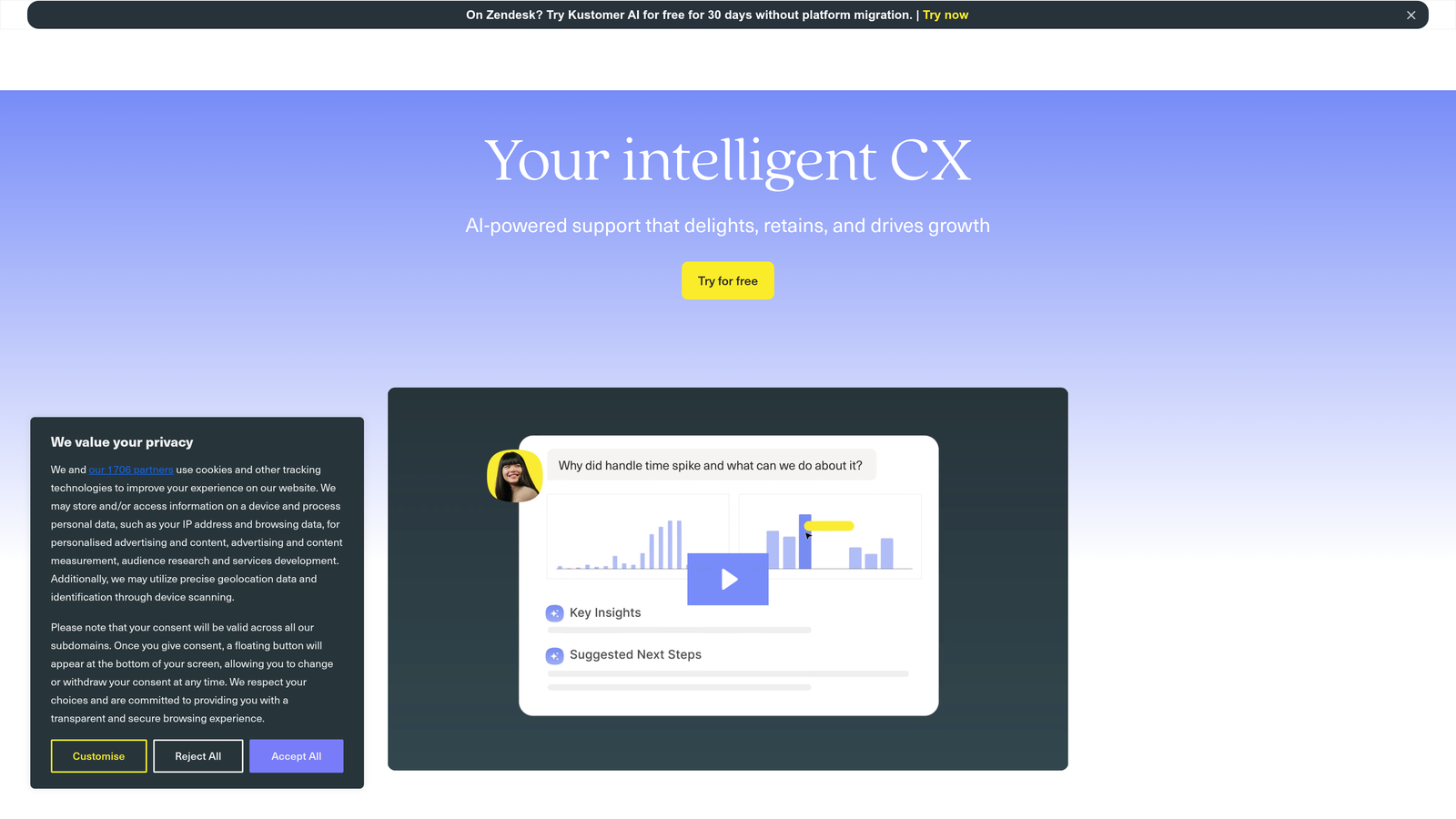
Kustomer reimagines support operations around customers rather than tickets, providing complete interaction history across every touchpoint in a unified timeline view.
Where This Tool Shines
The conversation-based approach eliminates the fragmentation of traditional ticket systems. Instead of multiple disconnected tickets for the same customer, agents see a complete timeline of interactions across channels, purchases, and support history.
This holistic view enables more personalized support and prevents customers from repeatedly explaining their situation to different agents.
Key Features
Unified Customer Timeline: Complete interaction history across all channels and touchpoints in a single chronological view.
Conversation-Based Model: Focuses on customer relationships rather than isolated tickets, maintaining context across all interactions.
AI Classification and Routing: Automatically categorizes conversations and routes to appropriate agents based on content and customer data.
Business Process Automation: Workflow builder creates custom automation for complex multi-step processes specific to your operations.
Multi-Brand Support: Manage multiple brands and languages from a single platform with customized workflows for each.
Best For
Enterprise organizations with complex customer journeys spanning multiple products, channels, and touchpoints. Companies where support context and relationship history significantly impact resolution quality.
Pricing
Starts at $89/user/month for Enterprise plan. Ultimate plan with advanced features available at custom pricing for larger deployments.
8. Front
Best for: Teams managing shared email addresses who need organized workflows without traditional helpdesk complexity
Front transforms shared inboxes into collaborative workspaces, bridging the gap between email and dedicated support platforms.
Where This Tool Shines
Front maintains the familiar email experience while adding essential team collaboration features. Internal comments, @mentions, and assignment rules turn chaotic shared inboxes into organized workflows without forcing teams to abandon email entirely.
The platform works particularly well for teams handling support alongside sales, partnerships, or other email-heavy functions that don't fit traditional helpdesk models.
Key Features
Shared Inbox Views: Individual and team perspectives on shared email addresses with assignment and status tracking.
Internal Collaboration: Comments and @mentions on messages enable team discussion without forwarding or CC chains.
Assignment Rules: Automatic routing and load balancing distribute messages based on customizable criteria.
SLA Tracking: Monitor response times and set reminders to ensure timely replies across all shared addresses.
Sidebar Integrations: Access CRM data, customer information, and connected tools directly alongside email conversations.
Best For
Small to medium teams managing multiple shared email addresses for support, sales, partnerships, or other functions. Organizations wanting better collaboration without abandoning email-based workflows.
Pricing
Starts at $19/seat/month for Starter with basic features. Growth plan at $59/seat/month adds automation and analytics. Scale and Premier plans available for larger teams.
9. Salesforce Service Cloud
Best for: Enterprise organizations requiring deep CRM integration and extensive customization capabilities
Salesforce Service Cloud provides enterprise-grade support operations with complete integration into the broader Salesforce ecosystem.
Where This Tool Shines
The platform's strength lies in its unified customer data model. Support, sales, marketing, and field service teams all work from the same customer records, eliminating data silos and providing complete context for every interaction.
Einstein AI capabilities predict customer needs, recommend next actions, and automate case classification with machine learning that improves as your data grows.
Key Features
Case Management: Comprehensive ticket handling with complete customer context from sales, marketing, and service interactions.
Einstein AI: Predictive intelligence for case routing, next-best-action recommendations, and automated responses.
Omni-Channel Routing: Intelligent work distribution based on agent skills, capacity, and real-time presence management.
Field Service Management: Dispatch and scheduling capabilities for organizations with on-site service components.
Native Salesforce Integration: Seamless data flow between Service Cloud, Sales Cloud, and Marketing Cloud for unified customer operations.
Best For
Large enterprises already invested in the Salesforce ecosystem who need support operations tightly integrated with sales and marketing. Organizations with complex service requirements including field service management.
Pricing
Starts at $25/user/month for Essentials (limited to 10 users). Professional at $80/user/month, Enterprise at $165/user/month, and Unlimited at $330/user/month. Implementation costs typically exceed software licensing for larger deployments.
Finding Your Best Fit
The right support operations software depends on where you are now and where you're heading. Here's how to think about your choice:
If you're prioritizing AI-first automation: Halo AI offers the most sophisticated autonomous resolution capabilities with continuous learning that compounds over time. Traditional platforms are adding AI features, but they're retrofitting intelligence onto ticket-based architectures rather than building AI-native from the ground up.
For enterprise scalability and customization: Zendesk and Salesforce Service Cloud provide the depth required for complex, multi-channel operations. Zendesk wins on pure support focus, while Salesforce excels when you need tight CRM integration across sales, service, and marketing.
Seeking mid-market balance: Freshdesk and Intercom offer sophisticated features without enterprise complexity. Freshdesk provides traditional helpdesk capabilities with modern AI, while Intercom emphasizes conversational engagement and proactive support.
For specialized needs: Gorgias dominates e-commerce with revenue attribution and deep platform integration. Front transforms shared email workflows. Help Scout keeps things simple for teams prioritizing relationship quality over feature quantity.
When evaluating these platforms, consider your integration requirements carefully. The best features mean little if the platform can't connect to your existing tech stack. Look at implementation time, not just monthly pricing—some platforms require months of configuration while others deploy in days.
Most importantly, think about how support fits into your broader customer experience strategy. Are you reactive or proactive? Ticket-focused or conversation-focused? Scaling through automation or expanding headcount? Your answers should guide your platform choice more than any feature checklist.
Your support team shouldn't scale linearly with your customer base. Let AI agents handle routine tickets, guide users through your product, and surface business intelligence while your team focuses on complex issues that need a human touch. See Halo in action and discover how continuous learning transforms every interaction into smarter, faster support.