9 Best Support Queue Management Software Tools in 2026
The right support queue management software prevents ticket backlogs by automatically routing requests to appropriate agents, prioritizing urgent issues, and providing visibility into workflow efficiency. This guide reviews the top nine platforms for 2026 based on routing intelligence, automation features, analytics capabilities, and integration options to help teams reduce customer wait times and prevent agent burnout.
 Matt PattoliFounder13 min read
When support tickets pile up faster than your team can handle them, customers wait longer, frustration builds, and your best agents burn out triaging instead of solving problems. The right queue management software transforms this chaos into a streamlined workflow—automatically routing tickets to the right people, surfacing urgent issues, and giving your team the visibility they need to work efficiently.
We evaluated dozens of platforms based on routing intelligence, automation capabilities, analytics depth, and integration flexibility. Here are the top tools that stand out for managing support queues effectively in 2026.
1. Halo AI
Best for: Teams wanting AI agents to autonomously resolve tickets while providing business intelligence beyond traditional support metrics.
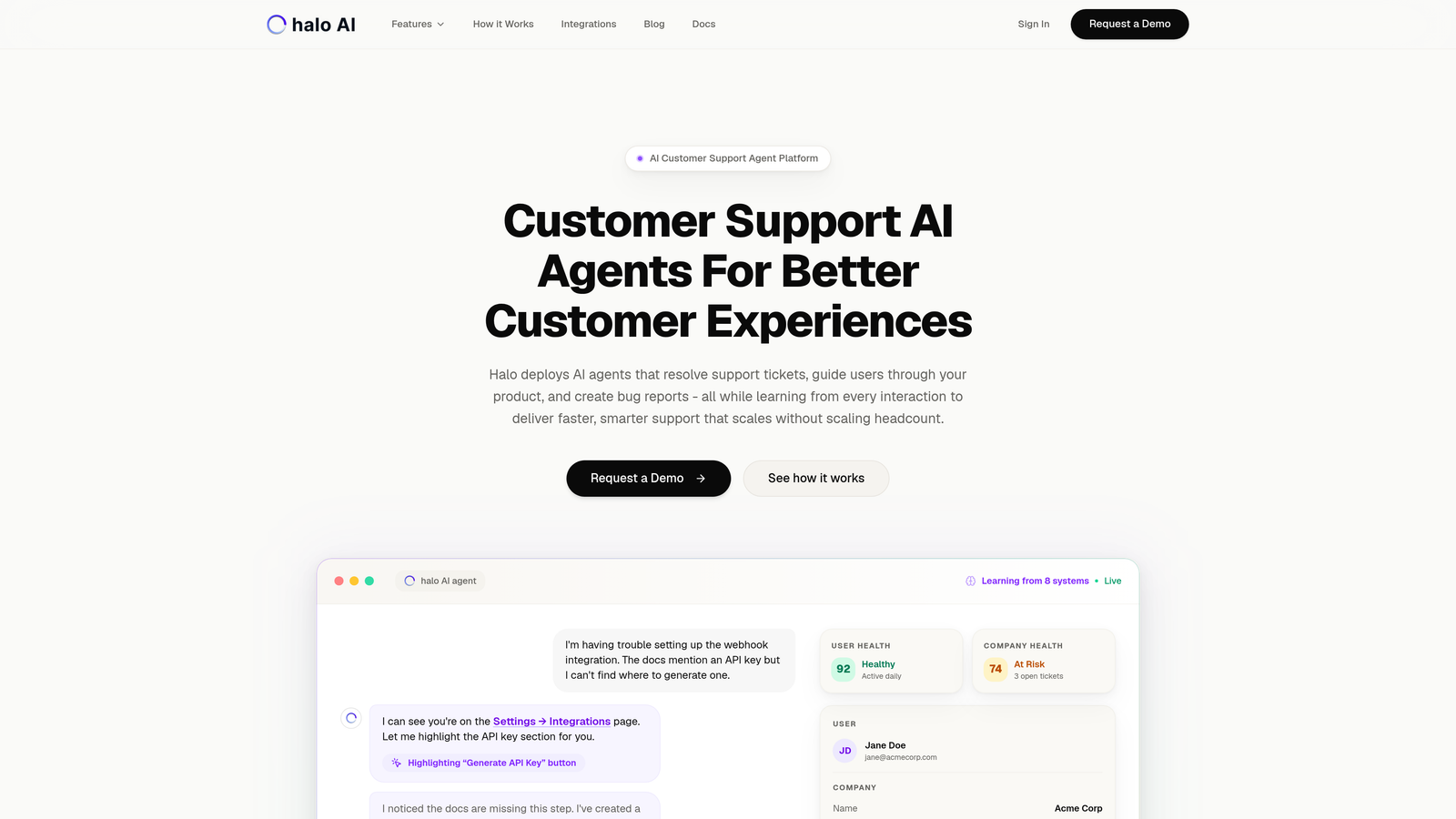
Halo AI takes a fundamentally different approach to queue management by deploying AI agents that actually resolve tickets rather than just organizing them.
Where This Tool Shines
Unlike traditional helpdesks that simply route tickets to humans, Halo's AI agents work autonomously to resolve common issues while learning from every interaction. The platform's page-aware context means it sees exactly what your users see, enabling more accurate guidance and faster resolution.
The business intelligence layer goes beyond typical support metrics, surfacing customer health signals, revenue intelligence, and anomaly detection that help you understand not just support performance but broader business trends.
Key Features
AI Agents for Autonomous Resolution: Handles routine tickets end-to-end without human intervention, learning continuously from each interaction.
Page-Aware Chat Widget: Provides visual UI guidance by understanding exactly which screen the user is viewing in your product.
Smart Inbox with Business Intelligence: Combines traditional queue management with analytics that reveal customer health, revenue patterns, and operational anomalies.
Auto Bug Ticket Creation: Automatically creates tickets in Linear when issues require engineering attention, complete with context and reproduction steps.
Intelligent Handoff: Seamlessly escalates complex issues to human agents when needed, preserving full conversation context.
Best For
B2B SaaS companies and product teams that want to scale support without scaling headcount. Particularly valuable if you're using helpdesks like Zendesk, Freshdesk, or Intercom and need more intelligent automation than rules-based workflows can provide.
Pricing
Contact for pricing. The platform connects to your existing business stack including Linear, Slack, HubSpot, Intercom, Stripe, and other tools.
2. Zendesk
Best for: Enterprise teams needing comprehensive queue management with extensive customization and omnichannel support capabilities.
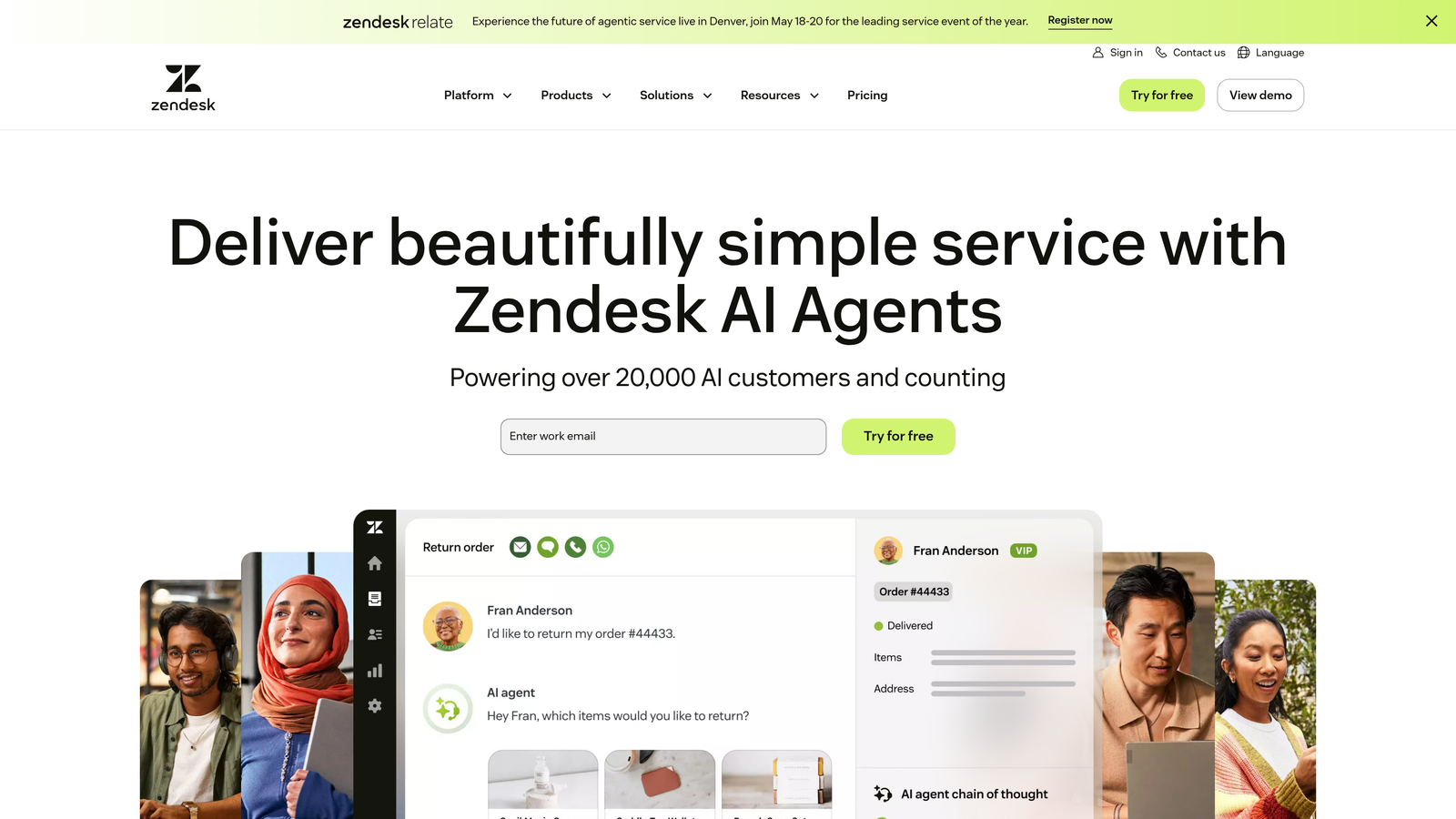
Zendesk remains the enterprise standard for support queue management, offering deep customization and a massive integration marketplace.
Where This Tool Shines
Zendesk's strength lies in its maturity and flexibility. The platform handles complex routing scenarios through skills-based assignment, round-robin distribution, and sophisticated SLA management with automatic escalations. If you need to route tickets based on language, expertise, product knowledge, or customer tier, Zendesk has the rules engine to handle it.
The omnichannel approach means your team manages email, chat, phone, social media, and messaging apps from a unified queue. This visibility prevents tickets from slipping through the cracks when customers reach out through multiple channels.
Key Features
Skills-Based Routing: Automatically assigns tickets to agents based on expertise, language, product knowledge, or custom attributes you define.
SLA Management: Set response and resolution time targets with automatic escalations when deadlines approach.
Omnichannel Queue: Manage tickets from email, live chat, phone, WhatsApp, Facebook, Twitter, and more in one unified view.
Advanced Analytics: Customizable dashboards track queue health, agent performance, SLA compliance, and customer satisfaction metrics.
Marketplace Integrations: Over 1,500 apps and integrations connect Zendesk to virtually any tool in your tech stack.
Best For
Large support teams with complex routing needs, multiple product lines, or global operations requiring sophisticated queue management. Works well when you need extensive customization and have the resources to configure it properly.
Pricing
Starts at $55 per agent per month for Suite Team plan. Enterprise plans with advanced features available at higher tiers.
3. Freshdesk
Best for: Growing teams wanting powerful queue management and AI automation without enterprise-level complexity or cost.
Freshdesk delivers sophisticated queue management in an intuitive interface, making it accessible for teams that don't have dedicated support operations specialists.
Where This Tool Shines
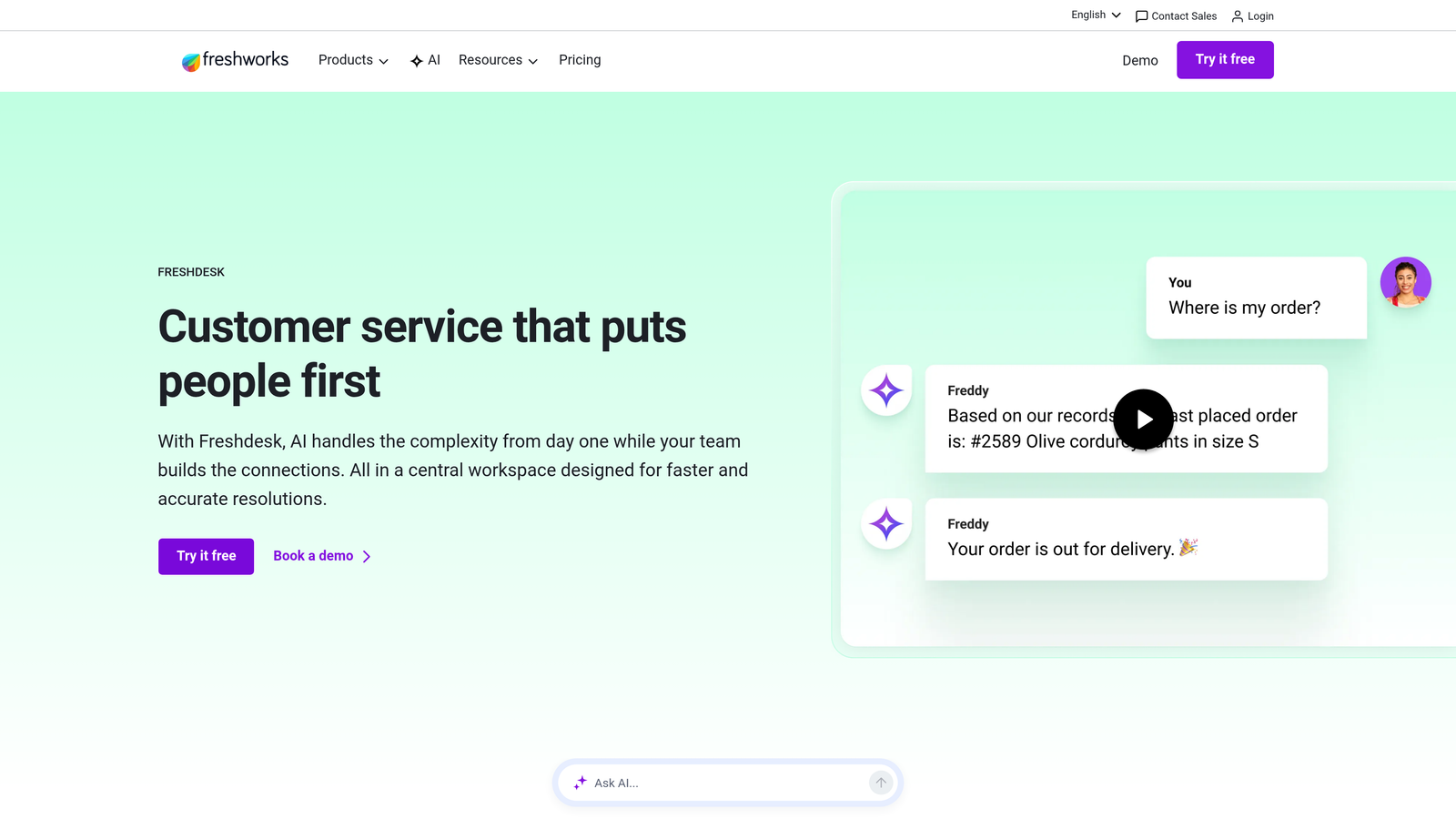
Freddy AI, Freshdesk's intelligent assistant, analyzes incoming tickets and automatically assigns them based on content, urgency, and agent workload. This goes beyond simple keyword matching to understand intent and context, reducing the manual triage burden on your team.
The collision detection feature prevents duplicate work by alerting agents when multiple team members open the same ticket. Combined with custom views that let each agent see their queue filtered by priority, status, or custom criteria, your team avoids stepping on each other's toes while maintaining queue visibility.
Key Features
Freddy AI Assignment: Intelligently routes tickets based on content analysis, agent skills, and current workload distribution.
Automatic Prioritization: Categorizes and prioritizes tickets based on keywords, sender, and custom rules you define.
Collision Detection: Alerts team members when multiple agents access the same ticket, preventing duplicate responses.
Custom Queue Views: Each agent creates personalized views filtered by priority, product, customer type, or any custom field.
Built-in Time Tracking: Monitor how long tickets spend in each status and track agent time investment per issue.
Best For
Teams of 10-100 agents that need enterprise-grade queue management without the complexity or price tag. Particularly strong for companies wanting AI-powered automation at accessible pricing tiers.
Pricing
Free tier available for small teams. Paid plans start at $15 per agent per month, with advanced features in Growth and Pro tiers.
4. Intercom
Best for: Product-led growth companies managing support queues alongside in-app messaging and proactive customer engagement.
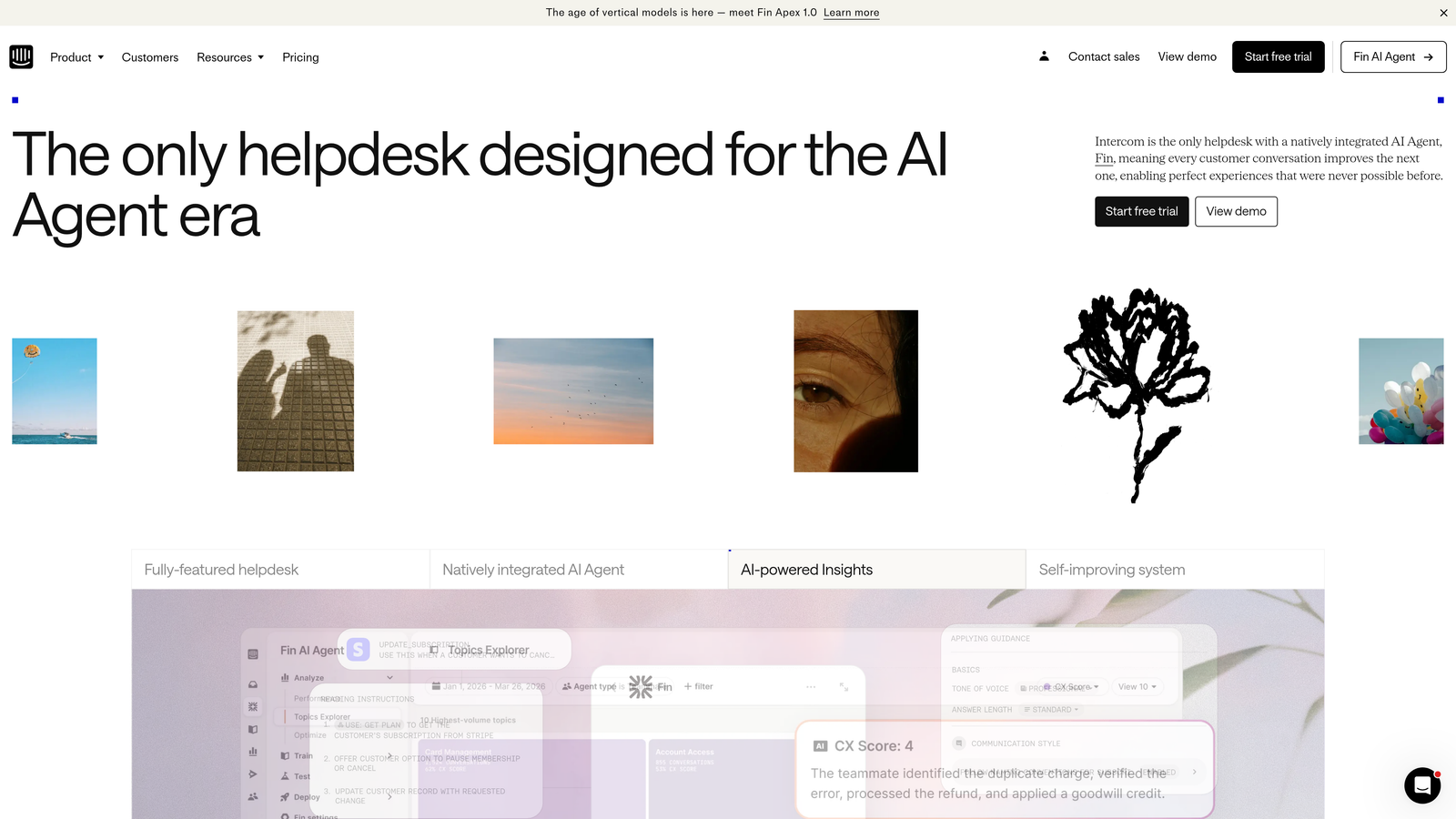
Intercom approaches queue management through the lens of conversations rather than tickets, making it natural for teams that prioritize real-time communication.
Where This Tool Shines
Intercom's inbox treats every customer interaction as a conversation, whether it starts from email, chat, or in-app messaging. The assignment rules automatically route conversations based on conversation properties, customer data, or team member availability, ensuring the right person handles each interaction.
Fin AI, Intercom's answer bot, deflects routine questions before they enter your queue. When customers do need human help, your team sees full conversation history and product usage context, reducing the back-and-forth typically needed to understand issues.
Key Features
Conversation Assignment Rules: Automatically route new conversations based on customer properties, conversation topic, or round-robin distribution.
Fin AI Deflection: Answers common questions automatically using your knowledge base, keeping simple issues out of your queue entirely.
In-App Messaging Integration: Manage support conversations that start inside your product alongside email and chat inquiries.
Team Workload Balancing: Distributes conversations evenly across available team members to prevent burnout and maintain response quality.
Custom Bot Triage: Build bots that gather initial information before routing to humans, giving agents the context they need upfront.
Best For
SaaS companies with active in-app support needs where customers expect immediate responses. Works particularly well when your product team and support team collaborate closely on customer interactions.
Pricing
Essential plan starts at $39 per seat per month. Advanced features including Fin AI available in higher-tier plans.
5. Help Scout
Best for: Customer-focused teams wanting efficient queue management without sacrificing the personal touch of email-based support.
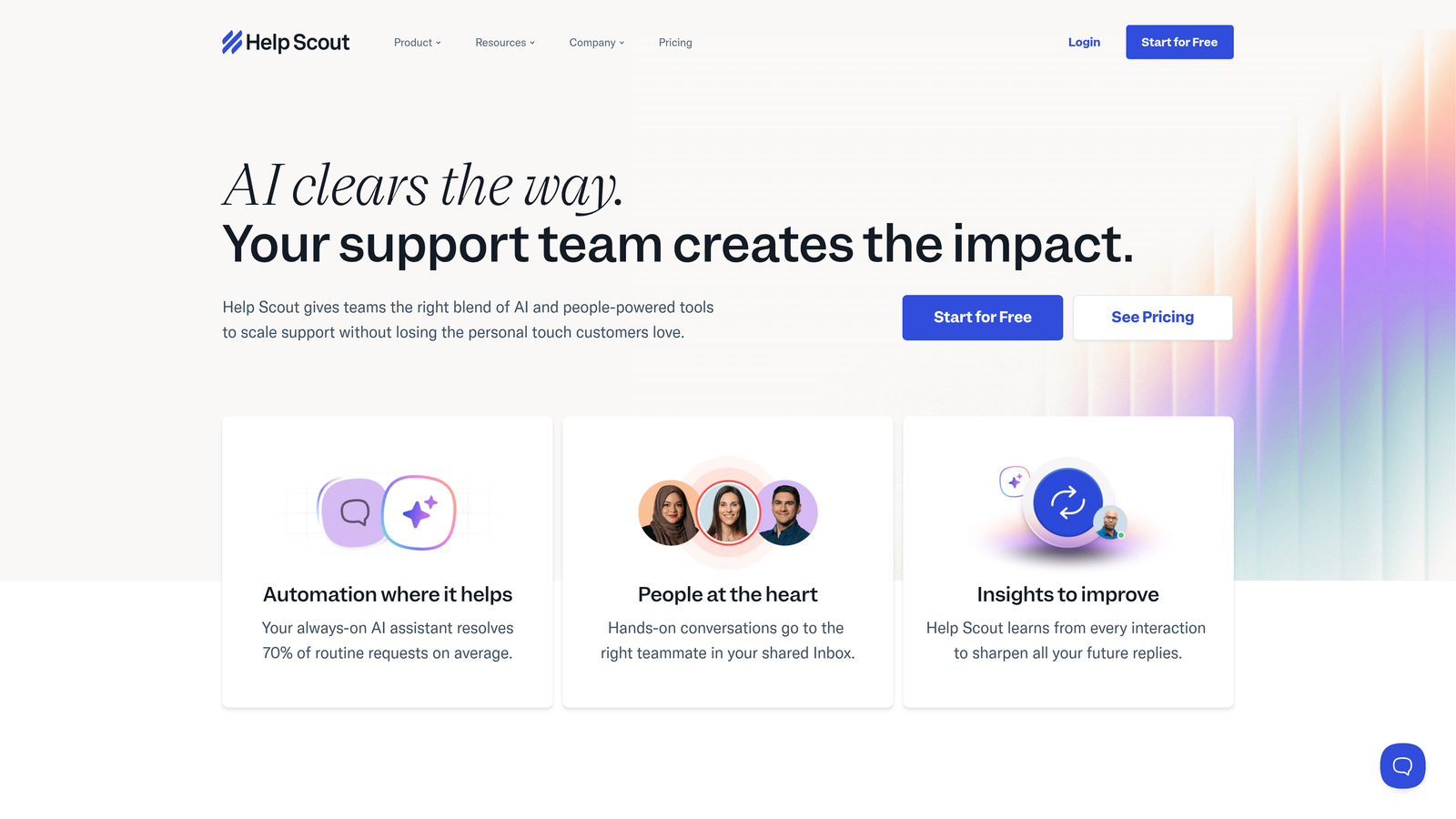
Help Scout brings structure to shared inbox management while keeping interactions feeling personal rather than transactional.
Where This Tool Shines
Help Scout's shared inbox looks and feels like email, making the learning curve minimal for new team members. Behind this familiar interface, automatic workflows handle the routing and organization that would otherwise require manual effort. You set rules once—route billing questions to finance-savvy agents, technical issues to product specialists, enterprise customers to senior support—and the system handles assignment automatically.
The collision detection prevents the awkward situation where two agents respond to the same customer. Combined with saved replies for common questions and customer profiles showing conversation history, your team works efficiently without customers feeling like they're interacting with a ticket system.
Key Features
Shared Inbox Workflows: Automatic assignment rules route conversations to the right team members based on criteria you define.
Saved Replies: Create templates for common responses that agents can personalize before sending, maintaining efficiency without sounding robotic.
Collision Detection: Notifies team members when someone else is viewing or responding to a conversation.
Customer Profiles: See complete conversation history, customer properties, and previous interactions in one view.
Beacon Widget: Embed in-app support that integrates with your queue, letting customers search help docs or start conversations.
Best For
Small to mid-size teams that value human connection in support interactions. Ideal if your brand identity centers on personal customer relationships rather than high-volume ticket processing.
Pricing
Standard plan starts at $20 per user per month. Plus and Company plans available with advanced features and increased volume.
6. Front
Best for: Teams wanting collaborative inbox management that combines email familiarity with modern support queue organization.
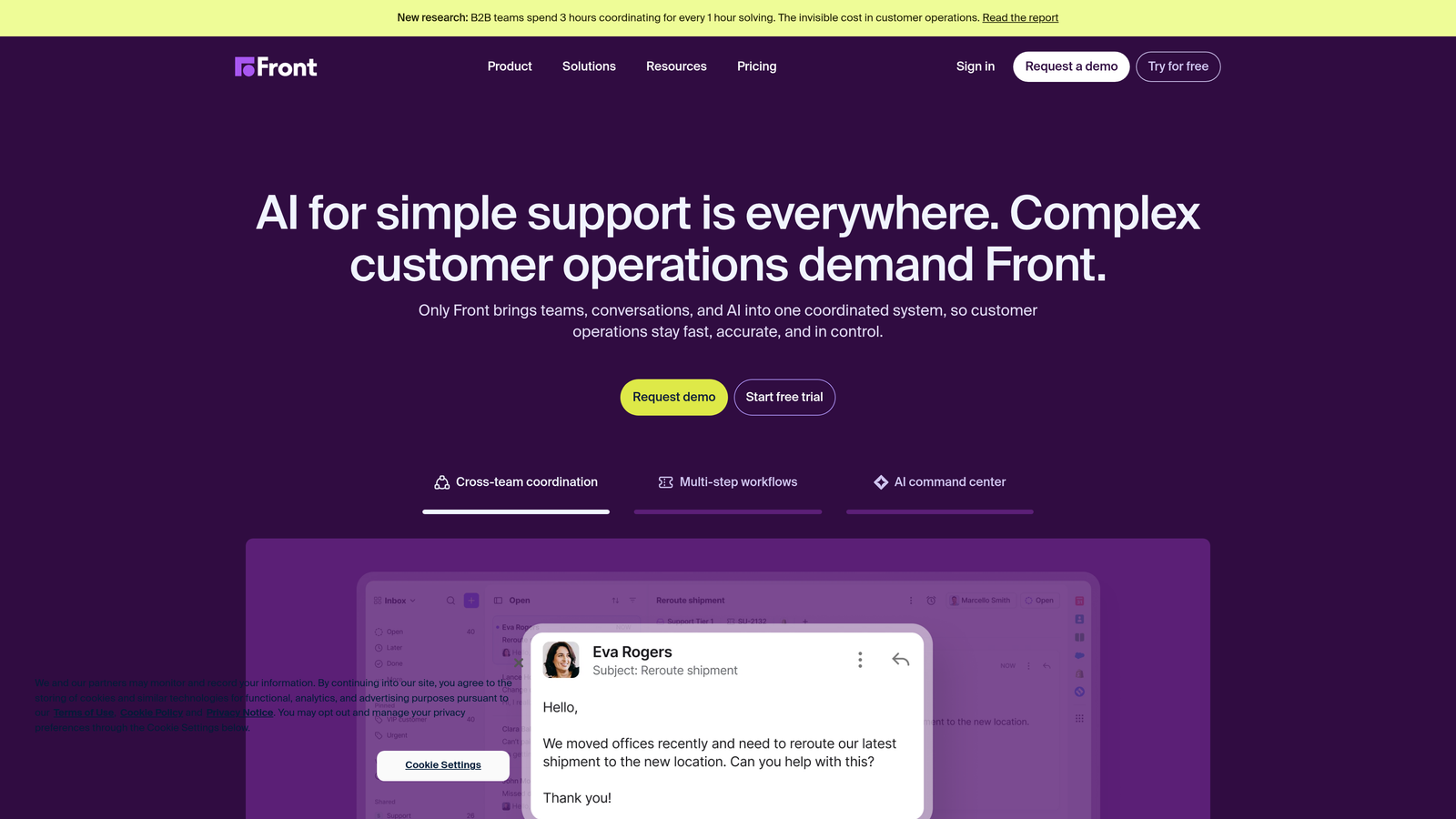
Front transforms shared email addresses into organized queues while preserving the natural flow of email communication.
Where This Tool Shines
Front's approach lets your team use individual email addresses that funnel into shared inboxes, giving customers the personal touch of emailing a real person while giving your team the organizational benefits of queue management. When Sarah from your support team responds, customers see it came from sarah@yourcompany.com, not a generic support@ address.
The internal collaboration features turn email threads into team conversations. Use @mentions to loop in specialists, add internal comments visible only to your team, and assign conversations to specific people—all without the customer seeing this coordination happening behind the scenes.
Key Features
Individual Email Addresses: Team members send from personal addresses while working from shared queues, maintaining personal connection at scale.
Assignment Rules: Automatically distribute incoming messages based on sender, subject line, content, or custom rules.
Internal Collaboration: Add comments and @mention teammates inside email threads without customers seeing the internal discussion.
SLA Tracking: Monitor response times and set up alerts when conversations approach deadline thresholds.
Multi-Channel Support: Manage email, SMS, social media messages, and live chat from the same interface.
Best For
Teams that live in email but need better organization than Gmail or Outlook provide. Works well for sales support, customer success, and operations teams managing high email volumes.
Pricing
Starter plan begins at $19 per seat per month. Growth and Scale plans available with advanced automation and analytics.
7. Zoho Desk
Best for: Teams using Zoho's business suite wanting context-aware queue management with strong automation at competitive pricing.
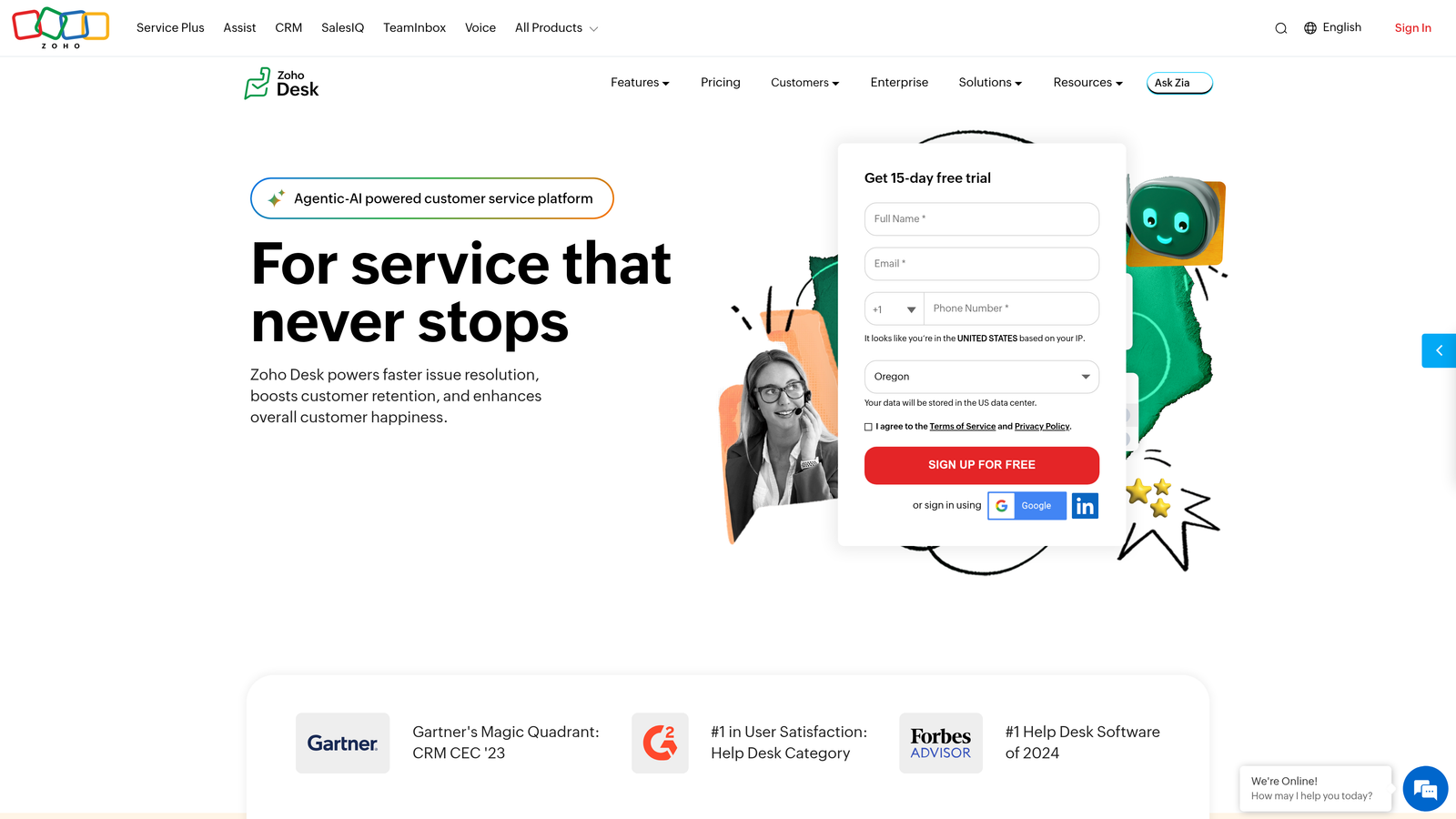
Zoho Desk brings AI-powered insights and workflow automation to support queue management, particularly valuable when integrated with other Zoho products.
Where This Tool Shines
Zia, Zoho's AI assistant, analyzes ticket sentiment to help you prioritize frustrated customers before they churn. The anomaly detection spots unusual patterns—sudden spike in refund requests, increased complaints about a specific feature, longer resolution times—giving you early warning of problems that need attention.
Blueprint automation lets you design complex workflows visually without writing code. Map out your entire ticket lifecycle from initial assignment through escalation, approval processes, and resolution, then let the system execute these workflows automatically based on the rules you define.
Key Features
Zia AI Analysis: Monitors ticket sentiment, detects anomalies in support patterns, and suggests relevant knowledge base articles.
Blueprint Workflows: Visual workflow builder automates complex ticket routing, escalations, and approval processes.
Round-Robin and Skills-Based Assignment: Distribute tickets evenly or route based on agent expertise and availability.
Work Modes: Agents switch between different queue views and notification settings based on their current focus area.
Native Zoho CRM Integration: Access complete customer data from CRM directly within support tickets for full context.
Best For
Companies already using Zoho CRM, Zoho Projects, or other Zoho products where native integration provides significant workflow benefits. Also strong for teams wanting enterprise features at mid-market pricing.
Pricing
Free tier available for up to three agents. Paid plans start at $14 per agent per month, with Professional and Enterprise tiers adding advanced features.
8. HubSpot Service Hub
Best for: Companies wanting support queue management unified with their CRM, marketing, and sales data for complete customer context.
HubSpot Service Hub integrates support queue management directly into HubSpot's CRM platform, giving agents unprecedented customer context.
Where This Tool Shines
When a support ticket comes in, your agents see everything: which marketing campaigns the customer engaged with, what sales conversations happened, their product usage patterns, previous support interactions, and their lifetime value. This complete timeline means agents understand customer context immediately without asking redundant questions or switching between multiple systems.
The conversation intelligence features record and transcribe support calls, making it easy to review interactions, identify coaching opportunities, and ensure quality standards. Combined with automatic ticket routing based on CRM properties, your team delivers more personalized support at scale.
Key Features
Shared Inbox with CRM Integration: Manage support conversations with complete customer data from sales, marketing, and service interactions visible in one view.
Automatic Ticket Routing: Route tickets based on customer properties, deal stage, lifecycle stage, or any CRM data point.
Conversation Intelligence: Record, transcribe, and analyze support calls to improve quality and identify training needs.
Knowledge Base Integration: Deflect tickets by suggesting relevant help articles before customers submit support requests.
Customer Feedback Surveys: Automatically send NPS and CSAT surveys after ticket resolution to measure satisfaction and identify improvement areas.
Best For
Companies already using HubSpot CRM or marketing tools where unified customer data provides significant value. Strong choice when support, sales, and customer success teams need to collaborate closely.
Pricing
Free tools available with basic features. Starter plan begins at $45 per month for two users. Professional and Enterprise tiers add advanced queue management and automation.
9. Kayako
Best for: Teams wanting journey-based support that provides rich customer context alongside traditional queue management capabilities.
Kayako takes a customer journey approach to support, showing agents the complete path customers took before requesting help.
Where This Tool Shines
Kayako's SingleView feature displays every customer interaction as a visual timeline—website visits, feature usage, previous conversations, purchases, and support requests—giving agents complete context before they respond. This journey-based approach helps agents understand not just what customers are asking, but why they're asking and what they were trying to accomplish.
The unified inbox brings together conversations from email, live chat, social media, and self-service into one queue. Real-time collaboration features let team members discuss complex issues internally while maintaining a single conversation thread with the customer, preventing the confusion of multiple agents responding separately.
Key Features
SingleView Customer Timeline: Visual representation of every customer interaction, showing the complete journey from first visit through current support request.
Unified Inbox: Manage conversations across email, live chat, Facebook, Twitter, and self-service portals from one interface.
Real-Time Collaboration: Team members discuss tickets internally with private notes while maintaining single conversation thread with customer.
Automatic Routing: Distribute conversations based on channel, customer properties, conversation content, or team availability.
Self-Service Integration: Connect help center and knowledge base directly to support queue for seamless escalation when self-service doesn't resolve issues.
Best For
Teams that prioritize understanding customer context and journey over pure ticket processing efficiency. Works well for companies with complex products where understanding what customers were trying to do matters as much as what they're asking about.
Pricing
Contact Kayako for pricing information. Plans scale based on team size and feature requirements.
Making the Right Choice
The best queue management software depends on what you're actually trying to solve. If your team drowns in repetitive tickets that could be resolved automatically, AI-first platforms like Halo AI handle the resolution work rather than just organizing it for humans. When you need enterprise-scale customization and omnichannel support, Zendesk remains the comprehensive choice despite higher costs.
Growing teams often find the sweet spot with Freshdesk or Help Scout—powerful enough to handle sophisticated routing without requiring a dedicated operations person to configure everything. Product-led companies using in-app messaging naturally gravitate toward Intercom, while teams already invested in HubSpot or Zoho ecosystems benefit from native CRM integration.
Think about your primary pain points. Are tickets sitting in the queue because no one knows who should handle them? You need better routing intelligence. Do agents waste time on repetitive questions? Focus on automation and AI capabilities. Is the problem visibility into queue health and team performance? Prioritize analytics and reporting features.
Consider your growth trajectory too. A free tier might work today, but if you're adding agents quickly, factor in how pricing scales. Some platforms charge per agent, others by ticket volume or feature tier. Calculate what your costs look like at 2x and 5x your current team size.
Your support team shouldn't scale linearly with your customer base. Let AI agents handle routine tickets, guide users through your product, and surface business intelligence while your team focuses on complex issues that need a human touch. See Halo in action and discover how continuous learning transforms every interaction into smarter, faster support.