9 Best Support System Integration Platforms in 2026
Modern support teams waste valuable time switching between 8-12 disconnected tools daily, creating data silos and frustrating customer experiences. This comprehensive guide evaluates the 9 best support system integration platforms in 2026, comparing native connectors, AI capabilities, setup complexity, and pricing to help you choose the right solution for seamlessly unifying your helpdesk, CRM, communication channels, and business tools into efficient workflows.
 Grant CooperFounder11 min read
Modern support teams juggle an average of 8-12 different tools daily—from CRMs and ticketing systems to communication channels and billing platforms. Without proper integration, agents waste time switching contexts, customers repeat themselves across channels, and valuable data sits siloed in disconnected systems.
A support system integration platform bridges these gaps, creating unified workflows where information flows seamlessly between your helpdesk, business tools, and customer touchpoints.
This guide evaluates the top integration platforms for support teams, considering factors like native connector libraries, AI capabilities, ease of setup, and total cost of ownership. Whether you're scaling a startup support operation or modernizing enterprise infrastructure, you'll find a solution that fits your stack.
1. Halo AI
Best for: Teams wanting AI-native support that learns from interactions and connects intelligently across their entire stack
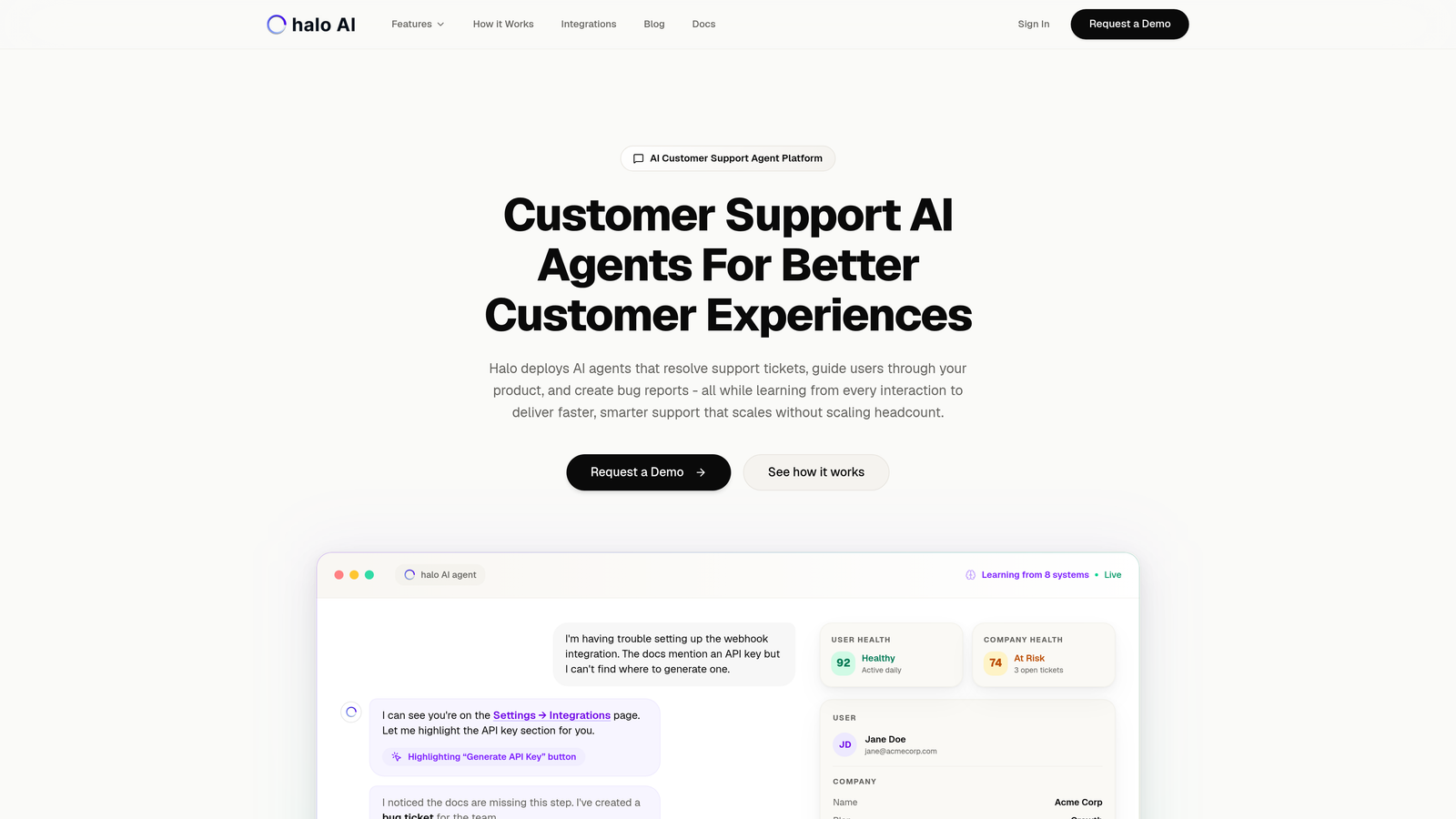
Halo AI is an AI-powered customer support platform built from the ground up with integration intelligence at its core.
Where This Tool Shines
Unlike traditional helpdesks that bolt on integrations as an afterthought, Halo's AI agents understand context across your entire business stack. When a customer asks about their subscription status, Halo doesn't just check your helpdesk—it pulls real-time data from Stripe, references conversation history in Intercom, and checks related bug reports in Linear.
The platform's page-aware context means it literally sees what your users see, enabling visual guidance that traditional chat widgets can't match. This contextual intelligence transforms support from reactive ticket resolution into proactive problem-solving.
Key Features
Multi-System Intelligence: Connects Linear, Slack, HubSpot, Intercom, Stripe, Zoom, PandaDoc, and Fathom with bidirectional data flow.
Page-Aware Context: AI agents see your product UI in real-time, enabling visual guidance and accurate troubleshooting.
Business Intelligence Layer: Surfaces customer health signals, revenue intelligence, and anomaly detection across connected systems.
Auto Bug Ticket Creation: Automatically generates detailed bug reports in Linear from support conversations with full context.
Continuous Learning: Every interaction trains the AI, making responses faster and smarter over time without manual configuration.
Best For
B2B SaaS companies and product teams who want support automation that gets smarter with use. Particularly valuable if you're already using multiple tools like Zendesk, Freshdesk, or Intercom and need deeper integration than surface-level data sync.
Pricing
Contact for custom pricing based on your support volume and integration requirements.
2. Zapier
Best for: No-code automation between thousands of apps without requiring developer resources
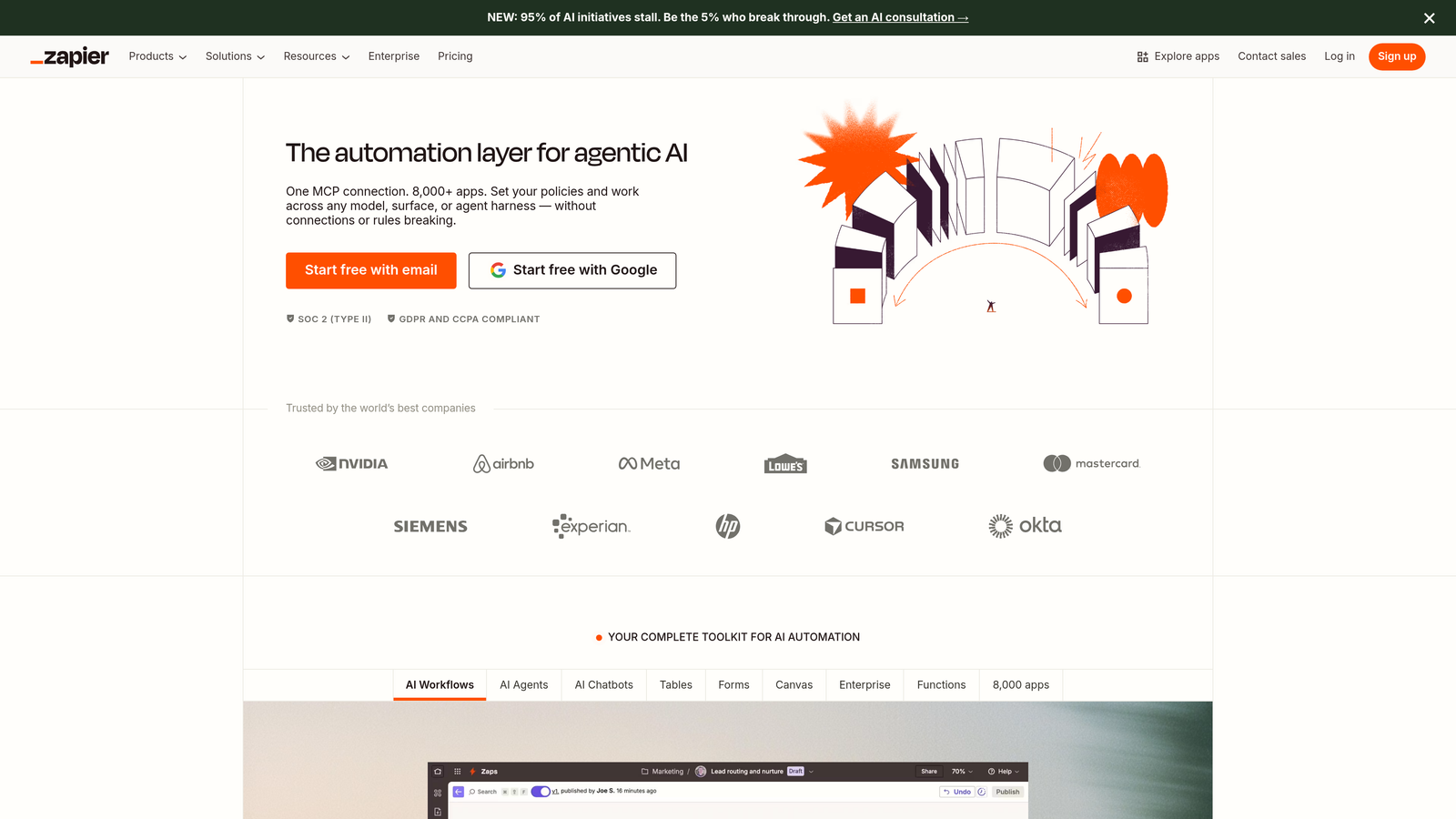
Zapier is the most accessible integration platform, connecting over 6,000 apps through simple trigger-action workflows called Zaps.
Where This Tool Shines
Zapier democratizes integration for teams without technical expertise. Your support manager can build a workflow that automatically creates Slack alerts when high-value customers submit tickets, or syncs Typeform survey responses into your CRM—all without writing a single line of code.
The platform's massive connector library means you'll find integrations for even niche tools. While it won't handle complex enterprise orchestration, it excels at straightforward automation that delivers immediate value.
Key Features
6,000+ App Connectors: Includes all major helpdesks, CRMs, communication tools, and business applications.
Multi-Step Zaps: Chain multiple actions together with conditional logic and branching paths.
Built-In Utilities: Formatter and filter tools handle data transformation without external services.
Team Collaboration: Shared workspaces let multiple team members build and manage automation together.
AI-Powered Suggestions: Recommends relevant Zaps based on your connected apps and common workflows.
Best For
Small to mid-sized support teams who need quick wins with minimal technical overhead. Perfect for operations managers who want to automate repetitive tasks without involving engineering.
Pricing
Free tier available with 100 tasks per month. Paid plans start at $19.99/month for 750 tasks, scaling up based on volume and advanced features.
3. Workato
Best for: Enterprise teams requiring compliance certifications and complex workflow orchestration
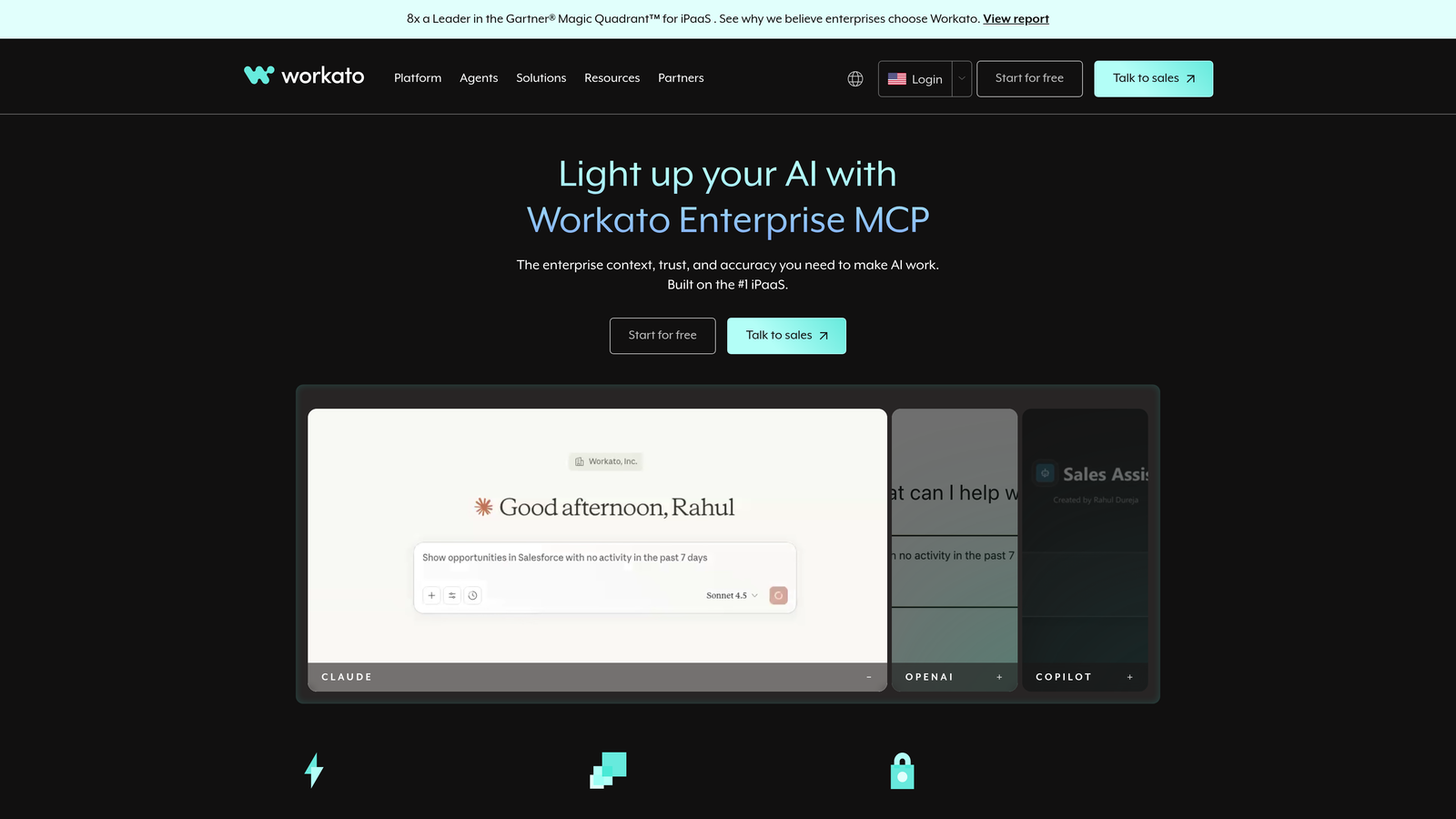
Workato is an enterprise-grade integration and automation platform with AI-assisted recipe building for sophisticated workflows.
Where This Tool Shines
Workato bridges the gap between no-code simplicity and enterprise requirements. Its 1,000+ connectors go deeper than surface-level API access, providing granular control over data mapping and transformation. The platform's SOC 2 Type II and HIPAA compliance makes it viable for regulated industries that can't use consumer-grade tools.
Workbot brings automation directly into Slack and Teams, letting support teams trigger workflows and retrieve data without leaving their communication hub. This contextual integration reduces friction in daily operations.
Key Features
Deep Enterprise Connectors: 1,000+ integrations with granular API access and custom object support.
Workbot Integration: Automate workflows and retrieve data directly from Slack or Microsoft Teams.
Compliance Certifications: SOC 2 Type II, HIPAA, and GDPR compliant for regulated industries.
Recipe Lifecycle Management: Version control, testing environments, and deployment pipelines for enterprise governance.
AI Copilot: Suggests workflow improvements and helps build complex recipes through natural language.
Best For
Enterprise support organizations with compliance requirements, complex approval workflows, and dedicated operations teams. Ideal when you need both power and governance.
Pricing
Custom enterprise pricing based on connectors and recipe volume, typically starting around $10,000 annually for mid-market deployments.
4. Tray.io
Best for: Technical operations teams who want visual workflow building with developer-level control
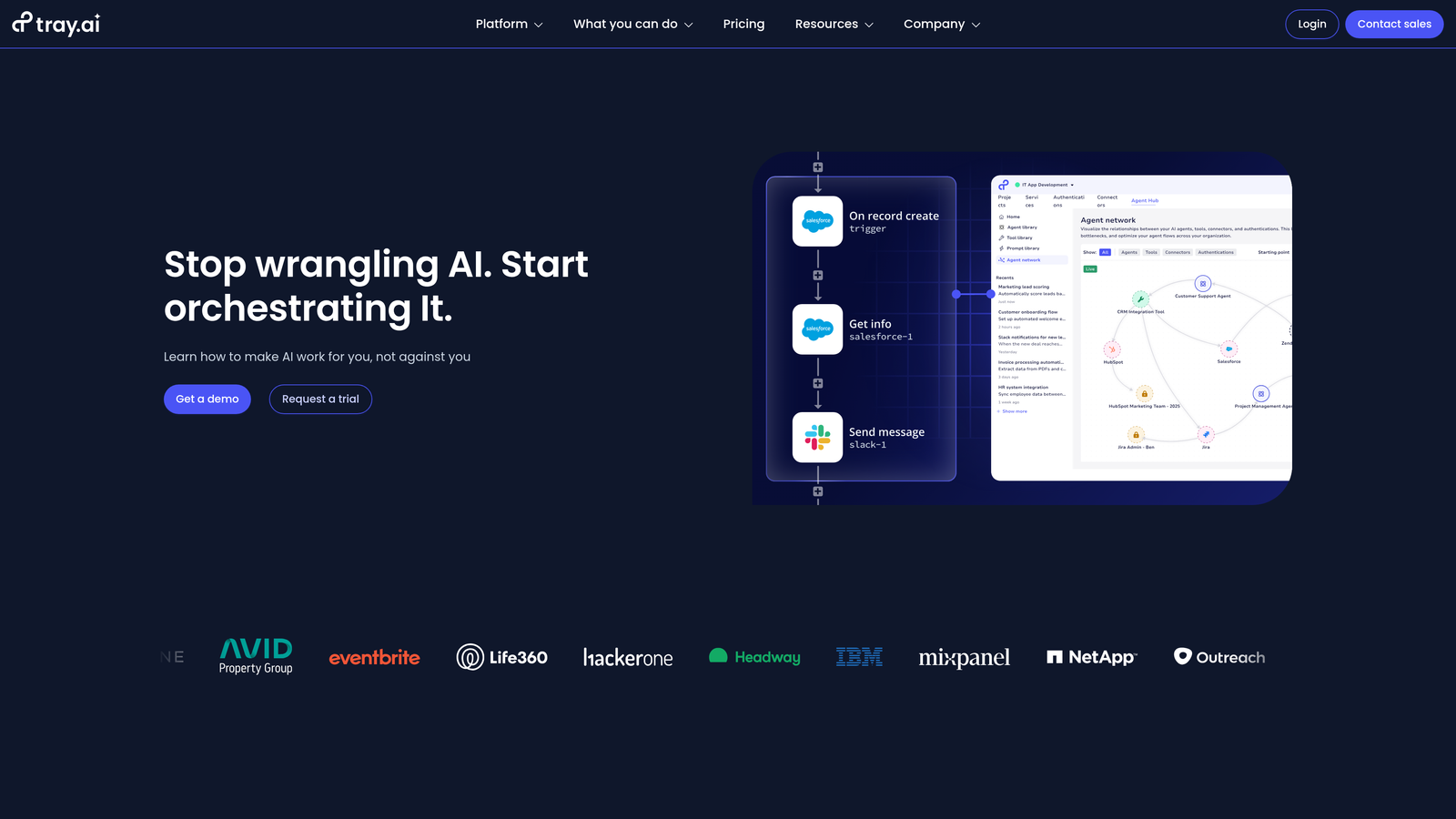
Tray.io is a low-code automation platform featuring a visual workflow builder designed for technical users who need flexibility.
Where This Tool Shines
Tray.io gives technical teams the power of code with the speed of visual development. Its drag-and-drop interface handles complex branching logic, error handling, and data transformation that would typically require custom development. The Universal Connector lets you integrate any REST API without waiting for pre-built connectors.
The platform's embedded iPaaS capabilities are particularly valuable for SaaS companies who want to offer native integrations to their customers without building infrastructure from scratch.
Key Features
Visual Workflow Builder: Drag-and-drop interface with sophisticated logic handling and data operations.
Universal Connector: Integrate any REST API with custom authentication and endpoint configuration.
Data Transformation Tools: Built-in mapping, filtering, and transformation without external services.
Embedded iPaaS: White-label integration marketplace for SaaS products to offer customer-facing integrations.
Real-Time Monitoring: Live workflow execution tracking with detailed logging and debugging tools.
Best For
Operations teams with technical skills who need more control than no-code tools provide but want faster development than pure coding. Excellent for SaaS companies building customer-facing integration capabilities.
Pricing
Custom pricing based on workflow volume. Professional tier typically starts around $695/month for mid-market teams.
5. Make (formerly Integromat)
Best for: Budget-conscious teams needing sophisticated branching logic and visual workflow design
Make is a visual automation platform that combines advanced features with accessible pricing, making enterprise-grade automation available to smaller teams.
Where This Tool Shines
Make's visual scenario builder makes complex workflows intuitive. You can see exactly how data flows between systems, where conditional branches occur, and how error handling works—all in a clean visual interface. This transparency makes troubleshooting dramatically easier than text-based automation tools.
The platform's generous free tier (1,000 operations monthly) lets teams experiment and build real value before committing budget. Even paid plans start at just $9/month, making sophisticated automation accessible to startups and small teams.
Key Features
Visual Scenario Builder: Flowchart-style interface showing branching paths and data flow at a glance.
1,500+ App Integrations: Covers major business tools with regular additions to the connector library.
Error Handling: Built-in retry logic, error routes, and fallback actions without custom configuration.
Data Store: Persistent variables and data storage for maintaining state across scenario runs.
Generous Free Tier: 1,000 operations per month free, perfect for testing and small-scale automation.
Best For
Startups and growing support teams who need powerful automation without enterprise budgets. Ideal when visual workflow design helps non-technical stakeholders understand your integration architecture.
Pricing
Free tier with 1,000 operations monthly. Paid plans start at $9/month for 10,000 operations, scaling based on volume.
6. Celigo
Best for: E-commerce and ERP integration connecting back-office systems to customer support
Celigo is an integration platform specializing in ERP, e-commerce, and financial system connections that support teams often need for order and billing inquiries.
Where This Tool Shines
Celigo excels where support intersects with operations. When customers ask about order status, billing discrepancies, or inventory availability, support agents need real-time data from systems like NetSuite, Shopify, or Salesforce. Celigo's pre-built integrations handle these complex connections with minimal configuration.
The platform's financial reconciliation workflows are particularly valuable for subscription businesses where support teams field billing questions daily. Instead of manually cross-referencing systems, agents get unified views of customer accounts.
Key Features
Pre-Built ERP Integrations: Native connectors for NetSuite, Salesforce, Shopify with deep object mapping.
E-Commerce Sync: Real-time order and inventory synchronization across sales channels and support systems.
Financial Reconciliation: Automated workflows for billing, invoicing, and payment data across systems.
Error Management Dashboard: Centralized view of integration failures with guided resolution workflows.
B2B EDI Capabilities: Electronic data interchange for enterprise customers with legacy systems.
Best For
E-commerce companies and businesses with complex ERP environments where support teams need visibility into order management, inventory, and financial systems.
Pricing
Custom pricing based on integration volume and system complexity. Contact for quotes tailored to your environment.
7. Boomi
Best for: Enterprise environments requiring hybrid cloud and on-premise integration capabilities
Boomi is an enterprise iPaaS with master data management designed for large organizations with complex hybrid infrastructure.
Where This Tool Shines
Boomi handles what other platforms can't: integrating cloud support systems with on-premise legacy infrastructure. Many enterprises run customer data across both modern SaaS tools and decades-old internal systems. Boomi's hybrid deployment model bridges this gap without forcing cloud migration of sensitive systems.
The platform's master data hub creates a single source of truth for customer information, resolving the identity conflicts that plague large organizations. When support agents look up a customer, they see unified data regardless of which system originally captured it.
Key Features
Hybrid Deployment: Integrates cloud applications with on-premise systems through secure connectors.
Master Data Hub: Unified customer data management resolving identity across disparate systems.
API Management: Full lifecycle governance for API development, deployment, and monitoring.
B2B/EDI Integration: Electronic data interchange for partner and supplier system connections.
Low-Code Development: Visual interface for technical teams to build complex integrations faster.
Best For
Large enterprises with hybrid infrastructure, stringent data governance requirements, and dedicated integration teams. Particularly valuable in regulated industries with on-premise system dependencies.
Pricing
Custom enterprise pricing based on deployment scope and connector volume, typically starting around $50,000 annually for enterprise implementations.
8. Zendesk Integration Services
Best for: Teams deeply embedded in the Zendesk ecosystem wanting native integrations
Zendesk Integration Services provides a native integration marketplace and APIs for the Zendesk support ecosystem.
Where This Tool Shines
If you're already running Zendesk, its native integration services offer the path of least resistance. The marketplace features 1,500+ pre-built apps that install with a few clicks, no middleware required. Native integrations with Salesforce, Jira, and Slack work seamlessly because they're built specifically for Zendesk's data model.
Zendesk Sunshine (their custom objects platform) lets technical teams extend the data model beyond standard tickets and users. This flexibility enables sophisticated workflows while staying within the Zendesk environment you already know.
Key Features
1,500+ Marketplace Apps: Pre-built integrations covering CRM, project management, communication, and analytics tools.
Native Enterprise Integrations: Deep Salesforce, Jira, and Slack connections built specifically for Zendesk.
Zendesk Sunshine: Custom objects and events for extending data model beyond default schema.
Channel Framework: Build custom messaging channel integrations for proprietary communication platforms.
Webhooks and API Access: Trigger external workflows and build custom integrations with full API access.
Best For
Organizations standardized on Zendesk who want to avoid introducing additional integration platforms. Best when your integration needs align with marketplace offerings.
Pricing
Included with Zendesk subscription plans. Some marketplace apps charge additional fees based on usage or seats.
9. Intercom Integration Hub
Best for: Conversational support teams connecting product analytics and CRM data to customer conversations
Intercom Integration Hub provides an integration ecosystem designed specifically for conversational support with deep product and CRM connections.
Where This Tool Shines
Intercom's integrations excel at bringing product usage data into support conversations. When a customer reaches out, agents see their feature adoption, recent activity, and behavioral segments from tools like Amplitude or Mixpanel—context that transforms generic support into personalized guidance.
The CRM integrations go beyond basic contact sync. Deep Salesforce and HubSpot connections let support teams see deal stages, account health, and relationship history, enabling them to tailor responses based on customer value and relationship status.
Key Features
350+ App Integrations: Focused selection covering CRM, analytics, project management, and communication tools.
Deep CRM Sync: Bidirectional Salesforce and HubSpot integration with contact, deal, and company data.
Product Analytics Integration: Connect Amplitude, Mixpanel, and Heap to surface user behavior in conversations.
Custom Actions and Webhooks: Trigger external workflows and build custom integration logic.
Data Warehouse Export: Send conversation data to Snowflake, BigQuery, or Redshift for analytics.
Best For
Product-led companies using conversational support where understanding user behavior and product usage is critical to effective support. Ideal for SaaS teams already using Intercom.
Pricing
Included with Intercom subscription plans. Some premium integrations or high-volume data exports may incur additional fees.
Making the Right Choice
The right integration platform depends on where you are and where you're heading. Halo AI stands out if you want support that gets smarter with every interaction—its AI-native architecture doesn't just connect systems, it derives intelligence from them, surfacing customer health signals and automating responses based on cross-system context.
For straightforward automation without technical overhead, Zapier and Make deliver immediate value at accessible price points. Their visual builders let operations managers automate repetitive workflows in hours, not weeks.
Enterprise teams with compliance requirements and complex orchestration needs should evaluate Workato or Boomi. Both offer the governance, security certifications, and hybrid deployment capabilities that regulated industries demand.
If you're deeply embedded in Zendesk or Intercom, their native integration ecosystems provide the path of least resistance. You'll avoid introducing another platform while accessing hundreds of pre-built connectors designed specifically for your helpdesk.
The common thread across successful implementations? Integration isn't a one-time project—it's an ongoing strategy. The platforms that deliver lasting value are those that adapt as your stack evolves, whether through AI that learns from new data sources or flexible architectures that accommodate future tools.
Your support team shouldn't scale linearly with your customer base. Let AI agents handle routine tickets, guide users through your product, and surface business intelligence while your team focuses on complex issues that need a human touch. See Halo in action and discover how continuous learning transforms every interaction into smarter, faster support.