9 Best Support Team Efficiency Tools in 2026
Support team efficiency tools help overwhelmed customer service teams handle increasing ticket volumes while delivering faster, personalized responses without agent burnout. This comprehensive guide reviews nine essential platforms for 2026, including AI-powered automation, collaboration tools, and performance analytics solutions selected for their ability to reduce manual work, improve response times, and scale effectively with growing support operations.
 Grant CooperFounder12 min read
Support teams face mounting pressure—ticket volumes climb while customers expect faster, more personalized responses. The right efficiency tools transform overwhelmed agents into high-performing teams that resolve issues quickly without burning out.
This guide covers the most impactful tools for streamlining support operations in 2026, from AI-powered automation to collaboration platforms. We selected these tools based on their ability to reduce manual work, improve response times, and scale with growing teams.
Whether you're looking to automate routine tickets, centralize team communication, or gain visibility into performance metrics, you'll find options that fit your workflow and budget.
1. Halo AI
Best for: Teams seeking autonomous AI agents that continuously learn from every support interaction
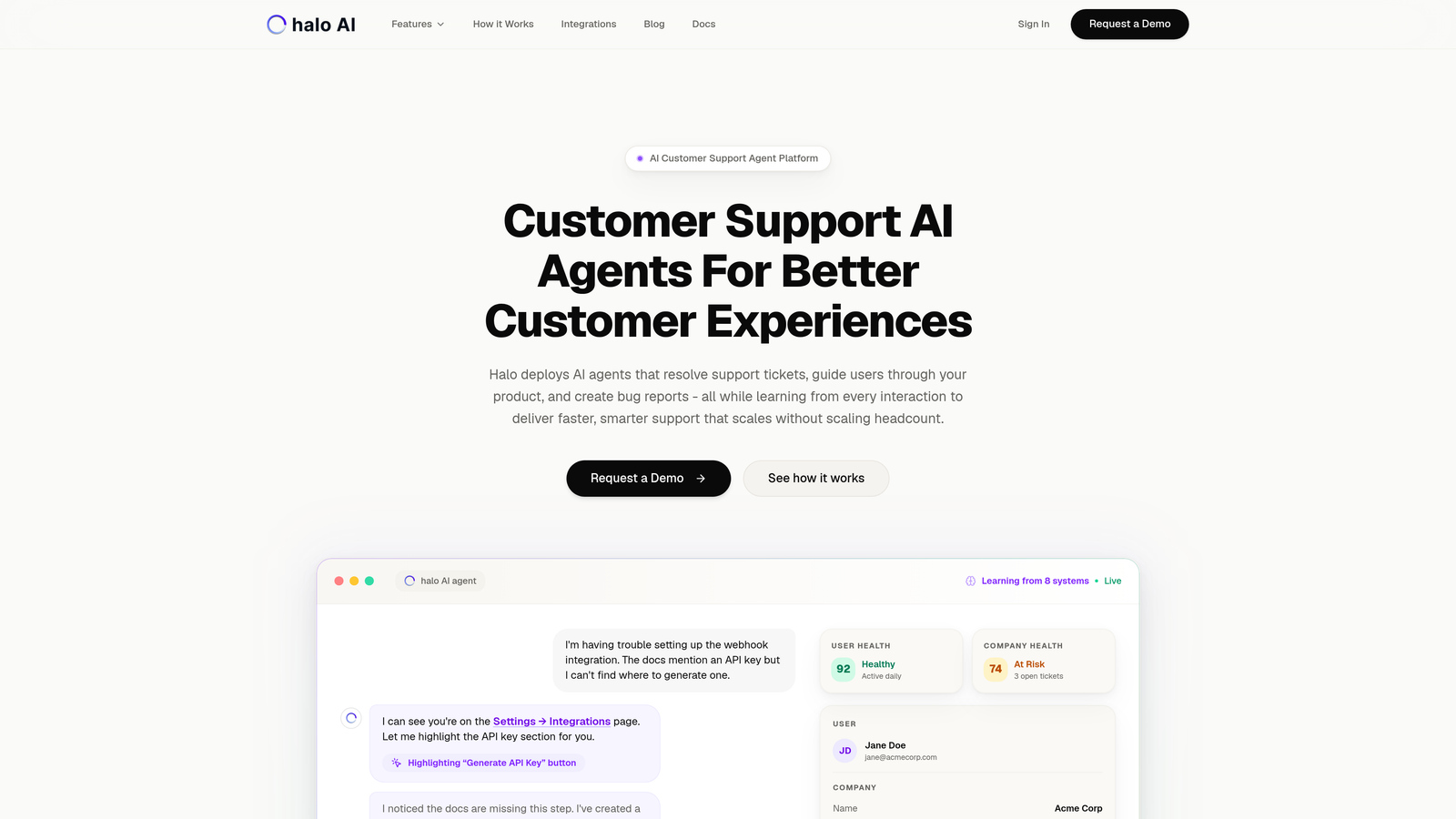
Halo AI deploys intelligent agents that autonomously resolve tickets, guide users through your product with visual context, and create bug reports while learning from every interaction.
Where This Tool Shines
Unlike traditional helpdesks with bolted-on AI features, Halo takes an AI-first approach. The platform doesn't just suggest answers—it resolves tickets independently while understanding the exact page your user is viewing. This page-aware context means agents can guide users through specific UI elements they're struggling with, not just send generic help articles.
The continuous learning architecture sets Halo apart. Every resolved ticket, every handoff to a human agent, and every user interaction trains the system to handle similar issues better next time. Your support gets smarter automatically, without manual knowledge base updates or workflow tweaks.
Key Features
Autonomous AI Agents: Resolves routine tickets end-to-end without human intervention, freeing your team for complex issues.
Page-Aware Chat Widget: Sees exactly what users see on screen, enabling precise visual guidance through your product interface.
Auto Bug Ticket Creation: Automatically generates detailed bug reports to Linear when issues are identified, connecting support insights directly to product development.
Smart Inbox with Business Intelligence: Surfaces customer health signals, revenue intelligence, and anomaly detection beyond basic support metrics.
Live Agent Handoff: Seamlessly escalates complex issues to human agents with full context and conversation history.
Best For
B2B SaaS companies and product teams that want to scale support without scaling headcount. Particularly valuable if you're using tools like Zendesk, Freshdesk, or Intercom and need more intelligent automation than their native AI offers.
Pricing
Contact for pricing. The platform integrates with your existing tech stack including Linear, Slack, HubSpot, Intercom, Stripe, and other business tools.
2. Zendesk
Best for: Enterprise teams needing comprehensive helpdesk infrastructure with extensive customization options
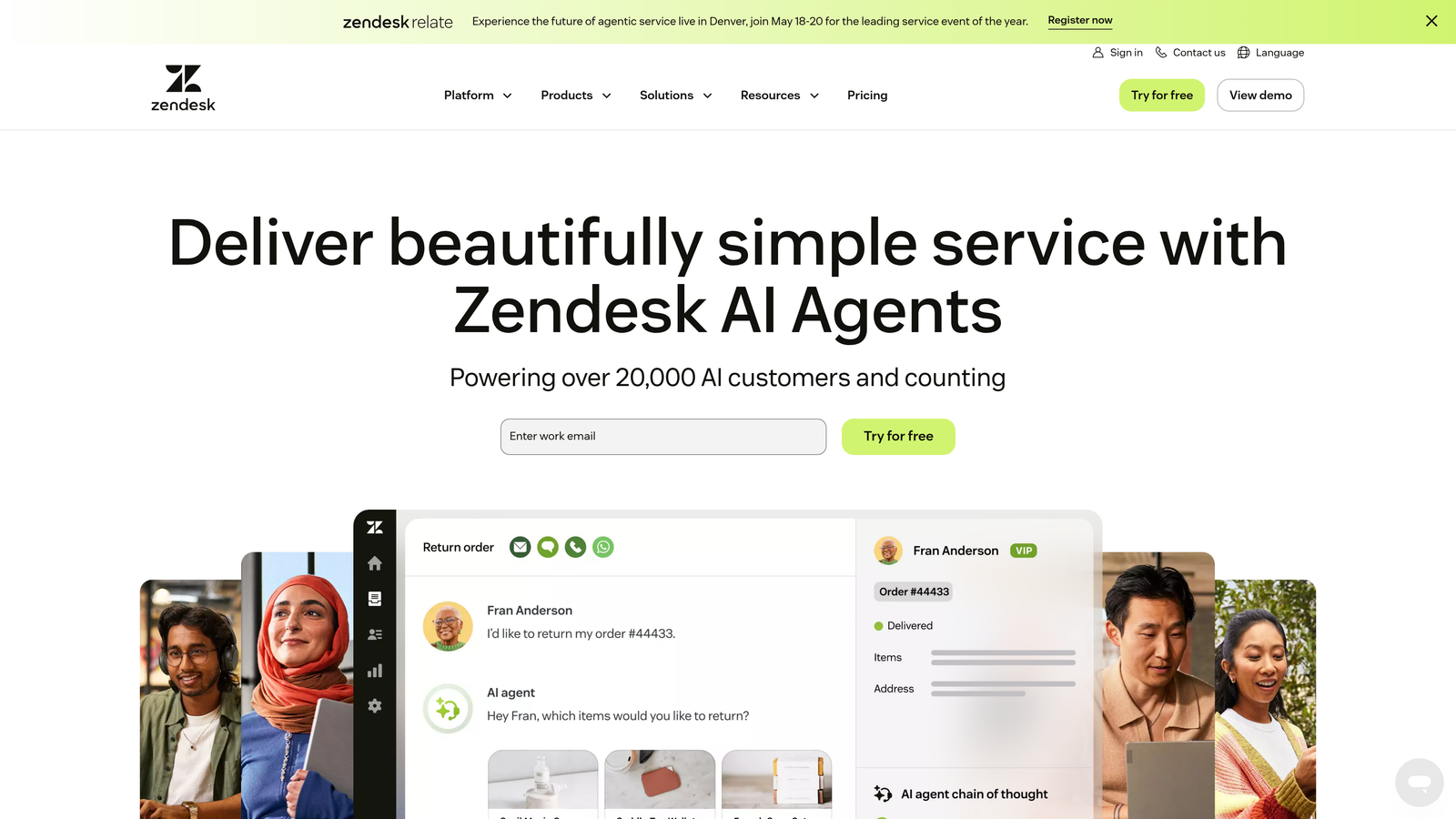
Zendesk offers a complete support platform with ticketing, live chat, knowledge base, and an extensive marketplace of integrations for enterprise operations.
Where This Tool Shines
Zendesk built its reputation on handling massive ticket volumes across multiple channels. The platform excels at routing complex workflows across large support organizations with specialized teams. If you need granular control over ticket assignment rules, SLA policies, and escalation paths, Zendesk delivers that depth.
The marketplace ecosystem is unmatched. With thousands of apps and integrations, you can connect Zendesk to virtually any business tool. This makes it the go-to choice for companies with complex tech stacks requiring deep integration capabilities.
Key Features
Omnichannel Ticketing: Consolidates email, chat, phone, social media, and messaging into a unified queue with intelligent routing.
Extensive App Marketplace: Thousands of pre-built integrations and custom app capabilities for connecting your entire tech stack.
Advanced Reporting: Customizable dashboards and analytics for tracking team performance, customer satisfaction, and operational metrics.
Workflow Automation: Trigger-based automations for routing, tagging, and updating tickets based on complex conditions.
AI Answer Suggestions: Machine learning recommendations to help agents find relevant knowledge base articles during ticket handling.
Best For
Established companies with dedicated support teams of 10+ agents who need enterprise-grade infrastructure. Works well if you have complex routing requirements or need deep customization capabilities.
Pricing
Starts at $19 per agent per month for the Suite Team plan. Enterprise features require higher-tier plans, and costs can scale significantly with team size.
3. Intercom
Best for: Product-led companies wanting conversational support embedded directly in their application
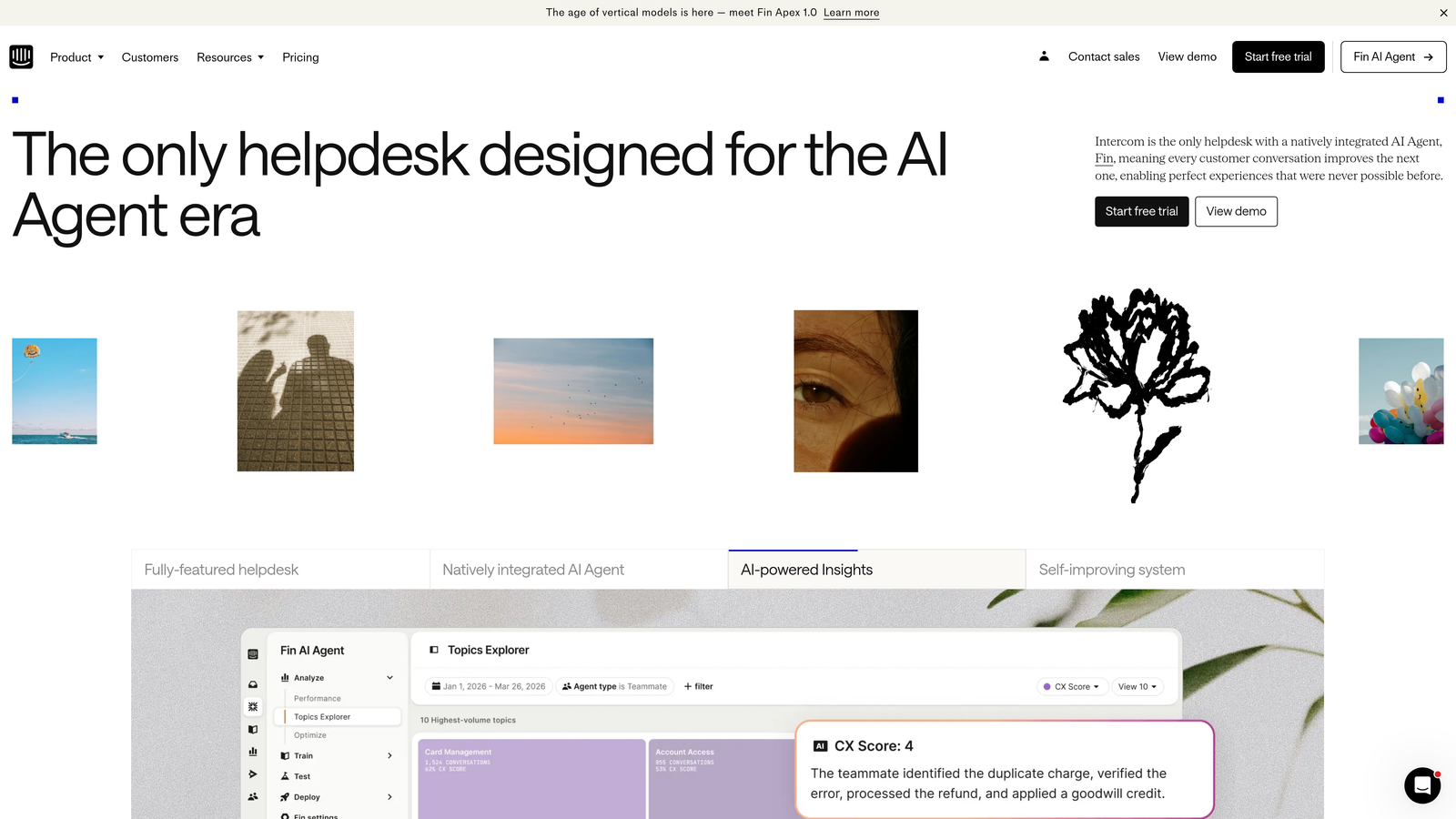
Intercom combines in-app messaging, chatbots, and helpdesk functionality to deliver conversational customer experiences throughout the product journey.
Where This Tool Shines
Intercom pioneered the shift from reactive support to proactive engagement. Instead of waiting for users to email you, the platform enables contextual messaging based on user behavior. When someone gets stuck during onboarding, you can trigger an automated message or product tour right in the moment.
The messenger feels native to your product rather than a bolted-on widget. This creates a more seamless experience where support becomes part of the product interface itself, reducing friction for users who need help.
Key Features
In-App Messenger: Embedded chat widget that feels native to your product, enabling real-time conversations where users already are.
Proactive Messaging: Trigger targeted messages and product tours based on user behavior, page visits, or account attributes.
Custom Bot Builder: Create conversation flows that qualify issues, collect information, and resolve simple requests before involving human agents.
Unified Inbox: Consolidates conversations from all channels into a single view with customer context and conversation history.
Customer Data Platform: Integrates with your product data to enable personalized messaging based on usage patterns and account details.
Best For
SaaS companies that want to blend marketing, sales, and support into a unified conversational experience. Particularly effective for product-led growth strategies where in-app engagement drives adoption.
Pricing
Starts at $39 per seat per month, though pricing varies significantly based on features and usage. Proactive messaging and advanced automation require higher-tier plans.
4. Freshdesk
Best for: Growing teams seeking affordable multichannel support with strong automation capabilities
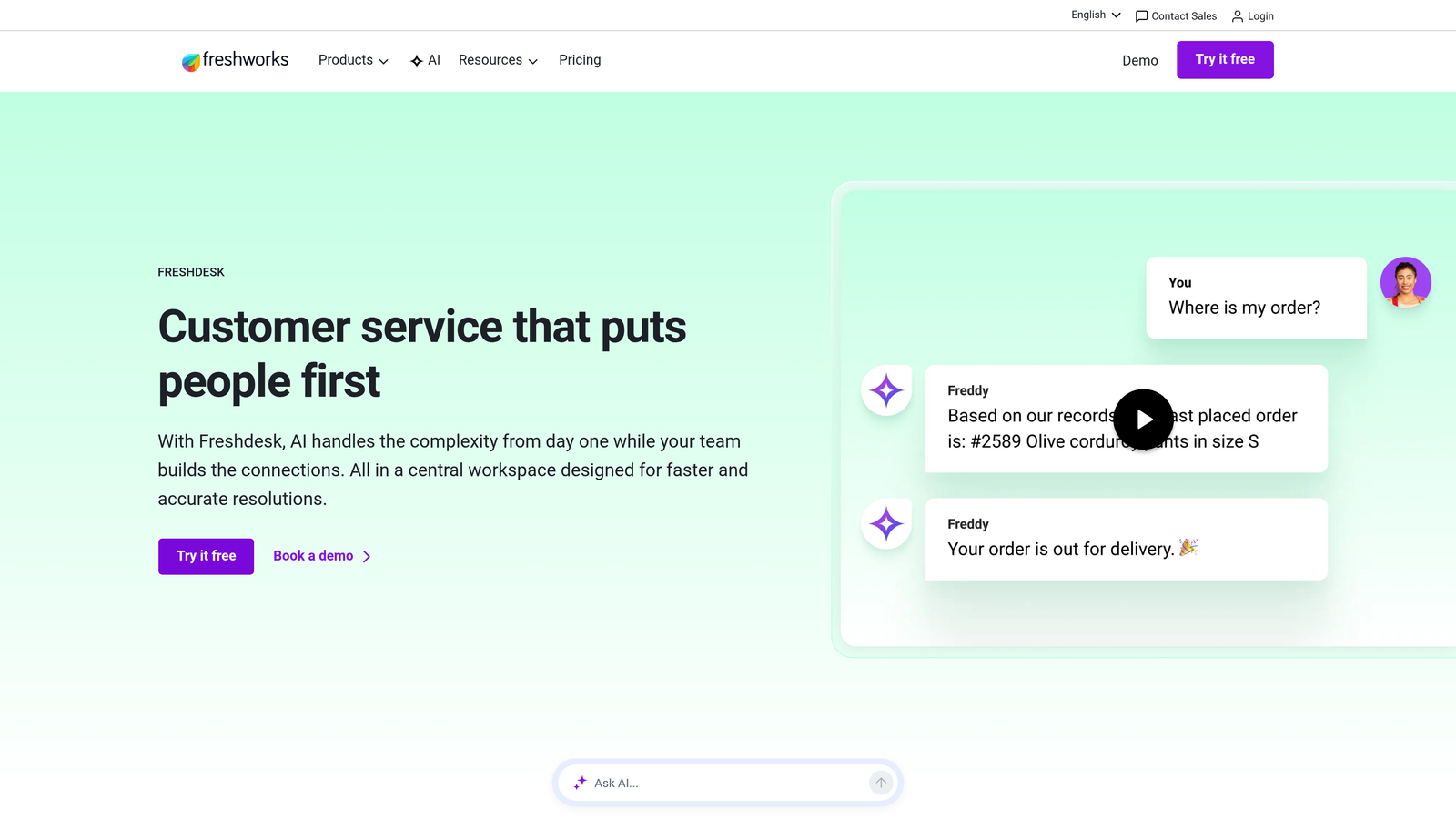
Freshdesk delivers cloud-based helpdesk functionality with multichannel support, automation, and collaboration features designed for scaling teams.
Where This Tool Shines
Freshdesk hits a sweet spot between affordability and capability. You get enterprise-grade features like SLA management, team collaboration, and scenario automations at price points that work for smaller teams. The free tier actually provides useful functionality rather than just a trial experience.
The scenario automation builder stands out for its flexibility. You can create complex workflows that trigger actions based on ticket properties, time conditions, and agent behaviors without writing code. This helps smaller teams punch above their weight by automating repetitive processes.
Key Features
Multichannel Support: Handles email, phone, chat, social media, and messaging in a unified ticketing interface.
Scenario Automations: Visual workflow builder for automating ticket routing, responses, and updates based on customizable conditions.
Team Collaboration: Shared ticket ownership, internal notes, and team huddles for coordinating on complex issues.
SLA Management: Define response and resolution time targets with automatic escalations when deadlines approach.
Knowledge Base: Self-service portal builder with article categorization, search functionality, and usage analytics.
Best For
Teams of 5-50 agents who need solid helpdesk fundamentals without enterprise pricing. Works particularly well if you're transitioning from email-based support to a proper ticketing system.
Pricing
Free tier available for up to 10 agents with basic features. Paid plans start at $15 per agent per month, making it one of the most budget-friendly options with meaningful capabilities.
5. Help Scout
Best for: Teams prioritizing personal, human-centered support experiences over corporate efficiency metrics
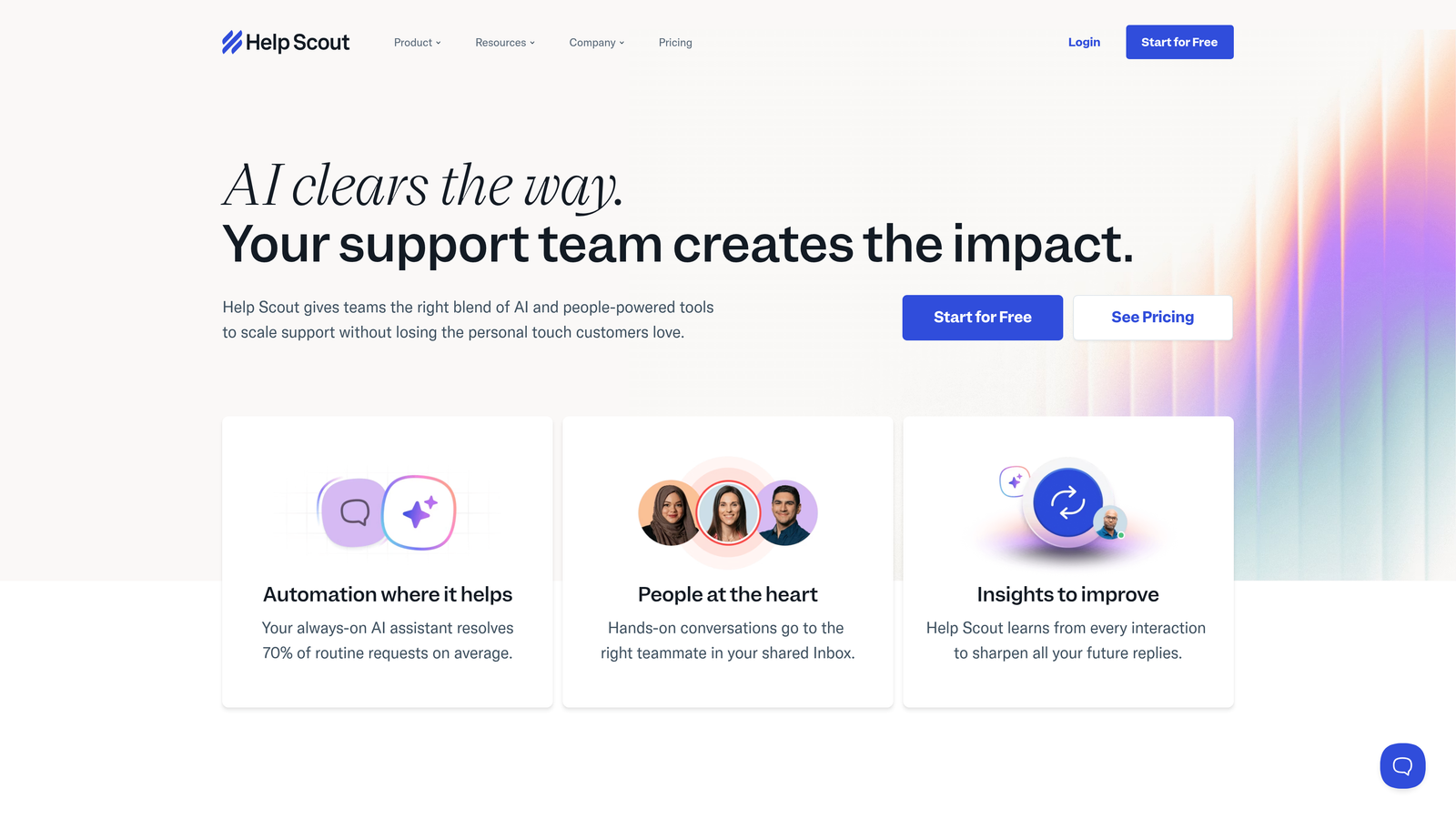
Help Scout builds around shared inboxes to deliver support that feels personal and conversational rather than transactional.
Where This Tool Shines
Help Scout deliberately avoids the "ticket number" approach that makes support feel impersonal. Instead, conversations look like regular email threads, creating a more human connection with customers. This philosophy resonates with companies that view support as relationship-building rather than issue-closing.
The collision detection feature prevents the awkward scenario where multiple agents respond to the same customer simultaneously. You see in real-time when a teammate is viewing or replying to a conversation, eliminating duplicate responses and coordination headaches.
Key Features
Shared Inbox: Email-style interface with collision detection that shows when teammates are viewing or responding to conversations.
Beacon Widget: Embedded help widget that provides knowledge base search, contact forms, and live messaging in a unified interface.
Docs Knowledge Base: Clean, searchable documentation builder with article analytics showing what content actually helps customers.
Customer Profiles: Consolidated view of conversation history, customer data, and notes for personalized context.
Saved Replies: Template library for common responses with placeholder variables for personalization.
Best For
Customer-centric companies with teams of 5-30 agents who value support quality over pure efficiency metrics. Works well if your brand emphasizes personal relationships and human touch.
Pricing
Starts at $20 per user per month with a 15-day free trial. Pricing is straightforward with no hidden fees for features like reporting or knowledge base.
6. Slack
Best for: Real-time team coordination, internal escalations, and cross-functional collaboration on urgent issues
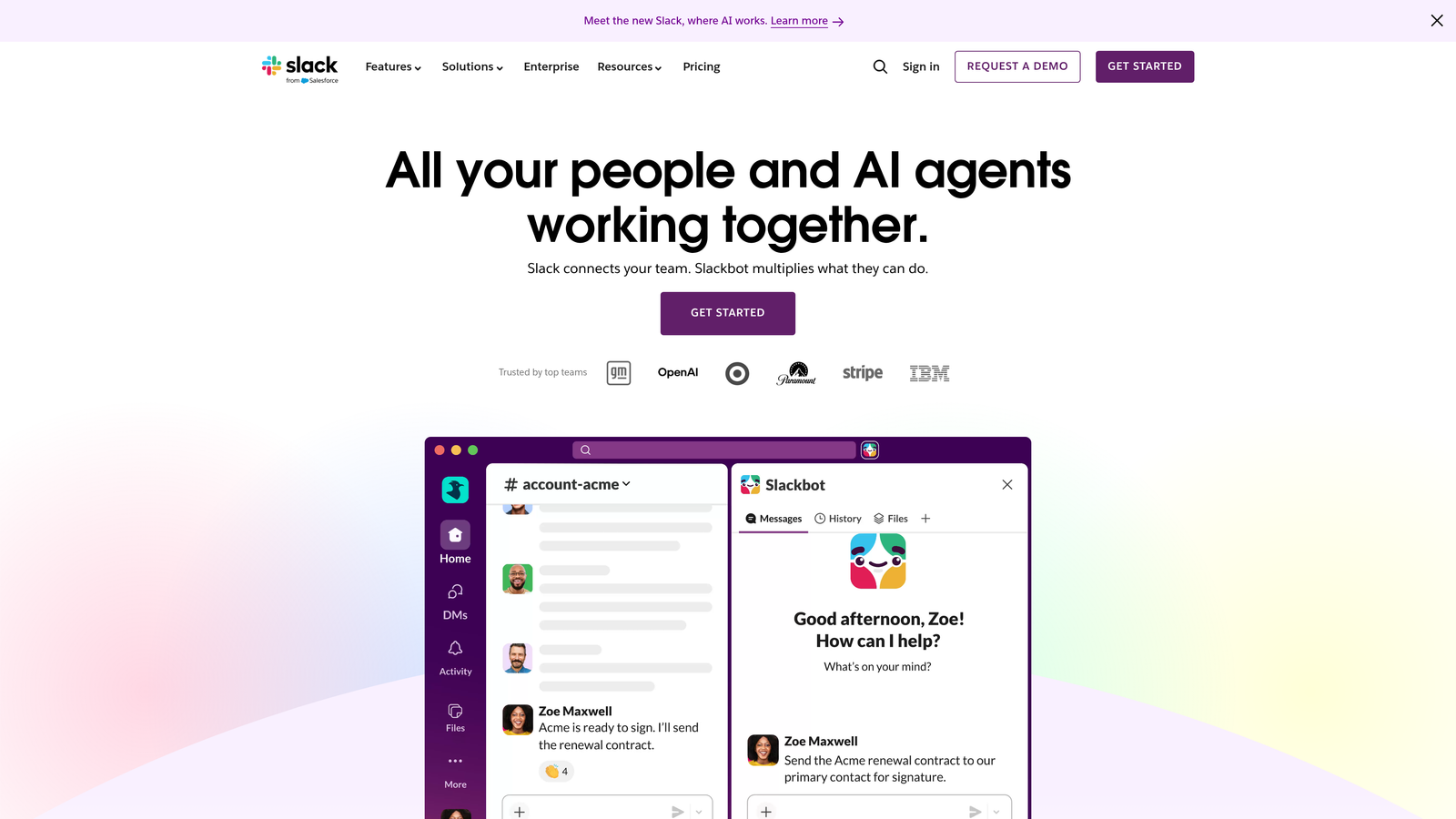
Slack enables organized team communication through channels, direct messages, and integrations that connect your support workflow to the rest of your organization.
Where This Tool Shines
When a critical issue hits or a VIP customer needs immediate attention, email threads and ticket comments move too slowly. Slack becomes your rapid-response coordination layer. Support agents can quickly pull in engineers, product managers, or account executives to resolve complex issues in real-time.
The integration ecosystem transforms Slack from a chat tool into a command center. Connect your helpdesk to post new tickets in relevant channels, trigger alerts for SLA breaches, or enable agents to update tickets without leaving Slack. This reduces context-switching and keeps teams aligned.
Key Features
Organized Channels: Create dedicated spaces for escalations, specific product areas, or high-priority accounts to keep conversations focused.
Helpdesk Integrations: Connect Zendesk, Intercom, Freshdesk, and other platforms to surface tickets and enable actions directly in Slack.
Huddles: Quick voice conversations for complex issues that need real-time discussion rather than async text.
Workflow Builder: Create automated escalation processes that notify the right people based on ticket properties or keywords.
Searchable History: Find past conversations and decisions quickly, creating an informal knowledge base of how your team handled similar issues.
Best For
Support teams that need to coordinate with engineering, product, and other departments frequently. Essential if you handle complex B2B issues requiring cross-functional expertise.
Pricing
Free tier available with limited message history. Pro plan starts at $7.25 per user per month with unlimited history and advanced features.
7. Linear
Best for: Connecting support insights to product development through streamlined bug tracking and feature requests
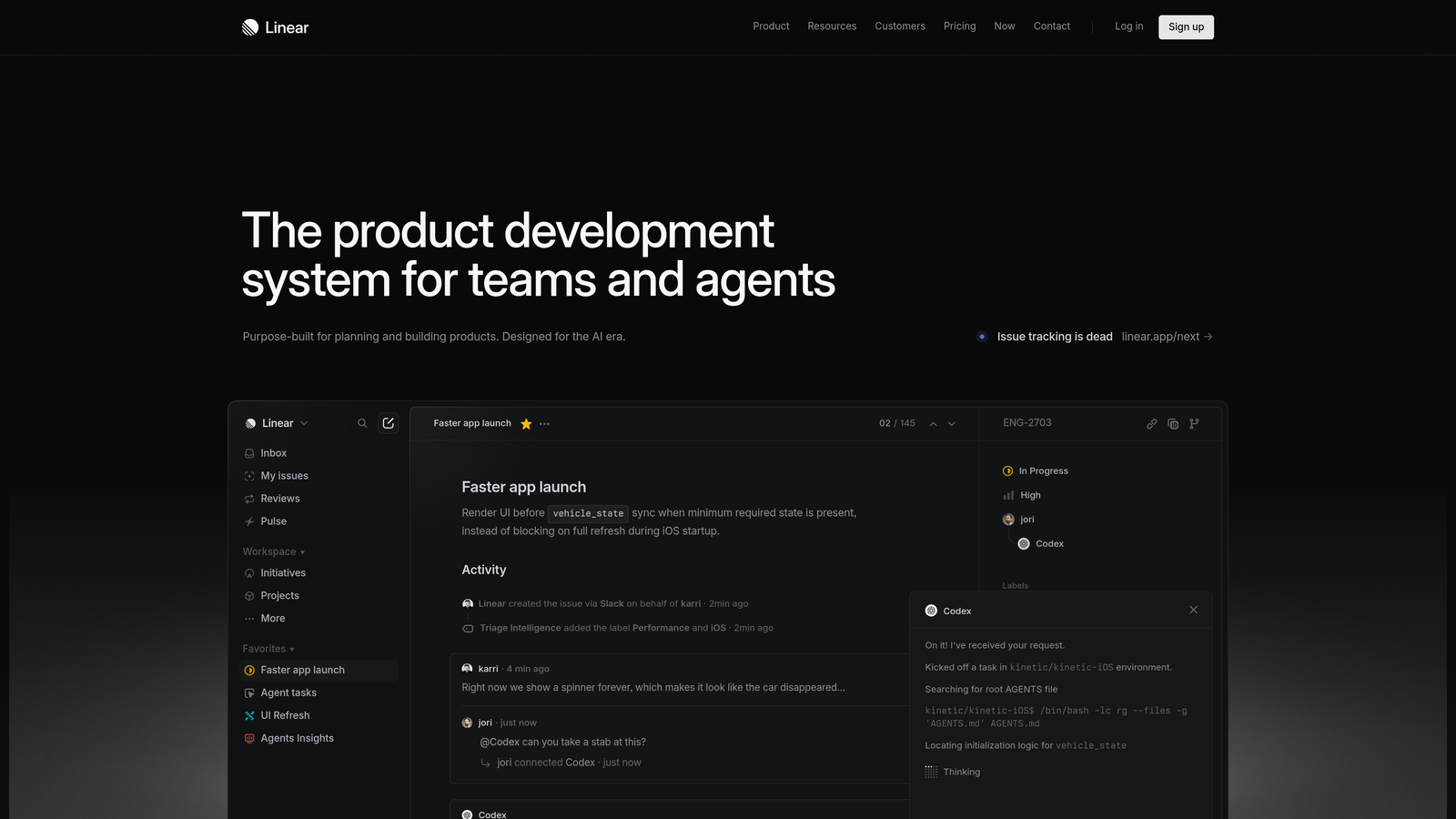
Linear provides fast, keyboard-driven issue tracking that transforms support feedback into actionable product improvements.
Where This Tool Shines
Support teams often identify bugs and patterns that never reach product teams. Linear closes this gap with a workflow that makes it effortless to create detailed issues from support conversations. The speed of the interface matters—agents can file a bug in seconds without disrupting their support flow.
The real-time sync keeps everyone aligned. When engineering updates an issue status or adds context, support agents see it immediately. This visibility helps agents provide accurate updates to customers about bug fixes and feature timelines without constantly pinging developers.
Key Features
Keyboard-Driven Interface: Lightning-fast issue creation and navigation designed for power users who want to minimize clicks.
Cycles and Roadmaps: Planning tools that help support teams understand when reported issues will be addressed.
Support Tool Integrations: Connect helpdesks to automatically create Linear issues from support tickets with full context.
Automated Workflows: Set up rules that auto-assign issues, update statuses, or notify teams based on triggers.
Real-Time Collaboration: Changes sync instantly across all users, eliminating refresh cycles and stale information.
Best For
Product-focused companies where support feedback directly influences development priorities. Particularly valuable for teams that want to close the loop between customer issues and engineering sprints.
Pricing
Free for small teams up to 10 users. Paid plans start at $8 per user per month with unlimited issues and advanced features.
8. Guru
Best for: Reducing agent search time through AI-powered knowledge suggestions delivered in the moment of need
Guru uses AI to surface relevant knowledge directly in agents' workflows, eliminating the need to search multiple systems for answers.
Where This Tool Shines
Agents waste significant time hunting for information across knowledge bases, Slack threads, Google Docs, and Notion pages. Guru's browser extension brings answers to wherever agents are working—whether that's your helpdesk, CRM, or internal tools. The AI analyzes the context of what they're viewing and proactively suggests relevant knowledge.
The verification workflow ensures knowledge stays accurate over time. Content owners receive reminders to review and update their articles, preventing the common problem where knowledge bases become graveyards of outdated information that erodes agent confidence.
Key Features
AI-Powered Suggestions: Analyzes ticket content and agent activity to proactively surface relevant knowledge without manual searching.
Browser Extension: Delivers knowledge directly in your helpdesk, CRM, or any web-based tool through a sidebar interface.
Verification Workflows: Scheduled reviews ensure content accuracy with reminders to subject matter experts for updates.
Usage Analytics: Track which knowledge gets used most, identify gaps, and measure impact on resolution times.
Platform Integrations: Connects with Slack, Zendesk, Salesforce, and other tools to capture and surface knowledge across systems.
Best For
Teams with complex products or frequently changing information where finding the right answer quickly separates good agents from great ones. Works well for organizations with knowledge scattered across multiple systems.
Pricing
Starts at $10 per user per month. The investment typically pays for itself through reduced handle times and fewer escalations.
9. Klaus
Best for: Maintaining consistent service quality through conversation reviews, agent coaching, and performance analytics
Klaus enables support leaders to review conversations, score agent performance, and deliver coaching that improves service quality over time.
Where This Tool Shines
Quality assurance often feels like a manual slog through random ticket samples. Klaus streamlines this with smart sampling that surfaces conversations worth reviewing based on customer sentiment, resolution time, or other signals. This helps QA teams focus on interactions that reveal coaching opportunities rather than randomly checking boxes.
The feedback loop matters as much as the scoring. Klaus makes it easy to leave inline comments on specific messages, highlight what agents did well, and suggest improvements. This contextual coaching sticks better than generic feedback delivered days after the conversation happened.
Key Features
Conversation Review: Score tickets against customizable quality criteria with inline commenting for specific feedback.
Custom Scorecards: Define quality standards that match your brand voice and support philosophy rather than generic metrics.
Agent Coaching Tools: Deliver feedback directly on reviewed conversations with recognition for great work and suggestions for improvement.
Quality Dashboards: Track quality trends over time, identify top performers, and spot agents who need additional coaching.
Helpdesk Integrations: Works with Zendesk, Intercom, Freshdesk, and other platforms to review conversations without switching tools.
Best For
Support teams of 10+ agents where maintaining consistent quality becomes challenging as you scale. Essential if you're focused on customer satisfaction scores and want data-driven coaching rather than gut-feel management.
Pricing
Contact for pricing based on team size and review volume. The platform typically makes sense once you have dedicated QA resources or support leadership focused on quality improvement.
Making the Right Choice
The most efficient support teams typically combine tools rather than relying on a single platform. Start by identifying your biggest bottleneck—whether that's ticket volume, response time, agent knowledge gaps, or quality consistency.
Choose Halo AI if you want autonomous ticket resolution that learns continuously and connects support insights to your broader business intelligence. The platform's ability to handle routine inquiries while surfacing meaningful patterns makes it particularly valuable for product-focused teams.
Go with Zendesk or Freshdesk if you need traditional helpdesk infrastructure with extensive customization. Zendesk works for enterprise complexity, while Freshdesk offers similar capabilities at smaller-team pricing.
Pick Intercom for product-led conversational support where in-app engagement drives adoption. The proactive messaging capabilities shine when you want support to feel like part of the product experience.
Add Slack and Linear to create feedback loops between support and product development. These tools ensure customer issues actually influence what gets built rather than disappearing into ticket archives.
Layer in Guru when knowledge management becomes a bottleneck. If agents spend more time searching for answers than helping customers, AI-powered knowledge delivery pays immediate dividends.
Implement Klaus once you reach the scale where quality consistency requires systematic review rather than ad-hoc coaching.
Your support team shouldn't scale linearly with your customer base. Let AI agents handle routine tickets, guide users through your product, and surface business intelligence while your team focuses on complex issues that need a human touch. See Halo in action and discover how continuous learning transforms every interaction into smarter, faster support.