9 Best Tools Your Support Team Actually Needs in 2026
If your support team needs better tools to handle rising ticket volumes, agent burnout, and customer expectations, this guide breaks down the 9 most effective platforms available in 2026, evaluated on AI capabilities, integration depth, and scalability to help teams resolve issues faster with less friction.
 Matt PattoliFounder14 min read
Your support team is working harder than ever, and somehow customers still aren't happy. Tickets pile up, context gets lost between tools, agents burn out answering the same questions repeatedly, and customers expect instant answers at any hour. Sound familiar?
The problem usually isn't effort. It's the stack. Outdated or mismatched tools create friction at every step, from first contact to resolution. The good news is that automated customer support has matured significantly, and the tools available today are genuinely transformative when chosen thoughtfully.
This list focuses on tools that reduce friction for both agents and customers. Selection criteria included AI capabilities, integration depth, ease of deployment, analytics and reporting quality, and scalability for growing teams. If you're evaluating AI helpdesk software, you'll find options here for every stage and use case.
The goal isn't to add more software to your stack. It's to identify the right tools that work together. Here are the top support tools worth serious consideration in 2026.
1. Halo AI
Best for: B2B SaaS teams that want AI-first ticket resolution without heavy configuration overhead
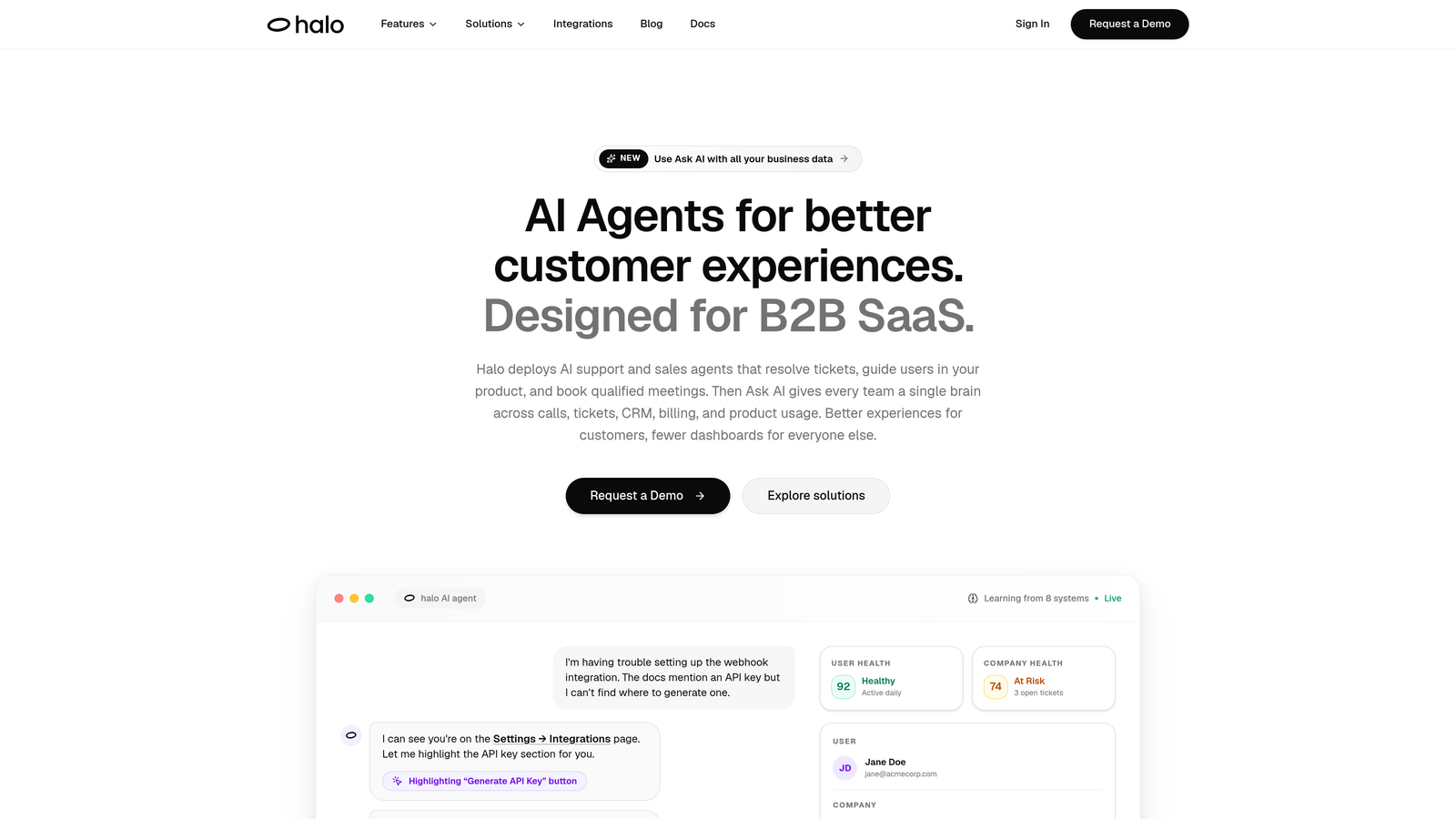
Halo AI is an AI-first customer support platform built around autonomous agents that resolve tickets, guide users in context, and generate business intelligence from every interaction.
Where This Tool Shines
Most helpdesks treat AI as a feature layered on top of a ticketing system. Halo flips that architecture entirely. The AI agent is the core resolution engine, not an optional add-on, which means it's designed from the ground up to handle tickets autonomously rather than just suggesting responses for humans to approve.
What makes Halo particularly interesting for SaaS teams is the page-aware context. The chat widget can see what a user is looking at in your product, which means guidance is specific and visual rather than generic. Combined with a smart inbox that surfaces customer health signals and revenue intelligence, Halo positions support as a business intelligence function, not just a cost center.
Key Features
Autonomous AI Agents: Resolve tickets end-to-end without human intervention, learning from every interaction to improve over time.
Page-Aware Chat Widget: Detects the user's current location in your product and delivers contextual, visual guidance rather than generic help content.
Auto Bug Ticket Creation: Identifies bugs from support conversations and automatically routes them to engineering tools like Linear, closing the loop between support and product teams.
Smart Inbox with Business Intelligence: Surfaces customer health signals, revenue intelligence, and anomaly detection directly in the support workflow.
Deep Integration Stack: Connects with Slack, HubSpot, Intercom, Stripe, Zoom, PandaDoc, and more, so context flows across your entire business stack rather than staying siloed in support.
Best For
B2B SaaS companies that are scaling support without wanting to scale headcount proportionally. Particularly well-suited for product-led teams where support, product, and customer success overlap, and where surfacing revenue signals from support conversations has real business value.
Pricing
Contact for pricing. Designed for B2B SaaS teams with a focus on scalable deployment rather than per-seat licensing models common in traditional helpdesks.
2. Intercom
Best for: Teams wanting a unified messaging platform covering support, onboarding, and proactive engagement
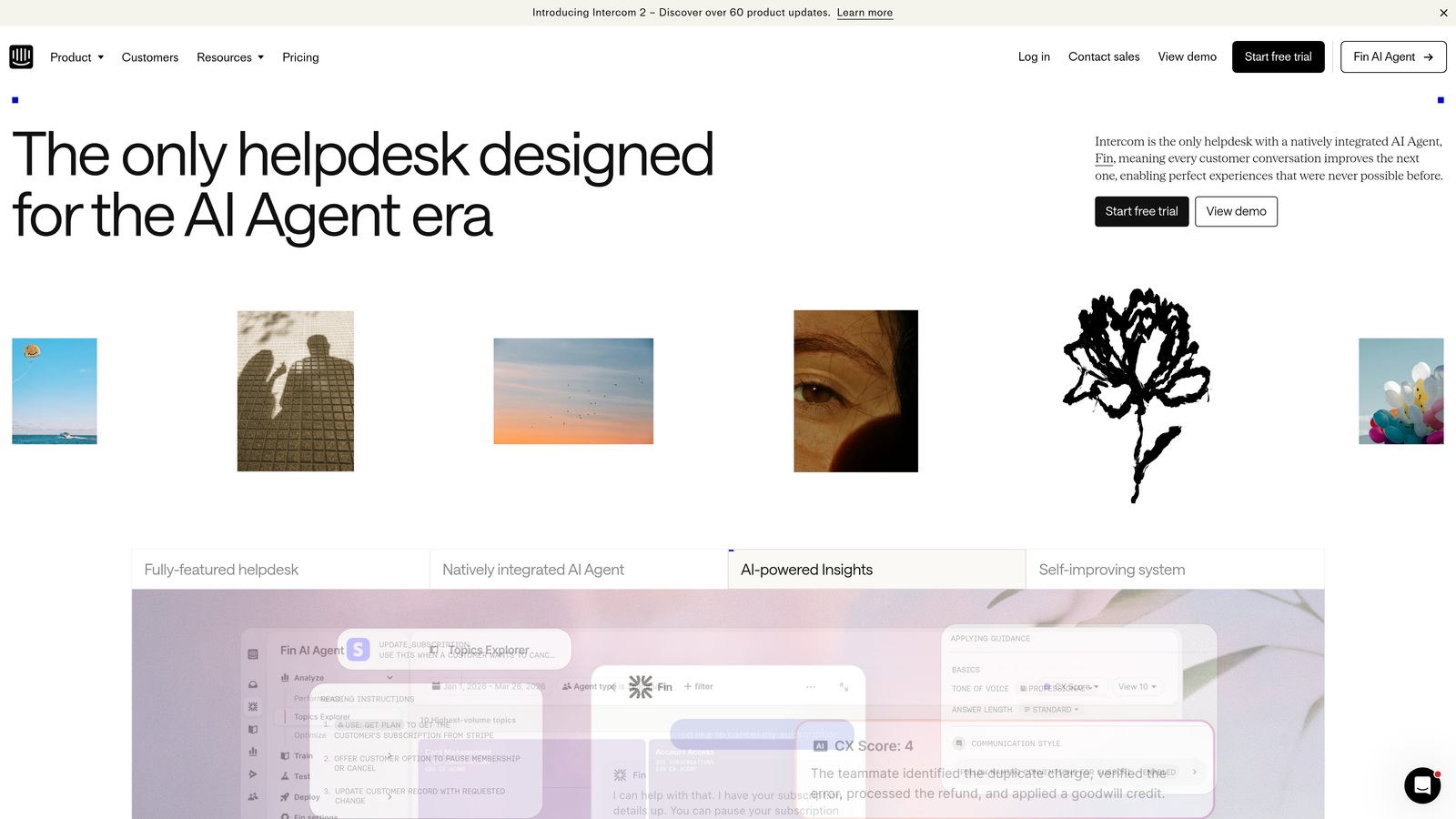
Intercom is a unified customer messaging platform combining its Fin AI agent, live chat, product tours, and a help center in a single system.
Where This Tool Shines
Intercom's strength is breadth. It's one of the few platforms where you can handle reactive support, proactive onboarding messages, and self-service documentation without stitching together separate tools. For teams that want a single vendor covering the full customer lifecycle, that consolidation is genuinely valuable.
Fin, Intercom's AI agent, is trained directly on your help center content and handles a meaningful portion of routine queries autonomously. The workflow builder is also mature enough to handle complex routing logic without requiring engineering involvement.
Key Features
Fin AI Agent: Resolves common questions automatically using your existing help center content as its knowledge base.
Proactive Messaging and Product Tours: Sends targeted messages and in-app guides based on user behavior, reducing support volume before tickets are created.
Unified Inbox: Consolidates chat, email, and social channels into a single workspace for agents.
Custom Bots and Workflow Automation: Visual builder for routing, escalation, and automation logic without code.
Best For
Growth-stage SaaS companies that want to handle support and customer engagement from a single platform. Teams that currently use separate tools for live chat, onboarding, and help center management will find the consolidation compelling.
Pricing
Starts at $39 per seat per month. Fin AI usage is billed per resolution, so costs scale with automation volume rather than purely with team size.
3. Zendesk
Best for: Enterprise teams needing deep customization, omnichannel coverage, and an extensive app ecosystem
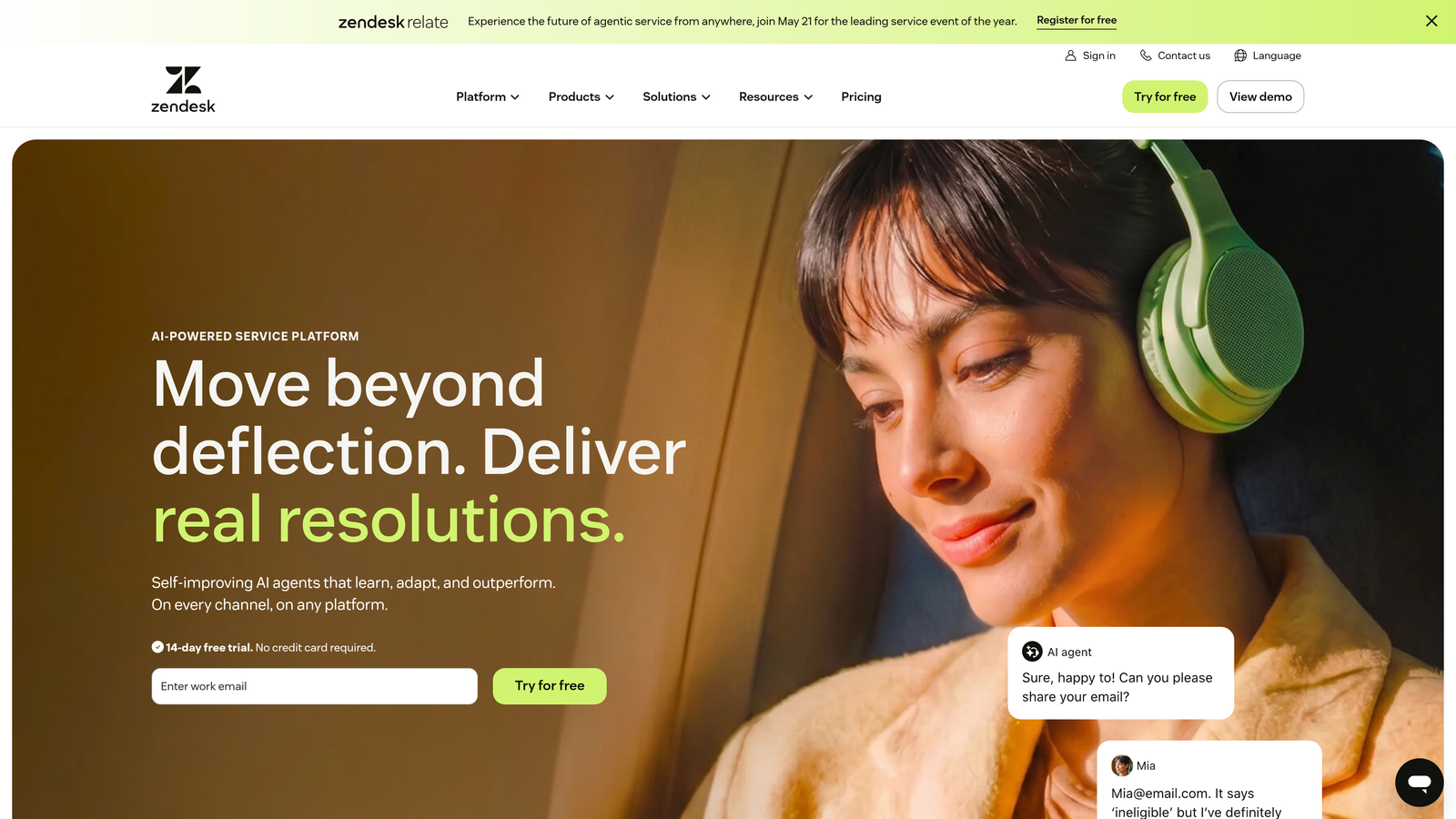
Zendesk is an enterprise-grade omnichannel helpdesk with deep customization capabilities, over 1,500 marketplace integrations, and AI-powered agent assistance built in.
Where This Tool Shines
Zendesk's scale is its defining advantage. The Sunshine platform allows teams to model custom objects and build CRM-like data structures inside the helpdesk, which is rare and powerful for complex enterprise workflows. If your support operation touches dozens of product lines, multiple brands, or highly specific SLA requirements, Zendesk has the infrastructure to handle it.
The tradeoff is configuration complexity. Zendesk rewards teams who invest time in setup and have dedicated admins or implementation partners. For teams that want something running quickly, the depth can feel like overhead rather than value.
Key Features
Omnichannel Support: Covers email, chat, phone, social, and messaging channels from a unified agent workspace.
Sunshine Platform: Enables custom data objects and CRM-like modeling directly within the helpdesk environment.
1,500+ Marketplace Integrations: One of the largest app ecosystems in the category, covering virtually every business tool.
AI Copilot and Intelligent Triage: Assists agents with suggested responses, auto-tagging, and smart routing based on ticket content.
Advanced Analytics: Custom reporting dashboards with granular filtering for SLA compliance, CSAT, and agent performance.
Best For
Enterprise support organizations with dedicated ops or admin resources, complex multi-channel requirements, and a need for deep integration with existing enterprise systems. Less ideal for teams that need fast time-to-value without significant configuration investment.
Pricing
Starts at $19 per agent per month for the Support Team plan. Suite plans, which include the full omnichannel feature set, start at $55 per agent per month.
4. Freshdesk
Best for: Mid-market teams seeking strong ticketing fundamentals with AI assistance and a free entry point
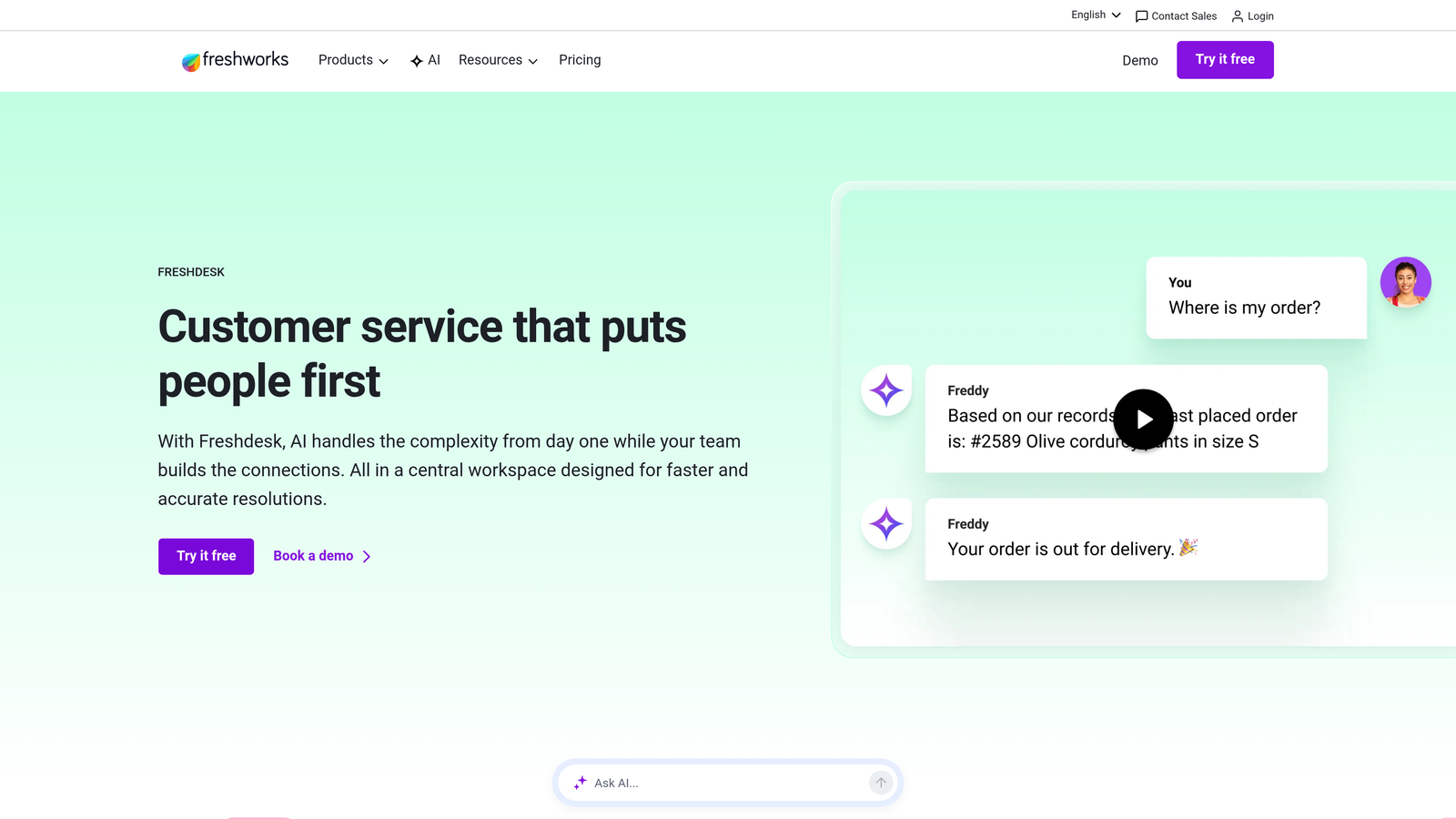
Freshdesk is a mid-market helpdesk offering solid ticketing fundamentals, Freddy AI for automation assistance, and a free tier that makes it accessible for teams at any stage.
Where This Tool Shines
Freshdesk hits a sweet spot between capability and accessibility. The Freddy AI copilot handles ticket summarization, response suggestions, and auto-triage without requiring significant configuration, which makes it approachable for teams without dedicated support ops resources.
The free plan is genuinely functional rather than a stripped-down teaser, which is unusual in this category. For small teams evaluating whether a dedicated helpdesk is worth the investment, Freshdesk offers a low-risk way to find out.
Key Features
Freddy AI Copilot: Provides ticket summarization, suggested responses, and automatic triage to reduce manual handling time.
Collaboration Features: Shared ticket ownership and linked tickets make it easier for multiple agents to work on complex issues together.
Free Plan: Supports up to two agents with core ticketing functionality at no cost.
Knowledge Base and Community Forums: Built-in self-service tools to deflect common questions before they become tickets.
SLA Management and Automation Rules: Configurable rules for escalation, routing, and deadline tracking without custom development.
Best For
Small to mid-market teams that want a reliable, well-rounded helpdesk without enterprise pricing or complexity. Also a strong choice for teams migrating off spreadsheets or shared inboxes who need a structured ticketing system quickly.
Pricing
Free plan available for up to two agents. Paid plans start at $15 per agent per month, making it one of the more accessible options on this list.
5. Help Scout
Best for: Teams that want support to feel personal and human rather than transactional
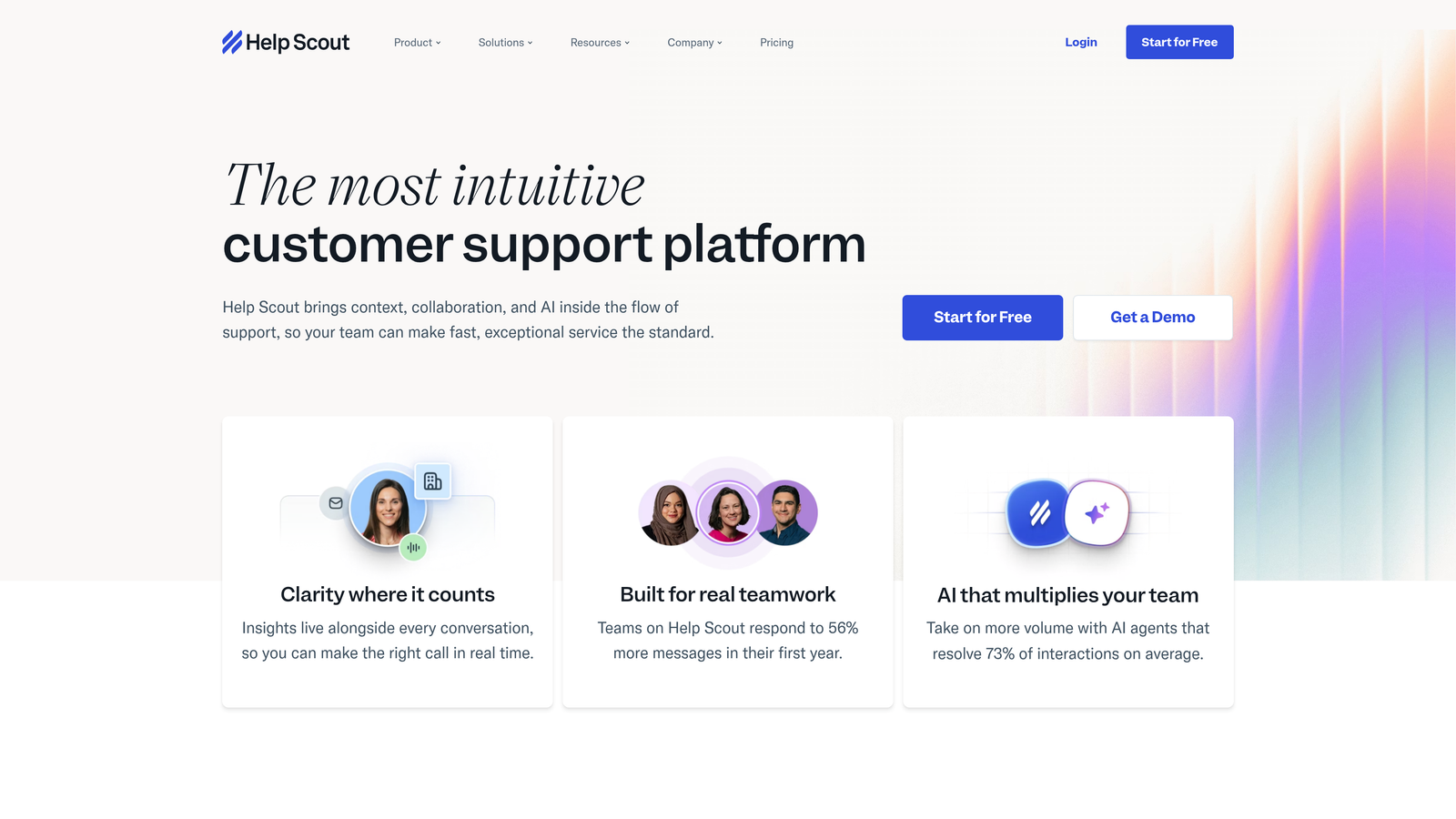
Help Scout is a deliberately simple support platform built around shared email inboxes and a customer-facing help center, designed to feel personal at scale.
Where This Tool Shines
Help Scout's philosophy is that support should feel like a conversation, not a ticket number. The interface is clean and intentionally minimal, which reduces the cognitive load on agents and makes onboarding new team members fast. There's no ticket ID visible to customers, which preserves the feeling of a direct email exchange.
The Beacon widget is a standout feature for SaaS products. It embeds your documentation and chat directly into your app, allowing users to search help content before reaching out, which meaningfully reduces inbound volume for teams with good documentation.
Key Features
Shared Inbox with Collision Detection: Prevents two agents from replying to the same conversation simultaneously, with private internal notes for team coordination.
Beacon Widget: Embeds documentation and chat inside your product or website, enabling in-context self-service before a conversation starts.
Docs-Powered Knowledge Base: AI-enhanced search helps customers find answers faster across your published documentation.
Customer Profiles: Shows conversation history and app activity alongside each support thread for better context.
AI Drafting and Summarization: Light AI features assist agents with drafting responses and summarizing long threads.
Best For
Small to mid-sized SaaS teams, agencies, and customer-success-focused businesses that prioritize relationship quality over ticket throughput. Teams transitioning from a shared Gmail inbox will find Help Scout immediately familiar and easy to adopt.
Pricing
Starts at $25 per user per month, which includes the shared inbox, Beacon widget, and Docs knowledge base.
6. Gorgias
Best for: E-commerce brands needing deep order management integration inside their support workflow
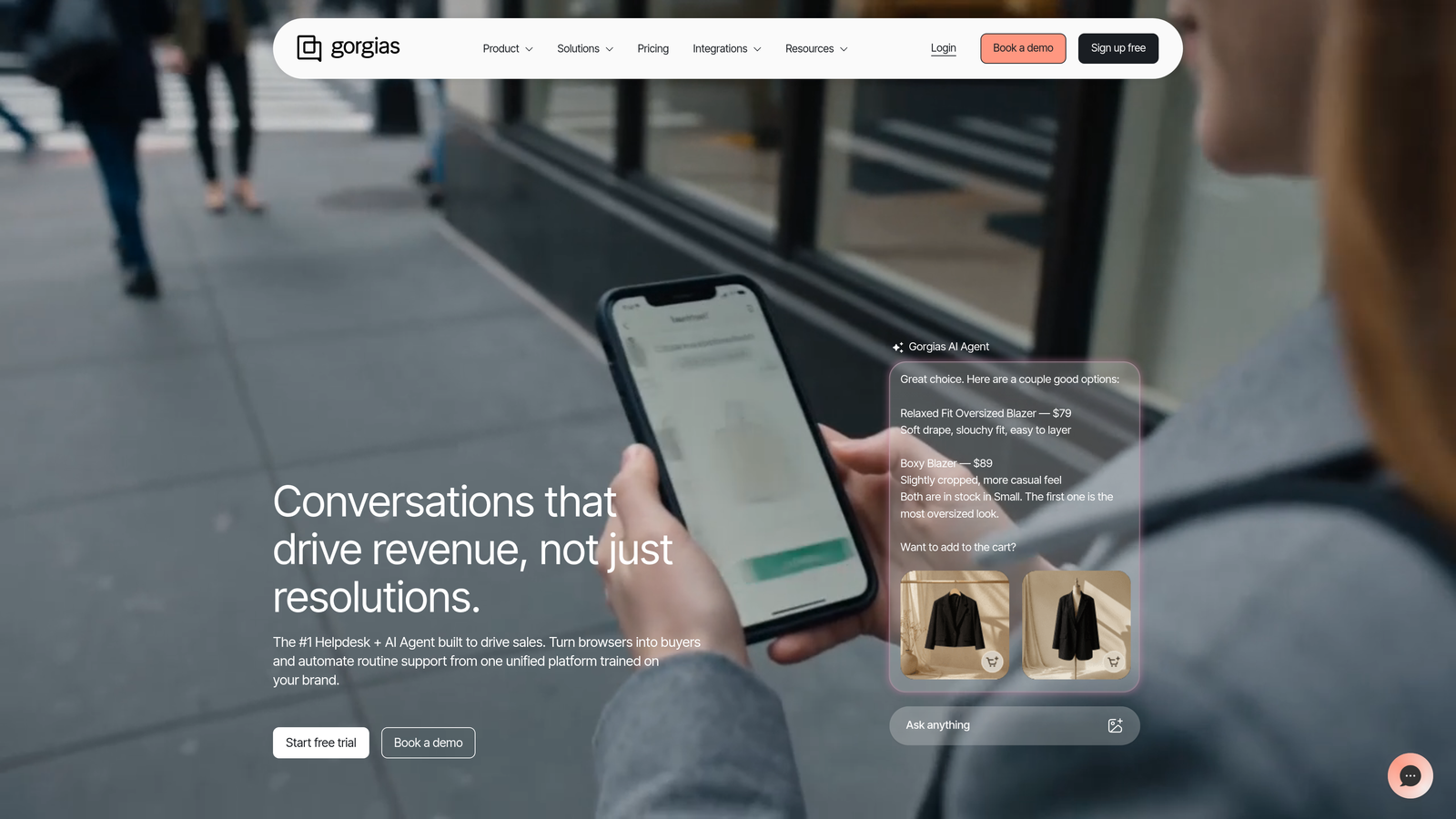
Gorgias is an e-commerce-focused helpdesk with native integrations for Shopify, BigCommerce, and Magento that let agents manage orders directly from support tickets.
Where This Tool Shines
For e-commerce teams, the biggest inefficiency in support is context switching between the helpdesk and the order management system. Gorgias eliminates that by pulling order data, subscription status, and customer purchase history directly into the ticket view. Agents can process refunds, edit orders, and cancel subscriptions without leaving the conversation.
The revenue tracking feature is also worth noting. Gorgias connects support interactions to downstream purchases, which lets teams demonstrate the direct revenue impact of their work rather than just reporting on resolution times.
Key Features
Native Commerce Integrations: Live order lookup, refund processing, and subscription edits available directly within support tickets.
AI-Powered Auto-Responses: Handles common order status and shipping inquiries automatically without agent involvement.
Revenue Tracking: Attributes purchases to support interactions, making it possible to measure the revenue impact of the support team.
Dynamic Macros: Response templates that pull live order data automatically, reducing manual lookup and copy-paste errors.
Social Media and SMS Support: Manages DMs, comments, and text messages alongside email in a unified view.
Best For
Direct-to-consumer and e-commerce brands running on Shopify or similar platforms where order management and customer support are deeply intertwined. Less suited for SaaS or service businesses without a transactional commerce component.
Pricing
Starts at $10 per month for 50 tickets. Pricing scales based on ticket volume rather than seat count, which works well for lean teams handling high order volumes.
7. Front
Best for: Teams that want collaborative inbox management with the familiarity of email
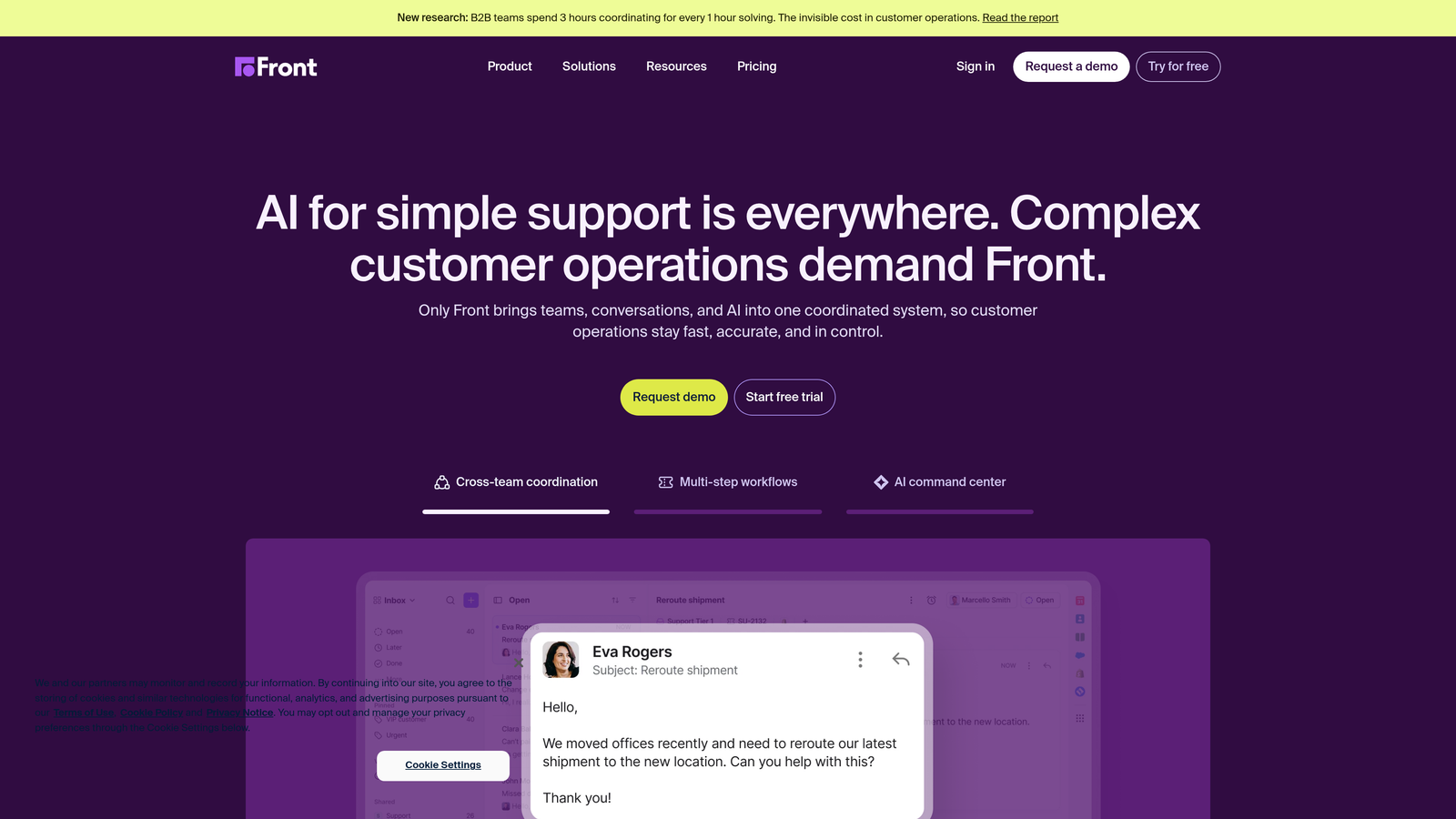
Front is a collaborative inbox platform that brings shared email, SMS, and social messages into a familiar email-like interface with team workflows layered on top.
Where This Tool Shines
Front's core insight is that many support teams resist helpdesk software because it feels foreign compared to email. Front solves this by making the interface feel like a personal inbox while adding shared ownership, internal commenting, and SLA tracking underneath. The adoption curve is significantly shorter than traditional helpdesks for this reason.
The CRM-like contact management is also a differentiator. Custom fields, conversation history, and integrations with Salesforce and HubSpot mean that Front can serve as both a support tool and a lightweight relationship management layer for teams that don't need a full CRM.
Key Features
Shared Inboxes with Email-Like UX: Familiar interface reduces adoption friction while enabling team collaboration on shared queues.
Internal Commenting and Mentions: Agents can discuss messages internally without the customer seeing the conversation thread.
SLA Tracking and Workload Balancing: Monitors response time commitments and helps distribute work evenly across the team.
CRM-Like Contact Management: Custom fields and conversation history provide relationship context alongside each message.
Integrations with Salesforce, HubSpot, and Jira: Connects support context to sales, marketing, and engineering workflows.
Best For
Account management teams, high-touch B2B support organizations, and businesses where support and sales overlap significantly. Also a strong fit for teams that have outgrown shared Gmail but aren't ready for a full enterprise helpdesk.
Pricing
Starts at $19 per seat per month, which includes shared inboxes, internal collaboration features, and core integrations.
8. Notion / Slite (Knowledge Base Layer)
Best for: Teams looking to reduce ticket volume by closing internal and external knowledge gaps
Notion and Slite are flexible documentation tools that serve as internal wikis and customer-facing help centers, addressing ticket volume at the source rather than at the queue.
Where This Tool Shines
A significant portion of support tickets exist because customers can't find answers on their own, or because agents don't have documented processes to follow. A strong knowledge layer addresses both problems simultaneously. Notion excels at publishing polished external help centers and connecting documentation to the rest of your product stack. Slite focuses more on internal knowledge management with verification workflows that keep documentation accurate over time.
Both tools integrate with Slack and common helpdesks, so agents can surface relevant articles mid-conversation without switching applications. The AI-powered search in both platforms has improved substantially, making it easier for customers and agents to find specific answers in large documentation sets.
Key Features
AI-Powered Search: Finds relevant content across large documentation sets quickly, reducing time spent hunting for answers.
Publishable External Pages (Notion): Creates customer-facing help centers from the same workspace used for internal documentation.
Verification Workflows (Slite): Flags outdated content for review, ensuring documentation stays accurate as products evolve.
Templates for Support Use Cases: Pre-built structures for SOPs, troubleshooting guides, runbooks, and onboarding documents.
Helpdesk and Slack Integrations: Surfaces documentation directly in agent workflows without requiring context switching.
Best For
Support teams with high documentation debt or recurring tickets caused by knowledge gaps. Also valuable for teams building out a self-service strategy where the goal is deflecting tickets before they're created.
Pricing
Notion is free for individuals, with team plans starting at $10 per seat per month. Slite starts at $8 per member per month.
9. Klaus (by Zendesk)
Best for: Support managers who need systematic quality assurance and agent coaching at scale
Klaus is a QA and conversation review platform that uses AI to score support interactions and helps managers coach agents toward consistent quality.
Where This Tool Shines
Most support teams do QA inconsistently, reviewing a handful of tickets manually each week and hoping that sample represents the broader picture. Klaus replaces that approach with systematic AI-powered scoring across all conversations, which means quality trends become visible rather than anecdotal.
The calibration session feature is particularly useful for teams with multiple reviewers. When different managers score the same conversation differently, it creates coaching inconsistency. Klaus structures calibration sessions to align reviewers on standards, which produces more reliable and actionable coaching data over time.
Key Features
AI-Powered Quality Scoring: Automatically scores conversations across all channels based on configurable quality criteria.
Systematic Review Assignments: Distributes review workload across managers and enables structured calibration sessions.
Root Cause Analysis: Identifies recurring issues and patterns across the ticket queue, not just individual conversation quality.
CSAT Prediction and Sentiment Analysis: Surfaces conversations likely to result in poor satisfaction scores before the feedback arrives.
Multi-Platform Integrations: Connects with Zendesk, Intercom, Salesforce, and other helpdesks to review conversations wherever they originate.
Best For
Support teams of 10 or more agents where quality consistency is a real challenge, and where managers are spending significant time on manual review. Also valuable for teams preparing for rapid hiring who want to establish quality benchmarks before scaling.
Pricing
Contact for pricing. Typically structured based on the number of agents being reviewed rather than reviewer seats.
Which Tool Is Right for Your Support Stack?
The honest answer is that no single tool solves every support problem. The strongest support stacks in 2026 combine two or three of these tools rather than trying to make one platform do everything it wasn't designed for.
Here's a quick way to think about it by use case. If AI-first ticket automation is your primary need, Halo AI is the purpose-built choice. For full-lifecycle customer messaging that covers support and onboarding in one platform, Intercom is the natural fit. Enterprise teams with complex omnichannel requirements and dedicated ops resources will find Zendesk has the infrastructure they need. Mid-market teams looking for solid fundamentals without enterprise complexity should evaluate Freshdesk first.
If simplicity and relationship quality matter more than ticket throughput, Help Scout is the standout. E-commerce brands running on Shopify or BigCommerce will get more value from Gorgias than any general-purpose helpdesk. Teams that live in email and want collaboration layered on top should look at Front. If ticket volume is being driven by knowledge gaps, investing in Notion or Slite often delivers faster ROI than adding another helpdesk feature. And once your team reaches meaningful scale, Klaus provides the systematic QA infrastructure that keeps quality consistent as headcount grows.
The best starting point is identifying your biggest bottleneck right now. Is it resolution time? Agent context? Ticket volume? Quality consistency? Start there, pick the tool that directly addresses that friction, and build outward.
Your support team shouldn't scale linearly with your customer base. Let AI agents handle routine tickets, guide users through your product, and surface business intelligence while your team focuses on complex issues that need a human touch. See Halo in action and discover how continuous learning transforms every interaction into smarter, faster support.
For more on building a modern support operation, explore our guides on chatbot for support, what to look for in an AI support agent, and our detailed chatbot software comparison to find the right fit for your team.