9 Best Support Ticket Analytics Dashboards for Data-Driven Teams in 2026
Support teams need more than ticket volumes—they need actionable insights. A support ticket analytics dashboard transforms raw data on response times, resolution patterns, and ticket trends into intelligence that helps you staff strategically, catch recurring issues early, and demonstrate support's direct impact on customer retention. This guide evaluates the top 9 dashboards for 2026 based on real-time capabilities, customization options, and integration flexibility to help data-driven teams choose the right analytics solution.
 Matt PattoliFounder11 min read
Support teams are drowning in ticket data but starving for insights. The difference between reactive firefighting and proactive customer experience management often comes down to one thing: visibility. A robust support ticket analytics dashboard transforms raw ticket volumes, response times, and resolution patterns into actionable intelligence that helps you staff smarter, identify recurring issues before they escalate, and prove support's impact on retention and revenue.
But with dozens of options ranging from native helpdesk reporting to standalone BI tools, finding the right fit requires understanding what each platform does best. We evaluated these dashboards based on real-time analytics capabilities, customization depth, integration flexibility, and value for growing support operations. Here are the top support ticket analytics dashboards transforming how teams work in 2026.
1. Halo AI
Best for: B2B teams wanting AI-powered insights embedded directly in their support workflow
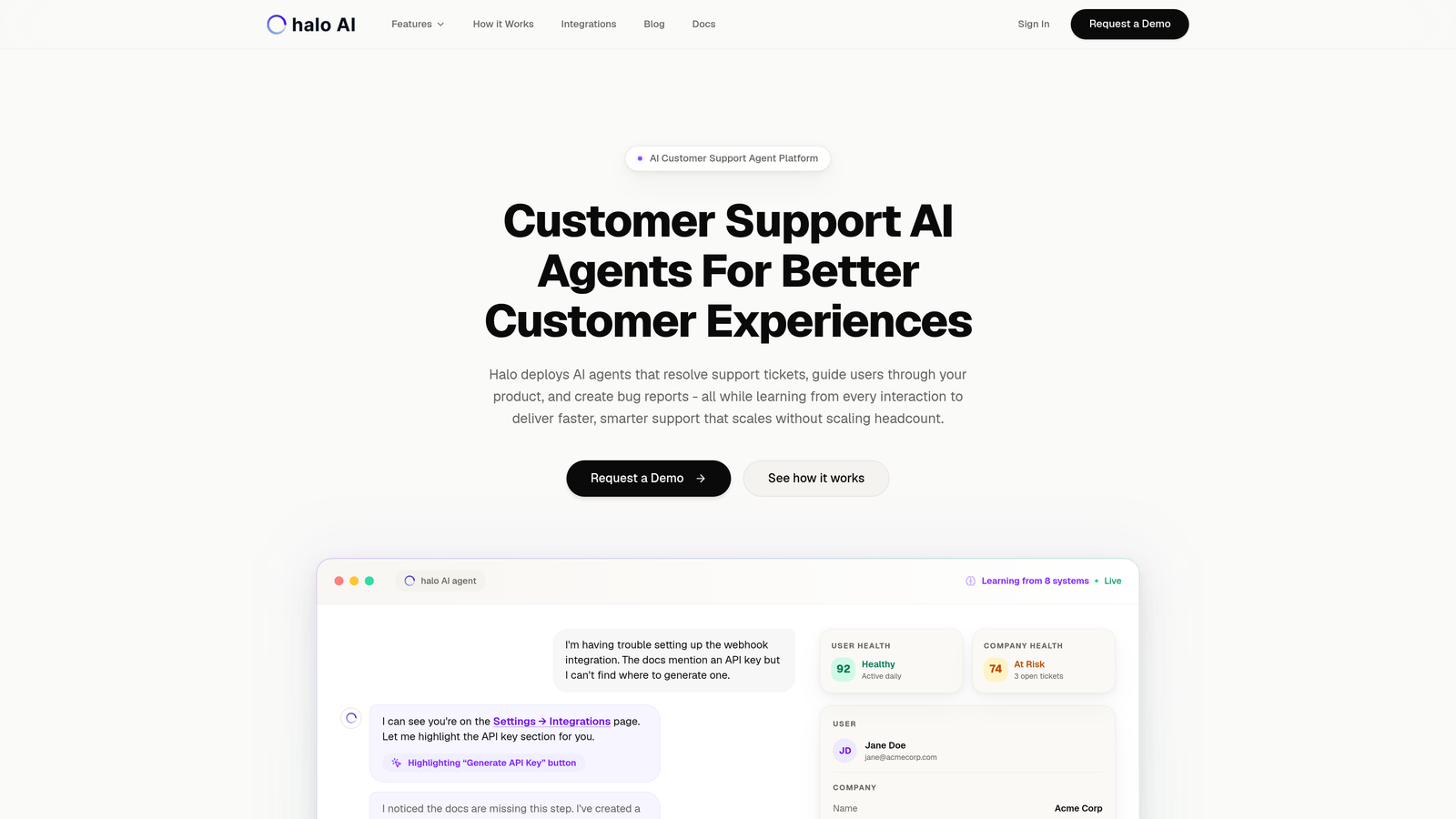
Halo AI takes a fundamentally different approach to support analytics by embedding business intelligence directly into the support experience rather than treating it as a separate reporting function.
Where This Tool Shines
Unlike traditional dashboards that require you to build reports and hunt for patterns, Halo's AI architecture surfaces insights automatically. The platform detects anomalies in ticket patterns, flags customer health signals, and correlates support interactions with revenue data without manual configuration.
The page-aware context is particularly powerful. Because Halo sees what users see in your product, it can connect support tickets to specific feature usage patterns and identify friction points that traditional ticket data misses entirely.
Key Features
Smart Inbox with Embedded Analytics: Business intelligence lives where your team works, not in a separate reporting tool you have to remember to check.
Customer Health Scoring: Automatic signals that flag at-risk accounts based on support interaction patterns, ticket sentiment, and resolution history.
Revenue Intelligence: Correlates support tickets with customer value, identifying which issues impact your highest-value accounts and where support investments drive retention.
Anomaly Detection: Flags unusual ticket patterns automatically, helping you catch emerging issues before they become crises.
Business Stack Integrations: Connects with Linear, Slack, HubSpot, Intercom, Stripe, Zoom, and PandaDoc to provide context beyond the helpdesk.
Best For
B2B companies with scaling support operations who need analytics that drive action rather than just reporting. Particularly valuable for product-led companies where understanding the connection between support issues and product usage is critical.
Pricing
Contact for pricing. Designed for scaling B2B support teams looking to replace reactive ticket management with intelligent, proactive support operations.
2. Zendesk Explore
Best for: Zendesk users needing native analytics without third-party integrations
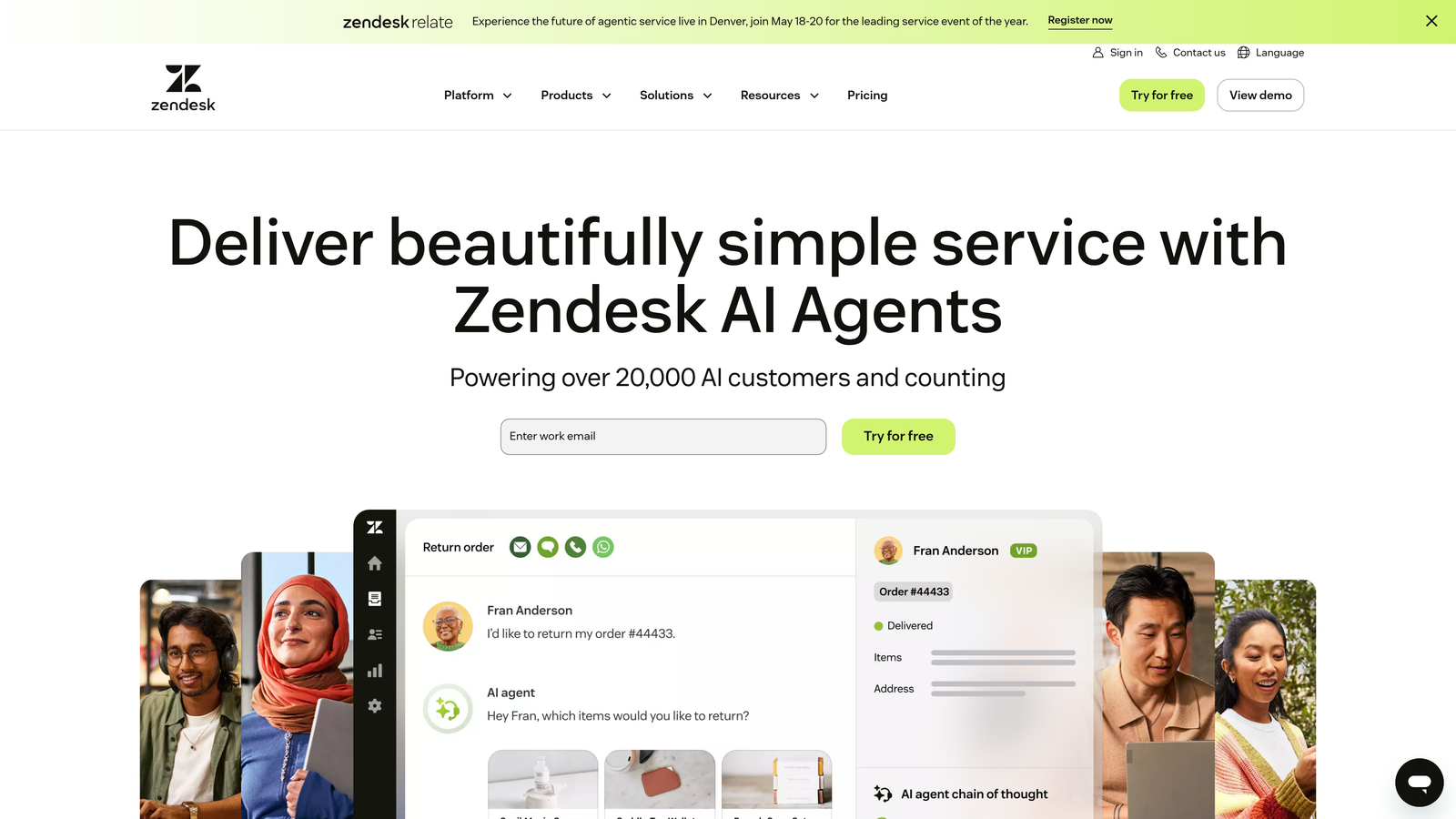
Zendesk Explore is the native analytics engine built specifically for the Zendesk ecosystem, offering deep visibility into every aspect of your ticket lifecycle.
Where This Tool Shines
If you're already invested in Zendesk, Explore eliminates integration headaches entirely. The pre-built dashboards cover the metrics most support teams track daily, and you can start analyzing data within minutes of enabling it.
The cross-channel analytics capability is particularly valuable for teams managing email, chat, phone, and social support. Explore unifies these disparate channels into cohesive reporting that shows the complete customer journey.
Key Features
Pre-Built Dashboard Library: Ready-to-use dashboards covering tickets, agents, SLA compliance, and customer satisfaction without custom configuration.
Custom Report Builder: Drag-and-drop interface for creating custom reports when pre-built options don't match your needs.
Industry Benchmarking: Compare your performance against similar organizations to understand where you stand competitively.
Scheduled Delivery: Automatically send reports to stakeholders on recurring schedules, keeping leadership informed without manual work.
Historical Data Analysis: Track trends over time to understand seasonal patterns and measure the impact of process changes.
Best For
Organizations already using Zendesk who want powerful analytics without adding another vendor to their stack. Best suited for teams with some reporting sophistication who'll customize beyond the defaults.
Pricing
Included with Zendesk Suite plans. Advanced analytics features require the Professional tier at $115 per agent per month.
3. Freshdesk Analytics
Best for: Mid-market teams wanting intuitive reporting without overwhelming complexity
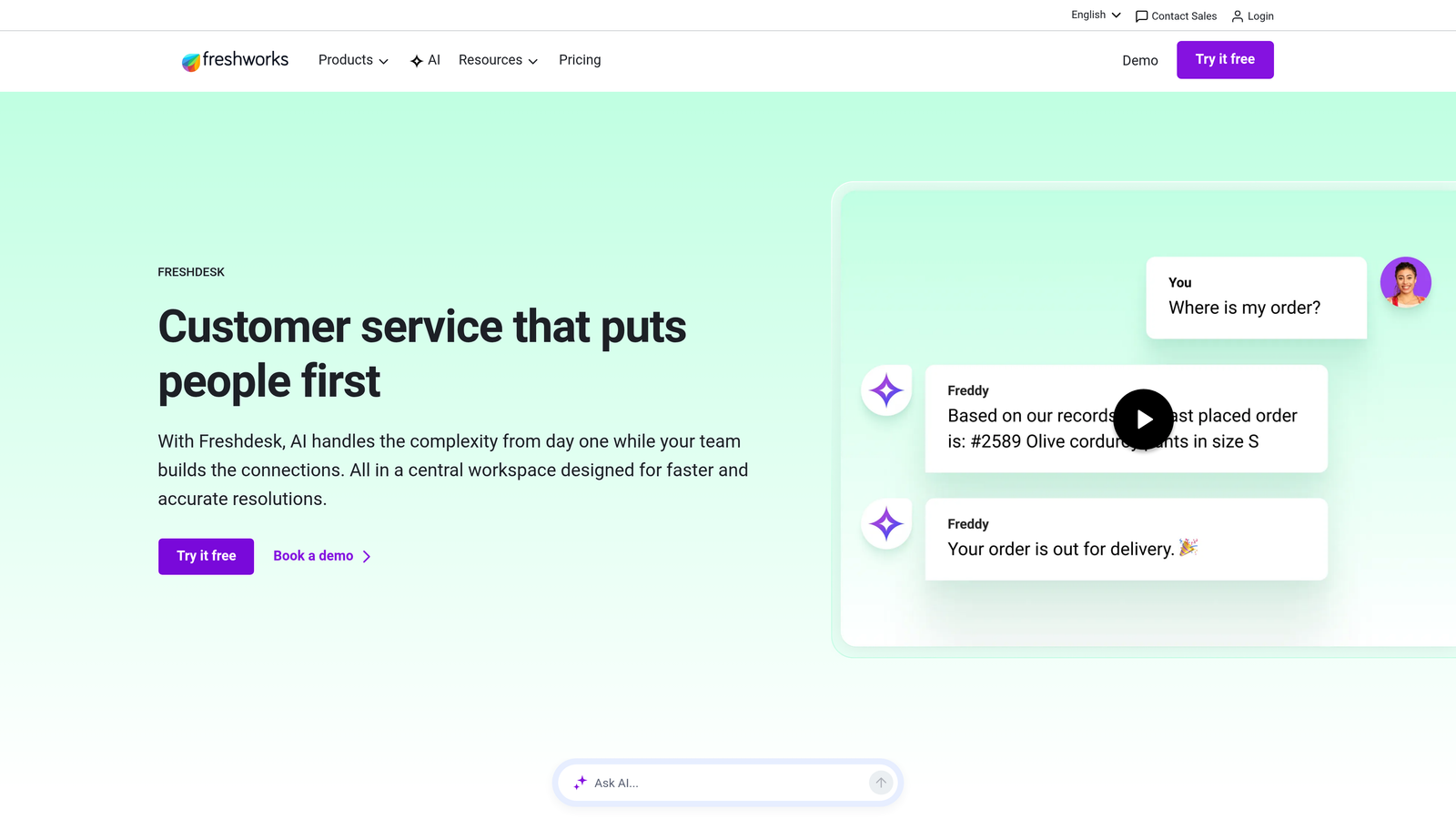
Freshdesk Analytics strikes a balance between power and simplicity, offering curated reports that cover essential metrics alongside customization options for deeper analysis.
Where This Tool Shines
Freshdesk's curated report library is genuinely helpful. Rather than overwhelming you with every possible metric, they've identified the reports most support teams actually need and made them accessible with one click.
The agent scorecards and leaderboards add a gamification element that many teams find motivating. Seeing performance metrics in a competitive context can drive improvement without feeling heavy-handed.
Key Features
Curated Report Library: Pre-configured reports covering the most common support metrics, eliminating the "where do I start" problem.
Visual Dashboard Builder: Drag-and-drop customization that doesn't require technical skills or SQL knowledge.
Agent Performance Tools: Scorecards and leaderboards that make individual and team performance visible and actionable.
SLA Compliance Tracking: Real-time monitoring with breach alerts so you can intervene before commitments are missed.
Export Capabilities: Download data for external analysis or presentations without fighting with the platform.
Best For
Mid-market support teams who want robust analytics without dedicating staff to dashboard maintenance. Particularly good for teams transitioning from basic metrics to more sophisticated performance tracking.
Pricing
Basic analytics included in the Growth plan at $15 per agent per month. Advanced analytics require the Pro plan at $49 per agent per month.
4. Intercom Reporting
Best for: Product-led companies focused on conversation quality and bot performance
Intercom Reporting reflects Intercom's conversation-first philosophy, with analytics designed around messaging interactions rather than traditional ticket structures.
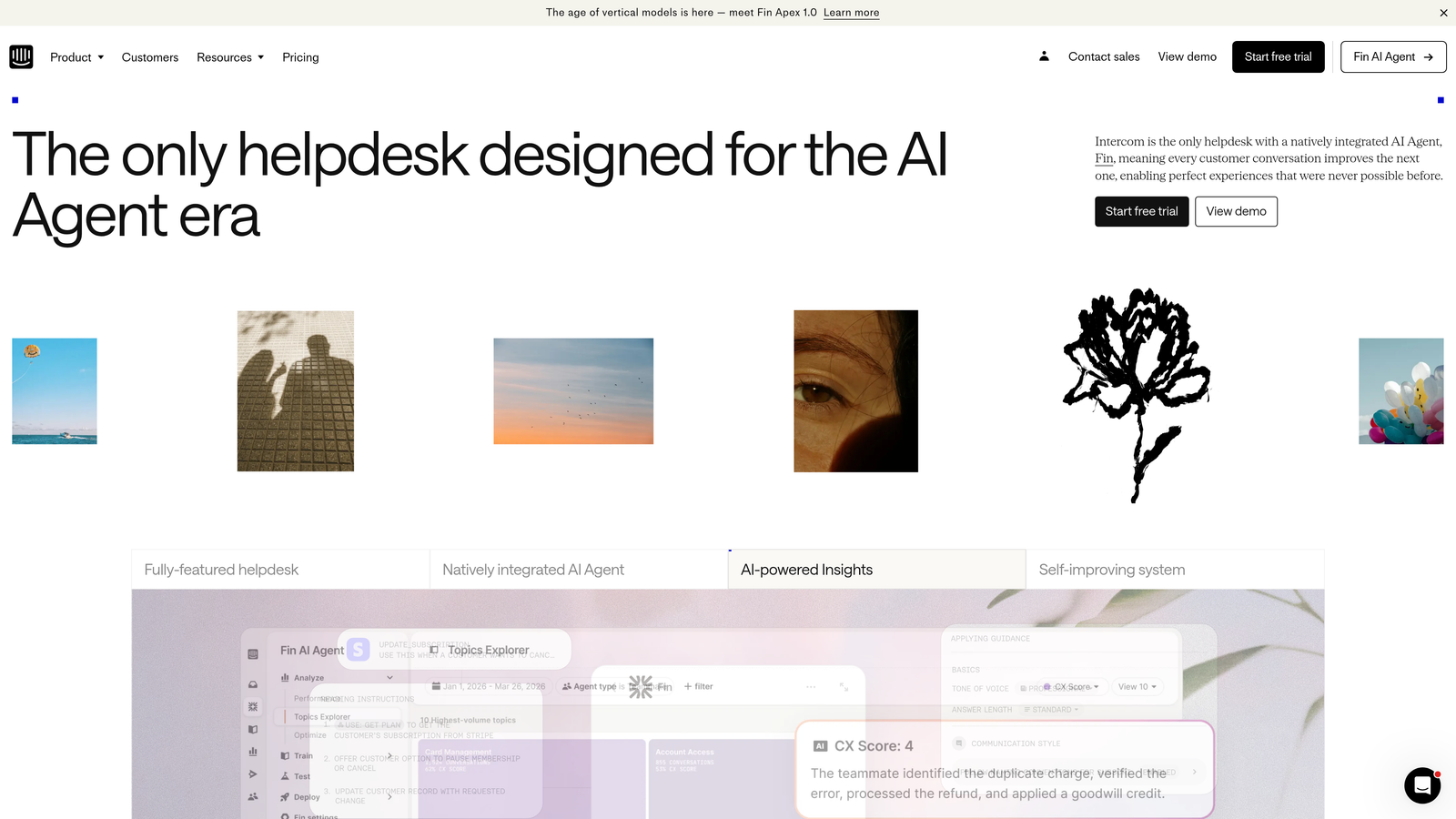
Where This Tool Shines
If your support strategy involves significant automation through bots and resolution flows, Intercom's bot performance tracking is invaluable. You can see exactly which automated paths are working and where users are getting stuck.
The real-time nature of Intercom's analytics matches the real-time nature of messaging support. You're not waiting for overnight batch processing to understand what's happening right now.
Key Features
Real-Time Performance Metrics: Live visibility into conversation volume, team workload, and response times without delays.
Bot Effectiveness Tracking: Detailed analytics on automation performance, resolution rates, and where human handoffs occur.
Conversation Attribute Reporting: Custom fields and tags enable reporting on business-specific dimensions beyond standard ticket metadata.
Workload Distribution: Understand how conversations are distributed across your team to identify capacity constraints.
Satisfaction Trend Analysis: Track customer satisfaction over time and correlate it with specific changes in your support approach.
Best For
Product-led SaaS companies using Intercom's messenger as their primary support channel. Especially valuable for teams heavily invested in automation and self-service.
Pricing
Included in Intercom plans, which start at $74 per month for small teams and scale with seat count and feature requirements.
5. Metabase
Best for: Technical teams wanting unlimited customization and direct database access
Metabase is an open-source business intelligence platform that connects directly to your support database, giving you complete control over how you analyze and visualize ticket data.
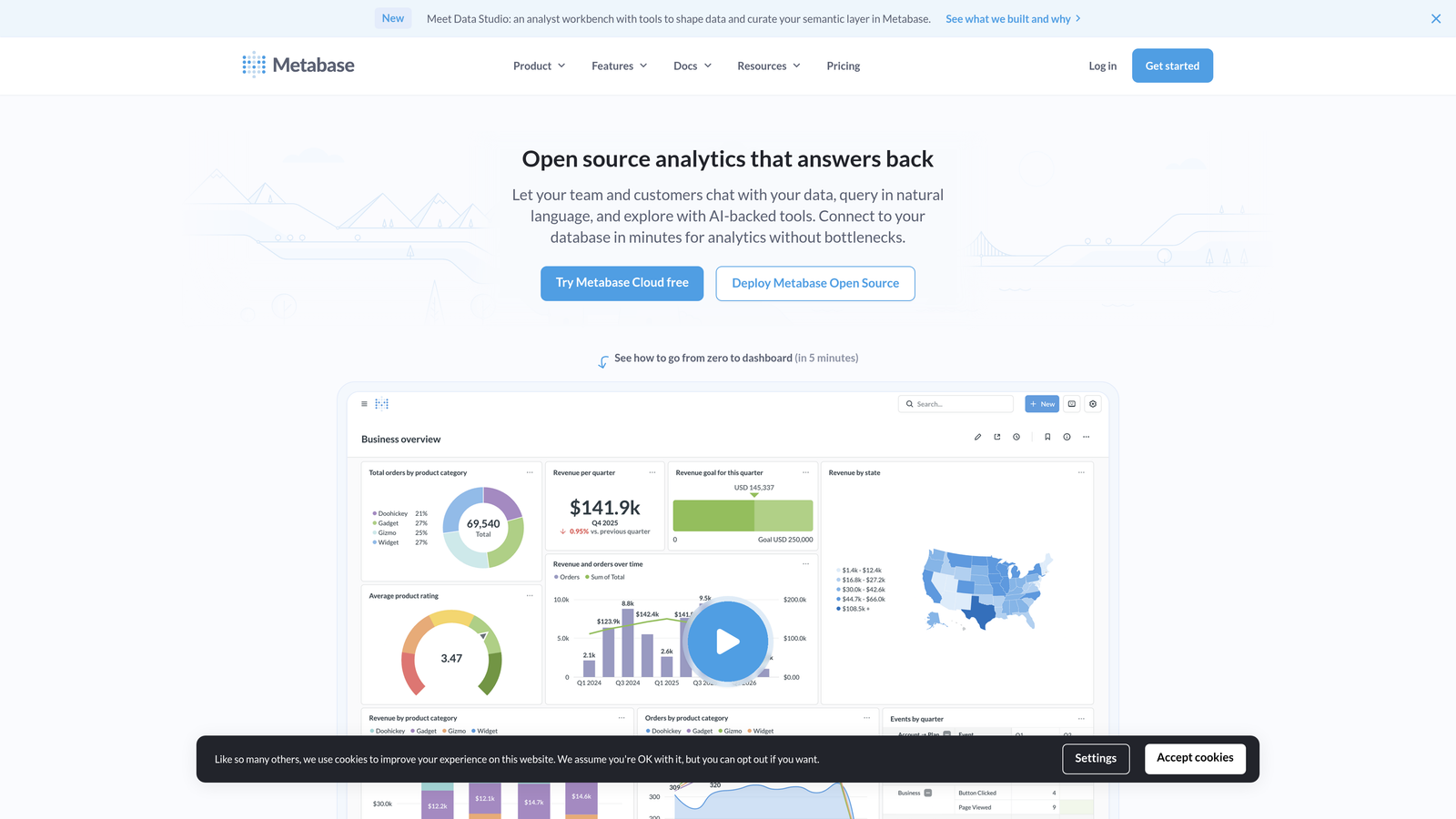
Where This Tool Shines
When pre-built dashboards can't answer your specific questions, Metabase's SQL mode gives you unlimited flexibility. You can join support data with product usage tables, customer data, and revenue information to answer complex business questions.
The self-hosted option is particularly appealing for companies with strict data governance requirements. Your support data never leaves your infrastructure, giving you complete control over security and compliance.
Key Features
Direct Database Connections: Connect to PostgreSQL, MySQL, MongoDB, and virtually any other database without data exports or middleware.
Visual Query Builder: Non-technical users can build queries through a visual interface without writing SQL.
Full SQL Mode: Technical users can write complex queries with joins, subqueries, and advanced functions for sophisticated analysis.
Deployment Flexibility: Choose between self-hosted deployment for maximum control or cloud hosting for simplicity.
Embeddable Dashboards: Share analytics with customers or embed them in internal tools with iframe support.
Best For
Organizations with technical resources who need to answer complex, custom questions that pre-built helpdesk analytics can't address. Also ideal for companies requiring on-premise data storage.
Pricing
Free for self-hosted deployment. Metabase Cloud starts at $85 per month for 5 users, scaling with user count and features.
6. Geckoboard
Best for: Teams wanting always-visible dashboards for real-time monitoring
Geckoboard specializes in real-time dashboards designed for TV displays and continuous monitoring, making support metrics visible to the entire team without requiring anyone to log in.
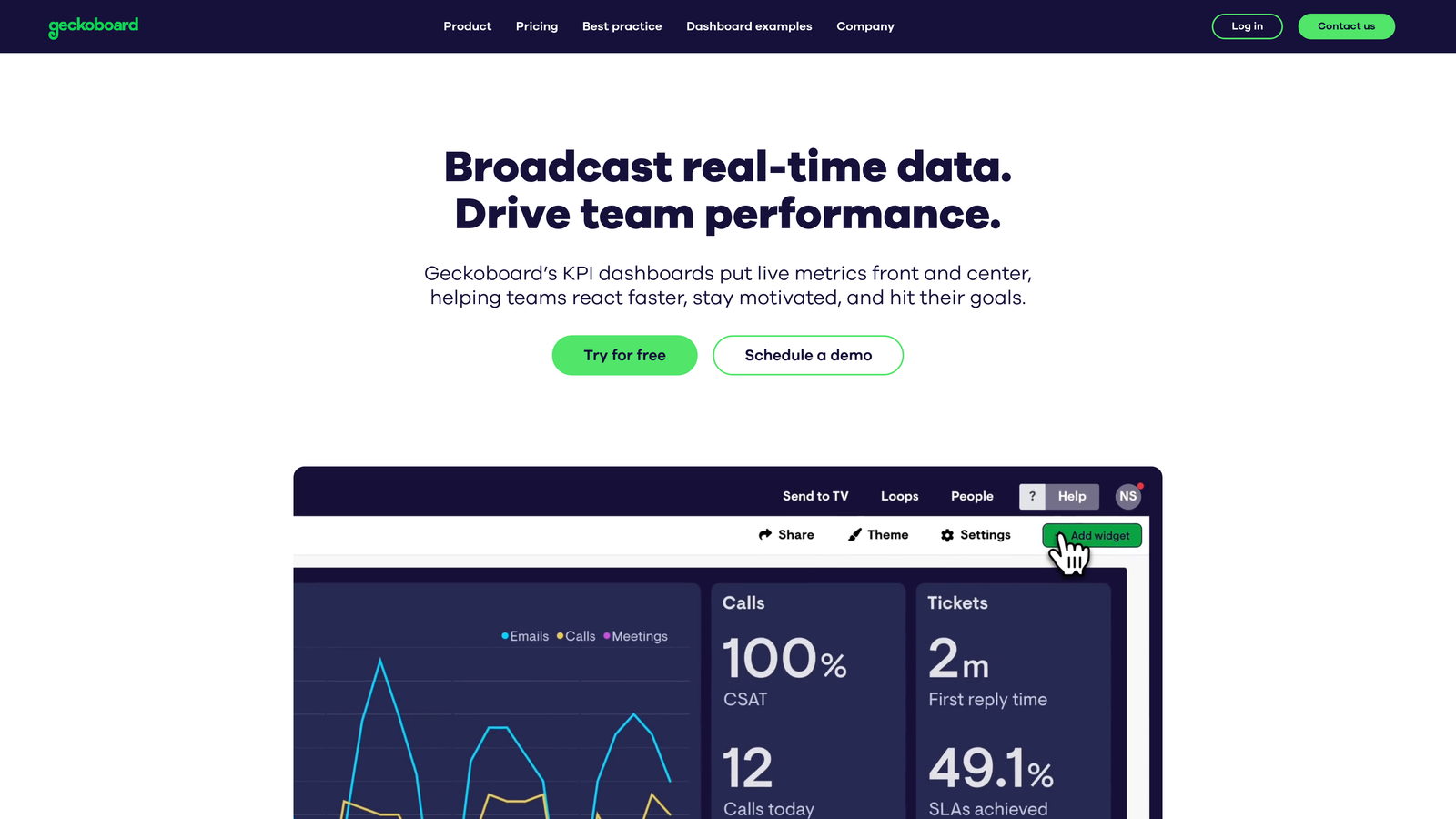
Where This Tool Shines
The TV mode is genuinely optimized for wall displays. Text is readable from across the room, colors are chosen for visibility, and the refresh behavior keeps data current without distracting animations.
Setup is remarkably fast. Pre-built integrations with major helpdesks mean you can have a live dashboard on screen within an hour, not days of configuration work.
Key Features
TV Display Optimization: Purpose-built for wall-mounted displays with readable fonts, high contrast, and automatic rotation between dashboard views.
Native Helpdesk Integrations: Pre-built connections to Zendesk, Freshdesk, Intercom, and other major platforms eliminate custom API work.
Real-Time Updates: Data refreshes automatically without manual intervention, ensuring your team always sees current metrics.
Goal Tracking: Set targets for key metrics with visual indicators showing progress toward goals.
Simple Dashboard Builder: Drag-and-drop interface makes creating and modifying dashboards accessible to non-technical users.
Best For
Support centers with physical team spaces who want metrics visible at all times. Also valuable for distributed teams who display dashboards during video calls or team meetings.
Pricing
Starts at $49 per month for 1 dashboard. Pricing scales based on the number of dashboards rather than users, which can be economical for focused monitoring needs.
7. Klipfolio
Best for: Blending support metrics with broader business KPIs for executive reporting
Klipfolio excels at combining support data with metrics from across your business, creating unified dashboards that show how customer support impacts revenue, retention, and growth.
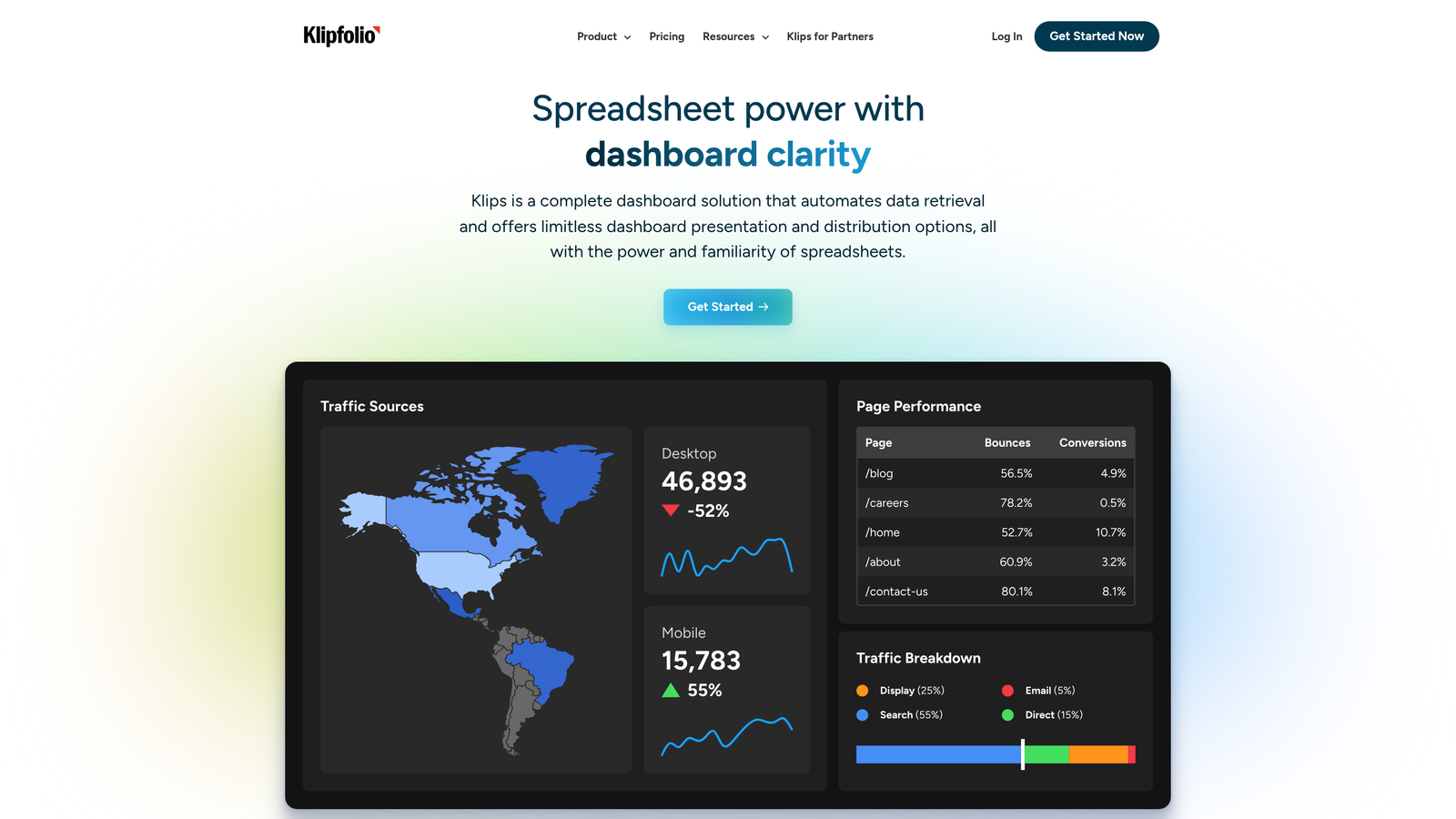
Where This Tool Shines
The 150+ native integrations mean you can pull data from your helpdesk, CRM, marketing automation, accounting system, and product analytics into a single view. This is powerful for demonstrating support's impact on business outcomes.
PowerMetrics introduces standardized KPI definitions that ensure everyone in your organization measures metrics the same way. This eliminates the "which report is correct" confusion that plagues many companies.
Key Features
Extensive Integration Library: 150+ pre-built connectors including all major helpdesks plus sales, marketing, and finance platforms.
Cross-Functional Dashboards: Combine support metrics with revenue data, marketing performance, and product usage in unified views.
PowerMetrics KPI Platform: Define metrics once and use them consistently across all reports and dashboards.
White-Label Reporting: Agencies and consultants can brand dashboards with client logos and colors.
Automated Alerts: Set up notifications when metrics cross thresholds, enabling proactive intervention.
Best For
Organizations that need to connect support performance to broader business outcomes. Particularly valuable for executive reporting and cross-functional collaboration.
Pricing
Klipfolio dashboards start at $125 per month. PowerMetrics offers a free tier for basic KPI tracking with paid plans for advanced features.
8. Zoho Analytics
Best for: Budget-conscious teams wanting AI-powered insights and natural language queries
Zoho Analytics delivers enterprise-grade business intelligence at mid-market prices, with AI assistance that makes advanced analytics accessible to non-technical users.
Where This Tool Shines
Zia, Zoho's AI assistant, lets you ask questions in plain English and get instant visualizations. Instead of building queries, you can type "show me ticket volume by category this month" and get a chart immediately.
The native Zoho Desk integration is seamless if you're in the Zoho ecosystem, but the platform also connects well to Zendesk, Freshdesk, and other third-party helpdesks through pre-built connectors.
Key Features
Zia AI Assistant: Natural language interface that generates reports and visualizations from conversational queries.
Zoho Desk Integration: Deep native integration with pre-built reports and dashboards for Zoho Desk users.
Third-Party Connectors: Pre-built integrations for Zendesk, Freshdesk, and other major helpdesks outside the Zoho ecosystem.
Formula Columns: Create calculated fields and custom metrics without SQL knowledge.
Embedded Analytics: White-label dashboards and embed them in your product or customer portal.
Best For
Growing companies that need sophisticated analytics without enterprise budgets. Especially attractive for Zoho Desk users who want seamless integration.
Pricing
Free tier available for 2 users with limited features. Basic plan starts at $24 per month for 2 users, scaling with seats and data volume.
9. Tableau
Best for: Enterprise organizations with dedicated analytics teams and complex data requirements
Tableau represents the enterprise end of the analytics spectrum, offering unmatched visualization capabilities and analytical depth for organizations with sophisticated data needs.
Where This Tool Shines
Tableau's visualization engine is industry-leading. The platform can handle massive datasets and create interactive dashboards that enable genuine data exploration, not just static reporting.
The ability to connect virtually any data source means you can build comprehensive views that incorporate support tickets, product telemetry, financial data, and customer behavior into unified analytical models.
Key Features
Advanced Visualization: Industry-leading charting and visualization capabilities with extensive customization options.
Universal Data Connectivity: Connect to databases, cloud services, spreadsheets, and web data sources without limitations.
Statistical Analysis: Built-in forecasting, trend analysis, and statistical functions for sophisticated analytical work.
Collaborative Platform: Tableau Server or Cloud enables organization-wide sharing and collaboration on analytics.
Einstein AI Integration: Automated insight discovery that surfaces patterns and anomalies without manual analysis.
Best For
Large enterprises with dedicated data teams who need to perform complex analysis across multiple data sources. Best suited for organizations where analytics is a strategic function, not just operational reporting.
Pricing
Tableau Creator licenses at $75 per user per month for full authoring capabilities. Viewer licenses at $15 per user per month for dashboard consumption only.
Making the Right Choice
The right support ticket analytics dashboard depends less on features and more on how your team actually works. If you're deep in the Zendesk or Freshdesk ecosystem, their native analytics tools deliver immediate value without integration complexity. Teams focused on messaging and automation will find Intercom's conversation-centric approach more aligned with their reality.
For organizations needing to connect support metrics to broader business outcomes, platforms like Klipfolio and Zoho Analytics excel at cross-functional reporting. Technical teams with custom requirements will appreciate Metabase's flexibility, while Geckoboard serves teams wanting always-visible monitoring without complexity.
The emerging category worth watching is AI-native platforms that embed intelligence directly in the support workflow rather than treating analytics as a separate function. When insights surface automatically where your team works—flagging at-risk customers, detecting anomalies, and connecting support patterns to revenue impact—analytics becomes proactive rather than reactive.
Consider your team's technical sophistication, integration requirements, and whether you need operational dashboards or strategic business intelligence. Most importantly, think about whether you want analytics that require someone to remember to check reports, or intelligence that surfaces insights automatically as part of daily work.
Your support team shouldn't scale linearly with your customer base. Let AI agents handle routine tickets, guide users through your product, and surface business intelligence while your team focuses on complex issues that need a human touch. See Halo in action and discover how continuous learning transforms every interaction into smarter, faster support.