9 Best Support Ticket Prioritization Software Tools in 2026
Managing a growing support queue requires automated support ticket prioritization software that identifies urgent issues and routes them to the right agents. This comprehensive review examines nine leading platforms for 2026, comparing AI-powered systems that learn from interactions with traditional rule-based helpdesks, evaluating each tool's automation capabilities, integration options, and effectiveness at reducing response times for critical customer issues.
 Matt PattoliFounder12 min read
When your support queue grows beyond a handful of tickets, manual prioritization becomes a bottleneck that frustrates both agents and customers. The right prioritization software automatically surfaces urgent issues, routes tickets to appropriate team members, and ensures high-value customers never slip through the cracks.
This guide covers nine tools that handle ticket prioritization differently—from AI-powered platforms that learn your business context to traditional helpdesks with robust rule-based systems. We evaluated each based on automation capabilities, integration flexibility, and how effectively they reduce response times for critical issues.
1. Halo AI
Best for: Teams wanting AI that continuously learns from every support interaction to improve prioritization decisions over time.
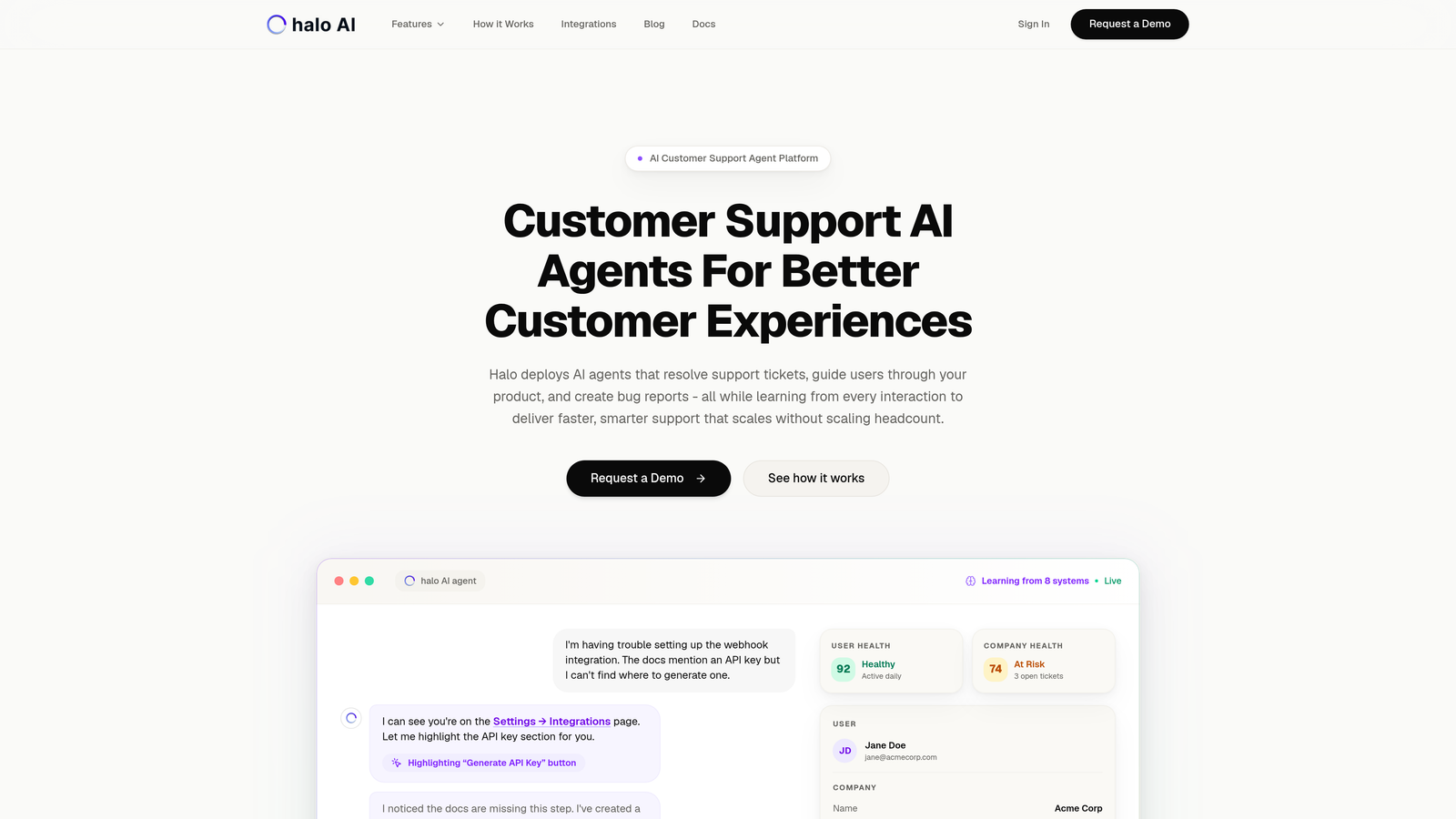
Halo AI is an AI-native customer support platform that goes beyond static rules to intelligently prioritize and resolve tickets based on deep business context.
Where This Tool Shines
Unlike traditional helpdesks that require constant manual rule updates, Halo learns from every agent decision to refine its prioritization logic. When an agent escalates a ticket or resolves it quickly, the system absorbs that pattern and applies it to future similar situations.
The platform connects to your entire business stack—Stripe, HubSpot, Linear, Intercom, and more—to understand the full customer context. This means a ticket from a high-value customer nearing renewal gets different treatment than one from a free trial user, without anyone manually setting that rule.
Key Features
Continuous Learning: The AI improves prioritization accuracy by analyzing how agents handle tickets, identifying patterns in what truly requires immediate attention.
Smart Inbox with Business Intelligence: Surfaces customer health signals, revenue intelligence, and anomaly detection alongside traditional support metrics.
Revenue-Aware Prioritization: Integration with billing systems means the platform understands customer lifetime value and contract status when routing tickets.
Autonomous Resolution with Intelligent Escalation: Handles routine tickets independently while knowing when to hand off complex issues to human agents.
Proactive Issue Detection: Identifies emerging problems before they escalate by spotting patterns across multiple tickets.
Best For
B2B companies and product teams that need support automation to scale without proportionally scaling headcount. Particularly valuable for teams managing complex products where ticket context matters as much as ticket content.
Pricing
Contact for pricing. The platform is designed for teams serious about AI-first support rather than bolt-on automation.
2. Zendesk
Best for: Enterprise teams needing mature automation capabilities and extensive third-party integrations for complex routing scenarios.
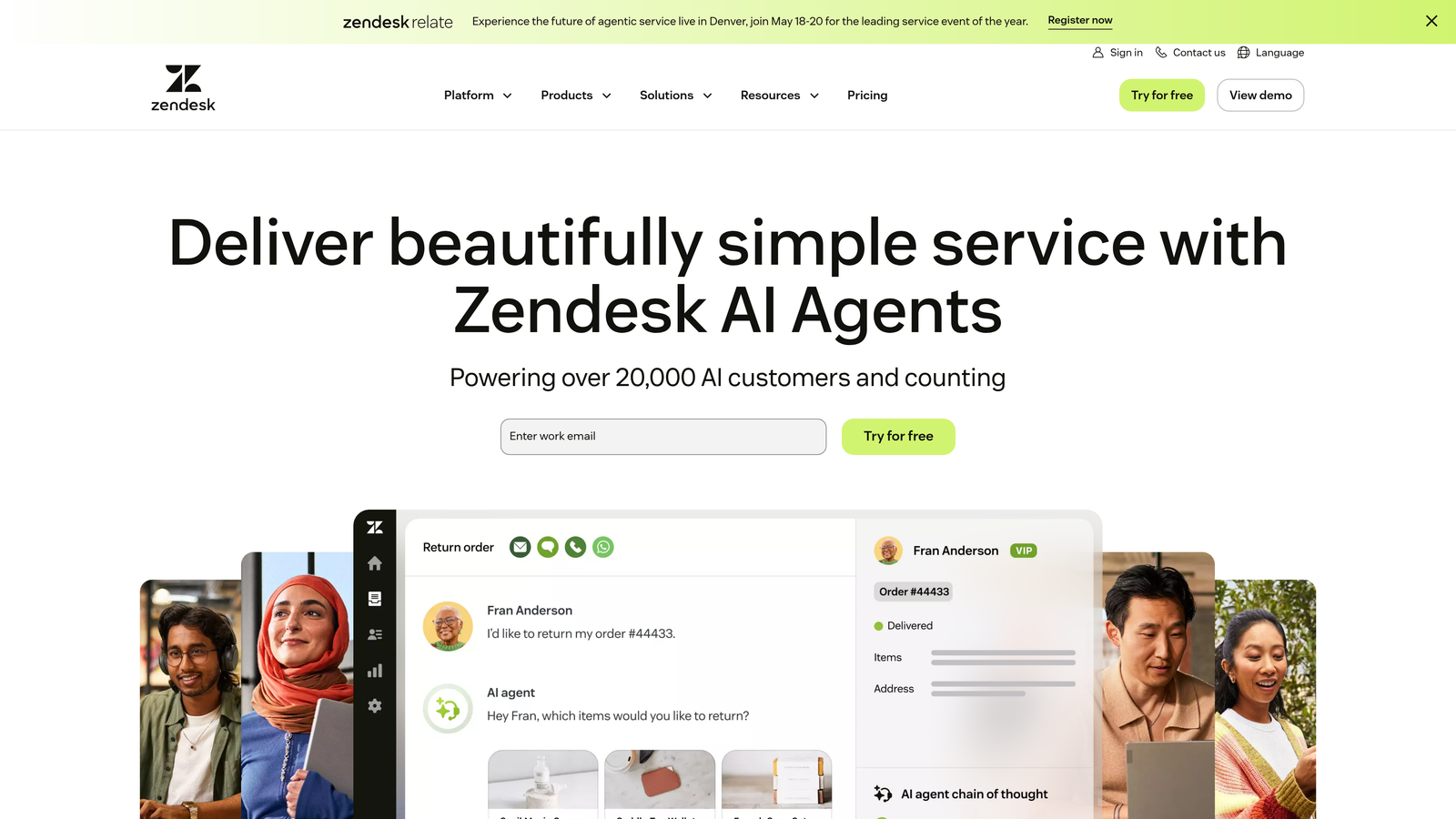
Zendesk is an enterprise-grade helpdesk platform with comprehensive trigger systems and SLA management for rule-based ticket prioritization.
Where This Tool Shines
Zendesk excels at handling complex, multi-layered prioritization logic through its extensive automation builder. You can create sophisticated workflows that consider dozens of conditions—ticket source, customer tier, time of day, agent availability, and more.
The platform's marketplace offers hundreds of apps specifically built for prioritization scenarios, from sentiment analysis tools to custom SLA calculators. For large enterprises with established processes, this flexibility is invaluable.
Key Features
Trigger and Automation Builder: Create detailed workflows that automatically tag, route, and escalate tickets based on multiple conditions.
SLA Policies with Escalation: Define service level agreements by customer segment with automatic escalation when deadlines approach.
Skills-Based Routing: Direct tickets to agents with specific expertise based on ticket content and customer needs.
Views and Macros: Custom queue views help agents focus on their highest-priority work without getting overwhelmed.
Marketplace Integrations: Access hundreds of apps that extend prioritization capabilities with AI, analytics, and custom logic.
Best For
Large enterprises with complex support structures, multiple product lines, and established SLA commitments. Teams that need extensive customization and have resources to manage sophisticated automation rules.
Pricing
Starts at $55 per agent per month for Suite Team. Enterprise pricing available for advanced features and higher volume needs.
3. Freshdesk
Best for: Mid-market teams seeking AI-powered prioritization with intuitive automation at accessible price points.
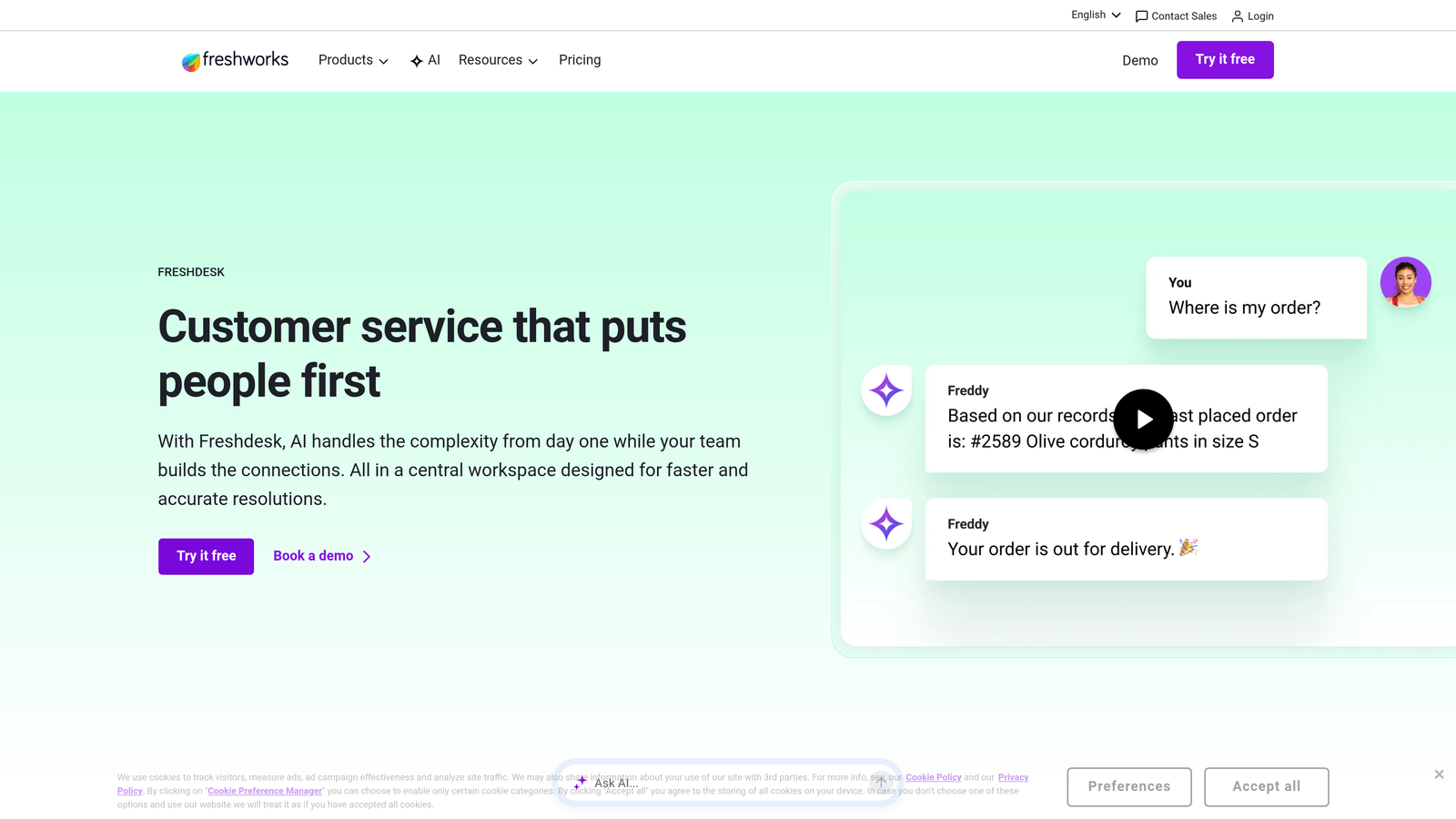
Freshdesk combines Freddy AI capabilities with scenario-based automation for intelligent ticket scoring and routing.
Where This Tool Shines
Freshdesk makes AI-powered prioritization accessible to teams without enterprise budgets or dedicated IT staff. Freddy AI analyzes ticket content to suggest priority levels and categorization, learning from agent corrections to improve accuracy.
The scenario automation builder strikes a balance between power and usability. You can create complex routing logic without needing technical expertise, using a visual interface that's genuinely intuitive.
Key Features
Freddy AI Suggestions: Automatically recommends ticket priority, category, and assignment based on content analysis and historical patterns.
Scenario Automations: Build multi-step workflows that handle complex routing logic through an accessible visual builder.
SLA Management: Configure service level agreements with business hours support and automatic escalation triggers.
Sentiment Analysis: Detect urgency and customer frustration levels to prioritize emotionally charged tickets appropriately.
Load-Balanced Assignment: Distribute tickets evenly across team members or use round-robin routing to prevent agent burnout.
Best For
Growing companies that want AI capabilities without enterprise complexity or cost. Ideal for teams of 10-100 agents who need robust automation but value ease of use.
Pricing
Free tier available for basic features. Paid plans start at $15 per agent per month, with AI features in higher tiers.
4. Intercom
Best for: Product-focused companies wanting prioritization based on user behavior and product engagement data.
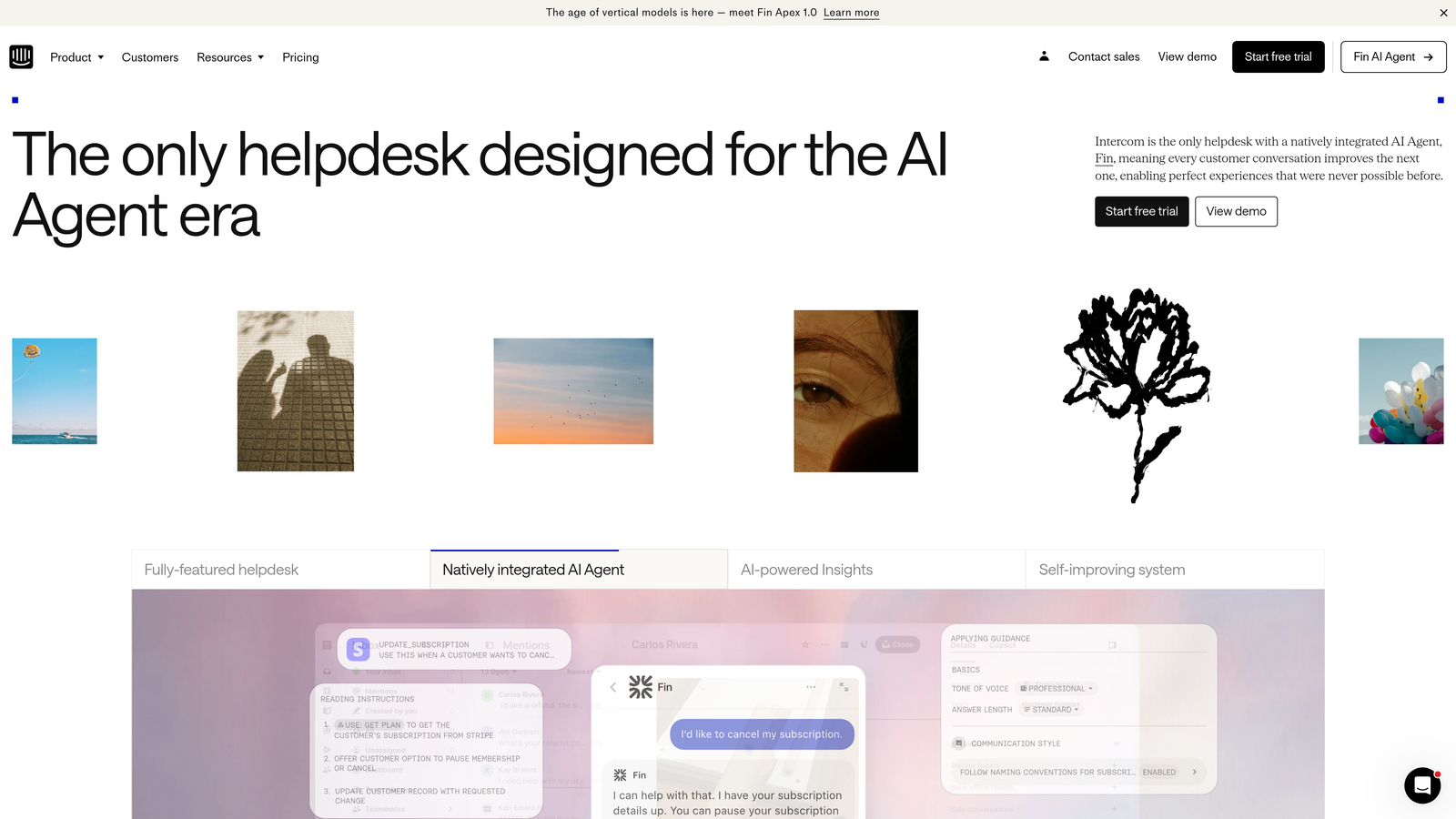
Intercom is a conversation-first platform with smart routing that prioritizes tickets using customer activity and product usage context.
Where This Tool Shines
Intercom's strength lies in connecting support prioritization to product behavior. A ticket from someone who just hit a paywall gets different treatment than one from a user stuck on onboarding, because the system sees their product journey.
Fin AI handles automated resolution and routing decisions based on conversation context, not just keywords. The bot can pre-qualify issues, gather necessary information, and route complex problems to the right specialist—all before a human agent gets involved.
Key Features
Fin AI Resolution and Routing: Automatically handles common questions and intelligently routes complex issues based on conversation context.
Custom Bots for Pre-Qualification: Build conversation flows that gather critical information before assigning tickets to human agents.
User and Company Data Integration: Leverage product usage, feature adoption, and customer attributes for context-aware prioritization.
Conversation Tags and Attributes: Create sophisticated segmentation that informs routing and priority decisions.
Workload Management: Distribute conversations across teams based on capacity and expertise.
Best For
SaaS companies and product teams where support context comes from how customers use the product. Particularly valuable when product engagement data should inform support priority.
Pricing
Starts at $39 per seat per month for Essential. Fin AI capabilities require higher-tier plans.
5. HubSpot Service Hub
Best for: Teams already using HubSpot CRM who want ticket prioritization informed by complete customer lifecycle data.
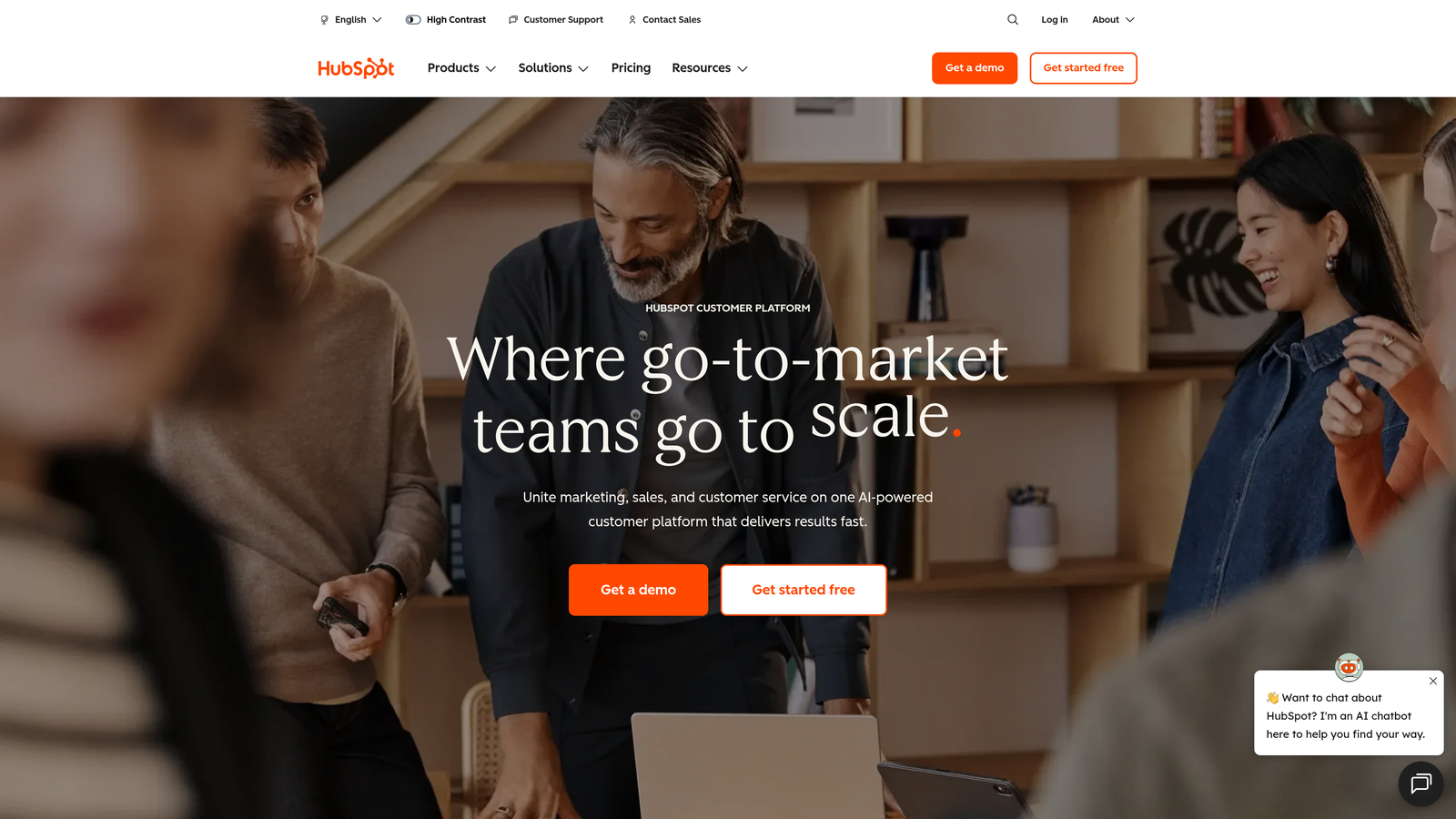
HubSpot Service Hub is a service platform that leverages HubSpot's CRM foundation to prioritize tickets based on customer journey stage and relationship history.
Where This Tool Shines
The tight integration with HubSpot CRM means every ticket arrives with complete customer context already attached. You see deal stage, marketing engagement, previous support history, and lifecycle stage without switching tools or manually enriching data.
This unified view enables prioritization rules that consider where customers are in their journey. A ticket from someone in an active sales conversation gets flagged differently than one from a long-time customer with renewal months away.
Key Features
Automatic CRM Data Enrichment: Every ticket includes customer properties, deal information, and interaction history from across HubSpot.
Pipeline-Based Ticket Management: Track support issues through stages similar to sales pipelines for complex resolution processes.
SLA Automation with Escalation: Configure service level agreements that automatically escalate when response or resolution deadlines approach.
Customer Feedback Integration: Incorporate satisfaction scores and survey responses into prioritization logic.
Unified Customer Journey View: See marketing touches, sales conversations, and support interactions in one timeline.
Best For
Companies already invested in HubSpot's ecosystem who want service operations aligned with marketing and sales. Most valuable when customer lifecycle stage should influence support priority.
Pricing
Free tier available with basic features. Starter plan begins at $20 per month for two users, with per-user costs for additional seats.
6. Zoho Desk
Best for: Budget-conscious teams needing AI-powered sentiment analysis and process automation at competitive price points.
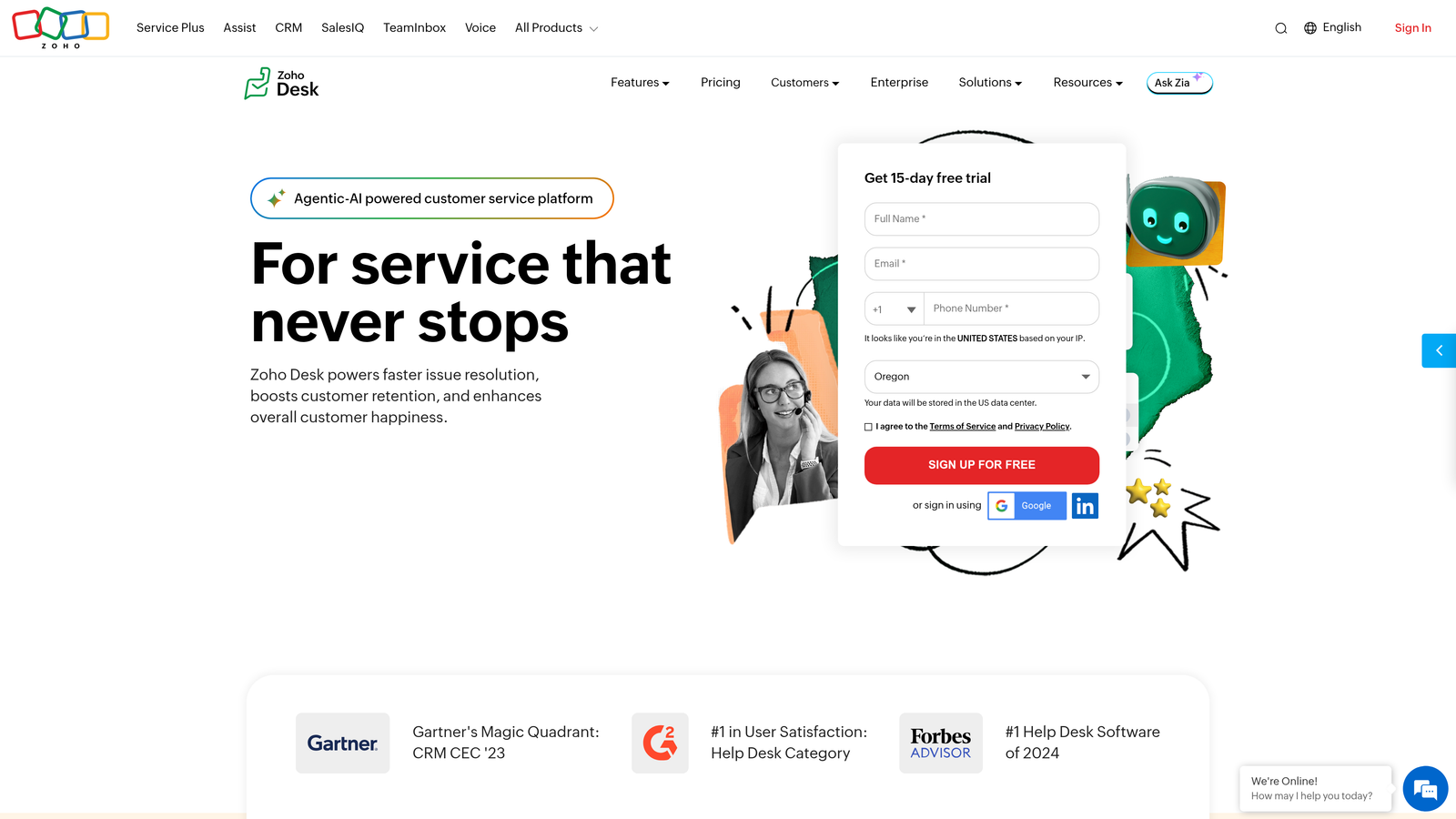
Zoho Desk is a feature-rich helpdesk platform with Zia AI capabilities for sentiment-based prioritization and anomaly detection.
Where This Tool Shines
Zoho Desk delivers enterprise-grade AI features at mid-market pricing. Zia AI analyzes ticket sentiment to identify frustrated customers who need immediate attention, even when they don't explicitly mark tickets as urgent.
The Blueprint feature lets you design process-based routing workflows visually. You can map out complex support processes where ticket priority changes based on resolution progress, customer responses, or time elapsed—without writing code.
Key Features
Zia AI Sentiment and Anomaly Detection: Automatically identifies emotionally charged tickets and unusual patterns that may indicate emerging issues.
Blueprint Process Automation: Create visual workflows that adjust ticket priority as it moves through resolution stages.
Work Modes: Switch between different prioritization views optimized for specific types of work or customer segments.
Multi-Department Support: Maintain separate queues and prioritization rules for different teams or product lines.
Contract-Based SLA Management: Tie service level agreements to customer contracts with automatic enforcement and escalation.
Best For
Small to mid-sized companies wanting AI capabilities and sophisticated automation without premium pricing. Particularly strong for multi-product companies needing departmental separation.
Pricing
Free for up to three agents. Paid plans start at $14 per agent per month, with AI features available in mid-tier plans.
7. Front
Best for: Collaborative teams managing support across email, chat, and social channels who need shared visibility into priority work.
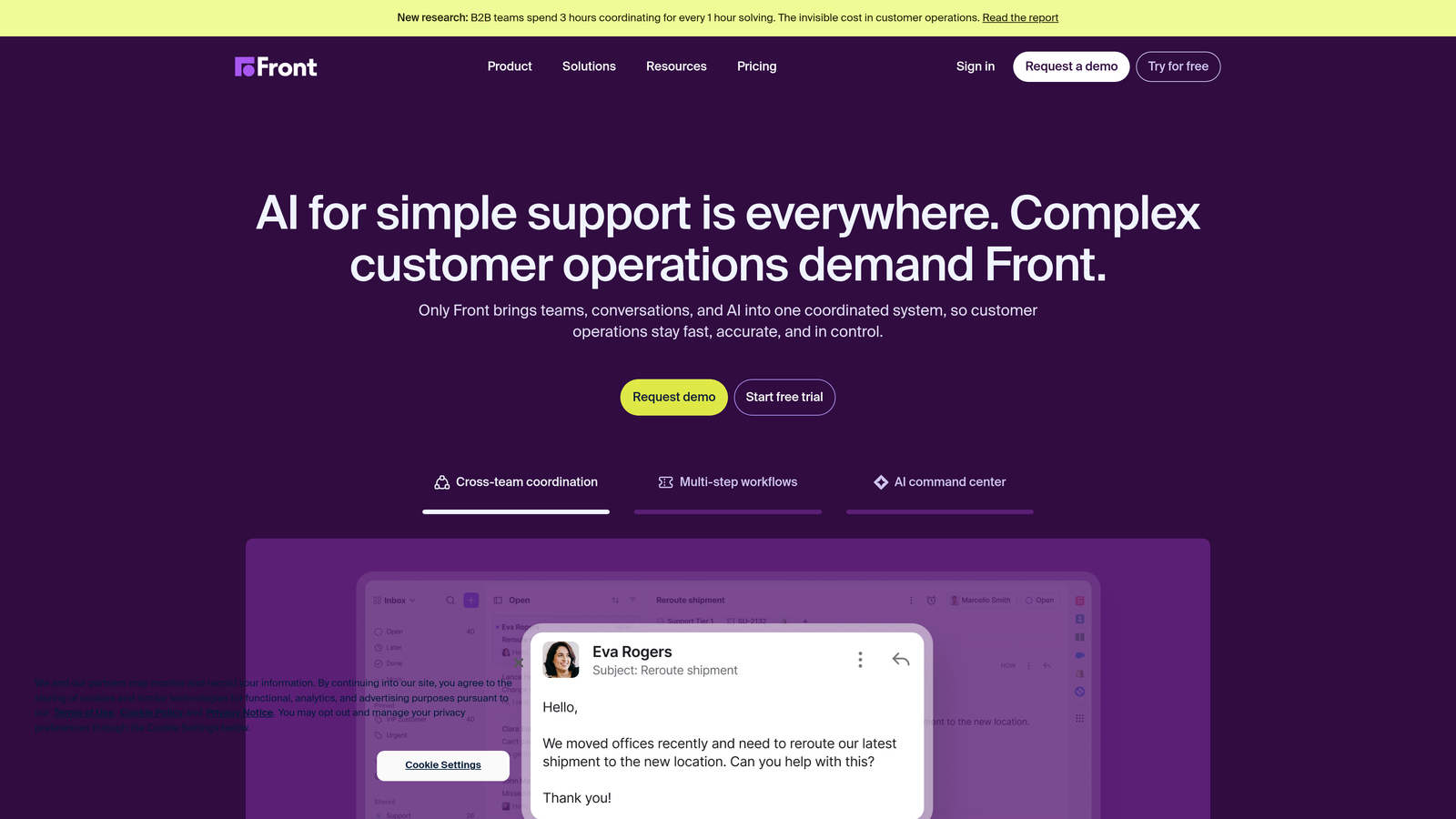
Front is a shared inbox platform designed for teams that handle customer conversations across multiple channels with collaborative workflows.
Where This Tool Shines
Front treats every channel—email, chat, SMS, social media—as part of one unified queue where prioritization rules apply consistently. The rules engine automatically tags, assigns, and surfaces high-priority conversations regardless of where they originated.
The collaborative features shine when multiple team members need visibility into the same customer situation. Shared drafts let agents work together on complex responses without duplicating effort or stepping on each other's toes.
Key Features
Cross-Channel Rules Engine: Automated tagging and assignment works consistently across email, chat, social, and SMS.
Load Balancing: Distribute incoming conversations evenly across team members to prevent bottlenecks.
SLA Tracking with Alerts: Monitor response and resolution times with automatic escalation when deadlines approach.
Shared Drafts: Collaborate on responses to complex or sensitive issues before sending.
Workload Analytics: Track distribution of priority work across team members to identify imbalances.
Best For
Teams of 5-50 people handling customer conversations across multiple channels, especially when collaboration on complex issues is common. Strong fit for agencies and service businesses.
Pricing
Starts at $19 per seat per month for Starter. Higher tiers add automation and analytics capabilities.
8. Kustomer
Best for: E-commerce and retail companies needing prioritization based on order value and customer lifetime data.
Kustomer is a customer service CRM designed specifically for commerce, with prioritization that considers purchase history and customer value.
Where This Tool Shines
Kustomer's customer timeline provides complete context for prioritization decisions. Agents see order history, return patterns, lifetime value, and previous support interactions in one view—no tab-switching required.
The platform's business rules engine lets you create value-based routing that treats high-value customers differently without making it obvious. A customer with $10,000 in annual purchases gets routed to senior agents automatically, while the rule remains invisible to customers.
Key Features
Customer Timeline: Complete interaction history including purchases, returns, support conversations, and engagement across channels.
Value-Based Business Rules: Route tickets based on customer lifetime value, recent purchase amount, or order frequency.
Commerce Platform Integrations: Deep connections with Shopify, Magento, and other e-commerce systems for real-time order data.
Sentiment Analysis: Detect urgency and frustration to prioritize emotionally charged conversations appropriately.
Real-Time Queue Metrics: Monitor priority distribution and agent workload to prevent bottlenecks.
Best For
E-commerce brands and retail companies where purchase history and customer value should inform support priority. Most effective for businesses with significant variation in customer lifetime value.
Pricing
Contact for pricing. Typically positioned for mid-market to enterprise e-commerce operations.
9. Help Scout
Best for: Smaller teams wanting essential prioritization features without overwhelming complexity or steep learning curves.
Help Scout is a straightforward helpdesk focused on simplicity and ease of use while covering core prioritization needs.
Where This Tool Shines
Help Scout deliberately avoids feature bloat in favor of doing the fundamentals well. The workflows feature handles automated tagging and assignment without requiring you to learn a complex automation language or visual builder.
The interface stays clean and focused, which matters when you're training new agents or running a lean team. There's no multi-week implementation project—most teams are up and running within days.
Key Features
Workflows: Simple automation for tagging, assignment, and status changes based on ticket properties.
Priority Field with Custom Statuses: Flag urgent tickets and create custom status labels that match your team's language.
Saved Replies: Template common responses to handle routine tickets faster and focus energy on complex issues.
Beacon for In-App Support: Embedded widget that routes product questions directly to the right team.
Customer Profiles: See interaction history and previous conversations to inform priority decisions.
Best For
Small teams of 3-15 agents who value simplicity over extensive customization. Ideal for startups and small businesses that need solid prioritization basics without enterprise complexity.
Pricing
Starts at $22 per user per month for Standard. Higher tiers add advanced reporting and additional automation.
Choosing the Right Prioritization Approach
The gap between basic and intelligent prioritization has widened considerably. Rule-based systems still work when your support scenarios are predictable and your business context rarely changes. But most growing companies face the opposite reality—customer needs evolve, product complexity increases, and what counted as urgent last quarter doesn't necessarily apply today.
This is where learning systems separate themselves from static automation. Platforms like Halo AI that continuously refine prioritization based on agent decisions adapt to your business without constant manual rule updates. Traditional helpdesks like Zendesk and Freshdesk give you powerful automation, but you're responsible for maintaining the logic as circumstances change.
Integration depth matters more than most teams initially realize. A prioritization system that only sees ticket content operates with incomplete information. When your platform connects to billing systems, CRM data, and product analytics, it can make genuinely intelligent decisions—routing a ticket from a customer at risk of churn differently than one from a happy long-term user.
For e-commerce operations, Kustomer's commerce-specific features and order value prioritization make immediate sense. HubSpot Service Hub delivers similar customer context benefits if you're already invested in that ecosystem. Front excels when collaboration across channels is central to your workflow.
Budget-conscious teams should look closely at Zoho Desk and Freshdesk, which deliver AI capabilities at accessible price points. Help Scout makes sense when simplicity and quick implementation outweigh extensive customization needs.
The right choice ultimately depends on how much your prioritization needs change over time. If your business context shifts frequently—new product launches, evolving customer segments, changing competitive pressures—you need a system that learns and adapts. Static rules require constant maintenance that diverts resources from actually serving customers.
Your support team shouldn't scale linearly with your customer base. Let AI agents handle routine tickets, guide users through your product, and surface business intelligence while your team focuses on complex issues that need a human touch. See Halo in action and discover how continuous learning transforms every interaction into smarter, faster support.