9 Best Visual Product Guidance Software Tools in 2026
Visual product guidance software helps users navigate your app by providing contextual, in-app assistance through tooltips, walkthroughs, and interactive overlays—eliminating the need for external documentation. This comprehensive review evaluates the 9 best visual product guidance software tools in 2026, comparing their implementation ease, guidance features, analytics capabilities, and integrations to help you choose the right solution for onboarding users, reducing support volume, and increasing feature adoption.
 Matt PattoliFounder10 min read
When users get stuck in your product, they don't want to read documentation—they want someone to show them exactly what to do. Visual product guidance software bridges this gap by overlaying contextual help directly within your interface, highlighting buttons, walking users through workflows, and providing real-time assistance without forcing them to leave your app. Whether you're onboarding new customers, reducing support tickets, or driving feature adoption, the right visual guidance tool can transform how users experience your product.
We evaluated dozens of solutions based on ease of implementation, guidance capabilities, analytics depth, and integration flexibility. Here are the top tools for teams looking to guide users visually in 2026.
1. Halo AI
Best for: Teams wanting AI-powered guidance that doubles as intelligent support automation
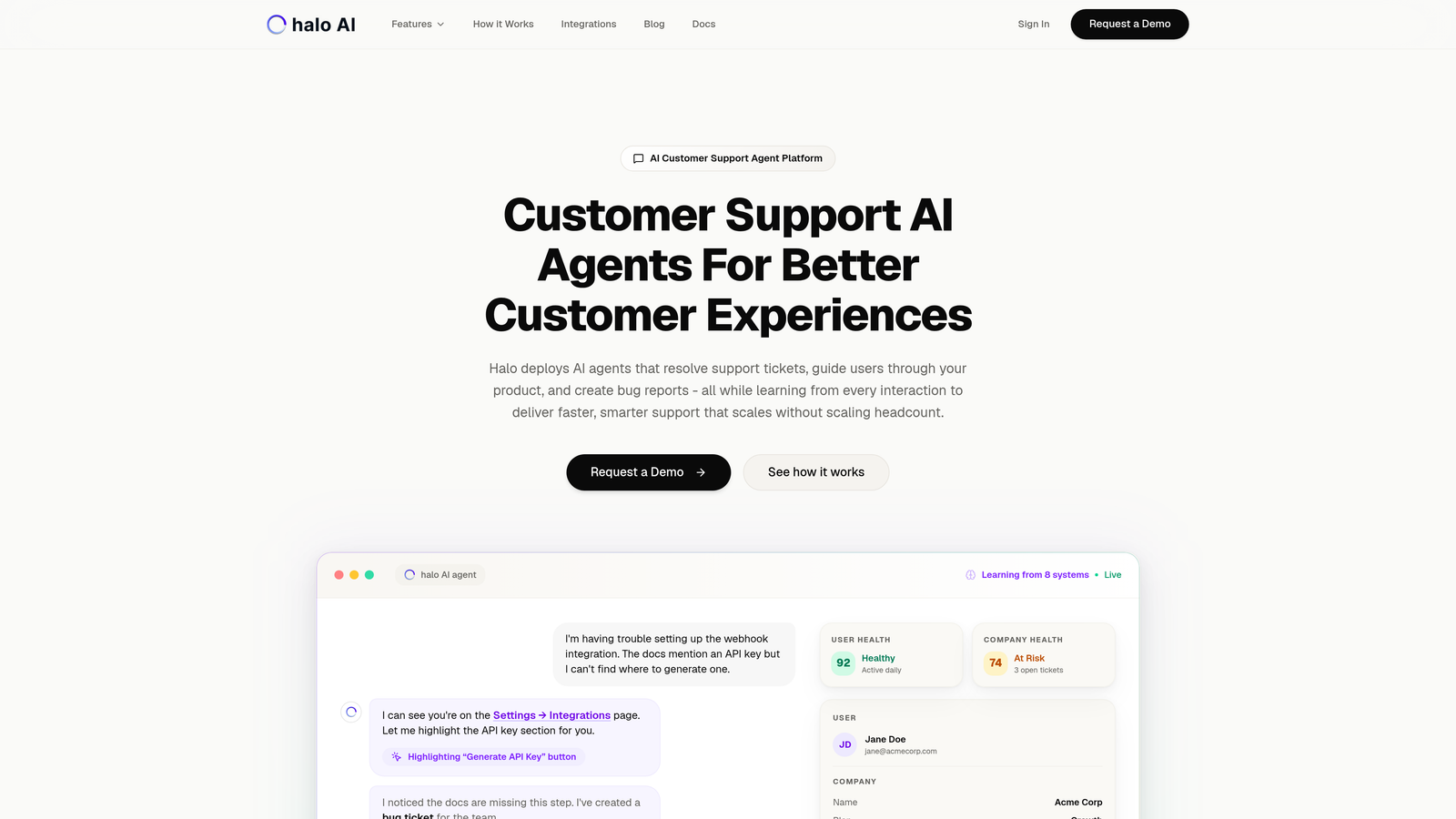
Halo AI combines visual product guidance with autonomous support capabilities in a single platform.
Where This Tool Shines
Halo's page-aware technology understands exactly what users see on their screen, not just which URL they're visiting. This means the AI can provide contextual guidance that references specific UI elements, highlight the exact button users need to click, and walk them through workflows with visual precision.
Unlike traditional guidance tools that simply display pre-programmed tooltips, Halo's AI agents learn from every interaction. When users ask questions through the chat widget, the system doesn't just show a canned response—it can resolve support tickets autonomously, create bug reports in Linear, and escalate complex issues to human agents when needed.
Key Features
Page-Aware Context: Sees the current UI state and references specific elements users interact with.
Visual UI Guidance: Highlights buttons, forms, and interface elements with contextual overlays.
Autonomous Ticket Resolution: AI agents handle routine support questions without human intervention.
Continuous Learning: Every interaction trains the system to provide better guidance over time.
Multi-System Integration: Connects to Intercom, Slack, HubSpot, Linear, Stripe, and other business tools.
Best For
B2B SaaS companies that want their visual guidance system to also reduce support ticket volume. Particularly valuable for product teams using helpdesk systems like Zendesk, Freshdesk, or Intercom who want smarter automation without replacing their existing stack.
Pricing
Contact for pricing. Custom plans based on ticket volume and feature requirements.
2. Pendo
Best for: Enterprise teams needing behavioral analytics alongside in-app guidance
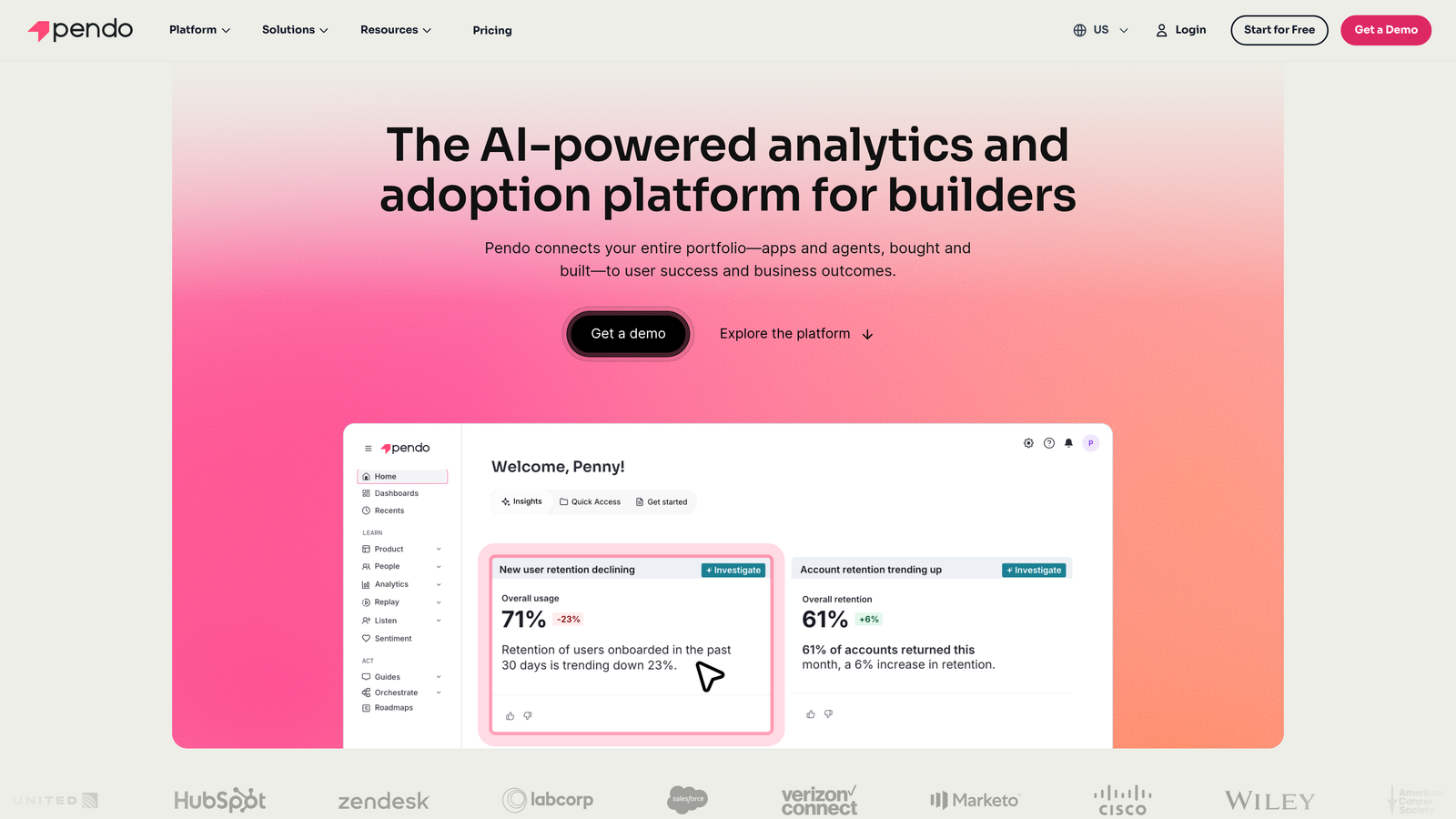
Pendo combines product analytics with visual guidance tools in an integrated platform.
Where This Tool Shines
Pendo's retroactive analytics give you insights into user behavior without requiring extensive event tracking setup. You can see exactly where users struggle, then build targeted guidance flows to address those friction points. The platform captures product usage data automatically, letting you identify feature adoption patterns before creating walkthroughs.
The resource center functionality creates a centralized help hub within your application. Users can search for guides, watch tutorial videos, and access documentation without leaving your product interface.
Key Features
Retroactive Analytics: Capture user behavior data without pre-defined event tracking.
In-App Guides: Create tooltips, modals, and multi-step walkthroughs with visual editor.
Feature Adoption Tracking: Monitor which features users engage with and identify underutilized functionality.
NPS Collection: Gather user sentiment data through in-app surveys.
Resource Center: Build searchable help hub accessible from within your application.
Best For
Product managers at mid-market to enterprise B2B companies who need both analytics and guidance in one platform. Especially useful when you want data-driven insights to inform which guidance content to create.
Pricing
Free tier available for basic analytics. Paid plans require custom quotes based on monthly active users.
3. WalkMe
Best for: Enterprise organizations guiding employees through complex internal software
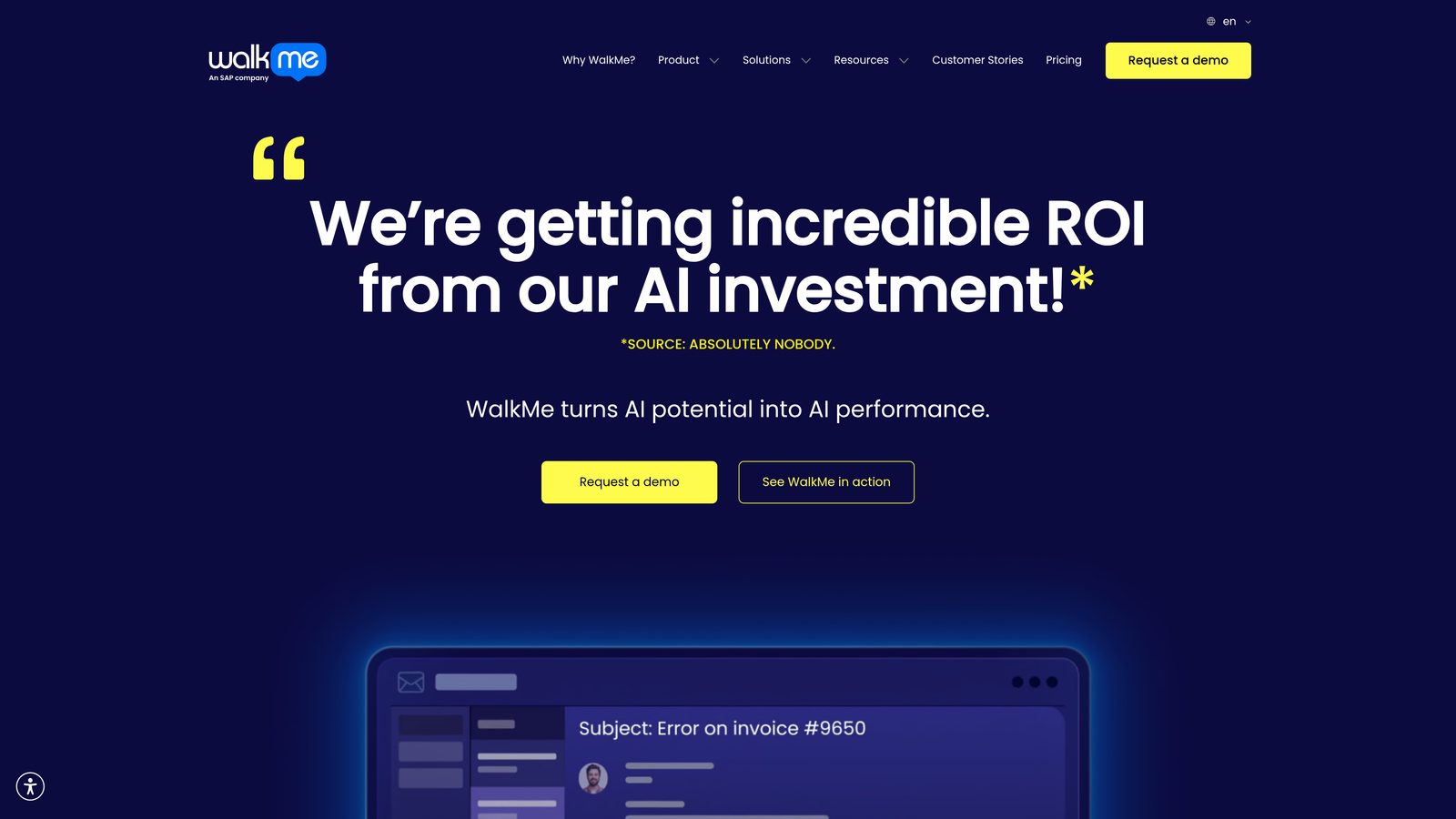
WalkMe specializes in digital adoption for enterprise applications across web and desktop environments.
Where This Tool Shines
WalkMe excels at guiding users through complicated multi-system workflows. The Smart Walk-Thrus feature uses branching logic to adapt guidance based on user actions, creating personalized paths through complex processes. If a user makes an unexpected choice, the walkthrough adjusts automatically rather than breaking.
The desktop application support sets WalkMe apart for enterprises with legacy software. You can create guidance overlays for installed applications, not just web-based tools, making it valuable for organizations with heterogeneous technology stacks.
Key Features
Smart Walk-Thrus: Branching logic creates adaptive guidance that responds to user behavior.
Desktop Application Support: Guide users through installed software, not just web apps.
ActionBot: Automates repetitive tasks by completing form fields and clicking buttons for users.
Workstation: Unified interface for accessing guidance across all enterprise applications.
Advanced Analytics: Track completion rates, identify drop-off points, and measure adoption metrics.
Best For
Large enterprises with complex internal tools like SAP, Salesforce, or Oracle systems. Organizations undergoing digital transformation who need to train employees on new software without extensive classroom training.
Pricing
Enterprise pricing model. Contact for custom quote based on user count and deployment scope.
4. Whatfix
Best for: Teams wanting to create multiple content formats from single-source guidance
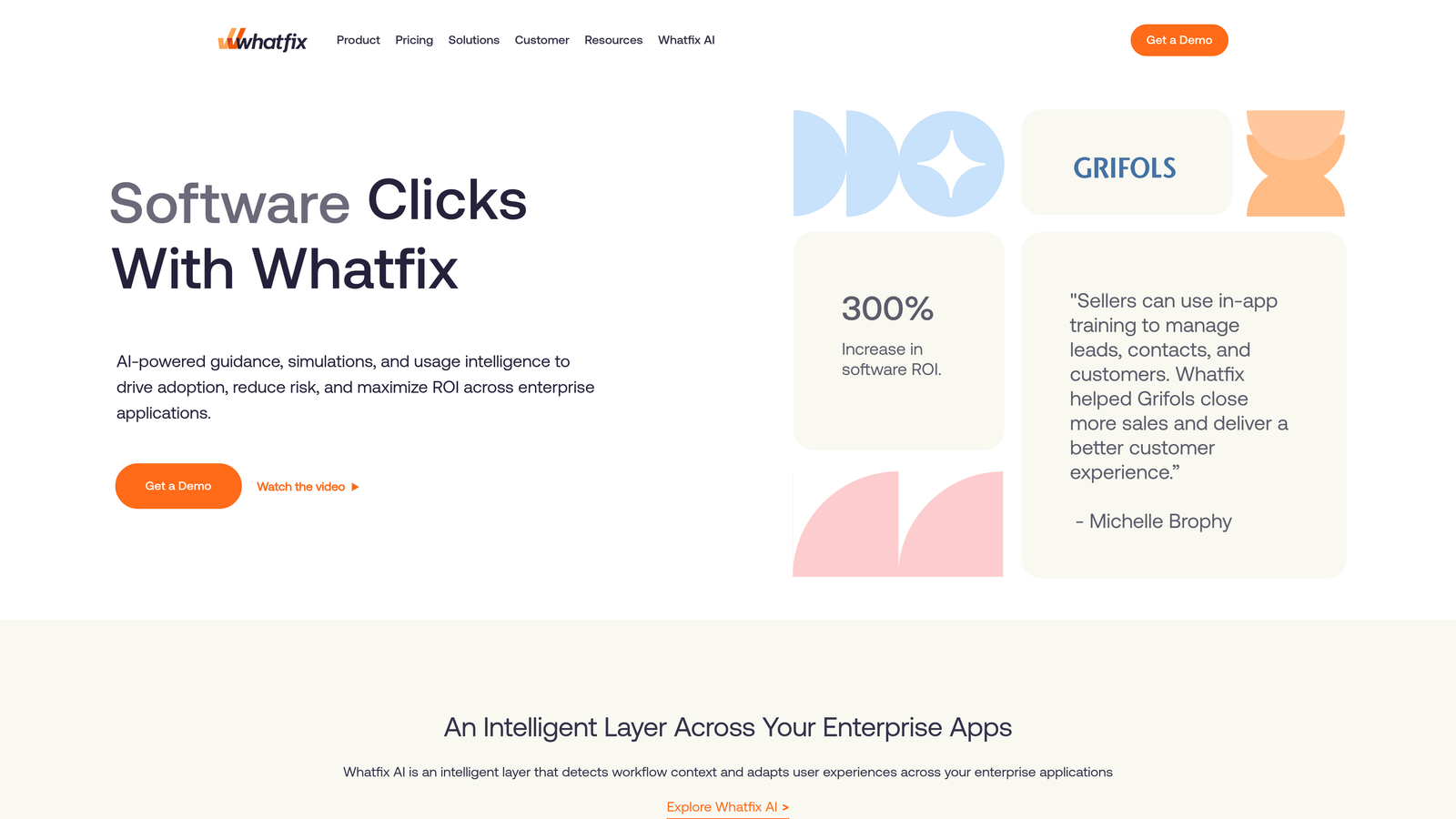
Whatfix generates various help content types from one underlying workflow definition.
Where This Tool Shines
Whatfix's multi-format content generation solves a common problem: maintaining consistent help content across different channels. You build a workflow once, and the platform automatically creates an interactive walkthrough, video tutorial, PDF guide, and step-by-step documentation. When you update the workflow, all formats update simultaneously.
The self-help widget provides contextual assistance without interrupting user flow. Rather than launching a full walkthrough, users can access quick tips, search documentation, or watch short video clips relevant to their current screen.
Key Features
Multi-Format Generation: Create walkthroughs, videos, PDFs, and documentation from single workflow.
Self-Help Widget: In-app resource center with contextual suggestions based on current page.
Task Lists: Guide users through multi-step processes with progress tracking.
Smart Tips: Contextual tooltips that appear based on user behavior patterns.
Enterprise App Support: Pre-built content libraries for Salesforce, SAP, Workday, and other platforms.
Best For
Organizations that need consistent training materials across multiple formats. Companies with distributed teams who consume help content differently—some prefer videos, others want written guides.
Pricing
Contact for pricing. Offers growth tier for mid-market and enterprise tier for larger organizations.
5. Appcues
Best for: Product teams building onboarding flows without engineering resources
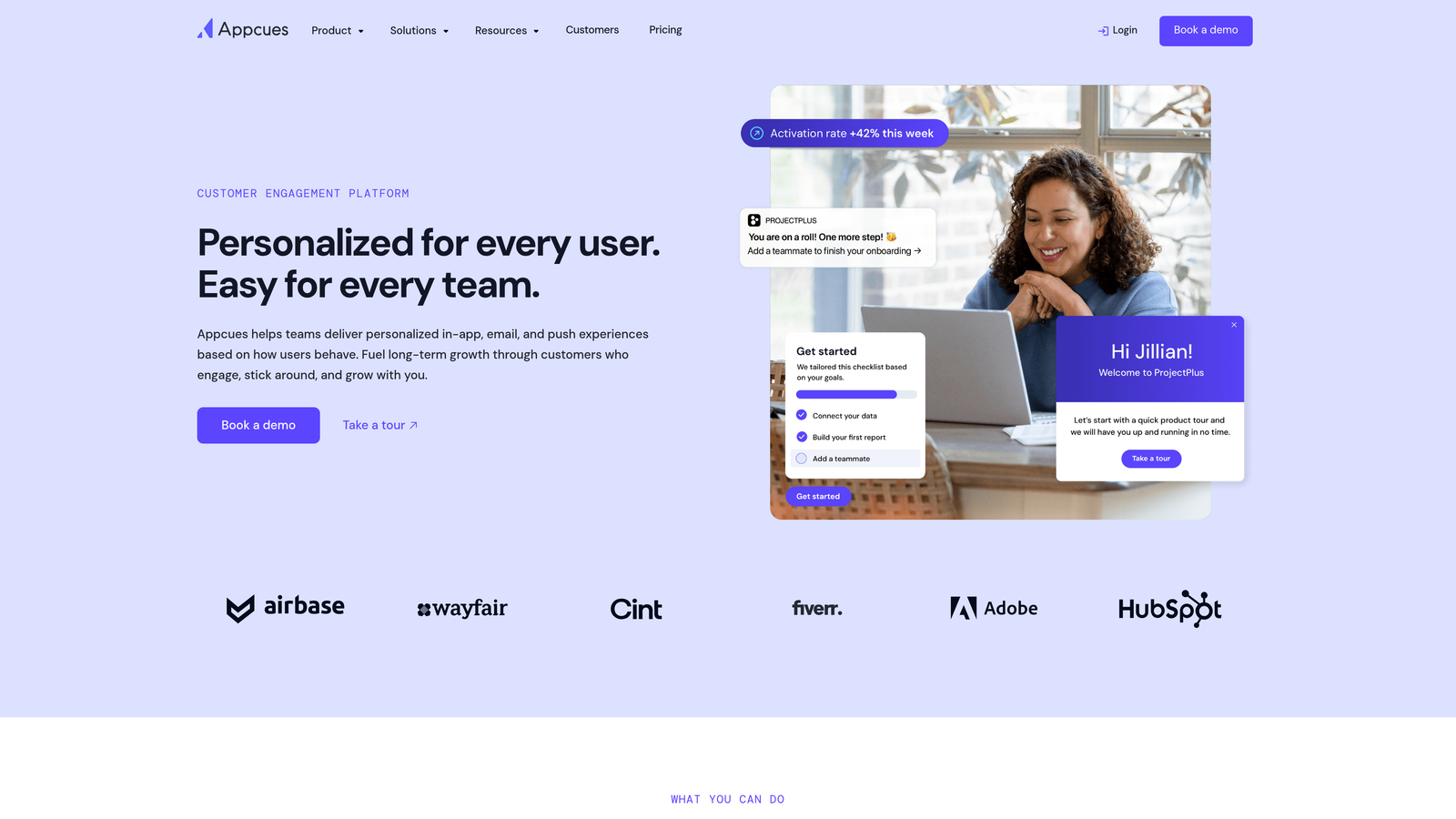
Appcues provides no-code tools for creating user onboarding experiences.
Where This Tool Shines
Appcues makes it remarkably easy for non-technical team members to build sophisticated onboarding flows. The WYSIWYG editor lets you click elements in your actual application to create tooltips and modals. No CSS knowledge required, no developer handoffs—product managers can iterate on flows independently.
The checklist feature creates visible progress indicators that encourage users to complete onboarding tasks. Users see exactly which steps remain, creating a sense of momentum that improves completion rates compared to linear walkthroughs.
Key Features
No-Code Builder: WYSIWYG editor for creating flows by clicking elements in your live application.
Multiple Pattern Types: Modals, tooltips, slideouts, and hotspots for different guidance needs.
Onboarding Checklists: Progress tracking that encourages task completion.
Event-Based Targeting: Trigger flows based on user actions, properties, or behavioral segments.
A/B Testing: Compare different flow variations to optimize conversion rates.
Best For
Product-led growth teams at SaaS companies who iterate rapidly on onboarding experiences. Organizations where product managers own user activation metrics and need autonomy to experiment.
Pricing
Starts at $249/month for Essentials plan. Growth and Enterprise tiers available with advanced features.
6. Userpilot
Best for: Product teams focused on activation metrics and feature adoption
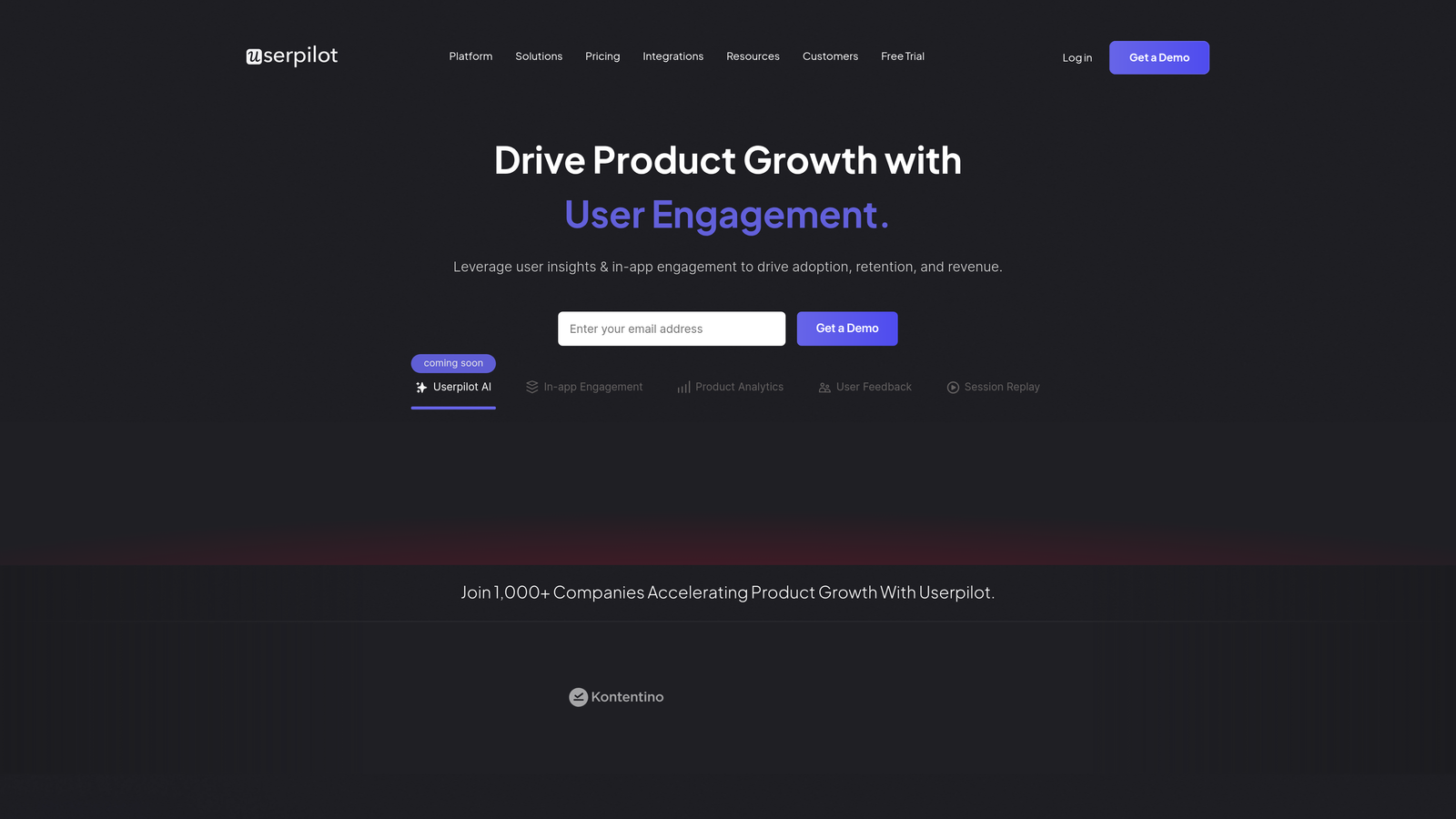
Userpilot combines in-app experiences with product analytics for growth-focused teams.
Where This Tool Shines
Userpilot's segmentation capabilities let you create highly targeted experiences based on user behavior, company attributes, and lifecycle stage. You can show different onboarding flows to users from enterprise accounts versus self-serve signups, or adjust guidance based on which features users have already adopted.
The resource center with search functionality gives users a self-service option when they need help. Rather than forcing everyone through the same walkthrough, power users can search for specific topics while beginners follow structured guides.
Key Features
Contextual Experiences: Create in-app guidance without writing code.
Advanced Segmentation: Target flows based on user properties, behavior, and company data.
Product Analytics: Track feature usage, funnel conversion, and user paths.
Searchable Resource Center: Self-service help hub with knowledge base integration.
NPS and Microsurveys: Collect user feedback at key moments in the product experience.
Best For
SaaS companies where product managers own activation and retention metrics. Teams that want to experiment with different onboarding approaches for different user segments.
Pricing
Starts at $249/month for Starter plan. Growth and Enterprise plans available with increased user limits.
7. Chameleon
Best for: Design-conscious teams wanting pixel-perfect, brand-matched guidance
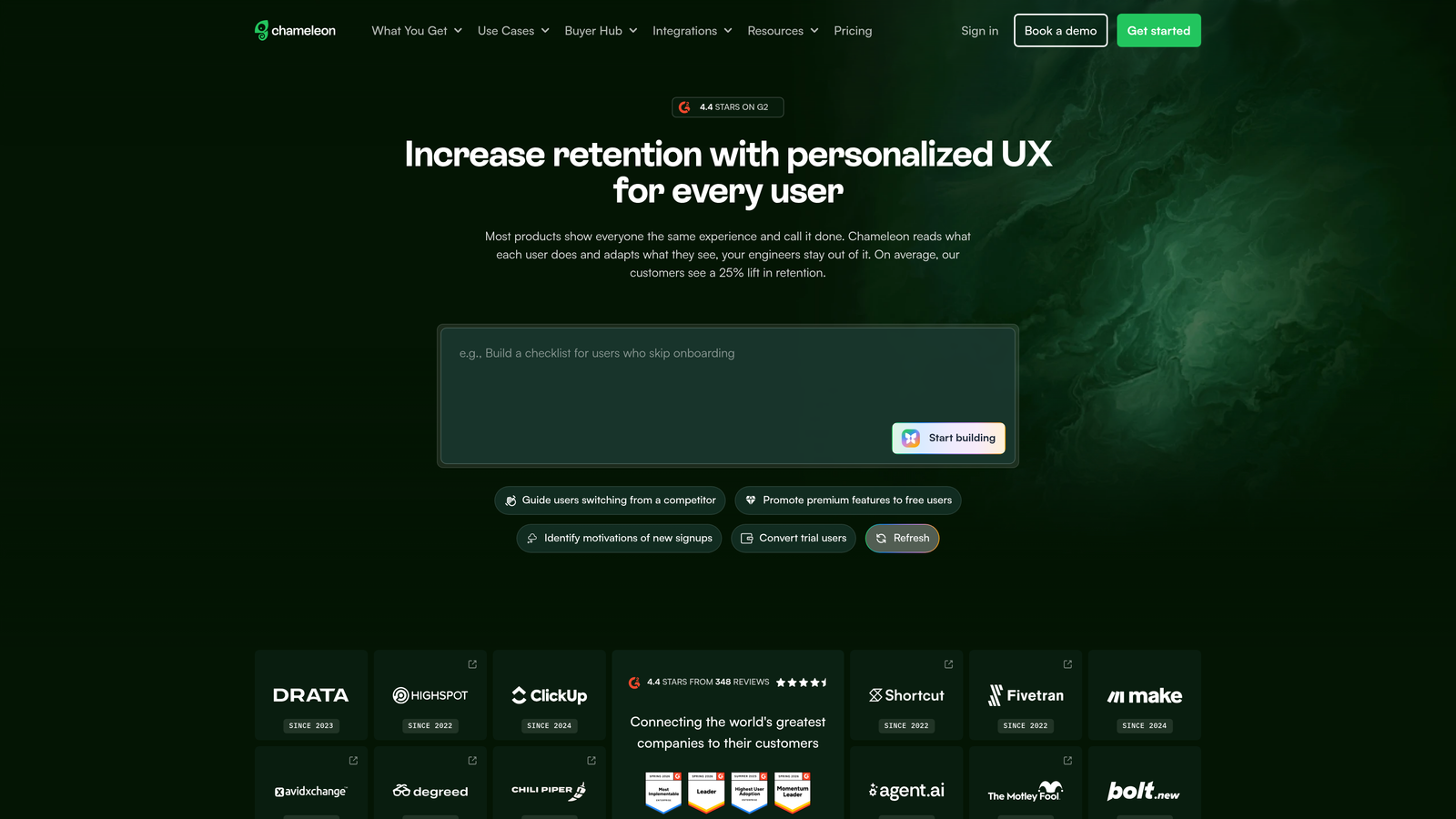
Chameleon offers extensive customization options for teams prioritizing visual consistency.
Where This Tool Shines
Chameleon provides deep CSS customization that lets you match guidance elements precisely to your brand. While most tools offer basic color and font adjustments, Chameleon gives you full control over styling, animations, and positioning. This matters when your product has a distinctive visual identity and generic tooltips would feel jarring.
The rate limiting feature prevents user fatigue by controlling how many guidance elements users see within a timeframe. You can ensure users aren't bombarded with multiple tooltips simultaneously, creating a more thoughtful experience.
Key Features
CSS Customization: Deep styling control for brand-perfect guidance elements.
Multiple Pattern Types: Tours, tooltips, launchers, and microsurveys with extensive configuration.
Rate Limiting: Control guidance frequency to prevent overwhelming users.
Integration Ecosystem: Connect with analytics tools, CRMs, and data warehouses.
Goal Tracking: Measure how guidance impacts conversion and feature adoption.
Best For
Product teams with strong design standards who need guidance that feels native to their interface. Companies where brand consistency across every touchpoint is a priority.
Pricing
Starts at $279/month for Startup plan. Growth and Enterprise tiers offer advanced features and higher limits.
8. Intercom Product Tours
Best for: Existing Intercom customers wanting unified guidance and support
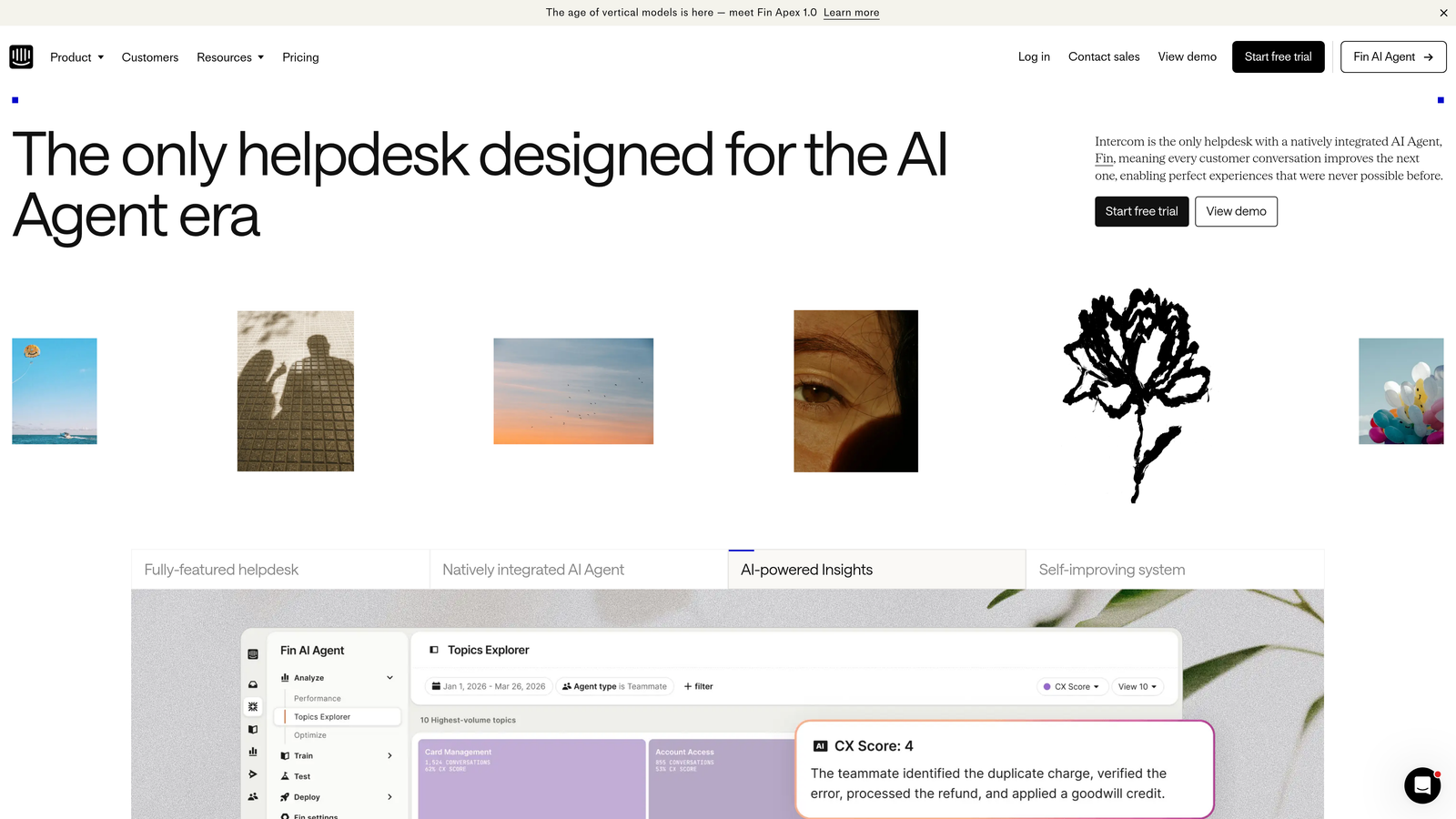
Intercom Product Tours extends Intercom's messaging platform with native product guidance.
Where This Tool Shines
For teams already using Intercom, Product Tours provides seamless integration with your existing support infrastructure. Users experience consistent visual design between chat conversations and product guidance. Support agents can trigger specific tours from conversations, creating a smooth handoff between human assistance and self-service guidance.
The ability to embed videos and GIFs directly in tours makes complex workflows easier to explain. Rather than describing a multi-step process with text, you can show users exactly what to do with visual demonstrations.
Key Features
Native Integration: Built into Intercom messenger for consistent user experience.
Multi-Step Tours: Create sequential guidance flows with branching options.
Rich Media Support: Include videos and GIFs to demonstrate complex actions.
Conversation Triggers: Launch tours directly from support conversations.
Engagement Analytics: Track tour starts, completions, and drop-off points.
Best For
Companies with existing Intercom implementations who want to extend their investment. Teams that prefer consolidating tools rather than adding another vendor to their stack.
Pricing
Add-on to existing Intercom plans. Contact for pricing based on your current subscription tier.
9. Stonly
Best for: Teams creating decision-tree help content with personalized paths
Stonly uses branching logic to create interactive guides that adapt to user responses.
Where This Tool Shines
Stonly's decision-tree approach works well when guidance needs vary based on user context. Instead of showing everyone the same linear walkthrough, you ask qualifying questions that route users to relevant content. A user troubleshooting a billing issue follows a different path than someone learning a new feature.
The AI-powered search understands intent rather than just matching keywords. Users can ask questions naturally, and the system surfaces relevant guides even when they don't use exact terminology from your documentation.
Key Features
Interactive Guides: Step-by-step content with conditional branching based on responses.
Decision Logic: Create personalized paths that adapt to user needs and context.
Embeddable Widgets: Add guides to knowledge base, chat widget, or directly in product.
AI Search: Intent-based search that understands natural language queries.
Usage Analytics: Track which paths users take and where they abandon guides.
Best For
Support teams handling diverse user questions that require different guidance based on context. Companies with complex products where one-size-fits-all walkthroughs don't work effectively.
Pricing
Free tier available for basic functionality. Paid plans start at $249/month with advanced features.
Making the Right Choice
Your ideal visual product guidance tool depends on your primary objective and existing technology ecosystem.
If you're looking to reduce support volume while guiding users, Halo AI's combination of page-aware guidance and autonomous ticket resolution offers unique value. The continuous learning means your guidance system gets smarter over time rather than requiring constant manual updates. See Halo in action and discover how continuous learning transforms every interaction into smarter, faster support.
Enterprise organizations with complex internal tools typically need WalkMe or Whatfix for their desktop application support and multi-system workflows. These platforms excel at guiding employees through heterogeneous technology stacks.
Product-led growth teams often prefer Appcues or Userpilot for their experimentation capabilities and product analytics integration. Both tools let you iterate rapidly on onboarding experiences without engineering resources.
For design-conscious teams where brand consistency matters deeply, Chameleon's extensive customization ensures guidance feels native to your interface. If you're already invested in Intercom, their Product Tours provide natural extension of your support ecosystem without adding another vendor.
Start by clarifying your primary goal: Are you trying to improve user onboarding, drive feature adoption, reduce support tickets, or train employees on internal tools? Match that priority to the tool that specializes in solving it. Most platforms offer free trials or demos—test how easily your team can build flows and whether users find the guidance helpful rather than intrusive.
Your support team shouldn't scale linearly with your customer base. Let AI agents handle routine tickets, guide users through your product, and surface business intelligence while your team focuses on complex issues that need a human touch.