7 Freshdesk Automation Integrations That Transform Your Support Operations
Freshdesk automation integrations eliminate the costly productivity drain of toggling between disconnected tools by transforming your helpdesk into a centralized hub that automatically syncs customer data across your CRM, Slack, billing systems, and bug trackers. When properly configured, these integrations give support agents instant context from every customer touchpoint while automating routine tasks and enabling seamless cross-functional collaboration that prevents churn and captures revenue opportunities.
 Matt PattoliFounder13 min read
Your Freshdesk instance handles thousands of tickets every month, but here's the problem: each ticket exists in isolation. Your support agents toggle between Freshdesk, Slack, your CRM, billing systems, and bug trackers—copying information, hunting for context, and losing precious minutes on every interaction. Meanwhile, your engineering team waits for bug reports that never arrive with enough detail, your sales team misses upsell opportunities hidden in support conversations, and your customer success team discovers churn risks only after customers have already left.
This isn't a Freshdesk limitation. It's an integration gap.
The right automation integrations transform Freshdesk from a ticket management system into the central nervous system of your customer operations. When your helpdesk connects intelligently to your business stack, support agents gain instant context from every customer touchpoint. Routine tasks automate themselves. Cross-functional teams collaborate without friction. And perhaps most importantly, you surface business intelligence that would otherwise remain buried in ticket threads.
The strategies below progress from foundational integrations that eliminate manual work to advanced AI-powered systems that fundamentally change your support capacity. Some deliver immediate time savings. Others unlock entirely new capabilities. Together, they create a connected support ecosystem where information flows automatically, resolution happens faster, and your team focuses on interactions that actually require human expertise.
Let's explore seven integration strategies that turn Freshdesk into a truly intelligent support platform.
1. Team Communication Hub Integration (Slack/Teams)
The Challenge It Solves
Support agents encounter complex issues that require input from engineering, product, or customer success teams. The traditional approach means copying ticket details into Slack, waiting for responses, then manually updating Freshdesk with the resolution. This context-switching wastes time and creates information silos—the expertise shared in Slack conversations never makes it back into your knowledge base, forcing future agents to reinvent solutions.
The Strategy Explained
Connecting Freshdesk to Slack or Microsoft Teams creates bidirectional communication channels where support conversations happen in real-time without leaving your team's primary workspace. When a ticket requires escalation, agents can share it directly into relevant Slack channels with full context intact. Team members respond in threads, and those conversations flow back into the Freshdesk ticket automatically.
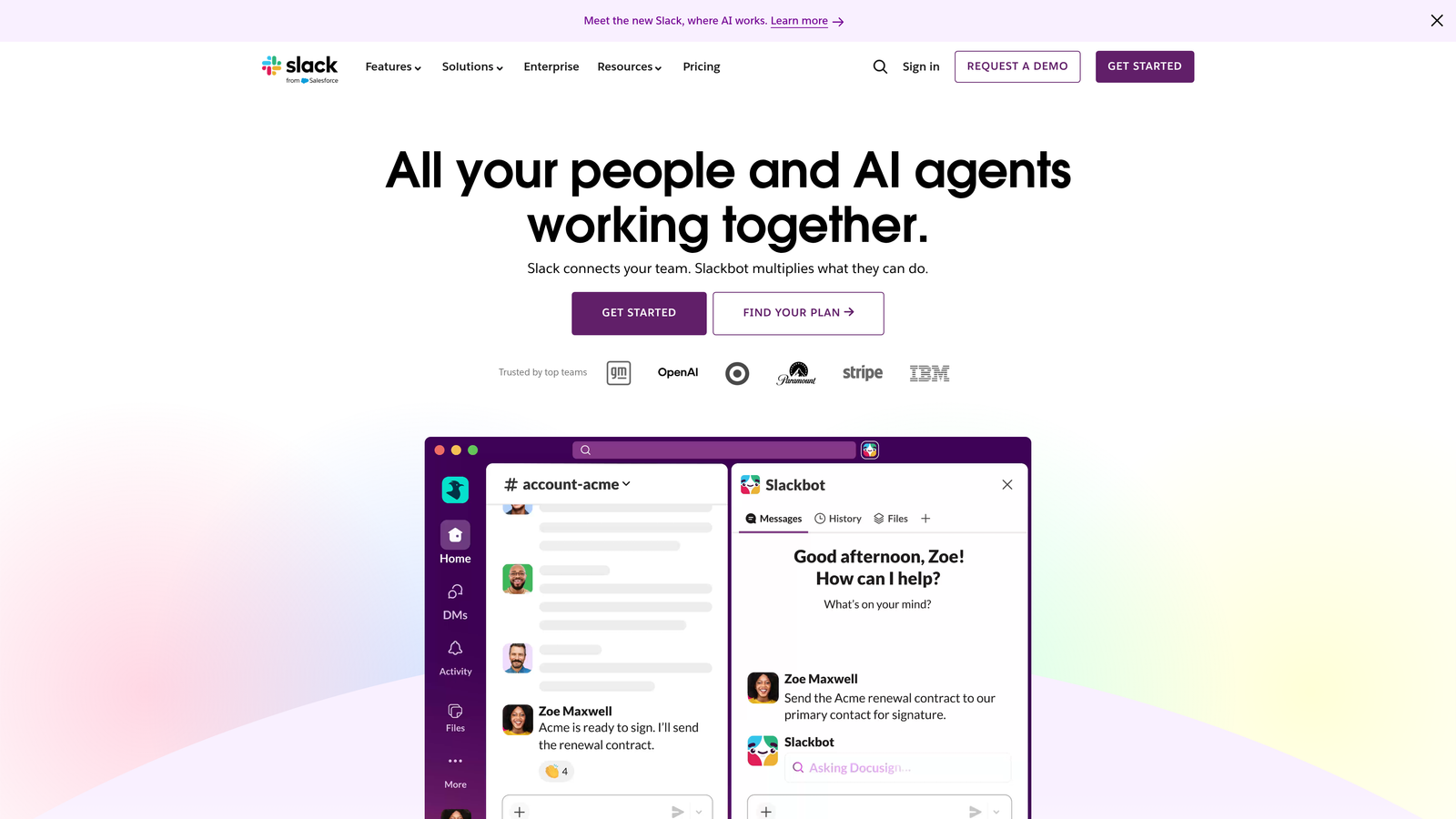
This integration works both ways. Your engineering team can monitor a dedicated channel for urgent issues, respond immediately, and see their solutions documented in Freshdesk without touching the helpdesk interface. Product managers gain visibility into feature requests as they emerge. Customer success teams spot account health signals in real-time.
Implementation Steps
1. Install the official Freshdesk integration for your communication platform and configure webhook connections between systems.
2. Create dedicated Slack channels for different escalation types: #support-urgent for critical issues, #support-bugs for engineering, #support-feedback for product teams.
3. Establish team protocols for when to escalate via Slack versus handling within Freshdesk, and train agents on using threaded conversations to maintain context.
Pro Tips
Set up automation rules that trigger Slack notifications based on ticket properties—high-value accounts, specific keywords, or extended resolution times. This proactive alerting ensures the right experts engage before issues escalate. Consider creating a weekly digest channel that surfaces trending support topics, giving your entire organization visibility into customer pain points. For more ideas on building intelligent support workflow automation, explore strategies that connect your entire support stack.
2. CRM Data Sync (HubSpot/Salesforce)
The Challenge It Solves
Support agents answer tickets blind to crucial customer context. Is this a trial user or your largest enterprise account? Are they considering an upgrade or at risk of churning? What promises did sales make during the deal? Without this context, agents treat every ticket identically, missing opportunities to delight high-value customers and potentially damaging relationships with at-risk accounts through generic responses.
The Strategy Explained
Bidirectional CRM integration pulls customer intelligence directly into your Freshdesk interface. When an agent opens a ticket, they immediately see the customer's deal history, account tier, recent interactions with sales, and any open opportunities. This context transforms support from reactive problem-solving into strategic relationship management.

The integration works in reverse too. Support interactions update CRM records automatically, giving sales and customer success teams visibility into product adoption challenges, feature requests, and satisfaction signals. When a support conversation reveals an upsell opportunity, it creates a task for the account manager. When ticket patterns indicate churn risk, customer success receives early warning.
Implementation Steps
1. Configure field mapping between Freshdesk and your CRM to ensure customer records sync accurately, including account tier, contract value, renewal dates, and custom properties relevant to support prioritization.
2. Set up automation rules that update CRM deal stages based on support interactions—for example, marking opportunities as "at risk" when multiple technical issues emerge during trial periods.
3. Create custom views in Freshdesk that surface CRM data prominently, and train agents on interpreting account context to adjust their response approach accordingly.
Pro Tips
Define clear triggers for creating CRM tasks from support tickets. Not every interaction needs to notify sales, but feature requests from enterprise accounts or technical blockers during trials absolutely should. Use CRM data to personalize automated responses—a trial user gets onboarding resources while an enterprise customer receives white-glove treatment. Understanding support automation integration options helps you design these cross-system workflows effectively.
3. Engineering Workflow Automation (Linear/Jira)
The Challenge It Solves
Bug reports get lost in translation between support and engineering. Agents copy error messages into Slack, engineers ask clarifying questions, agents hunt through tickets for additional context, and by the time a proper bug report exists, crucial details have disappeared. Meanwhile, support has no visibility into whether bugs are being addressed, forcing agents to give vague "we're looking into it" responses that erode customer trust.
The Strategy Explained
Connecting Freshdesk to engineering project management tools creates a seamless pipeline from bug discovery to resolution. When agents identify a bug, they create a Linear issue or Jira ticket directly from Freshdesk with all relevant context automatically included—error logs, user environment details, reproduction steps, and customer impact assessment.
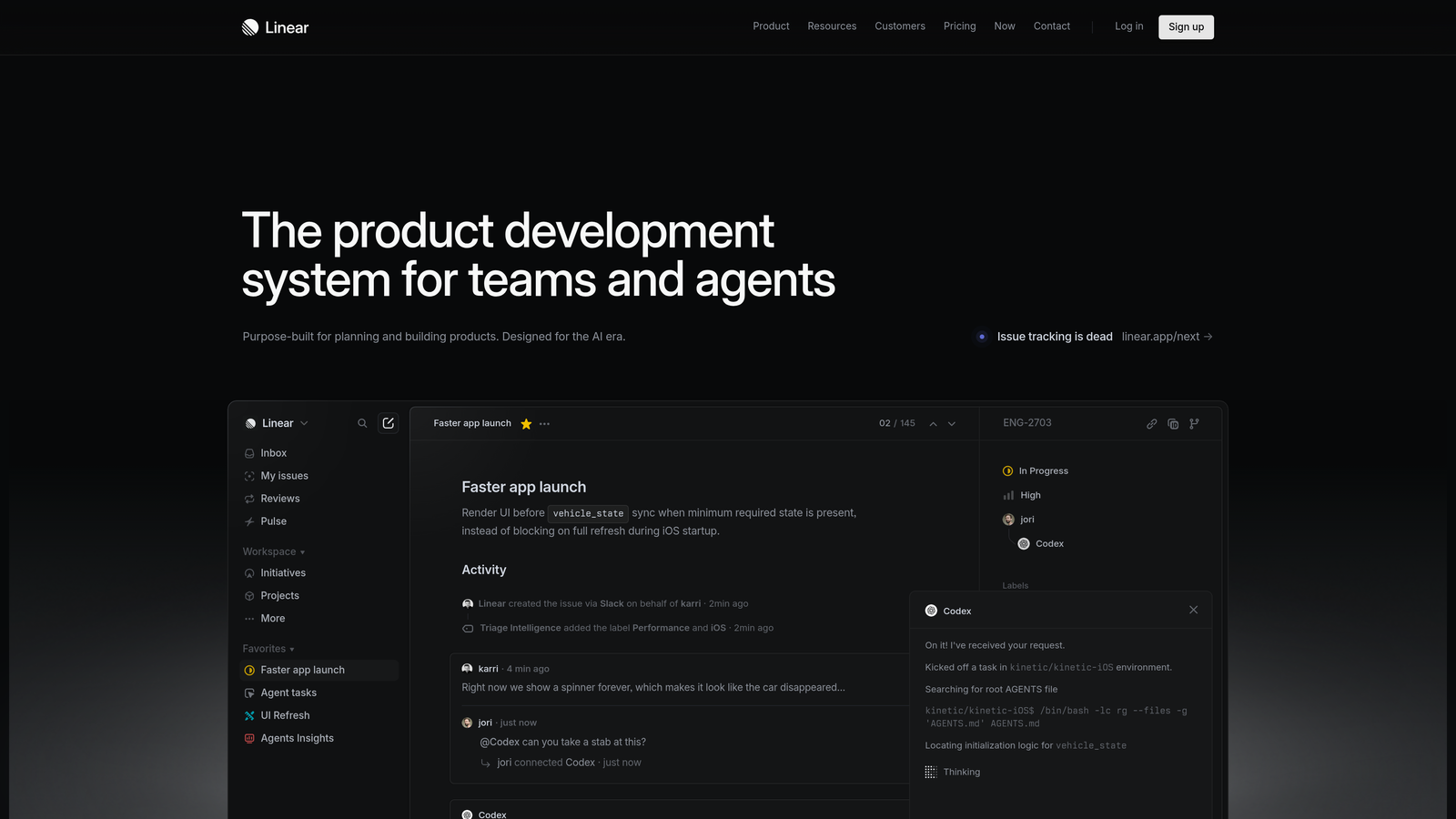
The real power emerges from status synchronization. As engineers update the bug ticket in Linear, those status changes reflect in Freshdesk automatically. Support agents see when bugs move from "backlog" to "in progress" to "deployed," enabling them to proactively update affected customers rather than waiting for follow-up inquiries.
Implementation Steps
1. Establish clear criteria for what constitutes a bug versus a feature request, and create Freshdesk automation that tags tickets appropriately based on agent input or keyword detection.
2. Configure templates that ensure bug reports include all information engineering needs: browser/device details, user account information, steps to reproduce, expected versus actual behavior, and business impact.
3. Set up bidirectional status mapping so engineering workflow states translate into customer-friendly language in Freshdesk, and create automation that notifies affected customers when bugs reach "resolved" status.
Pro Tips
Link multiple support tickets to a single engineering issue when the same bug affects multiple customers. This aggregation shows engineering the true impact of each bug and gives support a single source of truth for status updates. Consider creating a public status page that pulls from your engineering workflow, giving customers transparency into known issues and fixes in progress. Effective support ticket categorization automation ensures bugs route correctly from the start.
4. Payment System Integration (Stripe/Chargebee)
The Challenge It Solves
Billing inquiries force agents into detective work. A customer reports a charge they don't recognize, and the agent must log into your payment processor, search for the transaction, cross-reference it with subscription details, and piece together an explanation. For subscription changes, refund requests, or failed payment troubleshooting, this context-switching adds minutes to every interaction while customers wait on hold or for email responses.
The Strategy Explained
Payment system integration surfaces complete billing context within Freshdesk tickets. When a customer contacts support, agents immediately see their subscription tier, billing history, upcoming renewal date, payment method status, and any recent transaction failures. This instant visibility transforms billing support from a multi-system investigation into a single-screen resolution.
Advanced implementations enable agents to take action directly from Freshdesk. Issue refunds, update payment methods, modify subscriptions, or apply credits without leaving the support interface. These actions sync back to your payment system automatically, eliminating the manual work and potential errors of dual-system updates.
Implementation Steps
1. Connect your payment processor to Freshdesk and configure which billing data appears in the ticket sidebar: subscription status, plan details, payment history, upcoming charges, and any failed payment attempts.
2. Set up automation rules that categorize and route billing inquiries based on the type of issue detected—failed payments go to a specialized queue, refund requests trigger approval workflows, and subscription changes route to customer success for retention opportunities.
3. Define clear permissions for what actions support agents can take directly versus what requires manager approval, and implement approval workflows for high-value transactions.
Pro Tips
Use failed payment data to trigger proactive outreach before customers even notice an issue. When a payment fails, create a support ticket automatically with suggested resolution steps, allowing agents to contact customers with solutions rather than waiting for frustrated inquiries. Track billing inquiry patterns to identify common confusion points that might indicate unclear pricing communication or checkout flow issues. Learn how to set up support ticket response automation to handle these routine billing inquiries efficiently.
5. Chatbot First-Response Automation
The Challenge It Solves
Your support team spends significant time answering repetitive questions that could be resolved through self-service. Password resets, feature location inquiries, basic troubleshooting steps—these routine interactions consume agent capacity that should focus on complex problems requiring human expertise. Meanwhile, customers wait in queue for simple answers available in your documentation.
The Strategy Explained
AI-powered chatbots provide instant first-line support that handles routine inquiries automatically while collecting context for issues that need human escalation. When a customer initiates a conversation, the chatbot engages immediately—no queue time, no business hours limitations. For straightforward questions, it provides accurate answers drawn from your knowledge base. For complex issues, it gathers relevant information before routing to a human agent with full context preserved.
The key difference between basic chatbots and effective ones lies in escalation intelligence. Rather than frustrating customers with rigid decision trees, modern chatbots recognize when they've reached their capability limits and hand off gracefully. The human agent receives a complete conversation history, customer details, and the chatbot's assessment of the issue type. Exploring the conversational AI benefits helps you understand what separates effective implementations from frustrating ones.
Implementation Steps
1. Audit your ticket history to identify the most common inquiry types that follow predictable patterns—these become your initial chatbot conversation flows prioritized by volume and resolution simplicity.
2. Train your chatbot on your knowledge base content, ensuring it can surface relevant articles and provide accurate answers while maintaining your brand voice and avoiding overly robotic responses.
3. Configure clear escalation triggers based on conversation length, customer sentiment signals, or specific keywords that indicate complexity beyond chatbot capability, and ensure handoffs to humans happen smoothly with full context transfer.
Pro Tips
Monitor chatbot conversations that required human escalation to identify gaps in your automation. If customers repeatedly ask the same question the chatbot can't answer, that's either a knowledge base gap or a conversation flow that needs refinement. Use chatbot analytics to understand when customers prefer self-service versus when they immediately request human agents—this reveals opportunities to improve both automation and your knowledge base.
6. Customer Success Platform Integration
The Challenge It Solves
Support teams discover customer health issues only after they've escalated into crisis situations. By the time multiple frustrated tickets arrive, the customer has already decided to churn. Meanwhile, your customer success team works from their own data sources, unaware that support interactions reveal early warning signals about product adoption struggles, feature confusion, or declining engagement that predict churn risk.
The Strategy Explained
Connecting Freshdesk to customer success platforms creates a unified view of customer health that combines product usage data, support interaction patterns, and success metrics. When support agents open a ticket, they see the customer's health score, recent product activity, and any active success initiatives. This context enables proactive support that addresses underlying adoption challenges rather than just resolving surface-level symptoms.
The integration flows both directions. Support ticket patterns update customer health scores automatically—multiple tickets in a short timeframe, recurring issues with the same feature, or frustrated sentiment signals all contribute to risk assessment. Customer success teams receive alerts when support interactions indicate intervention opportunities, enabling them to engage before minor frustrations become cancellation decisions. Understanding the full scope of customer support automation benefits reveals how these integrations drive retention.
Implementation Steps
1. Define which support metrics should influence customer health scores: ticket frequency, time-to-resolution, sentiment analysis results, specific issue types that indicate adoption struggles, and escalation patterns.
2. Create automation that triggers customer success tasks based on support patterns—for example, when an enterprise account submits three tickets in one week, assign a success manager to schedule a check-in call.
3. Configure dashboards that surface at-risk accounts based on combined support and usage data, and establish protocols for how support and success teams collaborate on intervention strategies.
Pro Tips
Use support ticket content to enrich customer success playbooks. When multiple customers struggle with the same feature during onboarding, that's a signal to enhance training materials or improve the product experience. Track which proactive success interventions reduce subsequent support volume—this demonstrates the ROI of integrated customer operations and helps prioritize success team activities.
7. AI-Powered Autonomous Agents
The Challenge It Solves
Traditional support automation stops at providing information. Chatbots answer questions, integrations surface context, but humans still perform the actual resolution work—updating account settings, creating bug reports, coordinating with other teams, following up with customers. This means your support capacity still scales linearly with ticket volume, and agents spend time on routine tasks that follow predictable patterns but require actions across multiple systems.
The Strategy Explained
AI-powered autonomous agents represent a fundamental architectural shift from automation-as-feature to AI-first support operations. Rather than bolting chatbots onto existing helpdesk workflows, these systems are designed around AI support agents that don't just understand customer issues—they actually resolve them by taking actions across your connected business stack.
Think of it like this: when a customer reports a billing discrepancy, a traditional chatbot might surface their invoice history and escalate to a human. An autonomous AI agent investigates the discrepancy by checking payment system records, identifies the root cause, applies the appropriate credit if warranted, updates the customer's account, notifies relevant teams, and confirms resolution with the customer—all without human intervention for straightforward cases.
The critical difference lies in continuous learning. These agents analyze every interaction to improve their resolution strategies. They identify patterns in successful resolutions and apply those learnings to future tickets. They recognize when issues exceed their capability and escalate to humans, but they learn from how humans resolve those complex cases to expand their autonomous capabilities over time.
Implementation Steps
1. Identify ticket types that follow predictable resolution patterns and currently consume significant agent time—common examples include account access issues, basic configuration changes, status inquiries, and routine troubleshooting where the solution path depends on specific conditions but doesn't require creative problem-solving.
2. Evaluate AI-first support platforms designed around autonomous operation rather than traditional helpdesks with AI features added on—the architectural difference matters because true autonomous agents need deep integration with your business systems and the ability to take actions, not just provide information. Reviewing best AI support automation tools helps you compare platform capabilities.
3. Implement with a learning-focused approach where AI agents handle increasing responsibility as they demonstrate reliable resolution patterns, while maintaining human oversight for complex cases and using those escalations as training opportunities to expand autonomous capabilities.
Pro Tips
The goal isn't replacing human agents—it's fundamentally changing what they spend time on. As AI handles routine resolutions, your team capacity shifts toward complex problem-solving, relationship building, and surfacing product insights that only humans can identify. Monitor which ticket types AI resolves successfully versus which require human intervention, and use this data to continuously refine your automation strategy. Look for platforms that provide business intelligence beyond support metrics—customer health signals, revenue intelligence from support conversations, and anomaly detection that surfaces issues before they become widespread.
Your Implementation Roadmap
Start with foundational integrations that deliver immediate returns. Connect your team communication hub first—this alone eliminates countless context-switching minutes and improves cross-functional collaboration. Add CRM sync next to give agents the customer context they need for relationship-focused support. These two integrations typically show measurable time savings within the first week.
Progress to operational integrations that eliminate manual workflows. Engineering tool connections ensure bugs get reported properly without agent effort. Payment system integration resolves billing inquiries faster and reduces errors from manual data entry. Customer success platform connections surface early warning signals that prevent churn.
Graduate to intelligent automation that fundamentally changes your support capacity. Chatbots handle first-response for routine inquiries, freeing agent capacity for complex issues. AI-powered autonomous agents go further, actually resolving tickets by taking actions across your connected systems.
Here's the crucial insight: the goal isn't just connecting tools. It's creating an autonomous support ecosystem where routine issues resolve themselves, cross-functional teams collaborate effortlessly, and your agents focus on high-value customer interactions that require human expertise, empathy, and creative problem-solving.
The integration strategy you choose reveals your support philosophy. Are you optimizing an existing helpdesk with bolt-on automation? Or are you building toward AI-first support operations where intelligent agents handle growing ticket volumes without proportional headcount increases?
Your support team shouldn't scale linearly with your customer base. Let AI agents handle routine tickets, guide users through your product, and surface business intelligence while your team focuses on complex issues that need a human touch. See Halo in action and discover how continuous learning transforms every interaction into smarter, faster support.